Lazy3D


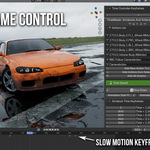
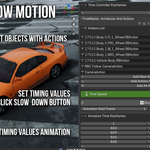
🕒 TimeMaster: One-Click Slow Motion
Easily control time in Blender. Slow down or speed up your animations, physics, and scenes — all with just a few clicks.
TimeMaster is a powerful yet simple tool designed to give you full control over time in your Blender projects. Whether you're crafting cinematic slow-motion shots or fast-forward sequences, TimeMaster makes it fast, intuitive, and artist-friendly.
🛠 How It Works
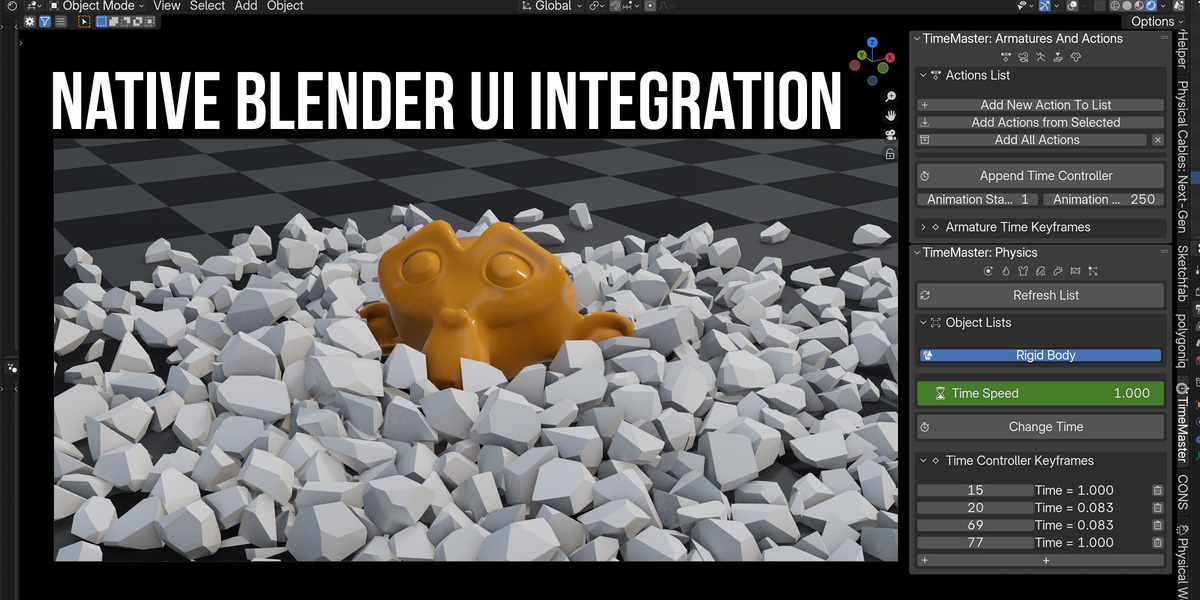
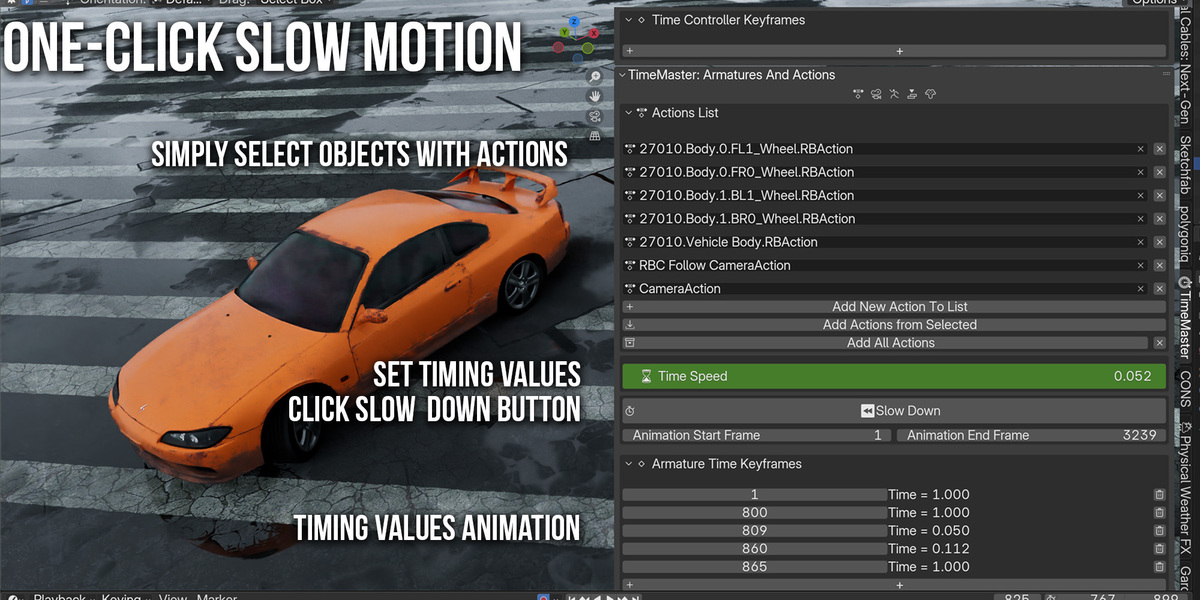
TimeMaster comes with an intuitive, well-organized interface built right into the Blender UI.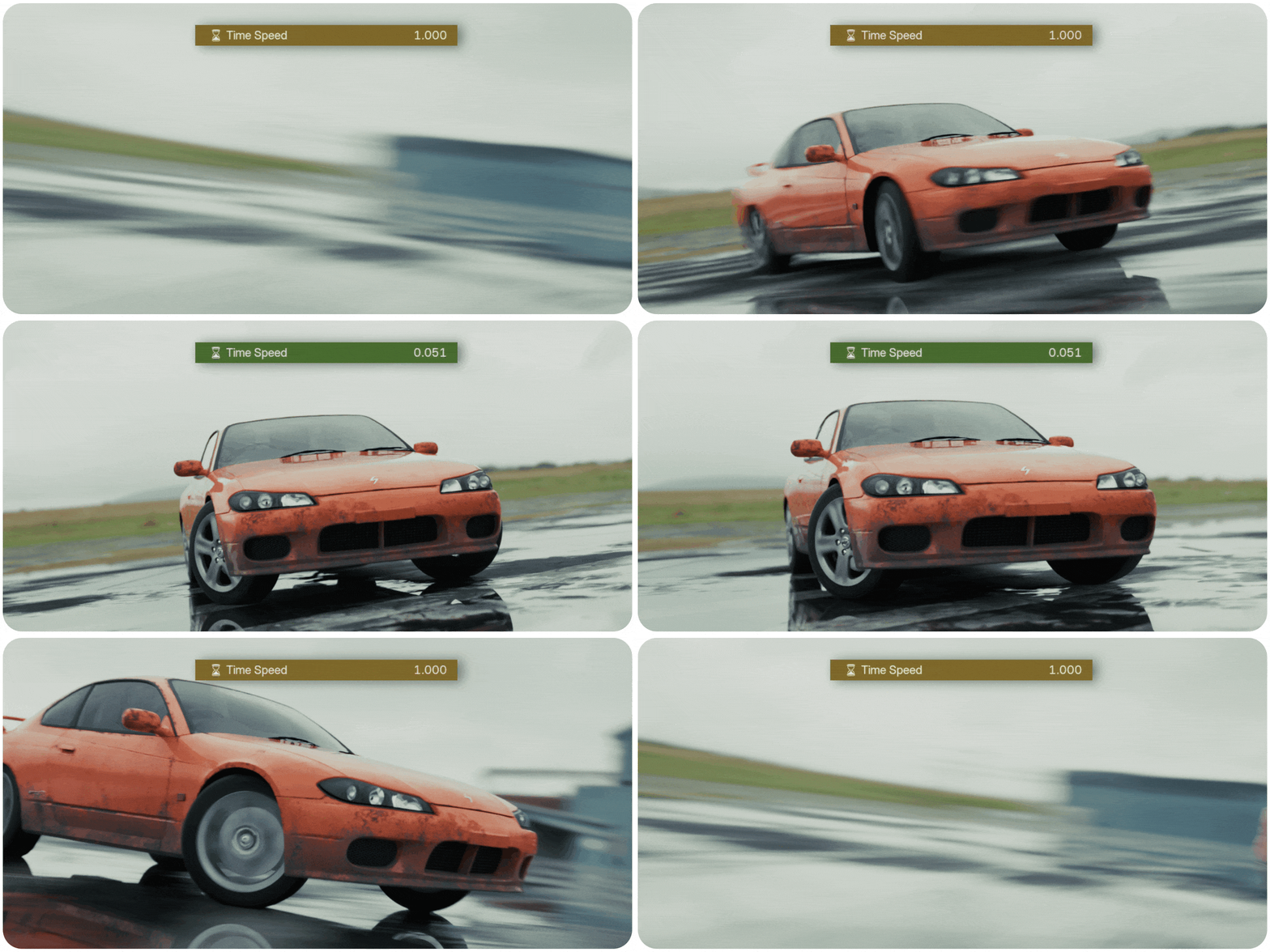
🎞 Animation & Keyframe Control
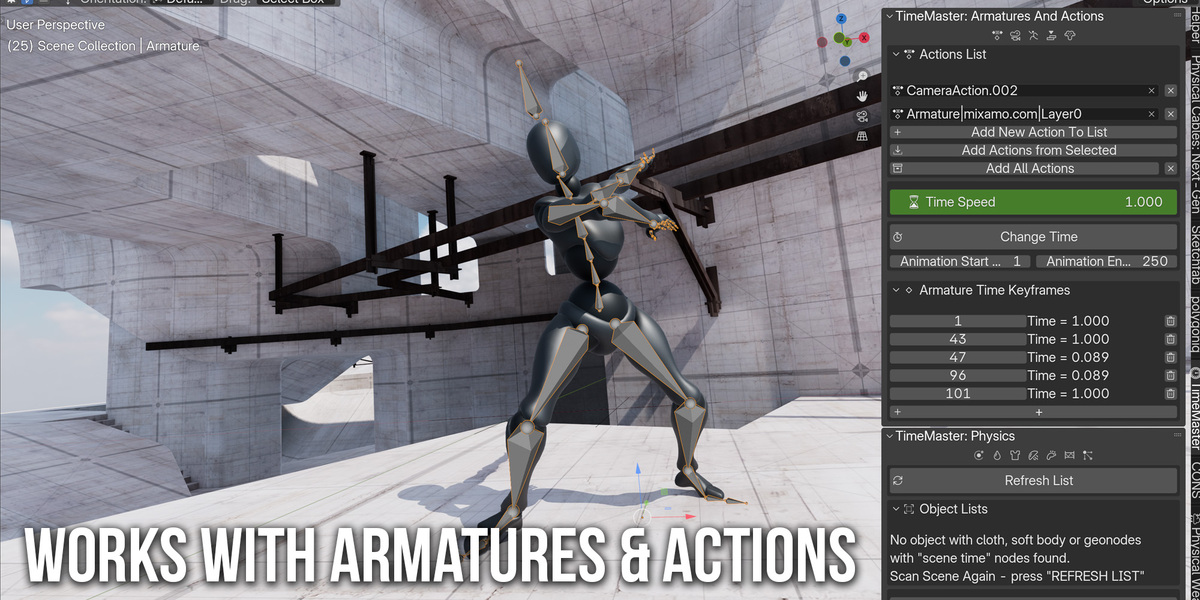
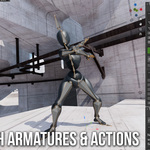
In the "Armatures and Actions" tab, you can:
Add actions from selected armatures or all at once
Adjust the playback speed for all selected actions
Everything is keyframe-based, and easy to modify at any point.
⏱ Need a slow-motion moment at frame 100? Just keyframe the speed to 0.2 and let TimeMaster handle the rest.

Use Slow-Motion Only After Your Animation Is Ready! If you need to change animation
during Slow-mo - check documentation
🔄 Physics Time Control
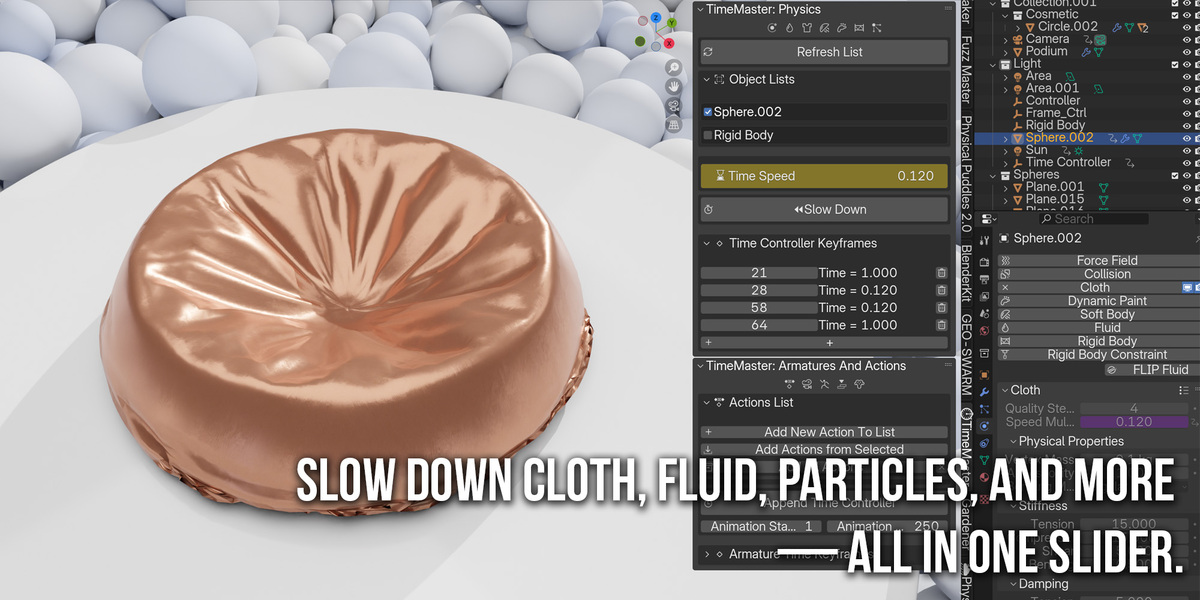
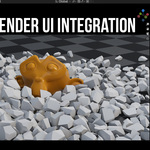
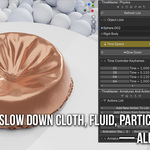
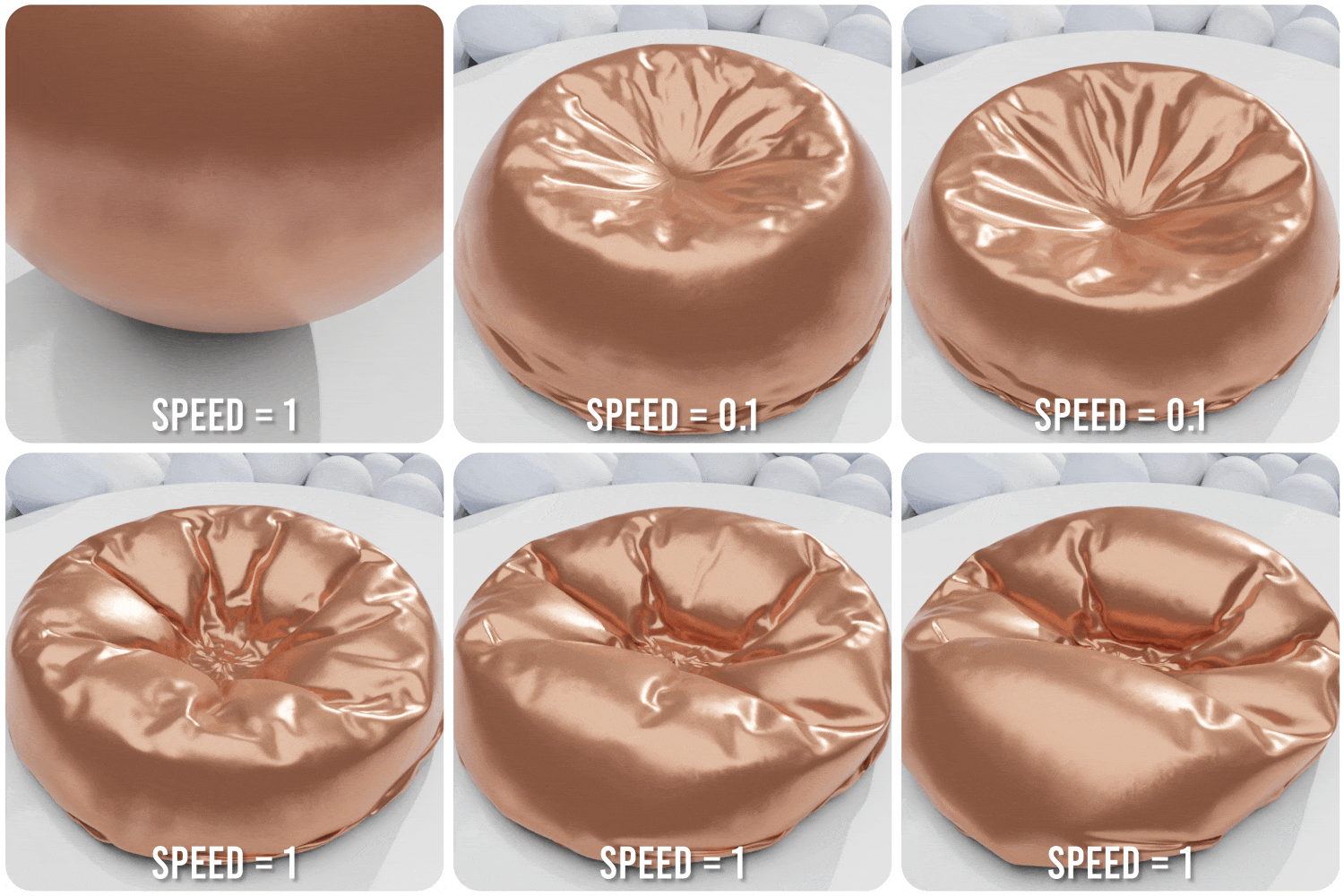
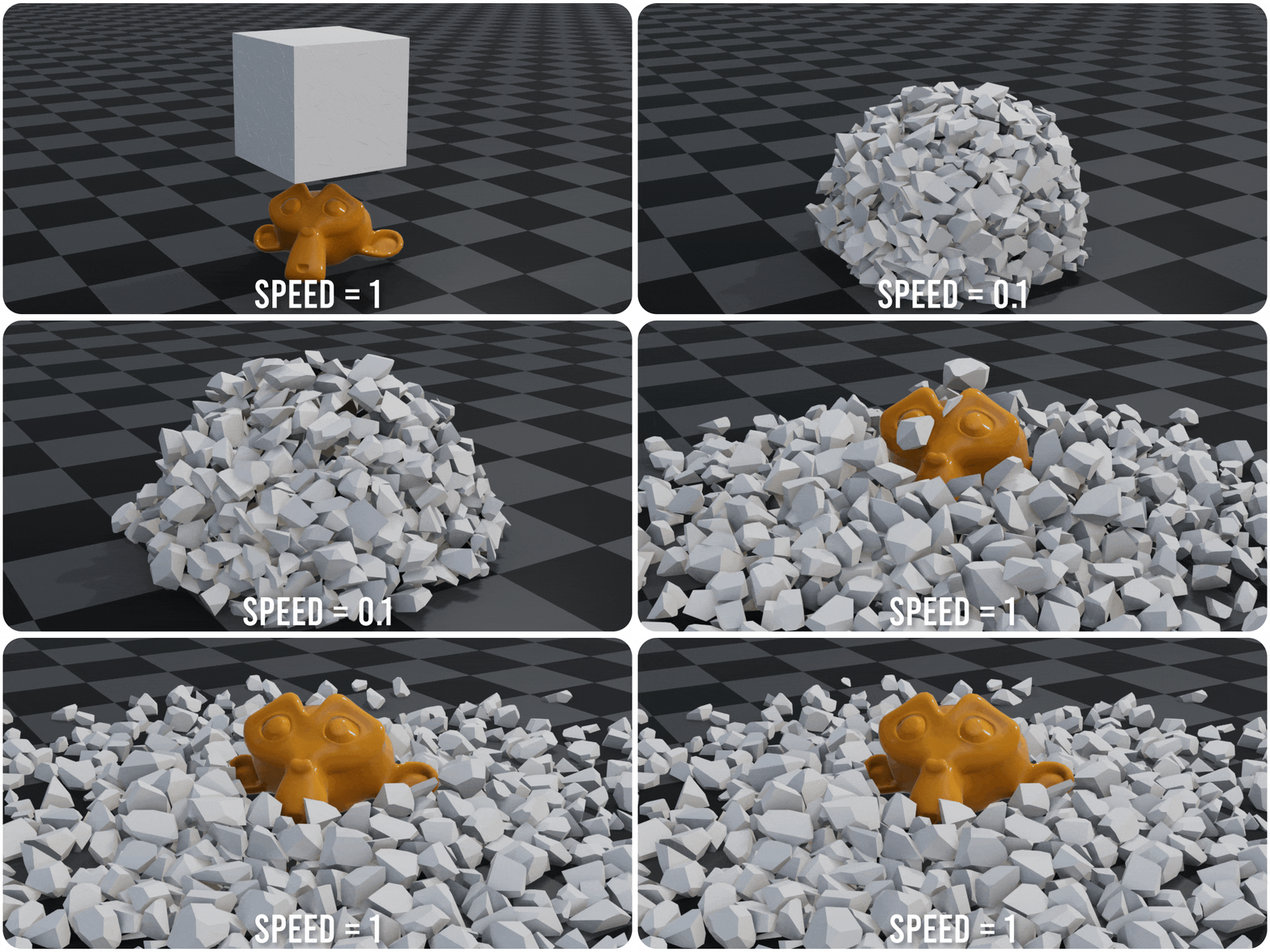
The "Physics" section scans your scene and lists all objects with supported simulations:
Cloth, Soft Body, Fluid, Particles, Dynamic Paint, and Rigid Body.
You can easily control their time scale using a single Time Speed slider.
✅ Supports physics simulations:
‣ Soft Body
‣ Cloth
‣ Fluid
‣ Particles
‣ Dynamic Paint
‣ Rigid Body

⚠️ Limitations
❌ Geometry Nodes ❌ Procedural Generators ❌ Simulation Nodes ❌ Shader Nodegroups ❌Hair
Also Check Out Our More Products!

Physical Weather Fx | One-Click Weather System

Water VFX Master


Physical Water FX
Physical Cables Next-Gen
Naturescapes: Procedural Biome Generators [Addon]
GeoDroplets Plus

PHYSICAL GRASS SCATTER - an innovative tool for creating PHYSICALLY realistic grass
WINTERIFY DELUXE

Fauna Sketcher | Procedural Insects & Birds Motion