 shanef3d

TimeSlice / Documentation
01 Install
Edit › Preferences › Get Extensions › Install from Disk, choose the zip. Or simple drag and drop the zip file into Blender. Then open the sidebar (N) › TimeSlice.
02 Quick start
- 01 Animate your object as usual (keyframes, constraints, parents, rigs).
- 02 Select it (or several meshes, or a parent empty to drive a whole model) and press Cache.
- 03 Scrub the timeline. Tweak Time and Gradient; changes are live.
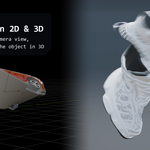
Pick a Load Look preset for a quick start: Taffy Trail, Slitscan Sweep, Stepped Echo, Anticipation, Fusilli Twist.
03 Cache
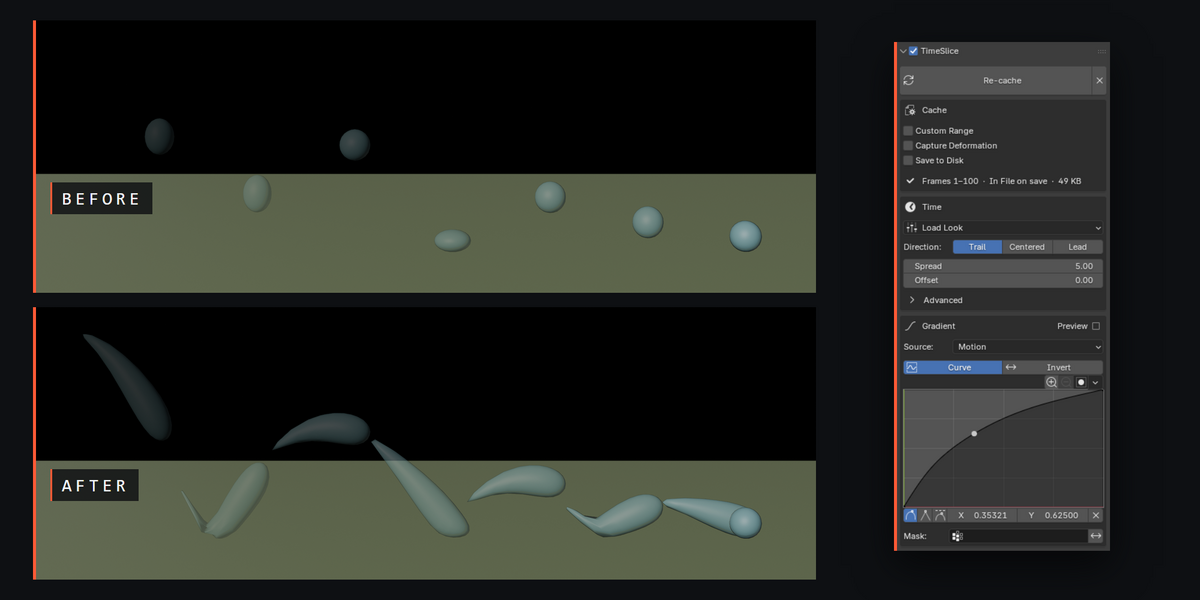
What gets recorded. Changing keyframes or animations requires re-cache.
- ▸ Custom Range: record only part of the timeline. Blend In / Out fade the effect at its edges.
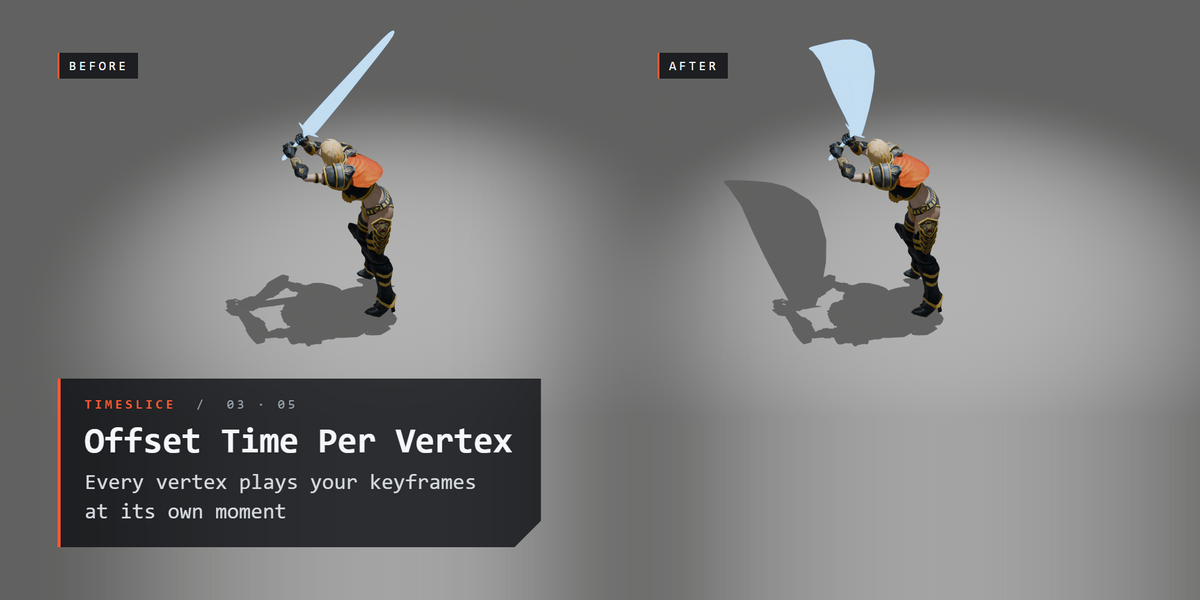
- ▸ Capture Deformation: also record shape changes (armatures, cloth, shape keys). Uses more memory and makes the .blend bigger.
- ▸ Save to Disk: store caches as external files instead of inside the .blend, for very large Capture Deformation caches.
Caches are saved inside the .blend, so they come back when you reopen the file and render from the command line or a render farm.
04 Time
- ▸ Direction: Trail (smear behind), Centered, or Lead (run ahead).
- ▸ Spread: how many frames the smear spans. Offset: slide it in time.
- ▸ Advanced (click to open): Influence and Stepped.
- ▸ Influence: how much location, rotation and scale are smeared. Location 0 turns a spin into a twist. A whole model pivots around its parent empty; Parts sets how much its parts' own movement (spinning wheels, opening doors) is smeared.
- ▸ Stepped: split the smear into hard time bands.
05 Gradient
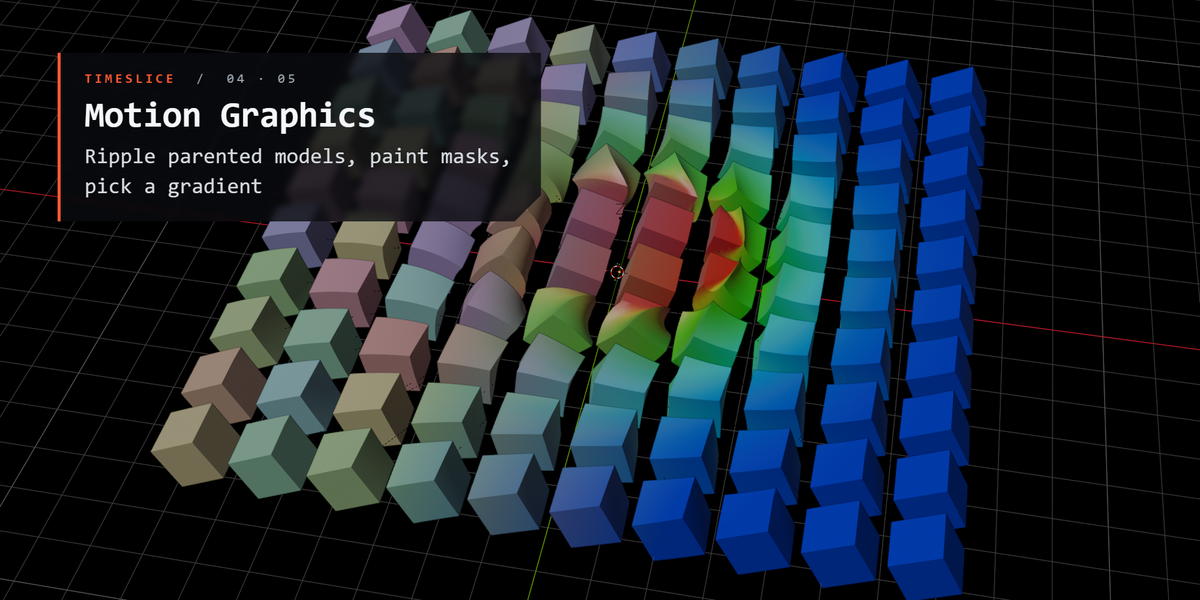
Decides which parts lag and which lead.
- ▸ Motion (default): aims along the direction of travel. The front stays in the present and the back trails behind.
- ▸ Direction: a ramp you aim with XYZ rotation, in Local or Global space. Keyframe it to sweep the effect.
- ▸ Radial: distance from a target object, or from the object's own origin.
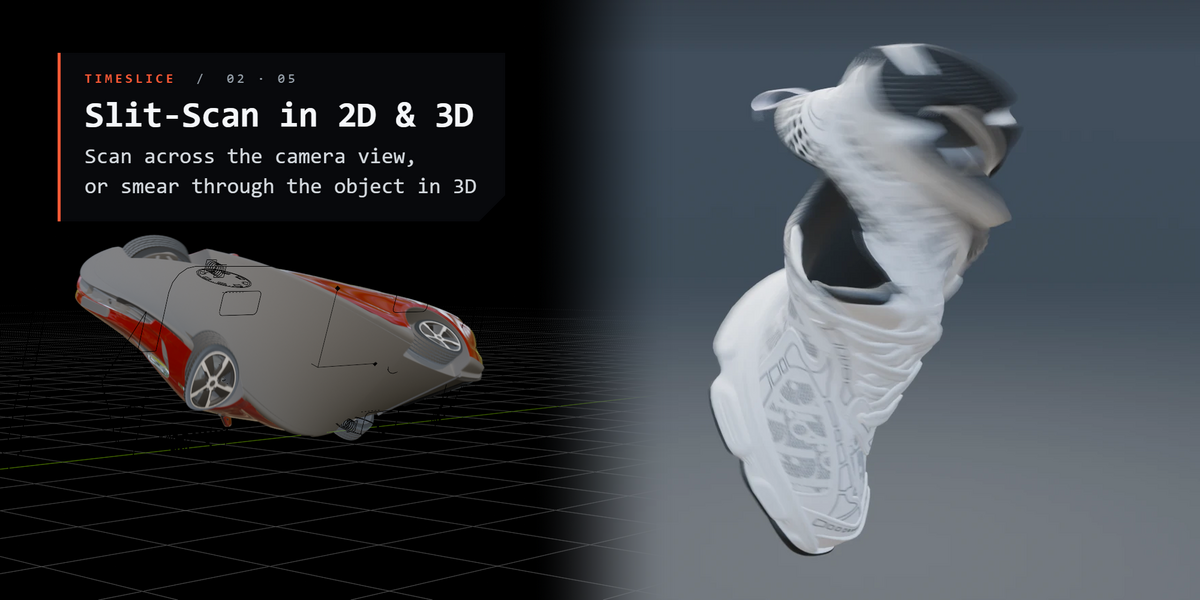
- ▸ Camera: across a camera's view (the active scene camera unless you pick one), like a slit-scan camera. Fit it to the object, or span the whole frame.
- ▸ Custom: a painted vertex group, or an attribute by name.
- ▸ Curve and Invert reshape it; Preview shows it in the viewport.
- ▸ Mask: a vertex group that limits the effect: 1 = full effect, 0 = untouched.
06 Troubleshooting
The smear still shows my old animation
TimeSlice plays back a recording of your animation. After you change keyframes, rigs or simulations, press Re-cache to record it again.
Parts of my model drift apart when it twists
Select the parent empty and cache the whole model from it, then keyframe the movement on that empty. The model twists around the empty's origin, so place it at the model's centre.
The .blend got large and saving is slow
Capture Deformation stores every vertex for every frame inside the .blend. Turn on Save to Disk to keep the cache in external files instead, or cache a shorter frame range. Leave Capture Deformation off when the object only moves.
Email: [email protected]
Have questions about this product?
Login to message
| Blender Extension Compatible | Yes |
| Published | about 16 hours ago |
| Blender Version | 4.2 - 5.2 |
| Extension Type | Add-on |
| Render Engine Used | Arnold, Blender-Internal, Blender-Game-Engine, Cycles, Eevee, Freestyle, Luxrender, Mental-Ray, Octane, Vray, Yafaray |
| License | GPL |
Discover more products like this
3DMotionGraphics time offset offset trail slitscan stretch twist simulation deform displacement