 Retrodroid s.r.o.
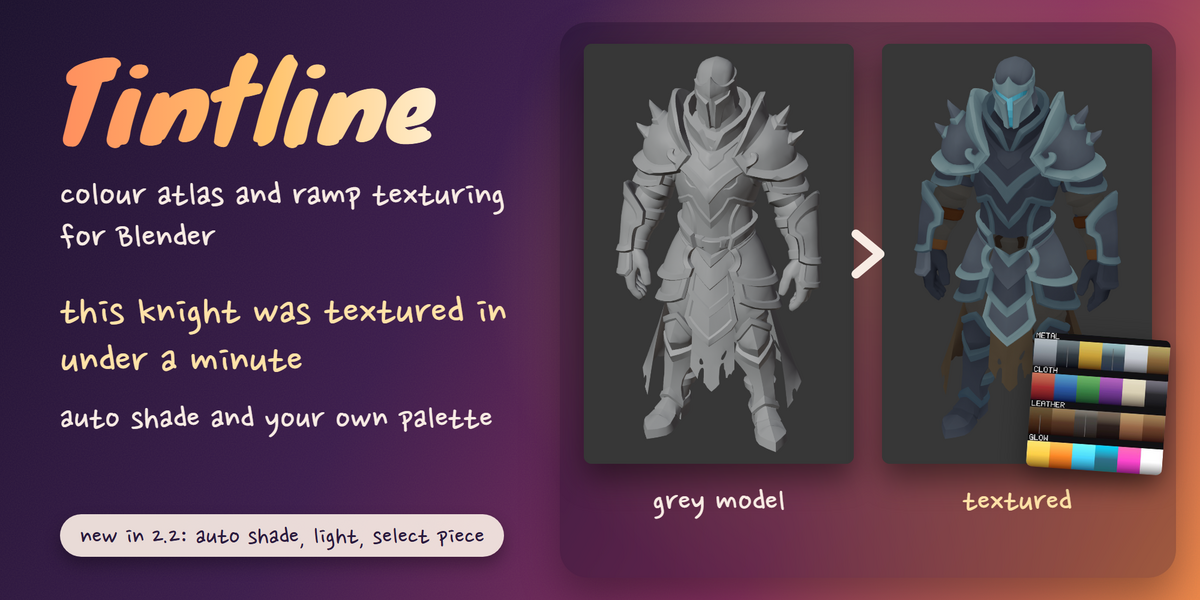
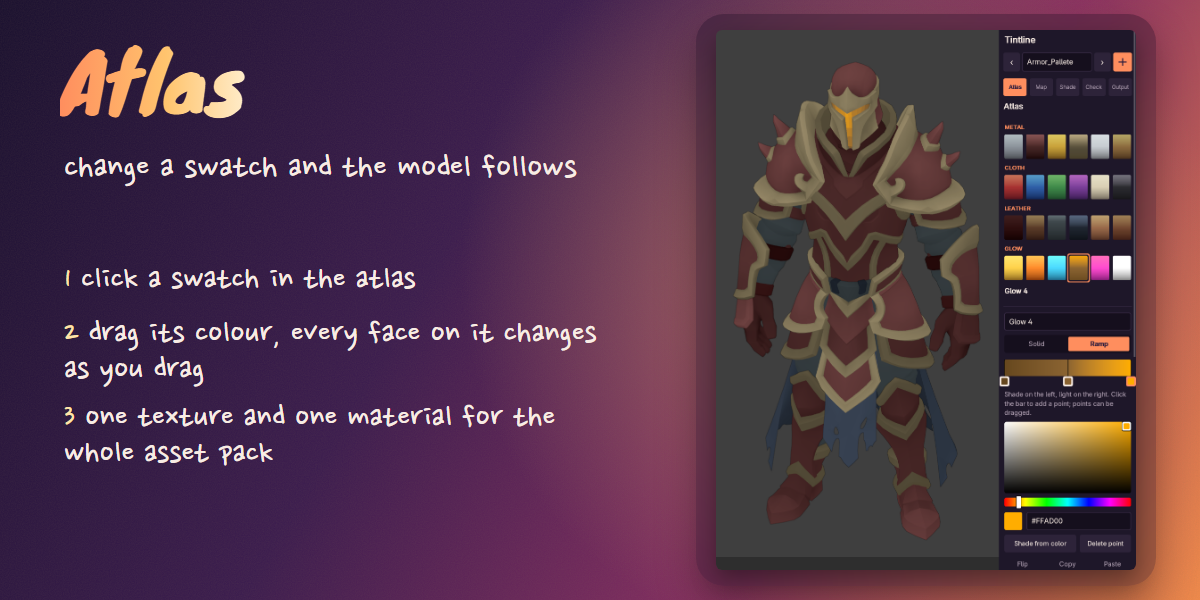
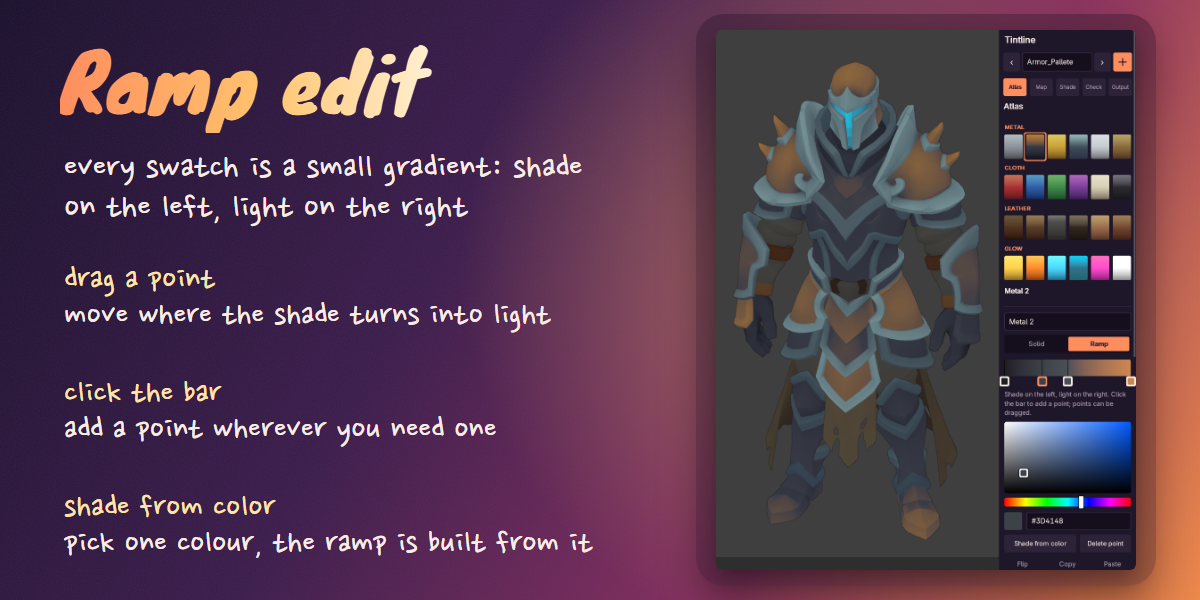
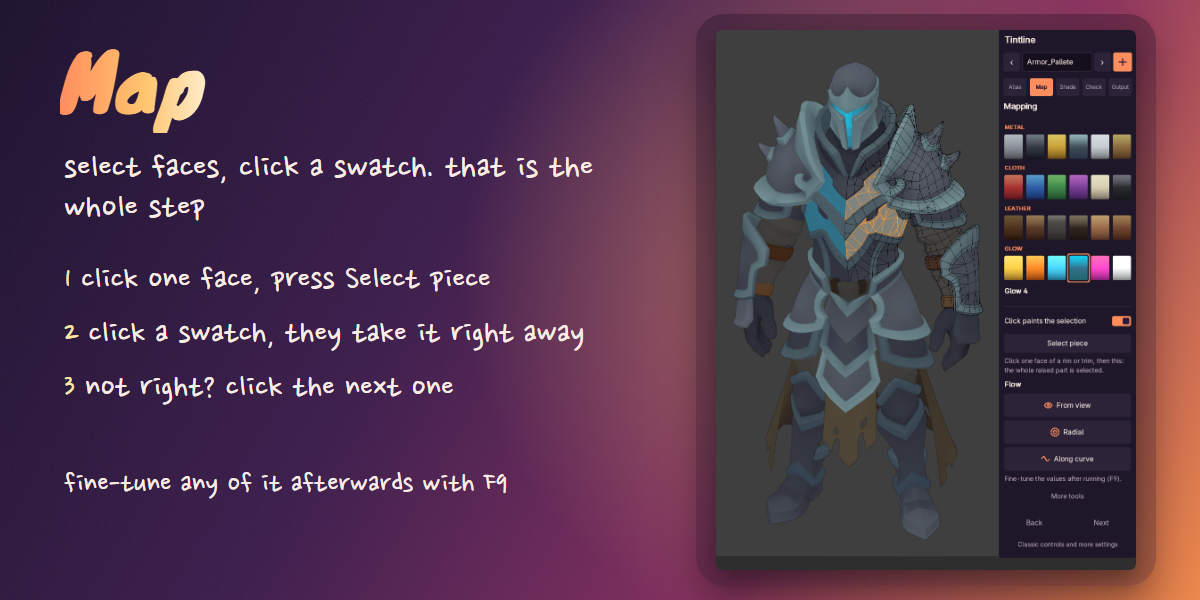
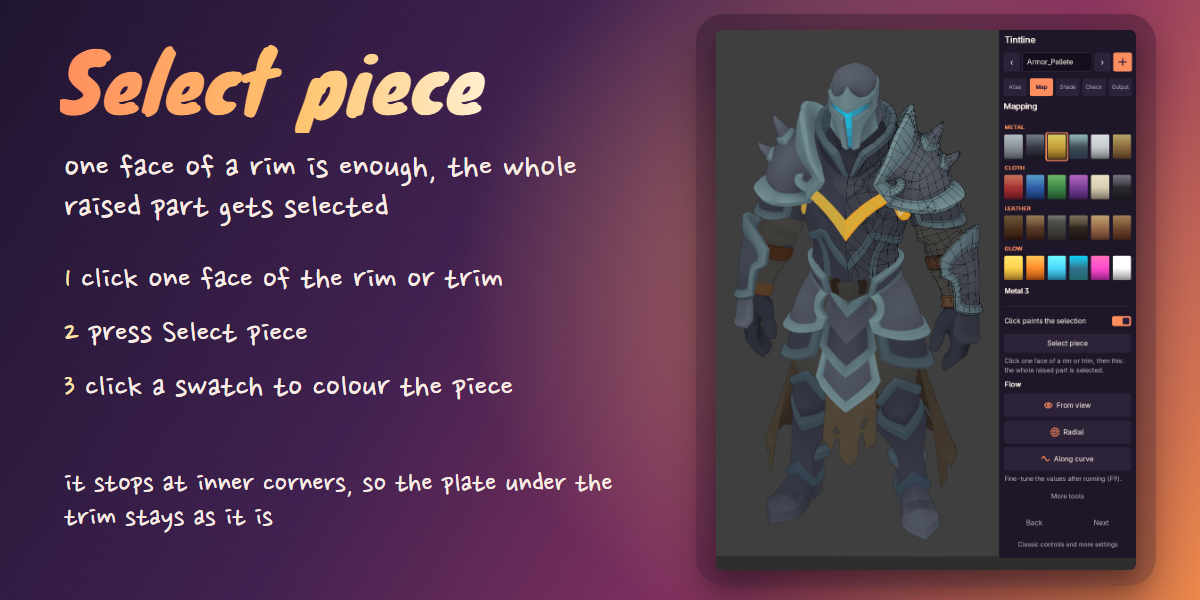
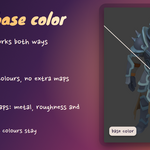
Tintline is my Blender add-on for texturing low poly models with one small colour atlas. The knight in these pictures took me under a minute to texture. Two things do most of the work.
Auto shade
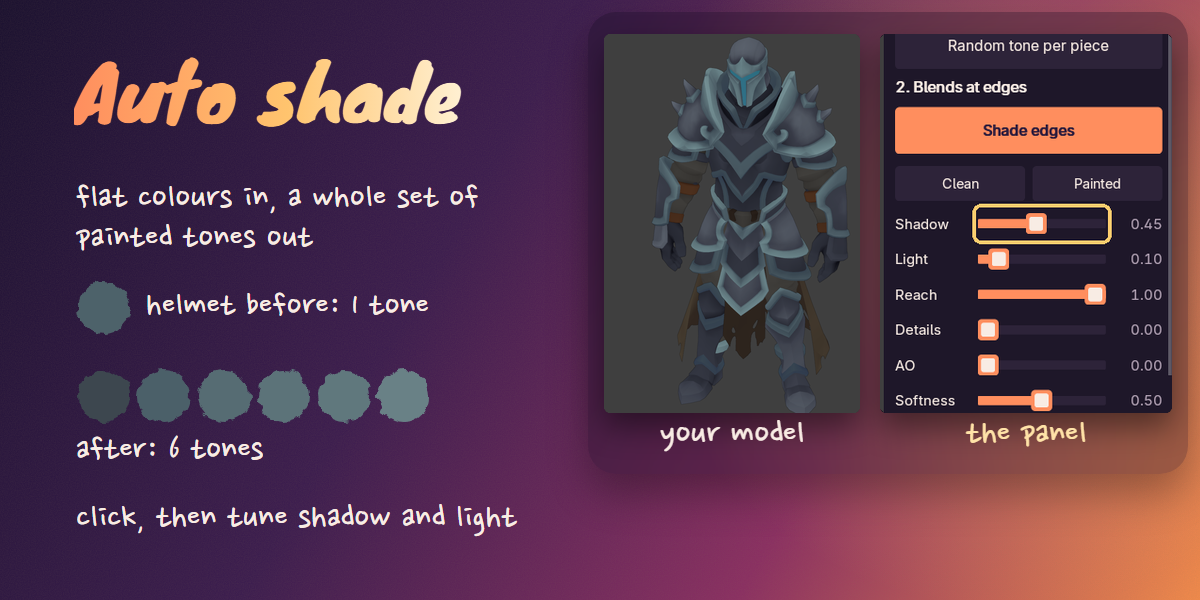
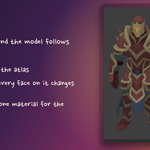
Select the model and click once: every part gets its own tone and its edges get shading. Then you tune the shadow and the light with two sliders.
Your own palette
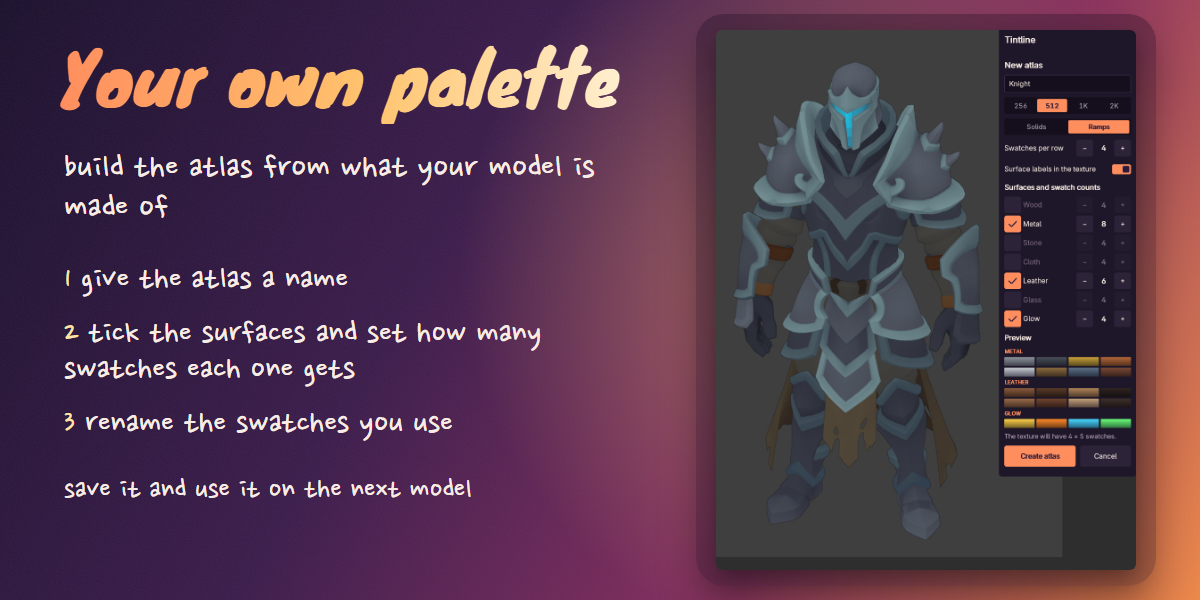
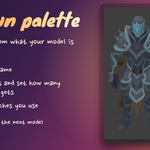
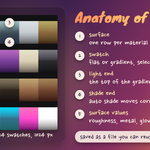
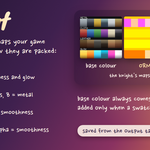
You pick what the model is made of, like metal, leather, glow or wood, and how many swatches each surface gets. You name the atlas and the swatches, save it to a file and start the next model from it.
I make low poly game assets and teach 3D, and I got tired of fixing UVs by hand every time a colour changed. So the colours live in one texture, and Tintline puts the UVs where the colour is.
What's new in 2.2
- Auto shade: one click gives every part its own tone and shades its edges.
- Your own palette: pick what the model is made of and how many swatches each surface gets, name them, save the atlas to a file.
- Select piece: click one face and the whole plate or rim is selected.
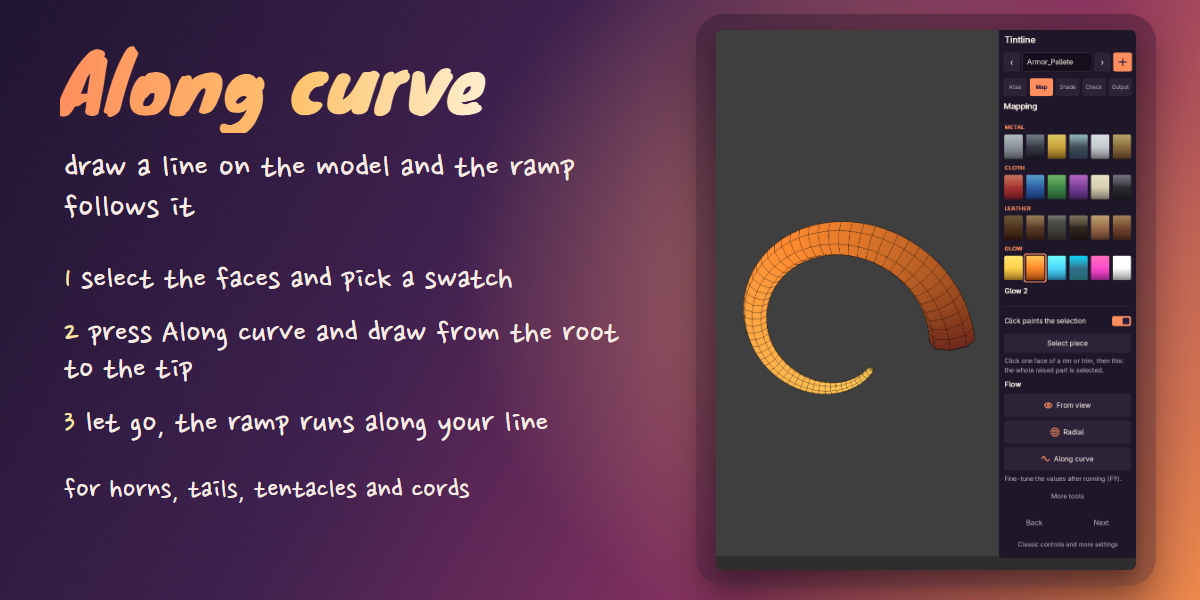
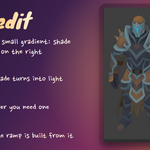
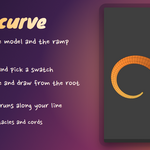
- Along curve: draw a line on the model and the ramp follows it.
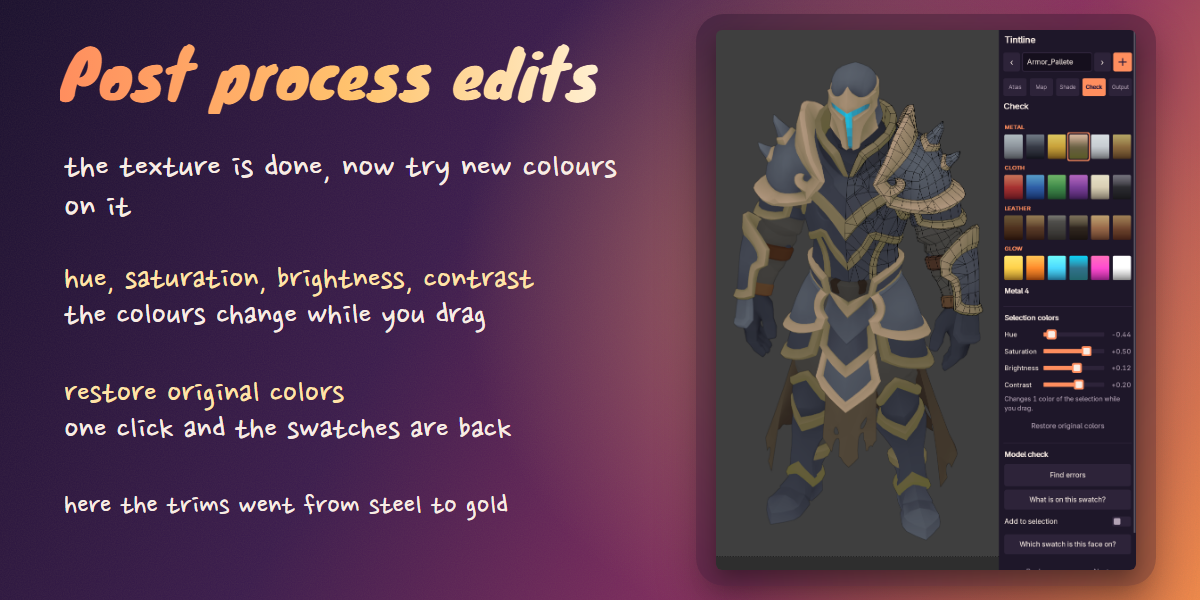
- Post process edits: change hue, saturation, brightness and contrast of the selected colours while you watch the model.
The rest of the panel
Map. Click one face, press Select piece, click a swatch. The whole rim or plate takes it. Change a swatch later and every face on it follows.
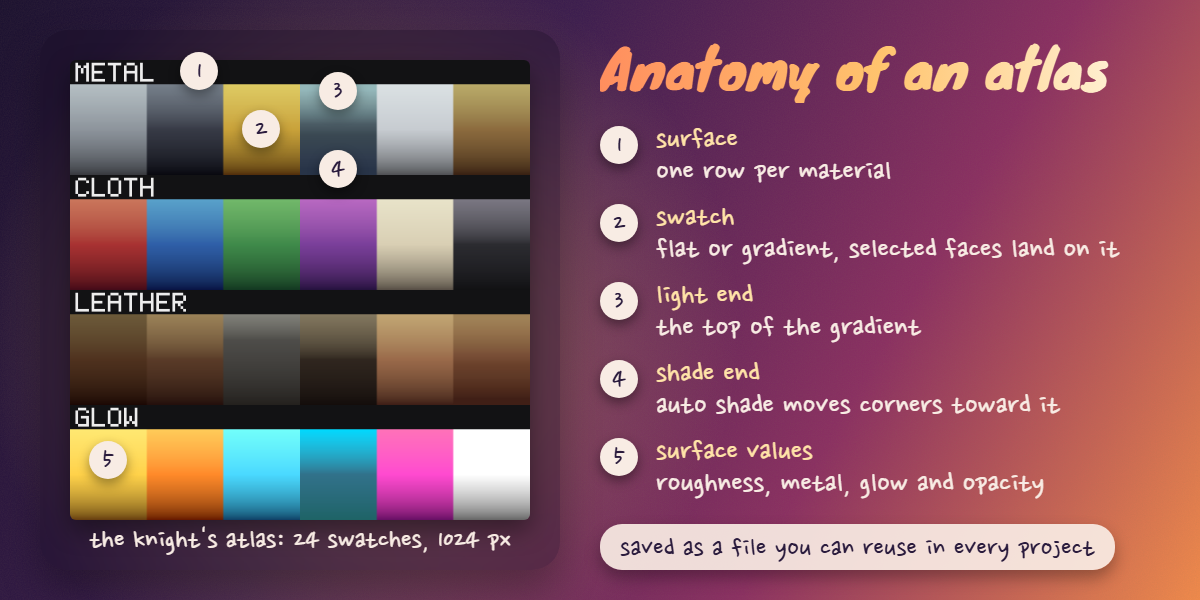
Ramps. A swatch can be a gradient from shadow to light. It can follow the view, a line you draw, two points, an axis, a curve, or run out from the centre.
Post process edits. Change hue, saturation, brightness and contrast of the selected colours and watch the model change while you drag.
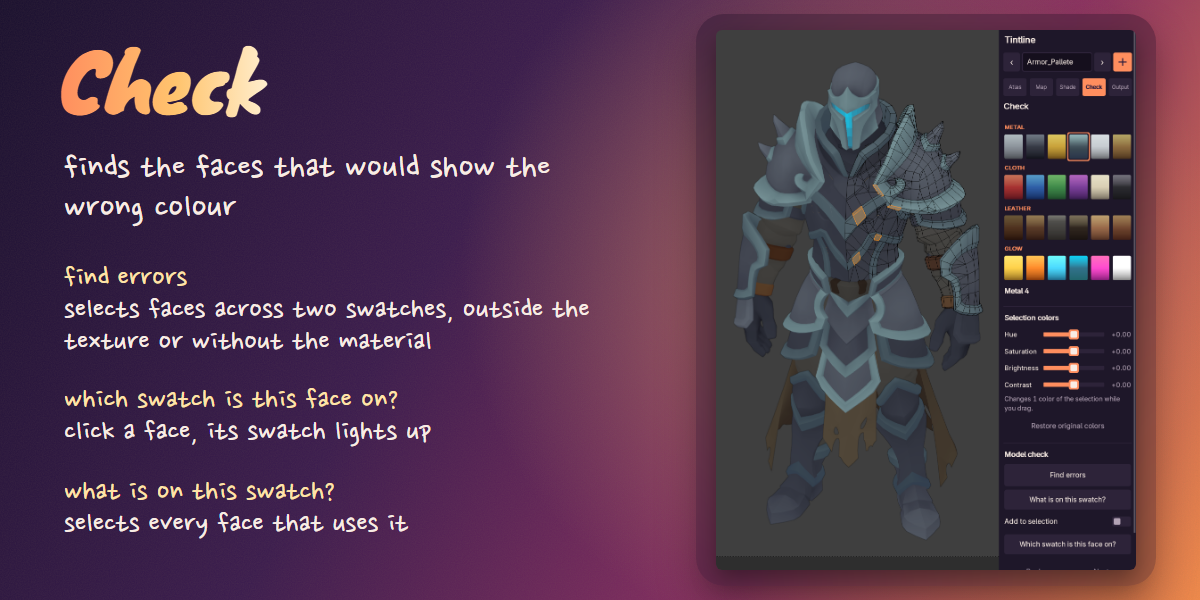
Check. Find errors selects faces whose UVs ended up off a swatch.
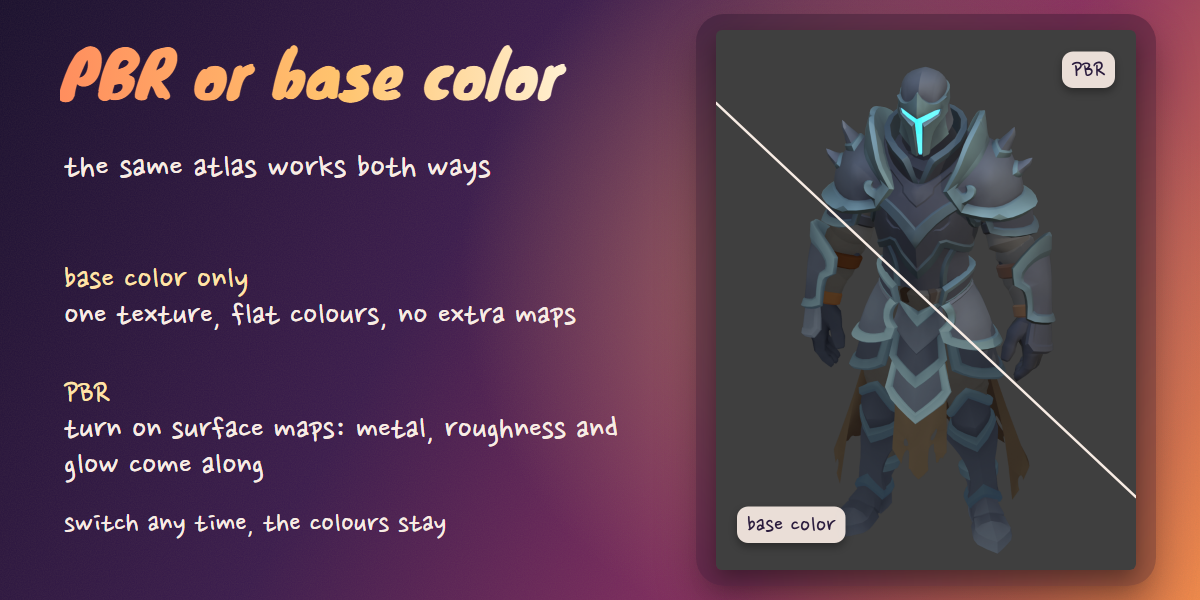
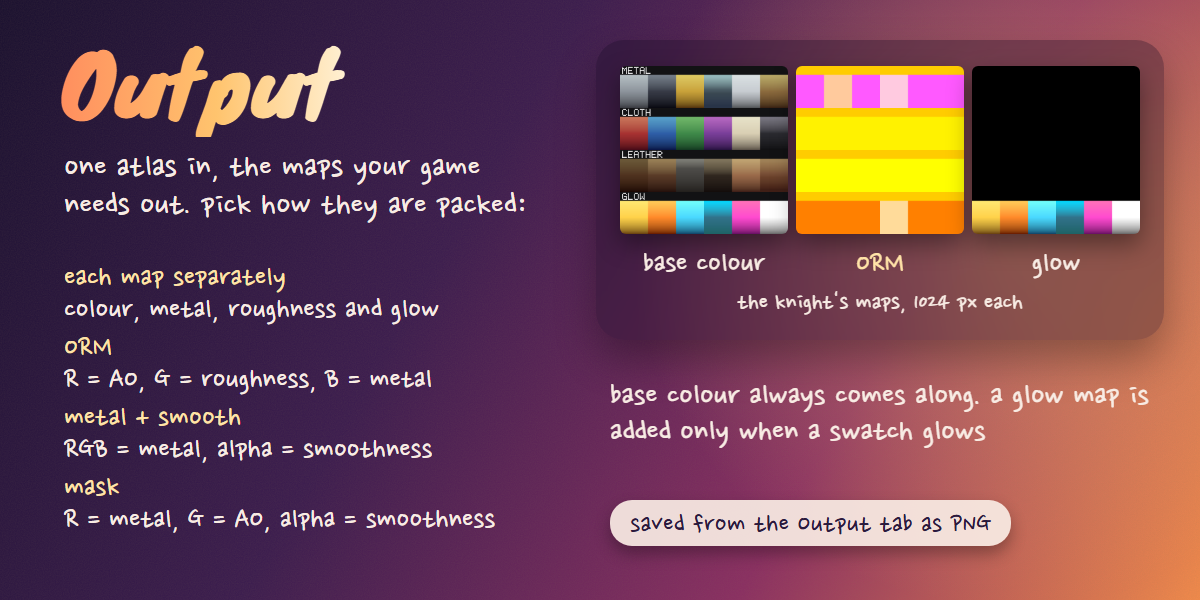
Output. Every swatch also stores roughness, metal, glow and opacity, so the same layout gives you the PBR maps. PBR presets for Unity and Unreal are also available.
Every tool runs right away. If you want different values, change them afterwards in Adjust Last Operation (F9).
What you get
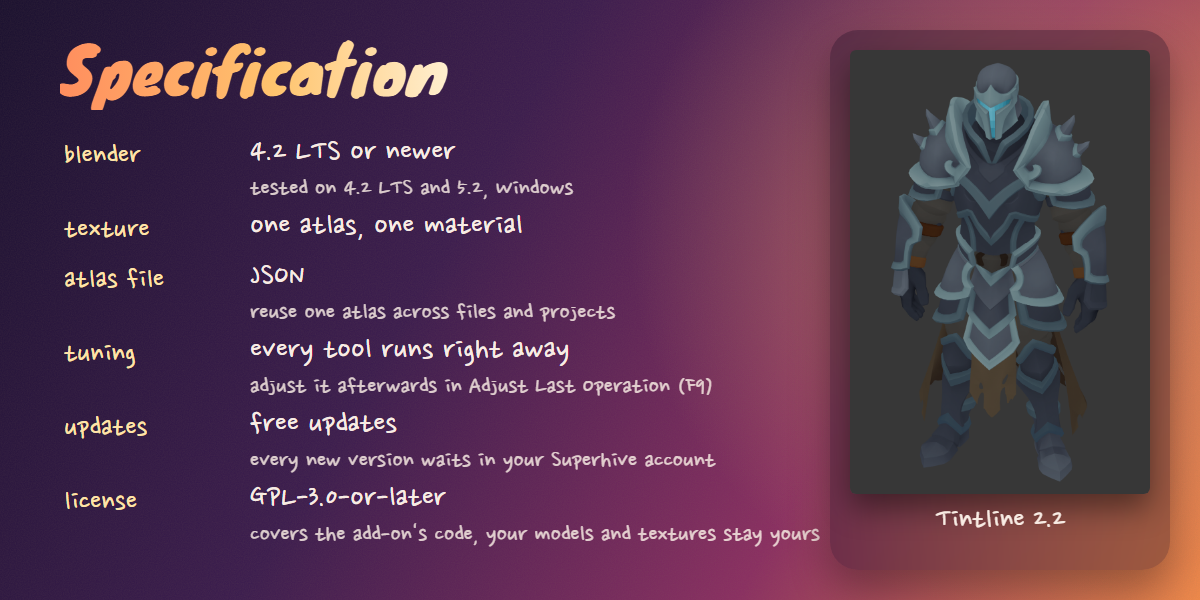
The add-on as a Blender extension zip, a short guide (PDF), and free updates. Every new version waits in your Superhive account.
Requirements
Blender 4.2 LTS or newer. I test it on 4.2 LTS and 5.2 on Windows.
Help and questions
Ask on the RetryGames Discord, report a bug there, or show me what you made with it: https://discord.gg/4zJHVsxYCr
You can also write to me with Contact the creator on this page.
License
GPL-3.0-or-later. You get the full source and can change it or pass it on under the same license. What you make with it is yours.
