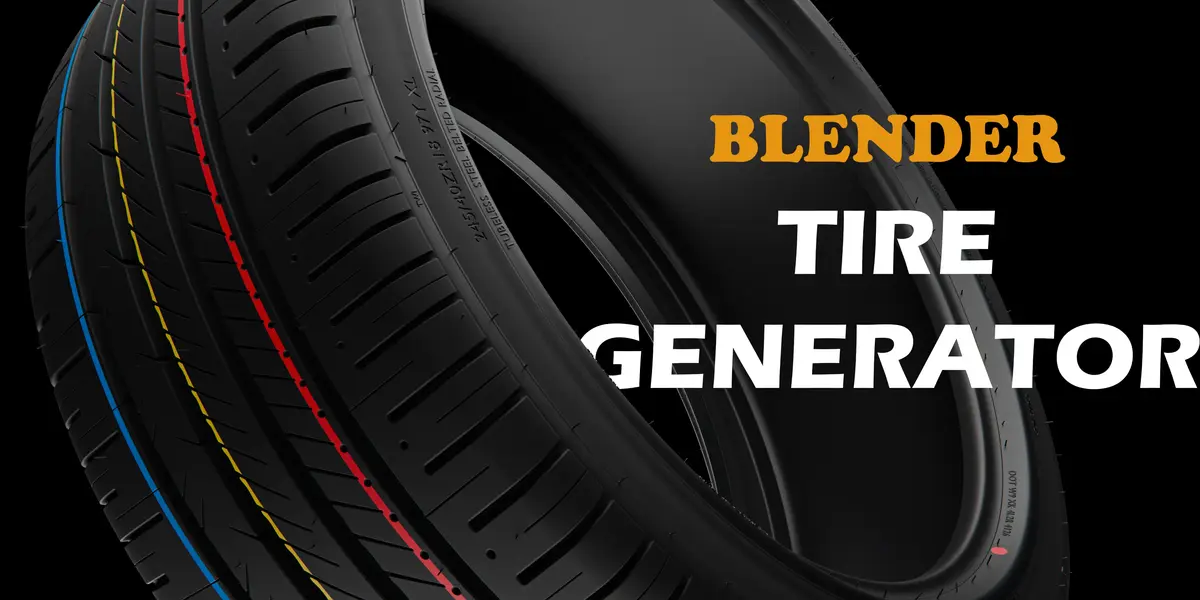
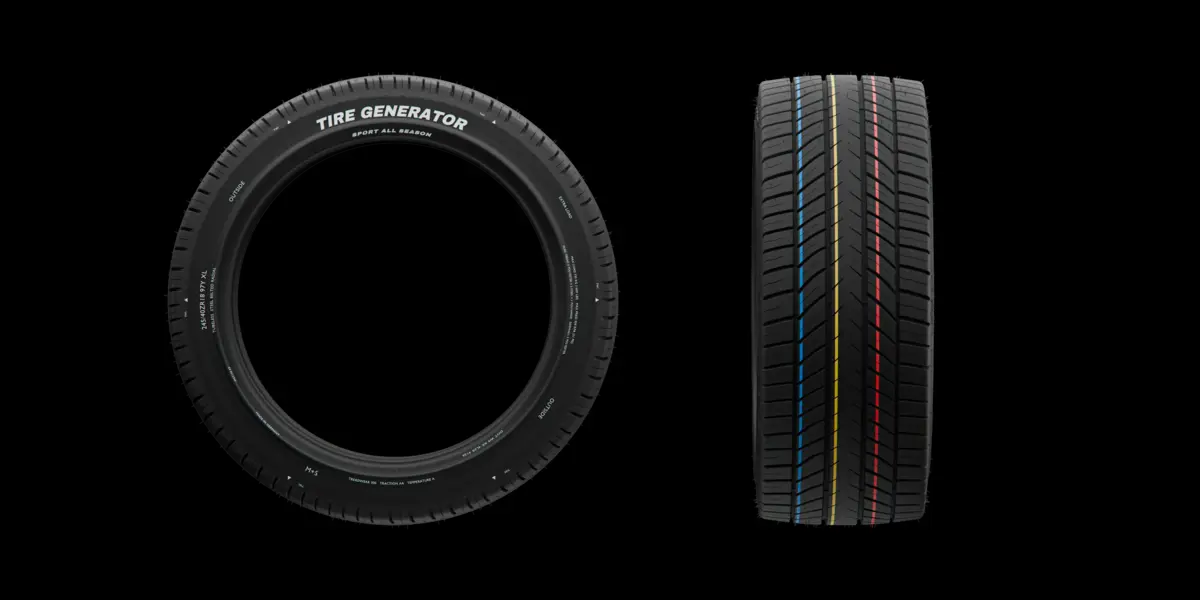
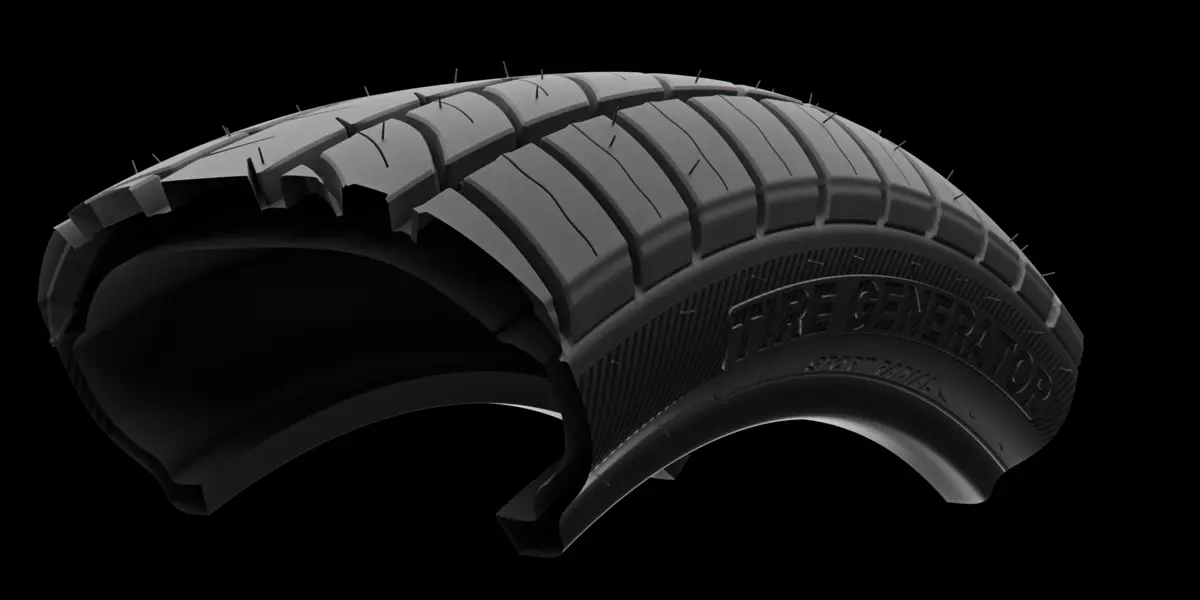
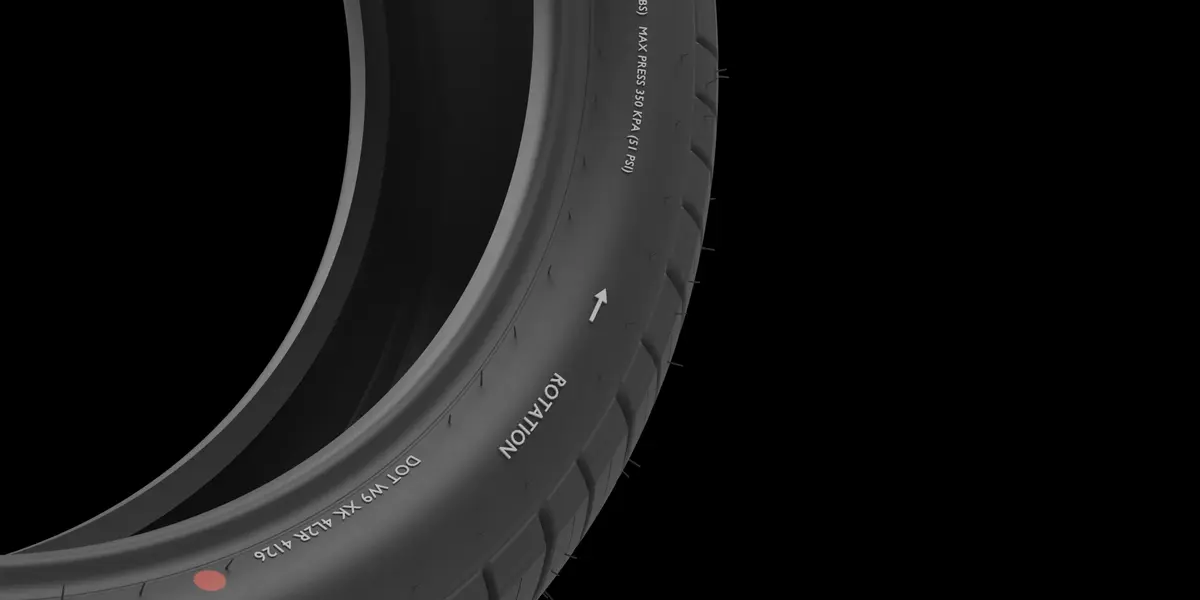
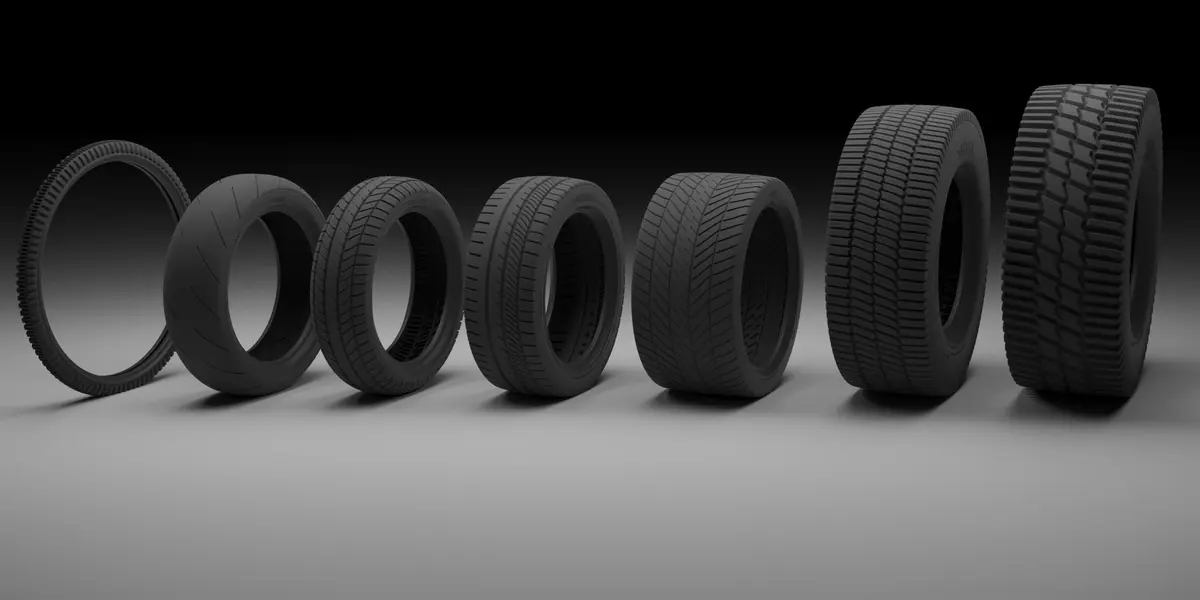
Tire Generator
 Cool Addons




Installation
1. Download from your Superhive account (*Purchases*). **Don't unzip it.**
2. In Blender 4.2 or newer, go to *Edit → Preferences → Get Extensions*. Open the **⌄** menu at the top right and choose **Install from Disk…**, then pick the zip.
(Or drag the zip into the Blender window and confirm.)
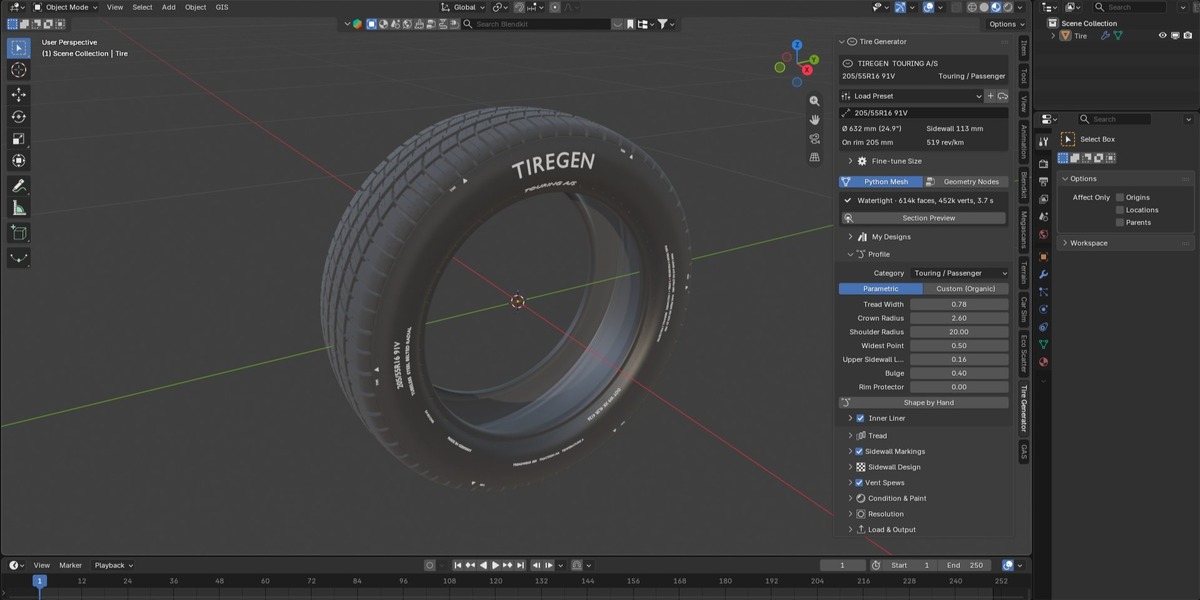
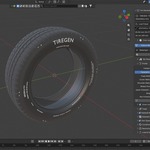
3. The add-on is on as soon as it's installed. In the 3D Viewport press **N** and open the **Tire Generator** tab.
