 SkdSam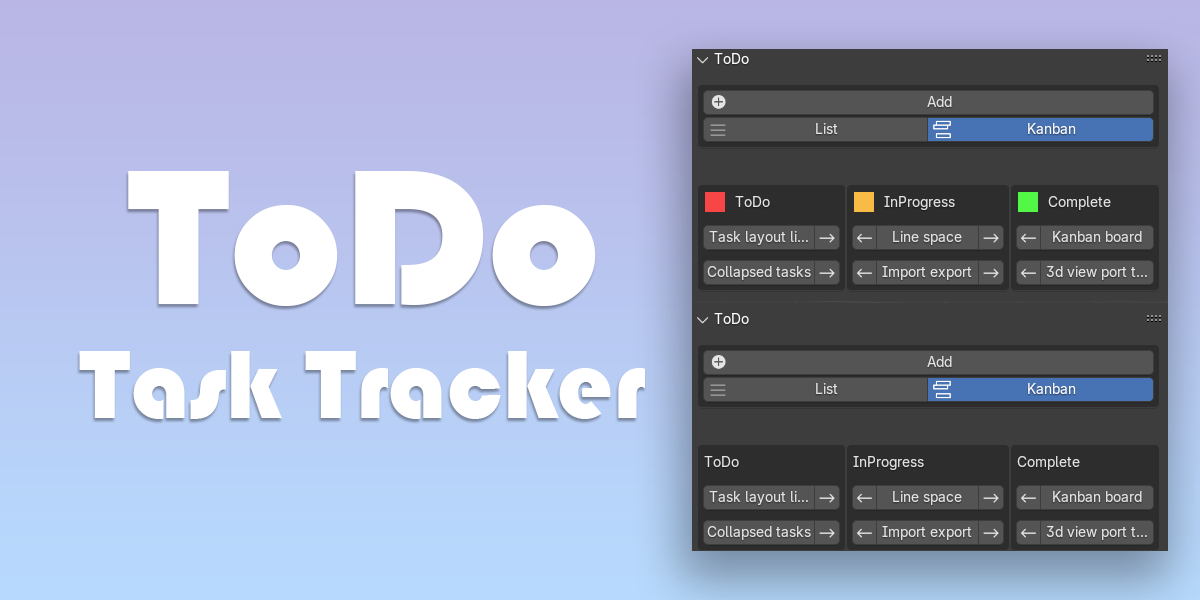
Blender
3.6 – 5.1
Platforms
Windows • macOS • Linux
Latest Version
1.2.3
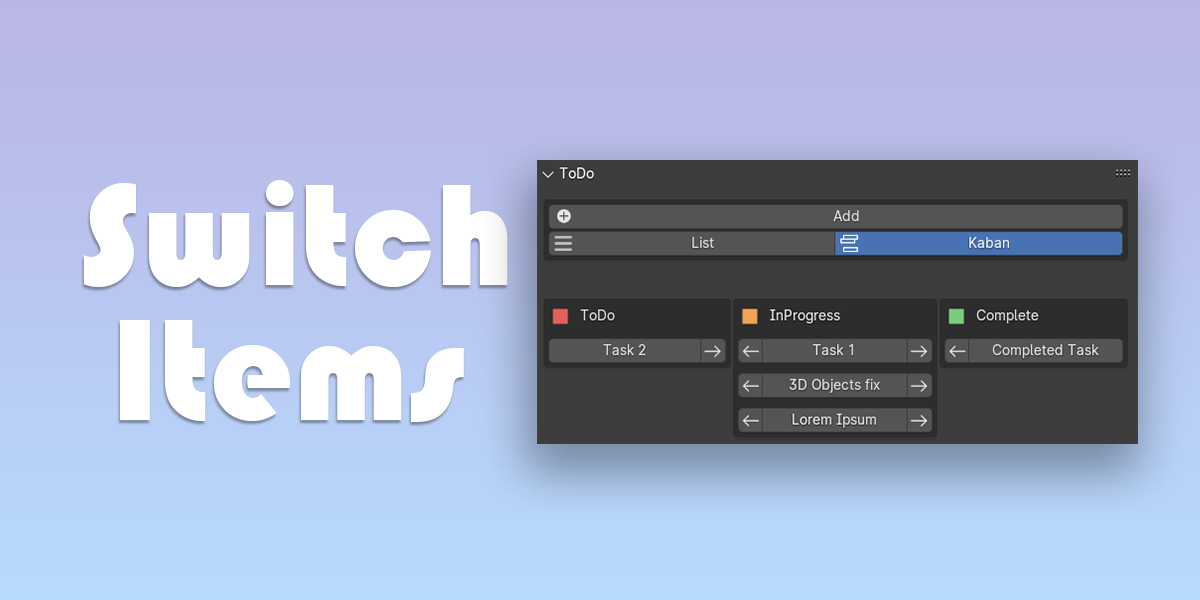
Two View Modes
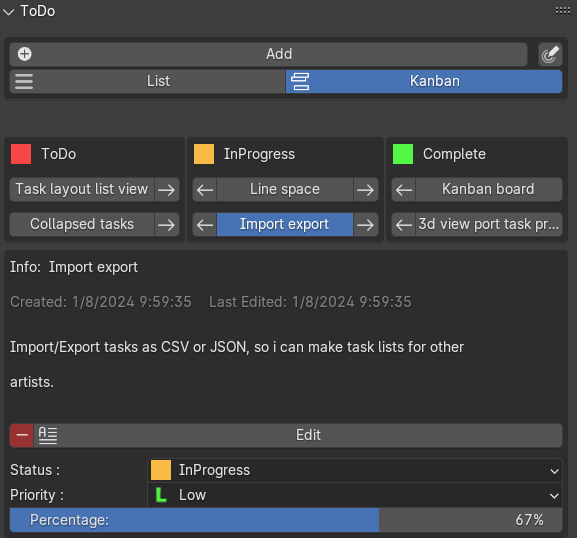
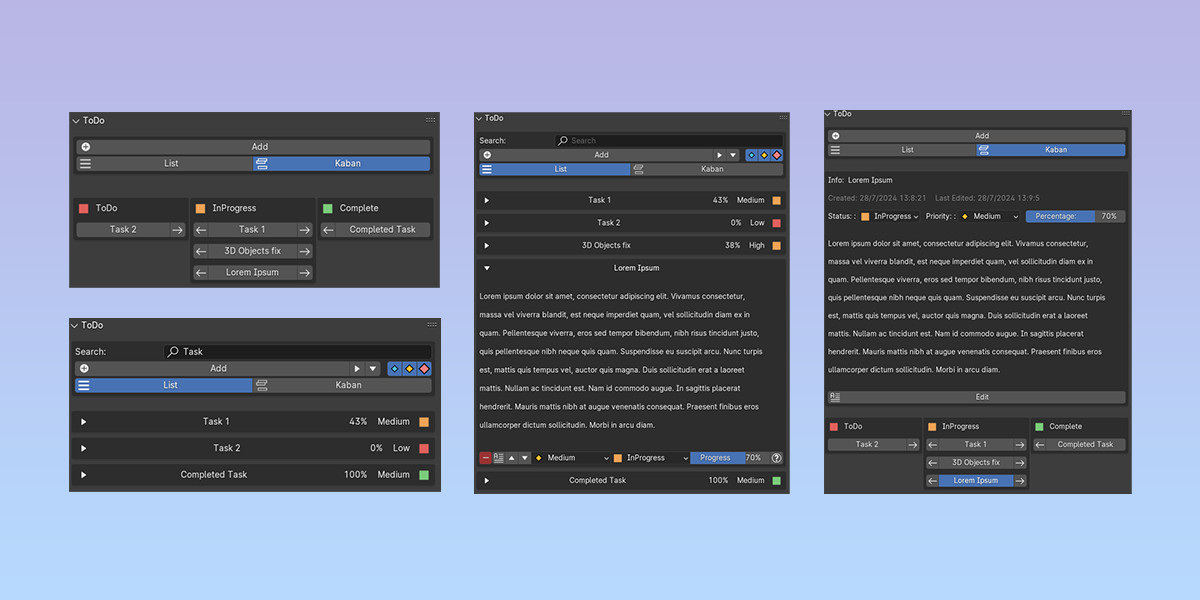
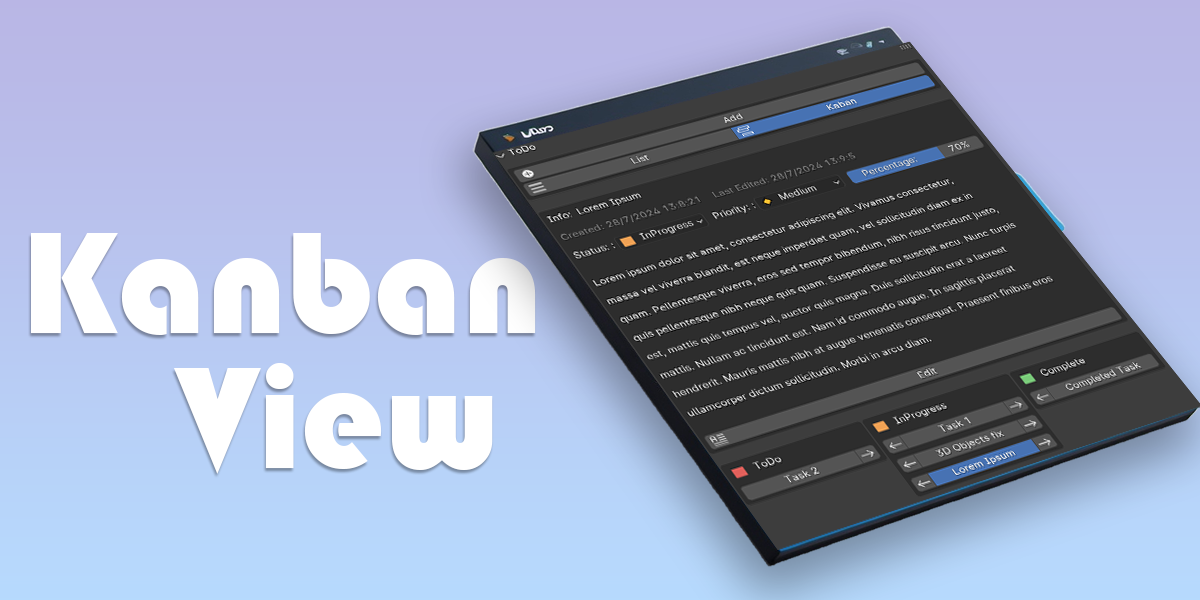
Kanban: Drag tasks between To-Do / In-Progress / Complete.
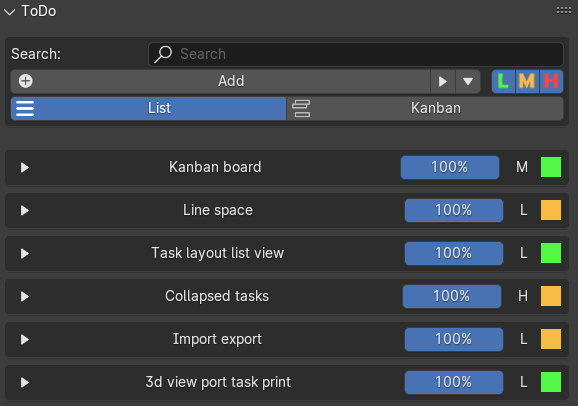
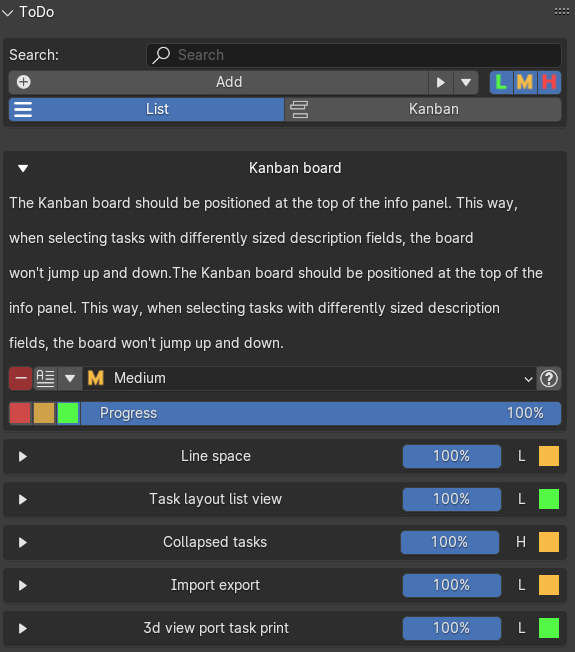
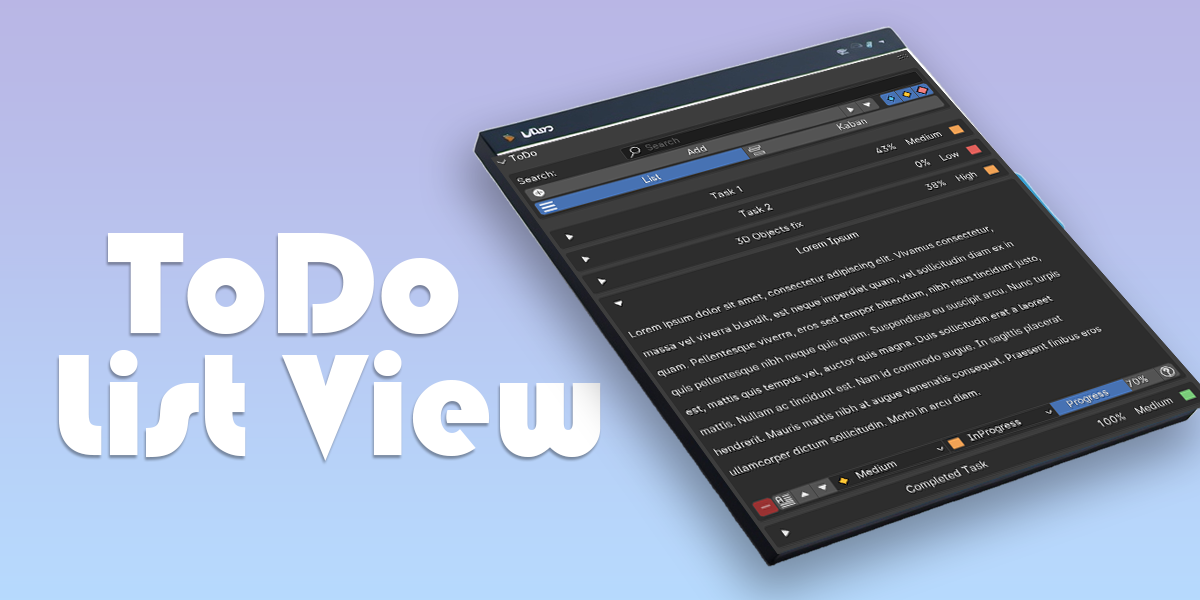
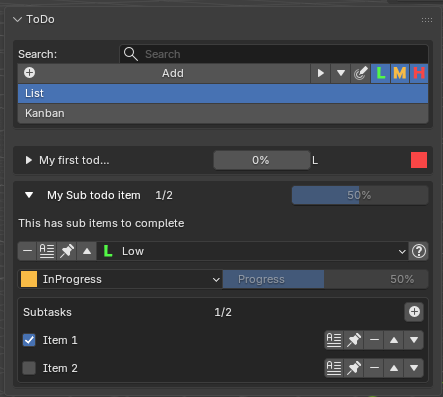
List: A clean, sort-able list for fast triage.
Sub Tasks: Add sub items to your Todo list
List: A clean, sort-able list for fast triage.
Sub Tasks: Add sub items to your Todo list
Task Management
Status & Priorities
Progress bars per task
Add Links to external refs
Progress bars per task
Add Links to external refs
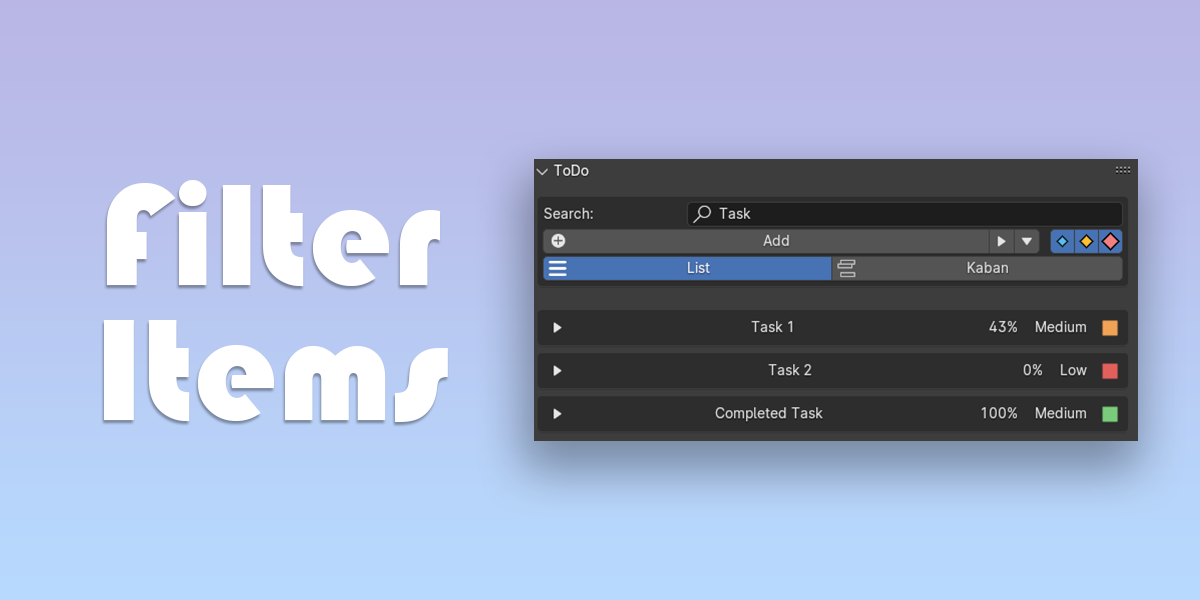
Find & Filter
Filter by status in List view
Quick search by task name
Quick search by task name
3D Viewport Text
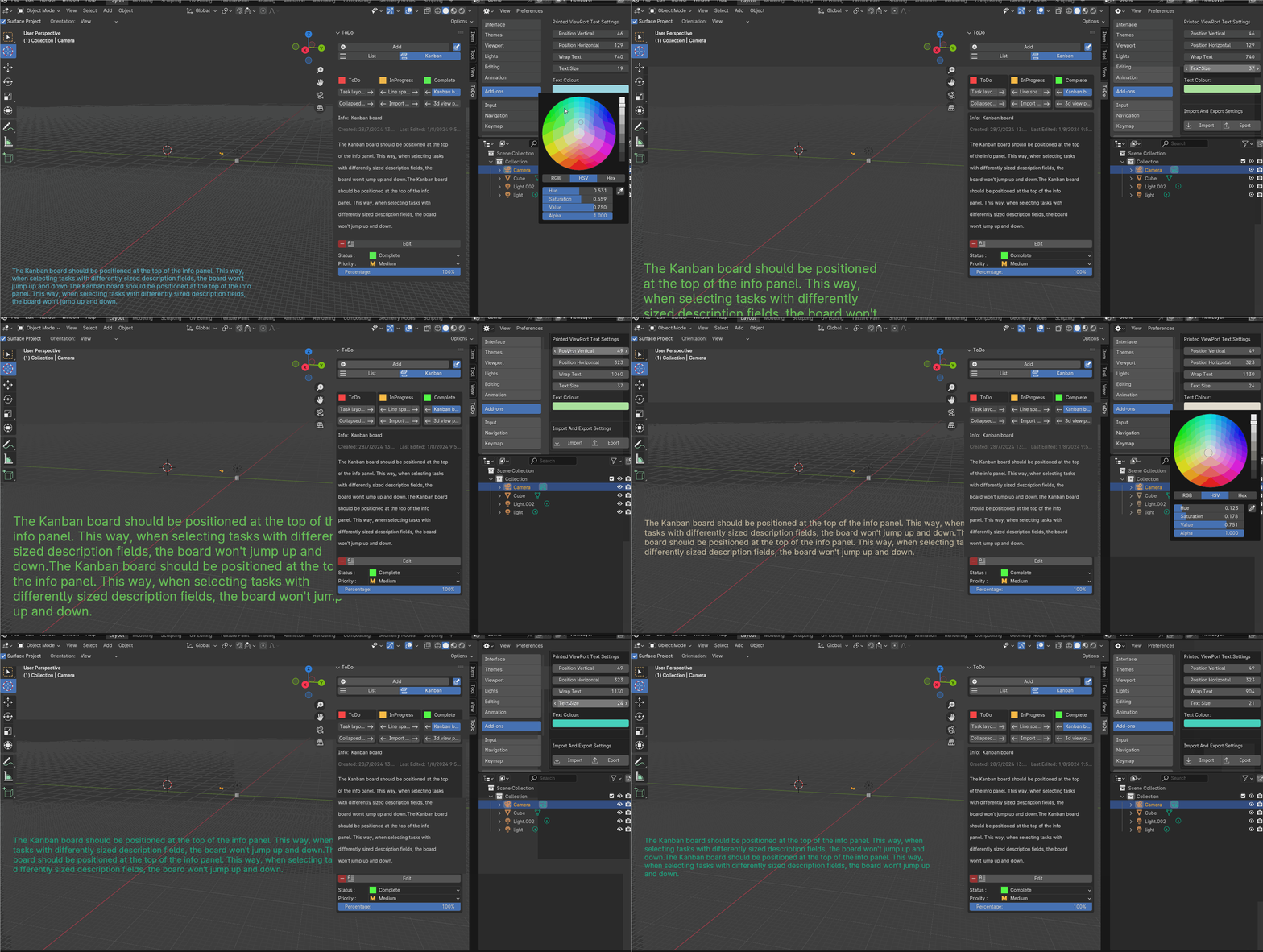
Show task info in the 3D View
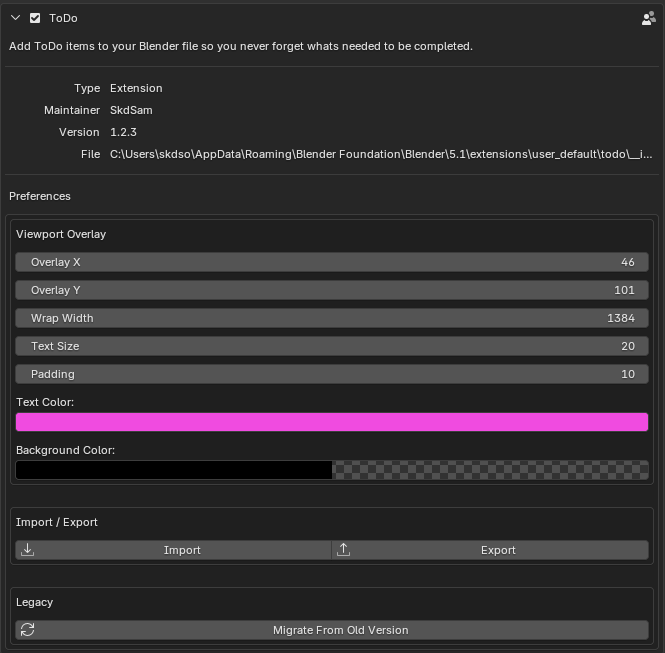
Global settings: colour, size, position
Global settings: colour, size, position
Import / Export
Share task lists across scenes
Great for studio pipelines
Great for studio pipelines
Quality of Life
Collapse/expand all (List)
Editable tasks with word wrapping
Timestamps for created / edited
Editable tasks with word wrapping
Timestamps for created / edited
Why Choose Blender ToDo?
Keep tasks attached to the project itself. Perfect for productions where files move between artists and you need a single source of truth for what’s next.
Get Started
1, Install the add-on and open the ToDo panel.
2, Pick Kanban or List view; start adding tasks.
3, Use filters, priorities, and the viewport overlay to stay on target.
1, Install the add-on and open the ToDo panel.
2, Pick Kanban or List view; start adding tasks.
3, Use filters, priorities, and the viewport overlay to stay on target.