 LitFor20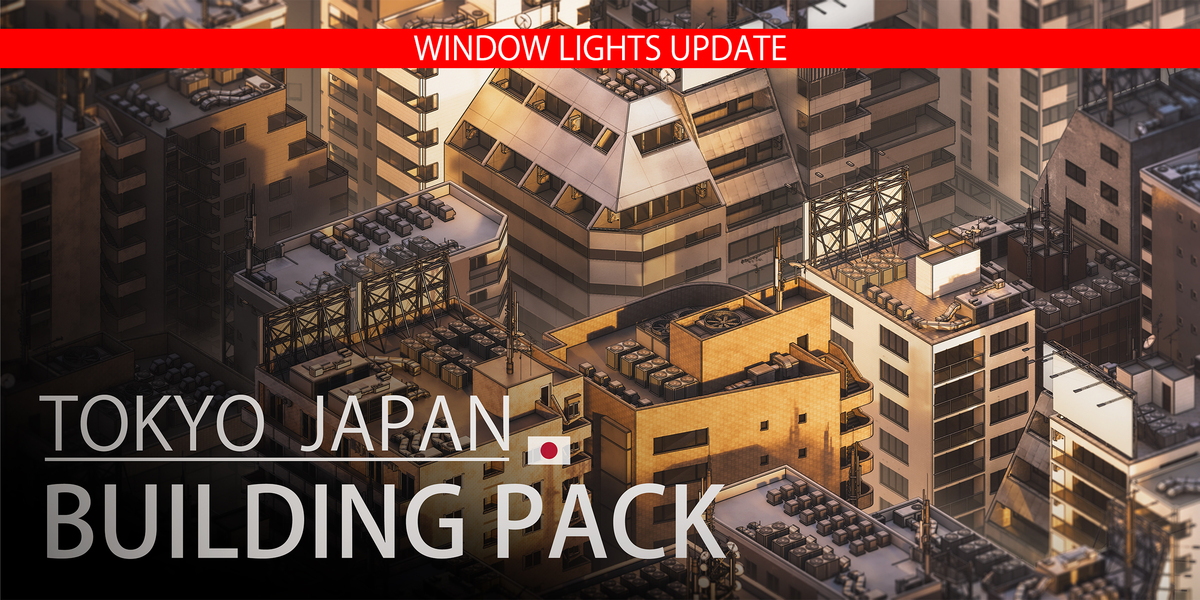


How to add the .blend file to your Blender library
1. First, unzip the downloaded ZIP file.
2. In Blender, go to:
Edit > Preferences > File Paths > Asset Libraries
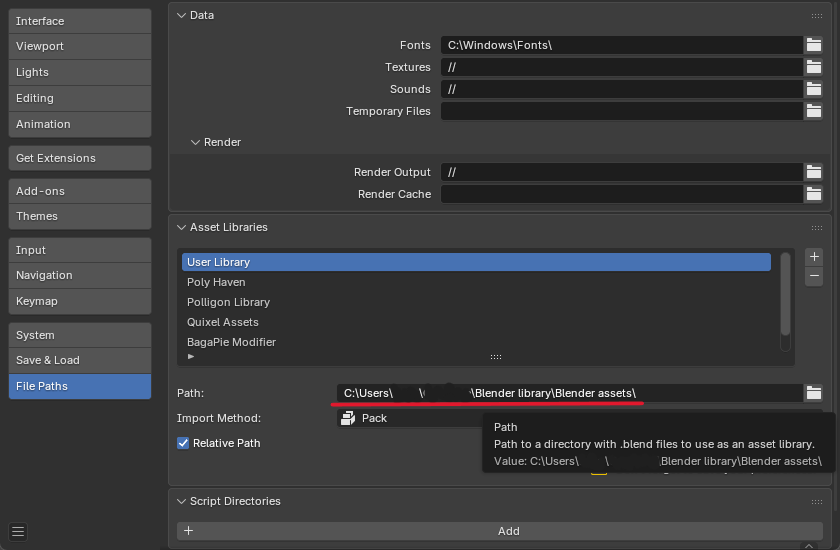
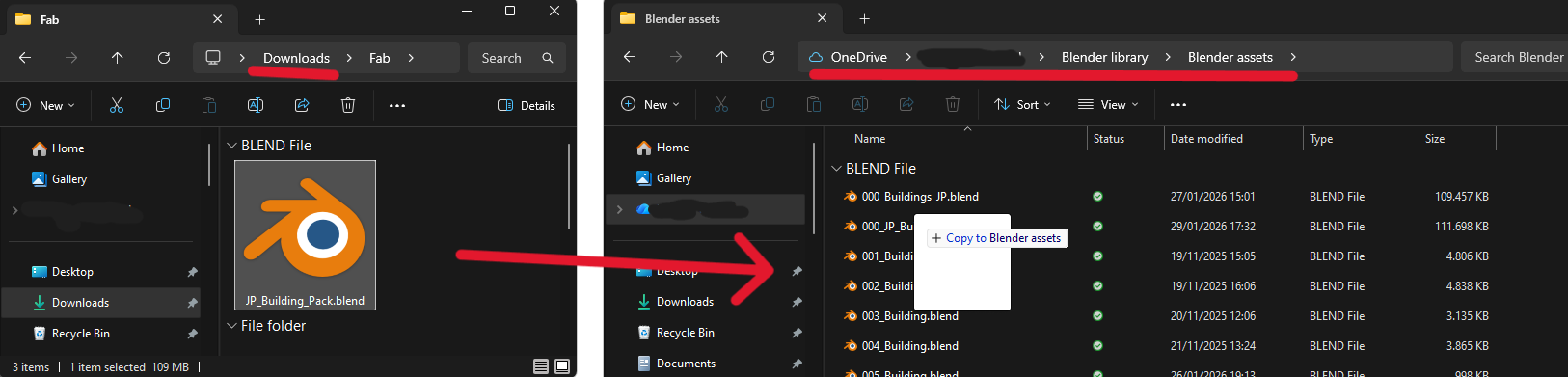
3. Drag the .blend file into the User Library (or any library you want it saved in)
Have questions about this product?
Login to message
Includes an Asset Library
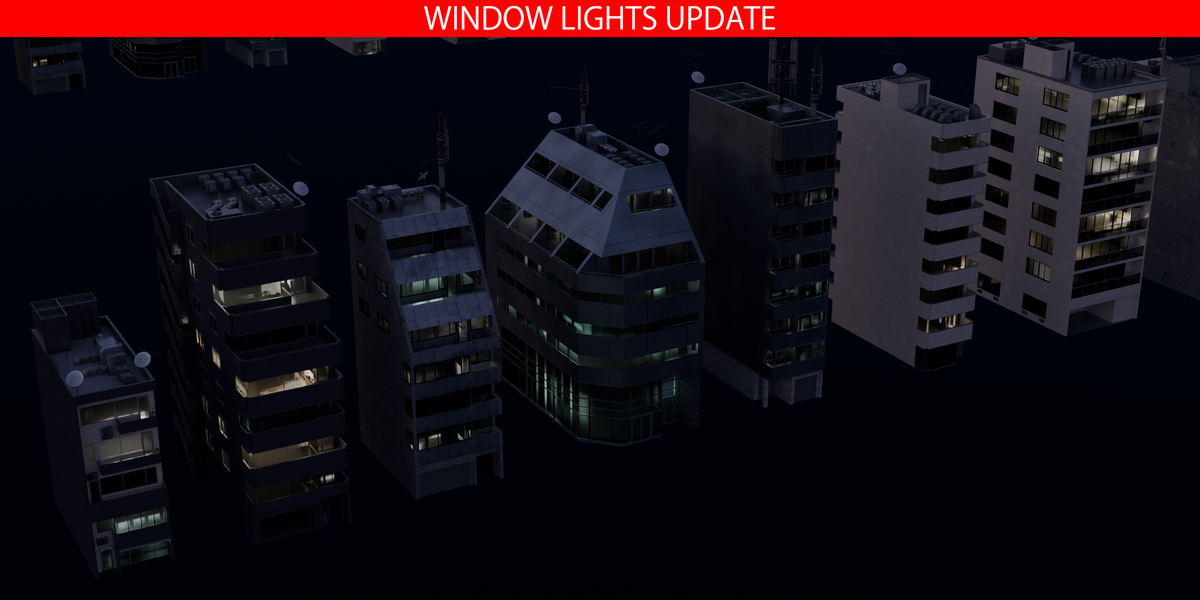
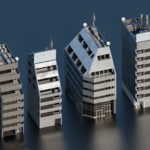
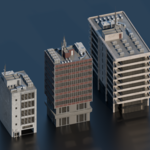
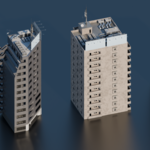
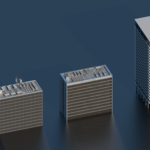
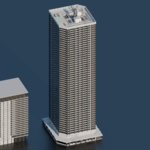
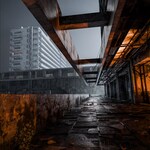
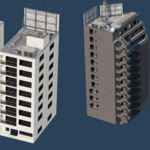
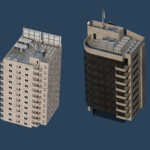
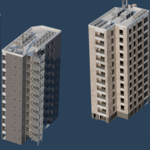
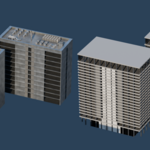
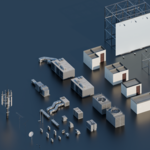
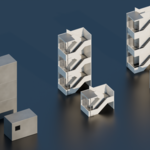
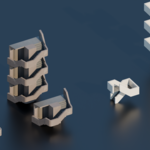
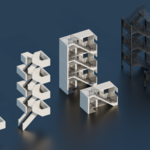
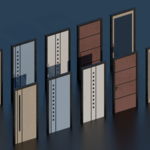
95 drag-and-drop assets for Blender’s Asset Browser.
Browse included assets| Sales | 50+ |
| Dev Fund Contributor | |
| Published | 9 months ago |
| Blender Version | 4.0 - 5.2 |
| Render Engine Used | Cycles |
| Misc Data | Textured |
| License | Royalty Free |
Discover more products like this
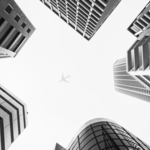
city 3d japan building tokyocity 3d building 3d building asset tokyo city 3d building pack 3darchitect tokyo 3d buildings japan