Toon Dino - Stylized Toon Dinosaur
 ThriftBlend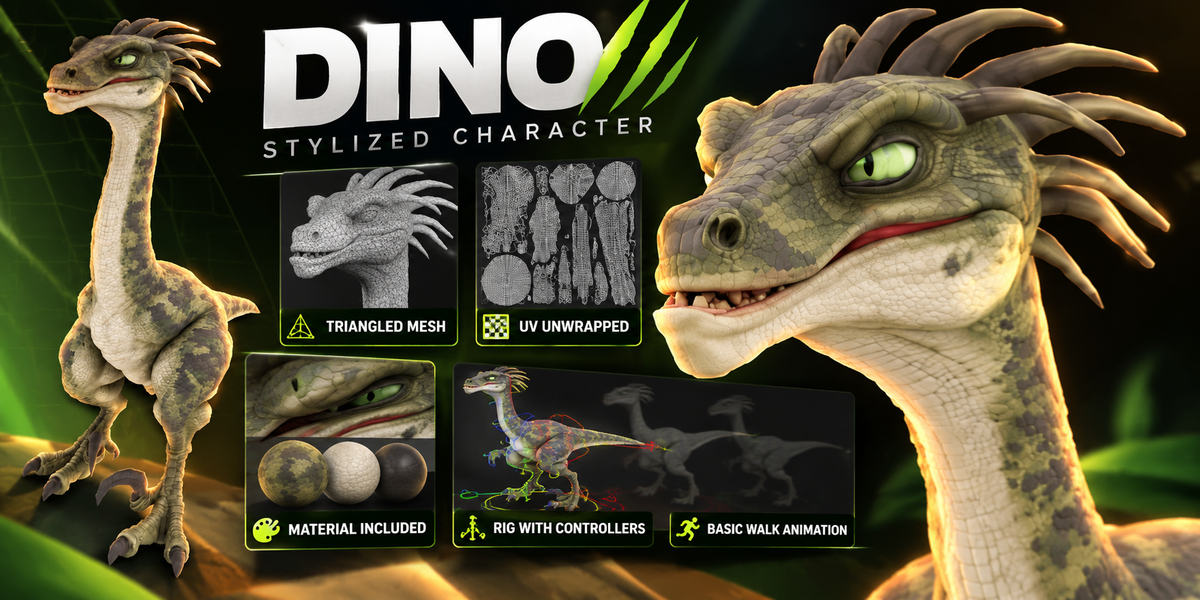
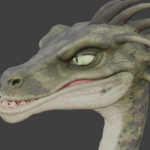
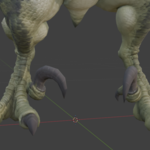
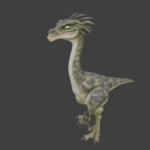
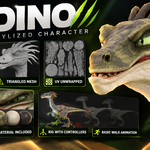
Stylized Raptor — User Guide
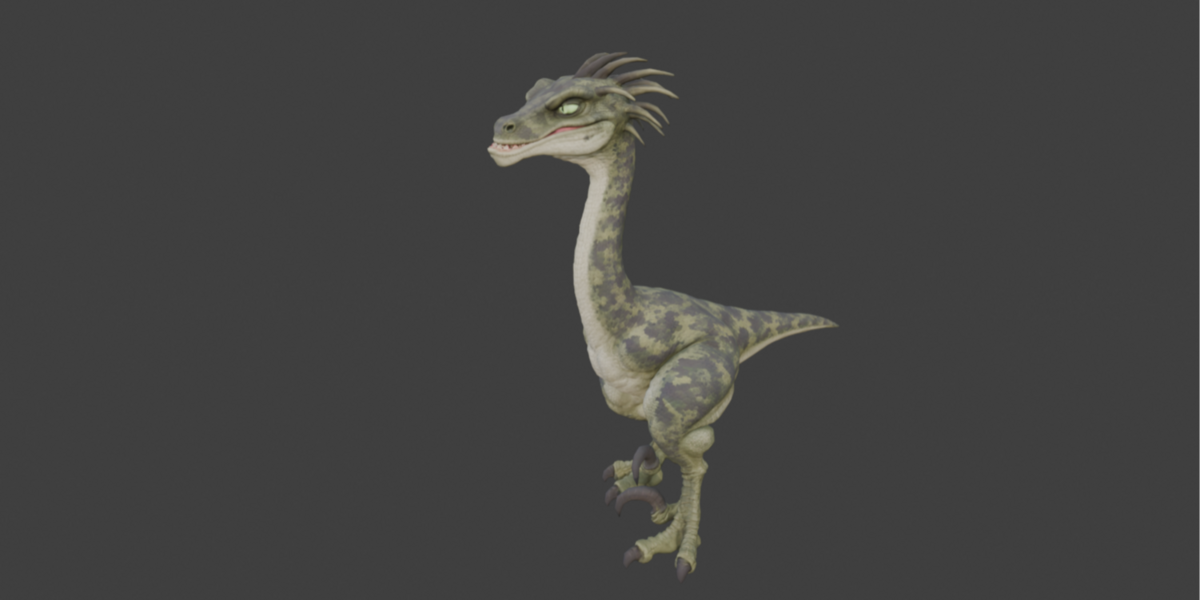
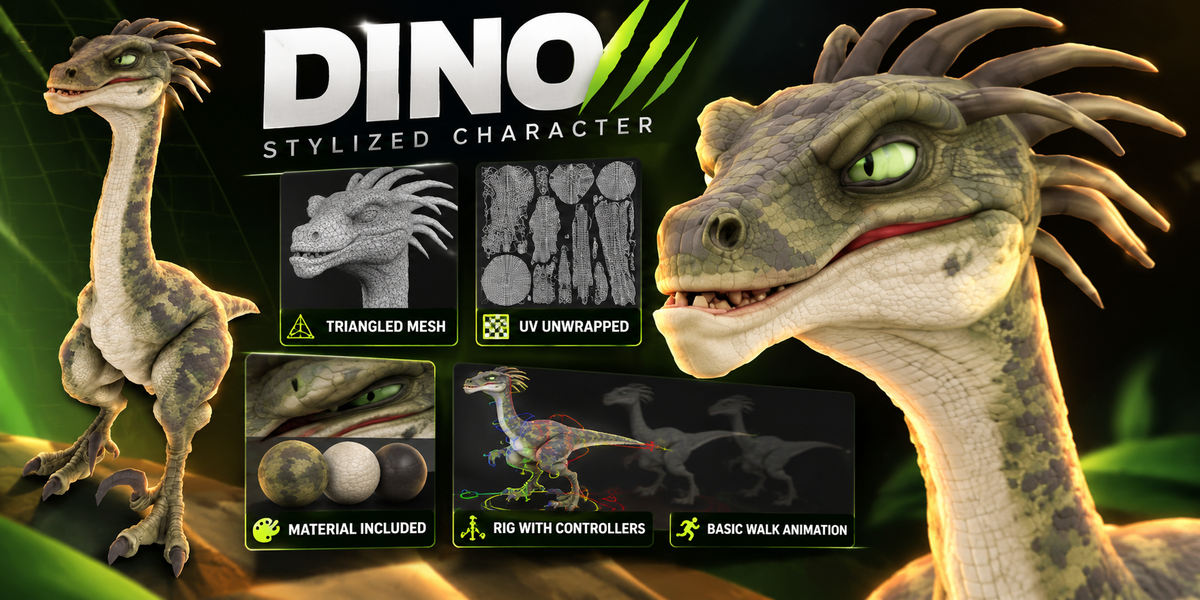
A textured, stylized raptor character with a custom controller rig and an editable walk-in-place animation.
## Included asset
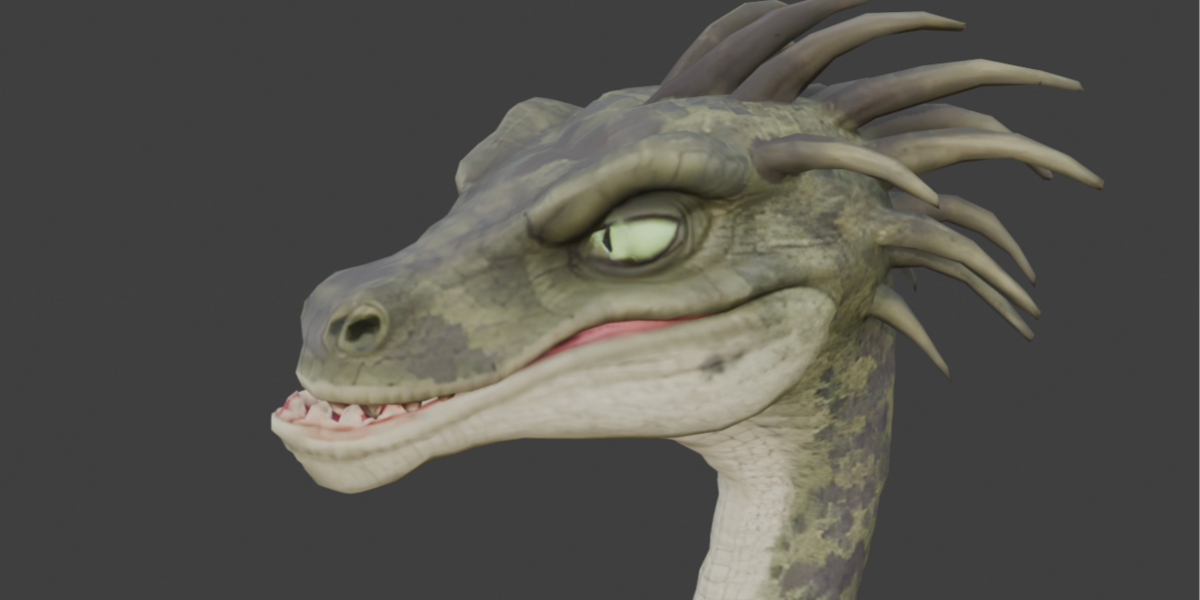
- UV-mapped and textured character mesh.
- Custom armature with manual skin weights.
- Controls for the body, chest, legs, feet, toes, sickle claws, tail, head, and jaw.
- Head-driven neck: one head controller guides the full five-bone neck chain.
- Editable animation with a stylized head and body accent.
This guide describes `Dino_Head_Neck_Control.blend`. The file was saved and tested in Blender 5.2.0 LTS. Compatibility with earlier versions has not been verified.
## Getting started
1. Open the supplied Blender file.
2. Select **Armature** and enter **Pose Mode**.
3. Select a controller in the viewport.
4. Use **G** to move it or **R** to rotate it, as described below.
5. Play the timeline to preview the included animation.
The existing animation will restore keyed poses when you change frames. When creating a new animation, make a separate action or duplicate the supplied action first. Save a working copy before editing the rig.
## Controller reference
| Controller | Purpose | Typical operation |
| --- | --- | --- |
| `CTRL_master` | Positions the whole character | Move, rotate, or uniformly scale |
| `CTRL_body` | Positions and tilts the torso | Move or rotate |
| `CTRL_chest` | Shapes chest movement | Rotate |
| `CTRL_chest_upper` | Shapes the upper torso | Rotate |
| `CTRL_foot.L` / `.R` | Positions and orients each foot; the leg follows through IK | Move or rotate |
| `CTRL_knee.L` / `.R` | Sets the direction each knee bends | Move |
| `CTRL_toe_inner_tip.L` / `.R` | Guides the inner toe chain | Move |
| `CTRL_toe_outer_tip.L` / `.R` | Guides the outer toe chain | Move |
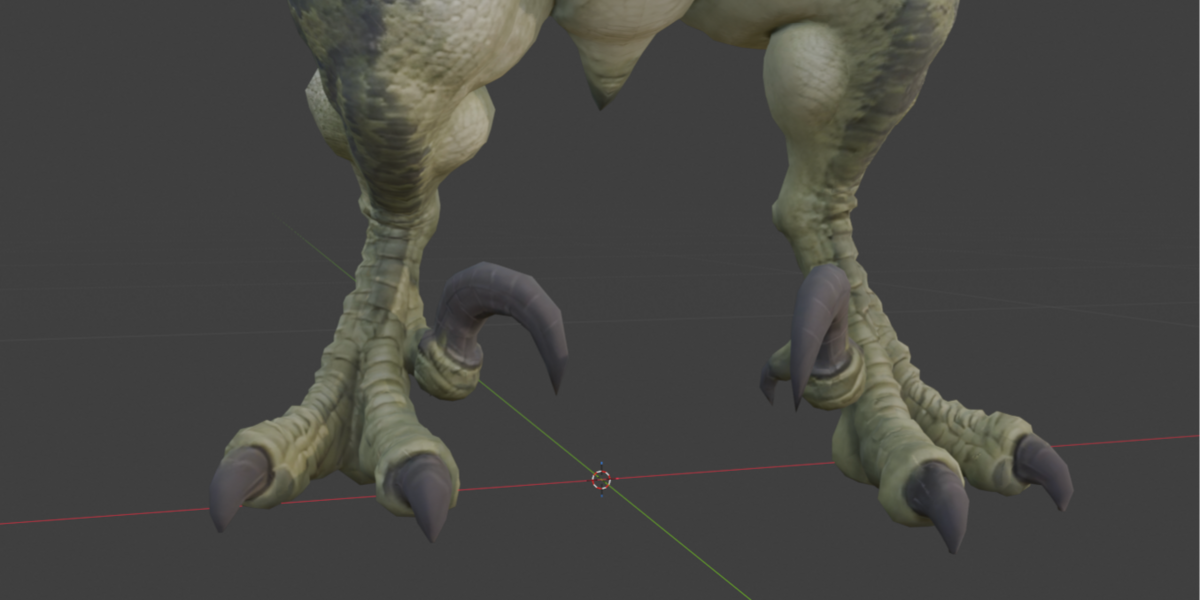
| `CTRL_sickle_tip.L` / `.R` | Guides the large sickle claw chain | Move |
| `CTRL_tail_tip` | Guides the full tail from one endpoint | Move |
| `CTRL_head_master` | Positions the head and guides the full neck; rotates the head | Move or rotate |
| `CTRL_jaw` | Opens and closes the main jaw | Rotate |
| `CTRL_jaw_tip` | Adjusts the second jaw segment | Rotate |
Left and right refer to the character's sides.
### Head and neck
The crown-shaped controller above the head is the main head control. Moving it makes the neck follow through a five-bone IK chain. Rotating it changes the head orientation.
There are no separate neck bend controllers in this version. The neck's intermediate bend is solved automatically. The neck can stretch when the head target is moved beyond its normal reach; use moderate movements for a natural silhouette.
### Feet and claws
Foot controls position the legs through IK. Knee controls steer the bend direction. Avoid placing a knee control directly along the hip-to-ankle line, where the bend direction becomes ambiguous.
Each foot also has `heel_roll`, `toe_roll`, and `bank` custom properties, expressed in degrees. These provide additional foot articulation.
The toe and sickle-claw tip controls guide their respective chains. Ground contact is manually animated: the rig does not automatically detect the floor or prevent penetration.
### Tail
Move the tail-tip controller to guide the full five-bone tail. This provides a simple endpoint control for broad tail gestures. It does not provide separate controls for every tail segment.
## Included animation
- **Action:** `Walk_InPlace_EDITABLE_32f`
- **Playback:** frames 1–32 at 24 fps
- **Motion:** walk in place, with additional head, neck, chest, jaw, and tail gestures
- **Editing:** controller keyframes and editable animation curves
Some walk channels use frame 33 as a repeated endpoint. Additional gestures use their own key ranges, so not every channel shares the same loop boundary. Check the full motion before repeating or exporting it as a seamless cycle.
The curve polish uses shaped Bézier handles for stronger holds and quicker transitions. The final rig uses the head animation to drive the neck; animation channels belonging to the removed neck controls are no longer included.
To adjust timing, edit the keys in the Dope Sheet. To adjust acceleration, easing, and holds, edit the handles in the Graph Editor. Duplicate the action before making significant changes.
## Weight painting and rig organization
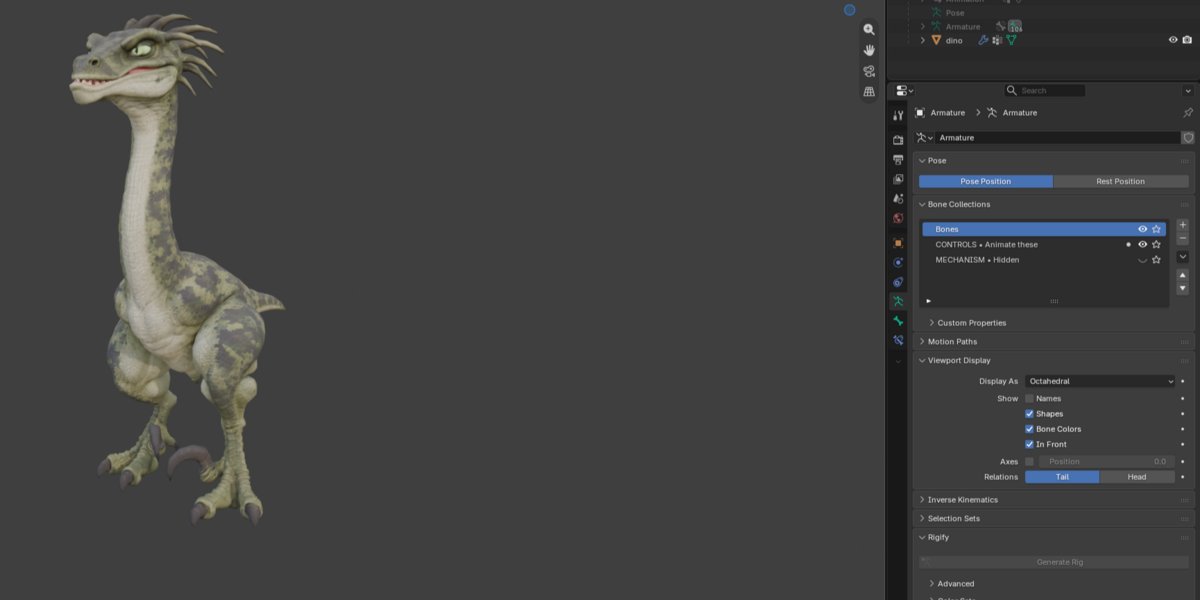
The armature contains three bone collections:
| Collection | Contents |
| --- | --- |
| `Bones` | Original skeleton used by the mesh's skin weights |
| `CONTROLS • Animate these` | Animator-facing controllers |
| `MECHANISM • Hidden` | Internal helper bones and rig solvers |
Use the original bones and their matching vertex groups when refining weights. The original skeleton's names, rest transforms, parent connections, and manual weights were preserved when the controller layer was added and the neck controls were simplified.
Animate the controller bones. Internal `MCH_` bones are implementation helpers and should normally remain hidden. Editing their constraints or parenting can change the rig's behavior.
You can hide the `Bones` collection for a cleaner animation view and show it again when inspecting deformation or painting weights.
## Current limitations
- No dedicated eye controls or independently rigged eyeballs.
- No dedicated tongue control.
- No automatic ground contact, collision detection, or foot planting.
- No separate intermediate neck or tail shaping controls in this version.
- Extreme poses may require weight-paint refinement.
- Compatibility with game engines and interchange formats has not been validated.
## Exporting
Keep the original Blender file as the editable source. Constraint-based controls may require baking the evaluated motion to the deforming skeleton for another application. Export requirements depend on the destination; verify the skeleton, skin deformation, scale, textures, and animation in the target application before production use.
## Troubleshooting
**A controller is not visible:** Select the armature, enter Pose Mode, enable viewport overlays, and check the visibility of the controls collection.
**The pose changes when scrubbing:** The active action contains animation keys. Edit the relevant keys or switch to a separate action.
**The neck stretches:** Move the head control closer to the body or adjust the body position.
**A knee flips:** Move the knee control away from the leg's straight-line axis and keep the leg slightly bent.
**A claw passes through the floor:** Adjust the claw-tip control and its animation. Contact is manual.
**The mesh deforms poorly in an extreme pose:** Inspect the original deform bones and corresponding vertex-group weights. Work on a saved copy.
Have questions about this product?
Login to message
| Published | 1 day ago |
| Blender Version | 4.0 - 5.2 |
| Render Engine Used | Blender-Internal, Blender-Game-Engine, Cycles, Eevee, Luxrender, Octane |
| Misc Data | Uvs-Unwrapped, Rigged, Animated, Normal-Mapped, Textured |
| License | Royalty Free |
Discover more products like this
3d dinosaur modelling blender 3d character idle run walk UVUnwrap texture model controller rig mesh