 Melisa
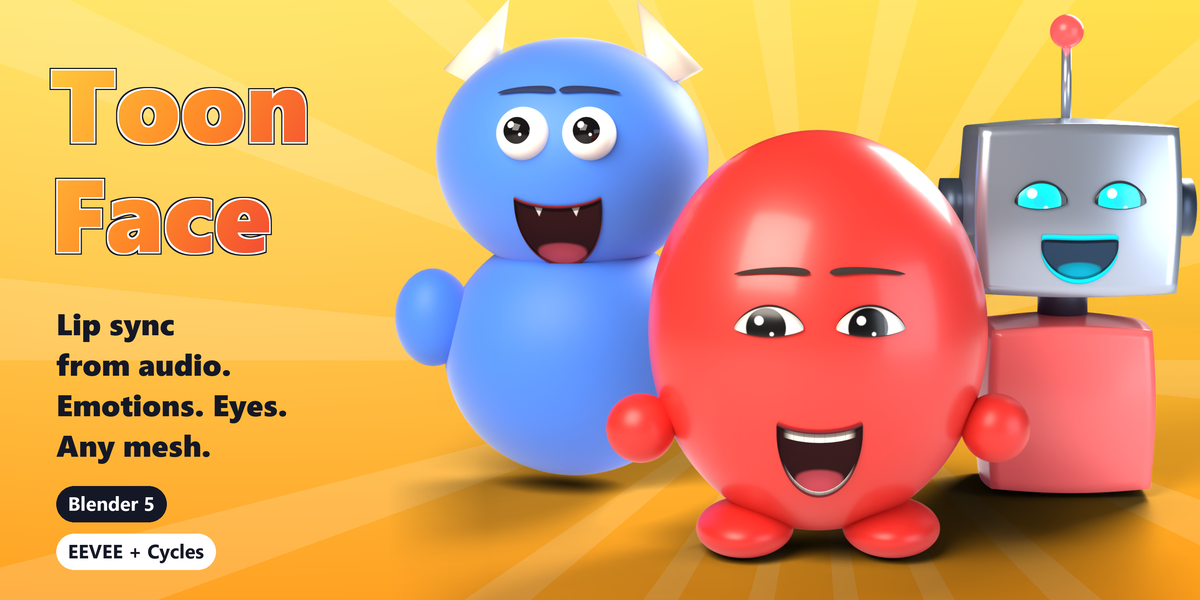
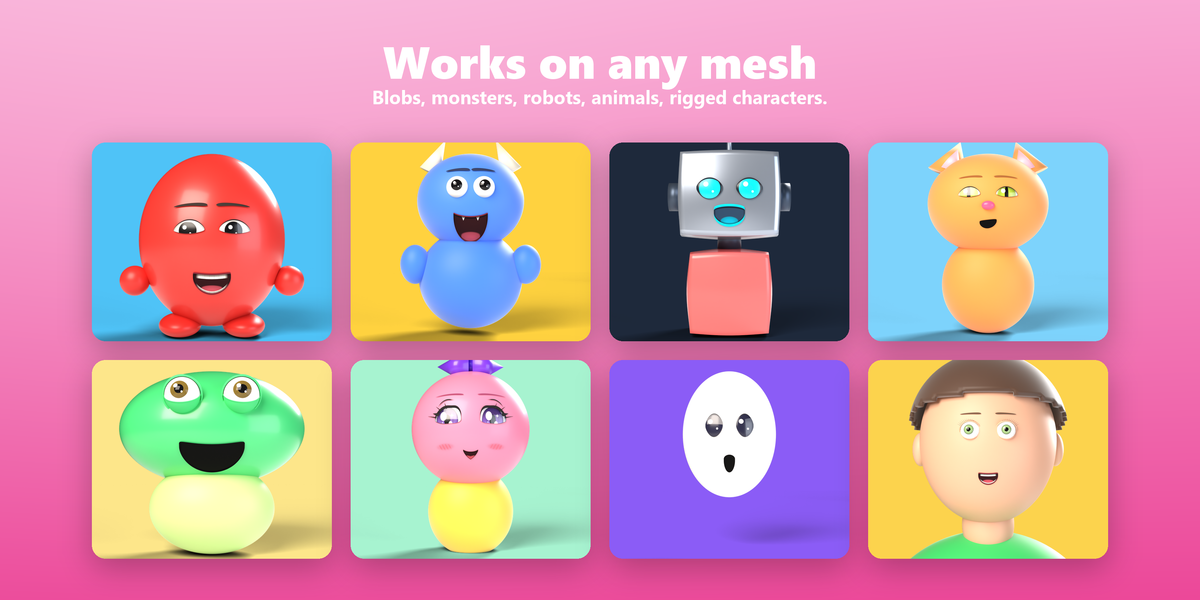
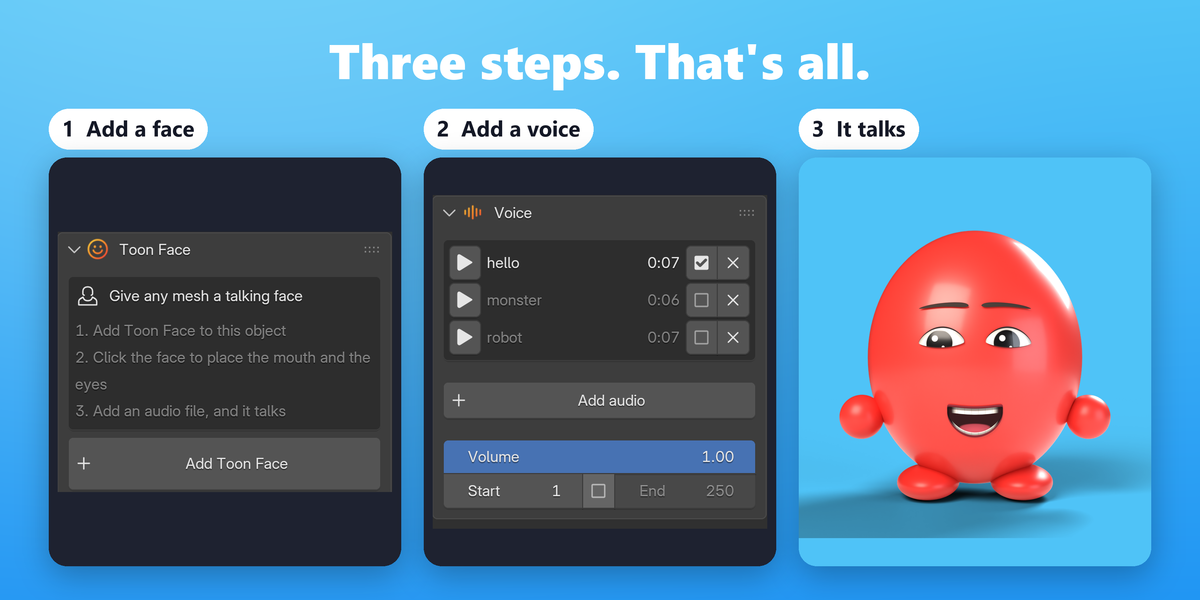

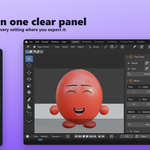
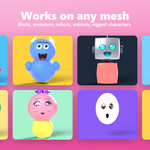
Yes. It works on any mesh: a sphere, a blob, a robot, a fruit or a fully rigged character. Click where the mouth goes and between the eyes, or let Find the face place them. There is nothing to prepare: no shape keys, no face rig, no UV maps.
No. The face is drawn on a copy of the mesh's surface made by a Geometry Nodes modifier named Lipsync, kept last in the modifier stack. Your geometry, materials and other modifiers stay as they are. Remove Toon Face in the Bake panel takes everything away again.
Yes. The face is drawn on the mesh after the armature, shape keys and subdivision, so it follows every pose, whatever rig moves the mesh. You can even place it while the character is posed. Toon Face doesn't need face bones or shape keys and doesn't create any. Modelled eyes and lips attach themselves to the bone that moves that part of the face most, usually the head.
No. The audio is analyzed on your computer, once, when you add it. Nothing is uploaded, there is no account, no subscription and no AI service involved. It works fully offline.
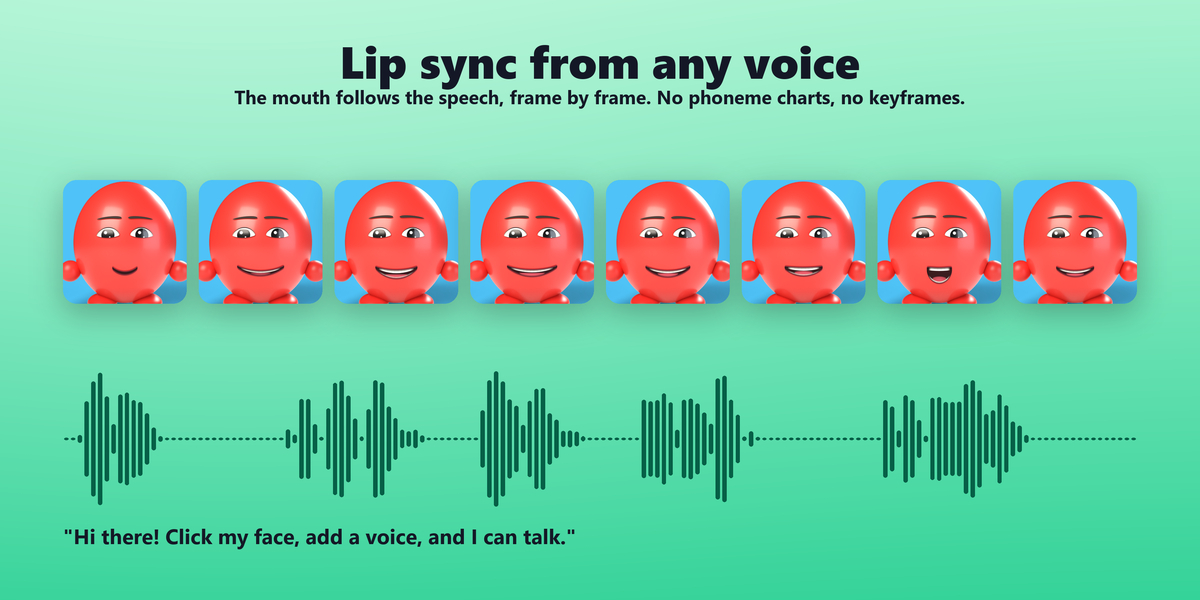
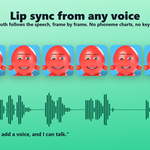
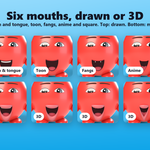
It's sound-driven, not phoneme recognition. The mouth opens with the loudness and drops furthest on A, rounds on O and U, widens on I and E, shows the teeth on S, tucks the lower lip under the teeth on F and V, presses shut on M, B and P, and the tongue rises on L, T, D and N. Vowels are measured against each speaker's own range, so every voice reaches every shape. That reads as natural speech on stylized characters, with no transcript and no setup. It doesn't use a dictionary of phonemes or mouth-shape charts.
Any. Because it listens to the sound rather than recognizing words, it works with any language, any voice and even singing.
MP3, WAV, OGG, FLAC, M4A, AAC, OPUS and WebM, read by Blender's own audio engine. The first 10 minutes of a file are used; for longer dialogue, split it into several files.
With no audio, the mouth chatters on its own. That's handy for blocking out a shot; add the voice later and it switches over.
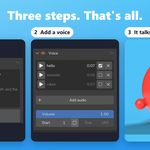
Yes. The audio is added to the Video Sequencer as a sound strip, so you hear it while animating and Blender mixes it into the video. In Output Properties, render to a video format and pick an audio codec such as AAC.
Yes. Each object has its own face, moods and audio. The audio library is shared by the scene, so characters can each have their own recording or share one.
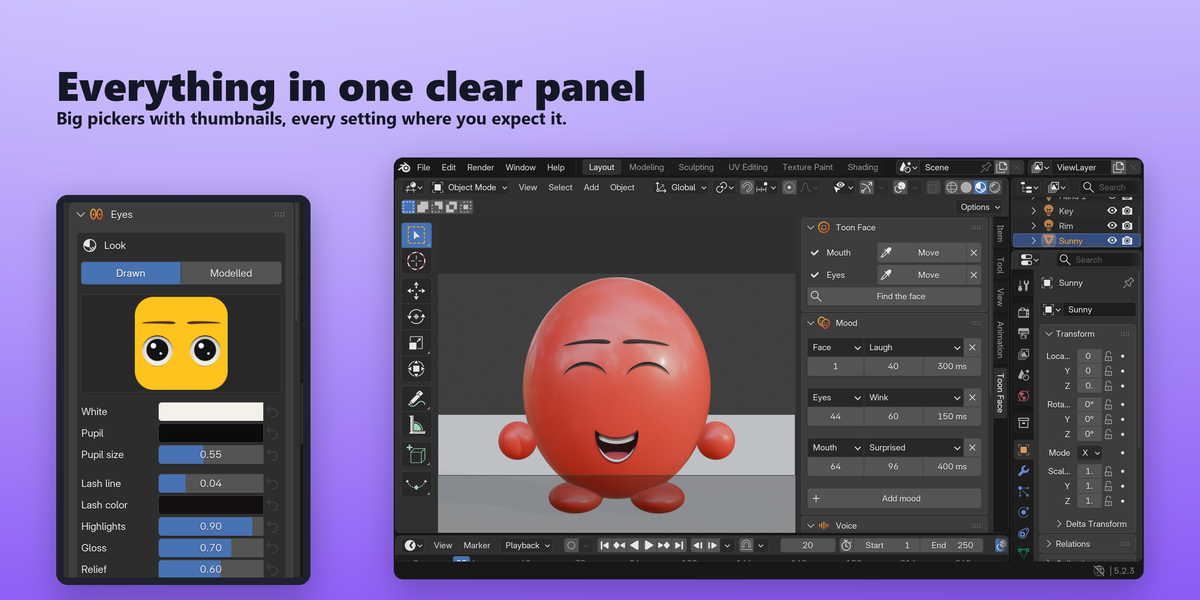
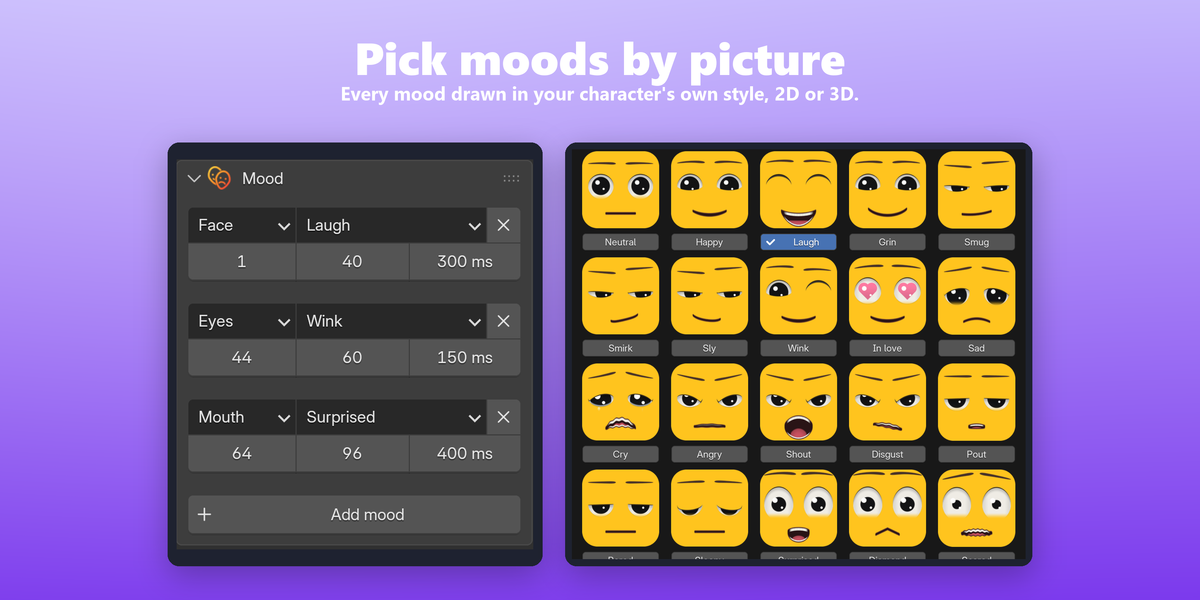
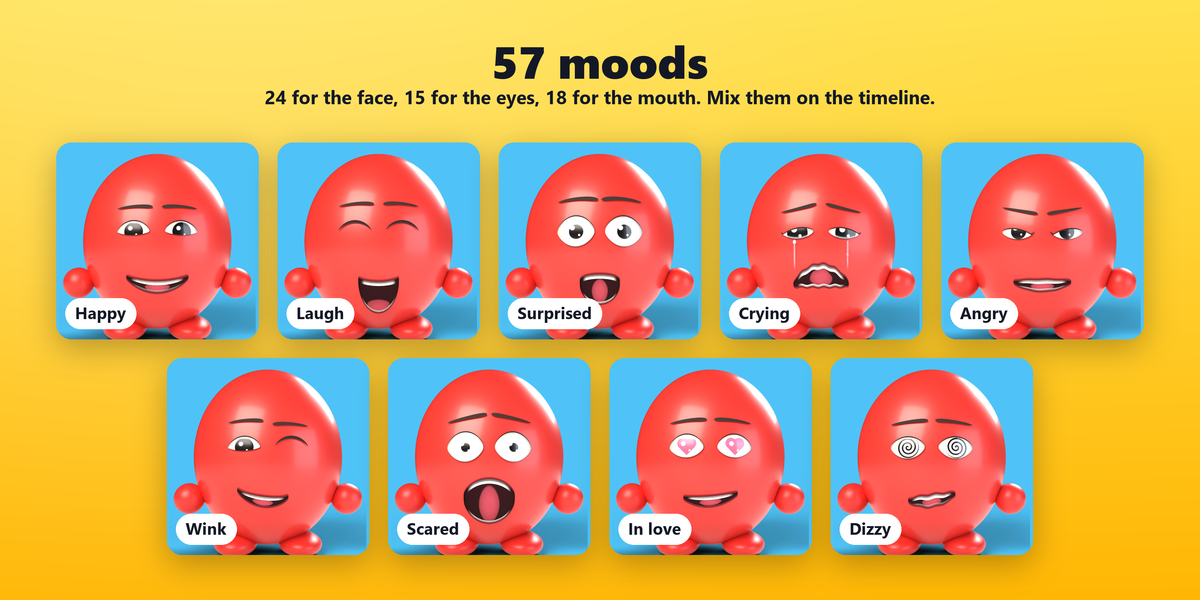
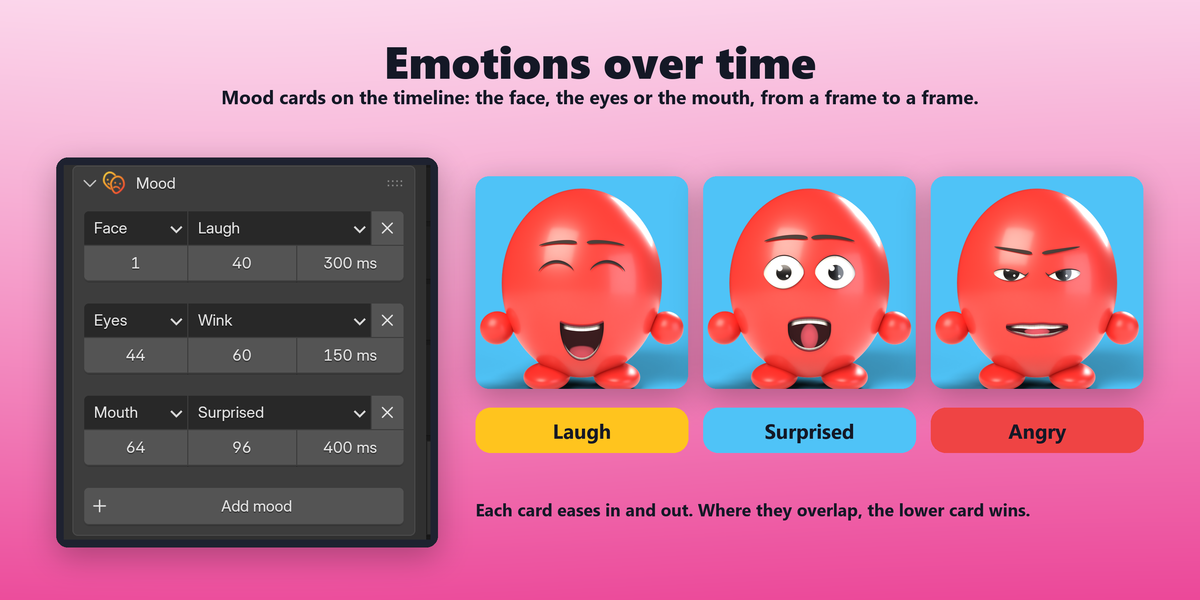
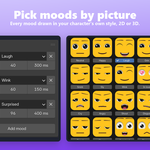
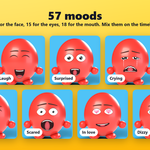
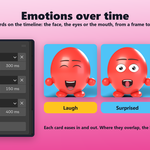
Yes. The Mood panel holds mood cards, each with a start frame, an end frame and a blend time, for the whole face, just the eyes or just the mouth. Cards can overlap: the lower one wins. There are 24 face moods, 15 eye moods and 18 mouth moods.
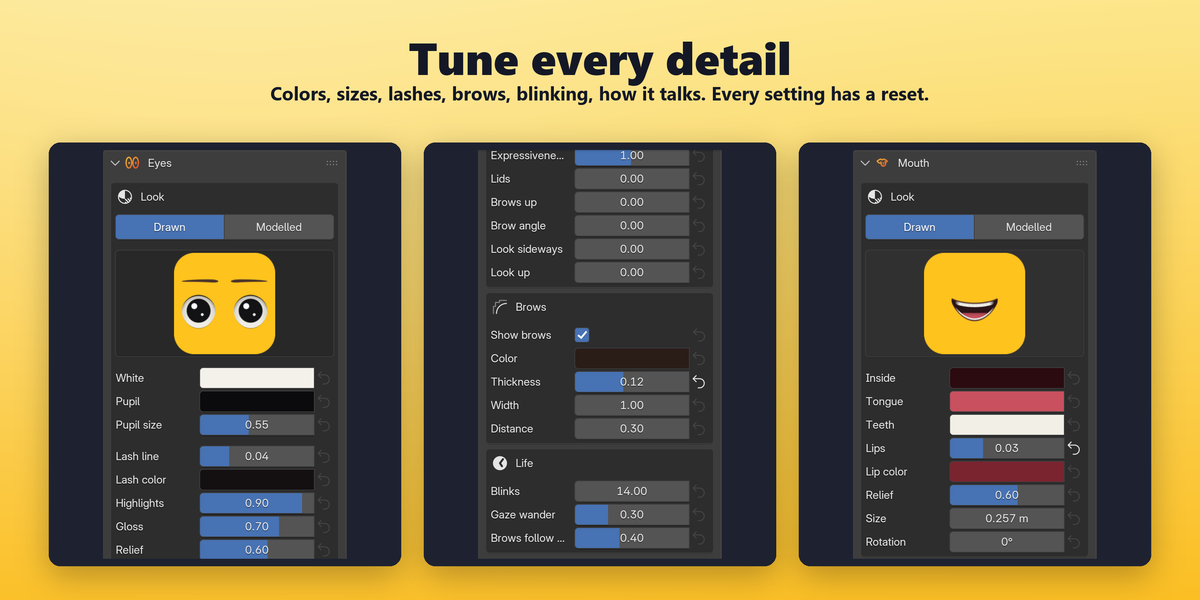
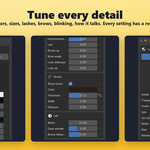
Yes. The Expression and Life sliders of the eyes (lids, brows, look direction, blinks, gaze wander) and the Shape and Talking sliders of the mouth can be keyframed like any Blender property: hover and press I. They work on top of the mood cards. Every setting also has a ↺ button that sets it back to its default.
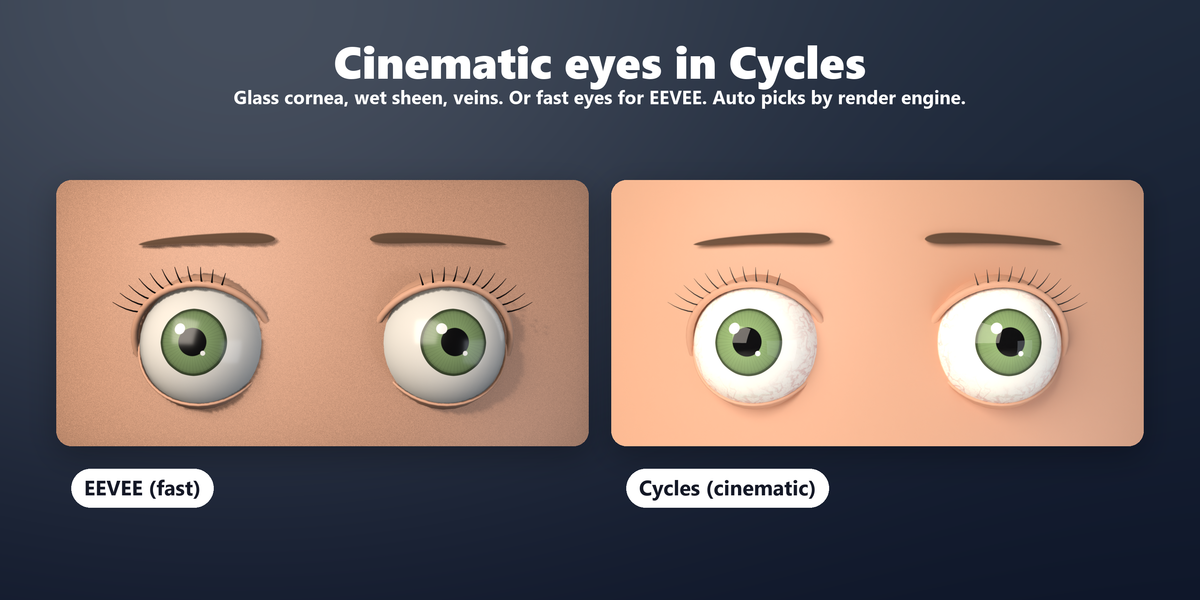
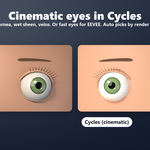
Yes, in both. The eyes have a Quality setting: Cycles (cinematic) adds a glass cornea with refraction on modelled eyes, light scattering in the white and a wet clear coat; EEVEE (fast) keeps viewport playback smooth. On Auto (by render engine) it follows your scene's engine.
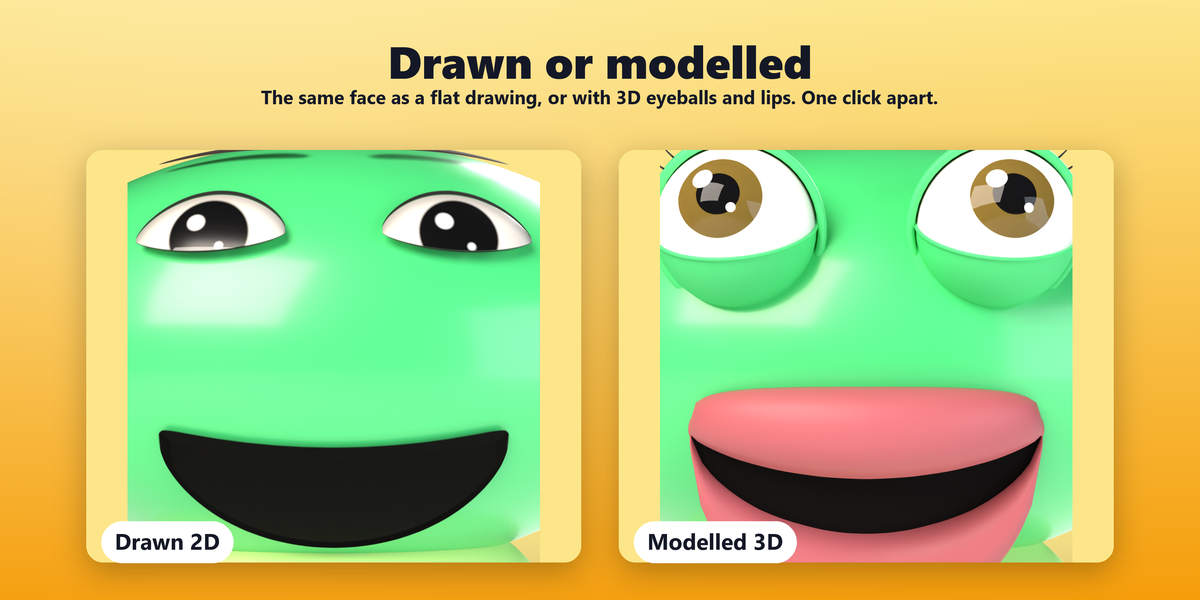
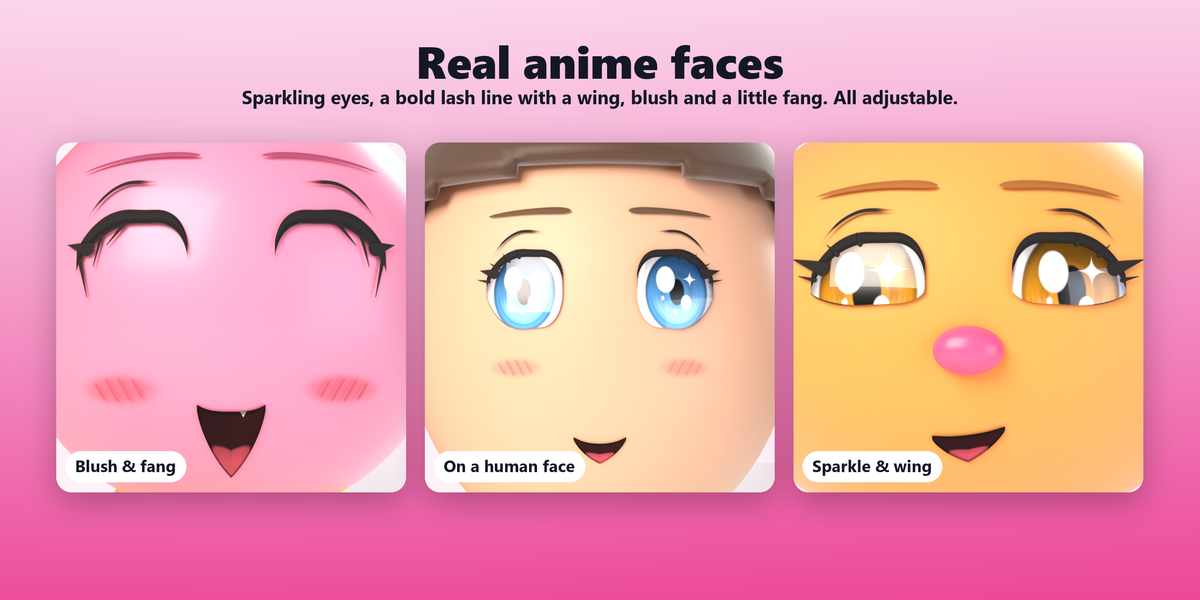
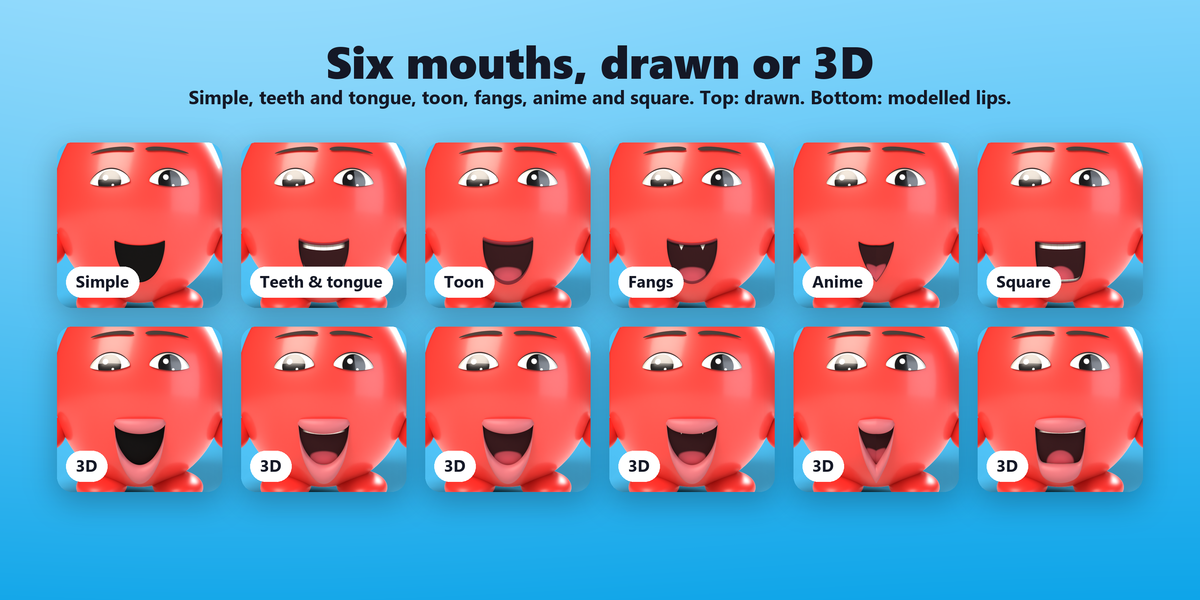
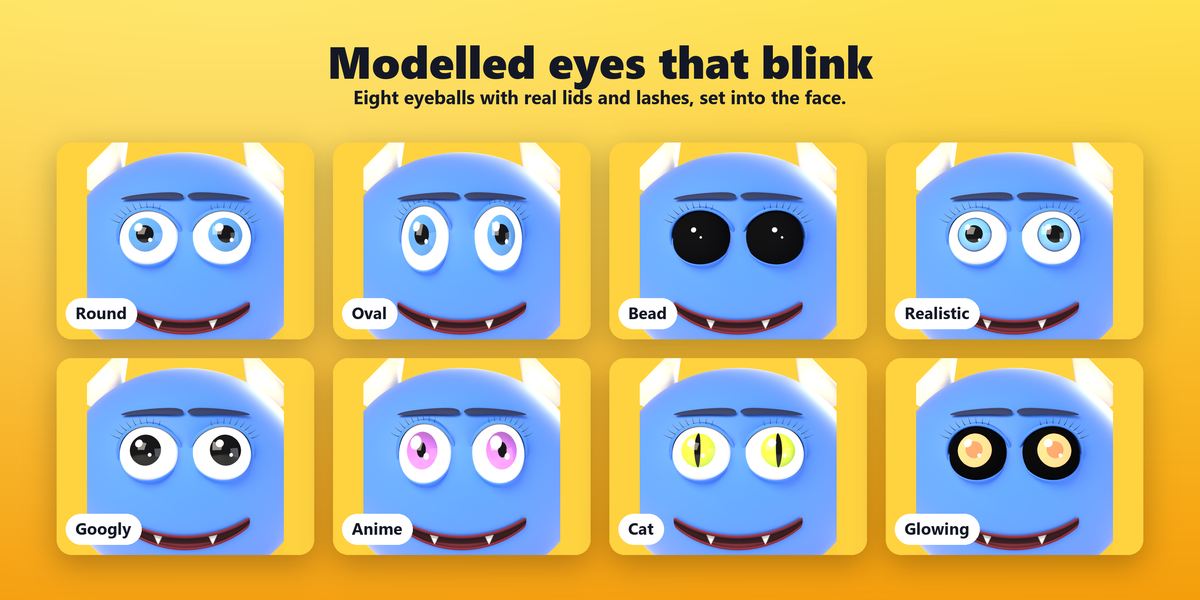
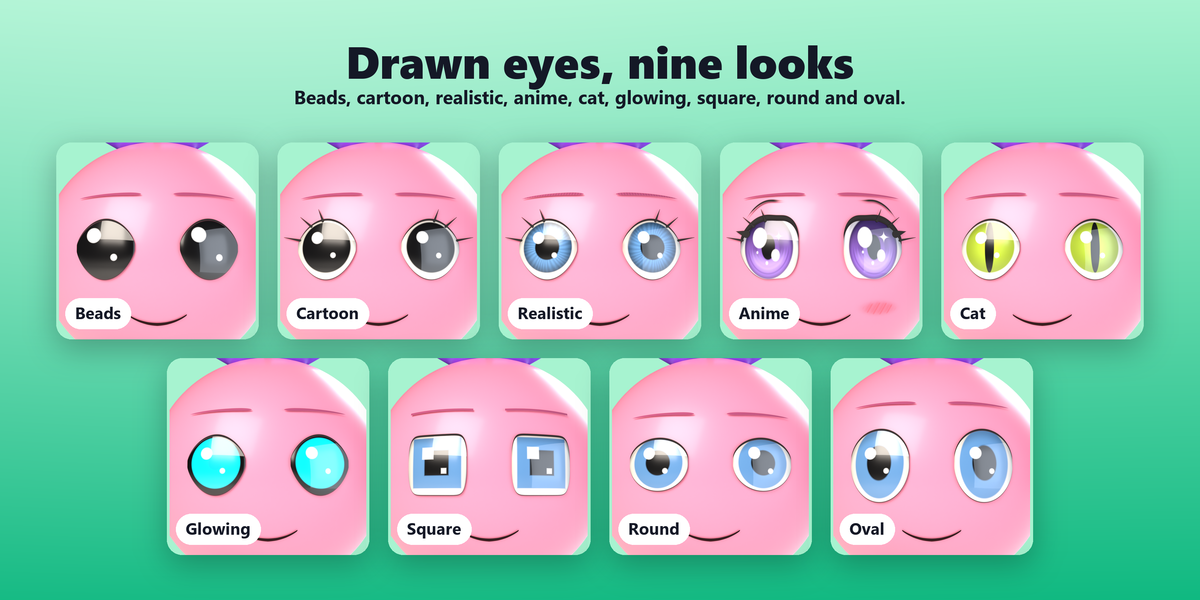
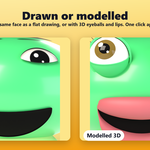
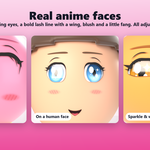
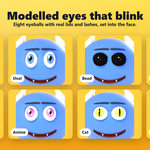
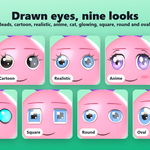
Drawn eyes and mouths are painted on the skin: light, clean and perfect for 2D-style characters. Modelled eyes are real 3D eyeballs with lids that blink, and modelled lips are 3D lips around the drawn mouth; both catch real light and shadow. You can mix them, for example modelled eyes with a drawn mouth.
Yes. Bake to keyframes in the Bake panel writes the drawn face's animation to keyframes, so the scene renders without the add-on installed. Modelled eyes and lips are animated by the add-on itself, so for those the farm needs Toon Face installed. Send the audio file along if you want sound in the video.
The face is worked out every frame with fast array math, and the audio is analyzed only once, so a single character plays back smoothly. With many talking characters, bake the ones you're not working on, or set the eyes' quality to EEVEE (fast) while animating.
The analyzed speech is saved in the .blend, so the mouth keeps talking. Listening, the sound strip and the sound in your video still need the file, so keep it with your project.
Blender 5.2 and newer. It is tested with Blender 5.2.3.
It's pure Python and uses only what ships with Blender, so it should run wherever Blender 5 runs. So far it has only been tested on Windows.
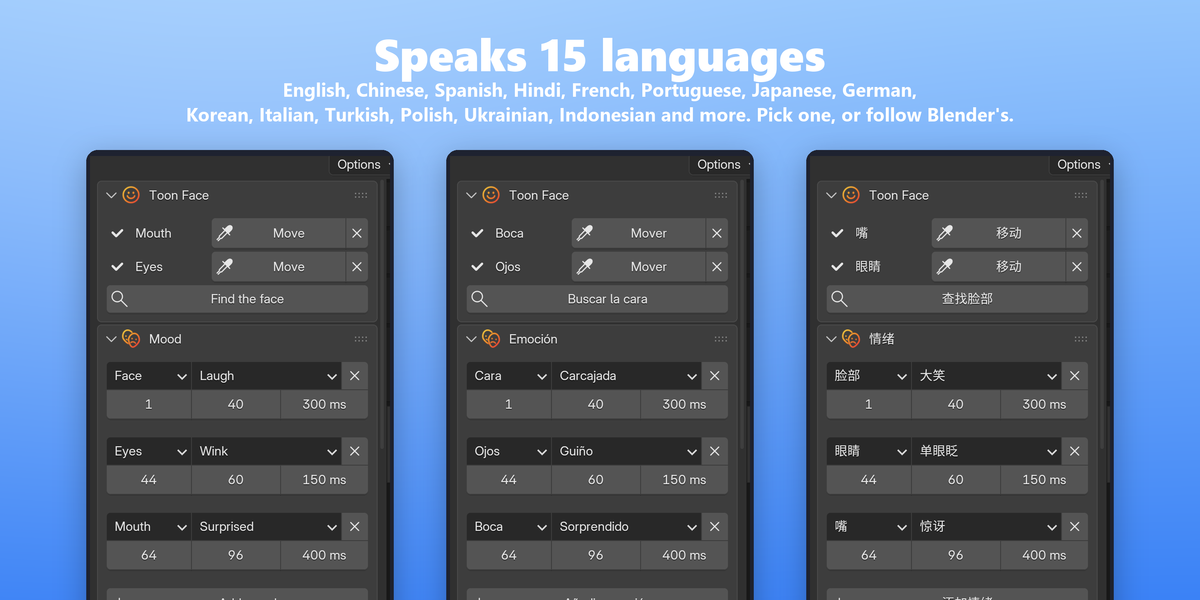
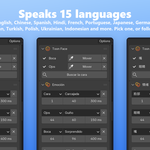
Yes. The panel speaks 15 languages and follows Blender's interface language automatically. To pick one yourself, open the add-on's preferences and choose it under Language.
Download the new version from your Superhive account and install the zip the same way as the first time. Your scenes keep their settings.
Toon Face's code is released under the GNU GPL, version 3 or later, the same license Blender itself uses and the standard for Blender add-ons.
Purchases and refunds are handled by Superhive under its marketplace policy. If something doesn't work, please get in touch through the product page first: most problems have a quick fix.
Toon Face is made by Melisa. Questions, bug reports and ideas are welcome through the product page.
Have questions about this product?
Login to message
| Blender Extension Compatible | Yes |
| Published | about 2 hours ago |
| Blender Version | 5.2 |
| Extension Type | Add-on |
| Render Engine Used | Cycles, Eevee |
| License | GPL |
Discover more products like this
toon anime audio cartoon face emotions lip sync talking character eyes mouth lipsync character animation Facial Animation