 Melisa
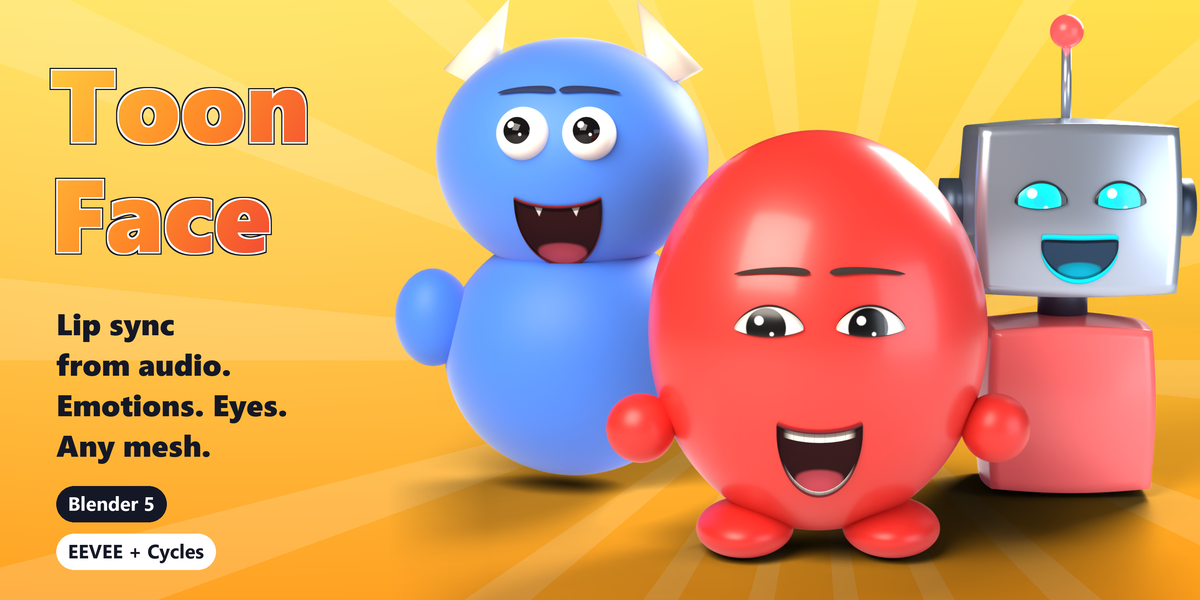
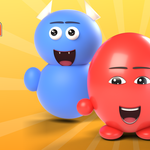
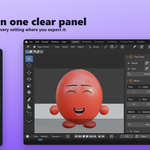
Give any mesh a talking face in under a minute.
Toon Face puts a mouth and a pair of eyes on any mesh in Blender and makes them talk to a voice recording. The mouth follows the speech, the eyes blink and glance around, the brows lift on stressed words, and you can change the mood on the timeline with a few clicks. No shape keys, no face rig, no phoneme charts, no keyframes to set by hand.
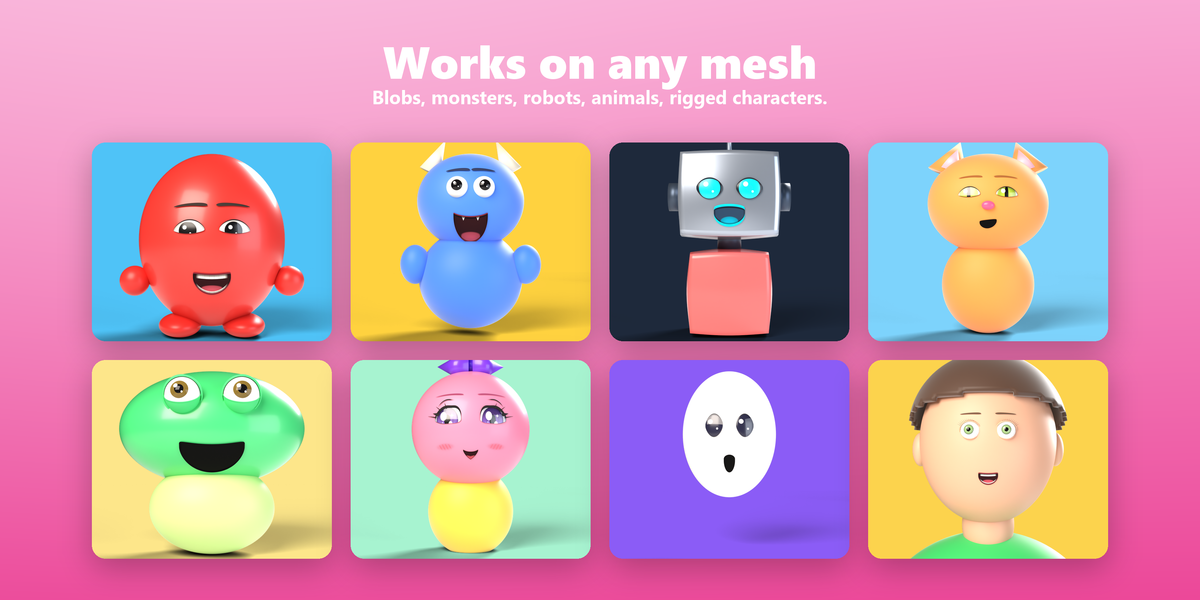
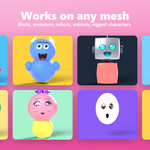
It works on anything with a surface: a cartoon blob, a robot, a fruit, a mascot, a rigged character in any pose. Your mesh, its materials and its other modifiers are never changed.
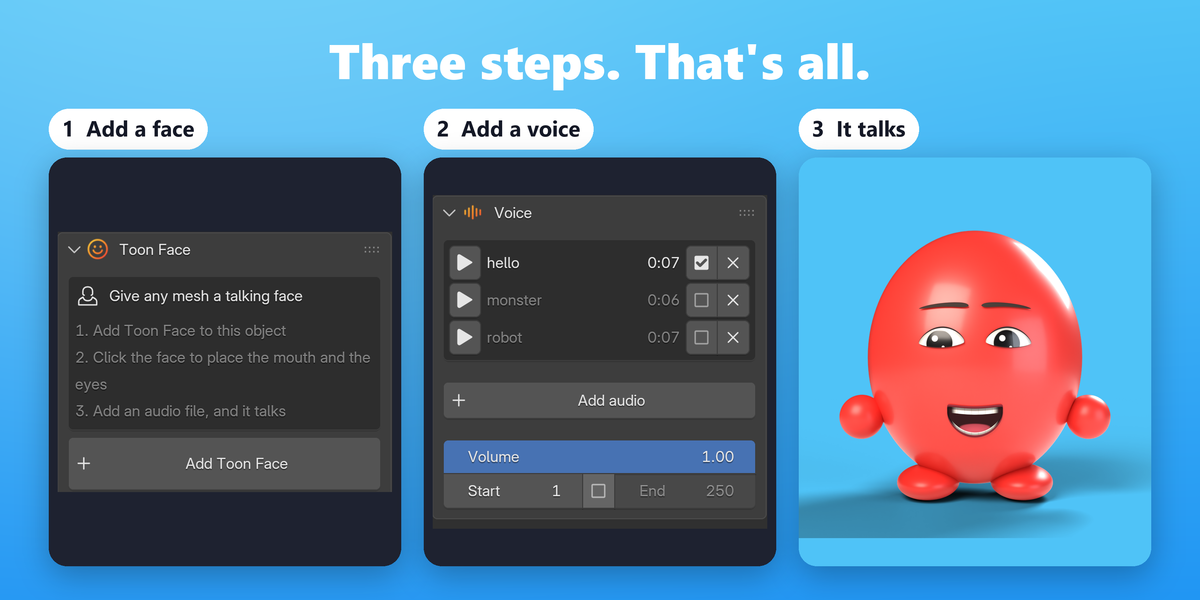
How it works in 3 steps
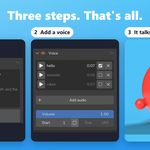
- Add a face. Select a mesh, open the Toon Face tab in the sidebar (N) and click Add Toon Face.
- Place it. Click Find the face and it places the mouth and eyes for you, or click Place on model and click the spot yourself.
- Give it a voice. Click Add audio, pick a recording, press Play. That's it: it talks.
No recording yet? The mouth chatters on its own, so you can block out a shot now and drop in the voice later.
Lip sync straight from the audio
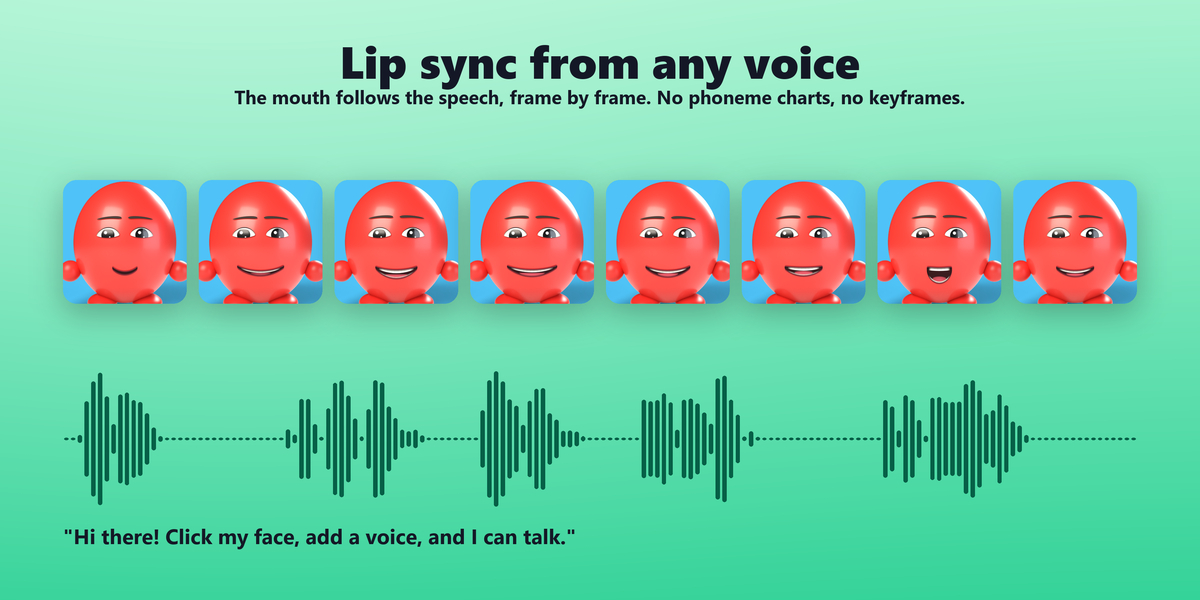
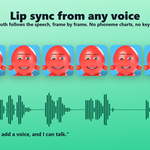
- Reads the sound itself: the jaw drops wide on A and barely on I and U, O and U round the lips, I and E stretch them wide, S shows the teeth in a slit, F and V tuck the lower lip under the teeth, M, B and P press the lips shut, and the tongue rises on L, T, D and N.
- Tuned to each voice: vowels are measured against the speaker's own range, so a child, a woman and a deep voice all reach every mouth shape.
- Any language, any voice, even singing. No transcript, no internet, no AI service.
- Analyzed once when you add the file and stored in the .blend, so scrubbing and playback stay fast.
- Tune the delivery: how wide it opens, liveliness, threshold, smoothness and calm twitches.
- MP3, WAV, OGG, FLAC, M4A, AAC, OPUS and WebM.
Emotions over time
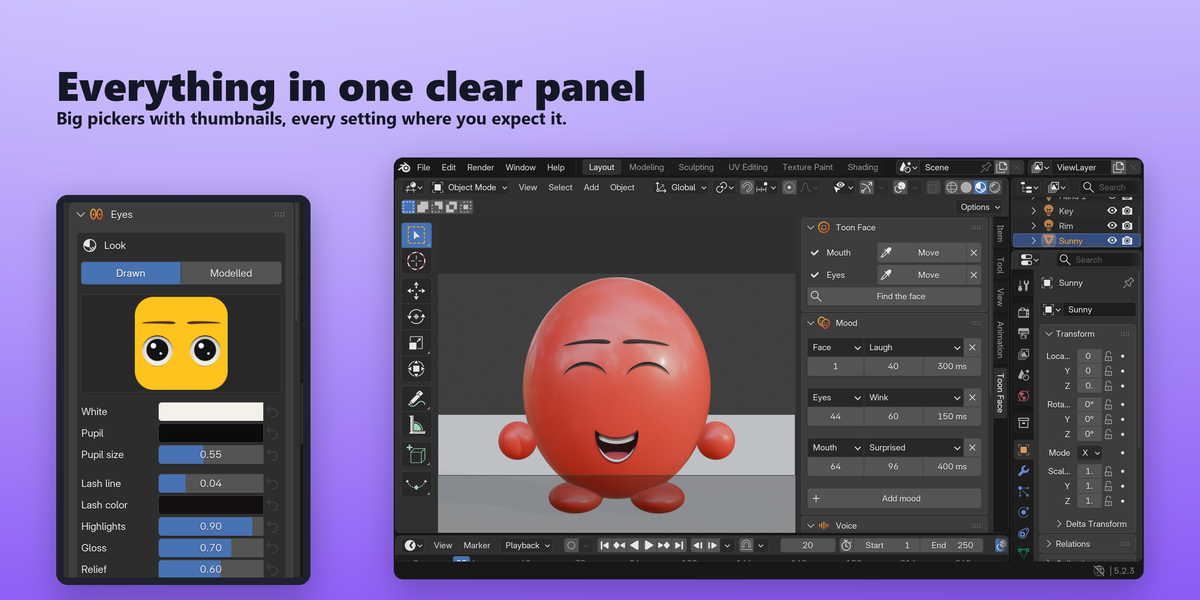
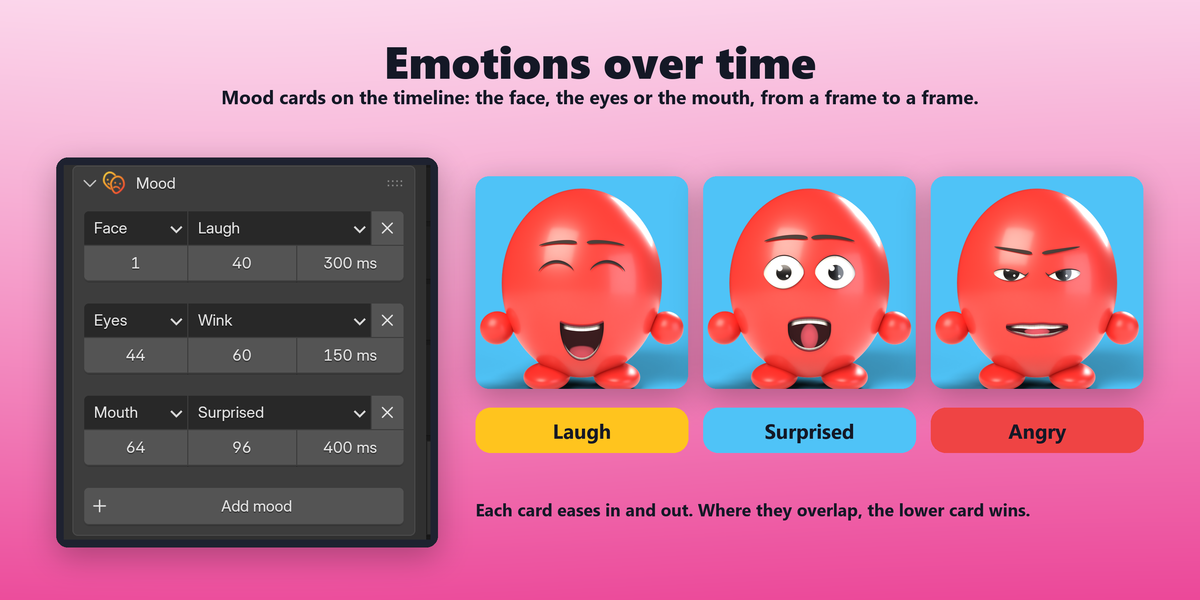
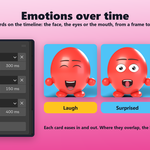
- Mood cards on the timeline: each card sets a mood for the whole Face, or just the Eyes or the Mouth, from a start frame to an end frame.
- Smooth changes: every card eases in and out over a blend time you choose, or switches instantly.
- Layer them: where cards overlap, the lower card wins, so a quick wink can sit on top of a long happy stretch.
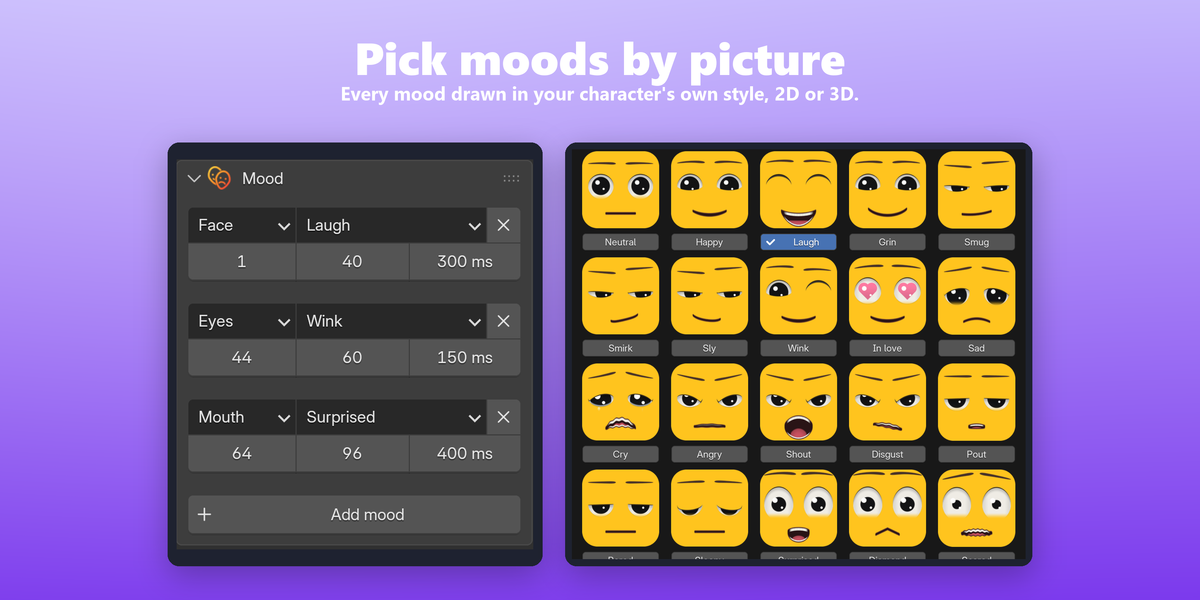
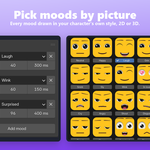
- Pick by picture: moods open in a window of thumbnails drawn in your character's own eye and mouth style, 2D or 3D.
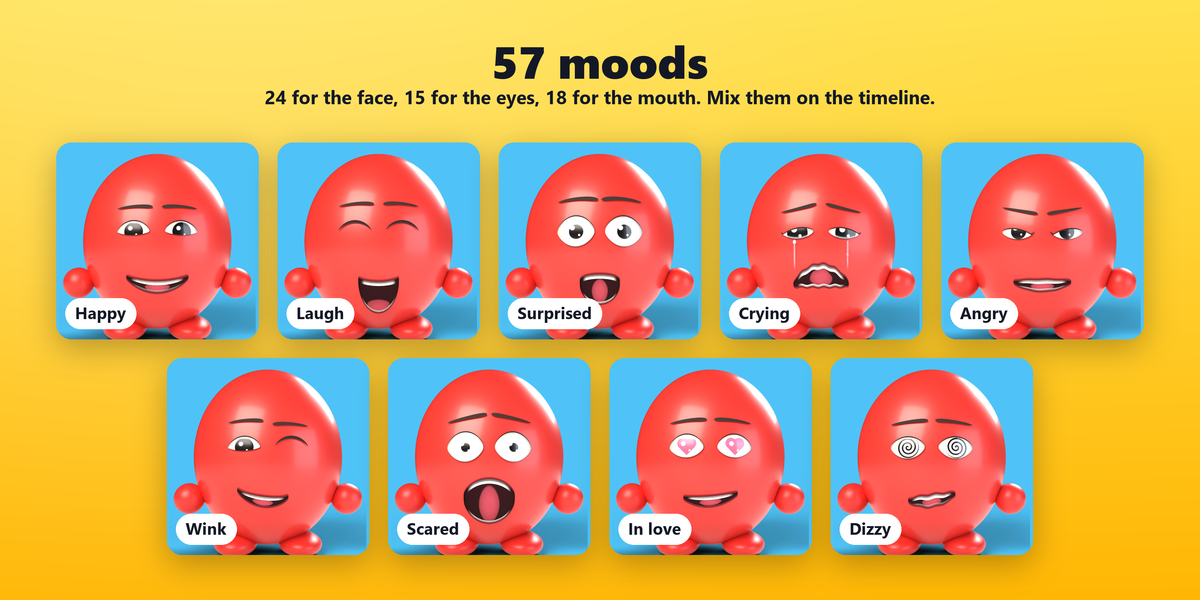
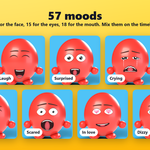
- 24 face moods, 15 eye moods and 18 mouth moods: happy, laugh, grin, smug, sly, wink, in love (heart pupils), sad, crying (with tears), angry, shout, disgust, pout, bored, sleepy, surprised, scared, nervous, confused, dizzy (spirals), knocked out (crosses) and more.
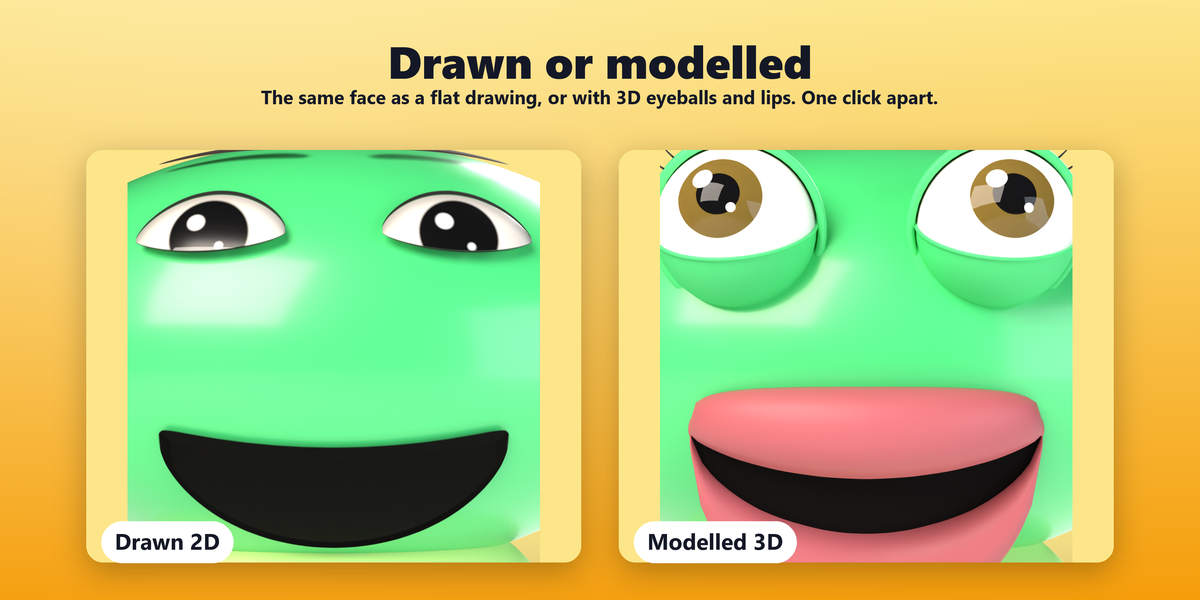
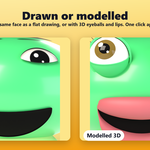
Eyes: drawn or modelled
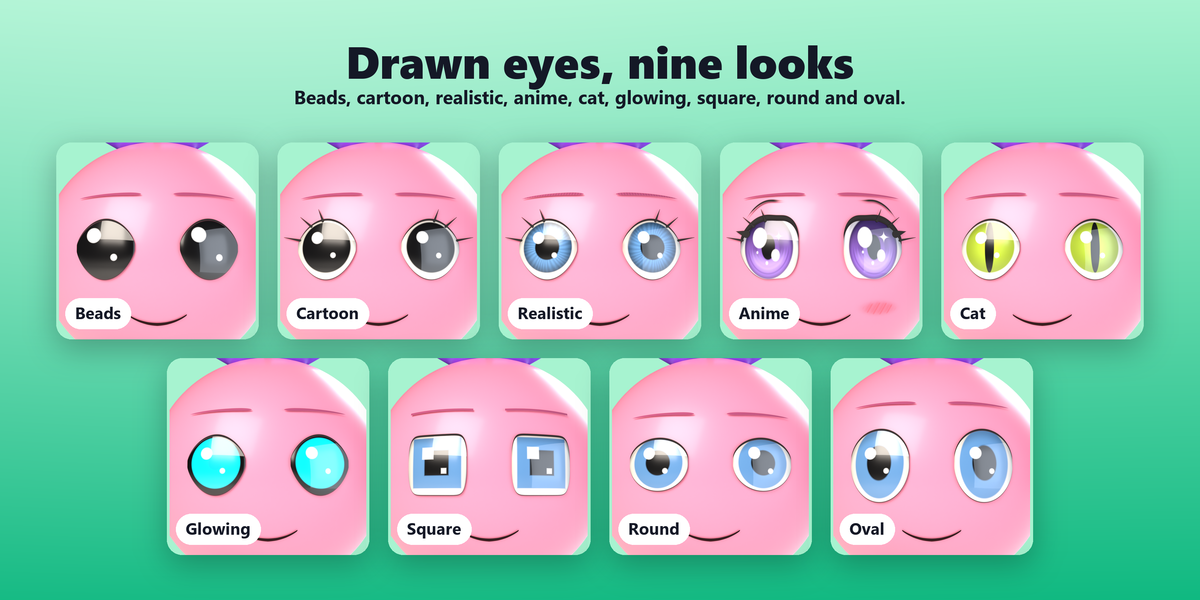
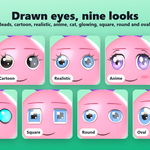
- 9 drawn styles: beads, cartoon, realistic, anime, cat, glowing robot, square, round and oval.
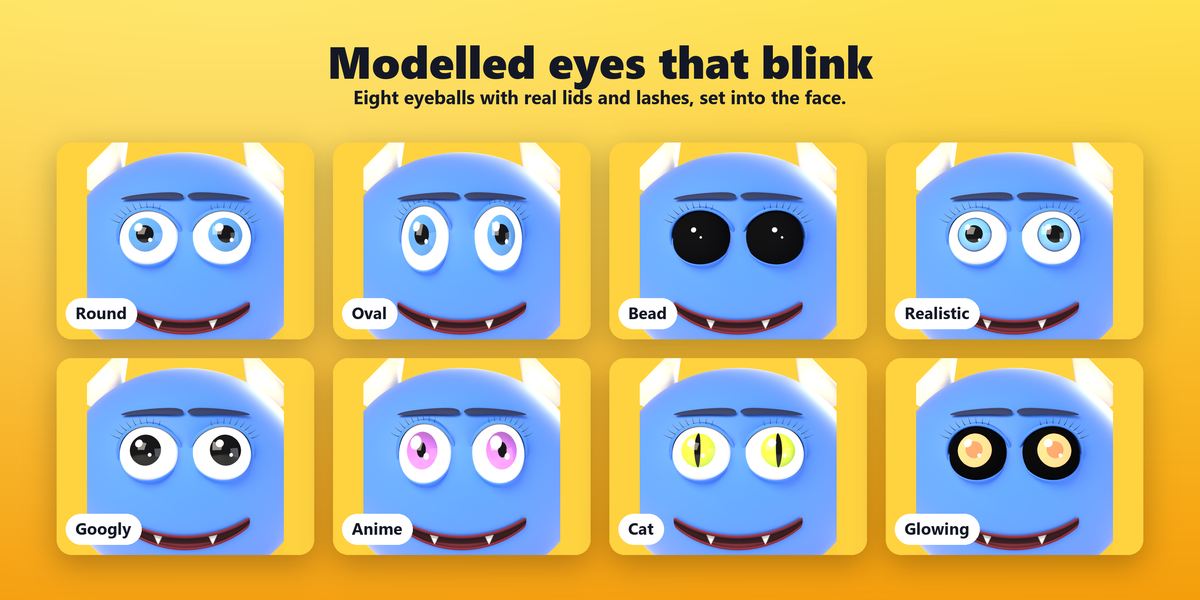
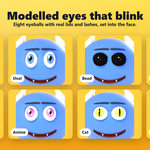
- 8 modelled 3D eyeballs with real lids that blink: round, oval, beads, realistic, googly, anime, cat and glowing.
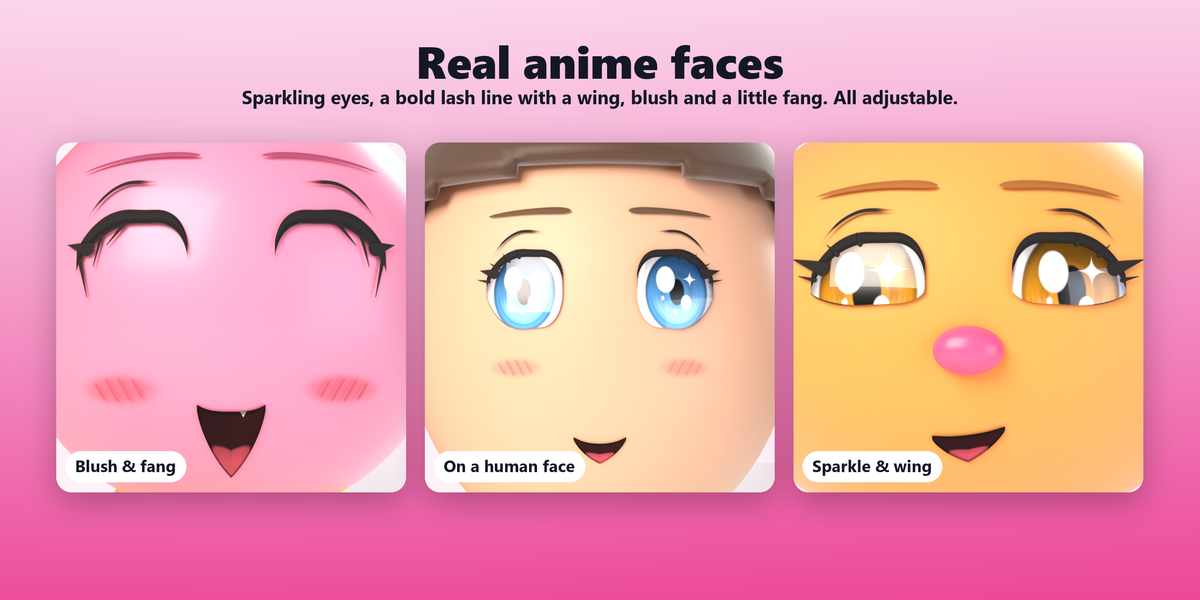
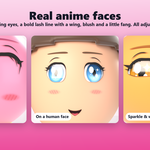
- Anime extras: twinkling sparkle, eyeliner wing, lower lash line and hatched blush, each on its own slider.
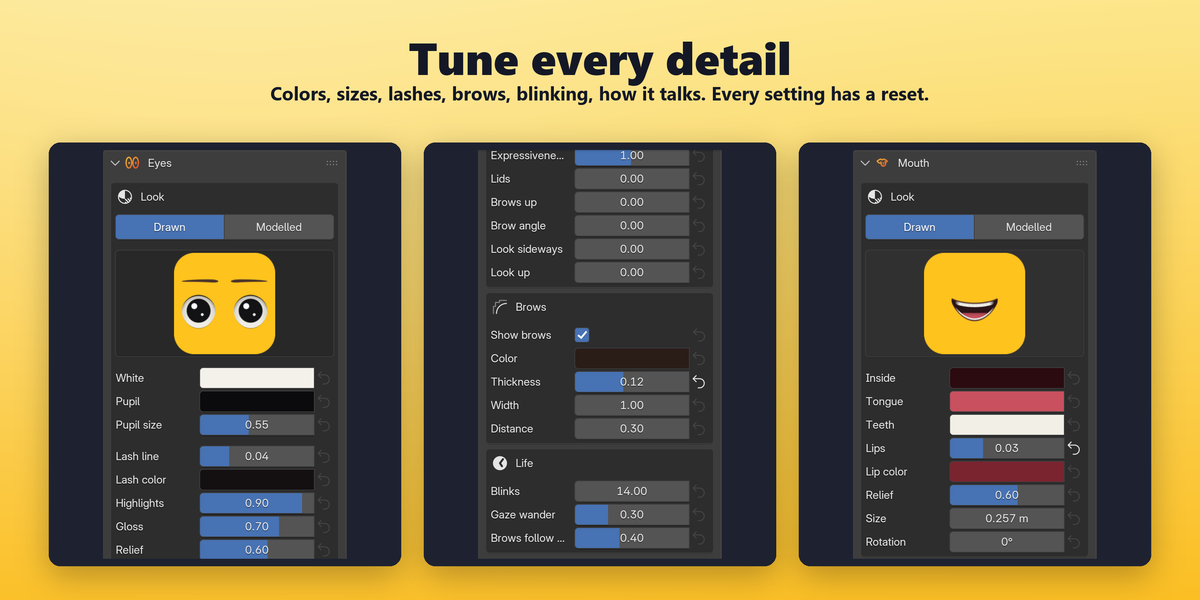
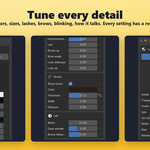
- Full control: white, iris and pupil colors and sizes, lash line, highlights, gloss, relief, lashes with length and count, veins on the white.
- Brows with color, thickness, width and distance.
- Life on its own: natural blinking, a wandering gaze, brows that follow the speech.
Cinematic in Cycles, fast in EEVEE
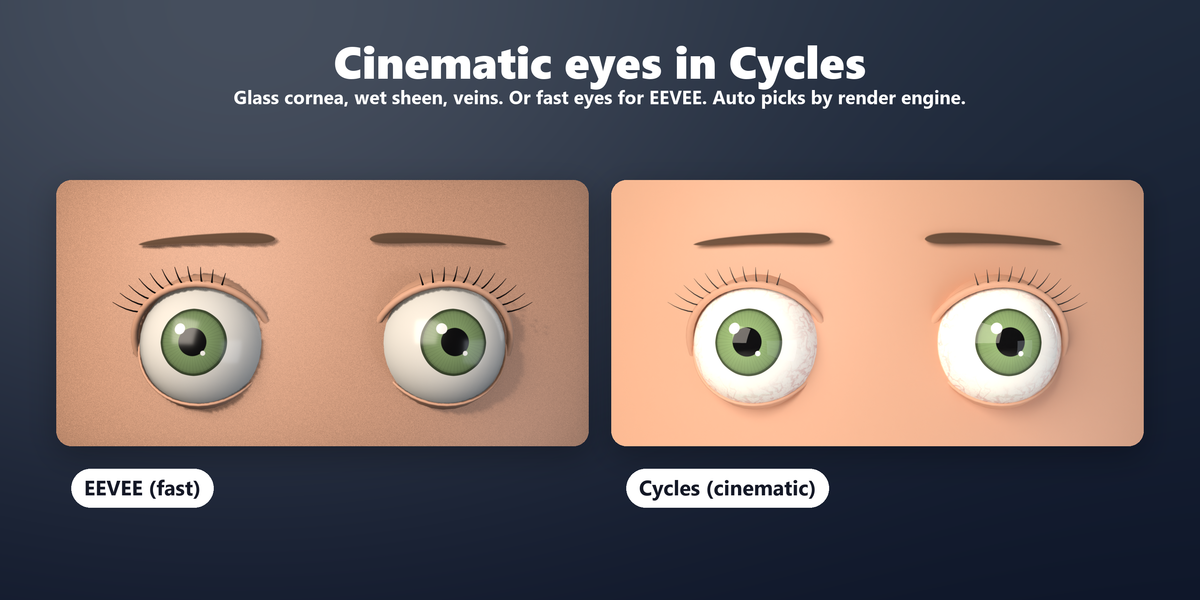
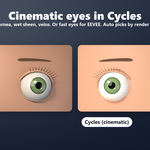
Leave the eyes' Quality on Auto and it follows your render engine, or set it by hand:
- Cycles (cinematic): modelled eyes get a clear glass cornea with refraction over the iris and soft light scattering in the white; drawn eyes get a wet clear coat.
- EEVEE (fast): the same look, light enough for smooth viewport playback.
Mouths: drawn or modelled
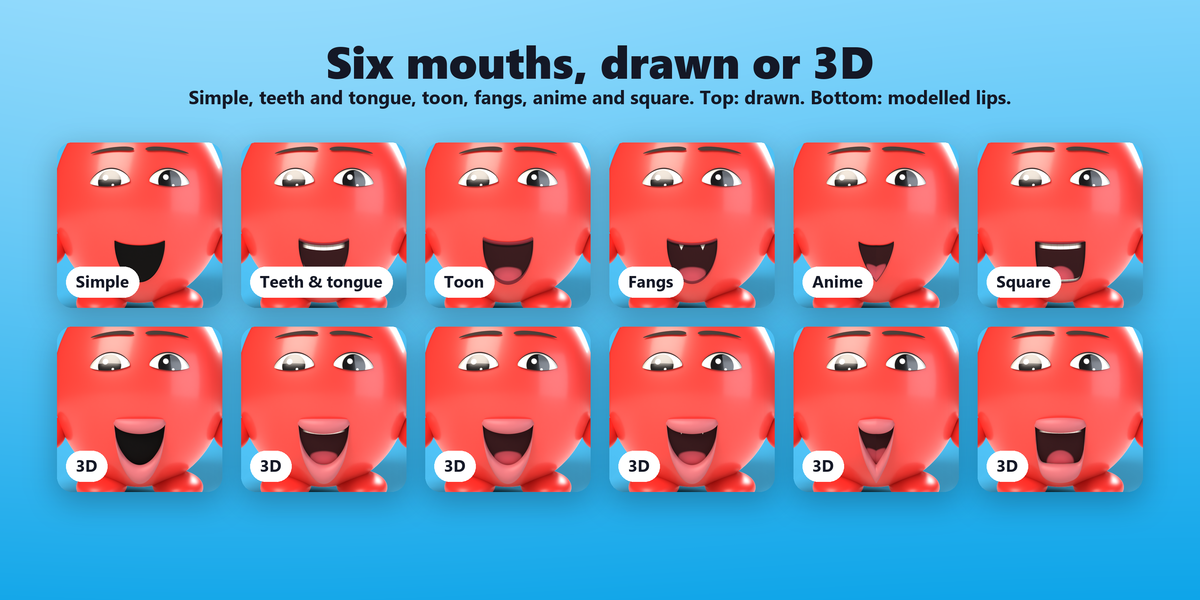
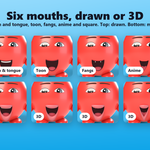
- 6 styles: simple, detailed with teeth and tongue, toon, fangs, anime (with an optional little fang) and square.
- Modelled lips: real 3D lips that follow the drawn mouth's outline as it talks, smiles and frowns.
- Shape it: soft corners (on by default), line thickness, expressiveness, curve, tilt, wave and shift.
- Colors for the inside, tongue, teeth and lips.
Built for real production
- Follows the rig: the face is drawn on the mesh after the armature, shape keys and subdivision, so it sticks in every pose. Modelled eyes and lips hang from the right bone by themselves.
- Place it on a posed character: clicks are mapped back to the rest pose.
- Bake to keyframes in one click, so the drawn face renders without the add-on, for example on a render farm.
- Sound in your render: the voice goes into the Video Sequencer as a sound strip, so you hear it while animating and it ends up in your video.
- Several characters per scene: each object has its own face, moods and audio; a scene audio library lets them share recordings.
- Keyframe the sliders of the expression, talking and life settings like any Blender property.
- ↺ reset next to every setting brings it back to its default.
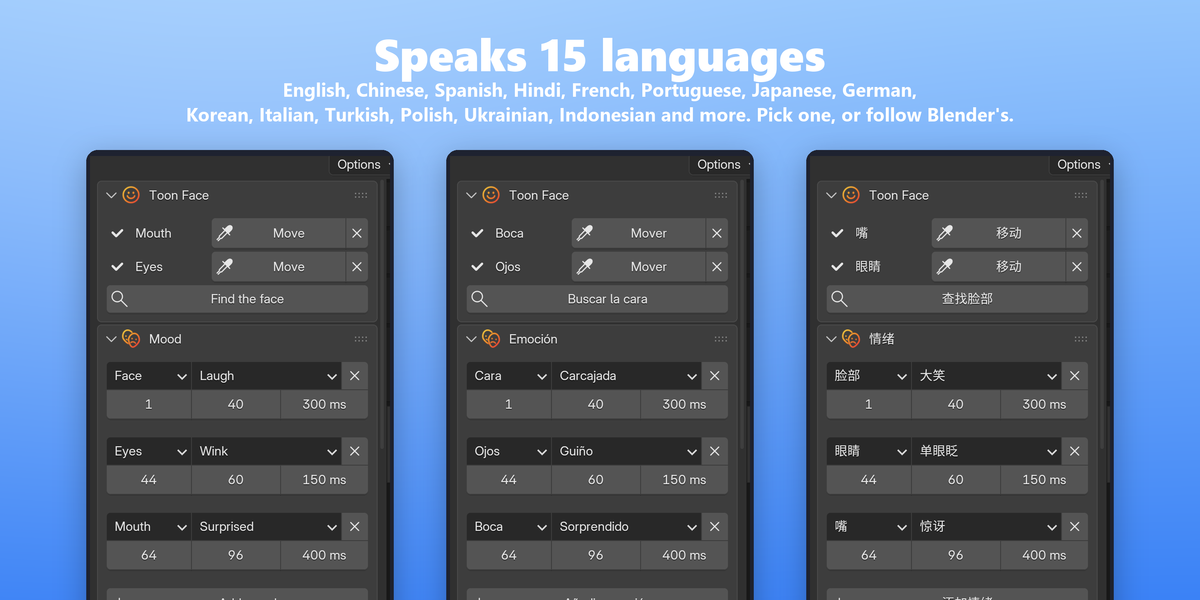
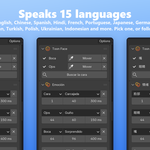
- 15 interface languages, among them English, Chinese, Hindi, Spanish, French, Portuguese, Japanese, German, Korean, Italian, Turkish, Polish, Ukrainian and Indonesian. It follows Blender's language automatically.
Who it's for
- Animators and YouTubers who need talking characters fast.
- Motion designers giving logos, products and mascots a personality.
- Indie game and short film makers blocking out dialogue scenes.
- Teachers and explainer video makers who want a friendly narrator.
- Anyone who wants a character to talk without building a face rig.
Requirements
- Blender 5.0 or newer. Tested with Blender 5.2.3 on Windows.
- Pure Python using only what ships with Blender, nothing else to install. macOS and Linux should work but have not been tested yet.
- Renders in EEVEE and Cycles.
- Works fully offline.
What's included
- Toon Face 1.0.0 as a Blender extension (.zip), installed in one step.
- Documentation and FAQ.