Toon Shader Pack, Stylized NPR Shading for Blender Eevee Engine
 Snap_Production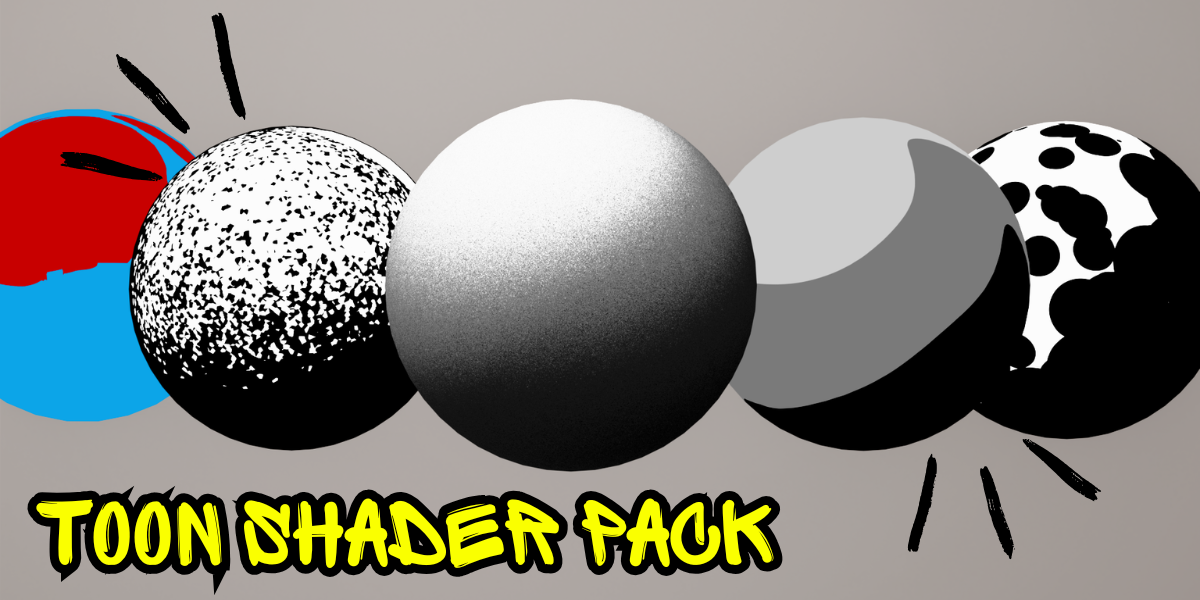
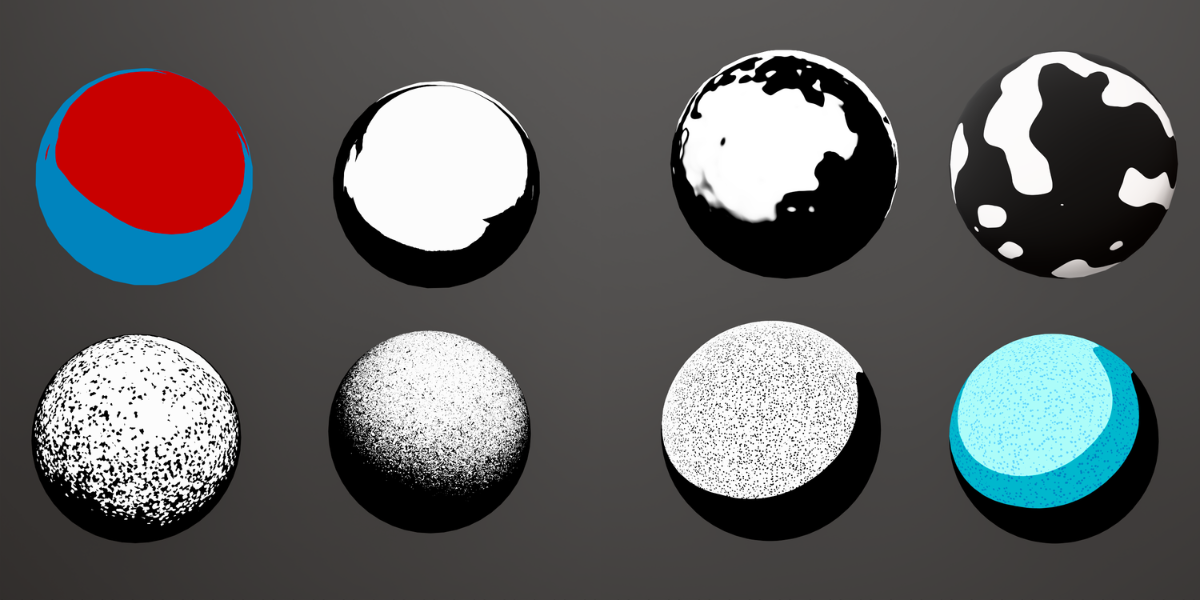
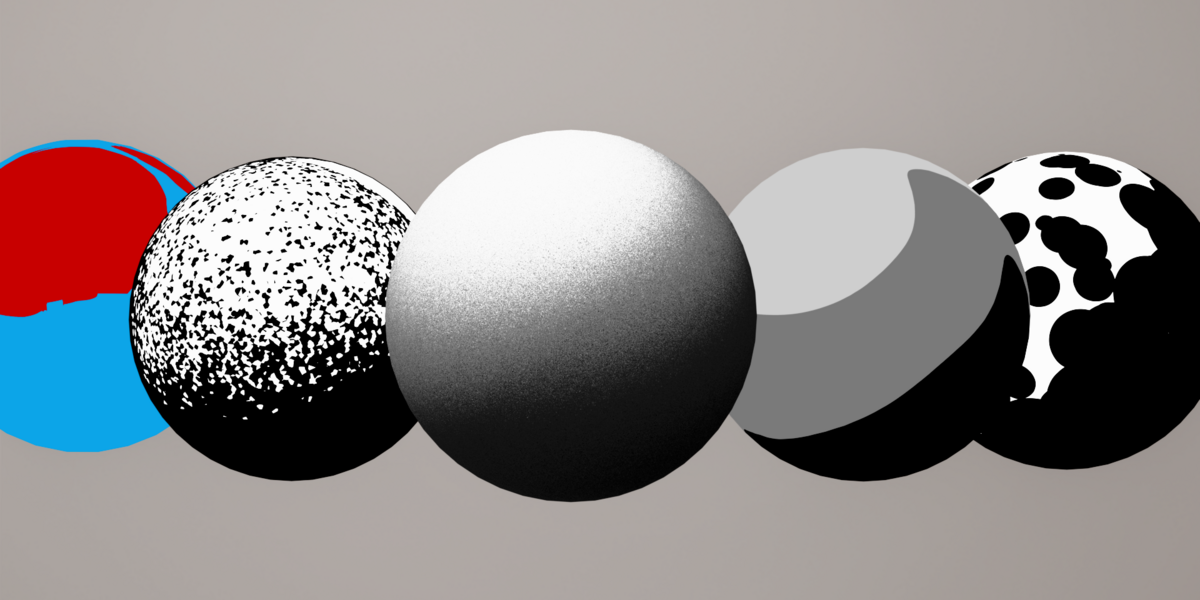
Overview
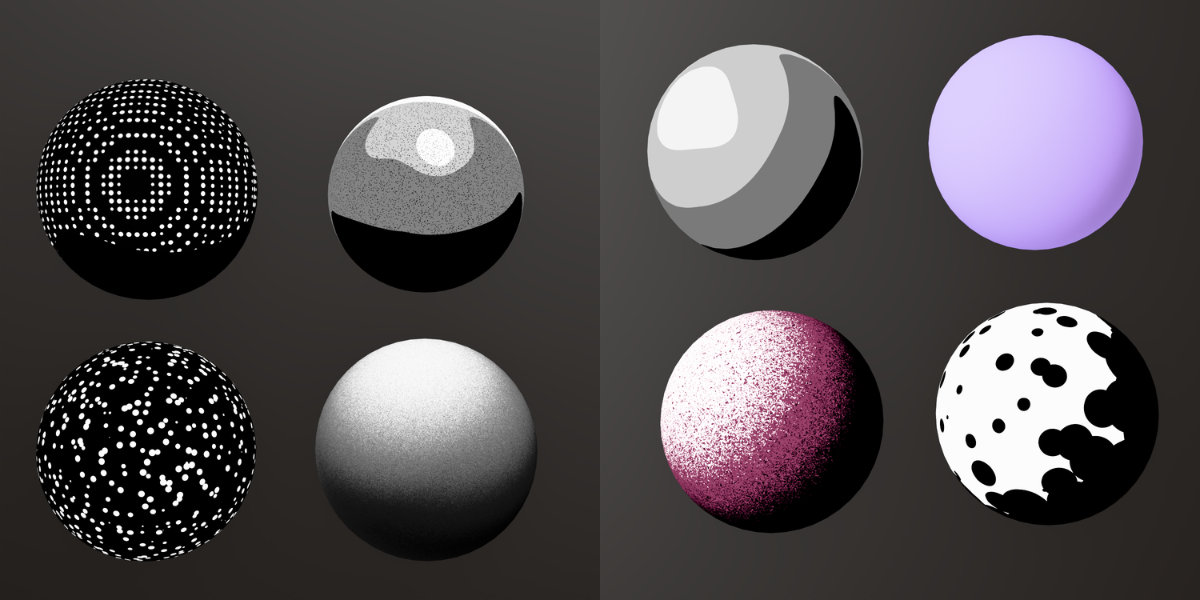
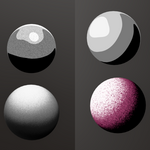
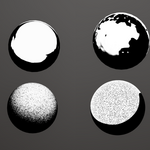
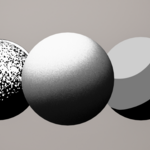
This pack includes stylized toon/cel-shader node groups for Blender, designed to give any object a clean, hand-drawn shadow look in eevee
Compatibility
- As long as your blender version support eevee then these shaders can work in it
Installation
- Open the
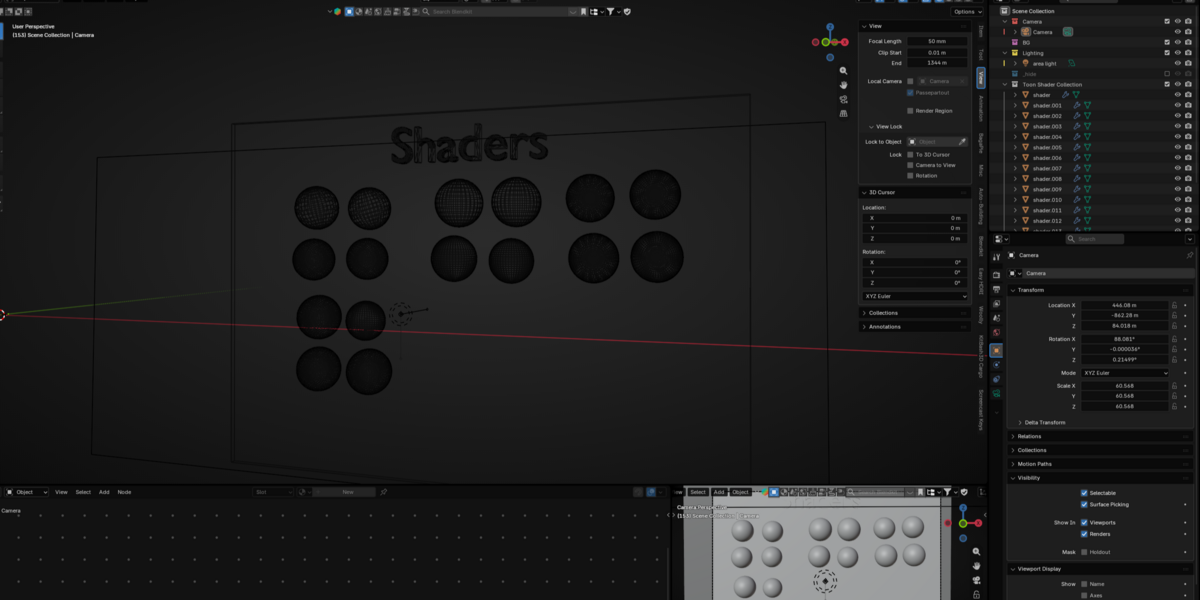
.blendfile included in the download, or append the shader node group into your existing project (File > Append > NodeTree). - Select the object you want to shade.
- Assign the included "Toon Shader" material to your object in the Material Properties panel.
Customization
-
Outline thickness — adjust via the
Outlineinput on the shader node group. -
Shadow bands — control how many shading steps (light/mid/dark) appear using the
Shadow Stepsinput. -
Rim light — toggle and adjust intensity/color with the
Riminputs. -
Base color — change the
Base Colorinput to recolor the shaded object.
Tips
- Works best with simple, evenly lit scenes for a clean toon look.
- Combine with Freestyle or Solidify (inverted normals) for stronger outlines.
- Duplicate the node group if you want different toon styles on separate objects.
Support
If you run into issues or have questions, reach out and I will answer as soon as possible
$1
Have questions about this product?
Login to message
| Published | 2 months ago |
| Blender Version | 4.5 - 5.2 |
| Extension Type | N/A |
| Render Engine Used | Eevee |
| License | GPL |