 NicoHartl
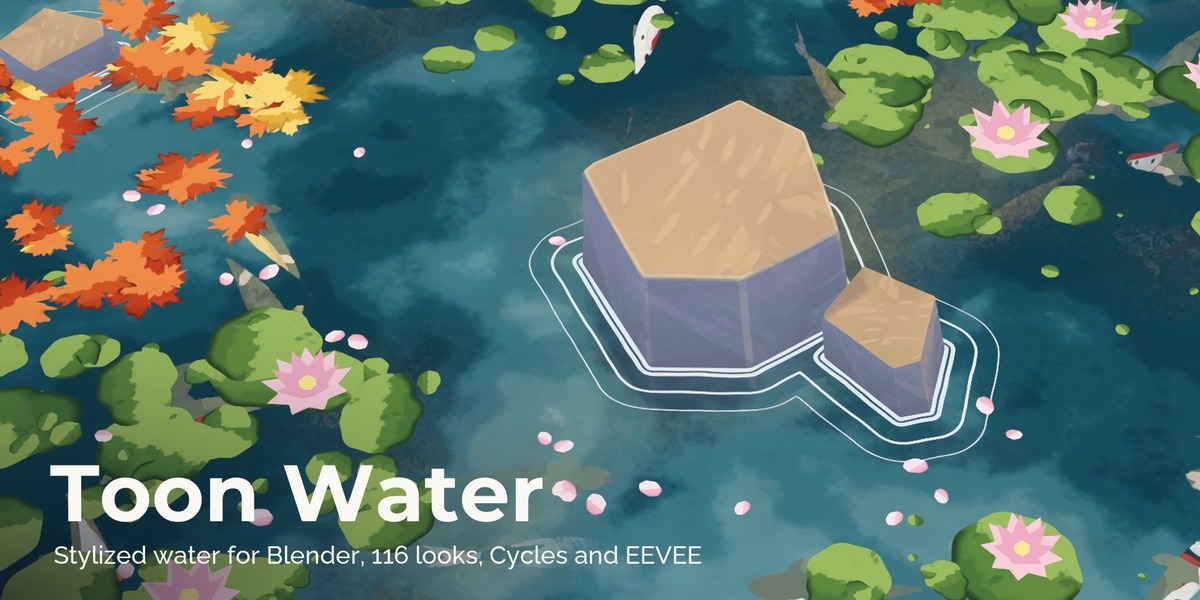
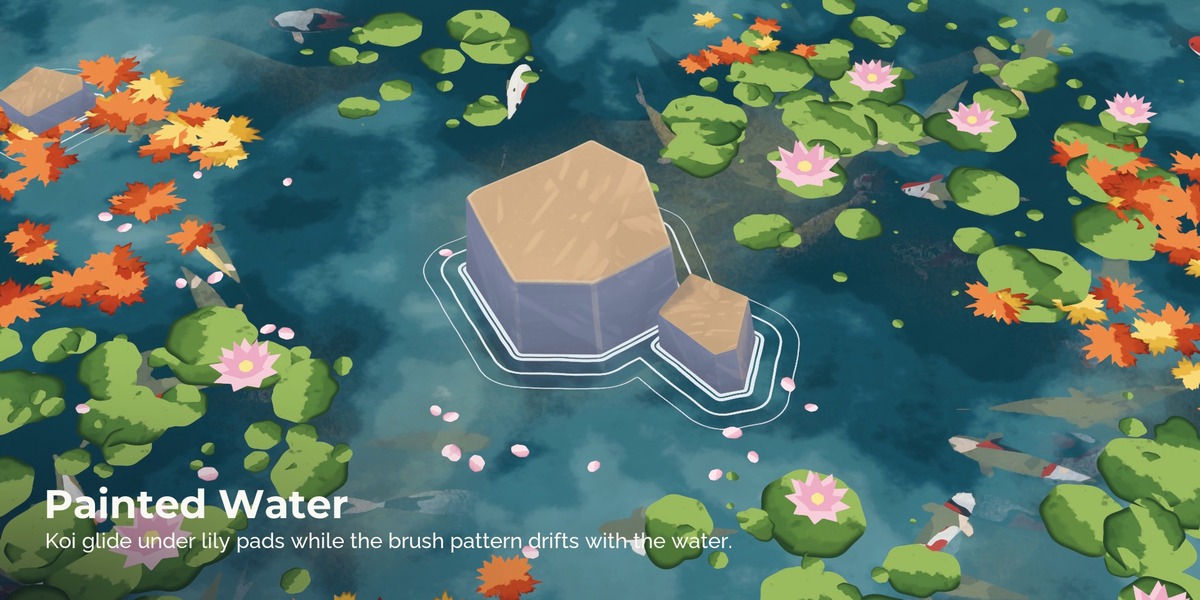
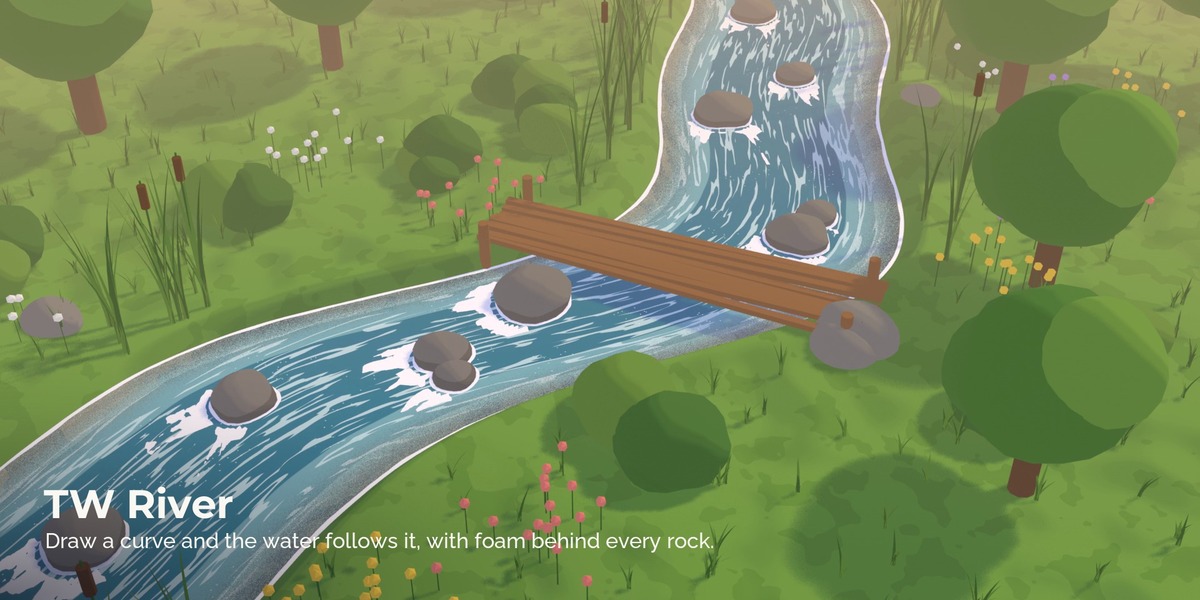
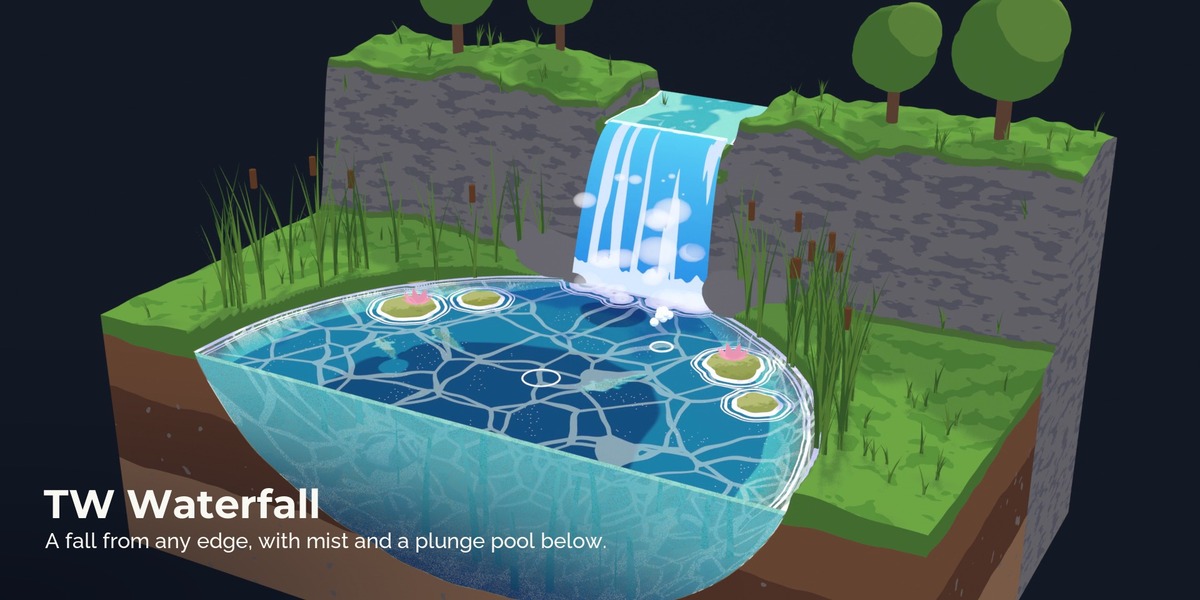
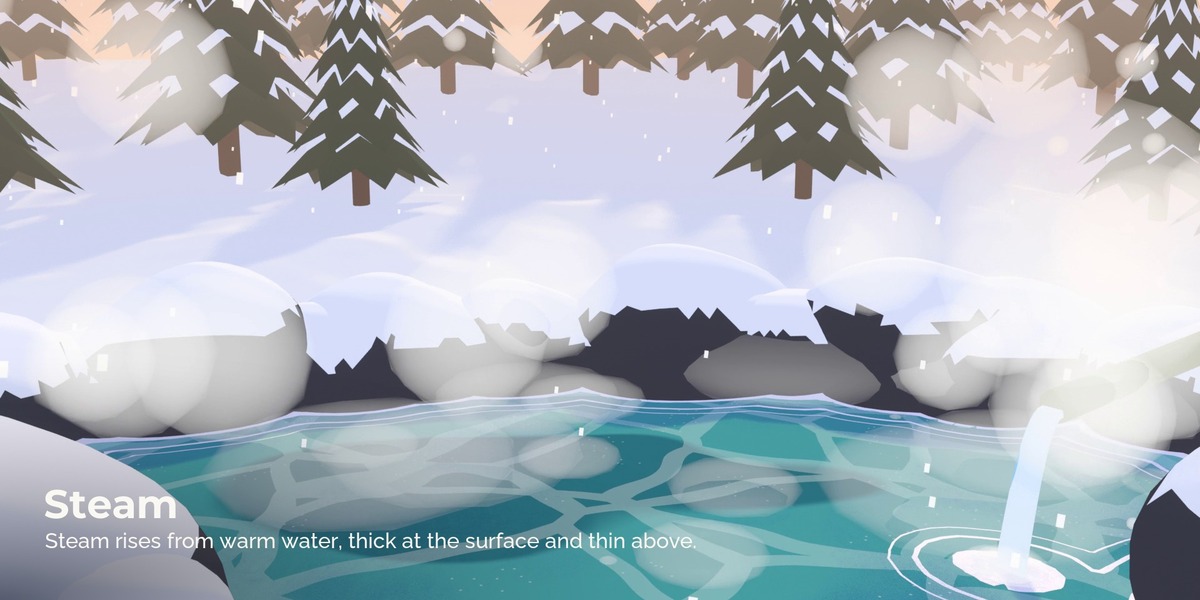
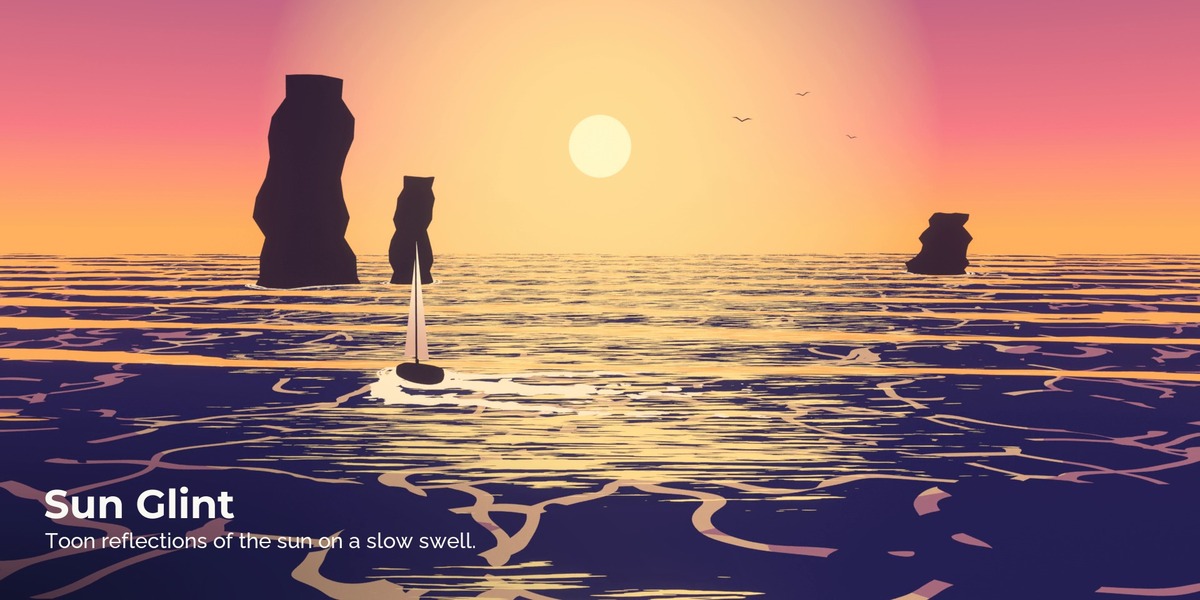
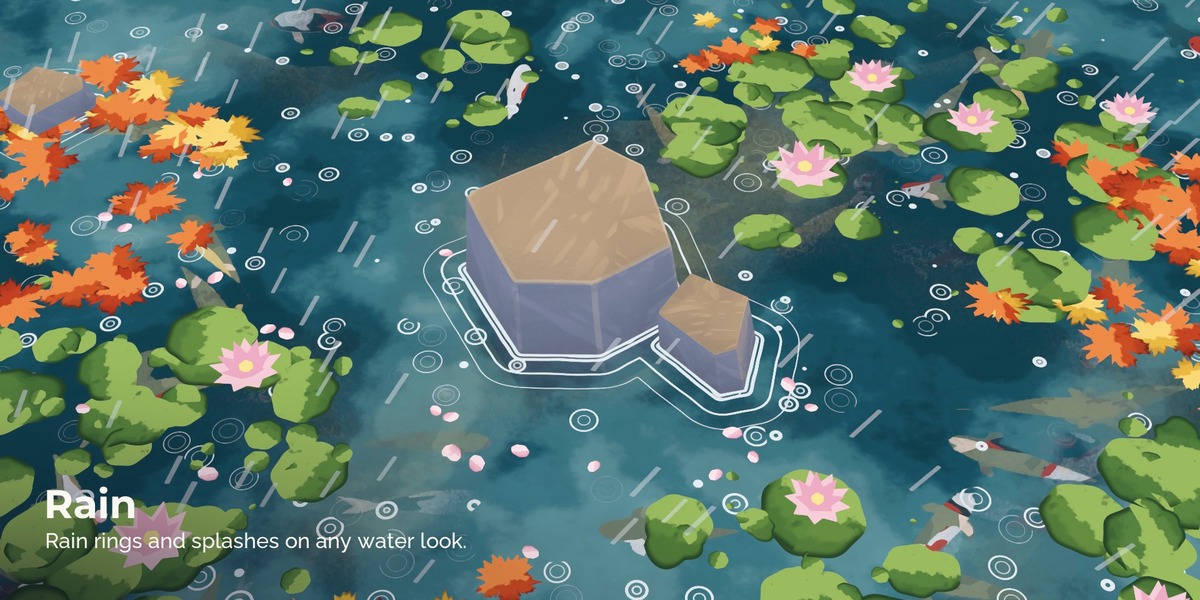
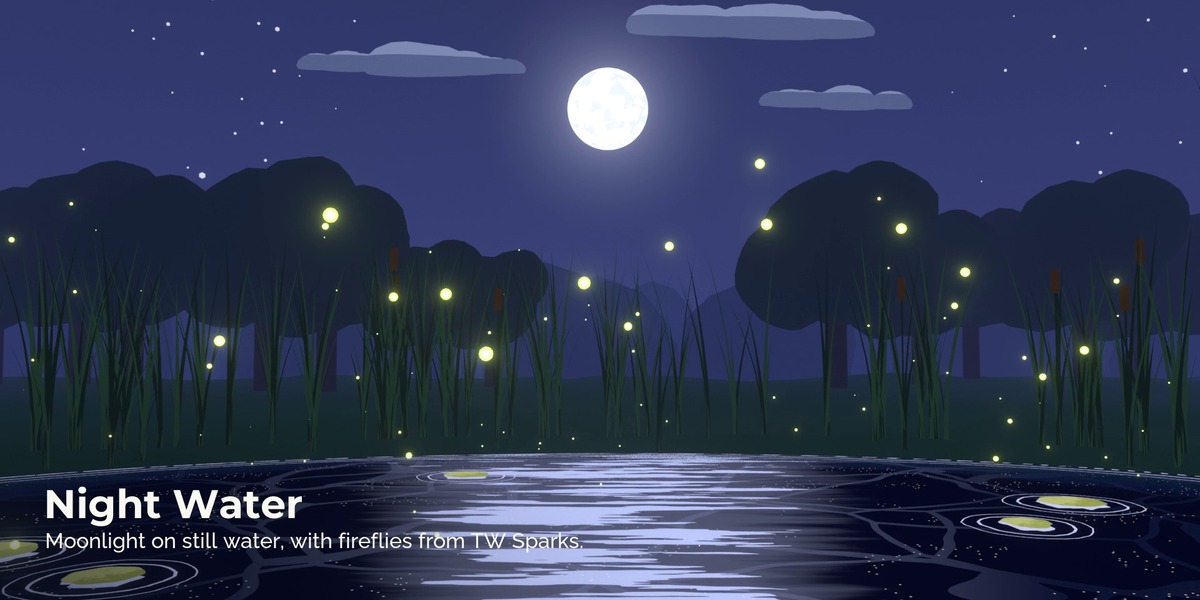
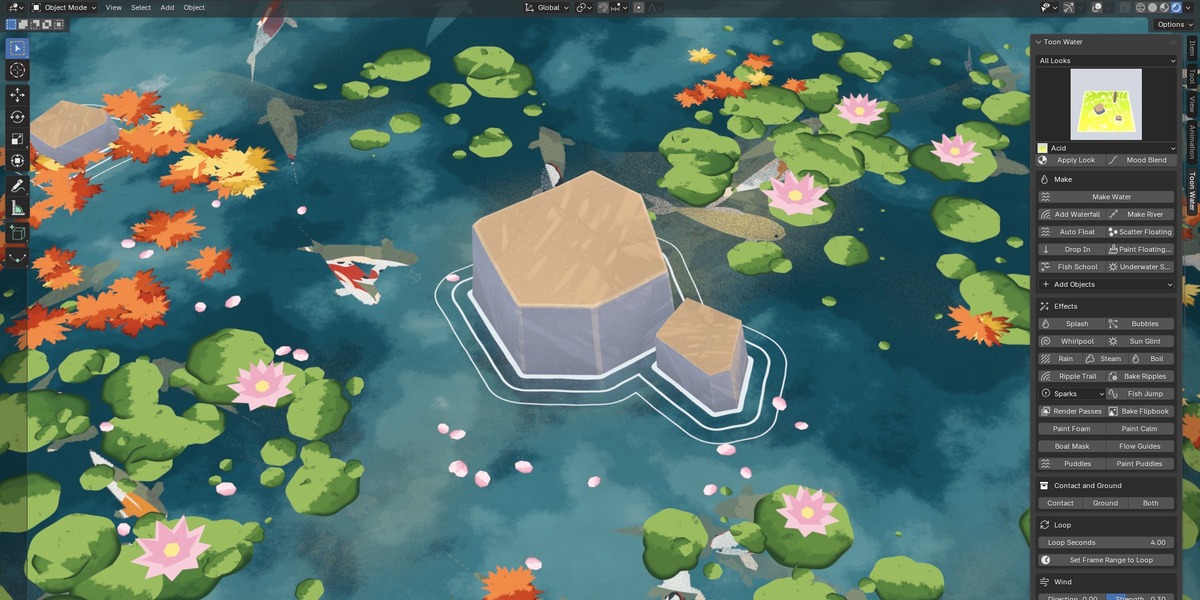
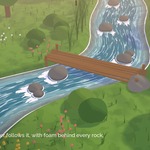
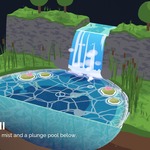
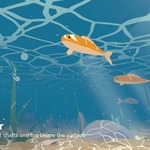
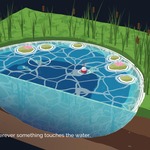
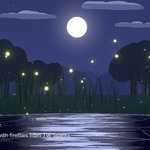
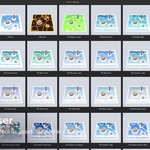
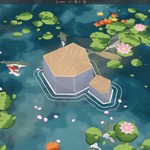
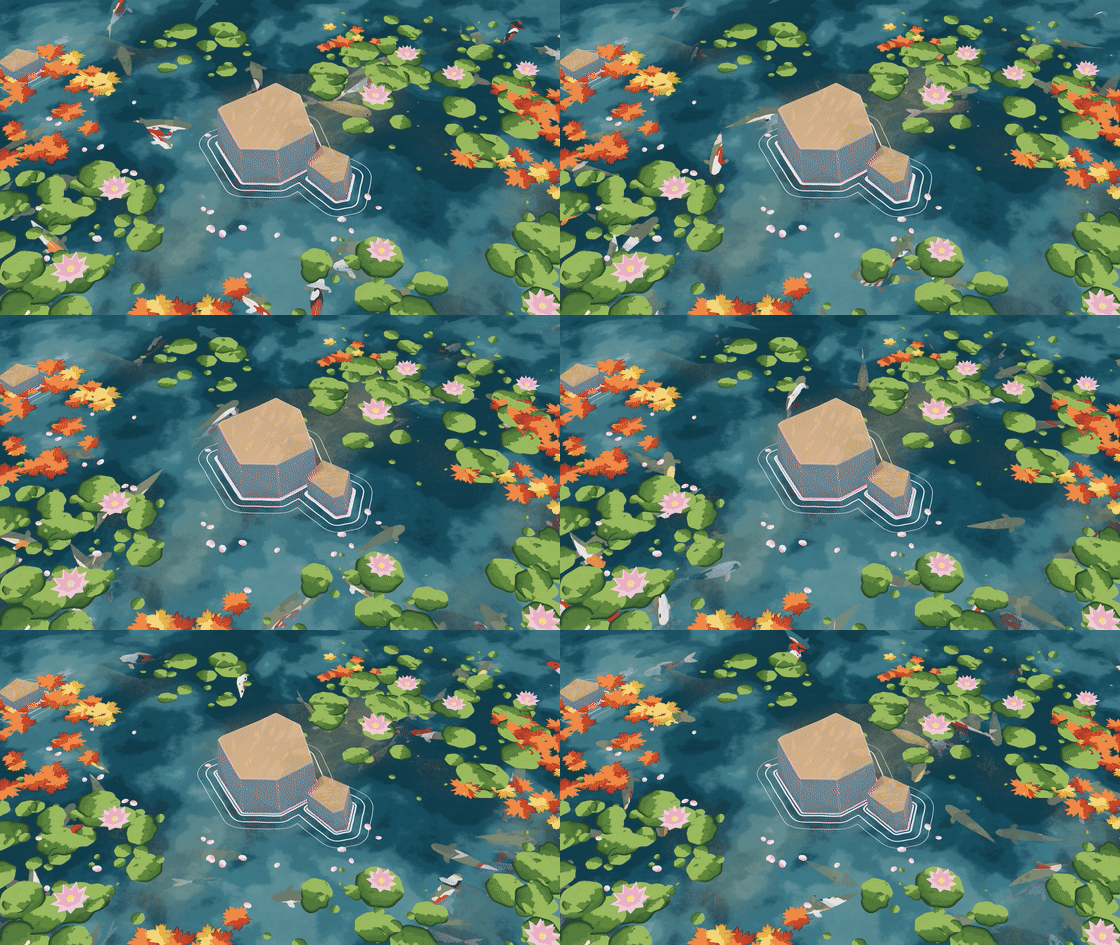
Toon Water turns any mesh into stylized water. Pick a look, press Make Water, and put your rocks, posts and characters into the water: the foam, the ripple rings and the depth colours form around them by themselves. Rivers follow a curve, waterfalls fall from any edge, boats ride the waves and leave a wake, koi swim under lily pads. Every motion repeats in a seamless loop, and the looks render the same in Cycles and in EEVEE.
What's included
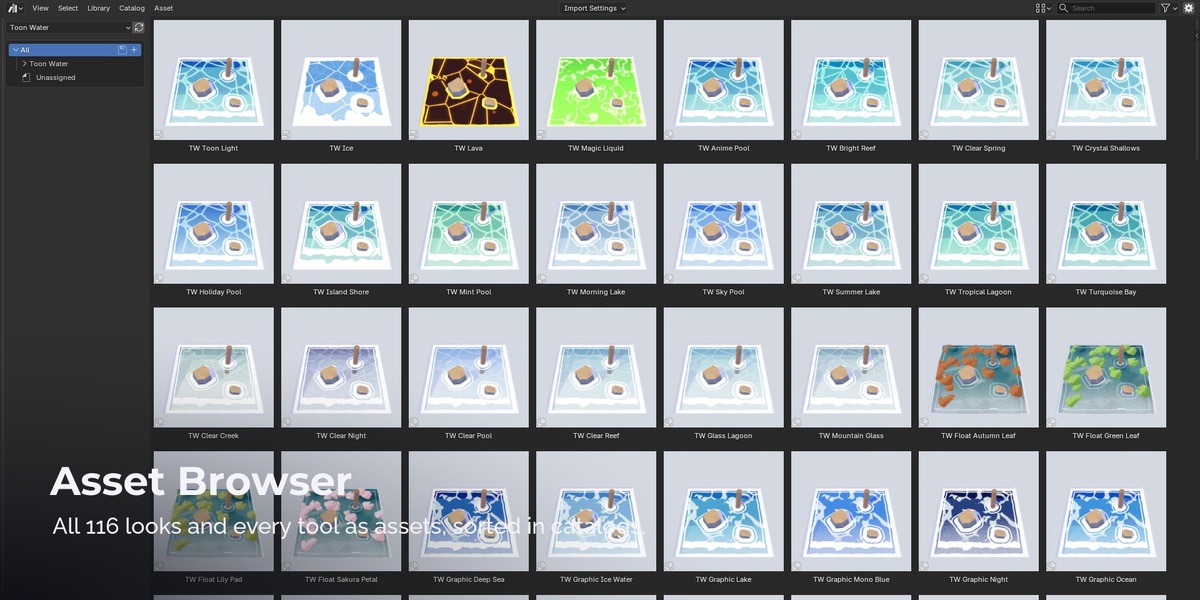
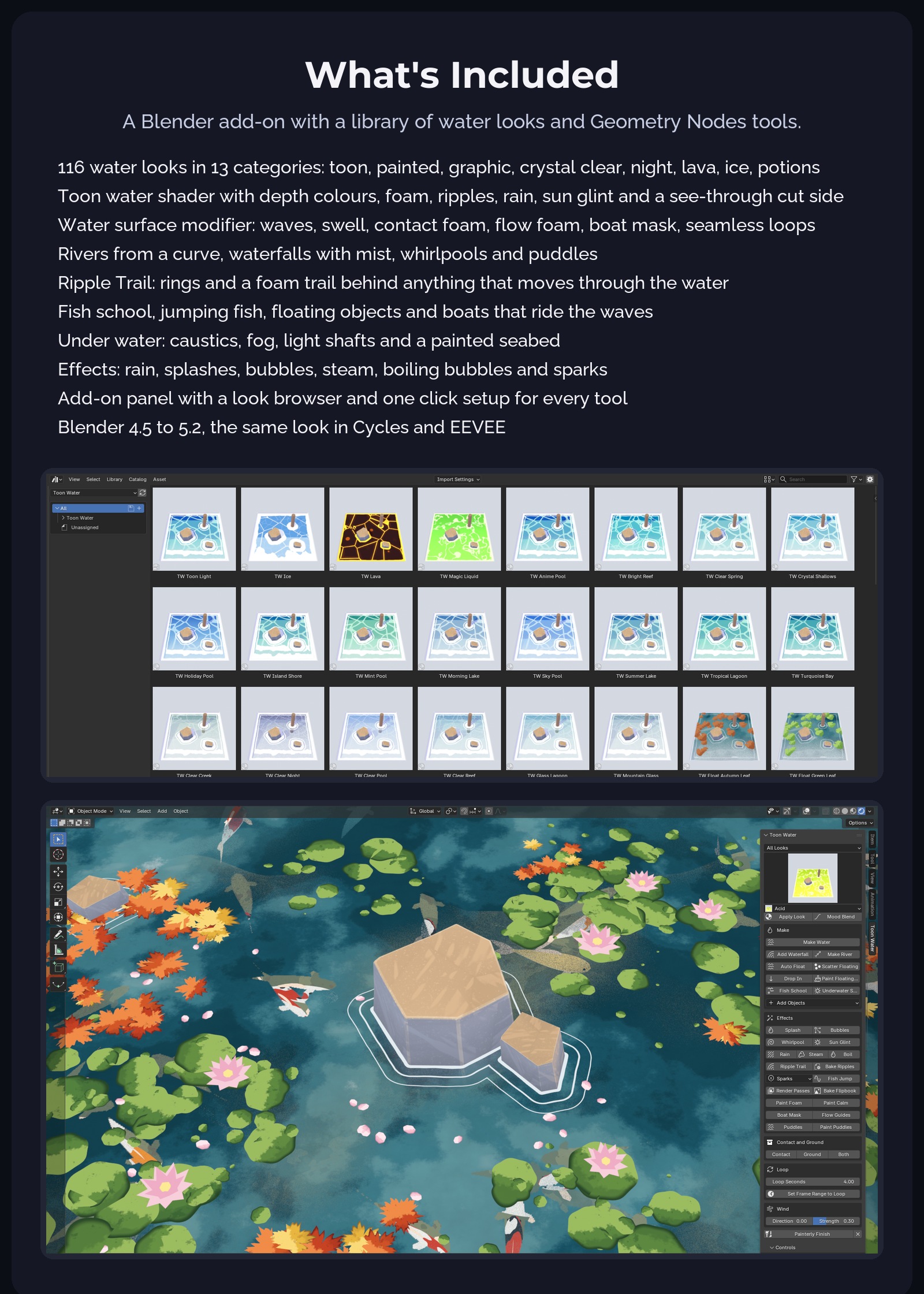
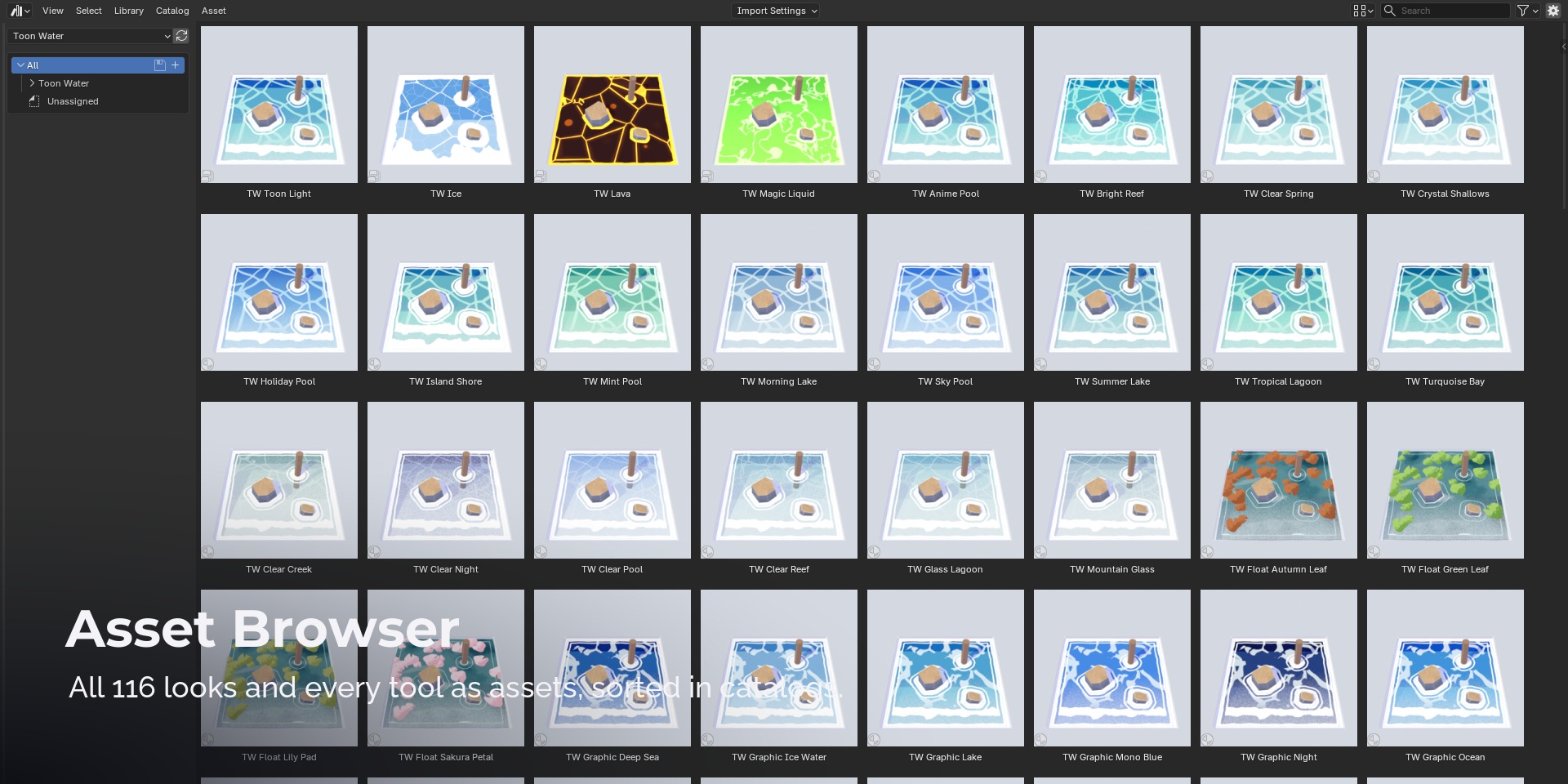
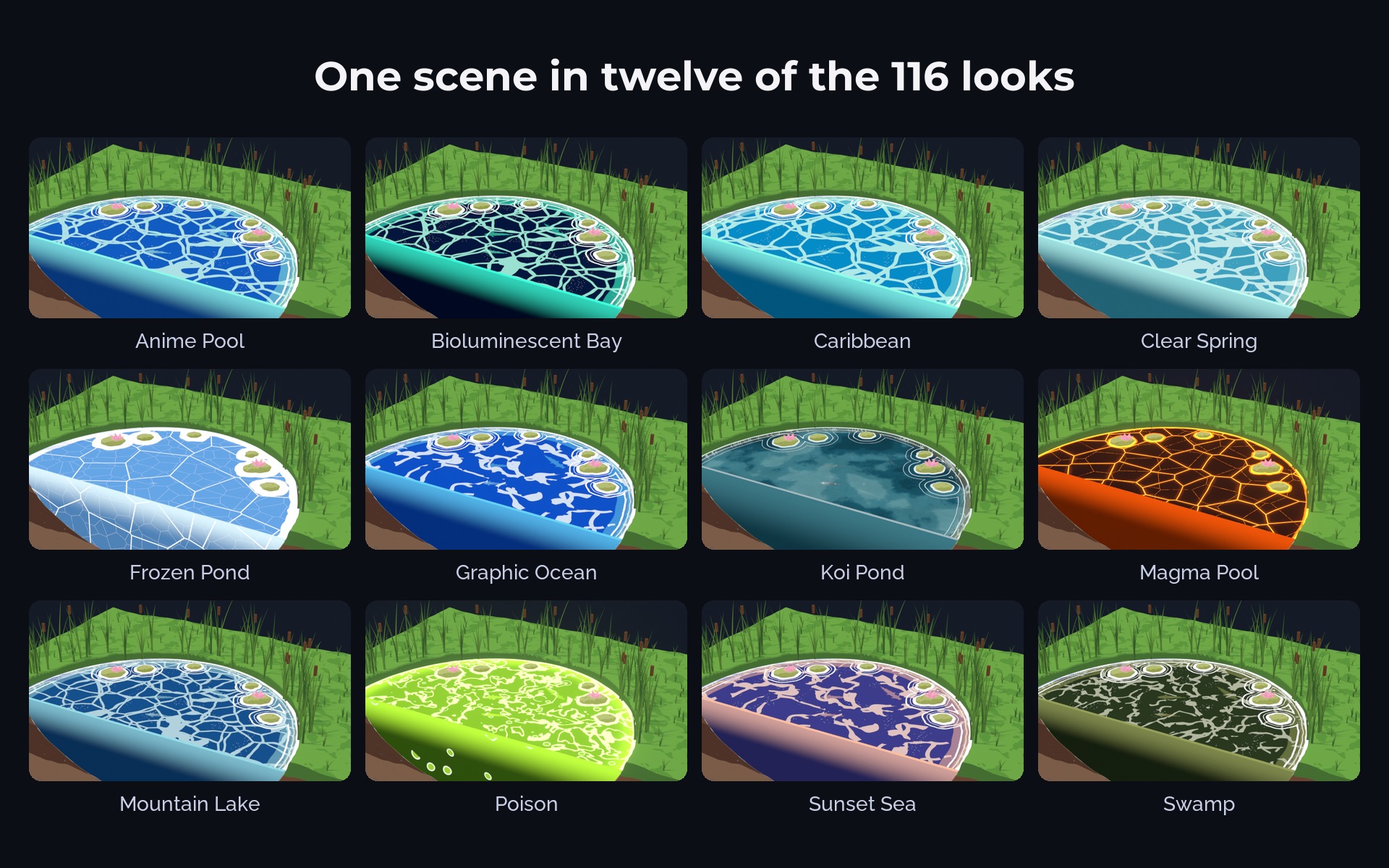
- 116 water looks in 13 categories: painted gouache ponds, bright anime pools, graphic cartoon oceans, crystal clear lagoons, lakes, rivers, waterfalls, night water, lava, ice, magic potions and floating leaves
- A Blender add-on with a look browser and one button for every tool, plus a Controls panel with every setting
- 33 node groups as drag and drop assets: water surface, toon and painted water shaders, rivers, waterfalls, floating objects, fish, under water, effects
- A user guide for every button, with recipes and a troubleshooting table (README.pdf)
Features
Water that reads your scene. Ground objects set the depth: the water gets darker where the ground drops away and turns clear in the shallows. Contact objects get foam and ripple rings where they touch the surface.
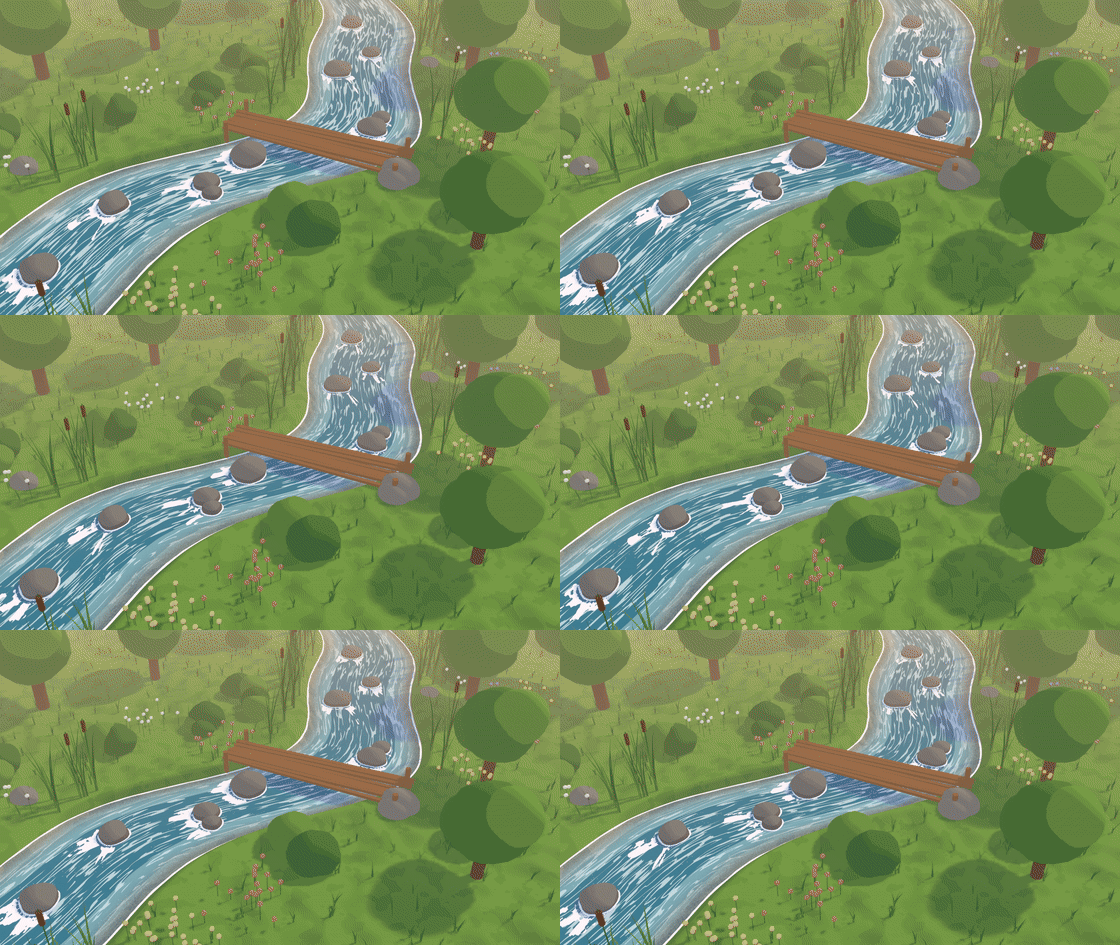
Rivers and waterfalls. Draw a curve along a river bed and the water flows along every bend, with foam lines behind the rocks. Draw a curve along a cliff edge and a waterfall drops from it, with mist and churn where it lands.
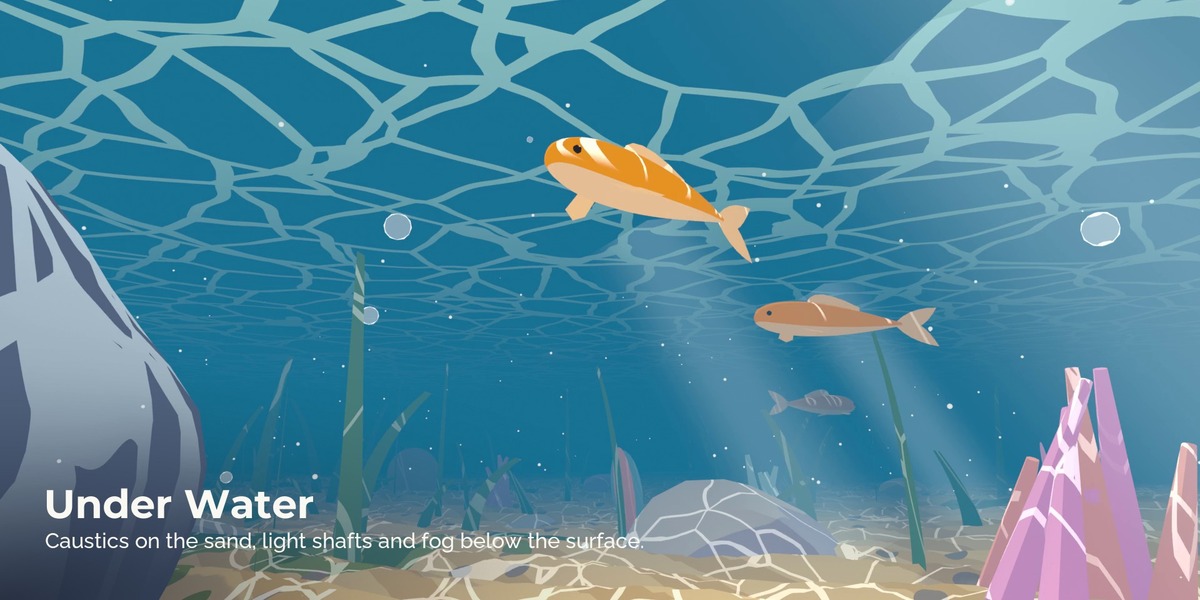
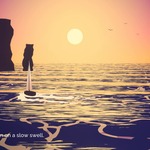
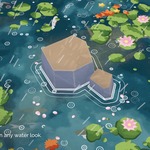
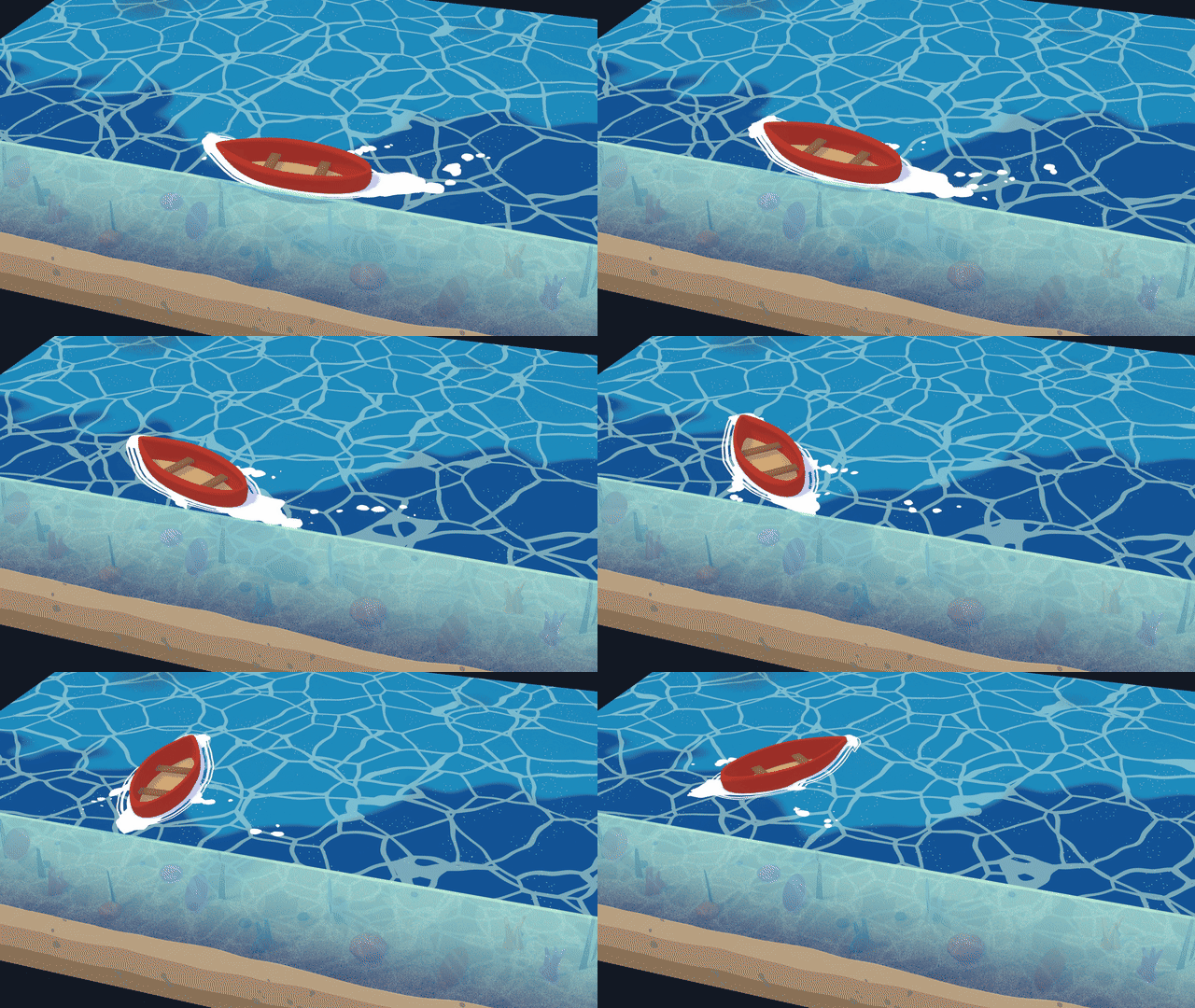
Floating objects, boats and fish. Lily pads, leaves and petals drift in natural clusters or where you paint them. Boats and barrels sit on the waves wherever you move them; on a curve they travel and draw a looping wake. Koi swim on looping paths under the surface, and now and then a fish jumps.
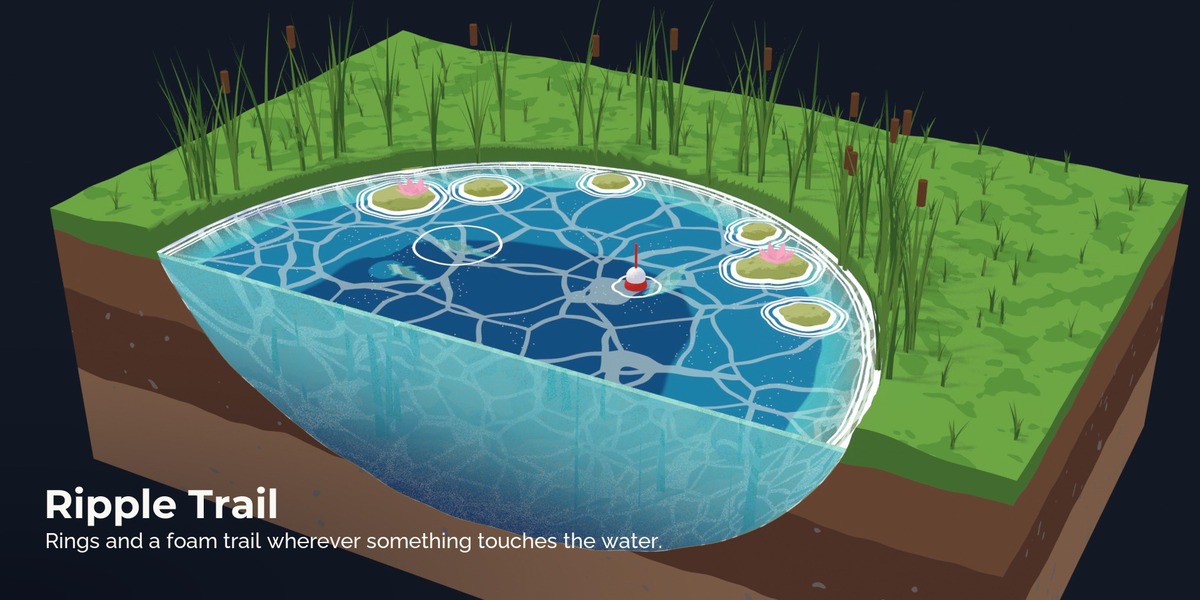
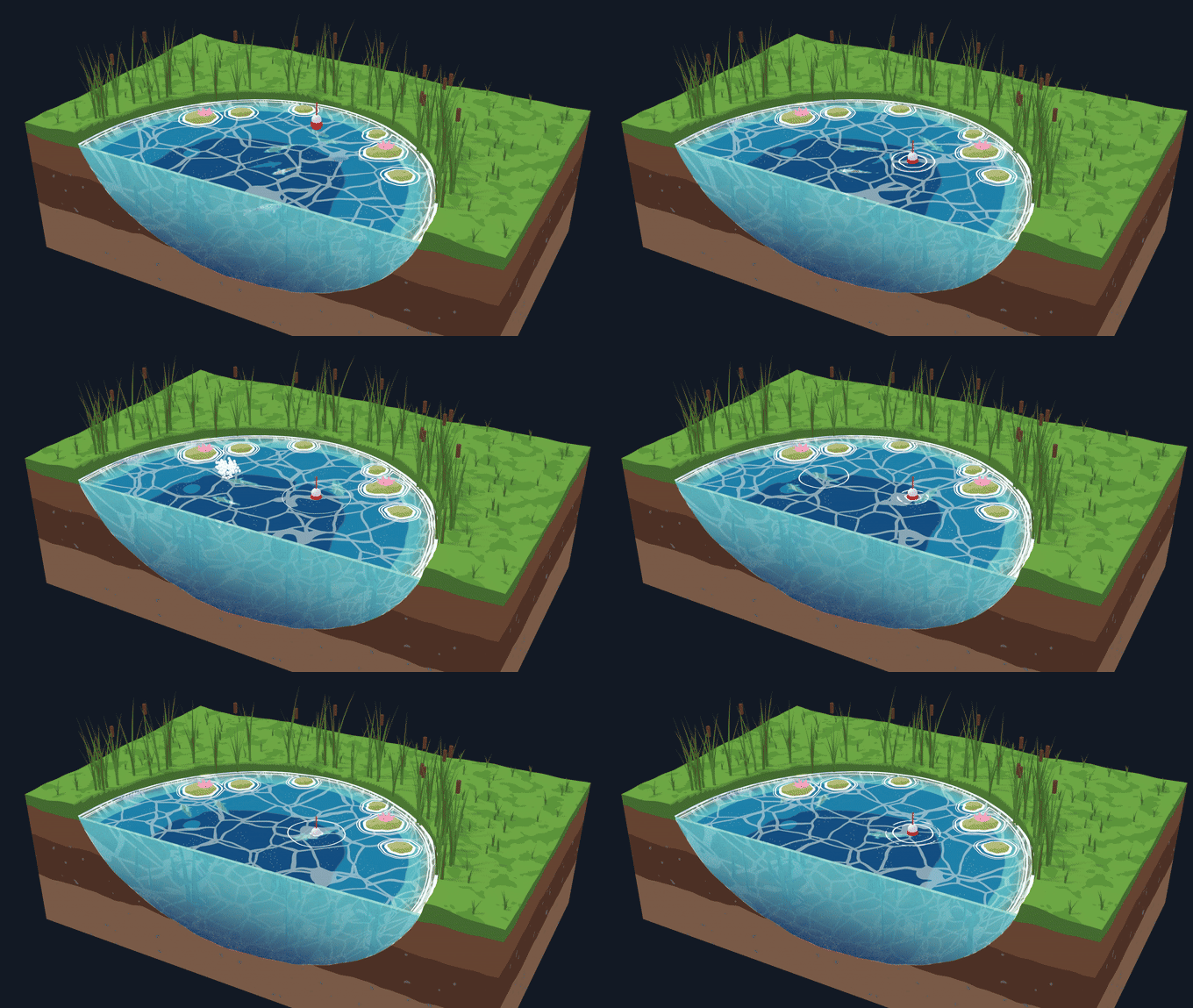
Ripple Trail. Anything that moves through the water leaves rings where it touches it and a foam trail while it moves: a ball, a paddle, a character. Rings fade in and out smoothly.
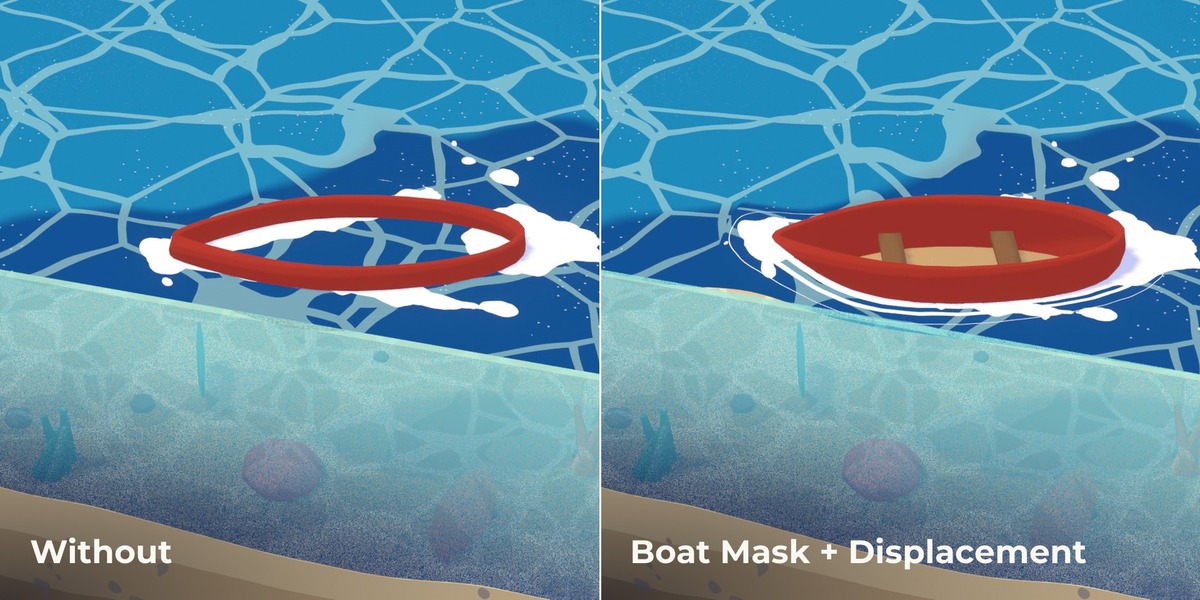
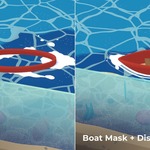
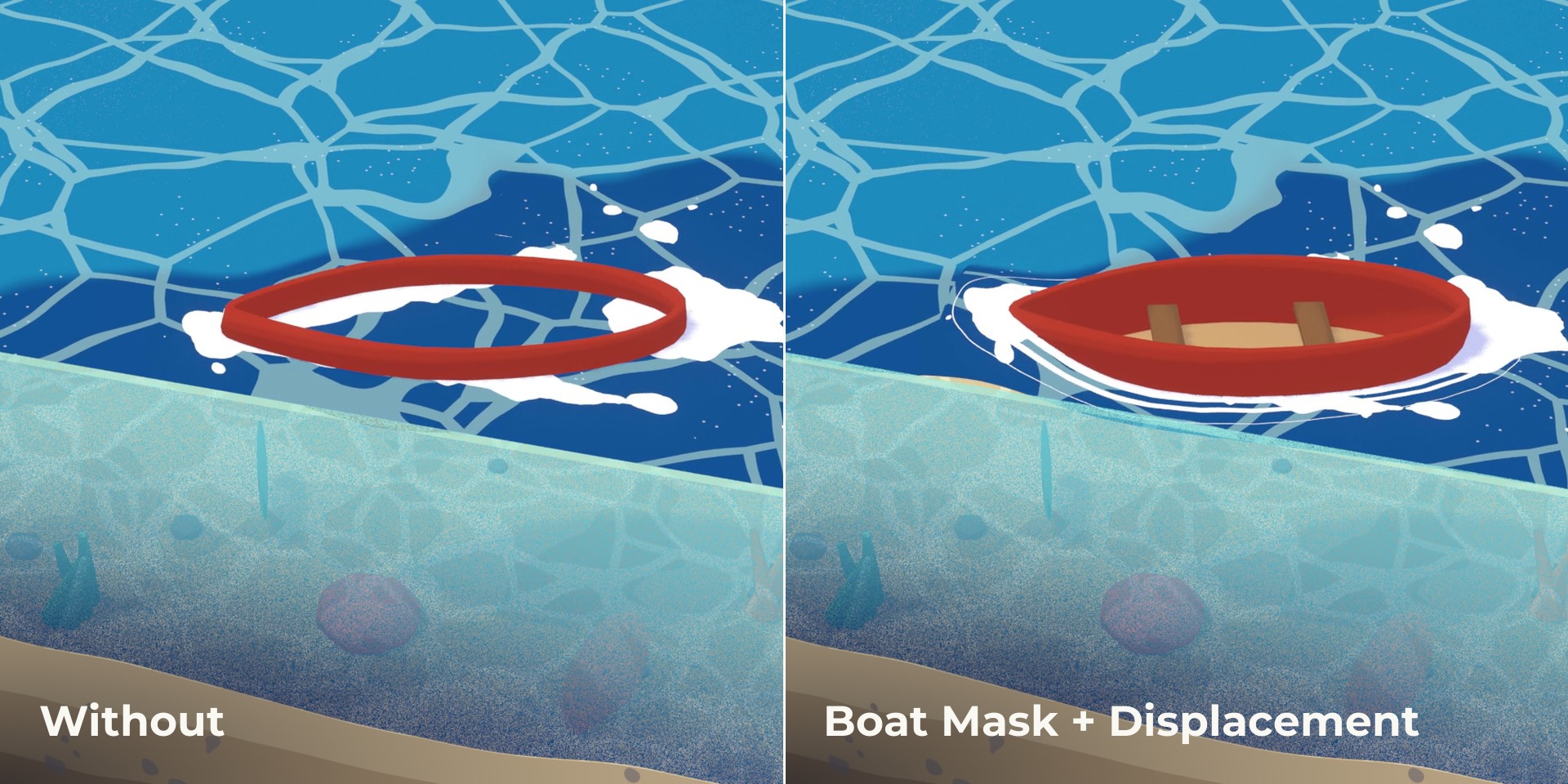
Boat mask and displacement. No water inside the hull, and the hull pushes the water aside.
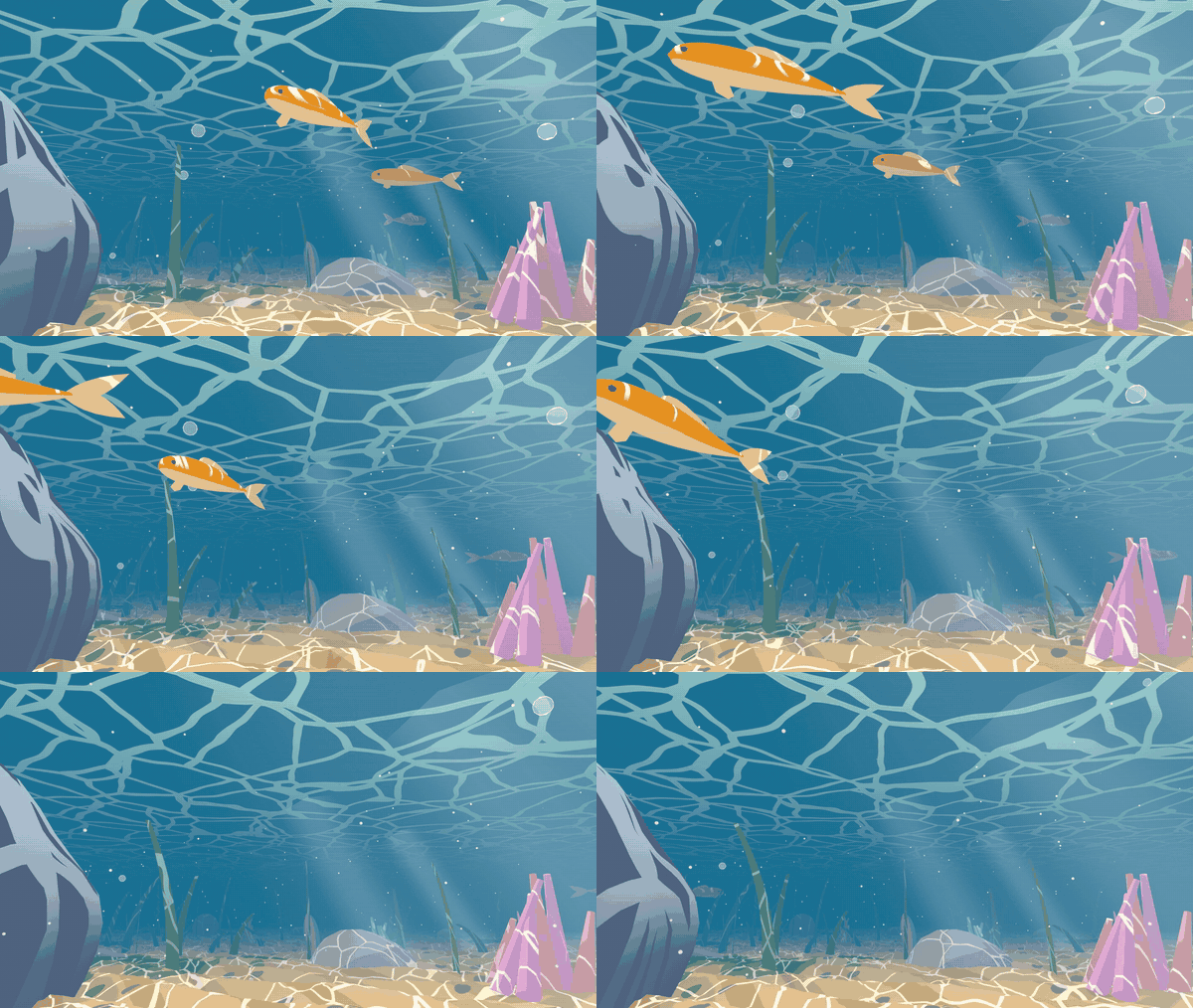
Under water. Put the camera below the surface: caustics on the sand, light shafts, toon fog in the distance and the underside of the water with a bright window above.
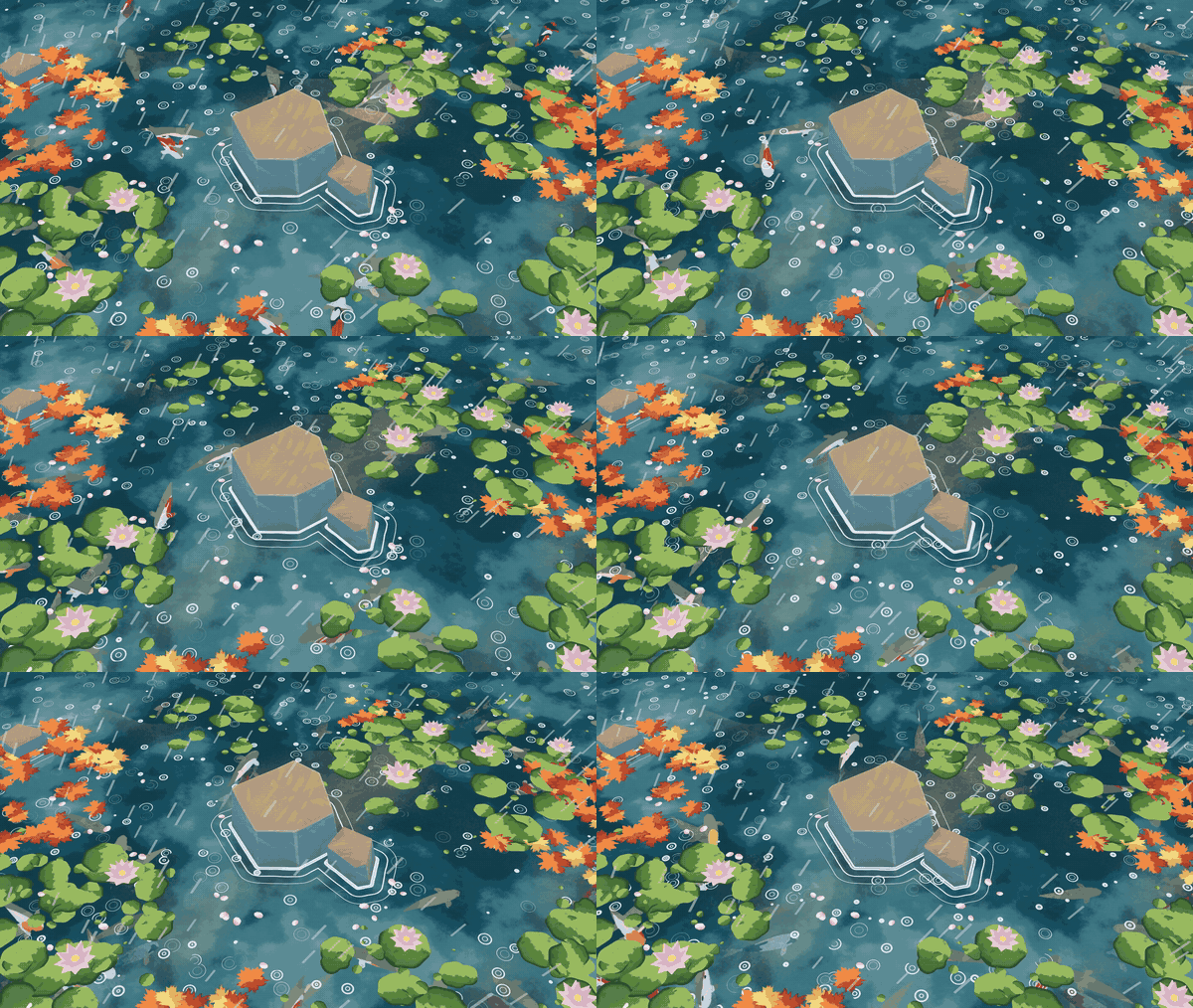
Weather and effects. Rain with splash crowns and rings, steam over hot springs, splashes, bubbles, boiling bubbles for lava and potions, embers and fireflies, a whirlpool, sun and moon glint.
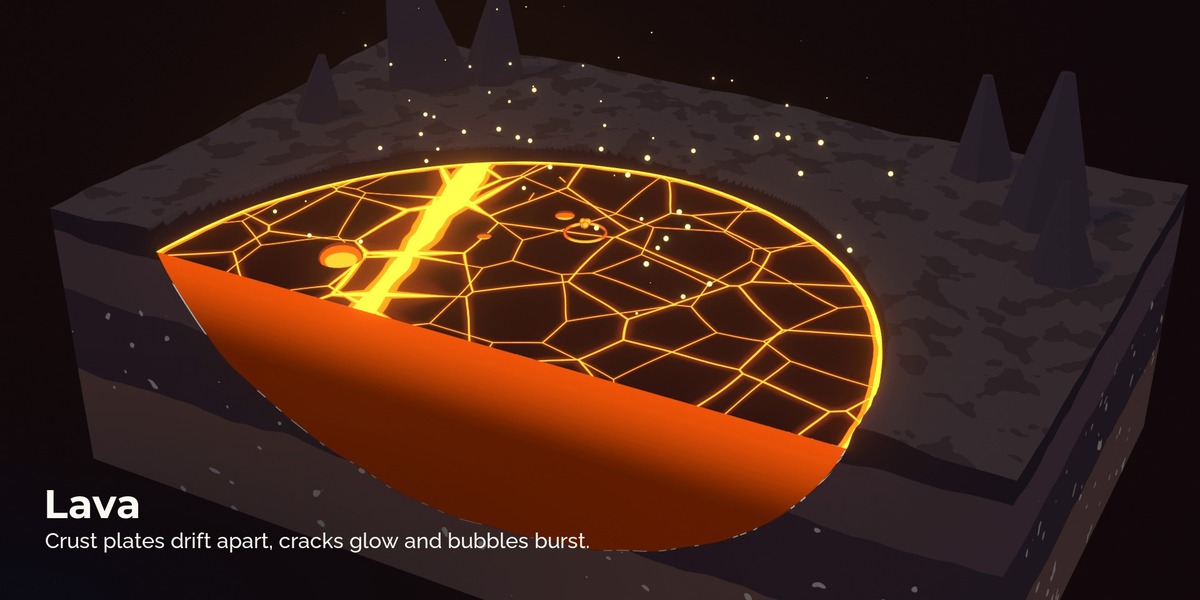
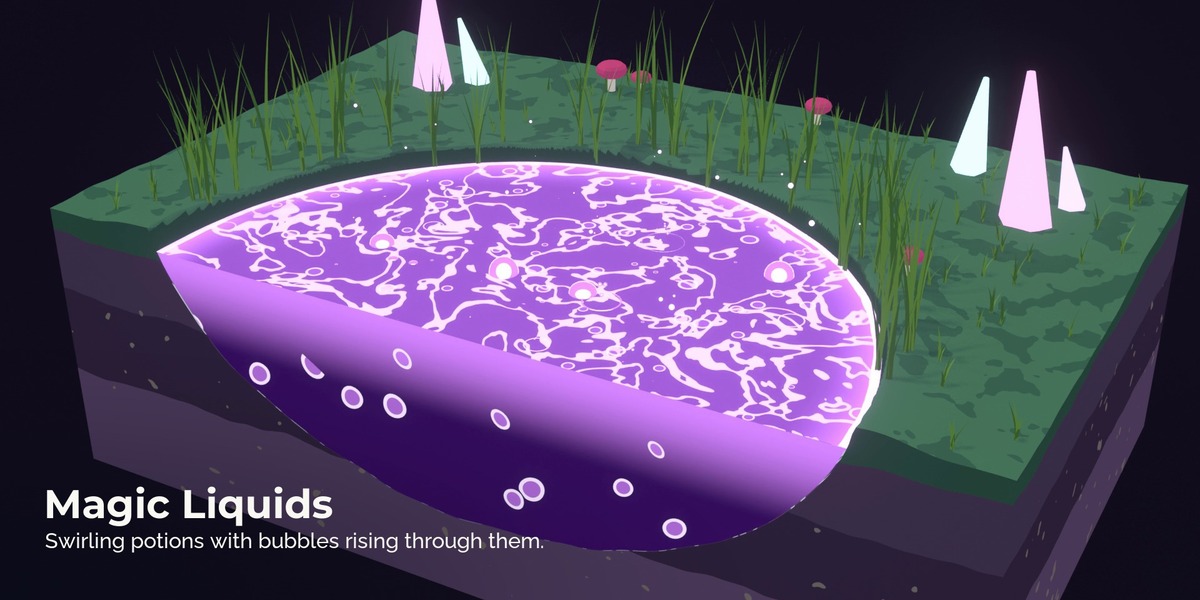
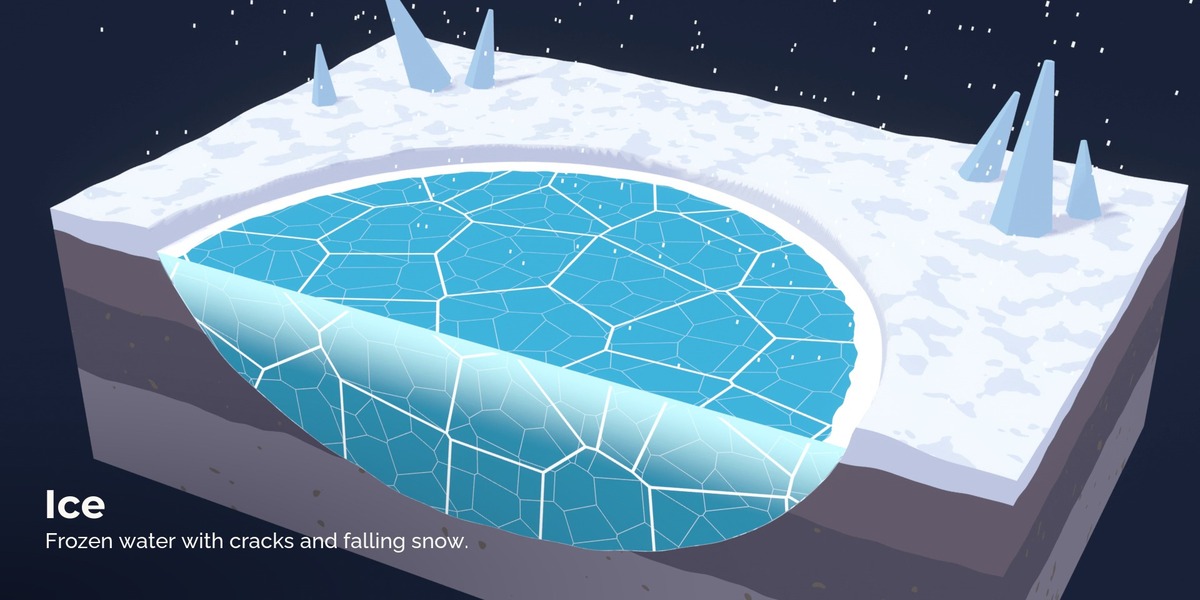
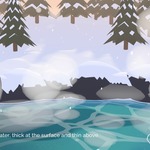
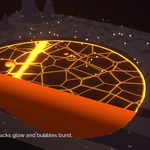
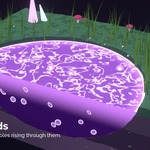
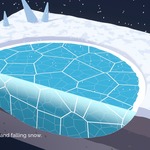
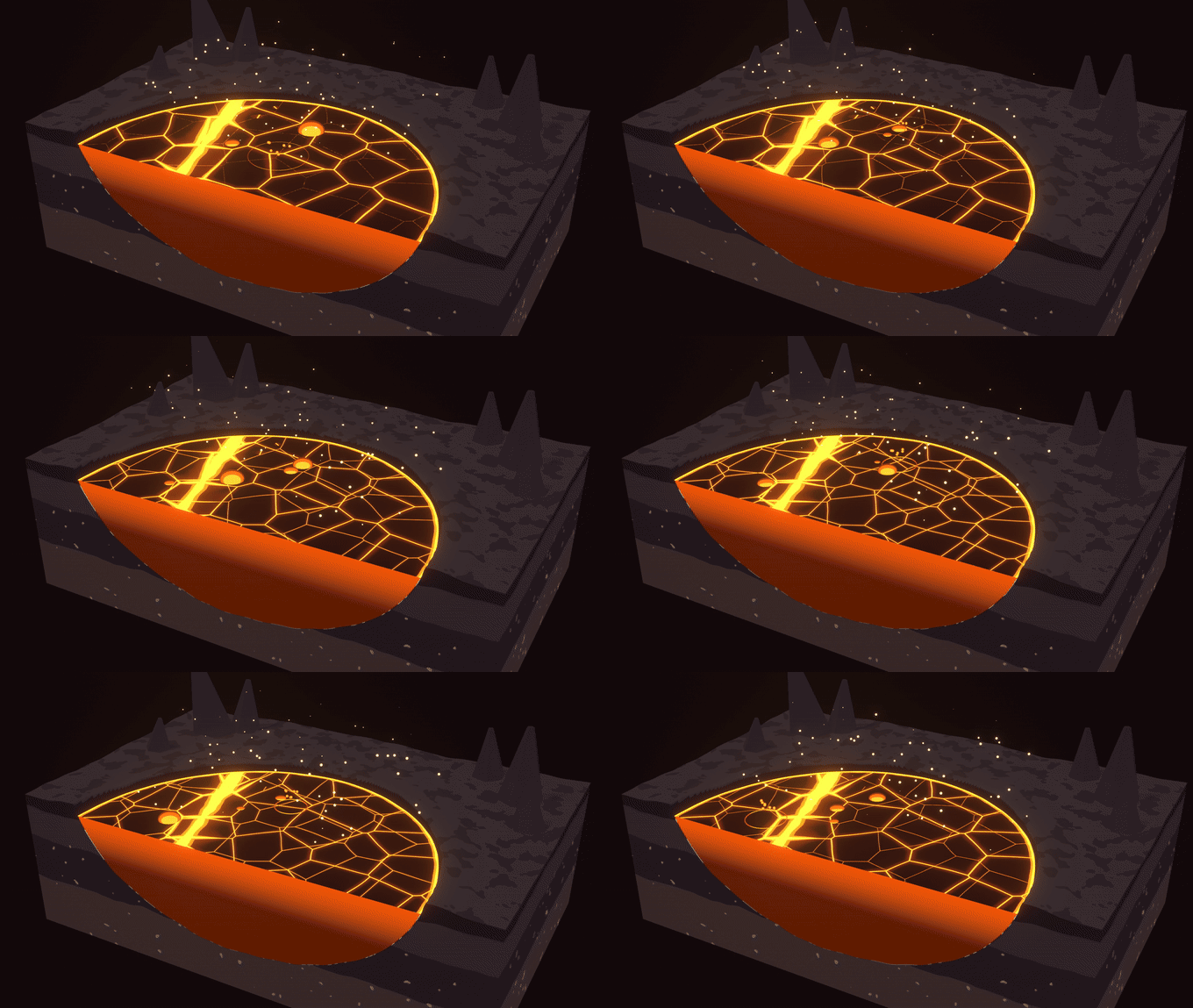
Lava, ice and potions. The same system draws lava with drifting crust plates and glowing cracks, frozen ponds with cracks and snow, and potions with swirls and bubbles.
Made for animation. Everything loops. Hold Frames gives anime timing. Mood Blend fades from one look to another with one slider, for day to night.
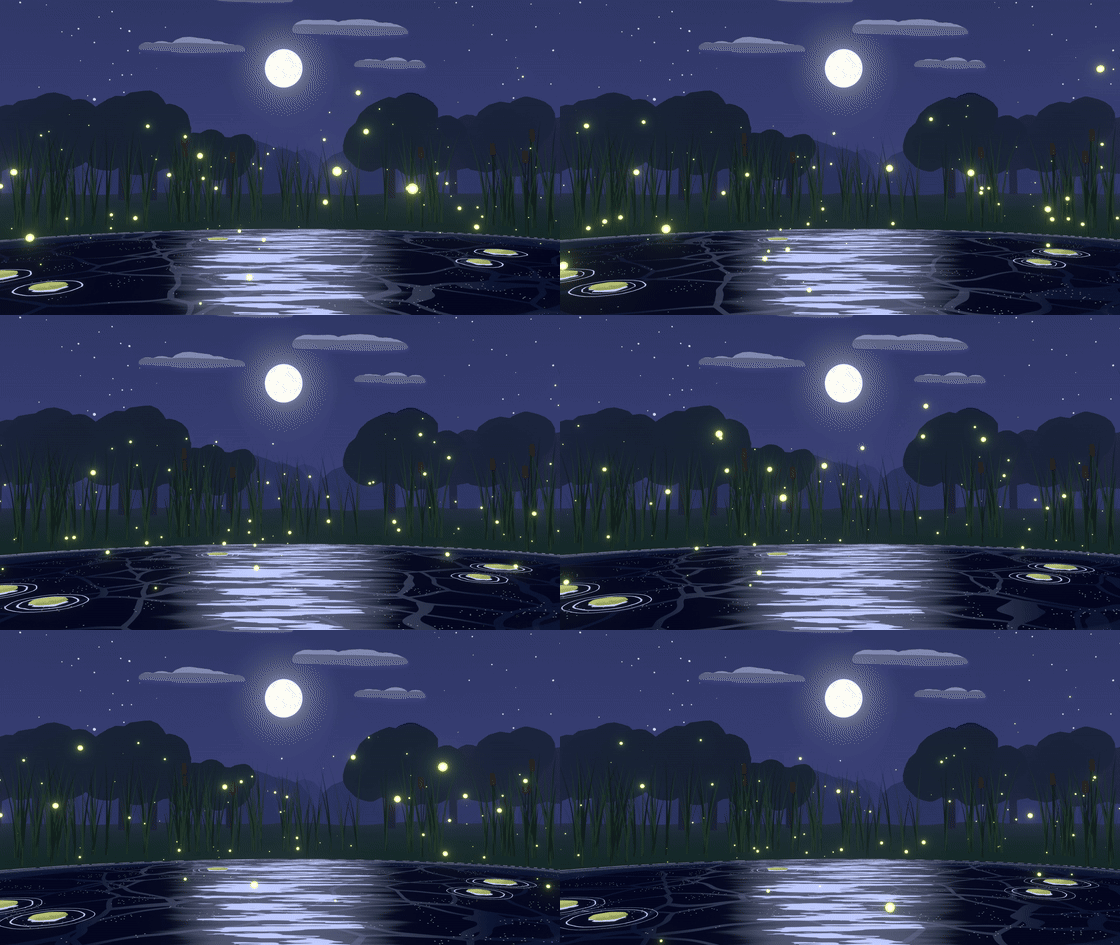
For games too. Bake Flipbook renders one loop from above as frames and a sprite sheet. Render Passes give you foam, depth and a water mask for compositing.
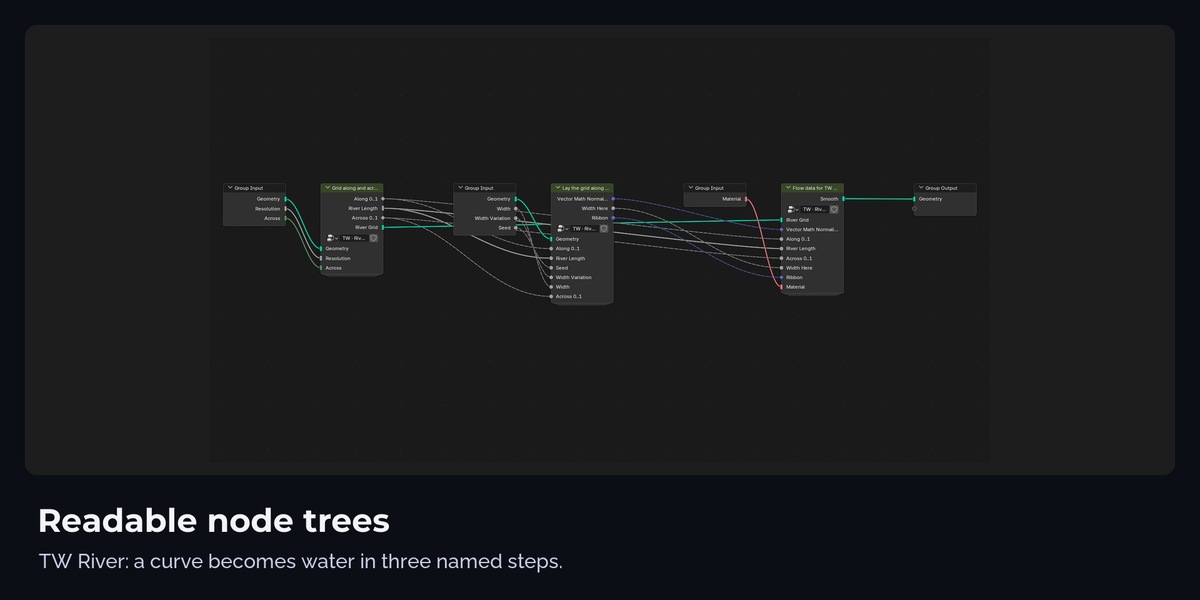
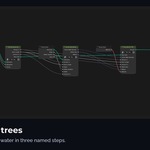
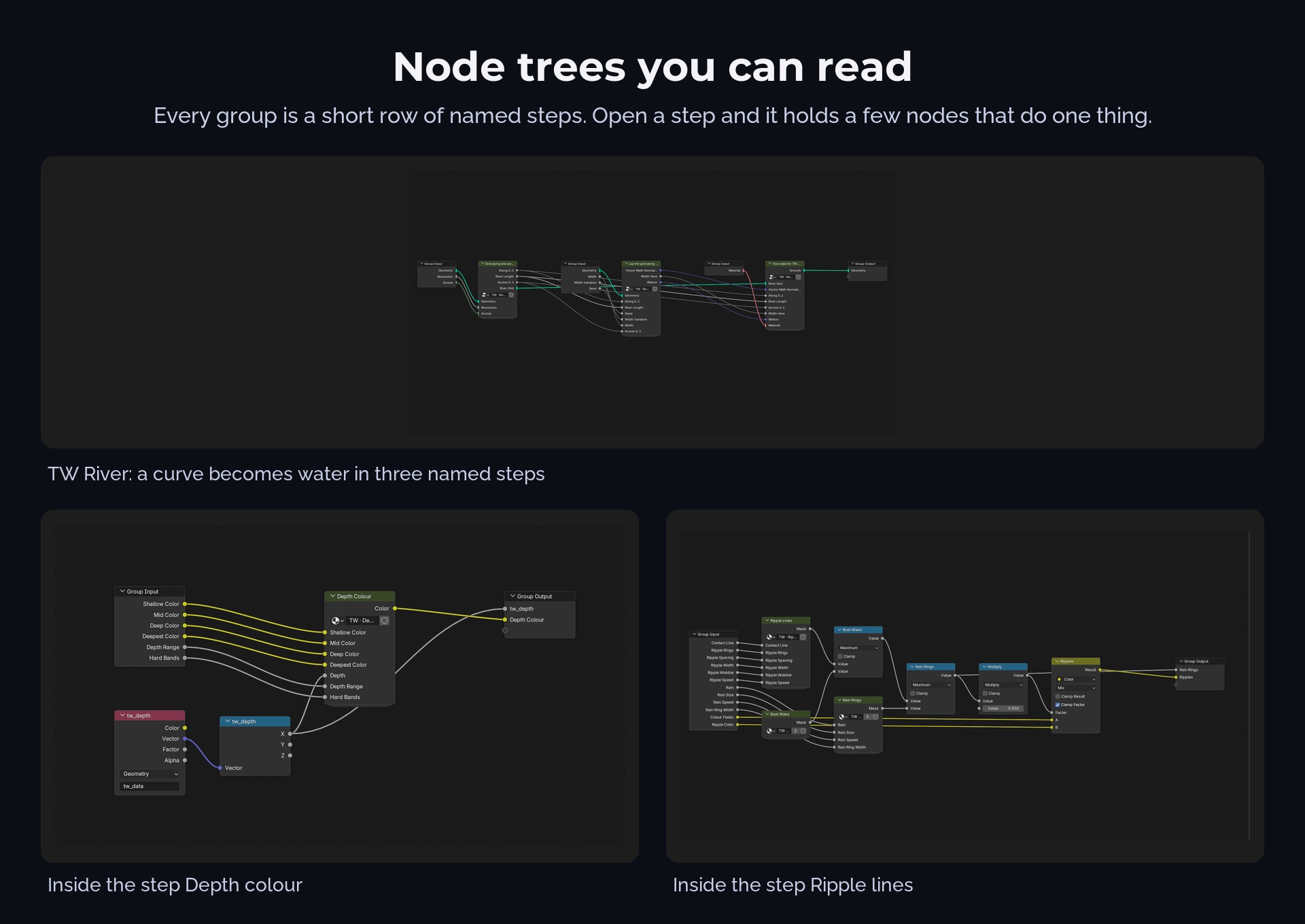
Readable node trees. Every group is a short row of named steps; open a step and it holds a few nodes that do one thing. Every input has a tooltip.
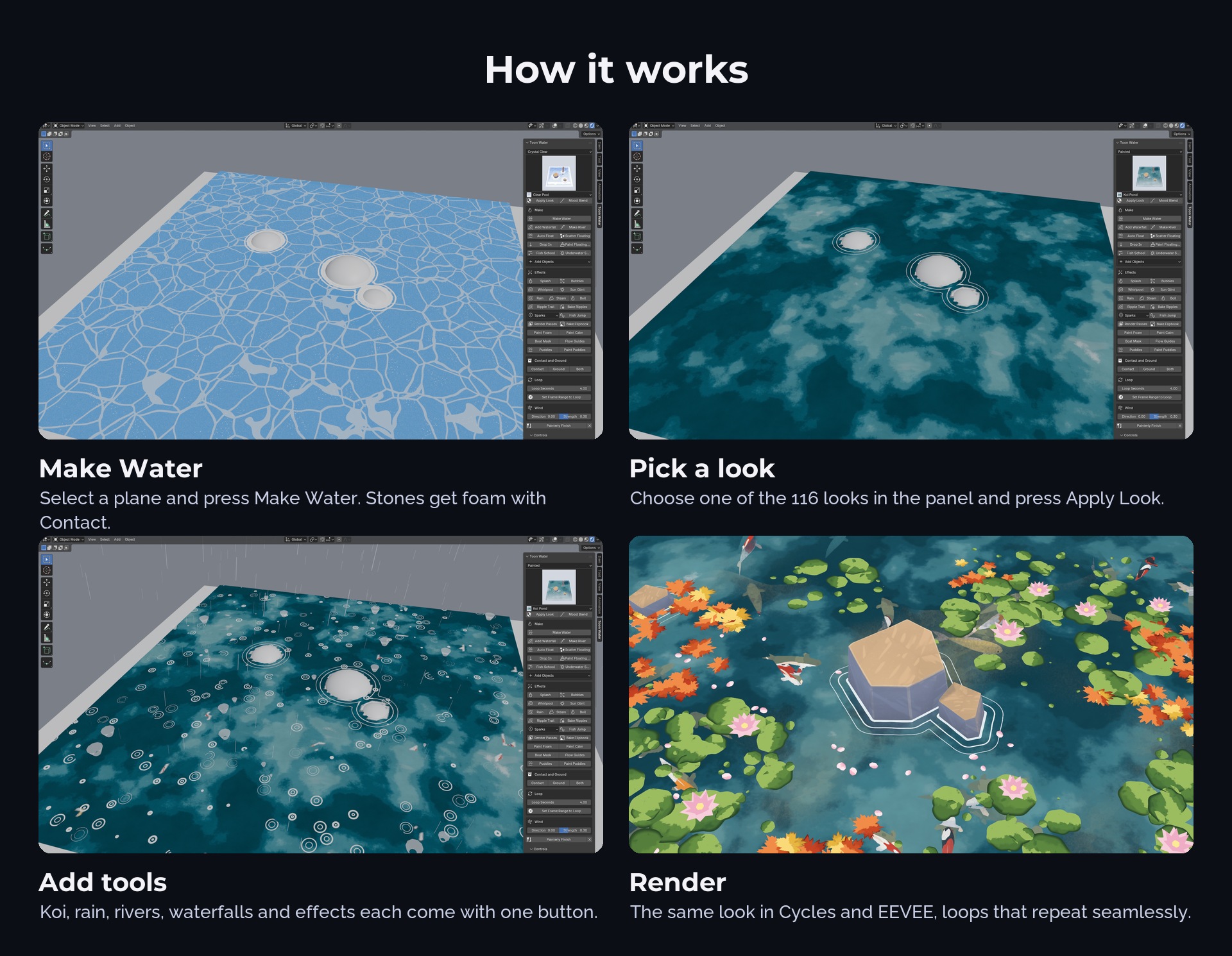
How it works
- Select a plane and press Make Water.
- Pick one of the 116 looks and press Apply Look.
- Add tools with one button each: Contact, River, Waterfall, Fish School, Rain, Ripple Trail and more.
- Set Frame Range to Loop and render.
116 looks

Best for
Stylized and anime animation, game cinematics and trailers, cozy and fantasy scenes, dioramas, motion graphics, game textures from the flipbook baker.
Compatibility
Blender 4.5 LTS to 5.2 LTS, Cycles and EEVEE. The painterly compositor finish needs Blender 5.0 or newer.
Limits
- Stylized on purpose: there are no mirror reflections or refraction.
- Depth and foam are calculated on the water mesh; very dense water meshes with many contact objects get slower.
- Ripple Trail is a simulation: play from the first frame or press Bake Ripples before rendering.
- Under water fog and caustics come from the Underwater Setup on the objects; run it again after adding objects.
FAQ
Does it work in Cycles? Yes. Every look renders the same in Cycles and EEVEE; the average difference we measured is under 1 %.
Do I need the add-on? It makes setup a one-click job, but the node groups and looks also work on their own from the Asset Browser.
Can objects interact with the water? Everything in the Contact collection gets foam and rings, moving objects too. Auto Float lets objects ride the waves, Ripple Trail draws rings and a trail behind moving objects.
Does it loop? Yes, every motion repeats after Loop Seconds. Set Frame Range to Loop in the panel.
Do I need the Toon Shader pack? No. Both packs work together in one scene.
How it was made
Designed with Claude, made procedurally in Blender and Python, art directed and checked by a 3D artist. No textures, scans or image generators are included. A few objects in the preview scenes come from my Stylized Nature Pack and are not part of this product.
Licence
Add-on code GPL-3.0-or-later. Node groups and looks royalty free for personal and commercial work; do not resell them as they are.