 NicoHartl
Toon Water
Version 1.0.0 for Blender 4.5 LTS to 5.2 LTS, Cycles and EEVEE. The painterly compositor finish needs Blender 5.0 or newer.
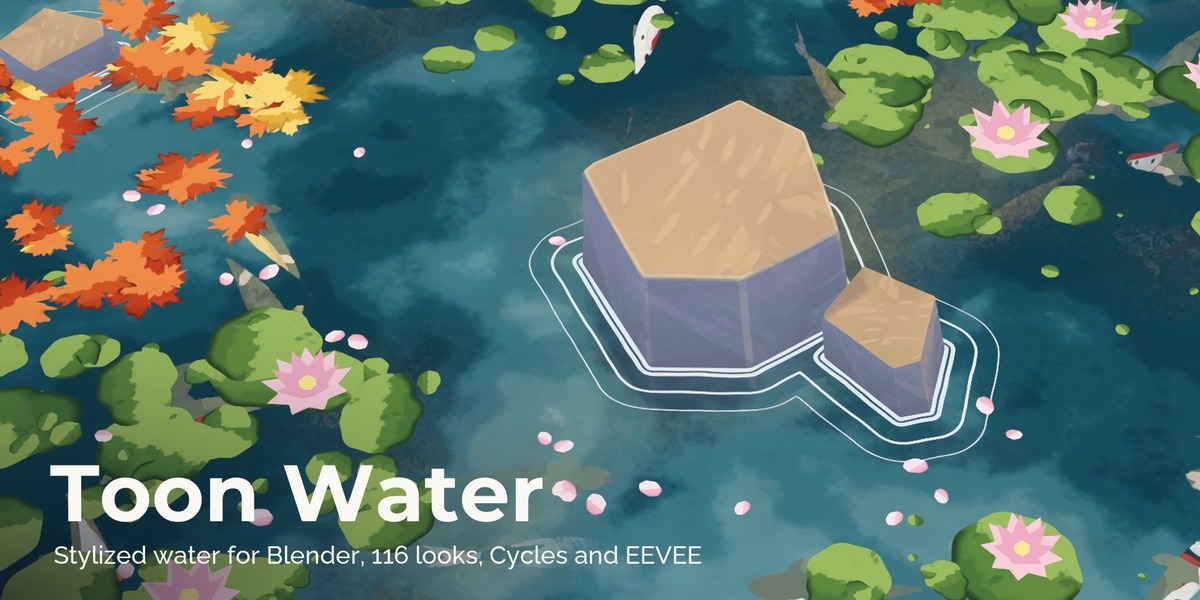
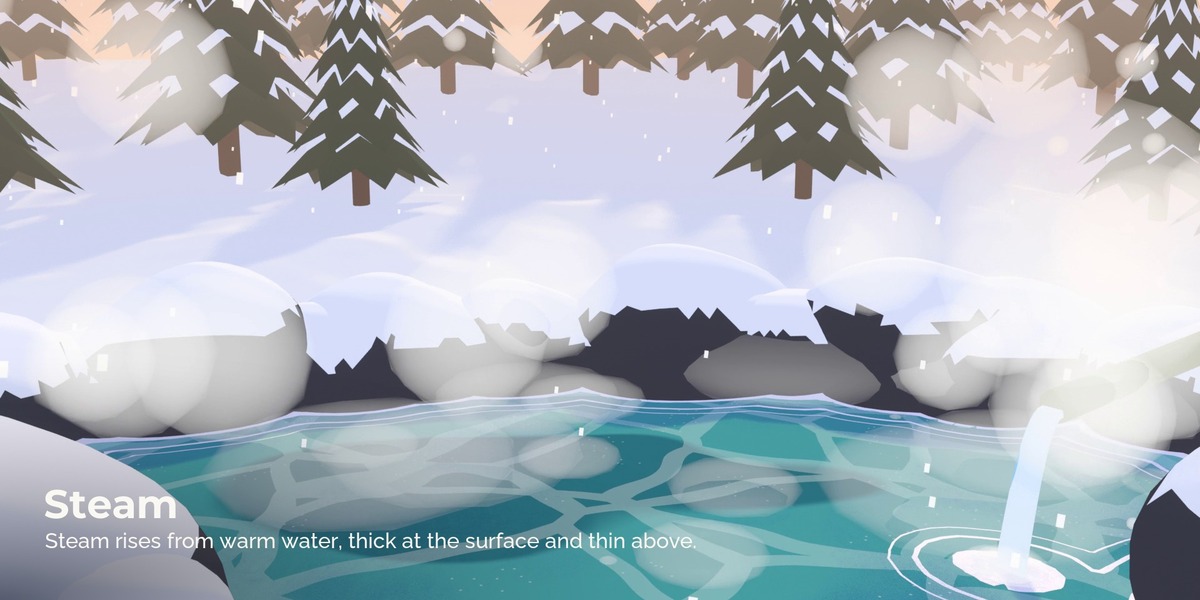
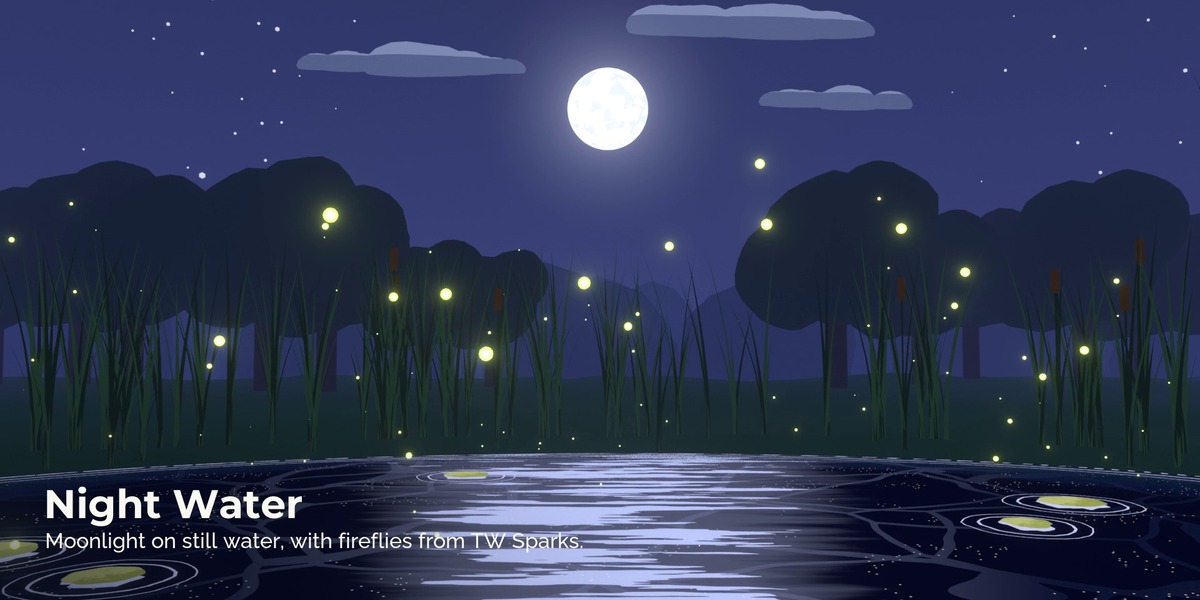
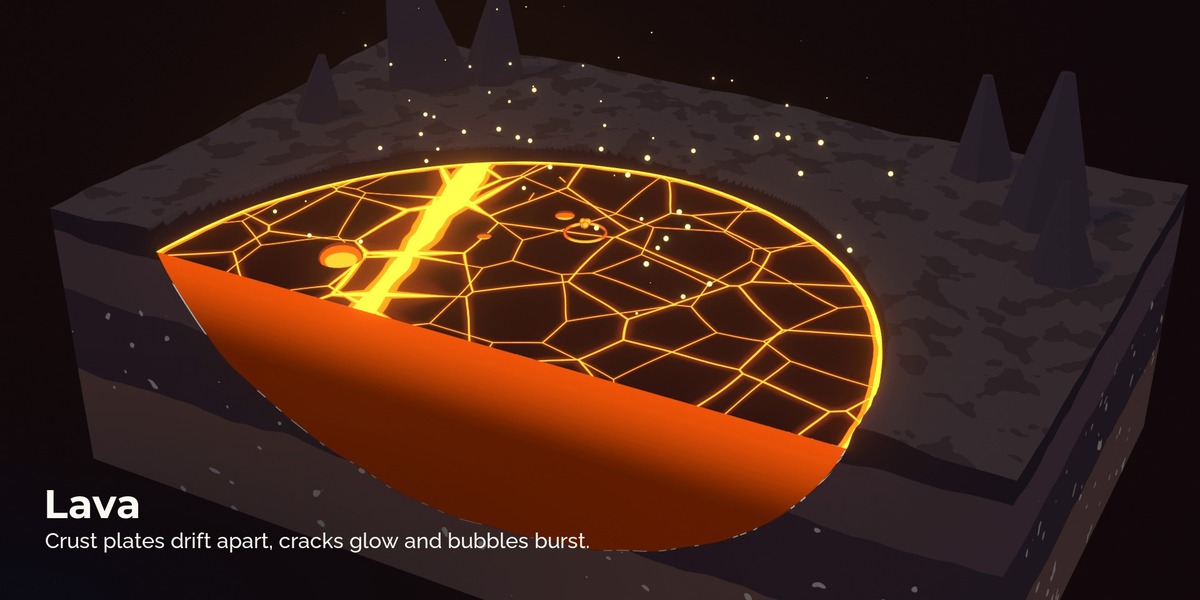
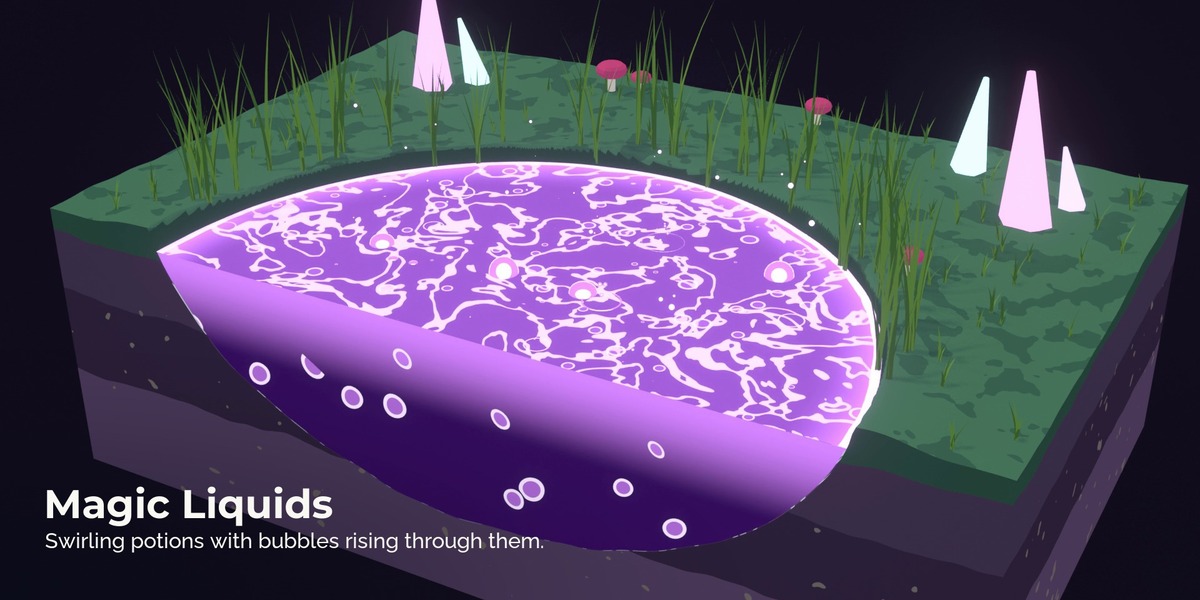
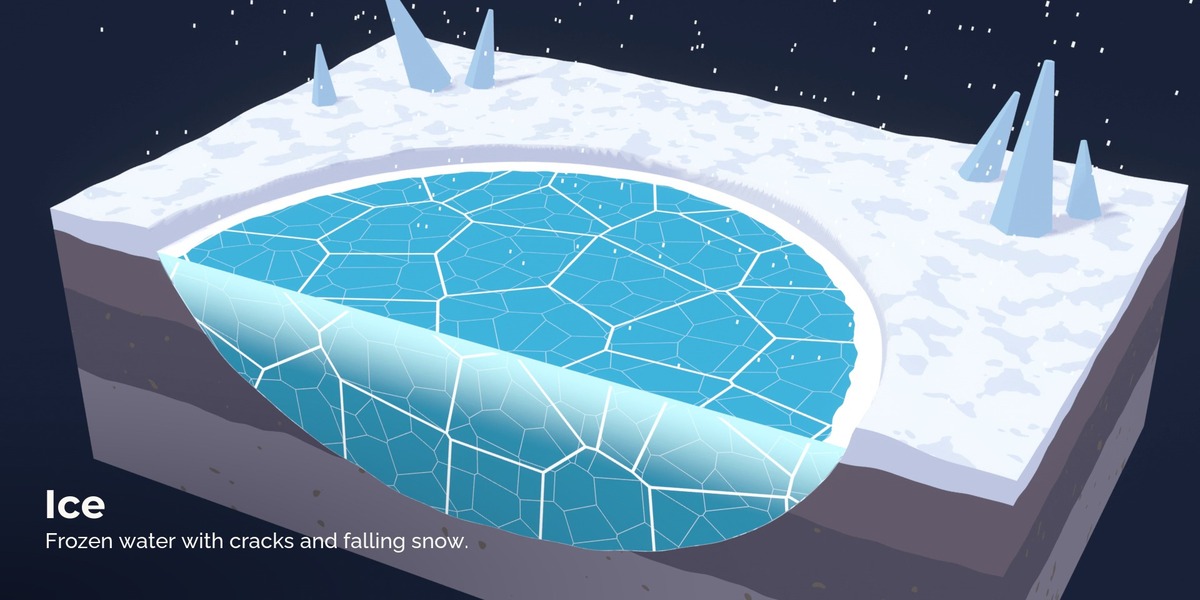
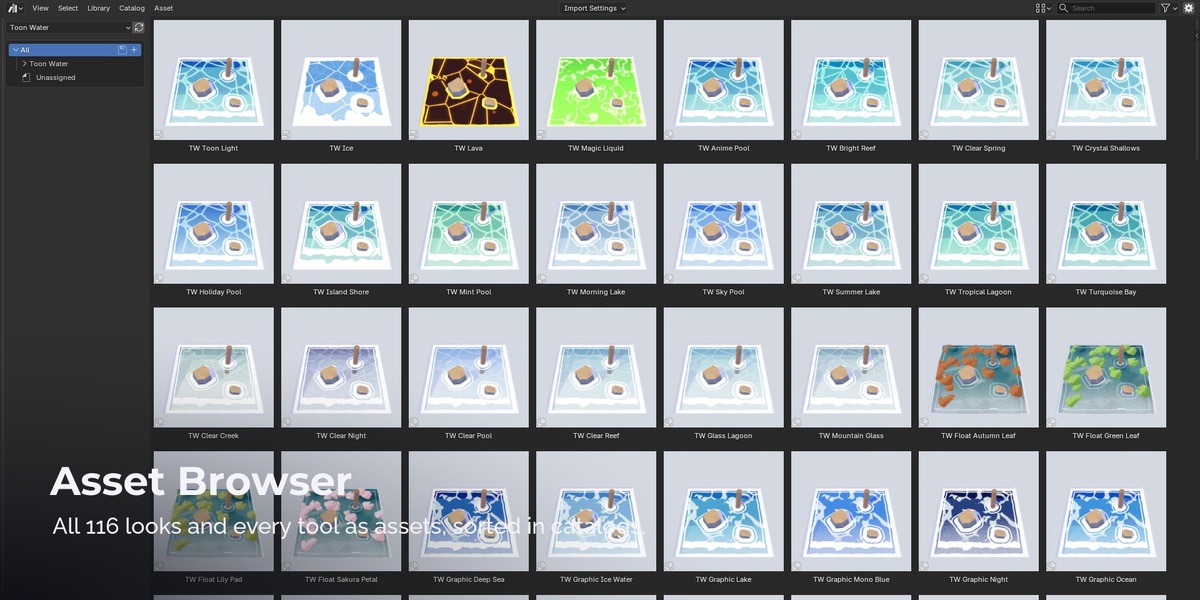
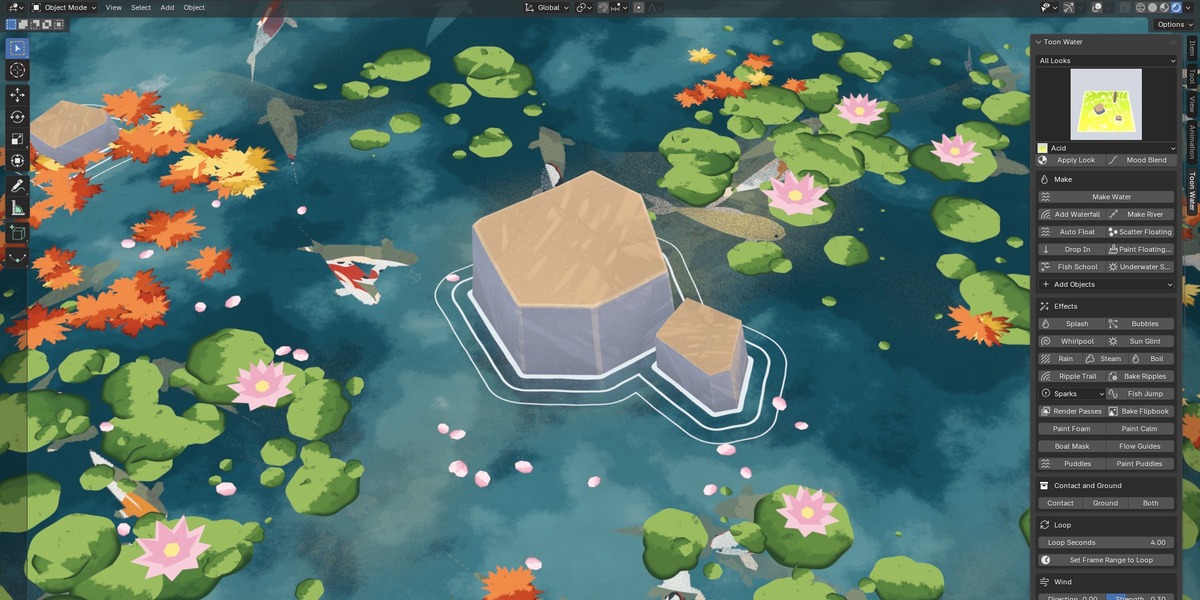
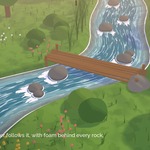
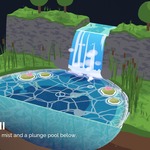
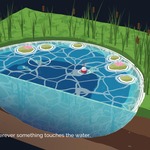
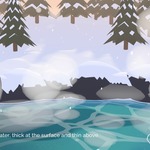
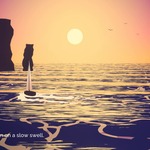
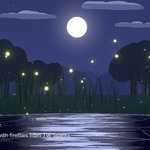
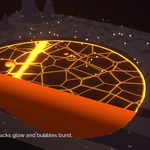
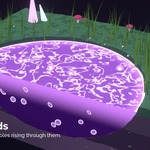
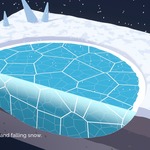
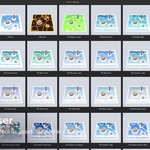
Stylized water as node groups: toon water with depth bands and caustic lines, painted gouache water, graphic wave lines, rivers along curves, waterfalls from any edge, lava, ice and magic liquids, plus floating objects, fish, boat wakes and an under water look with caustics and sun shafts. Foam and ripple rings form on their own around everything that touches the water, the cut side of a water body shows its depth, and every motion loops seamlessly. It looks the same in Cycles and in EEVEE. 116 ready looks in thirteen categories: Painted, Anime Bright, Graphic, Ocean and Tropical, Crystal Clear, Lake and Pond, River, Waterfall, Night and Moon, Lava, Ice and Crystal, Magic Liquids, Floating.
What is in the package
| Folder | Content |
|---|---|
| Addon |
toon_water_nh-1.0.0.zip, the Blender extension. It contains the look library and the compositor finish |
| Library |
ToonWater.blend with the node groups and all 116 looks as assets, plus blender_assets.cats.txt
|
| Compositor |
ToonWater_Compositor.blend with the painterly finish for Blender 5.0 or newer |
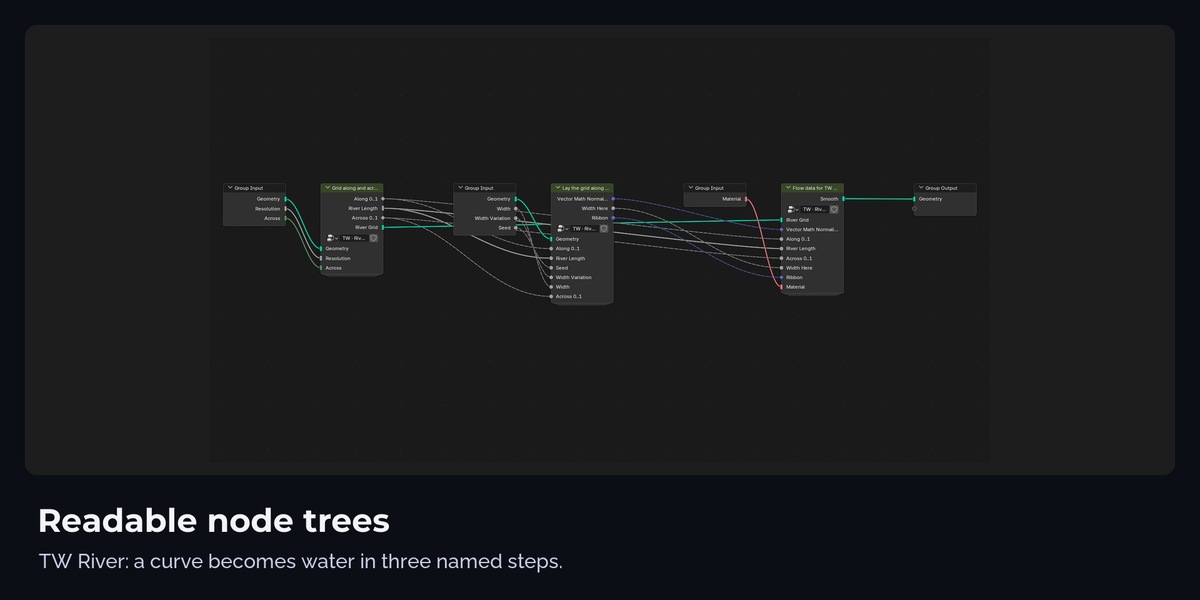
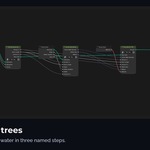
| Inside the groups | Labelled frames per step; the math sits in small sub groups named TW · .... They are not assets, Blender adds them with the main groups |
| README.pdf | this document, with the full user guide (every button, recipes, troubleshooting) |
No 3D models are included. The node groups work on your own meshes and curves.
Installation
Edit > Preferences > Get Extensions > arrow menu at the top right > Install from Disk, pick toon_water_nh-1.0.0.zip. The add-on adds the asset library "Toon Water" and a "Toon Water" tab in the 3D Viewport sidebar (N).
Without the add-on you can still use the library: Preferences > File Paths > Asset Libraries > Add, pick the Library folder, then drag node groups and looks from the Asset Browser. In Cycles set the scene property toon_engine to 1 yourself (the add-on does this automatically).
User guide
The full guide follows further down: every button of the panel with what to select, what happens and which settings matter, recipes for common scenes and a table for when nothing happens.
Quick start
- Model the water as a mesh: a plane, or a block that fills your pool or pond. Add a few vertices (Subdivide) if you want waves.
- Toon Water tab > pick a look > Make Water. The mesh gets the TW Water Surface modifier and the look, and the collections "Toon Water Contact" and "Toon Water Ground" appear in the Outliner.
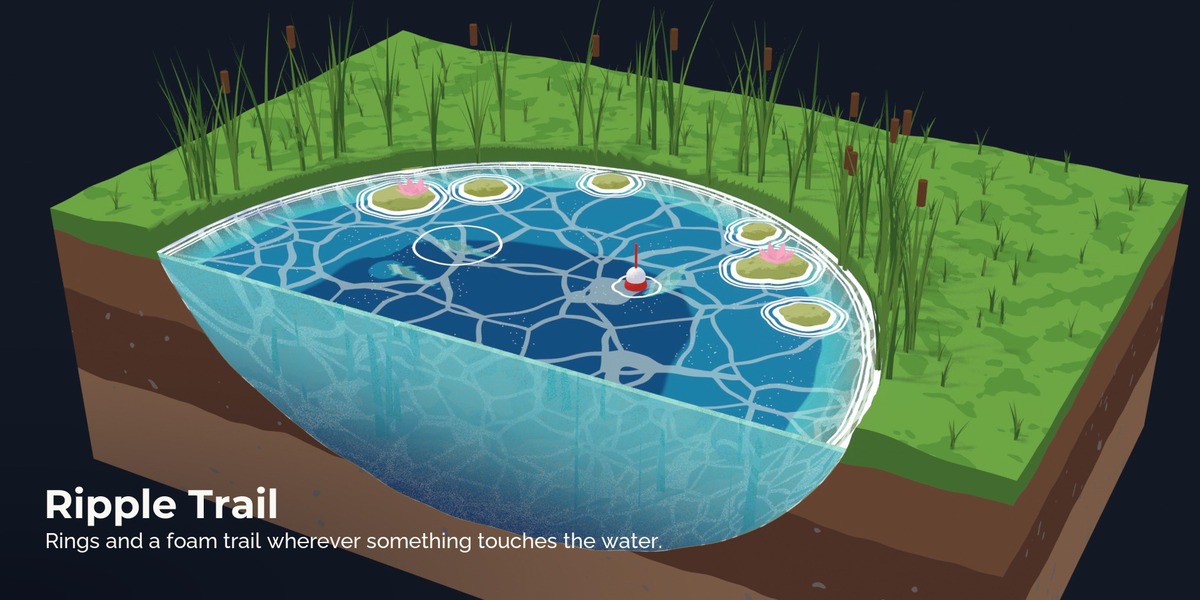
- Select your ground, rocks, posts and characters > Contact, Ground or Both. Contact objects get foam and ripple rings where they touch the water. Ground objects set the depth: the water gets deeper colours above deep ground and becomes see-through where it is shallow.
- Press play. Set Loop Seconds and press Set Frame Range to Loop to render a loop that repeats without a jump.
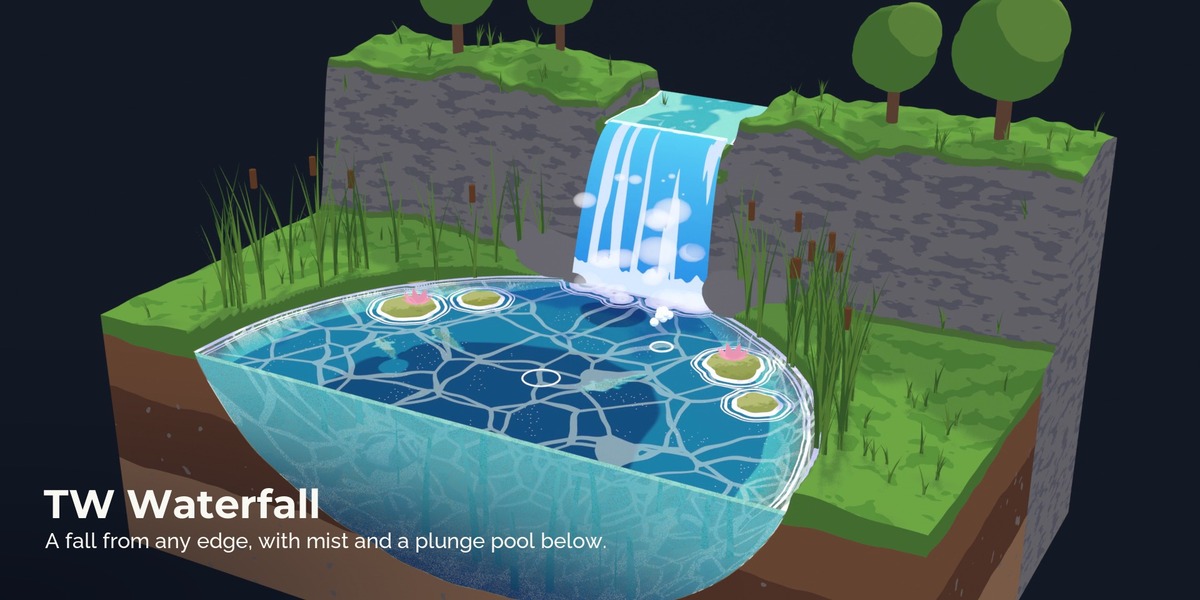
Waterfall: draw a curve along the edge the water should fall from, select it, pick a Waterfall look, Add Waterfall. Without a selection a new curve is placed at the 3D cursor. Fall height, arc, spread, thickness and the mist puffs are on the modifier.
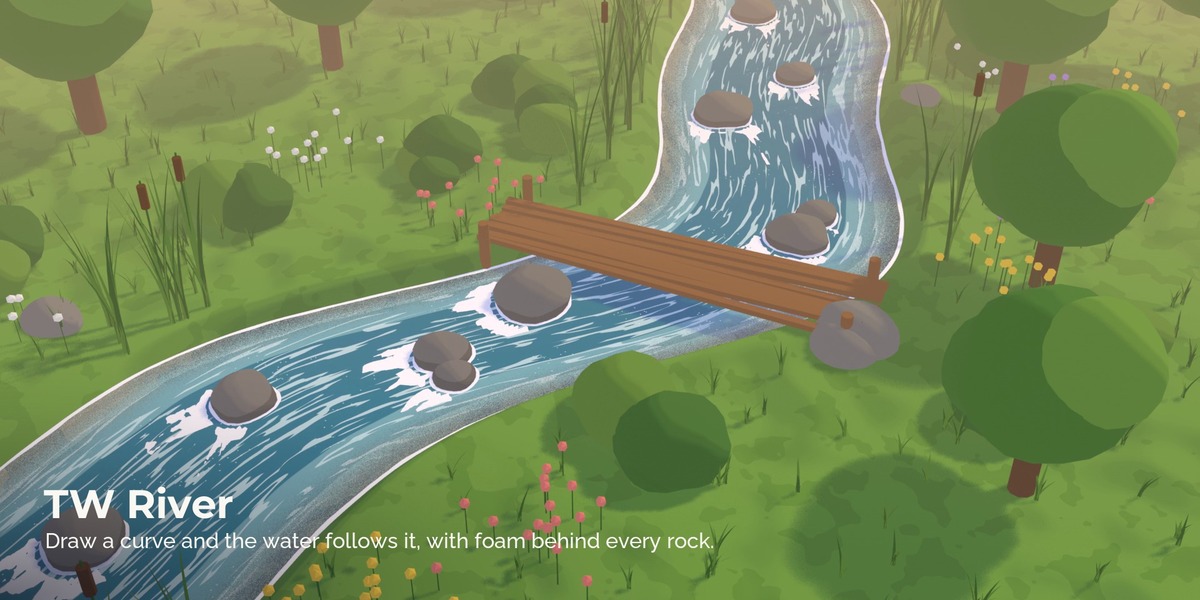
River: draw a curve along the river bed from the source to the mouth, select it, pick a River look, Make River. The patterns follow every bend of the curve.
Tiny planets: use an icosphere as the water and a bumpy sphere inside it as the ground, then turn on Planet on the TW Water Surface modifier (and on TW Float Scatter). Depth is then measured towards the centre, the waves move along the surface and floating objects lie flat all around the sphere.
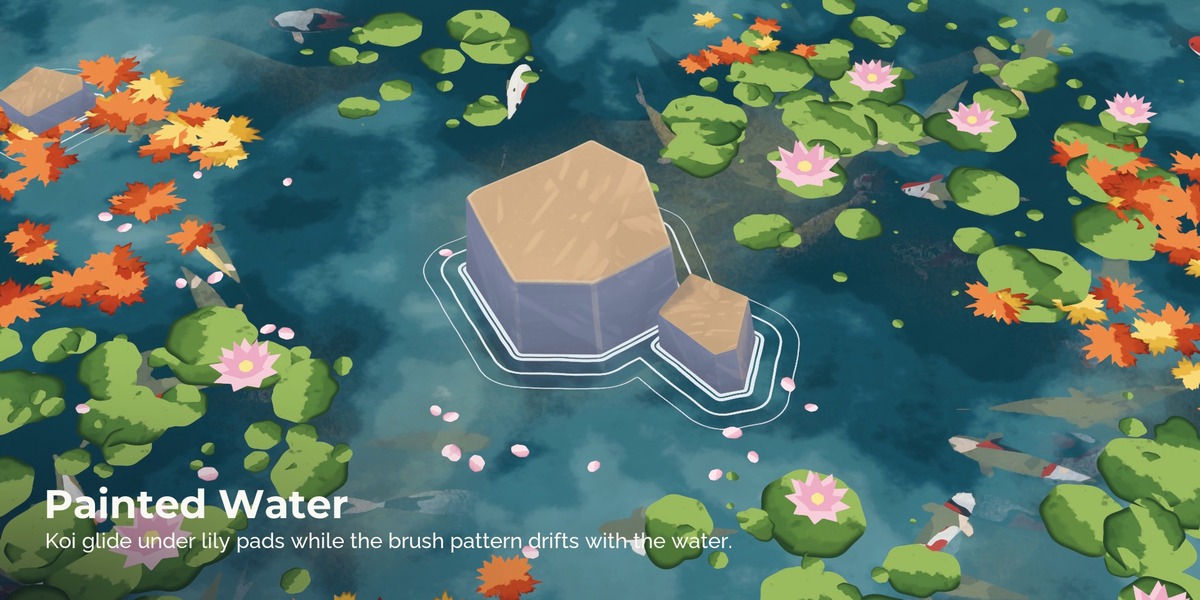
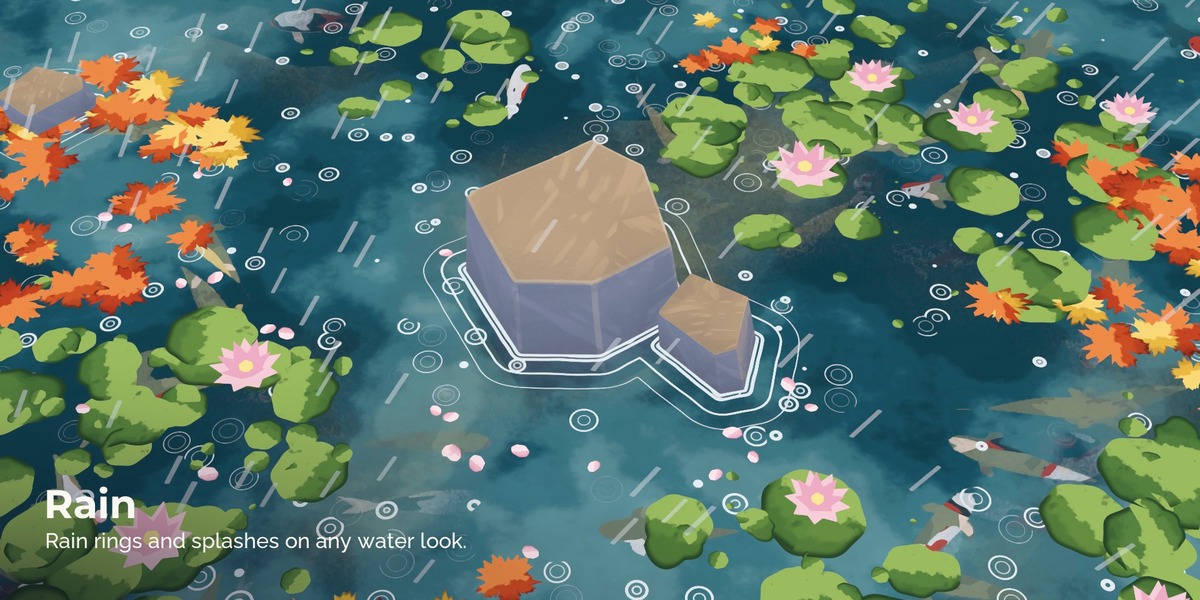
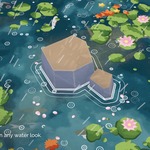
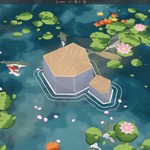
Floating objects: select lily pads, leaves or petals, then the water last, Scatter Floating. They are laid out in clusters, keep away from the Contact objects and drift, turn and bob in the loop. The Floating looks give them a painted look. Paint Floating Areas switches the water to Weight Paint: paint where the pads should grow. Add Objects gives you ready lily pads, maple leaves, green leaves, petals and a koi made for these looks.
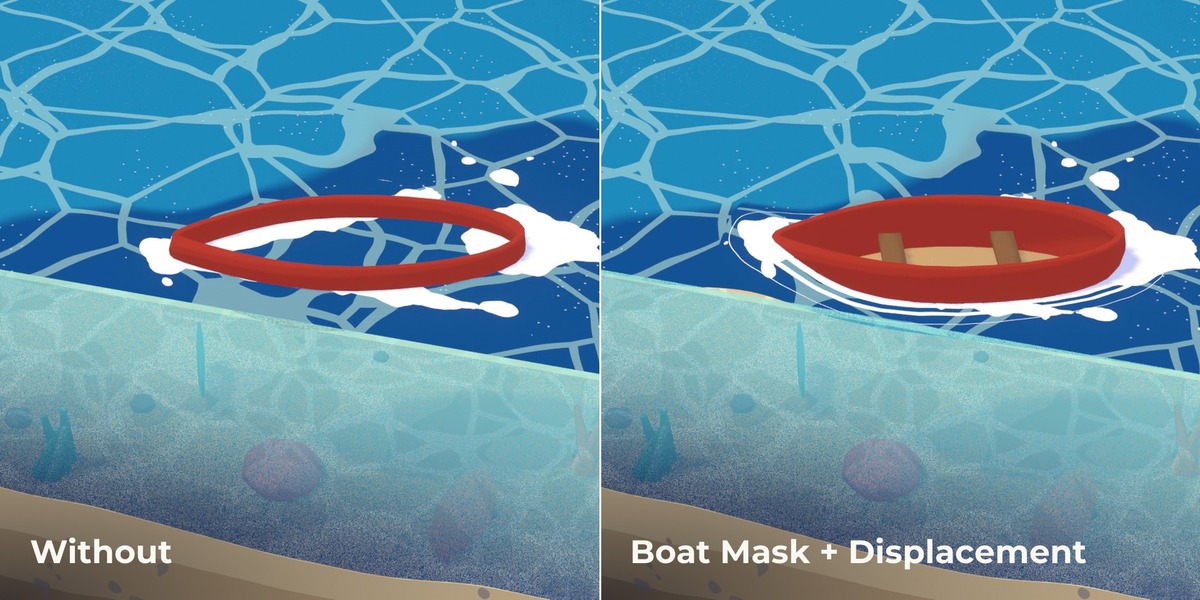
Auto Float: select boats, ducks or barrels, then the water last, Auto Float. They sit on the surface wherever you move them, lean with the waves and the swell, sway a little and get foam rings. Select a closed curve as well and they travel along it: the water then draws a V shaped wake and a foam trail behind them. The wake is calculated, not simulated, so it loops like everything else.
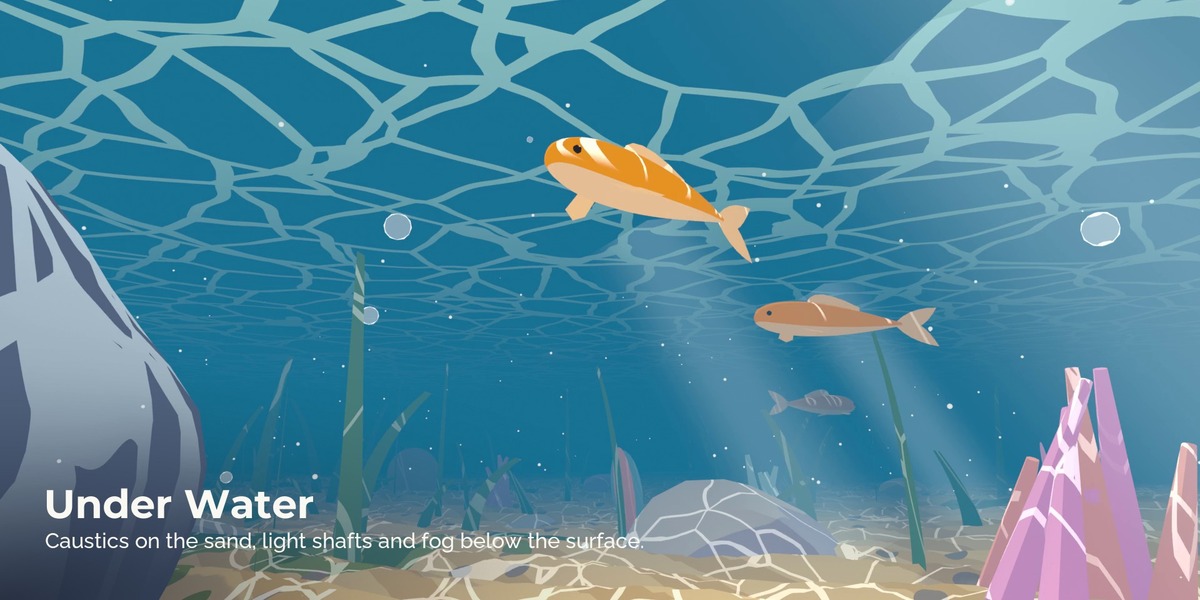
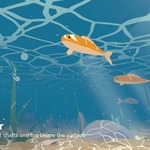
Fish: select a fish (Add Objects > Koi) and the water, Fish School. The fish swim on looping paths under the surface and fade with depth.
Under water: Underwater Setup gives every material in the Ground and Contact collections caustic light, a wet stripe above the waterline and toon fog for cameras under the water, and adds sun shafts. Put the camera below the surface: the water shows its underside with a bright window above. For an aquarium cut, raise Side See Through on the look.
Mood Blend: give the water a look, choose a second look of the same kind (for example Summer Lake and Starlit Pond) and press Mood Blend. One Mood slider in the Controls panel blends between them; keyframe it for day to night or calm to storm.
Effects (Toon Water tab > Effects):
- Splash: droplets jump up and fall back around everything in the Contact collection, in the loop.
- Bubbles: air bubbles rise under the water and pop at the surface.
- Whirlpool: adds an empty at the 3D cursor; the water sinks into a funnel there with spiral foam arms. Move the empty to move the whirlpool.
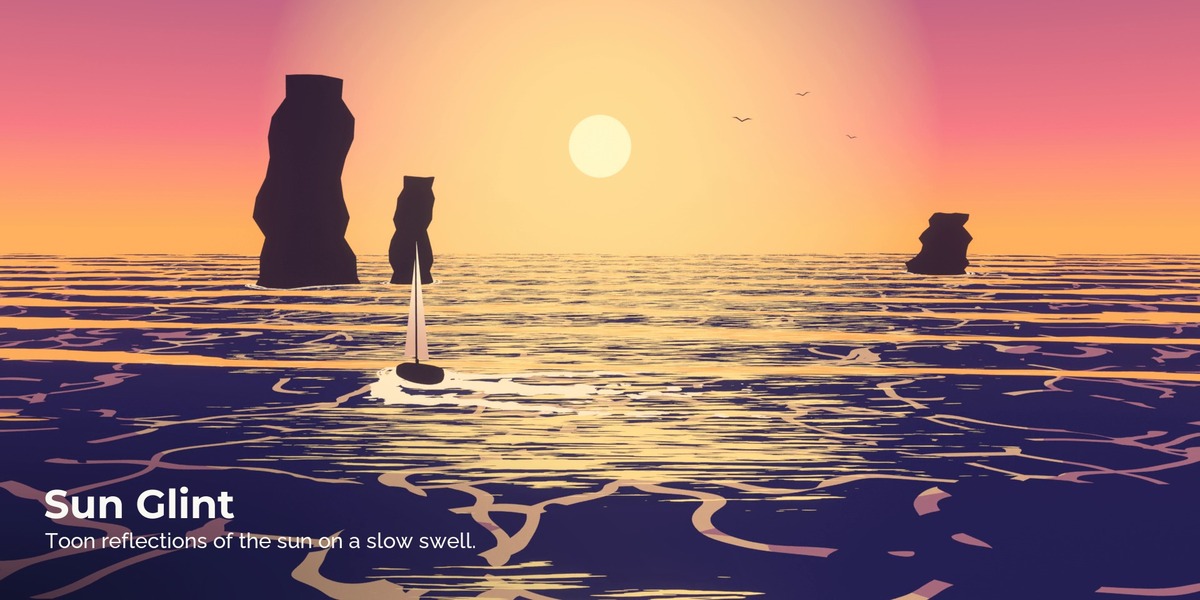
- Sun Glint: bright toon streaks where the sun mirrors on the water, pointed at the sun lamp of the scene.
- Paint Foam / Paint Calm: paint foam patches or calm areas (no waves) on the water in Weight Paint mode.
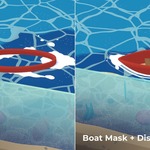
- Boat Mask: select closed objects (a boat hull) and the water: no water inside them.
- Flow Guides: select curves and the water: the pattern flows along the nearest curve. Works best with gentle curves and the cell or wave line patterns.
- Puddles: select a ground object: toon puddles with a light edge, a wet rim and rain rings, scattered or painted with Paint Puddles.
- On the shader: Ink draws dark manga style lines along the waterline and the foam, Facet Shade with Flat Shading on the surface gives a low poly look, Swell Shade darkens the troughs between rolling waves.
Controls: the Controls panel under the Toon Water tab shows every setting of the selected object's Toon Water modifiers and of its Toon Water material, in the same groups as on the modifier.
The node groups
| Group | Type | What it does |
|---|---|---|
| TW Water Surface | Geometry Nodes | Depth to the ground, distance to the contact objects and the shore, looping waves and swell, boat wake, anime timing, top and cut side. Every water shader needs it |
| TW Toon Water | Shader | Depth bands, caustic cells, wave lines or flow streaks, contact foam with rings, shore waves, crest foam, rain rings, horizon band, wake foam, sparkles, see-through shallows, underside, cut side, toon light |
| TW Painted Water | Shader | Gouache and watercolour: large colour fields with rough wet edges, wash, brush drags, ripple lines |
| TW Lava | Shader | Crust plates with glowing cracks and cores, hot rim at contacts, glowing cut side |
| TW Ice | Shader | Depth under the ice, crack lines, snow drifts at contacts, frozen layers on the cut side |
| TW Magic Liquid | Shader | Potions, poison, slime: glow, swirls, bubbles that grow and pop |
| TW River | Geometry Nodes | River ribbon along a curve with flow direction |
| TW Waterfall | Geometry Nodes | Falling sheet from a curve with thickness and mist puffs |
| TW Waterfall Sheet, TW Mist | Shader | Streaks running down, lip and base foam; soft toon mist |
| TW Float Scatter | Geometry Nodes | Floating objects in clusters or painted areas with drift, turn and bob |
| TW Auto Float | Geometry Nodes | Keeps any object on the surface, leaning and swaying with the waves; optional path with a matching wake |
| TW Fish School | Geometry Nodes | Fish swimming under the water on looping paths |
| TW Underwater | Shader | Add after any material under water: caustics, toon fog for cameras under the water, wet stripe |
| TW Light Shafts, TW Light Shaft | Geometry Nodes, Shader | Stylized sun shafts under the surface that end on the ground |
| TW Seabed, TW Seabed Paint | Geometry Nodes, Shader | Sea or pond floor with dunes and basins; painted sand with ripples, patches and pebbles |
| TW Splash, TW Splash Drop | Geometry Nodes, Shader | Looping droplets around contact objects and their material |
| TW Bubbles, TW Bubble | Geometry Nodes, Shader | Rising air bubbles under water and their material |
| TW Puddle | Shader | Add after a ground material: puddles with sky colour, wet rim and rain rings |
| TW Painted Float | Shader | Painted lily pads, leaves and petals with light side, shade side and rim |
| TW Toon Light | Shader | The light core inside the toon shaders. Same core as the Toon Shader pack |
| TW Comp Painterly | Compositor | Oil paint filter, glow and haze over the whole render (Blender 5.0+) |
Every input has a tooltip and a safe range. The parameter list is at the end of this document.
Loops
All motion in Toon Water repeats after Loop Seconds (default 4 s = 96 frames at 24 fps): waves, patterns, foam rings, flow, bubbles, waterfall streaks, floating objects, fish, wakes, rain and sun shafts. Use the same value on every Toon Water modifier; the add-on does that for you. Hold Frames on TW Water Surface gives anime timing: the water changes only every 2nd or 3rd frame, like hand drawn animation. Patterns move in two layers in opposite directions, so the lines change shape instead of sliding. Flowing water (rivers, Flow Distance above 0) blends two layers half a loop apart, the same technique games use for flow maps.
Cycles and EEVEE
The water shaders show their colours without depending on the render engine, and the toon light uses the same core as the Toon Shader pack, tuned so Cycles and EEVEE match. In our tests the difference between the two engines stays below 1 % on average. In EEVEE use 32 samples or more so the see-through shallows render without noise.
Limits
- Depth and contact are measured by Geometry Nodes on the water mesh. Very large or very dense water meshes with many contact objects get slower; keep the water mesh as simple as the waves allow.
- Moving contact objects update the foam every frame, which costs time on big scenes.
- The cut side colour needs a water body with side faces (a block or a pool shape). A single plane has no cut side.
- There are no refractions or mirror reflections. The looks are stylized on purpose.
- Under water fog and caustics come from TW Underwater on the materials of the objects. Objects that do not have it (for example a new mesh added later) show no fog: run Underwater Setup again.
- The wake follows objects that travel along a path with Auto Float. Objects you animate by hand get foam rings but no wake.
- Patterns are made for flat water and gentle waves. On tiny planets scale Pattern Size and Foam Width to the planet.
- The compositor finish needs Blender 5.0 or newer. Everything else runs from Blender 4.5.
Credits and licence
Made by Nico Hartl. Designed with Claude, made procedurally in Blender and Python, art directed and checked by a 3D artist. Node groups and looks: royalty free for your own and commercial projects, see LICENSE.txt; you may not resell or redistribute them as they are. Add-on code: GPL-3.0-or-later.
GUIDE_TEXT
Parameters
PARAMS_TABLES
Have questions about this product?
Login to message
| Published | 1 day ago |
| Blender Version | 4.5 - 5.2 |
| Render Engine Used | Cycles, Eevee |
| License | GPL |