 KacaDev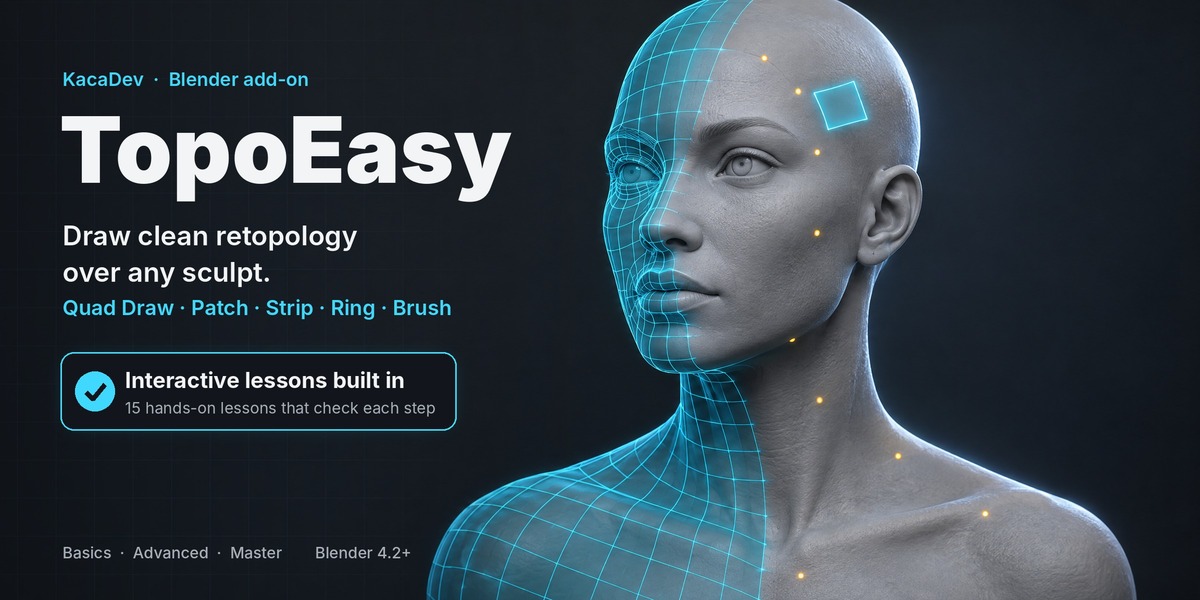
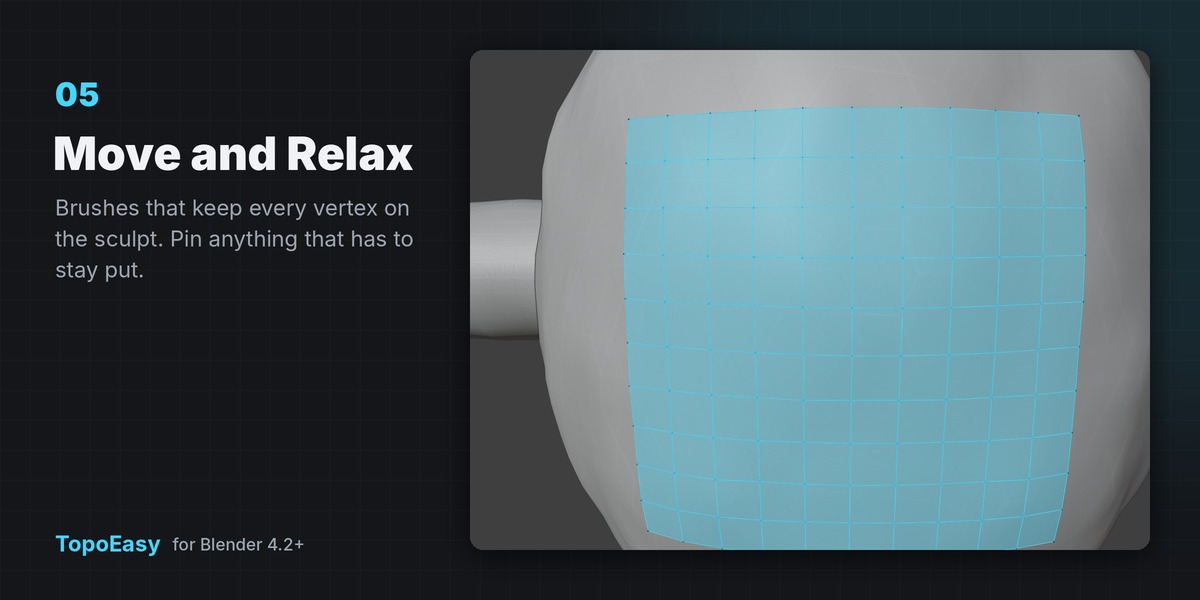
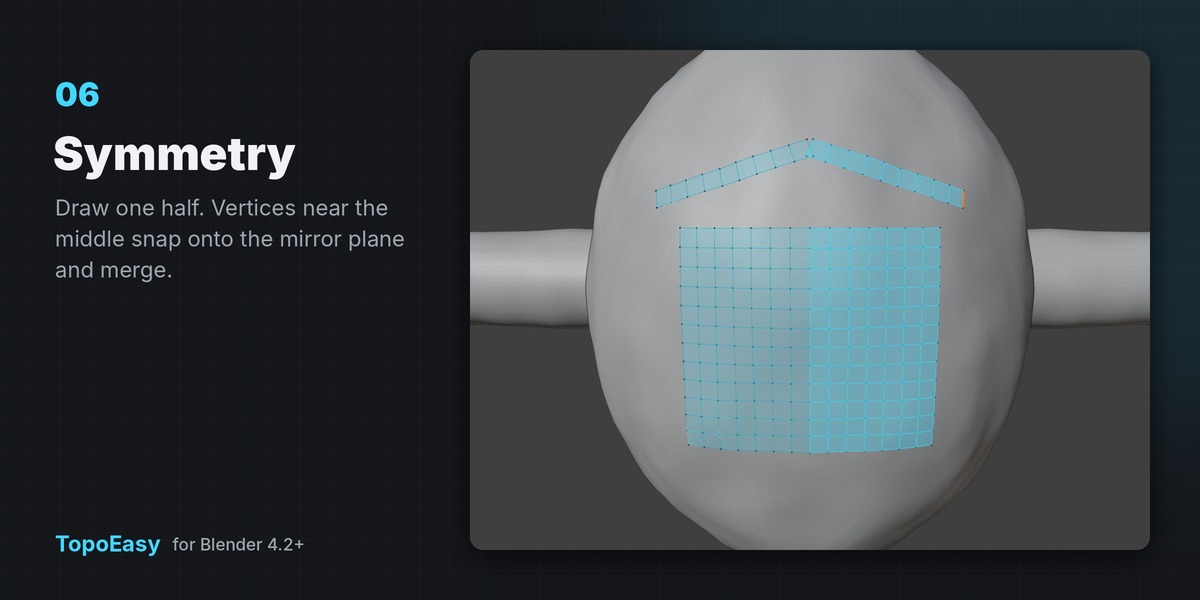

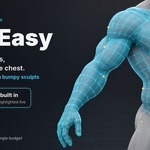
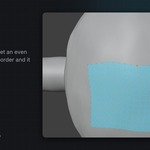
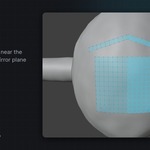
Draw clean retopology over any sculpt. Your sculpt is never touched; TopoEasy builds a separate, normal Blender mesh on top of it.
Start
- In Object Mode, select your high-poly sculpt.
- Sidebar (N) › TopoEasy › Start Retopo (or right-click › Start TopoEasy Retopo, or Shift+Q).
- A
<name>_retopomesh is created, Edit Mode opens and the draw tool starts.
To pick up later: select the retopo mesh › Continue Retopo.
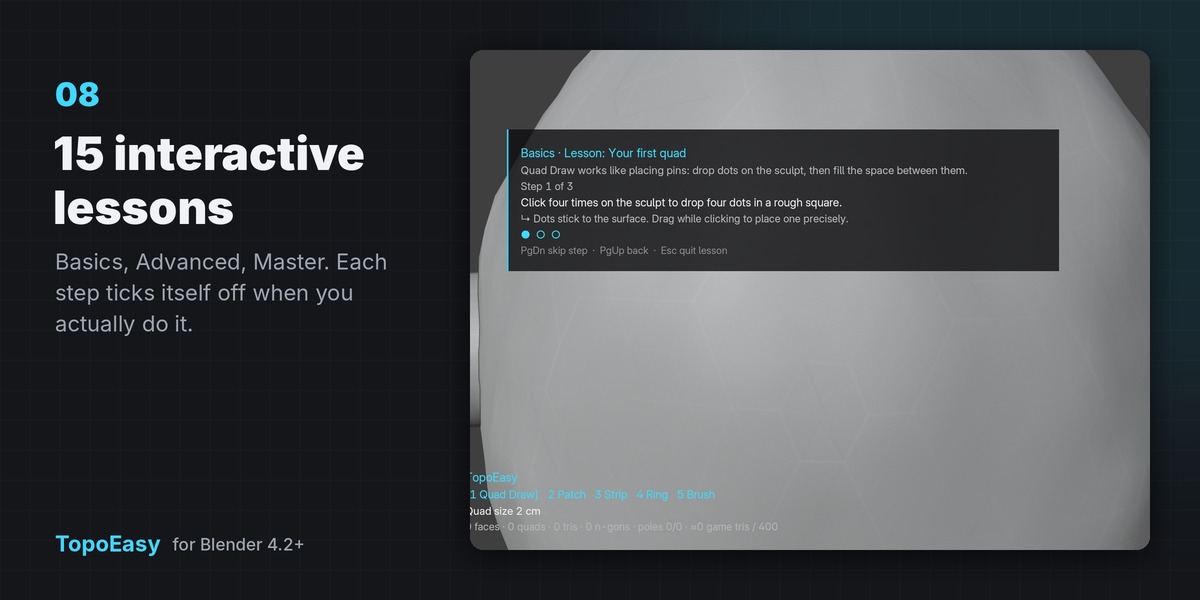
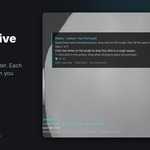
New? Sidebar › TopoEasy › Learn TopoEasy has 15 interactive lessons (Basics, Advanced, Master) on a practice sculpt.
Tools (switch with 1–5 or Tab)
| Key | Tool | What it does |
|---|---|---|
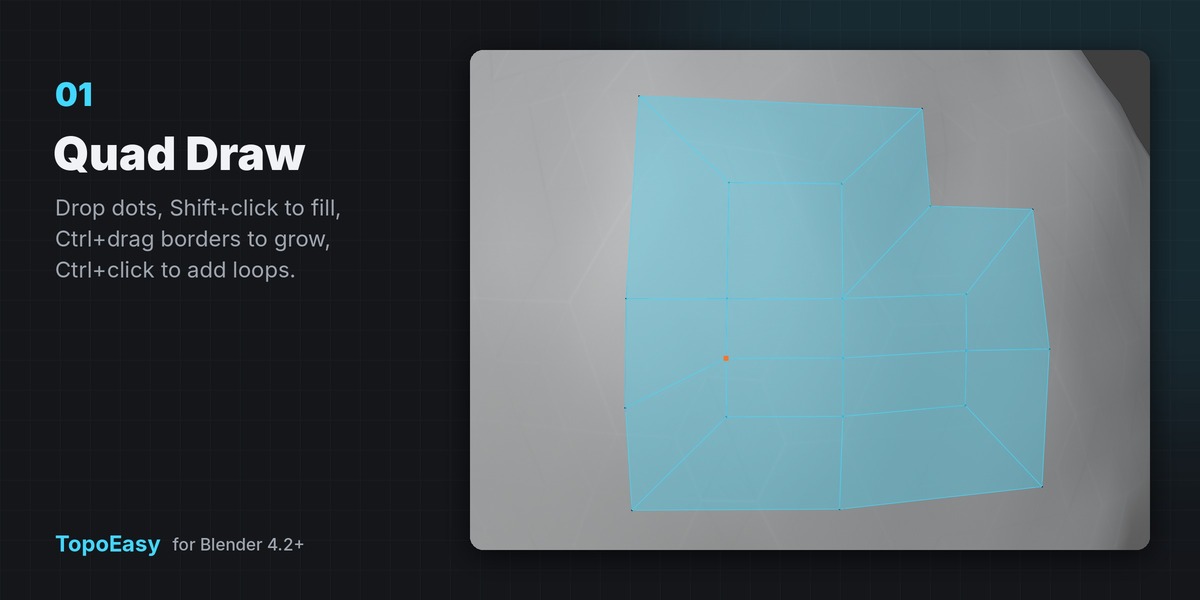
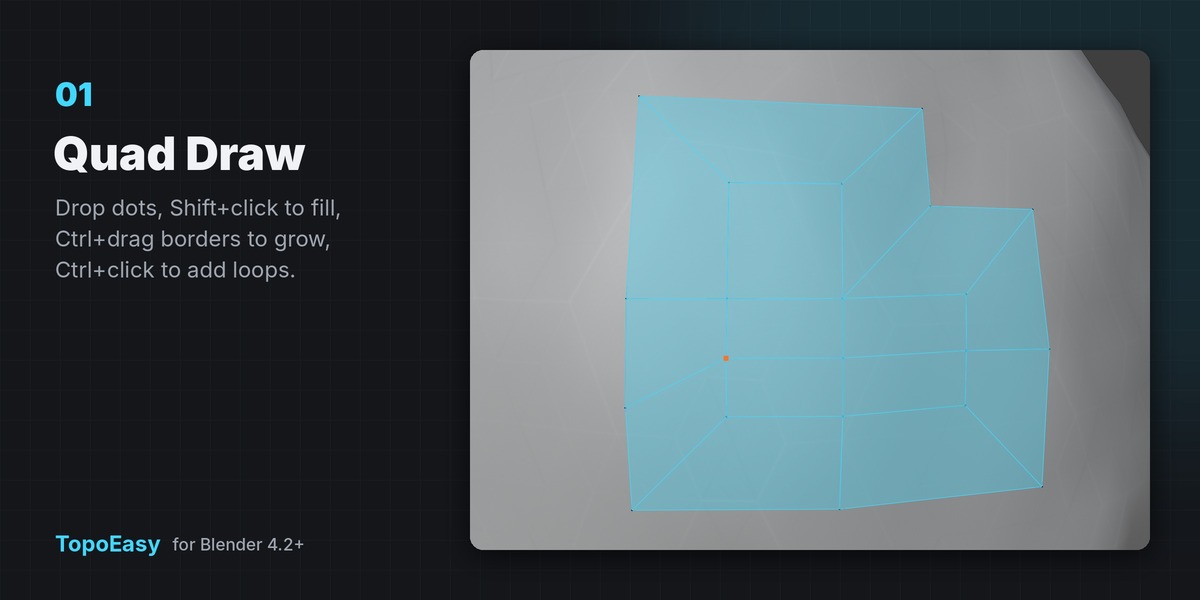
| 1 | Quad Draw | Click to drop dots. Shift shows the quad between nearby dots/border; Shift+click fills it. Ctrl+drag a border edge pulls out new quads (Ctrl+Alt+drag: the whole border). Ctrl+click an edge inserts a loop. Ctrl+Shift+click deletes a vertex/face. Drag a vertex to move it; drop it on another to merge. Shift+drag relaxes. |
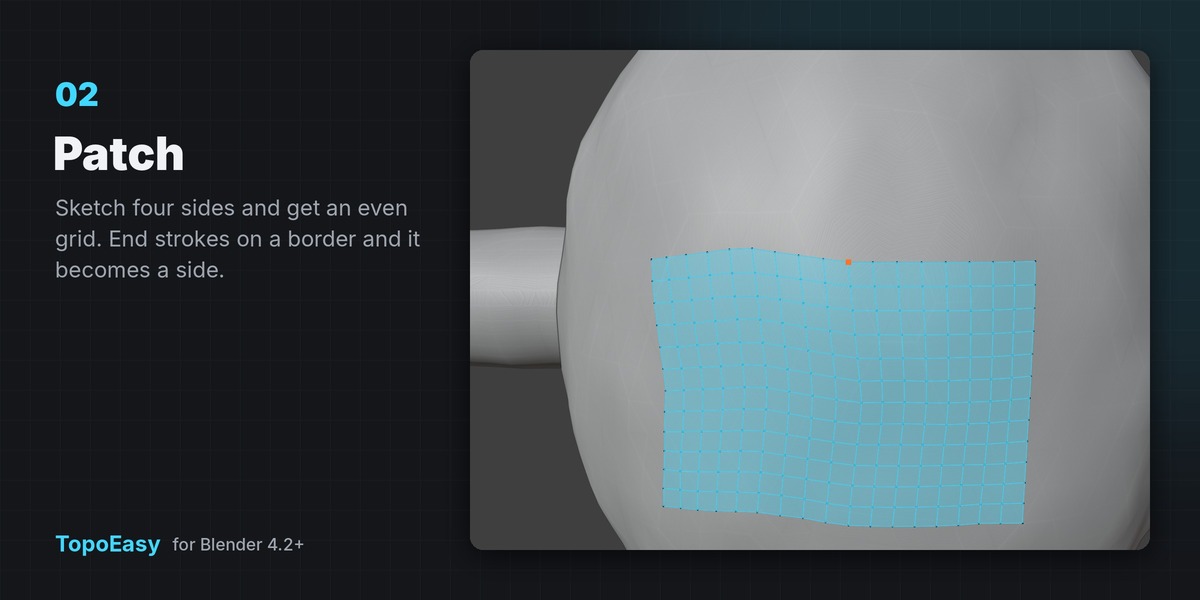
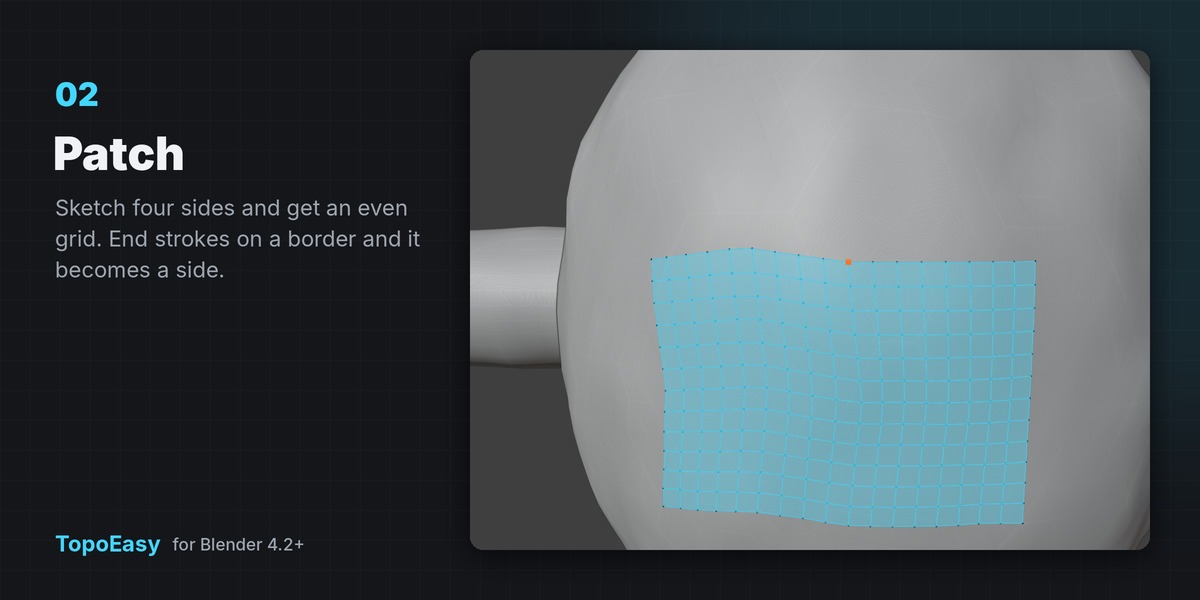
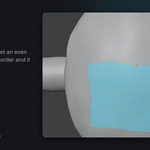
| 2 | Patch | Draw four connected sides (or one closed loop) → even quad grid. End strokes on border vertices and the border becomes a side. Enter/Space builds, Backspace removes the last side, Esc clears. |
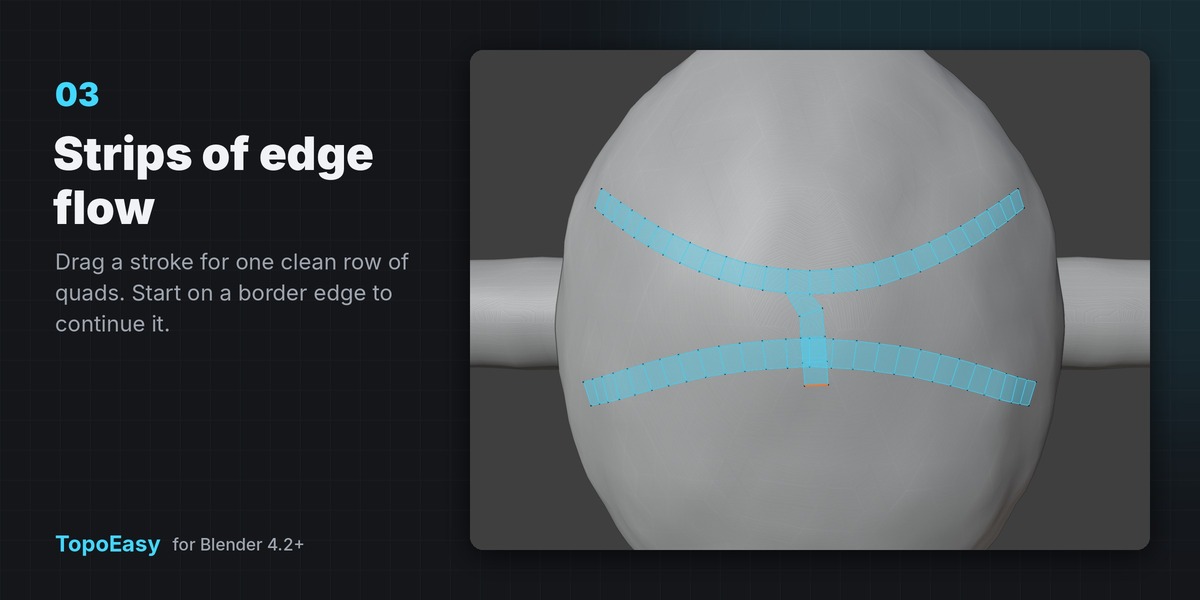
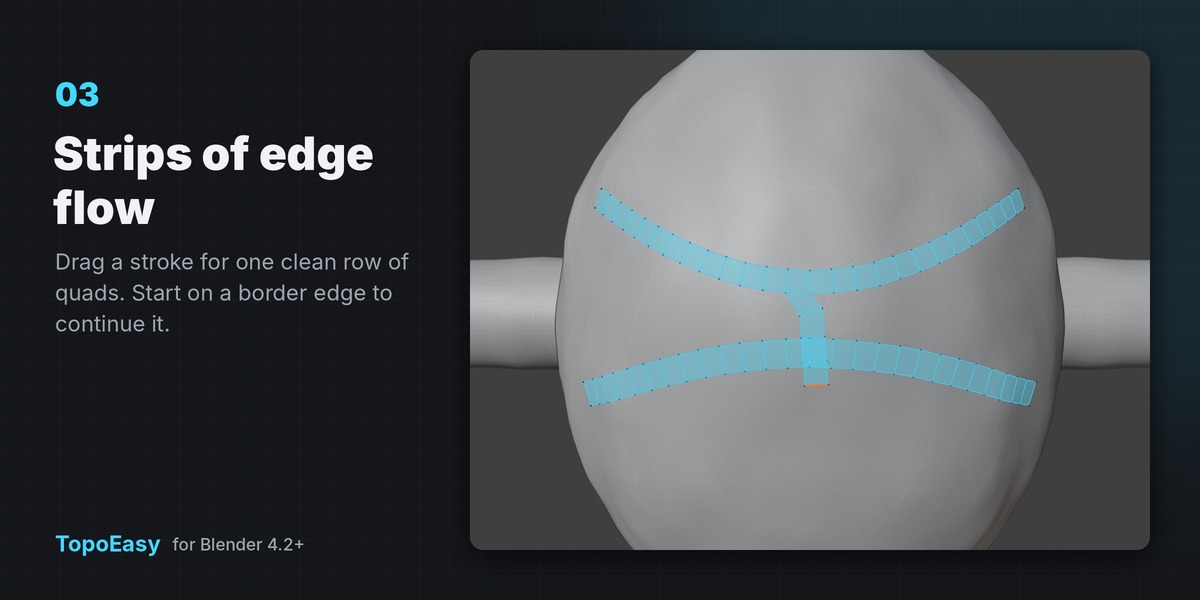
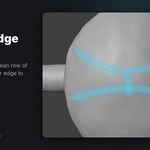
| 3 | Strip | Drag a stroke → one-quad-wide ribbon. Start on a border edge to continue from it. Shift+wheel: width. |
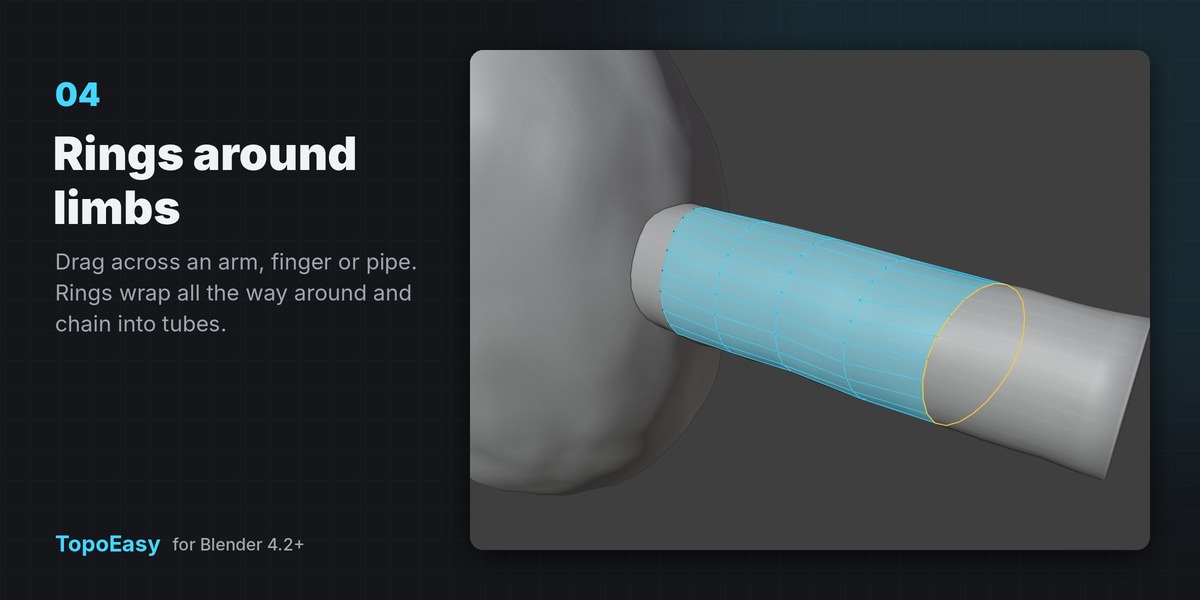
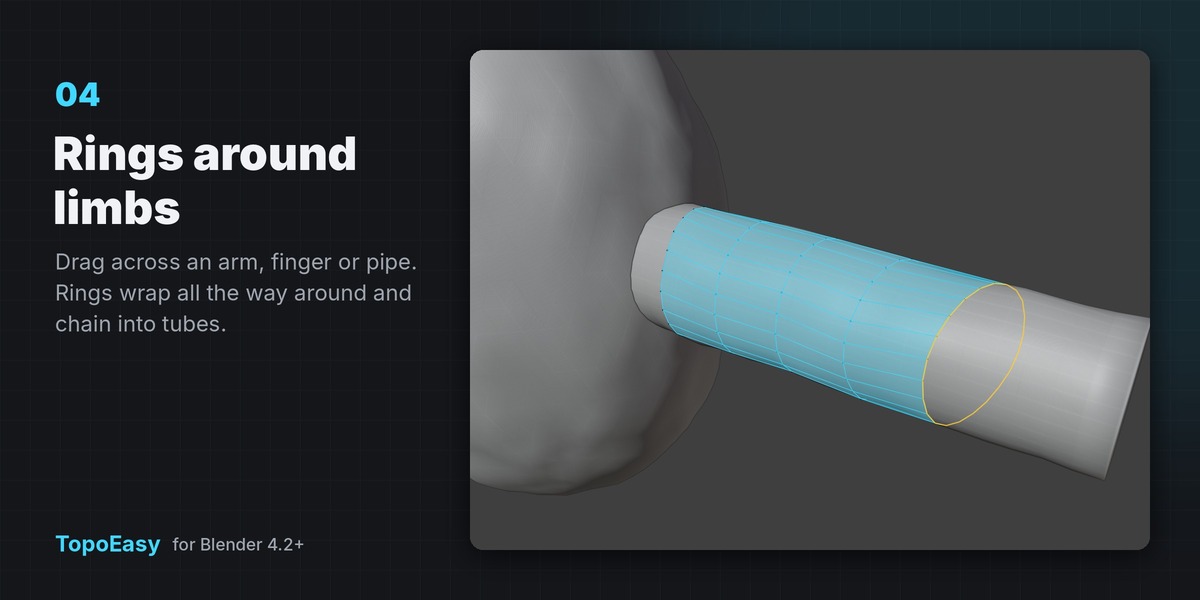
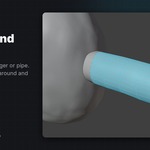
| 4 | Ring | Drag across an arm, finger, neck or pipe → a loop wraps around it. Drag again to chain a tube. Start on an existing border loop to continue it. N: new chain. Shift+wheel: segments. |
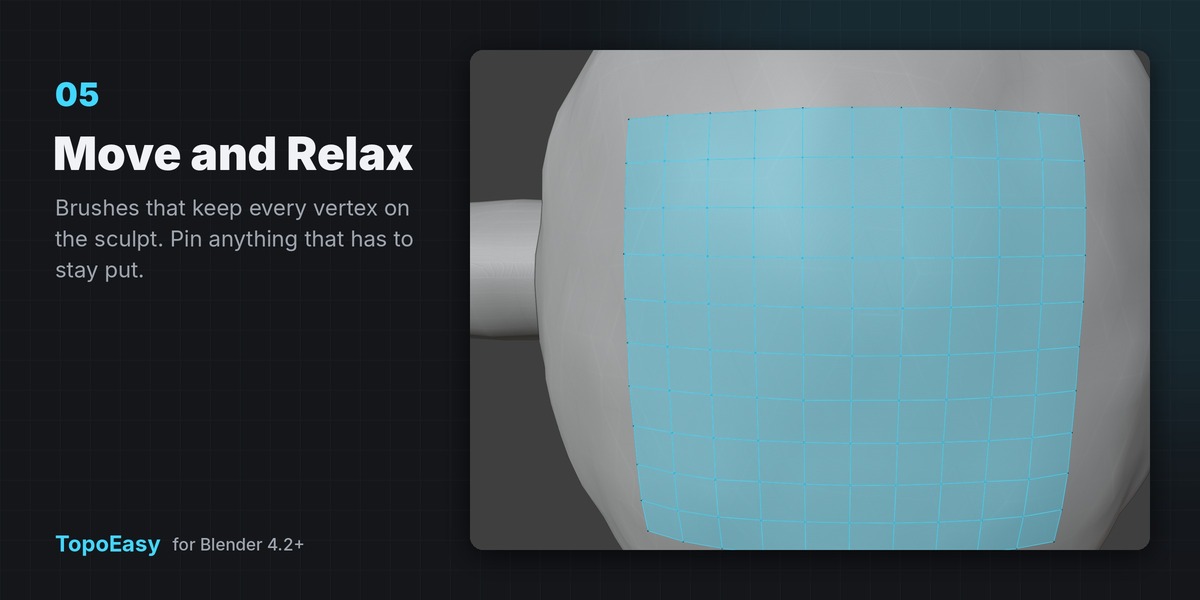
| 5 | Brush | Drag: Move. Shift+drag (or B to switch): Relax. Alt+click: pin/unpin a vertex. Shift+wheel: radius, Alt+wheel: strength. |
Everywhere
| Key | Action |
|---|---|
| Ctrl+wheel | Quad Size ×1.25 / ×0.8 (shown in your scene units) |
| Shift+wheel or + / − | Tool setting (strip width, ring segments, brush radius) |
| D | Detail mode: quarter-size quads, tighter snapping, finer strokes |
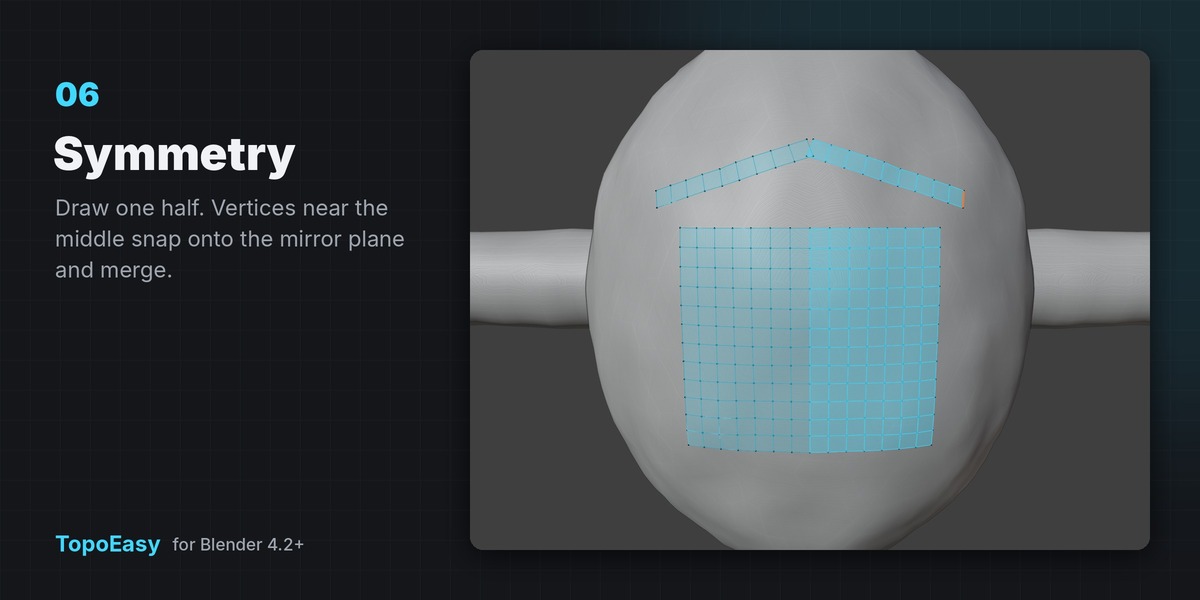
| M | Mirror X on/off (Y, Z and Seam Distance in the sidebar) |
| R | Relax the selection (or everything) on the surface |
| P | Project everything back onto the sculpt |
| F | Fill the open hole nearest the cursor (even borders fill with quads) |
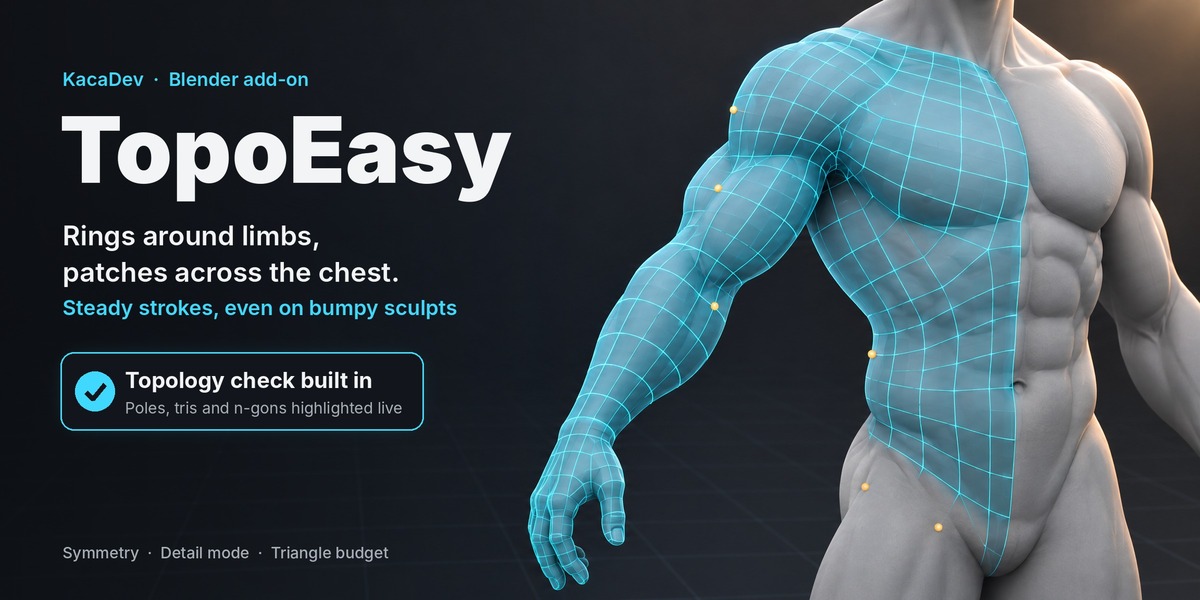
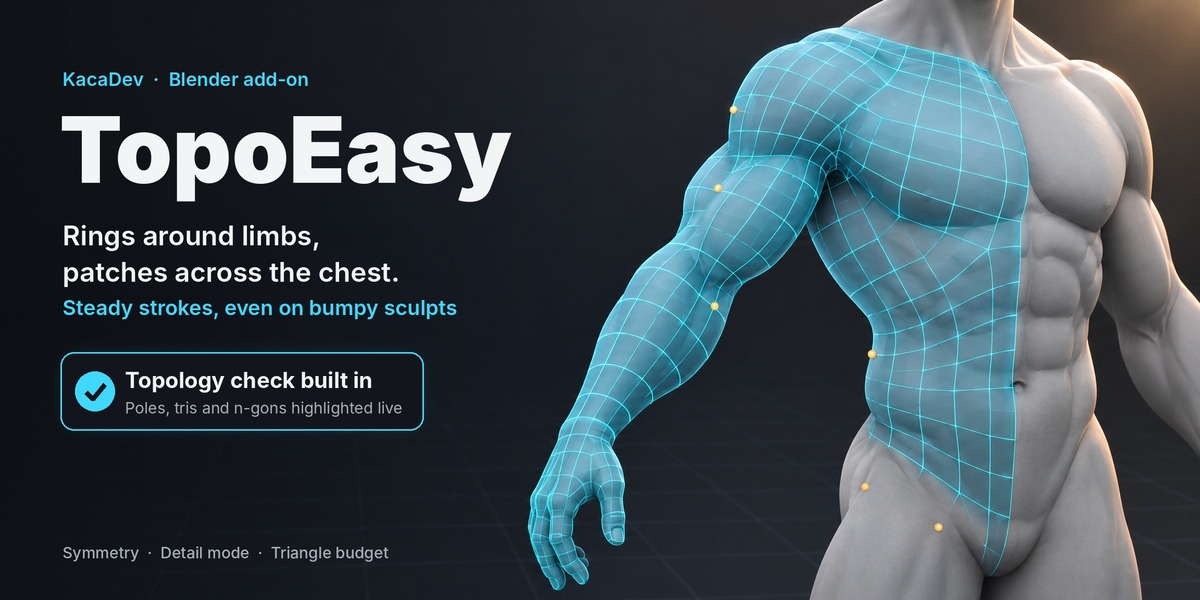
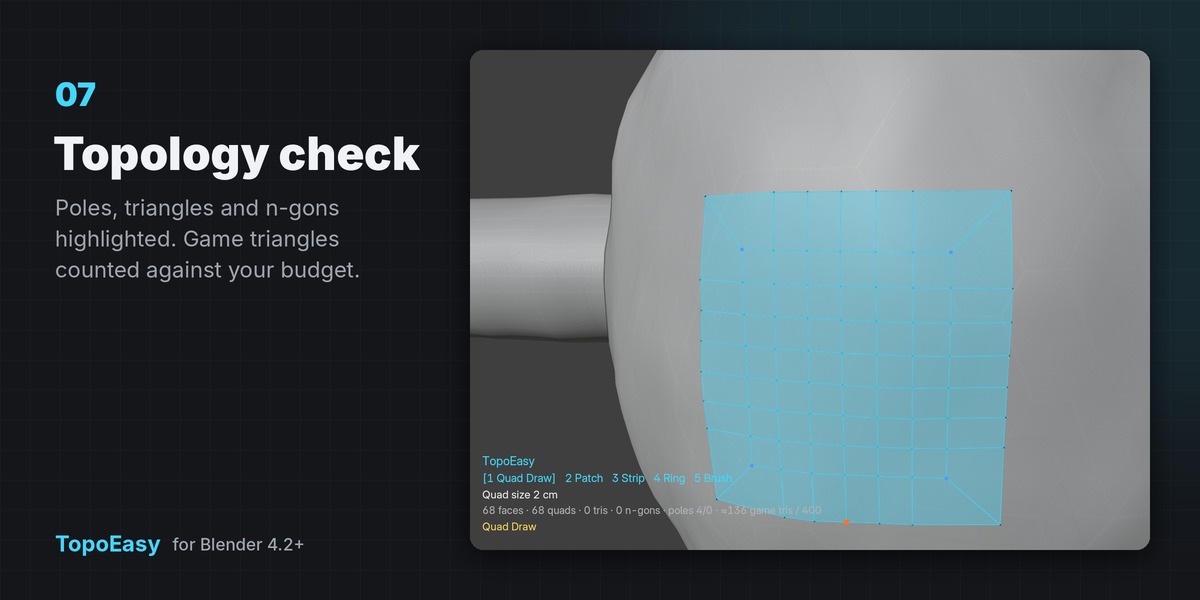
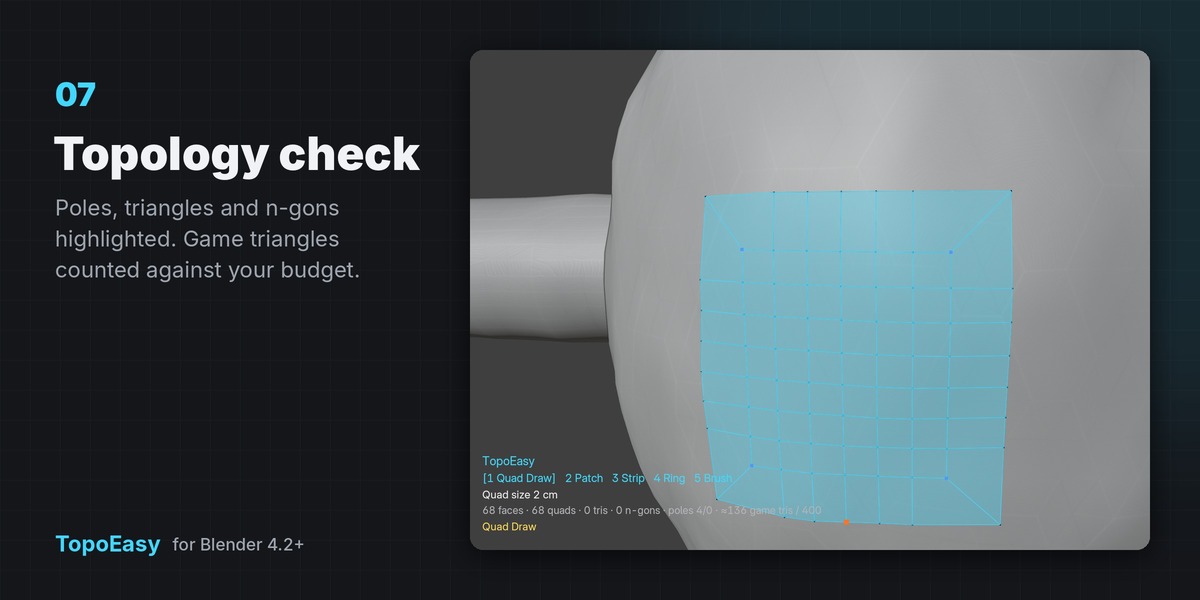
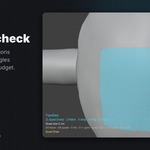
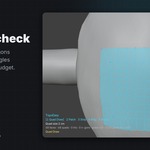
| I | Topology check overlay: blue = 3-edge poles, red = 5+ edge poles, pink = triangles / n-gons |
| Ctrl+Z | Undo inside the tool |
| H / F1 | Show / hide key help |
| Esc / Enter | Exit (the whole session is one undo step) |
Stroke smoothing
Strokes are sampled on the sculpt and smoothed on the surface. On bumpy or noisy sculpts raise Stroke Smoothing in the sidebar for steadier lines.
Sidebar actions (Edit Mode)
Project to Surface · Relax on Surface · Bridge Loops (two selected loops) · Fill Holes · Select Problems (poles / tris / n-gons) · Finish: Surface Snap (Shrinkwrap to the sculpt + optional Subdivision preview; run again to remove) · Apply Symmetry.
Topology Check panel
Live counts of faces, quads, triangles, n-gons and poles, plus game triangles against an optional Triangle Budget (mirrored halves are counted).
Notes
- Works on any unit scale (cm, m, inches); default Quad Size comes from the sculpt's size.
- Large sculpts (1M+ triangles) are supported; the surface is cached between sessions and rebuilt only when the sculpt changes.
- Shift+Q opens the TopoEasy pie (change it in Preferences › Keymap). The sidebar tab name is in the add-on preferences.
Have questions about this product?
Login to message
| Blender Extension Compatible | Yes |
| Published | about 17 hours ago |
| Blender Version | 4.2 - 5.2 |
| Extension Type | Add-on |
| License | GPL |