 KacaDev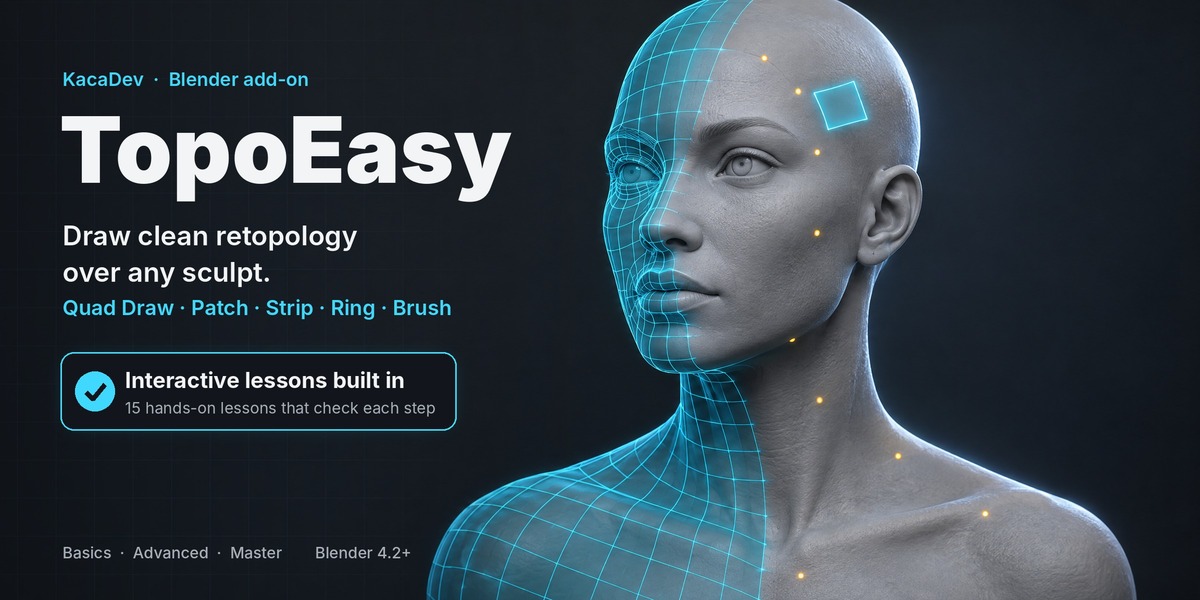
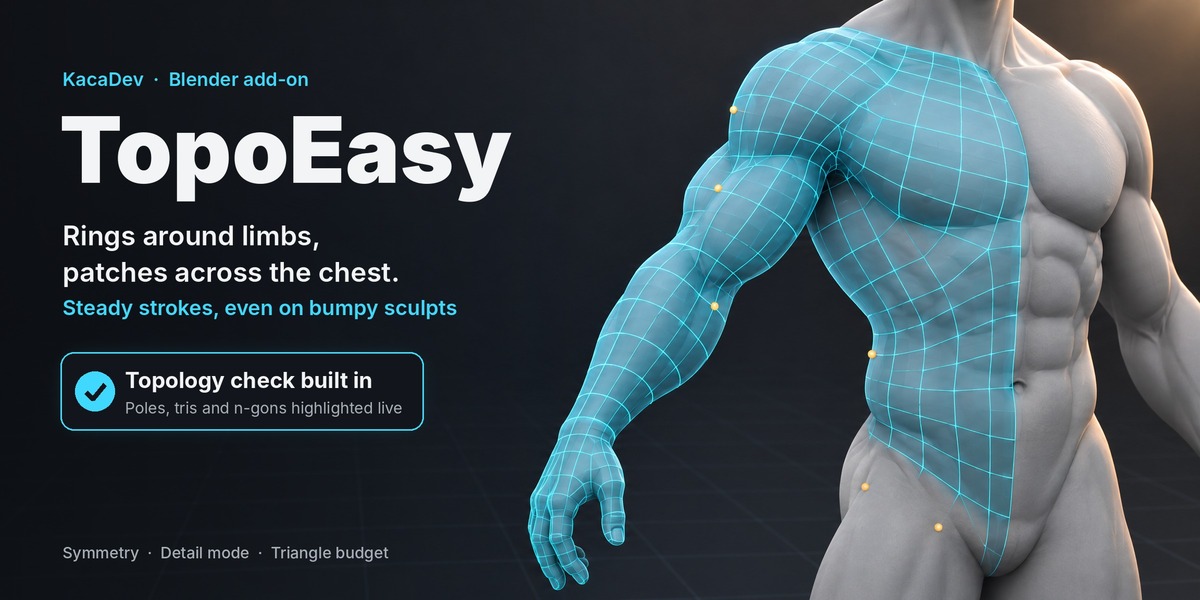
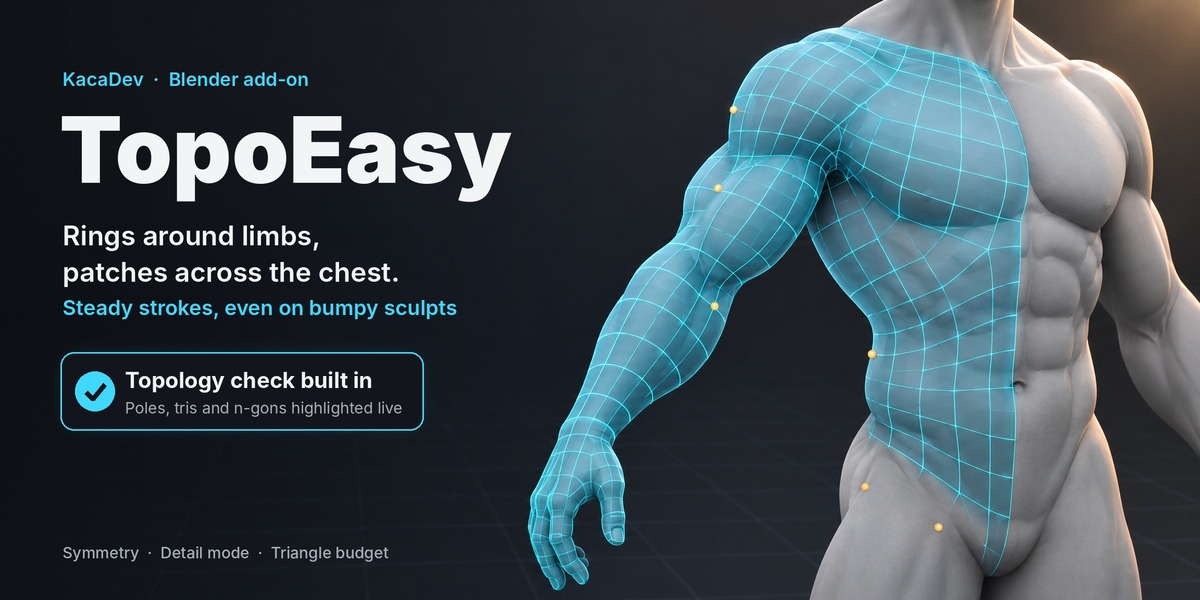



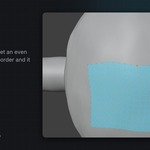
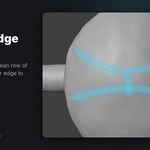
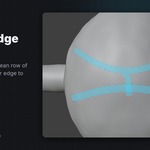
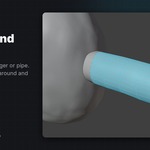
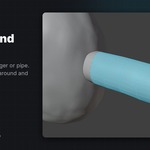
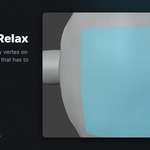
TopoEasy is a retopology toolkit for Blender. You draw new, clean topology on top of a sculpt or scan, and TopoEasy keeps every vertex snapped to the surface. Your sculpt is never touched: the result is an ordinary Blender mesh you can keep editing with anything.
Five tools, one mode
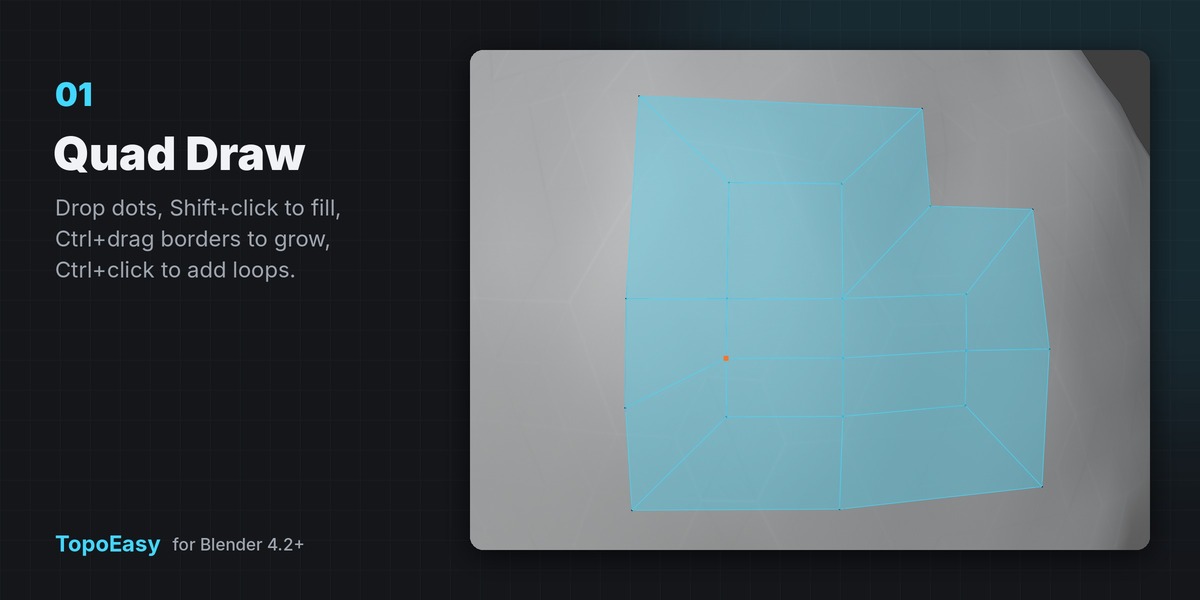
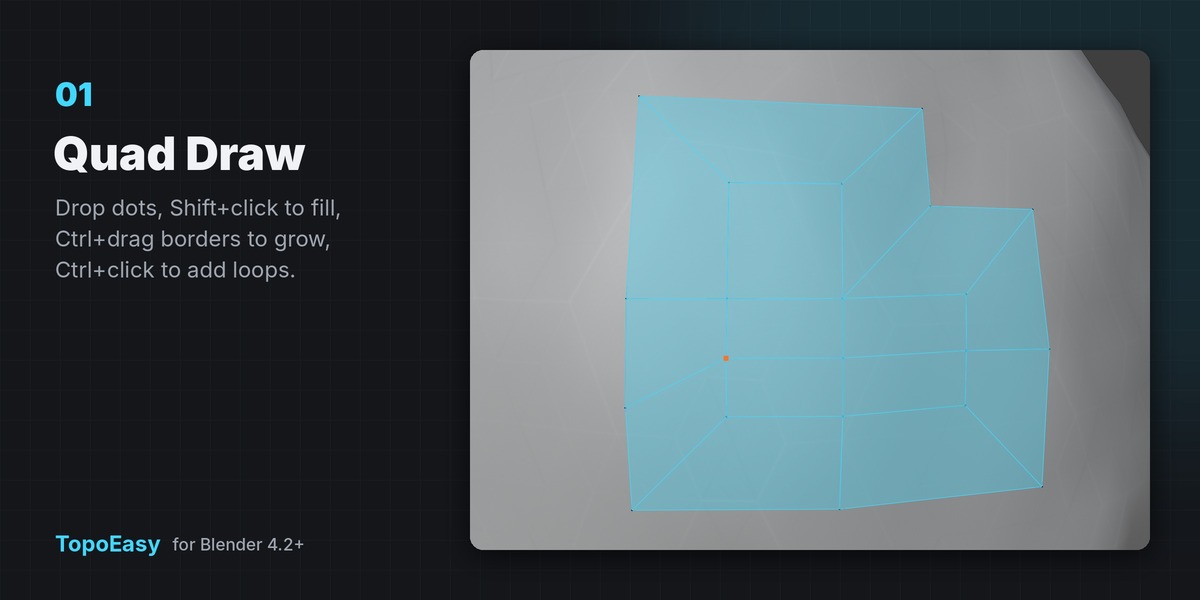
- Quad Draw: click to drop dots, hold Shift to see the quad between them, Shift+click to make it. Ctrl+drag a border edge to pull out a new row, Ctrl+click an edge to add a loop. If you've used click-and-fill retopo tools before, it will feel familiar.
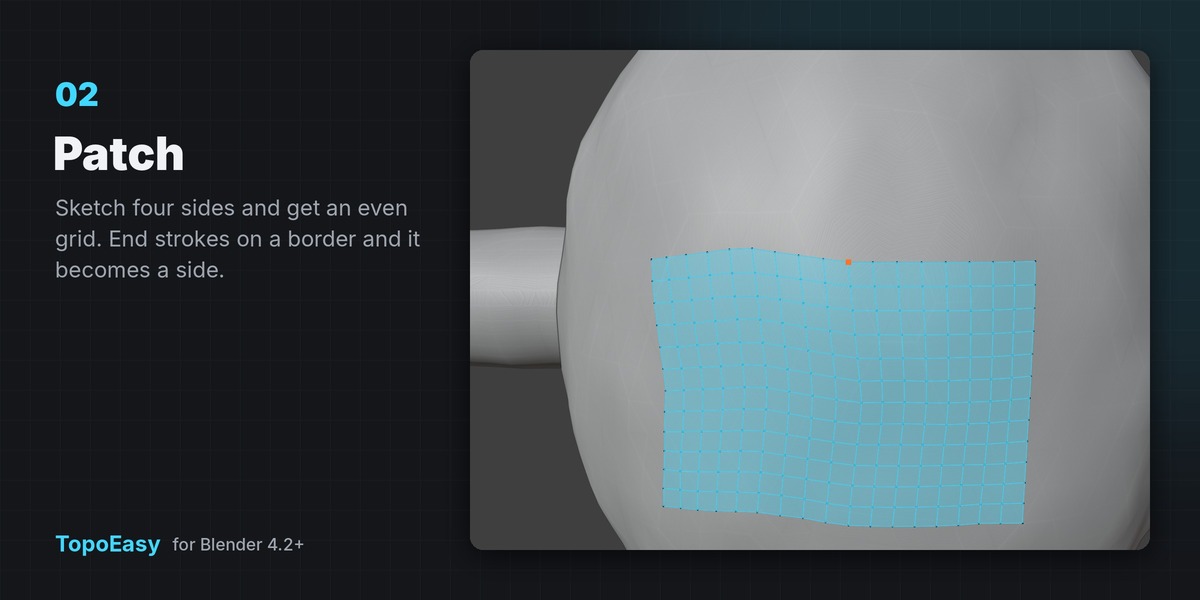
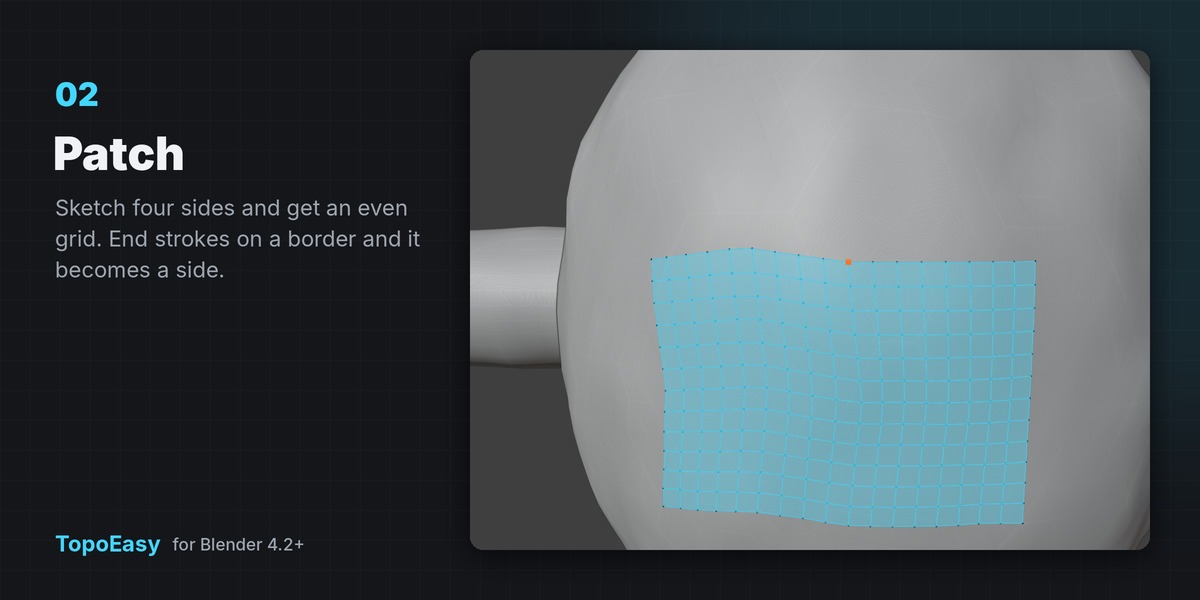
- Patch: sketch four sides, or one closed loop, and get an even grid of quads. End strokes on existing border vertices and the border becomes a side, so new patches join the old ones without seams.
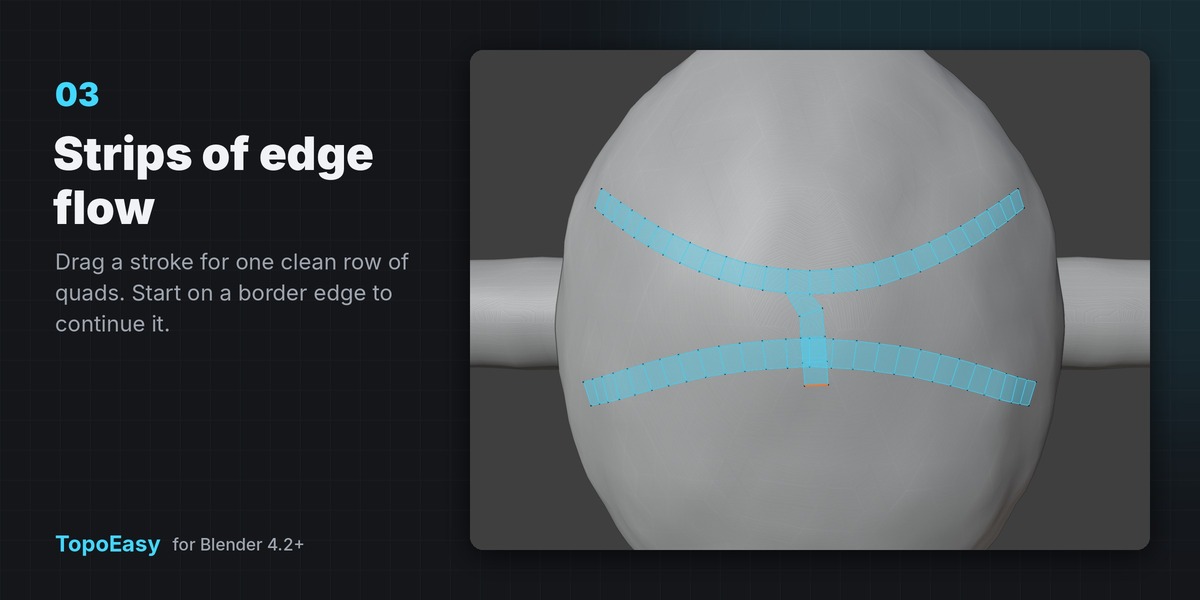
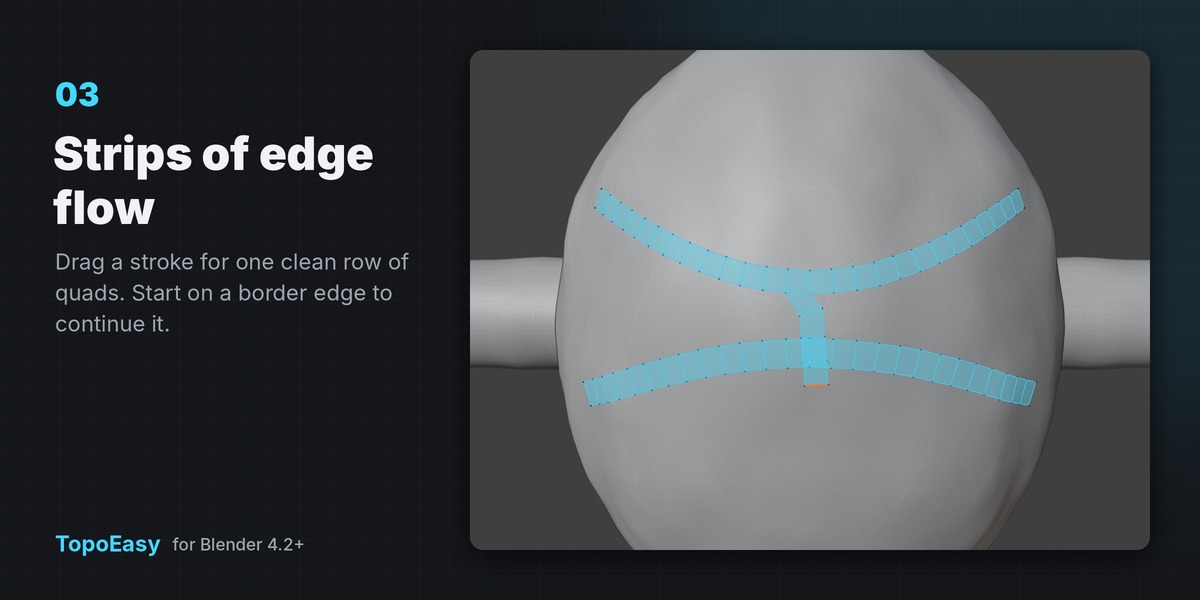
- Strip: drag a stroke to lay one row of quads along it, for blocking out the main loops around eyes, mouths and muscles first.
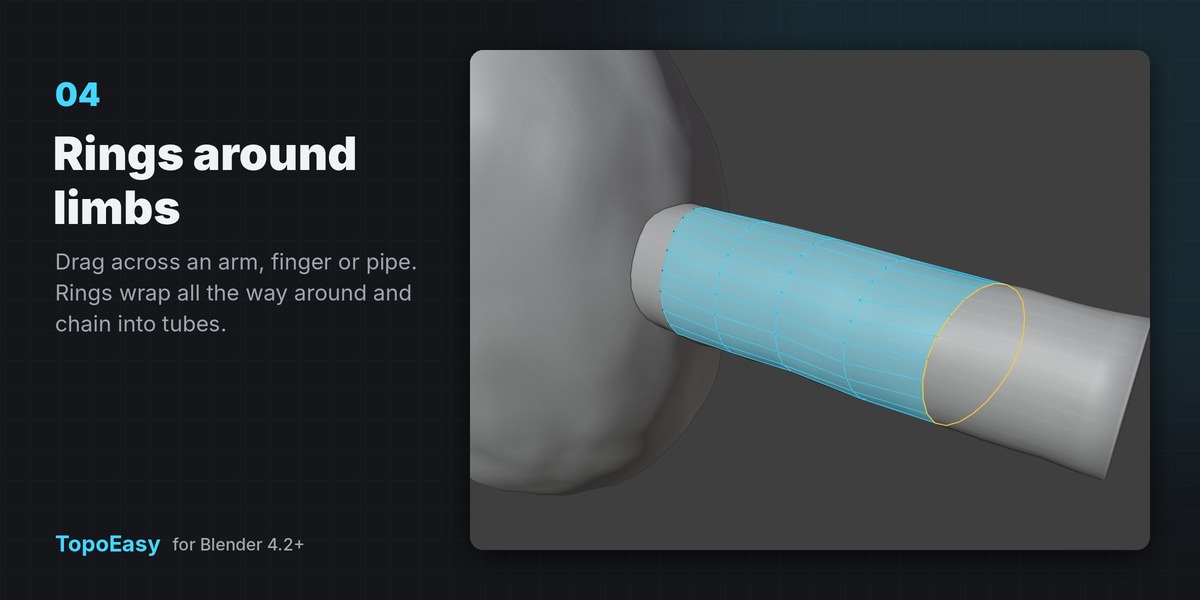
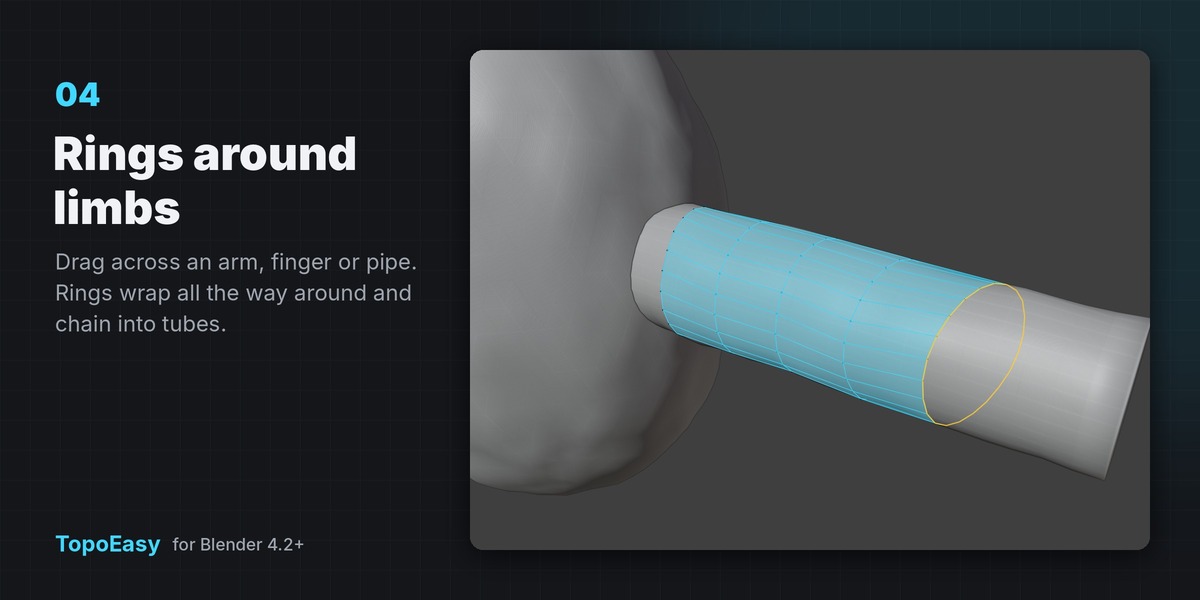
- Ring: drag across an arm, finger, neck or pipe and a loop wraps all the way around it. Drag again and the rings bridge into a tube.
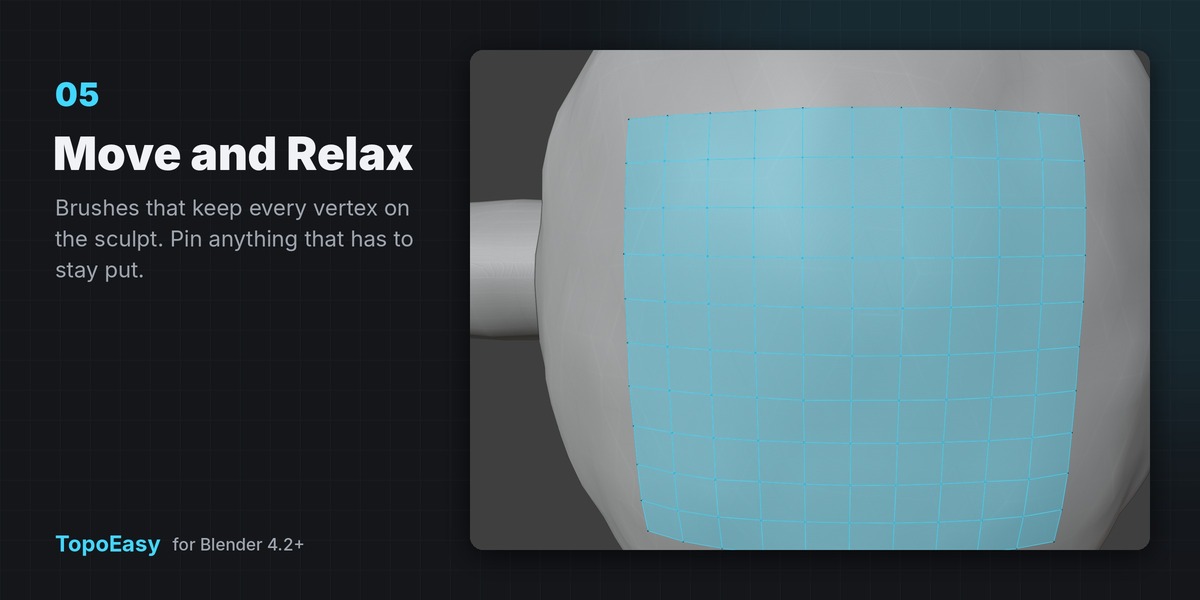
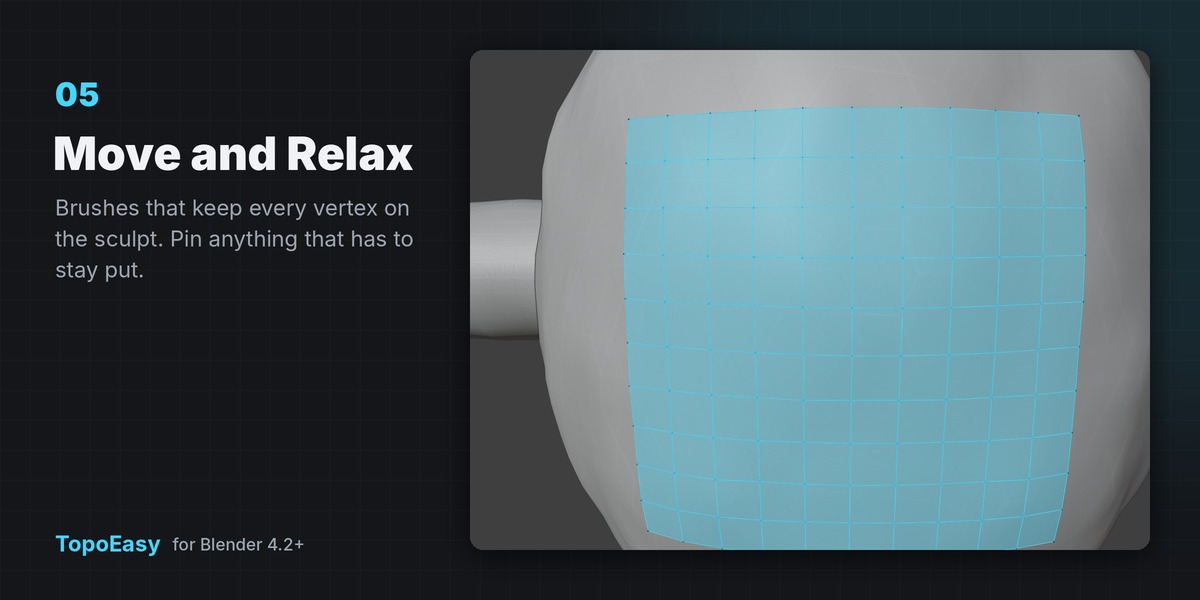
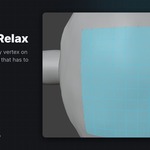
- Brush: Move and Relax brushes that keep vertices on the surface, with pins for anything that has to stay put.
Learn it inside Blender
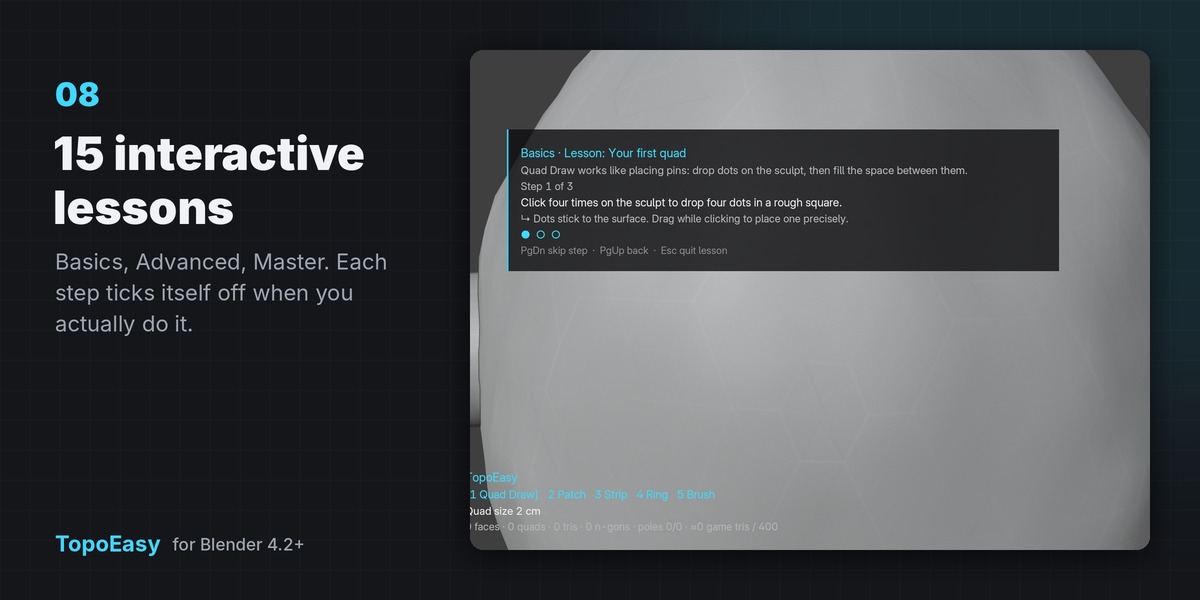
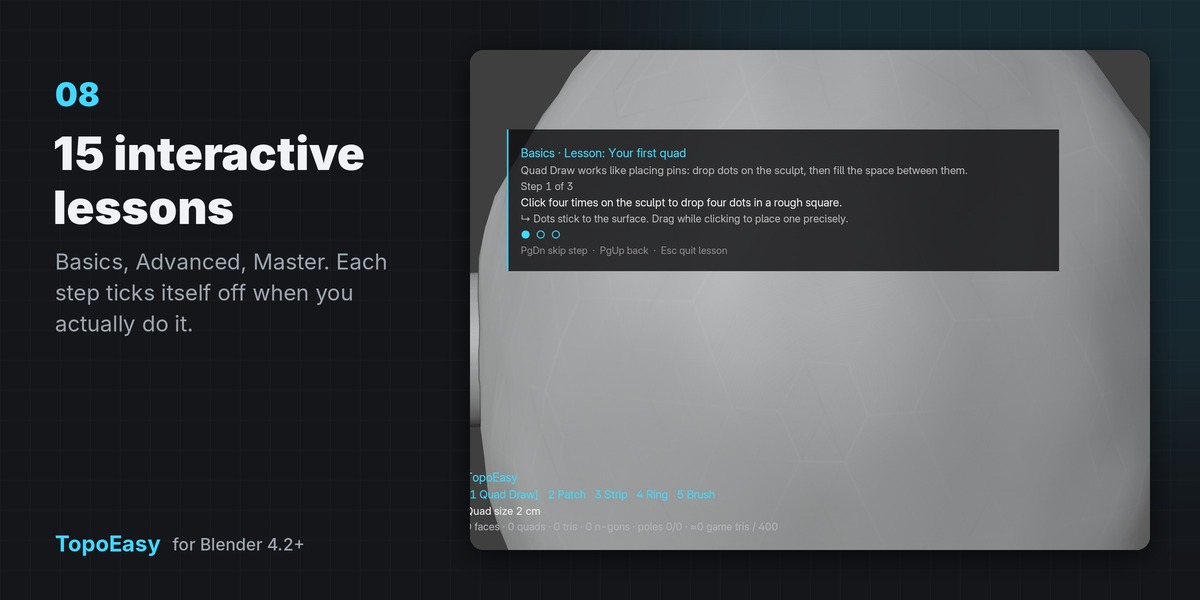
Open Learn TopoEasy in the sidebar. Fifteen interactive lessons run in the viewport on a practice sculpt and tick each step off as you do it:
- Basics: your first quad · grow from the border · dots, borders and merging · fixing mistakes · tools and size
- Advanced: patch: four sides · one-stroke patches and density · strips of edge flow · rings around a limb · move and relax brushes
- Master: insert edge loops · continue from a border · symmetry · holes, relax and project · detail mode and checking
Made to be easy
- Steady strokes on rough surfaces. Strokes are smoothed along the sculpt itself, so noisy scans and bumpy sculpts still give clean lines. Turn up Stroke Smoothing for rougher surfaces.
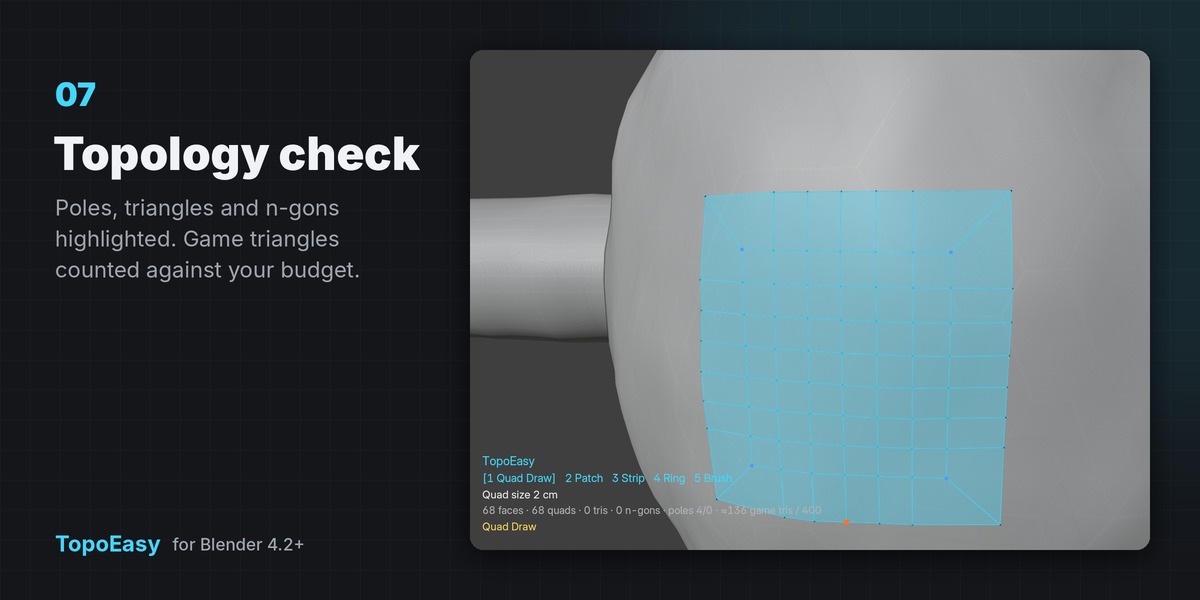
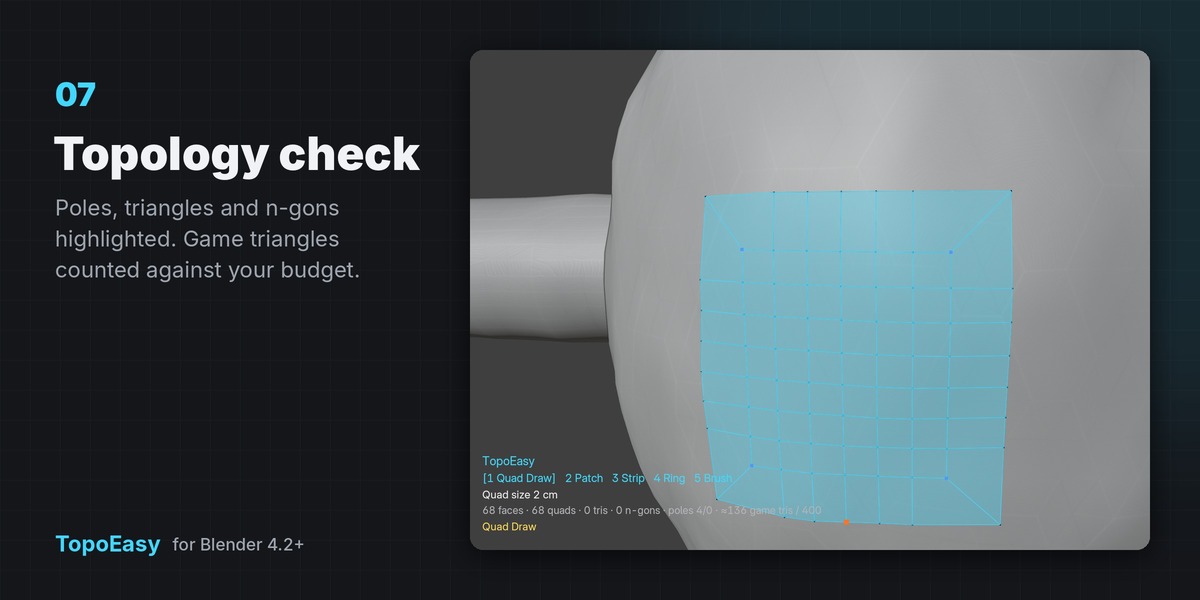
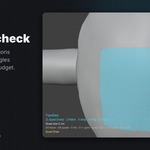
- Topology check. Blue and red dots mark 3-edge and 5+ edge poles, and triangles and n-gons are tinted. The HUD counts faces and game triangles against a budget you set, with mirrored halves included.
- Sizes in your units. Quad Size reads in your scene units (cm, m, inches) and starts at a sensible value for the sculpt. Detail mode (D) gives quarter-size quads and tighter snapping for eyelids, nostrils and fingers.
- Key help on screen. Press H at any time to see the keys for the active tool.
Also included
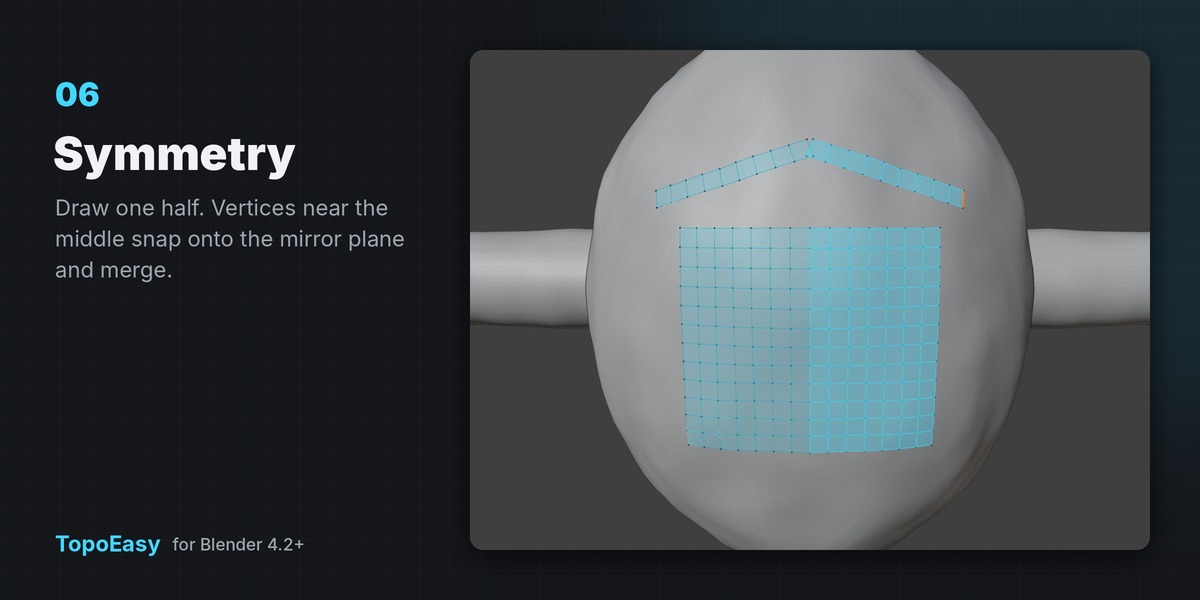
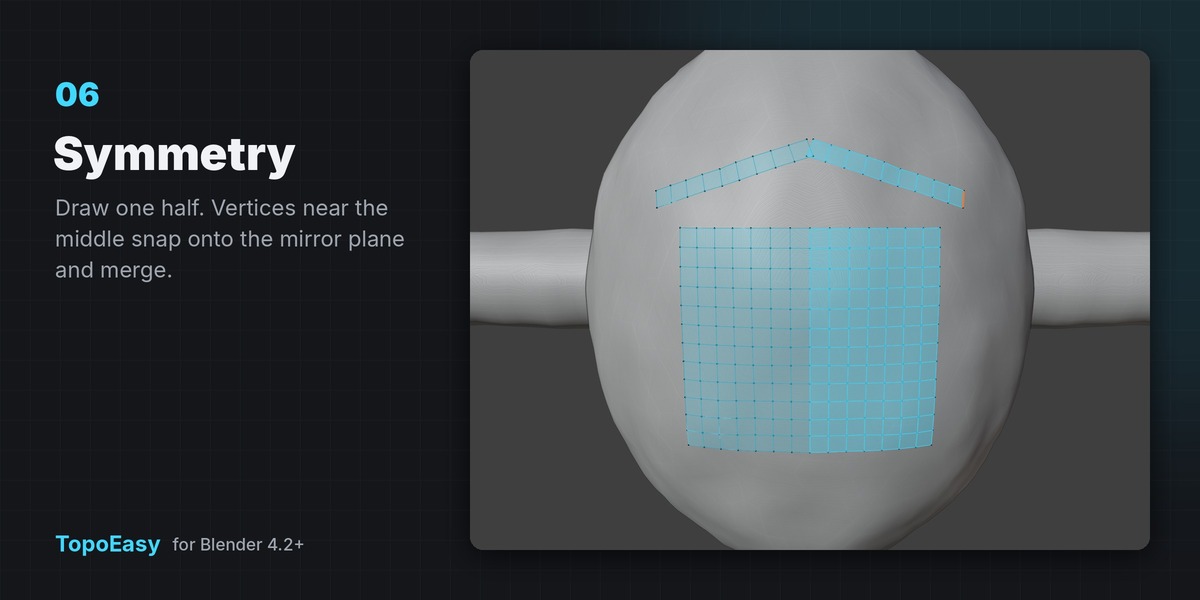
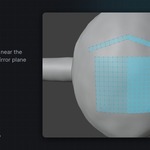
- Symmetry on X, Y or Z with a seam distance. Vertices near the middle snap onto the mirror plane and merge.
- Fill Hole (F): even borders fill with quads. Relax (R) and Project (P) for the selection or everything.
- Sidebar actions: Bridge Loops, Fill Holes, Select Problems (poles, triangles, n-gons).
- Finish: Surface Snap adds a Shrinkwrap to the sculpt plus an optional Subdivision preview. Run it again to remove it.
- Undo inside the tool. The whole drawing session is one undo step afterwards.
- Shift+Q pie menu, right-click Start / Continue, and a sidebar tab you can rename.
- Handles sculpts of a million triangles and more. The surface is cached between sessions and only rebuilt when the sculpt changes.
Requirements
- Blender 4.2 or newer (installed as an Extension). Tested on 4.2, 5.1 and 5.2 LTS.
- Windows, macOS and Linux. Pure Python: no native libraries, no account, no internet connection.
Installation
- Edit › Preferences › Get Extensions › ▾ (top right) › Install from Disk.
- Choose
topoeasy-1.0.0.zip. - Select your sculpt, press N, open the TopoEasy tab and click Start Retopo. New to it? Open Learn TopoEasy in the same tab.
Known limits
- Ring needs a closed cross-section: drag fully across the form.
- Fill Hole handles borders up to 64 edges. Bigger openings are faster with Patch.
- Patch needs four sides. Three- and five-sided areas are easiest built from two patches.