 TopoPen



TopoPen · Documentation · v1.14.2
DRAW THE FLOW.
KEEP THE CONTROL.
TopoPen helps you build and refine clean retopology directly over a source mesh while keeping the result as normal editable Blender geometry.
01 · Setup
INSTALL & START
Install
- Preferences → Extensions → Install from Disk.
- Select TopoPen-1.14.2.zip.
- Enable TopoPen and restart Blender after updating.
Quick Start
- Select the source mesh in Object Mode.
- Right-click → Start TopoPen or use F3.
- TopoPen creates the Target and enters Edit Mode.
- Press Shift+Q to switch tools.
02 · Tools
7 TOOLS. ONE WORKFLOW.
Precise Draw
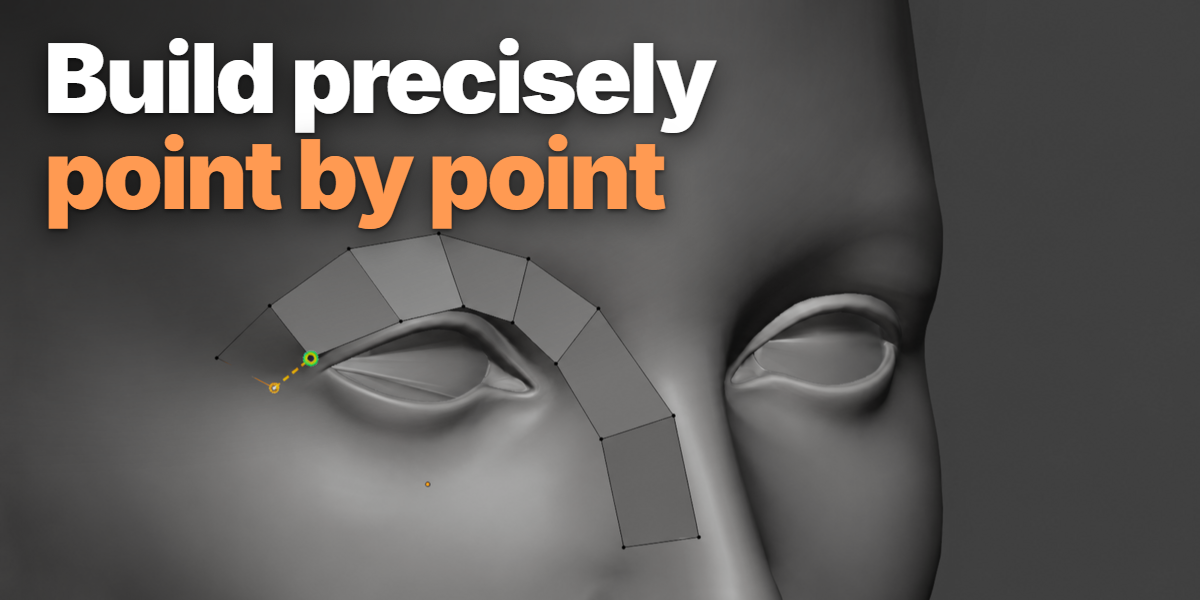
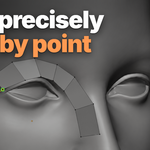
Place points, extend edges, and add individual quads using selection context.
Draw
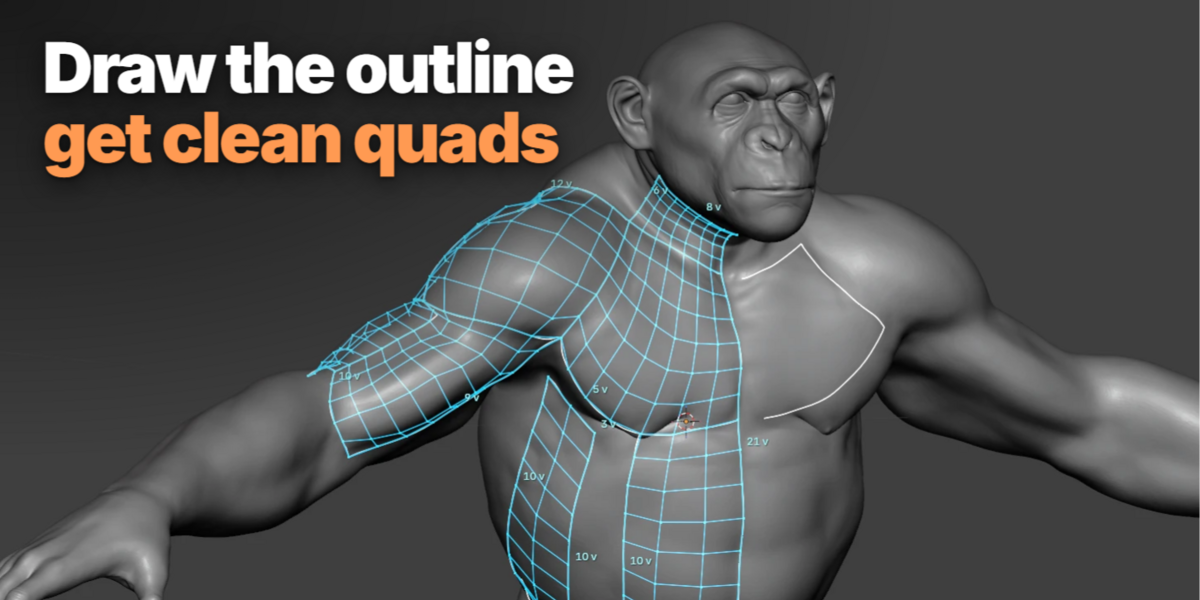
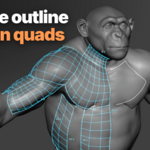
Draw guide lines, preview connected cyan quad grids, then build or continue them from open boundaries.
Edge Flow
Create one-quad-wide ribbons or extend topology from existing boundaries.
Circle Loop
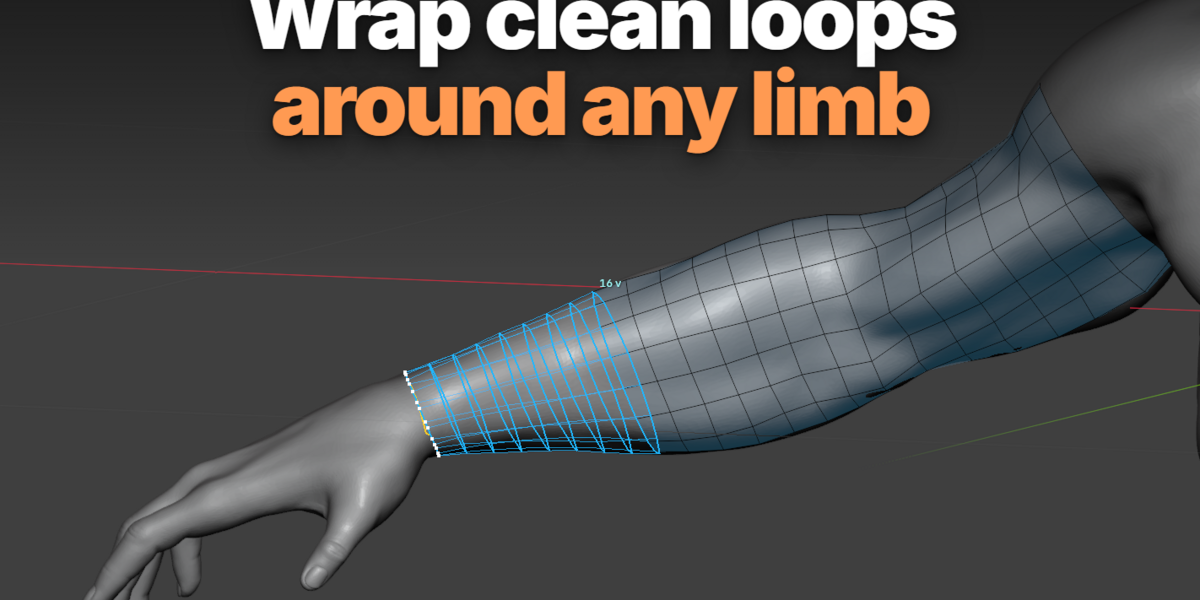
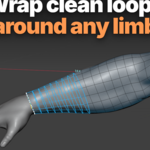
Create or extend loops around rounded forms such as arms, fingers, necks, eyes, or pipes.
Move
Move nearby Target vertices along the Source without changing topology.
Relax
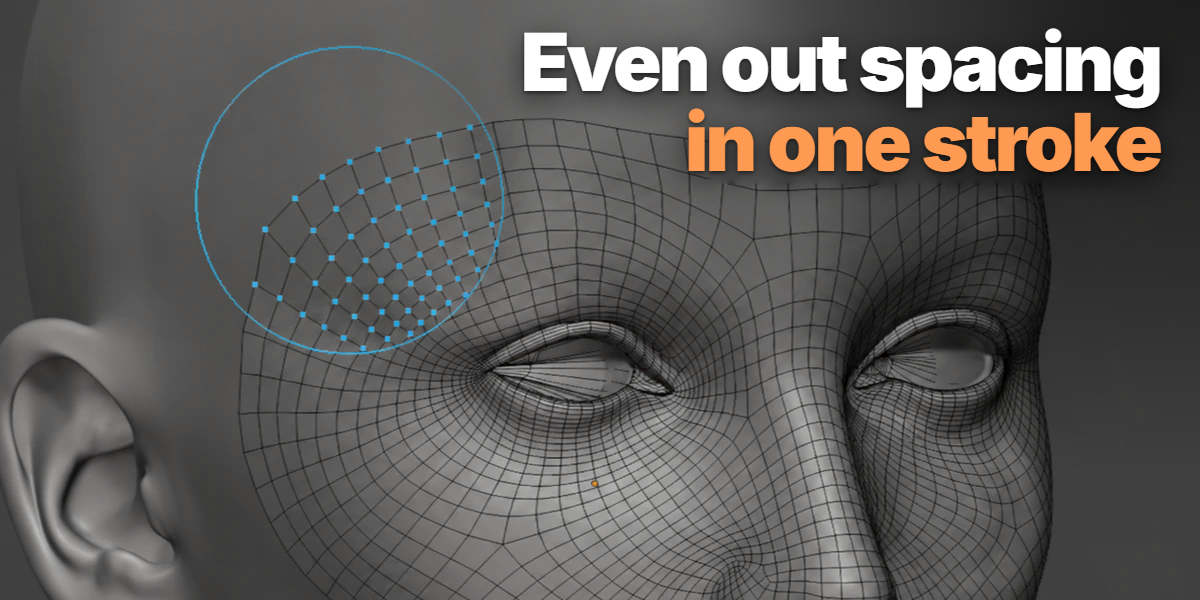
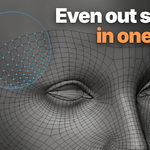
Even out vertex spacing while keeping the mesh projected onto the Source.
Loop Cut
Insert a continuous cut through the pending cyan Draw grid before applying it.
03 · Draw Grid
SKETCH → EDIT → APPLY
Four truly connected guide sides form a cell. White guides are not mesh yet.
Completed cells preview as connected quad grids with matching subdivisions.
Use Move, Relax, Loop Cut, other TopoPen tools, or native Blender tools on the protected editing copy.
Apply Grid commits the working copy. Discard Grid restores the original Target and guides.
04 · Controls
THE IMPORTANT CONTROLS
Snapping
Target snapping reuses nearby retopo vertices or edges. Source snapping aligns new points to visible source topology. Default snap radius: 16 px.
Symmetry
Enable X, Y, or Z symmetry individually. Seam Distance controls how close vertices must be before merging to the mirror plane.
Selection Actions
Bridge Edges, Circle, Project to Source, and brush Pins are available from the Actions / Settings menu.
Shortcut Reference
| Shift + Q | Open TopoPen tool pie |
| Ctrl + LMB | Precise Draw / move Draw corner handle |
| Enter | Build completed Draw cells |
| Shift + Z | Undo previous Draw line |
| F / Shift+F / Ctrl+F | Move / Relax radius, strength, falloff |
| Esc / RMB | Cancel current modal action |
05 · Help
WHEN SOMETHING DOESN'T BUILD
Check First
- Source and Target must be separate meshes.
- Target must be active in Edit Mode.
- Apply or Discard an existing protected grid before starting another.
Draw / Loop Cut
- Four visible lines must actually share connected endpoints.
- Loop Cut only works on the editable cyan grid.
- Hidden faces, triangles, built faces, or non-manifold paths can reject a cut.
Compatibility
Requires Blender 4.5+. TopoPen runs as a Blender Extension inside the standard Blender retopology workflow.
License
TopoPen is distributed under GPL-3.0-or-later.
Have questions about this product?
Login to message