 TopoPen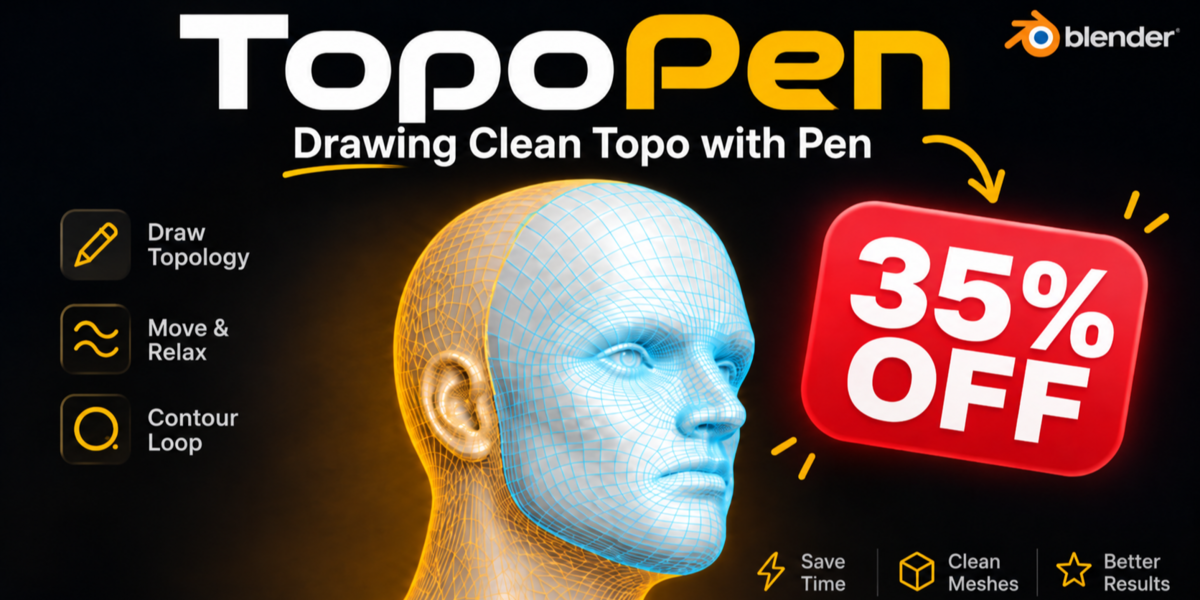

Retopology add-on for Blender 4.5 – 5.2
Draw your edge loops and let TopoPen build the quads
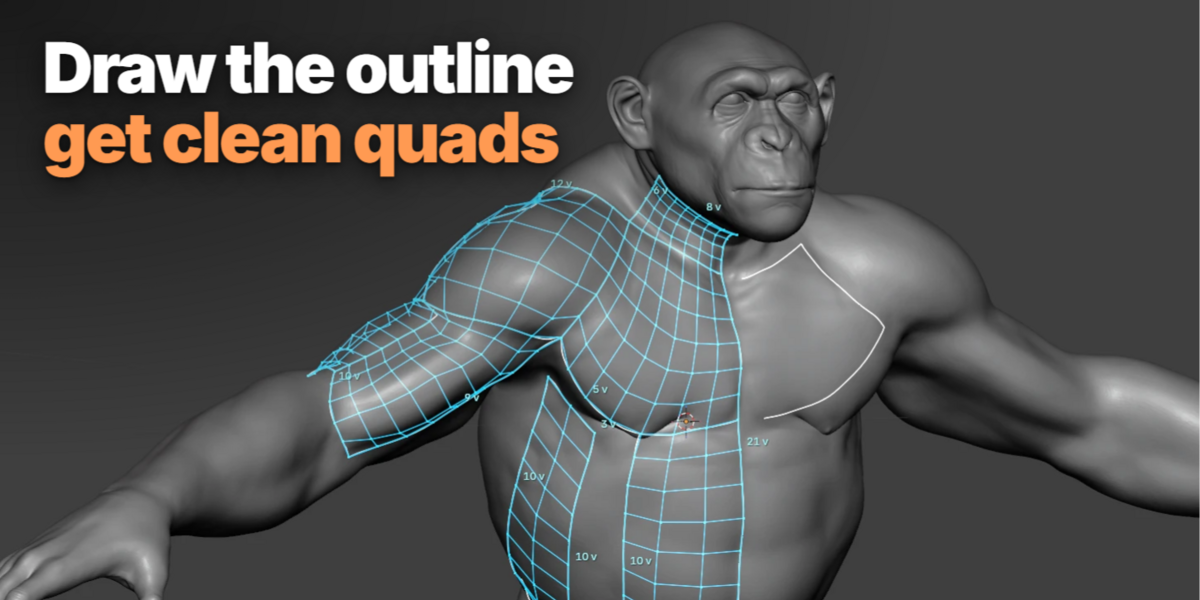
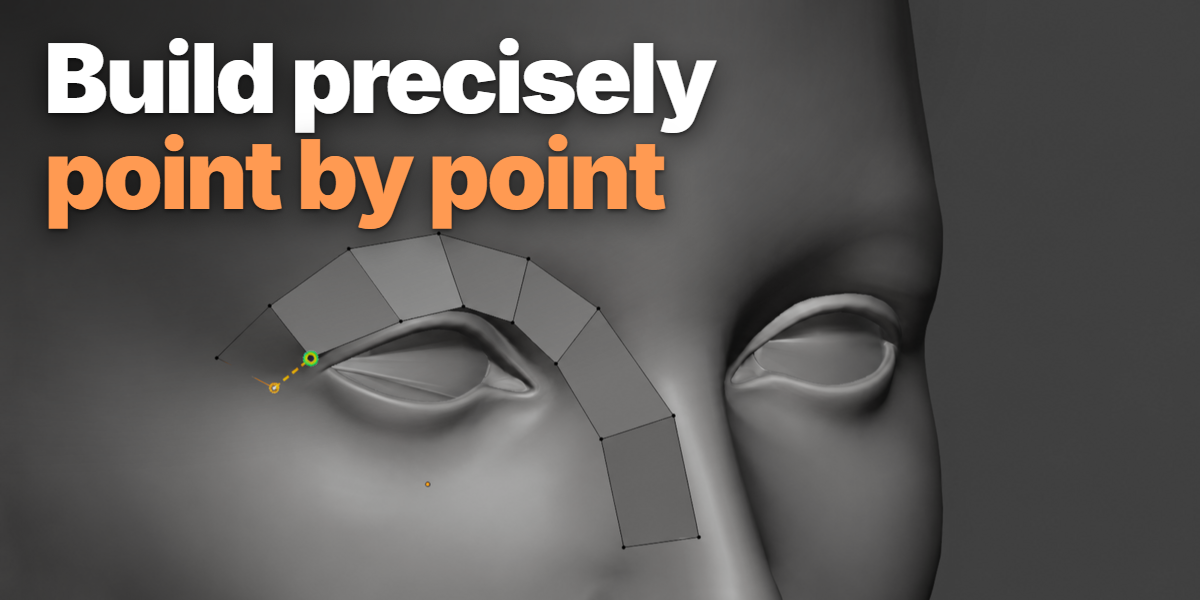
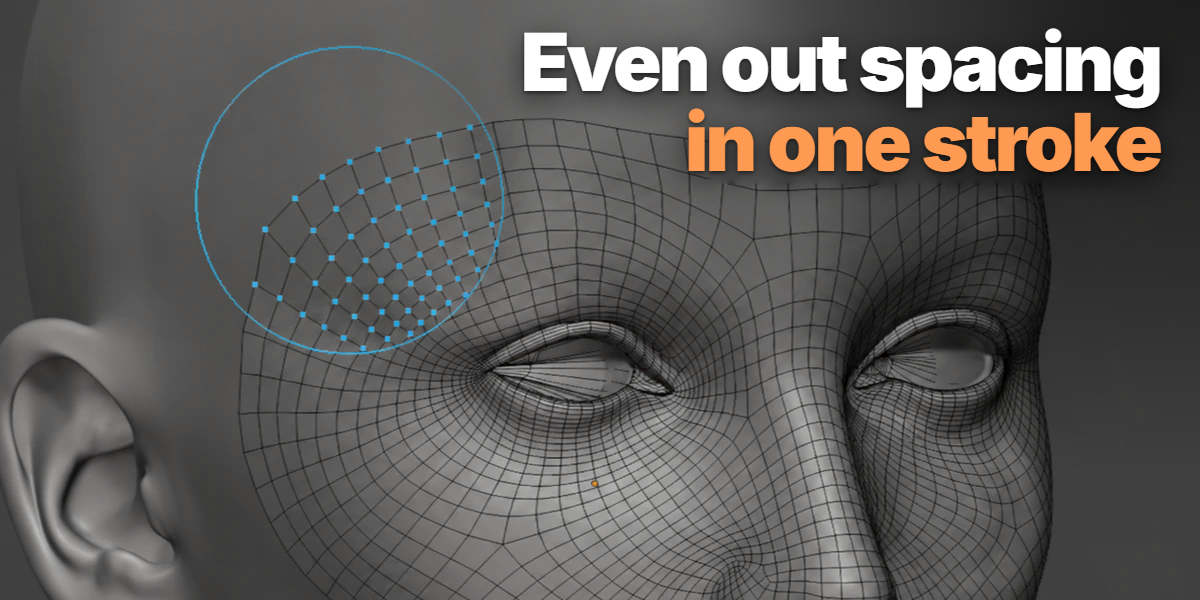
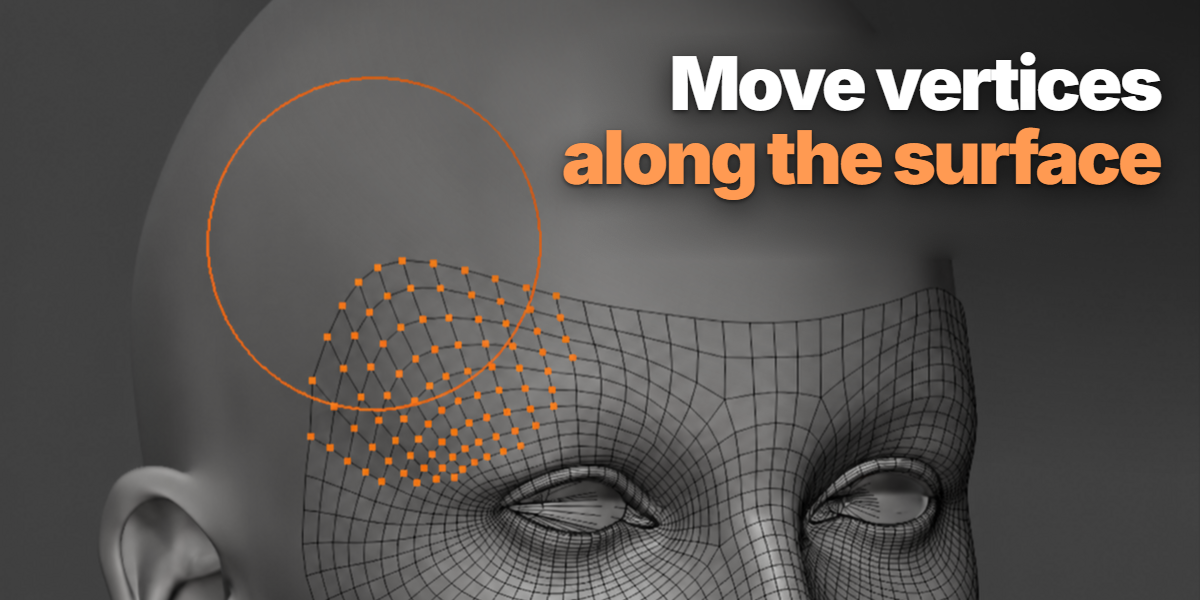
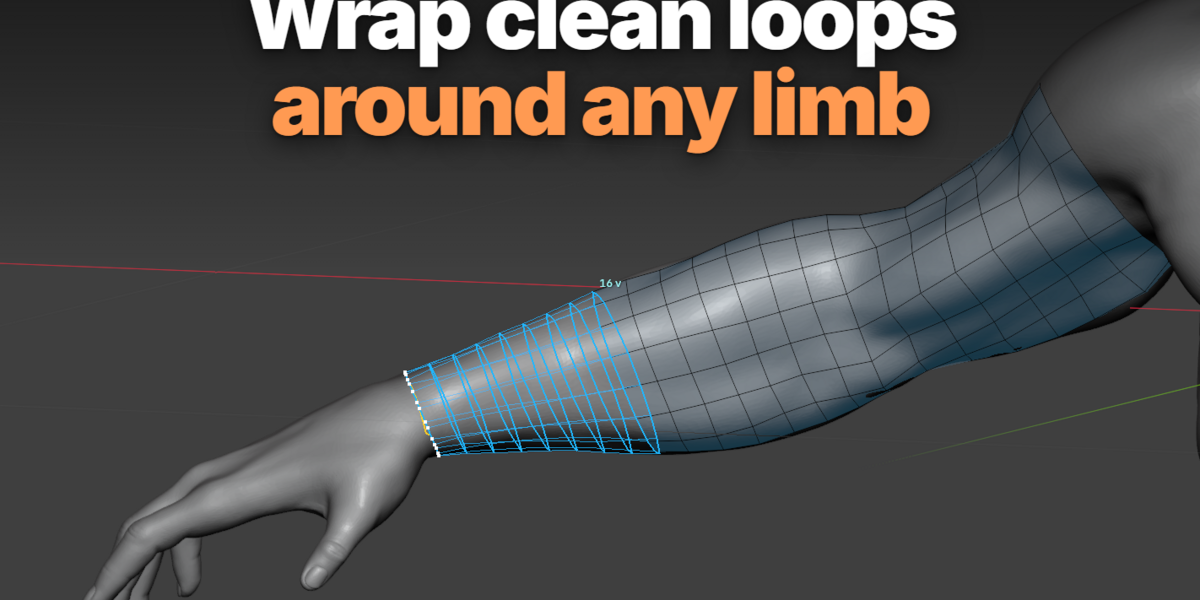
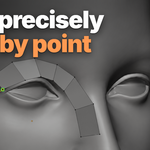
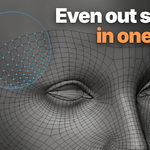
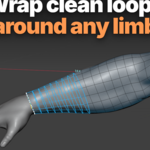
Sketch where the loops should go. TopoPen snaps them to your sculpt, keeps them connected and fills in even quads. You get a normal Blender mesh you can keep editing.
Watch the full workflow first. It's the fastest way to learn the tools.
Why draw your retopology instead of automating it
Good topology is about where the loops go. Loops around the eyes and mouth let a face animate. Loops around elbows and knees let joints bend without collapsing. TopoPen gives you that control without retopology being the hated and boring part of your job.
Placing every vertex by hand
✓ Full control over edge flow
✕ Slow and repetitive on large areas
Auto-remeshers
✓ Fast, even quads
✕ No anatomically correct loops
✕ Poor deformation in animation
✕ Lack of symmetry
TopoPen
✓ You decide where the loops go
✓ It snaps, connects and fills the quads
✓ Plain Blender mesh, fully editable
The tools
Seven tools that work together inside Blender's Edit Mode. Press Shift + Q to switch between them.


Also built in
Symmetry on X, Y or Z
Mirror across the target's local axes. Seam Distance controls when vertices merge on the mirror plane.
Pie Menu
Built-in pie menu for faster tool switching.
Micro mode
For zoomed-in detail: smaller quads, tighter snapping and finer stroke sampling, with its own settings.
Selection actions
Bridge Edges, Circle, Project to Source and brush Pins are in the Actions menu.
Your sculpt is never modified
TopoPen builds on a separate target object. The high-poly source is only read.
Pick up where you left off
Select the target and run Continue TopoPen to jump back into a session.
Start in under a minute
1
Select your model.
2
Create a new target.
3
Press Shift + Q, pick a tool and start working.
What buyers say
Only people who bought TopoPen can leave a review. All of them, including the critical ones, are in the Ratings tab.
★★★★★
“Very hard to understand at first but half an hour of practice actually makes it one of the best retopo add-ons I've ever seen.”
Marie-Rose Lacroix · Superhive buyer
★★★★★
“Found the draw and circle loop tools really useful, definitely worth the money!!”
ton · Superhive buyer
★★★★★
“its a nice product, saves really good portion of time totally recommend it”
Irina · Superhive buyer
What you get
✓ TopoPen 1.14.2 as a Blender extension (.zip)
✓ Full documentation in the Documentation tab
✓ Updates through Superhive
✓ Use what you make in commercial work
Compatibility
Blender 4.5 or newer. Tested on 4.5.5 LTS, 5.0.1 and 5.2.0 LTS.
No internet or account needed. Everything runs locally inside Blender.
On Windows x64 a bundled native library speeds up surface lookups. Other systems use Blender's own Python.
Licensed under GPL-3.0-or-later.
Try TopoPen on your next model
You design the topology. TopoPen does the repetitive part.
Get TopoPen ↑Takes you back up to the Add to cart button.