 Russel Studios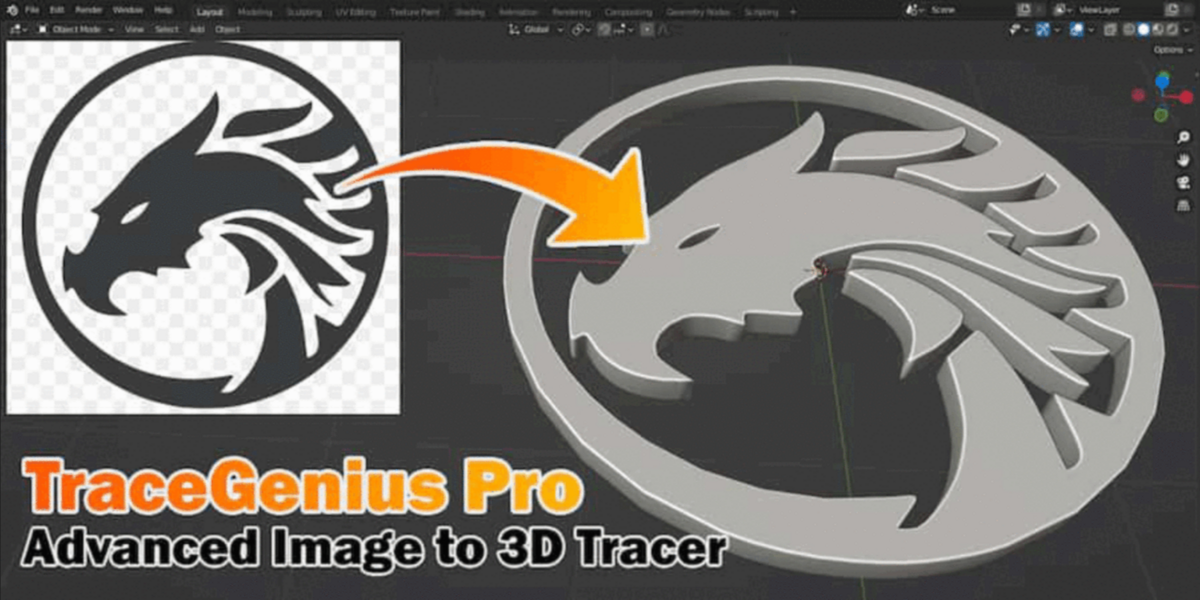
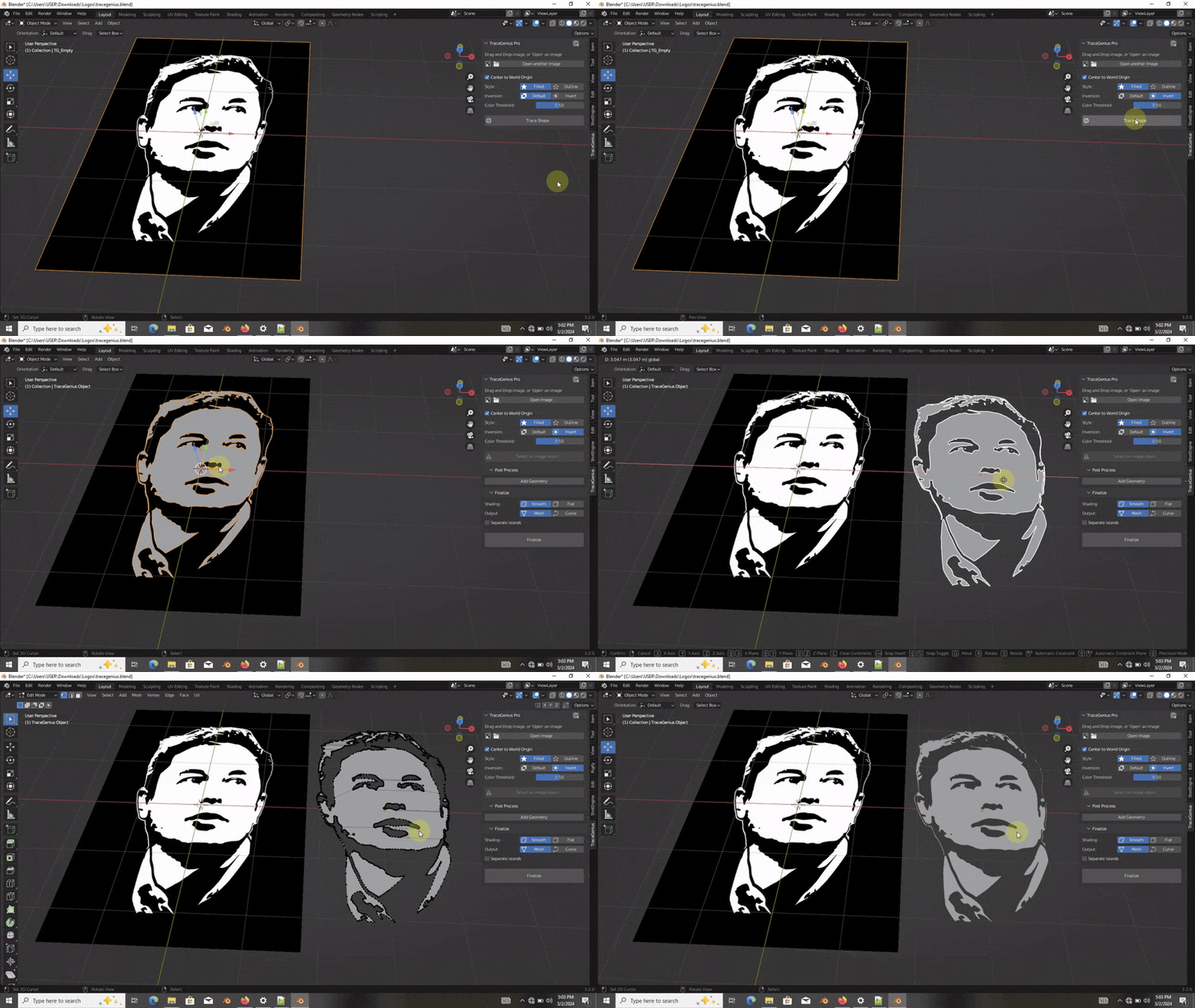
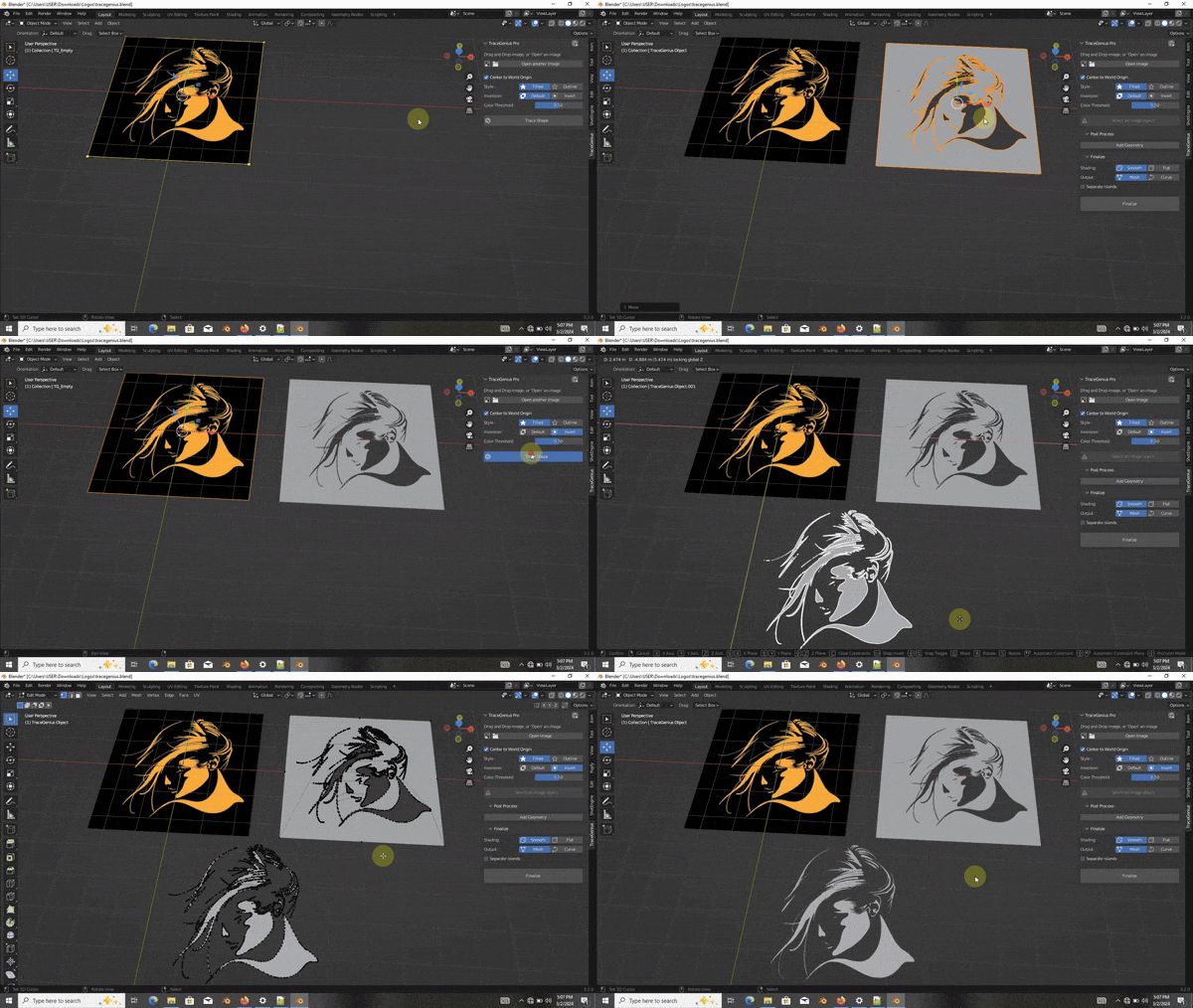
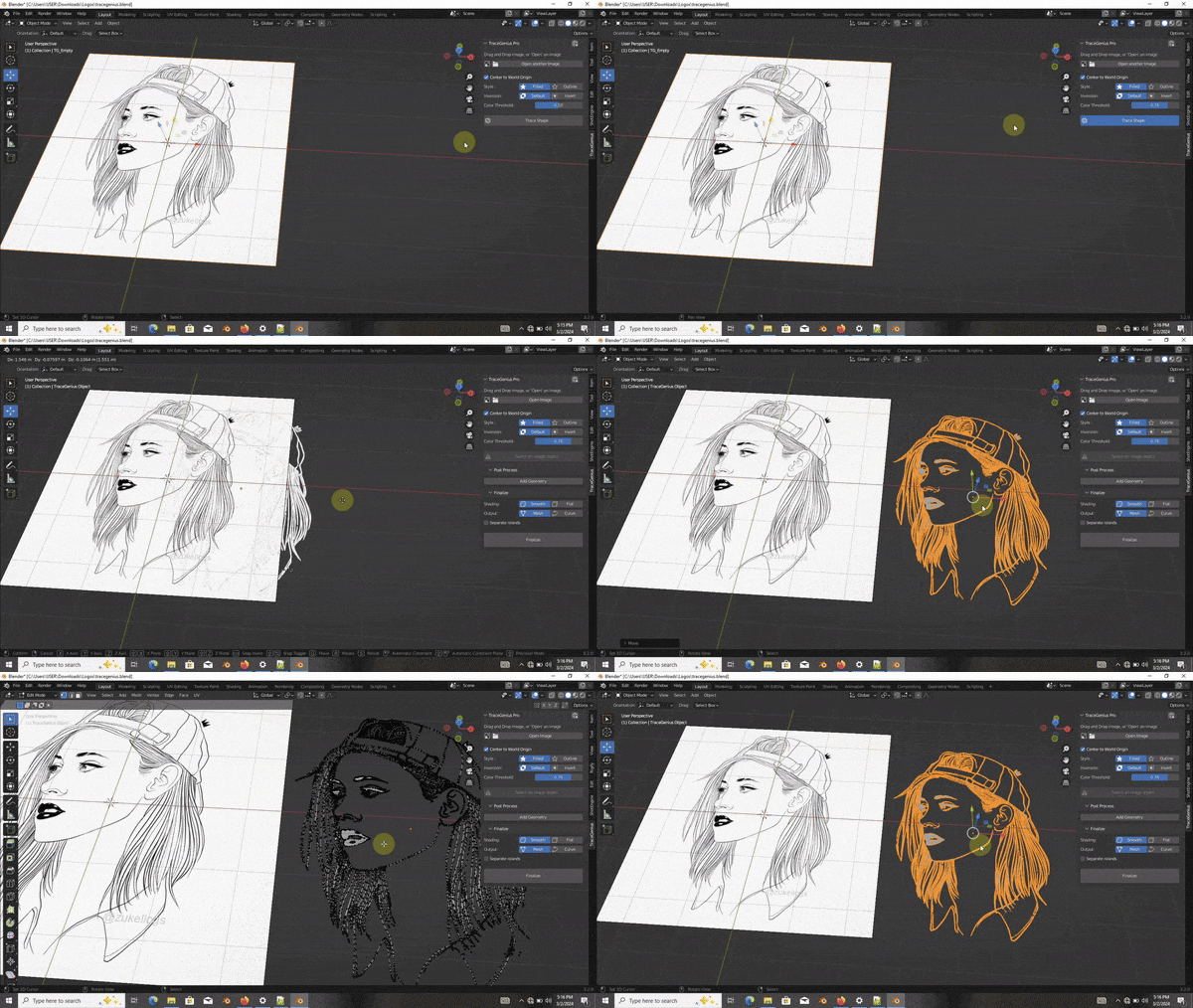
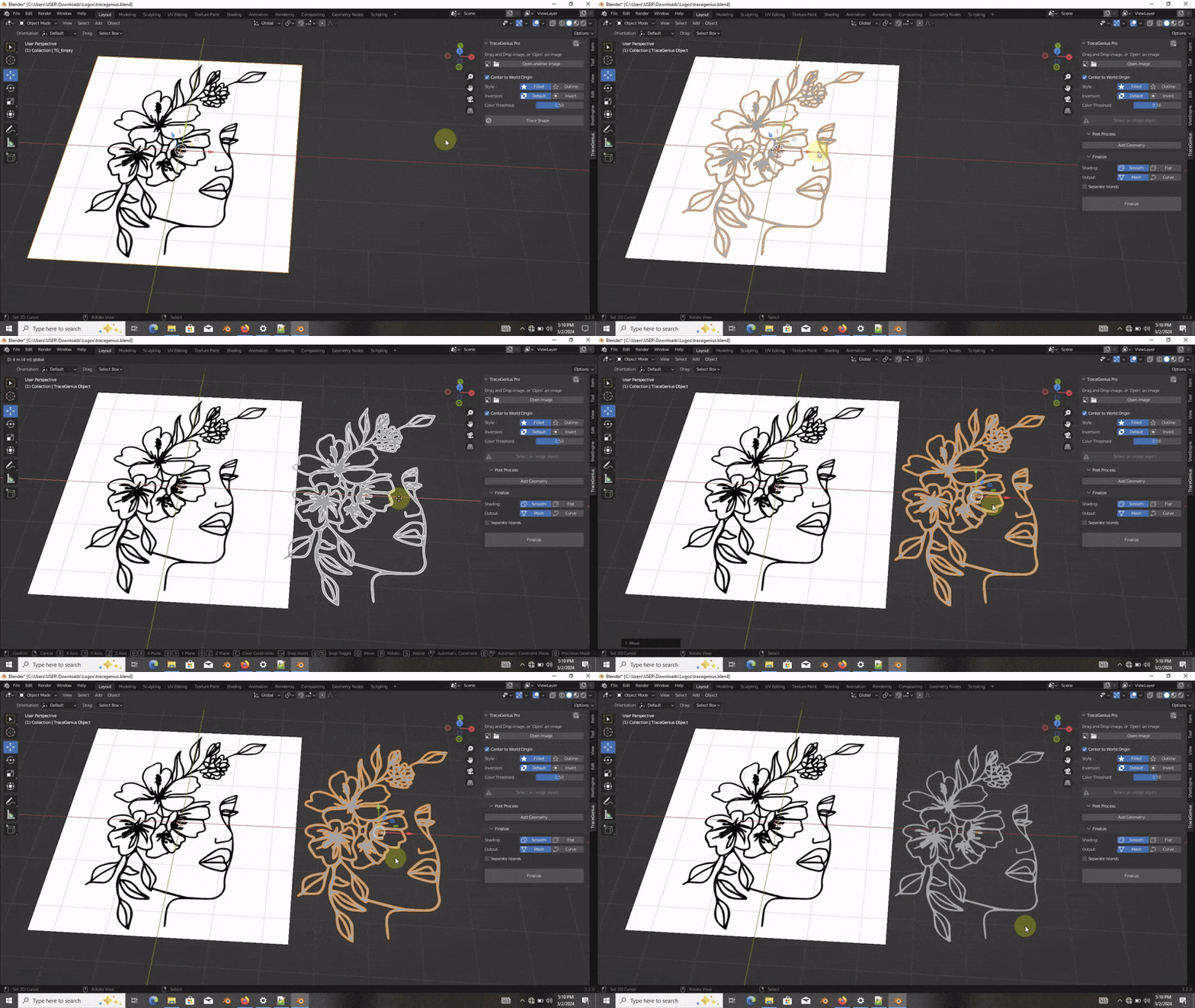
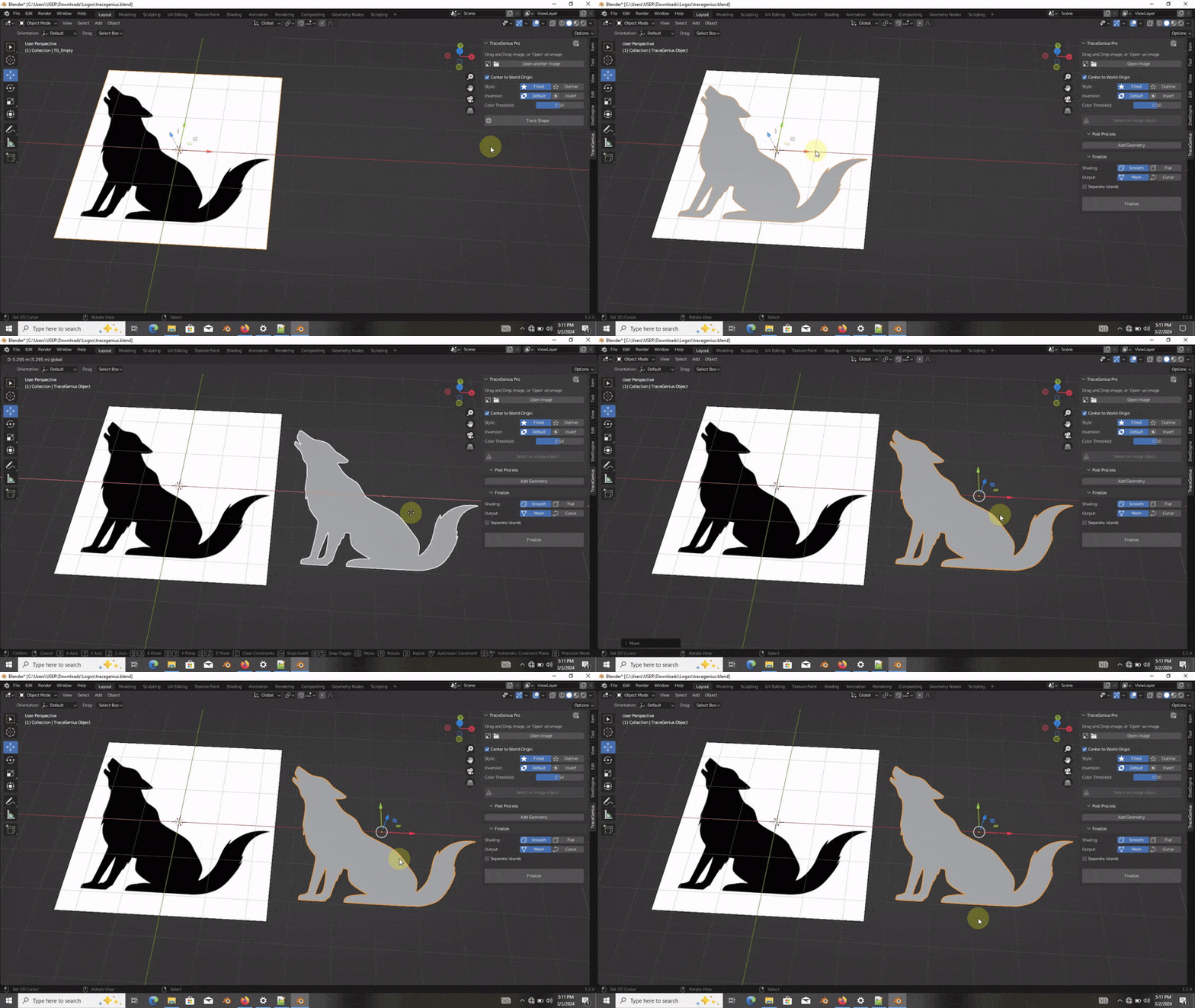
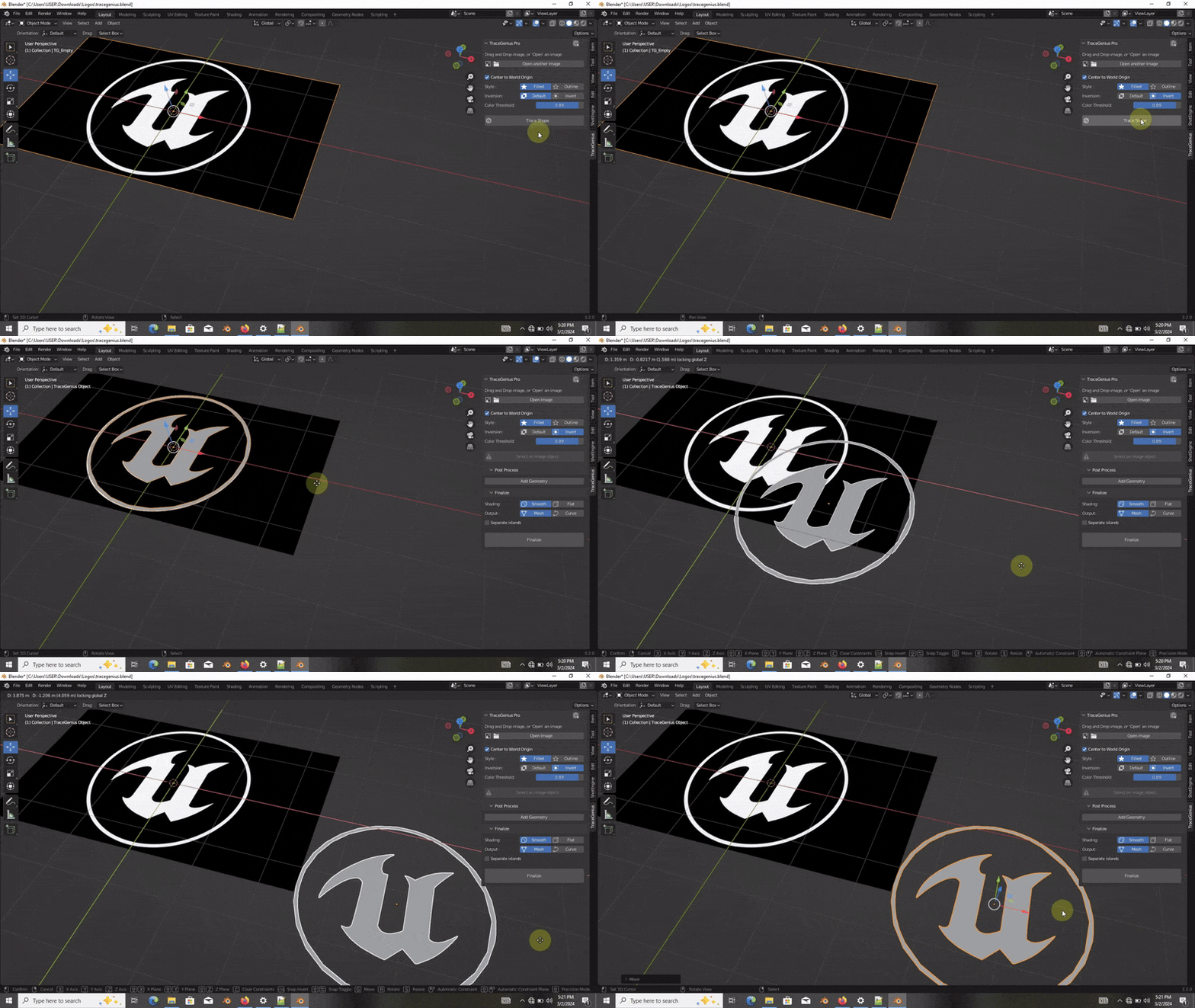
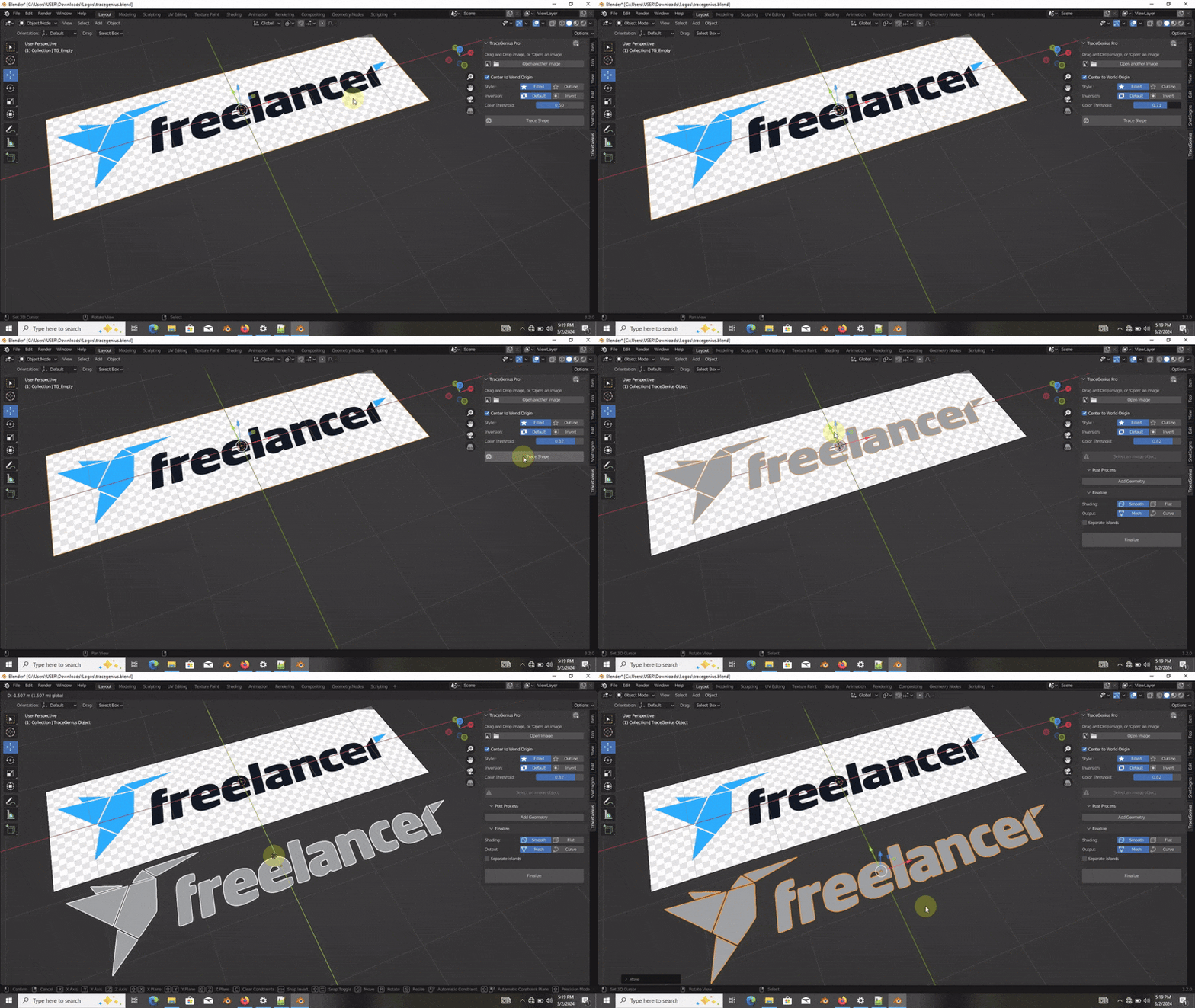
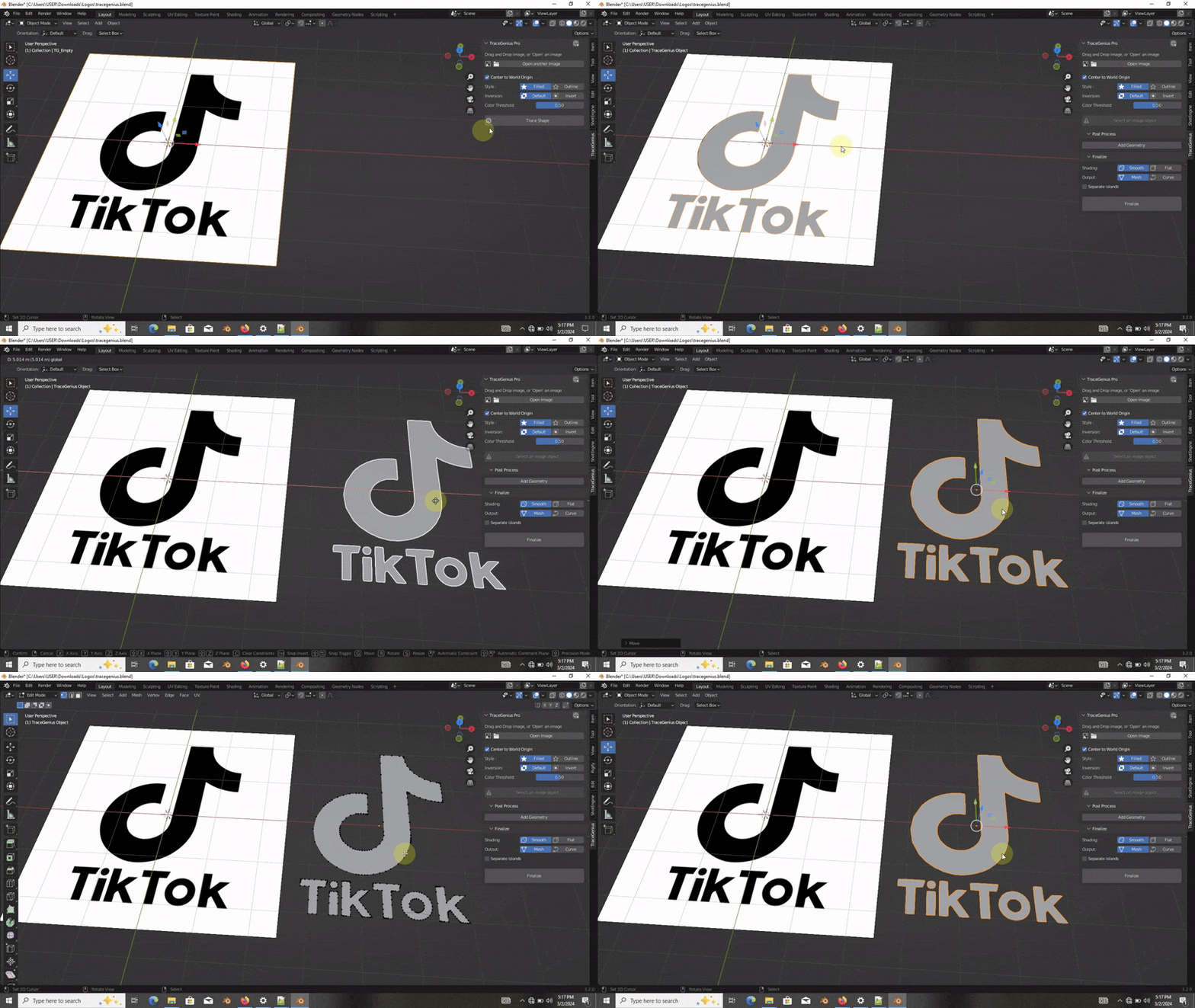
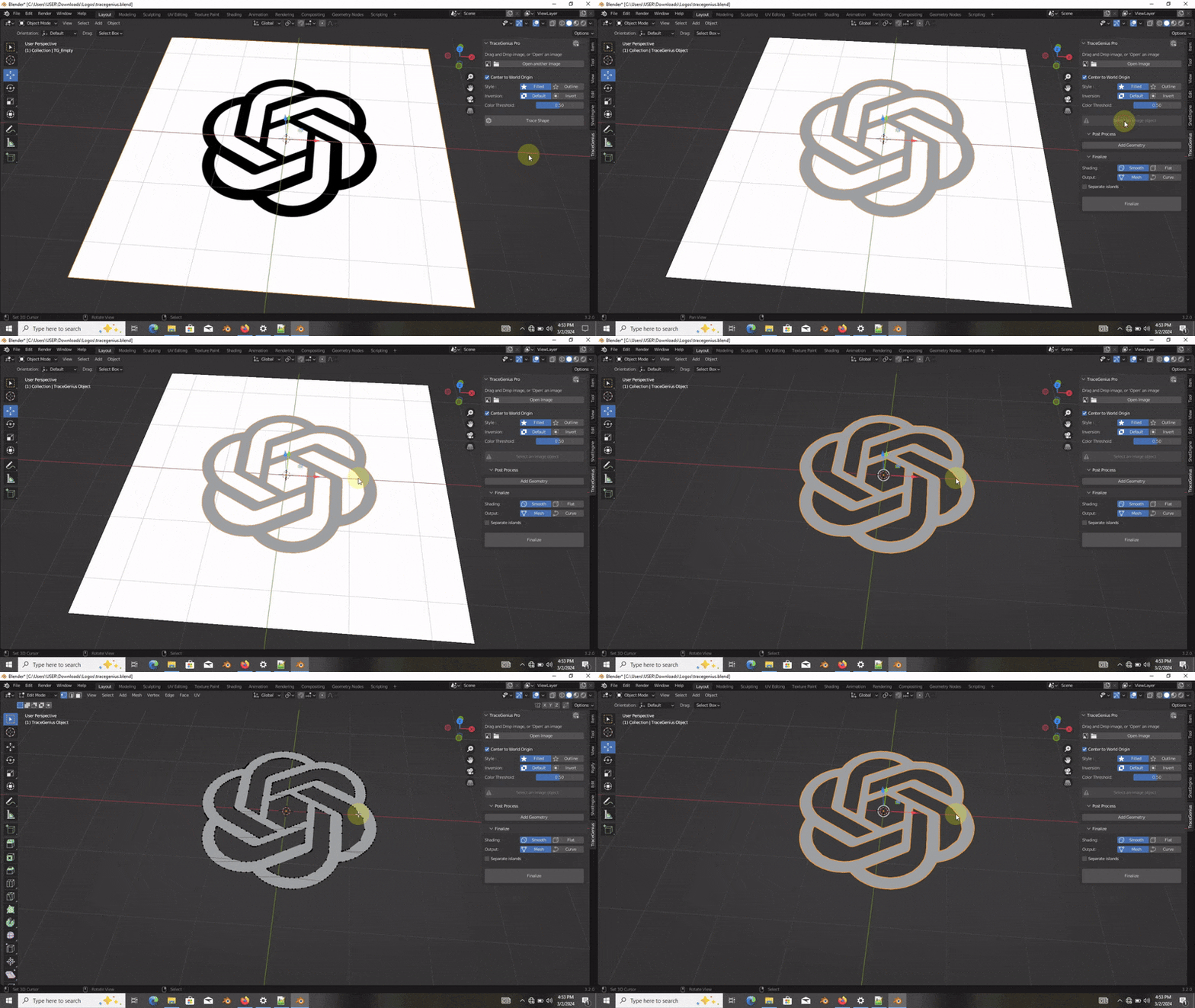
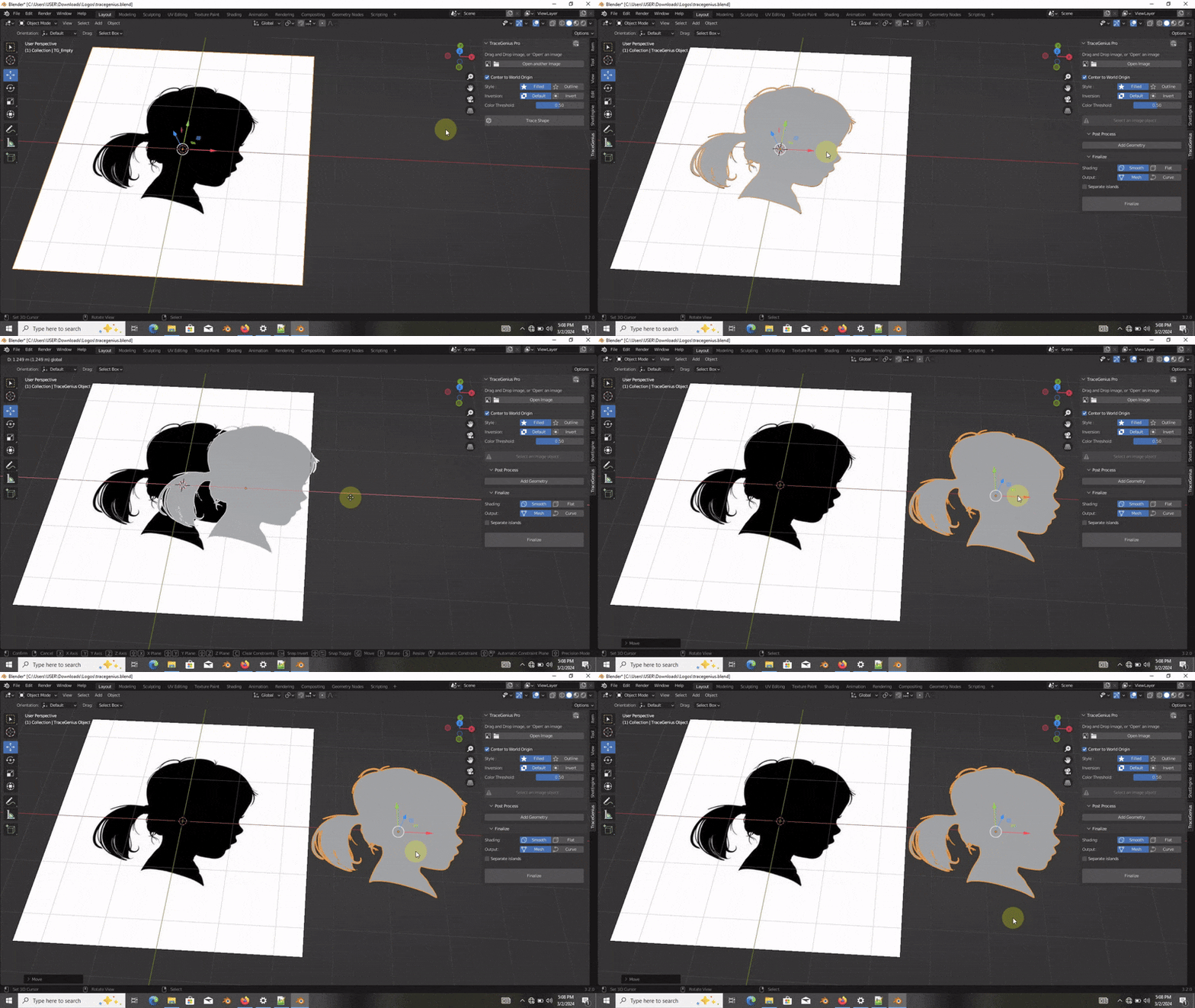
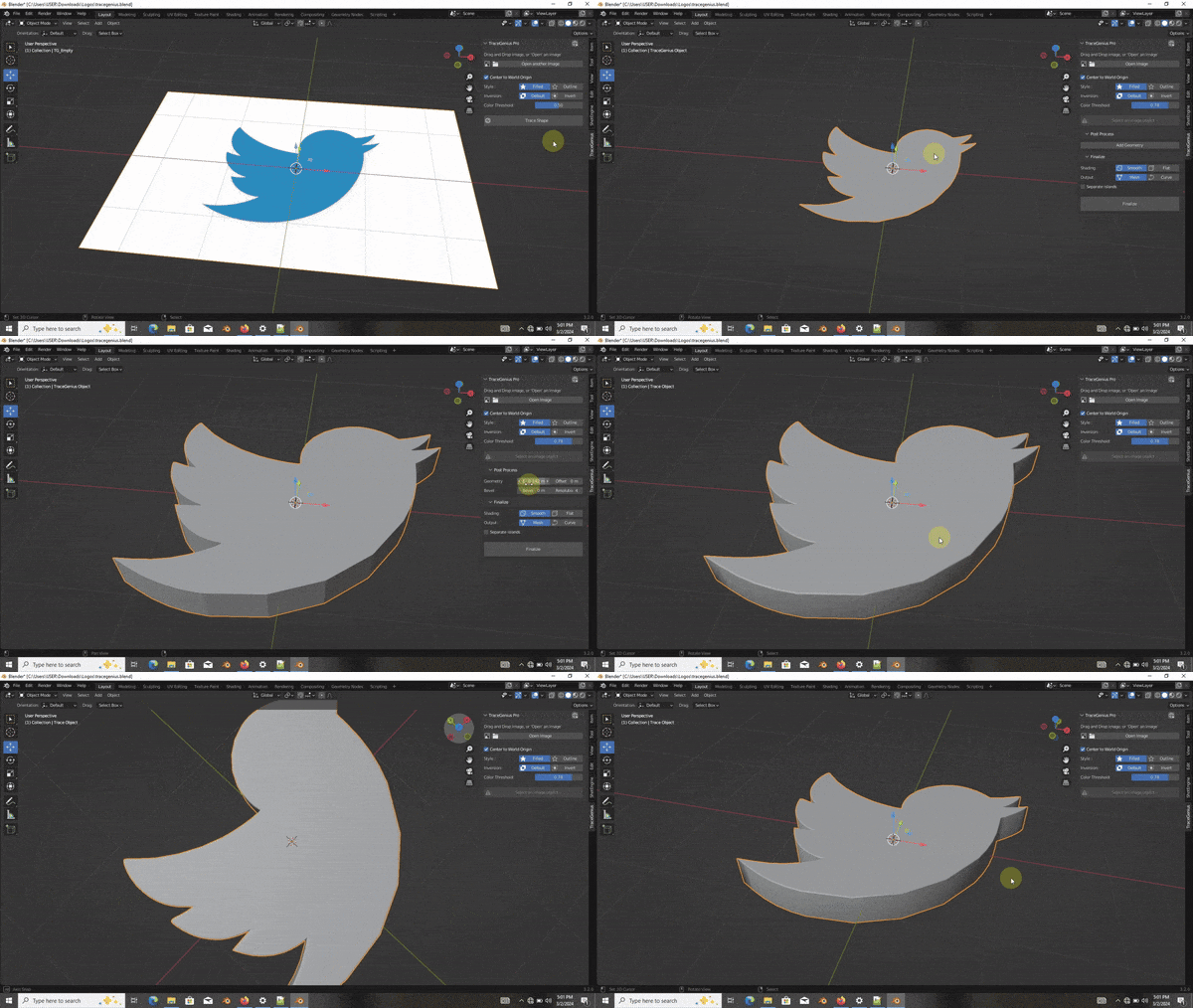
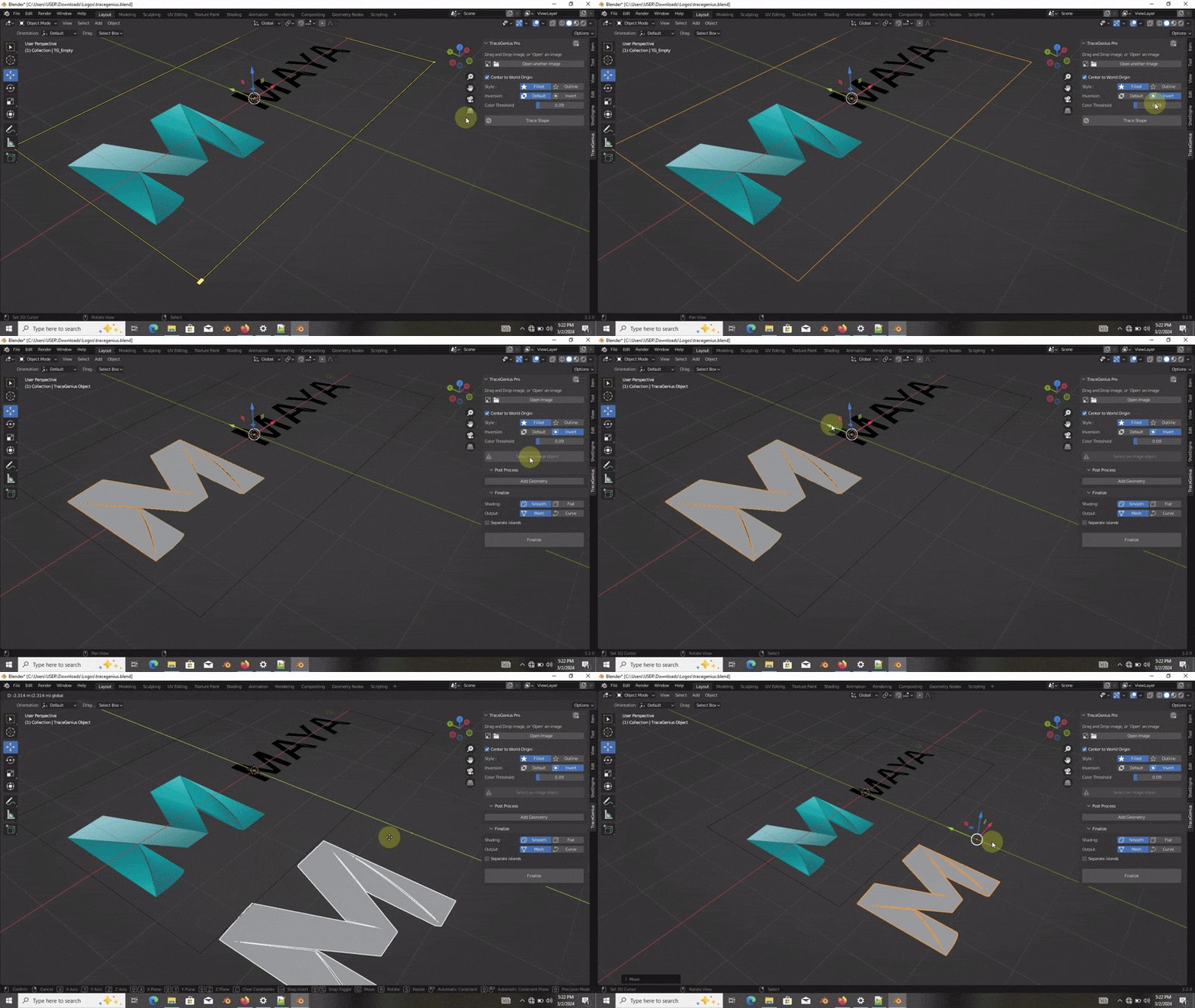
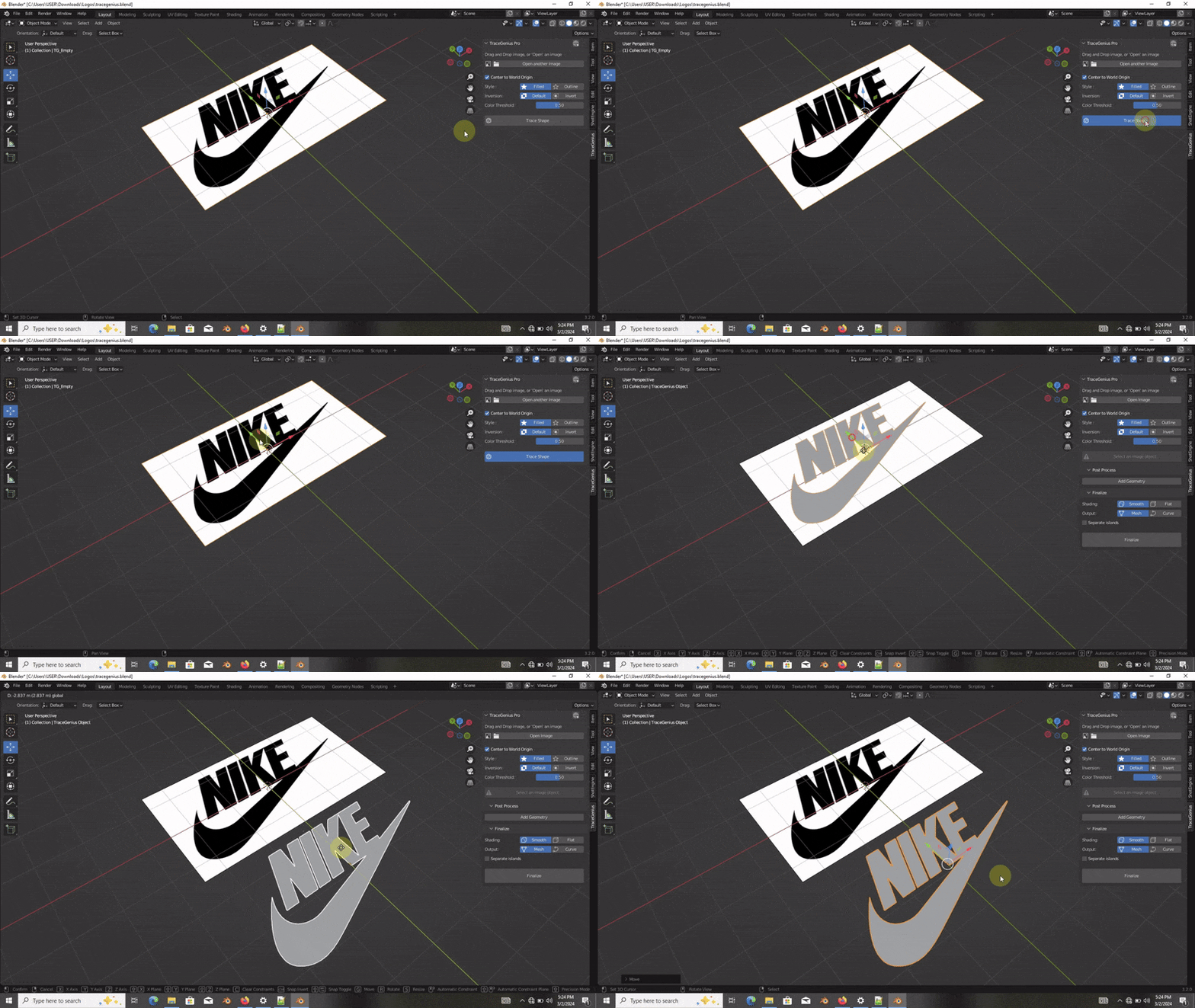
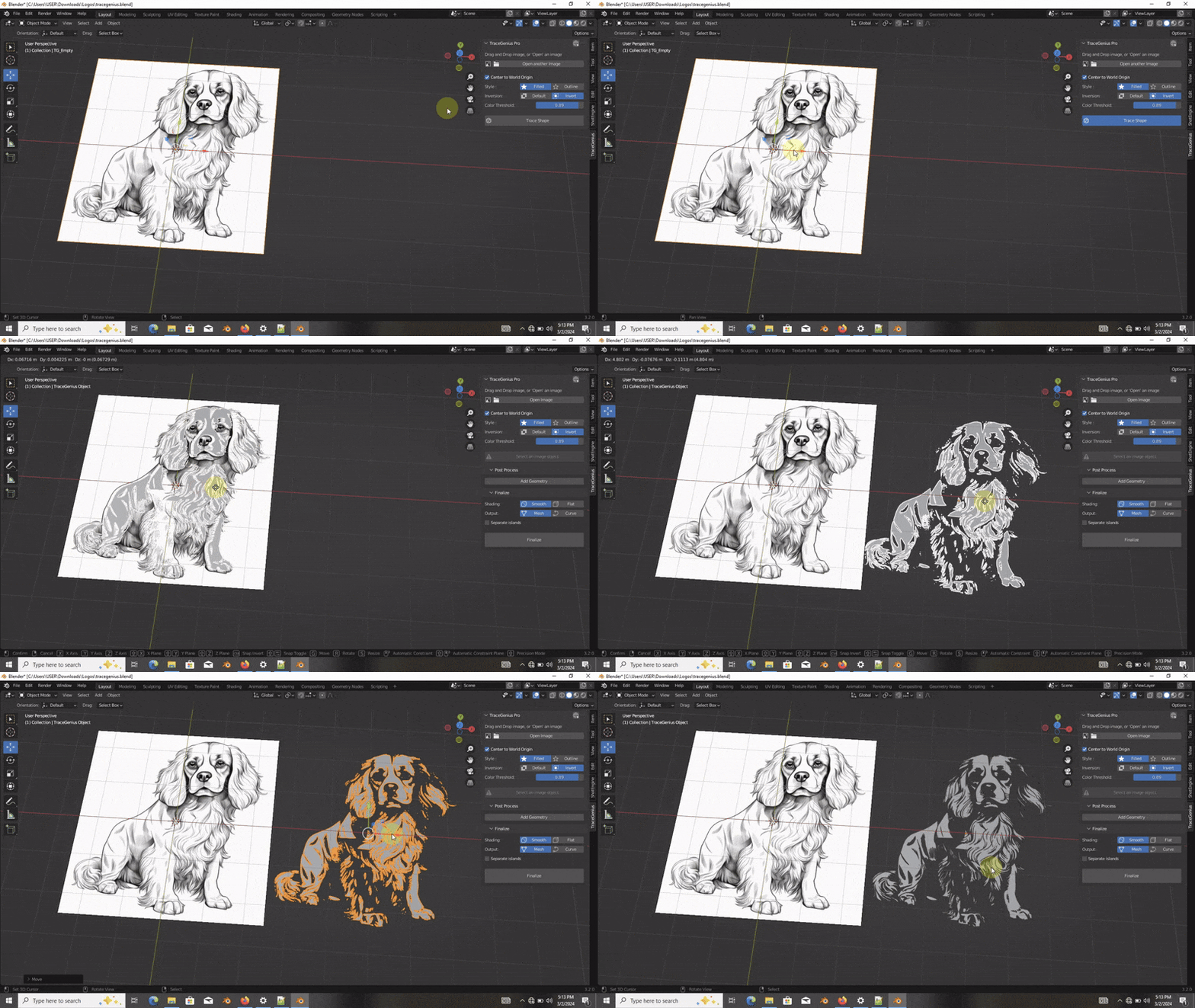
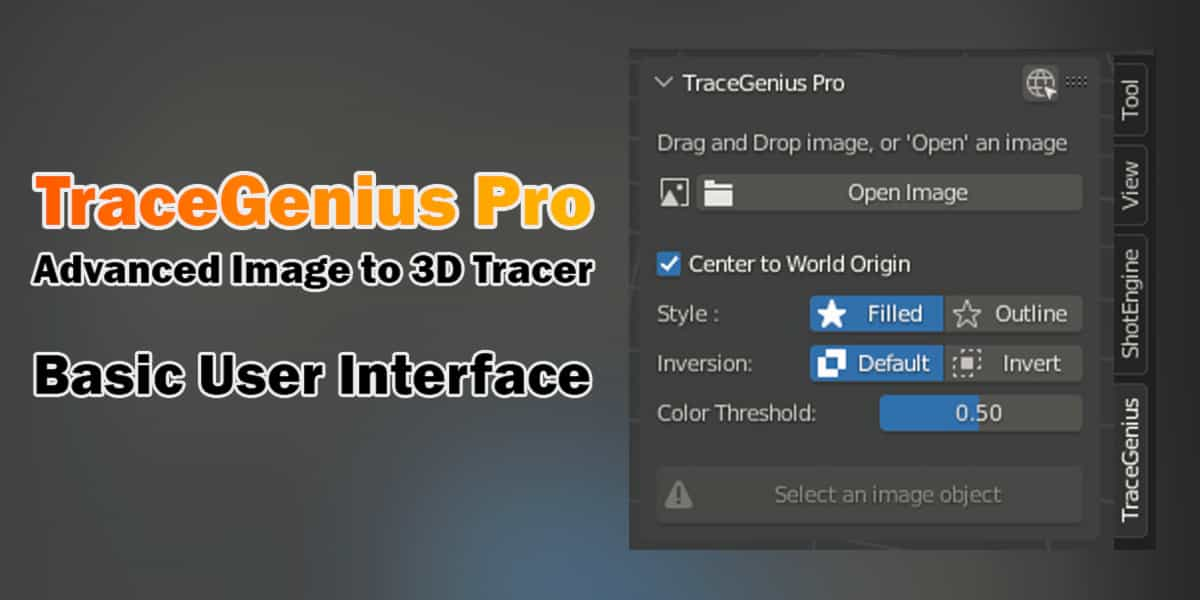
TraceGenius Pro and TraceGenius Ultimate are not the same addon.
- Pro uses Blender’s built-in Grease Pencil tracing engine.
If anything is unclear or you have questions about the differences, please contact me. I’m always happy to explain or help
- Ultimate uses a fully custom tracing engine with features Blender’s tracer cannot support (color picking, transparency control, pre-trace enhancements, etc.).
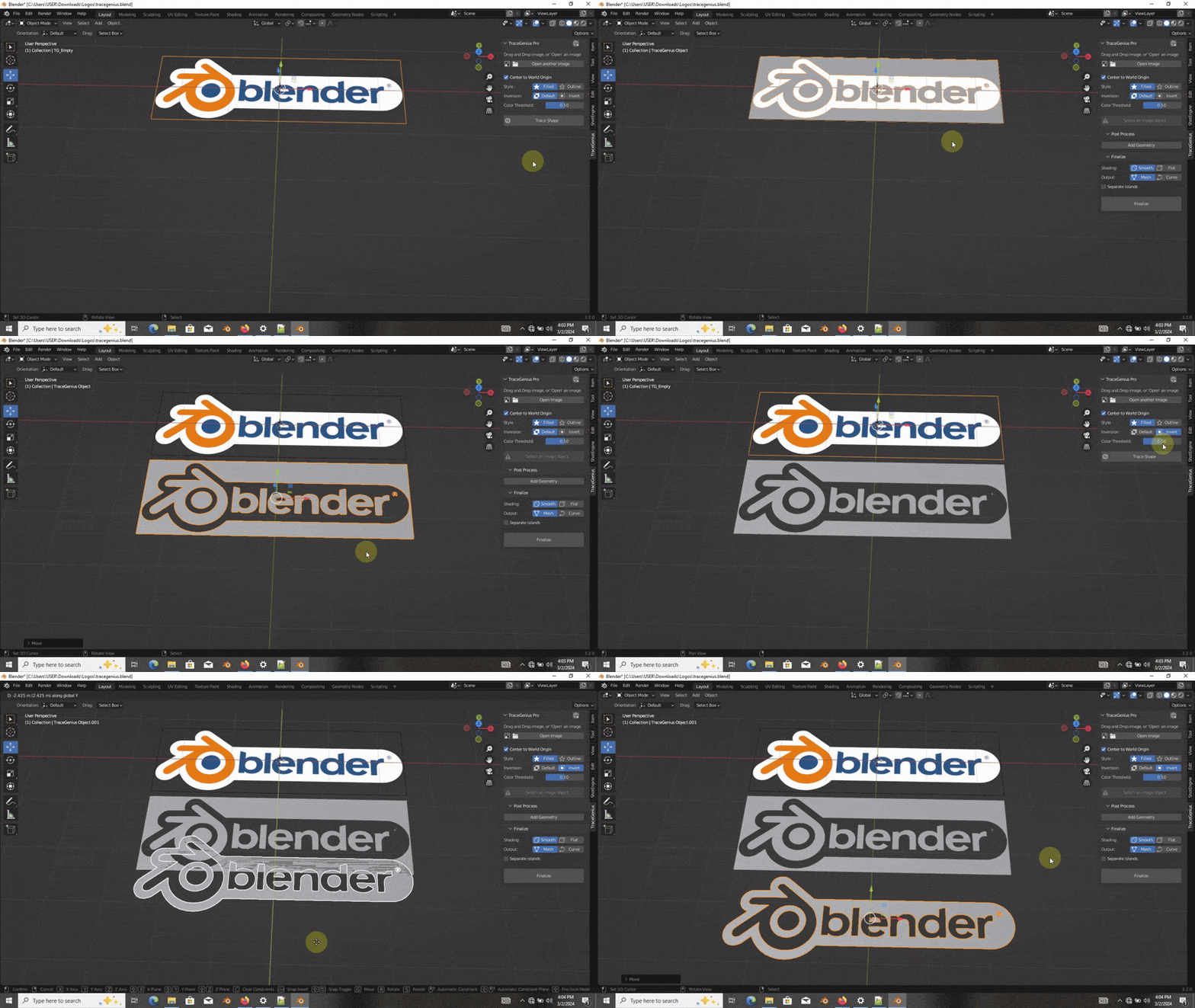
TraceGenius Pro 4.7: Advanced 2D Image to 3D Mesh Tracer
Updated to FULLY support all Blender versions from 2.8 onward — including the latest release and future versions.
The solution for artists and designers seeking precision and efficiency in image-to-3D conversions.

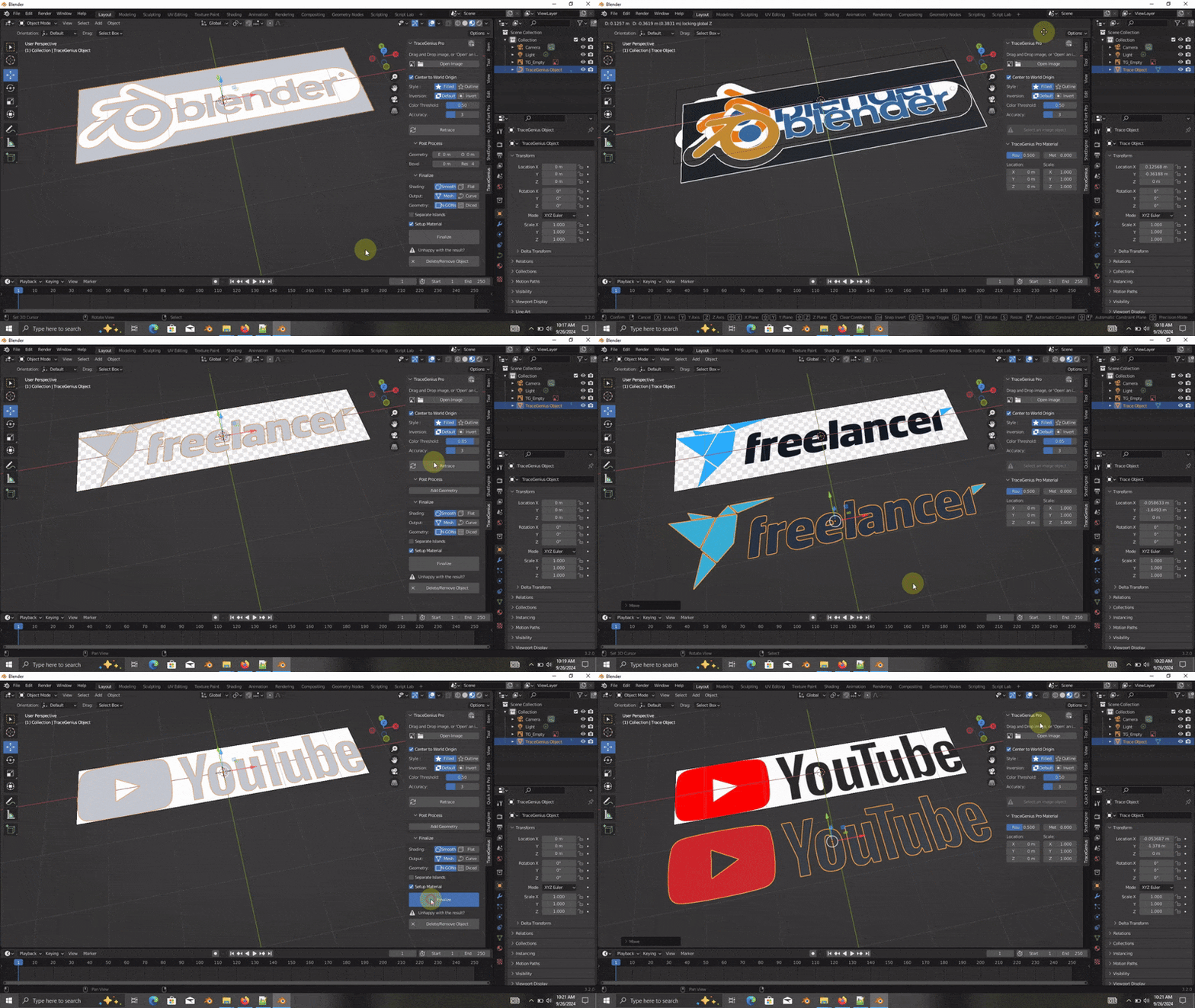
Key Features:
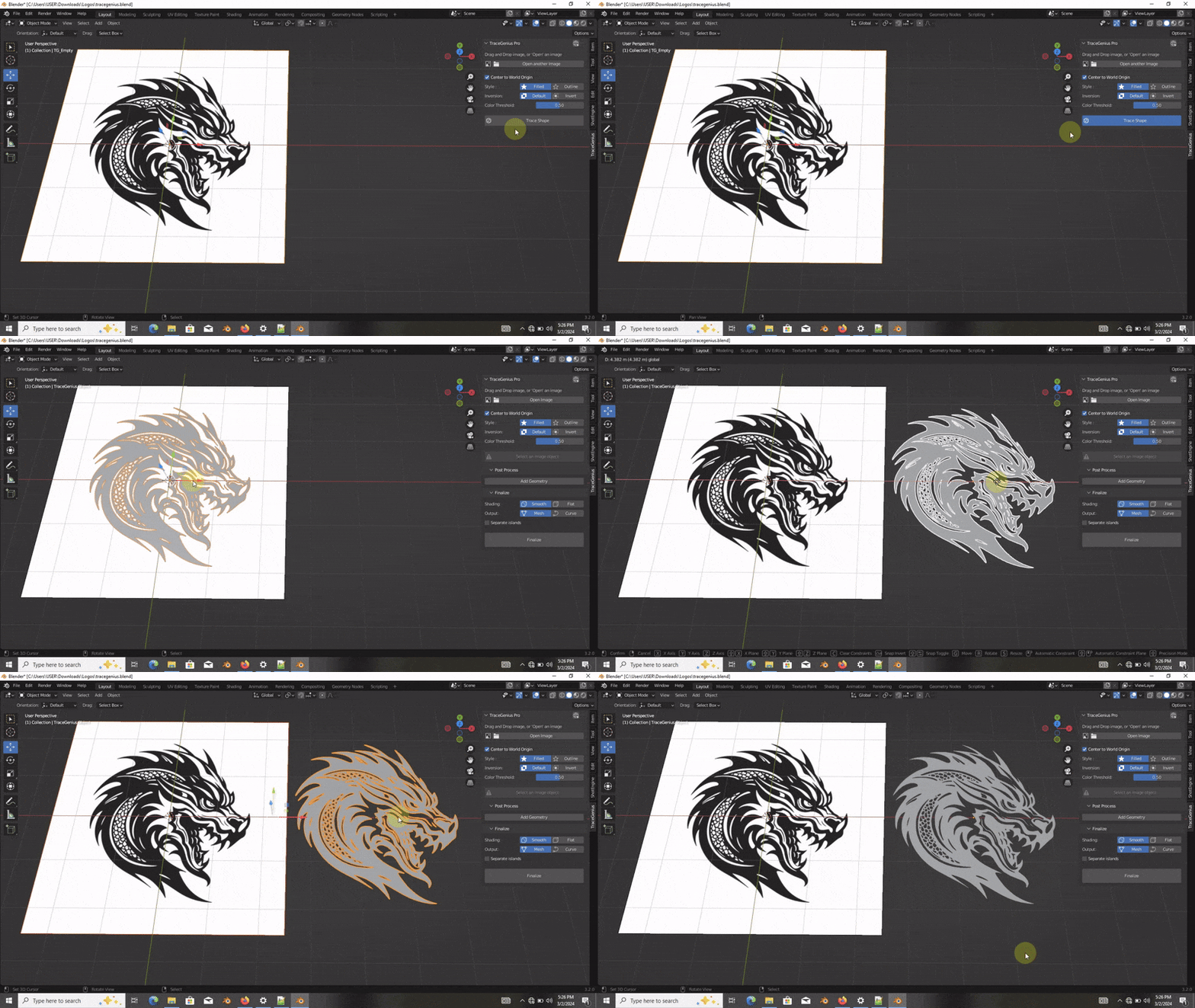
Drag-and-drop or open image files with ease
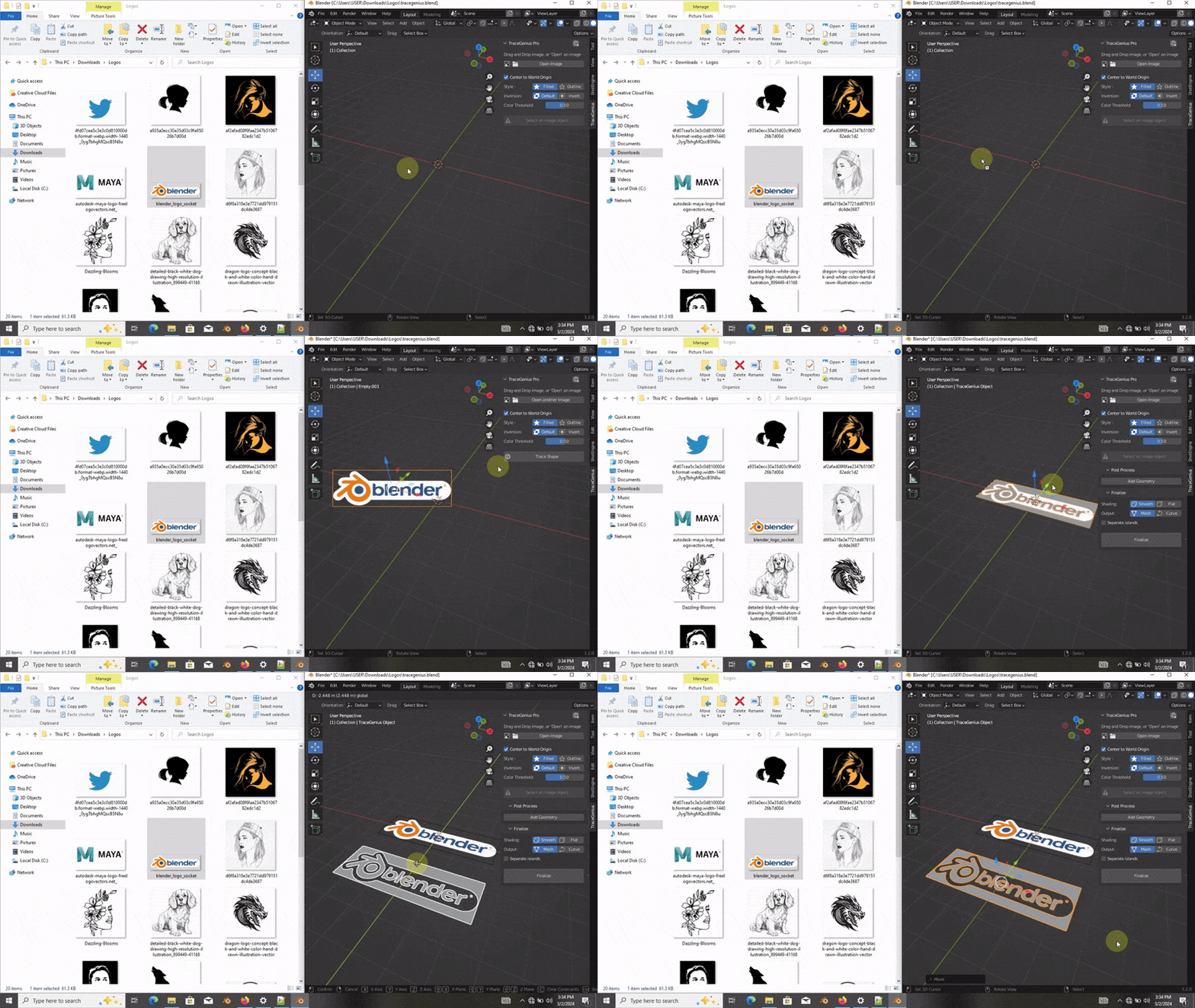
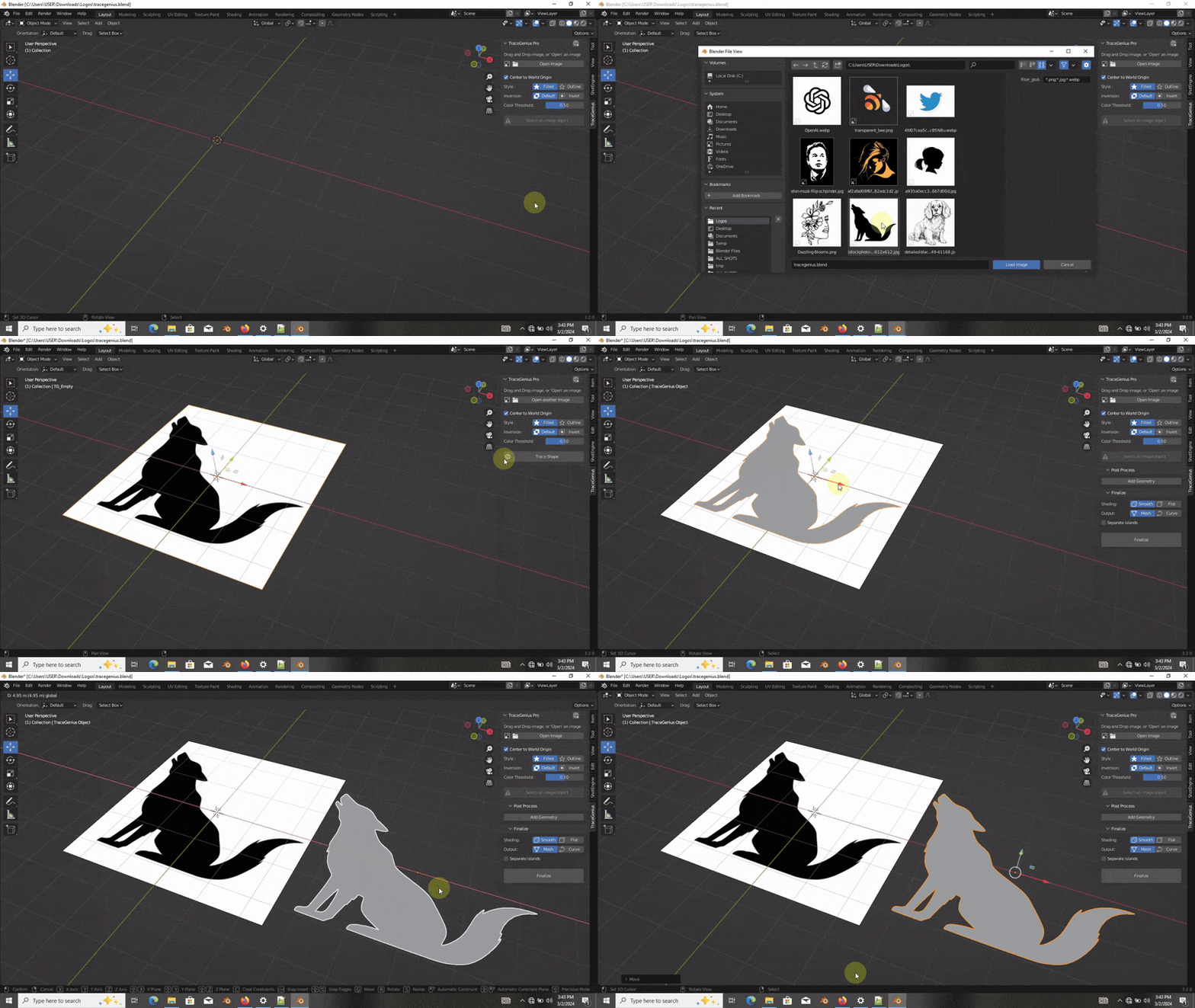
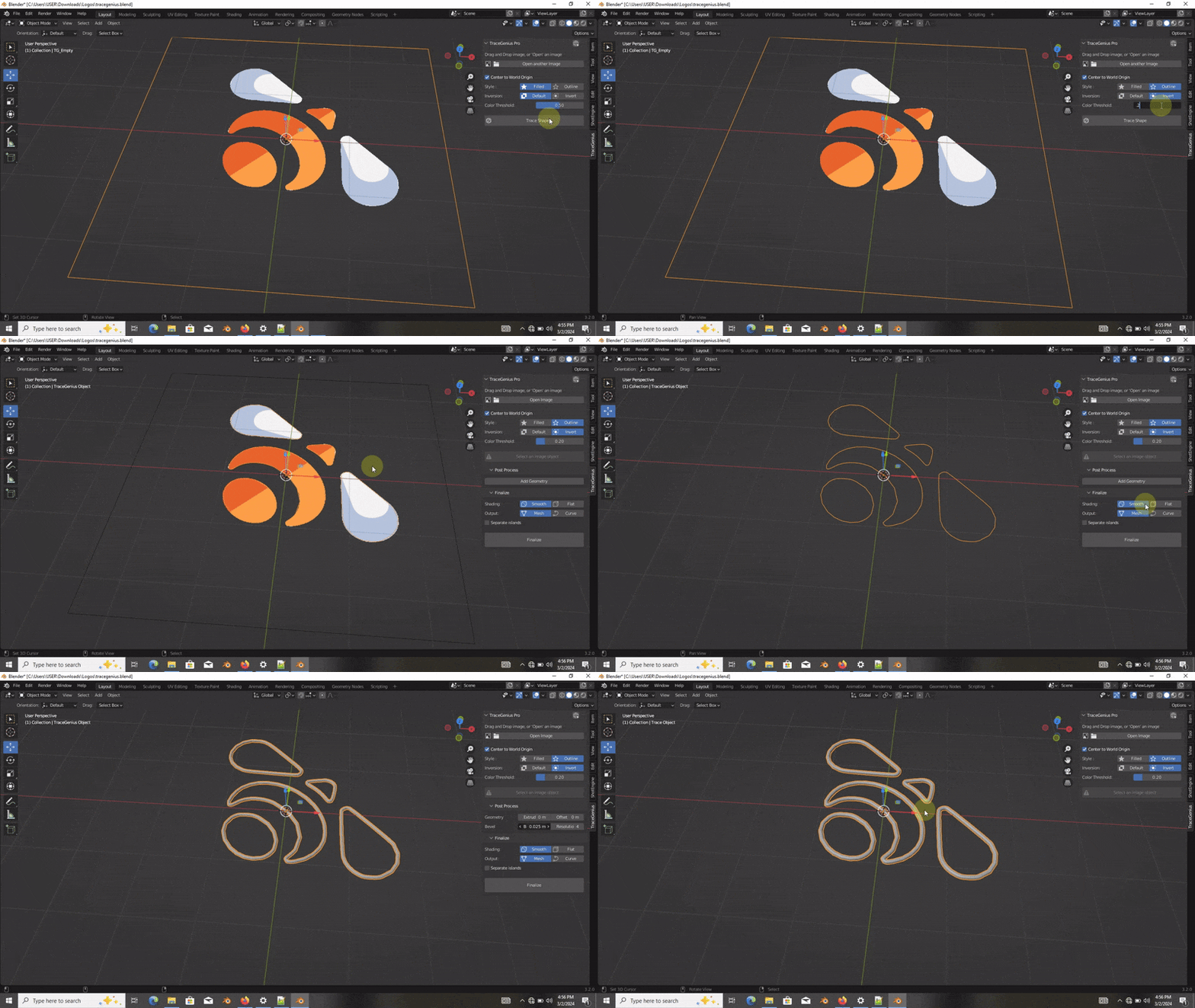
Extract outlines or faces for customized 3D results
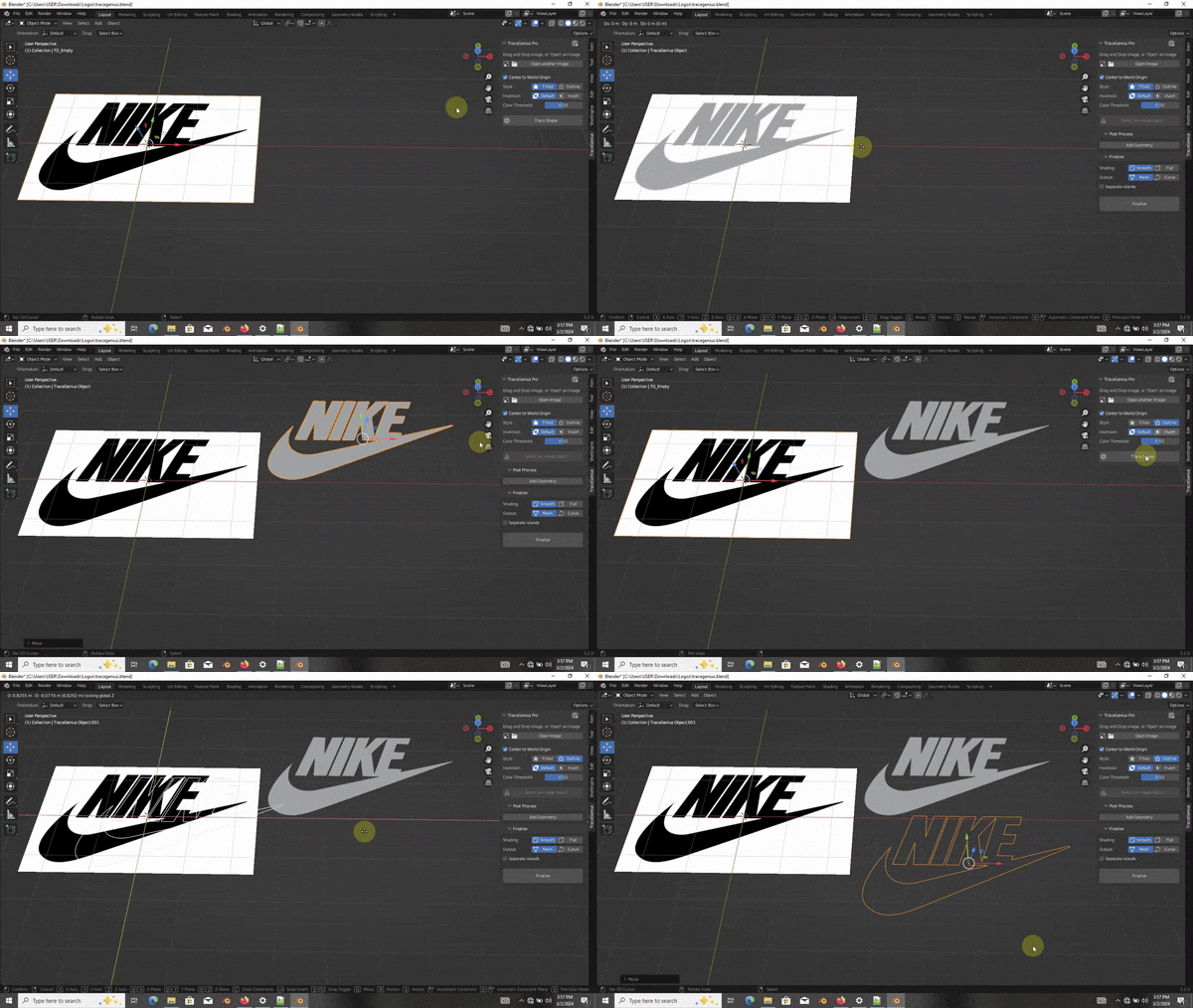
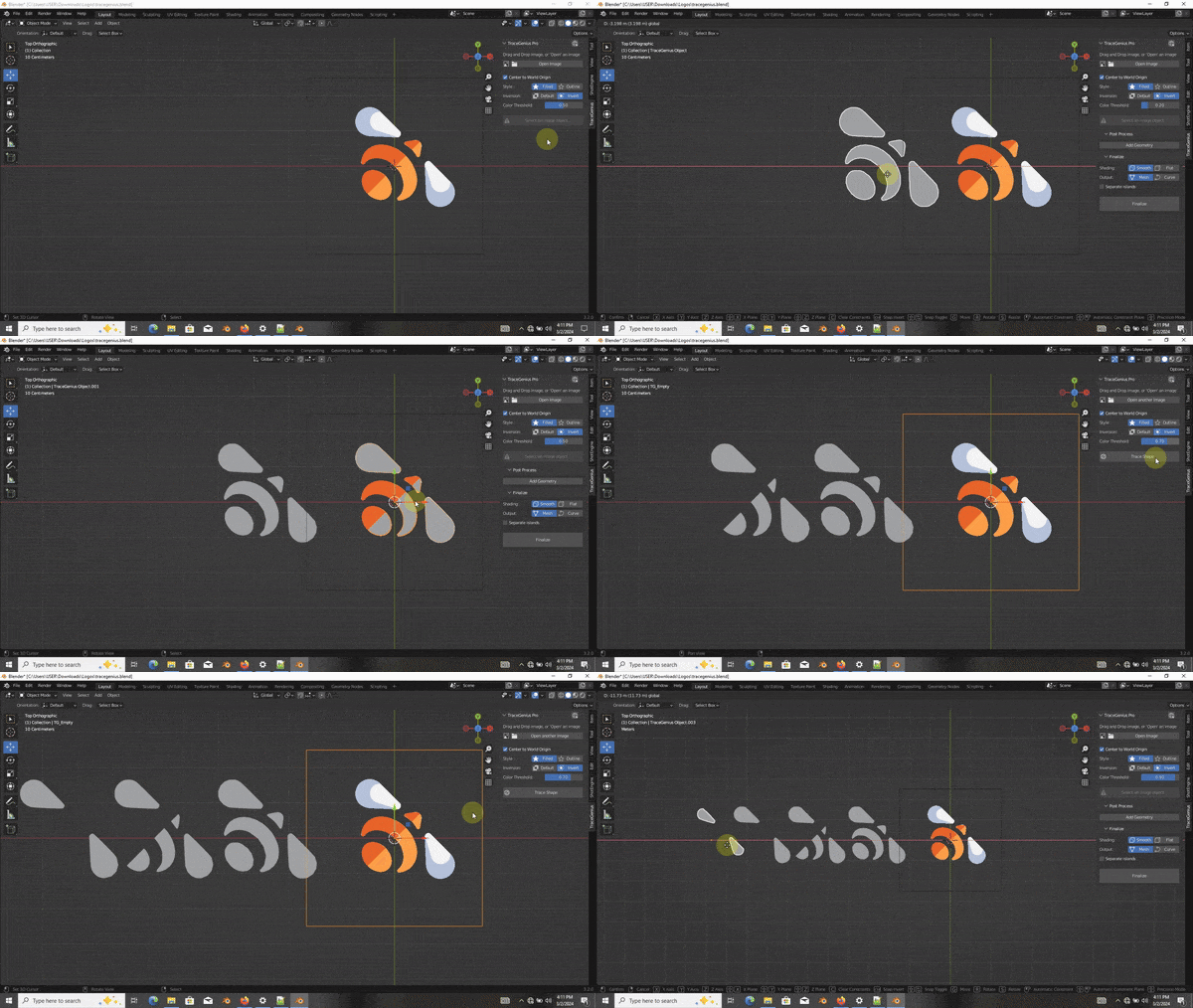
Invert image selection for creative flexibility
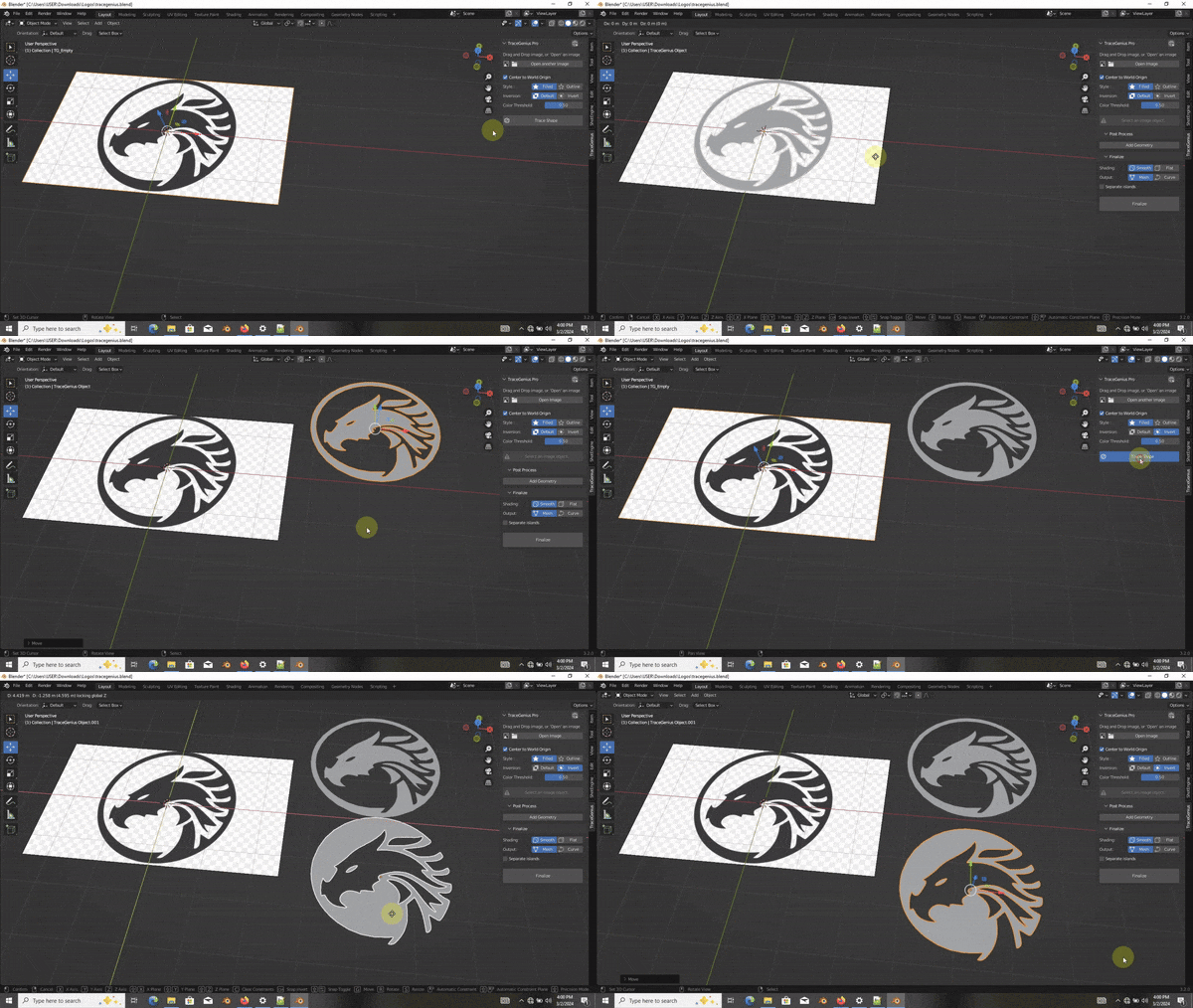
Fine-tune with color/brightness thresholds
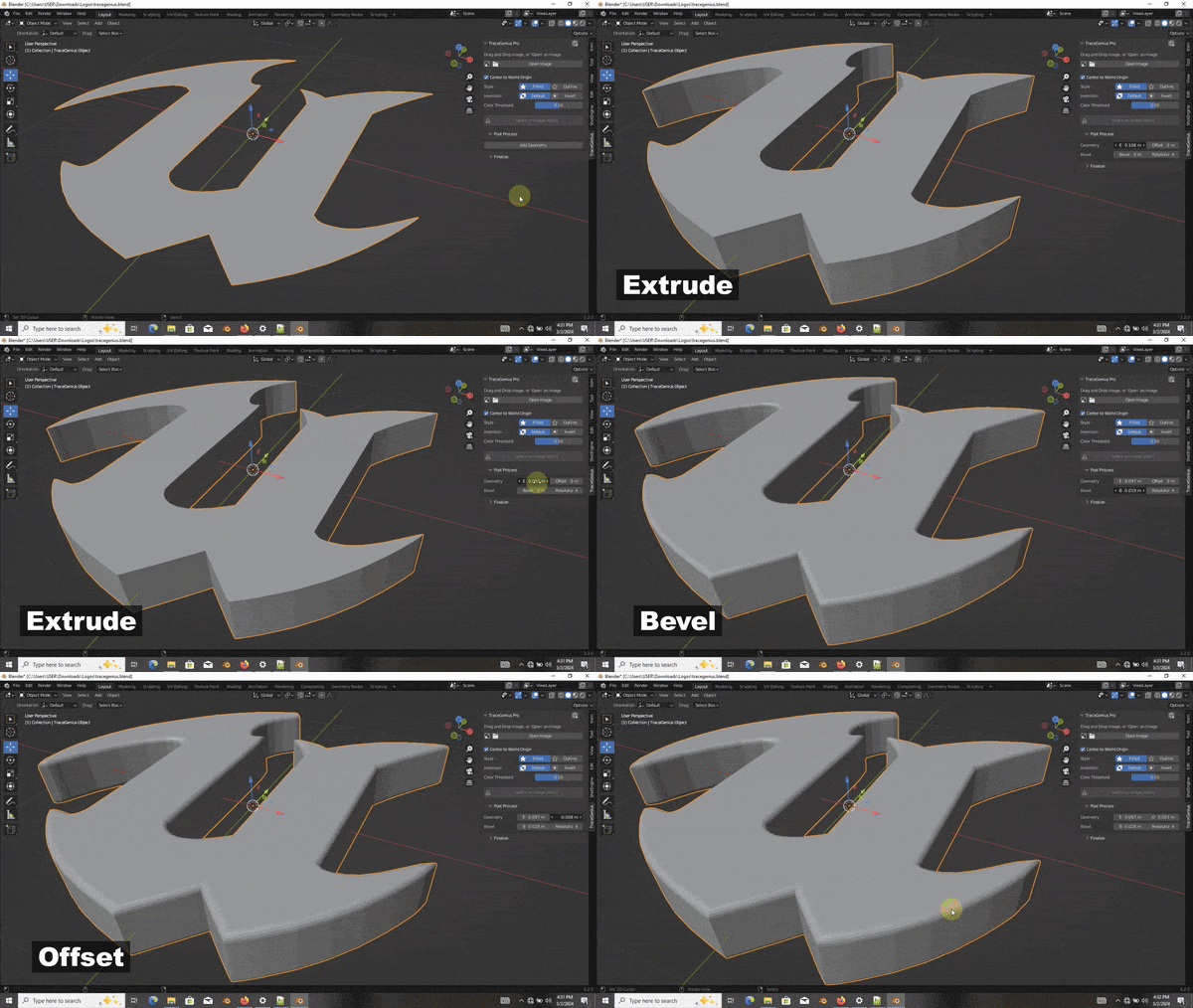
Extrude and bevel extracted shapes for intricate detailing
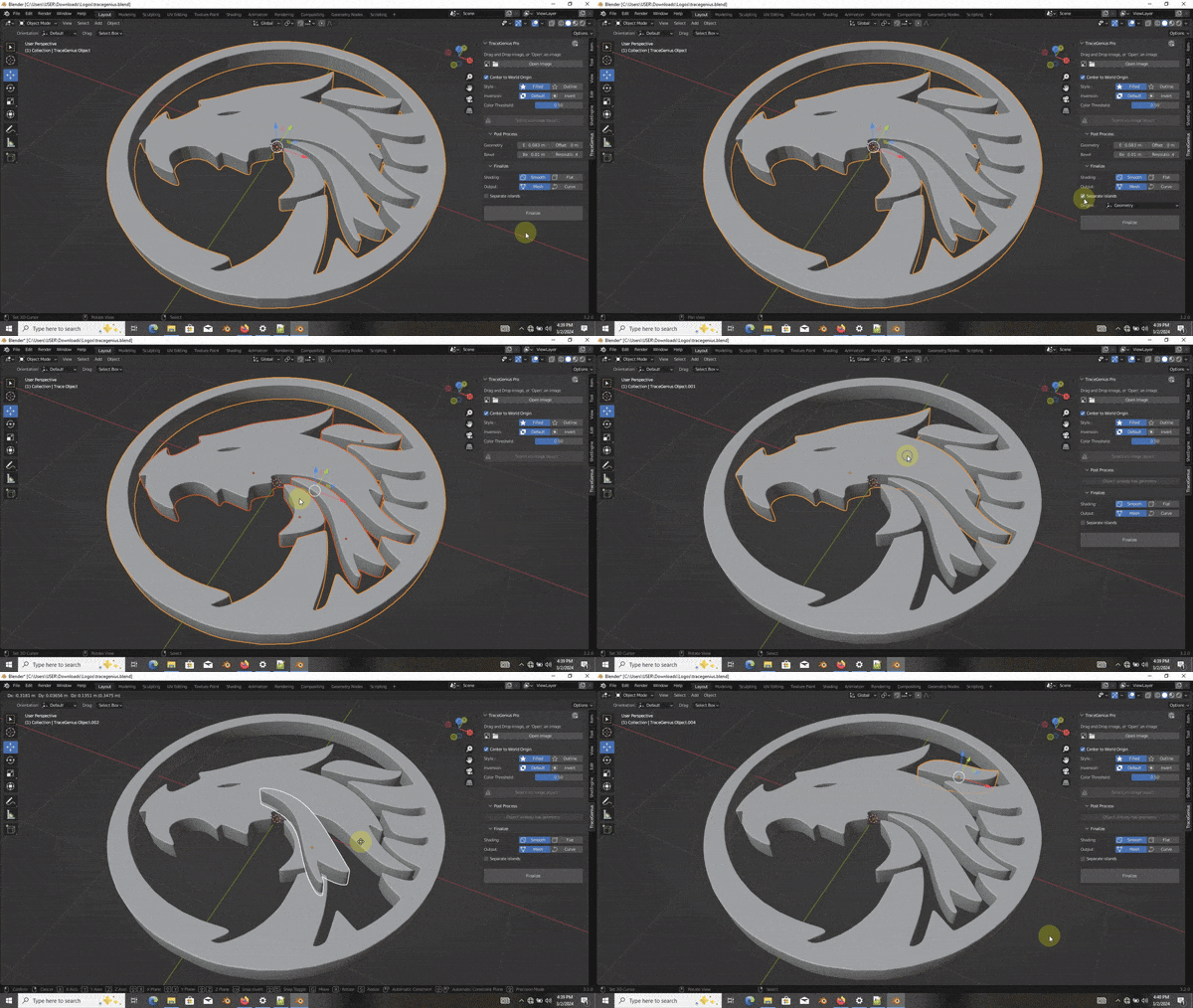
Separate individual parts after mesh generation
Utilize an advanced algorithm for clean and efficient mesh/geometry
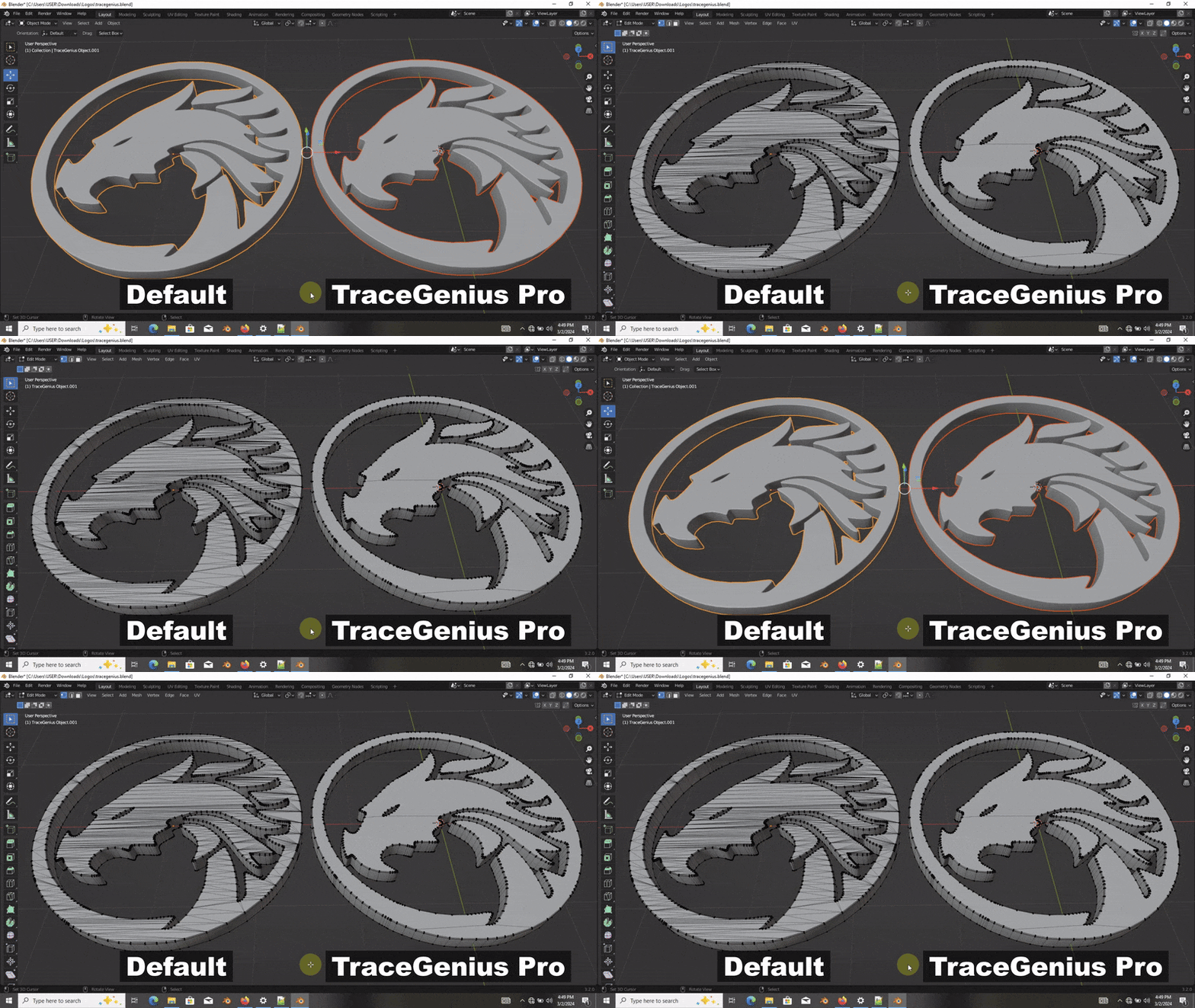
TraceGenius Pro takes the complexity out of 3D conversion, offering a user-friendly experience with powerful tools for extracting shapes, adjusting details, and achieving superior mesh quality.
Supported Image Formats
TraceGenius Pro supports JPG, PNG and Webp image file formats.
SVG file formats will be fully supported in the next update
From TraceGenius Pro Reviews
5/5 ⭐⭐⭐⭐⭐ (50+ satisfied customers)
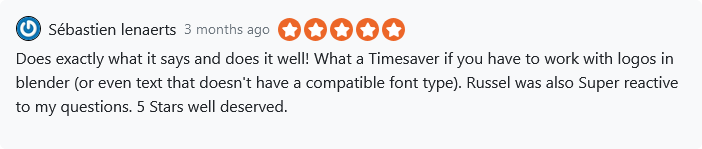

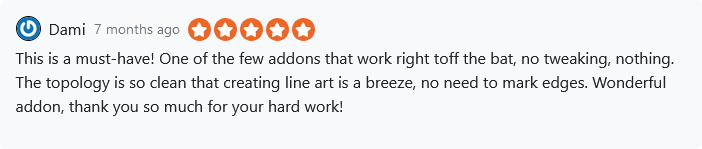

Read all reviews from our satisfied users here.
How To Install
- Open Blender and navigate to Edit → Preferences.
- In the Preferences window, go to the Add-ons tab on the left.
- Click the Install button at the top of the window.
- Locate the downloaded
.zipfile for TraceGenius Pro on your computer. - Select the file and click Install Add-on.
FAQ & Additional Information
https://digitalofers.com/tracegenius-pro-easily-convert-2d-to-3d/
💎 Other Gems You May Have Missed
Shot Engine Blender Addon
https://blendermarket.com/products/shotengine
Quick Font
https://blendermarket.com/products/quick-font
UPDATES
v4.7 (15/1/26)
-
ENHANCED: User experience(UX) has been improved.
v4.6 (15/1/26)
-
ENHANCED: Blender compatibility and Python dependency installation has been enhanced.
v4.5 (12/1/26)
-
ENHANCED: Traced mesh cleanup enhanced.
v4.4 (10/1/26)
-
IMPROVED: Automatic mesh face normal recalculation on finalize.
-
FIXED: Bevel amount and resolution settings now available for Object and Profile modes.
v4.3 (5/1/26)
-
FIXED: Image dependency installation issues affecting some users.
-
FIXED: TraceGenius object scale and rotation issue.
-
IMPROVED: Image detection, installation reliability, drag-and-drop support, and material setup.
v4.2 (25/11/25)
-
FIXED: Coplanar face selection now works correctly in Blender 4.5 and newer.
v4.1 (24/11/25)
-
FIXED: Dependency resolution problem fixed.
v4.0 (22/11/25)
-
COMPATIBILITY: Updated to fully support all Blender versions from 2.8 onward — including the latest release and future versions.
-
IMPROVED: UV-Unwrapping and Auto-Material Creation has now been improved.
v3.2 (24/11/24)
- COMPATIBILITY: Partially supports Blender 4.3+ due to changes made by Blender developers in the recent versions of Blender.
- IMPROVED: UV-Unwrapping and Auto-Material Creation now handle any image seamlessly—cropped, uncentered, or otherwise.
- NEW: Advanced bevel options for precise, customizable beveling.
v3.1 (27/9/24)
- FIXED: Object duplication problem in Blender versions 4.0 and above.
v3.0 (26/9/24)
-
NEW: Auto-Material Setup 🎨
Automatically unwrap your traced object and apply a PBR material setup, saving you time.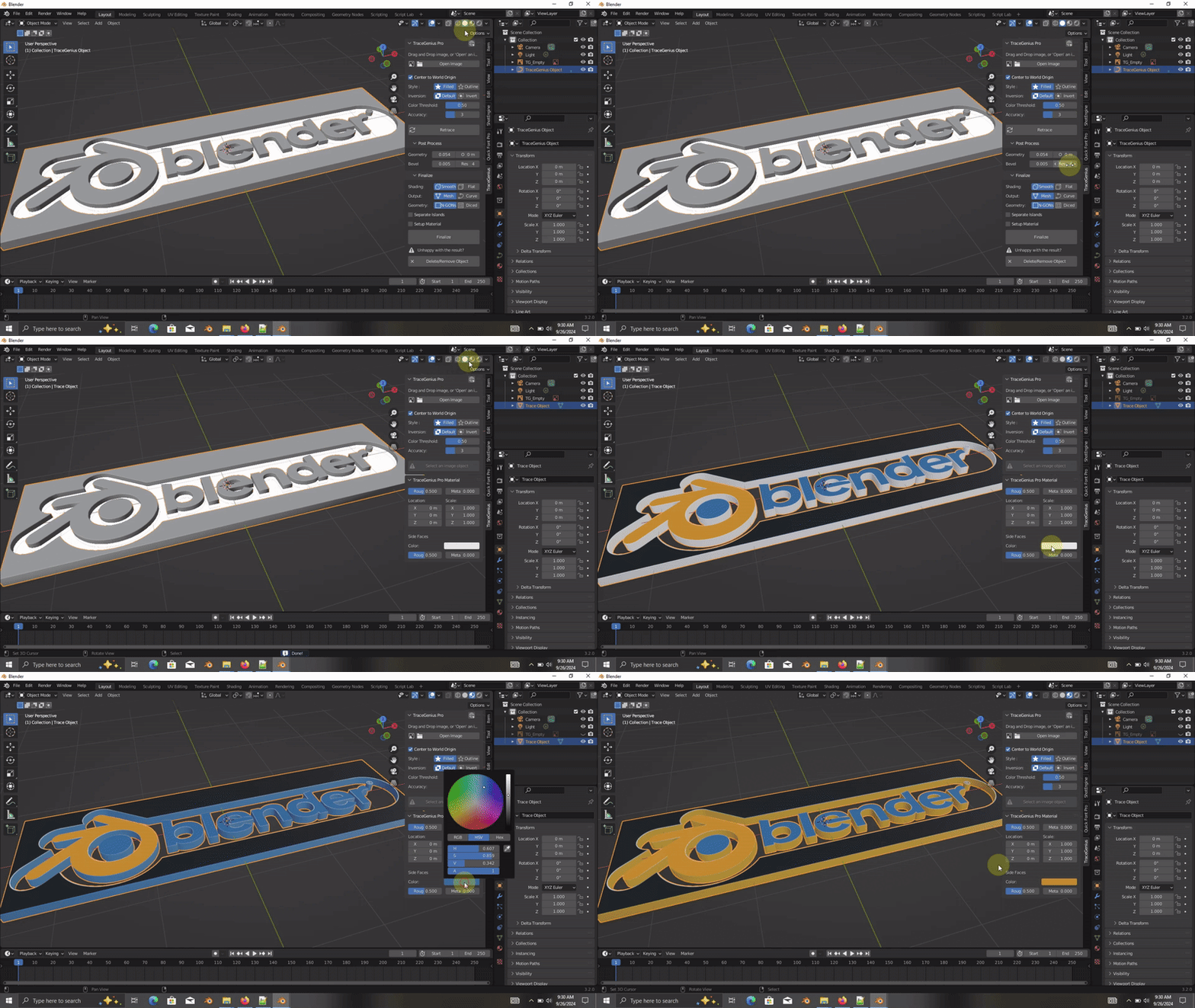
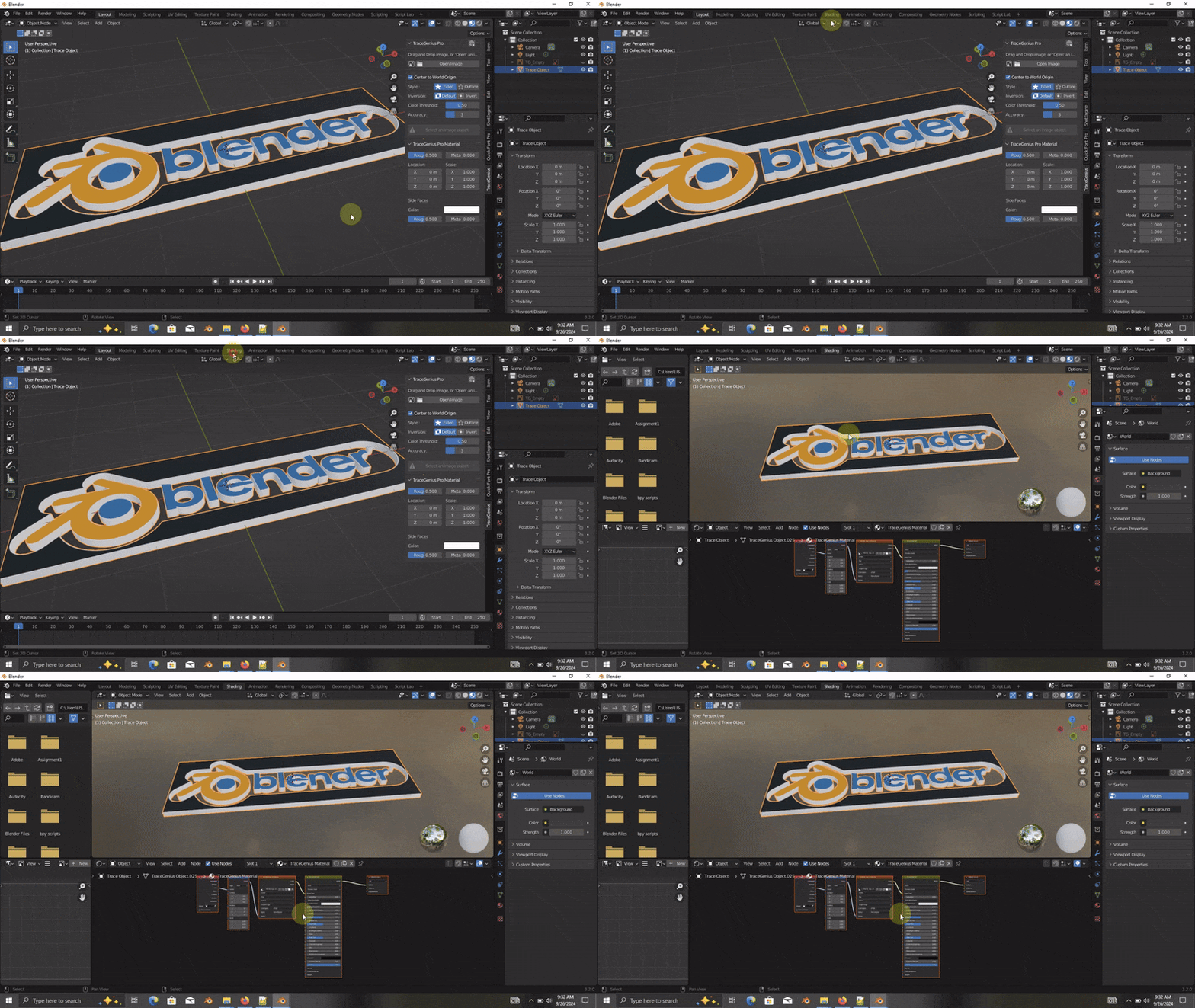
Pro tip: Ensure the area of interest is centered and cropped within the image bounds for best results!
-
NEW: Retrace Functionality 🔄
"Retrace" and make adjustments and update your mesh on the fly. No need to hit undo, reset, or start over every time you want to tweak your trace!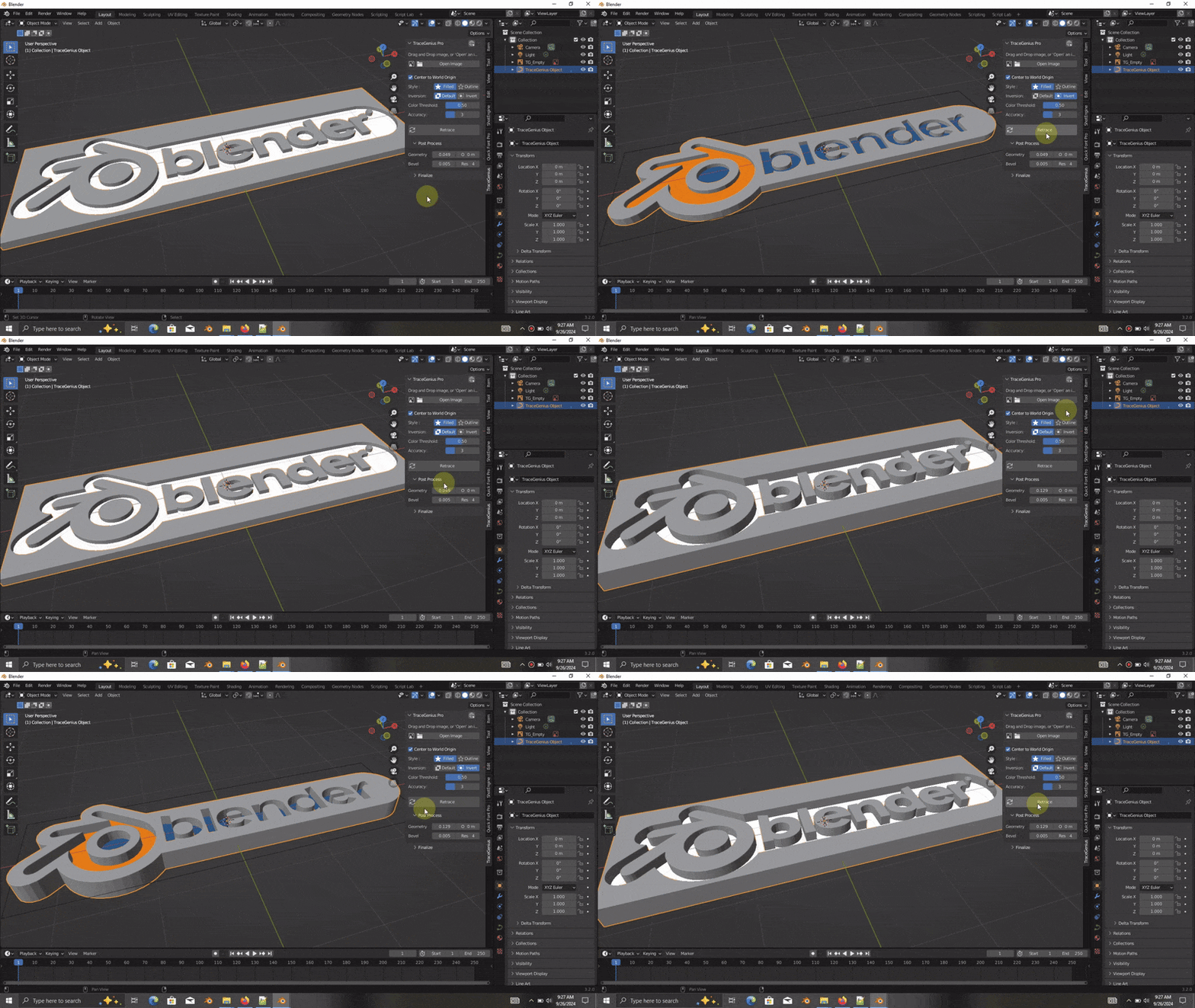
-
NEW: Progress Indicator ⏳
Stay informed during tracing operations with a visual indicator via the cursor, so you’ll always know when your trace is in progress.
-
NEW: Safe-Delete 🗑️
Clean up your scene with ease! Safely delete traced objects along with their dependent objects, leaving no leftover data.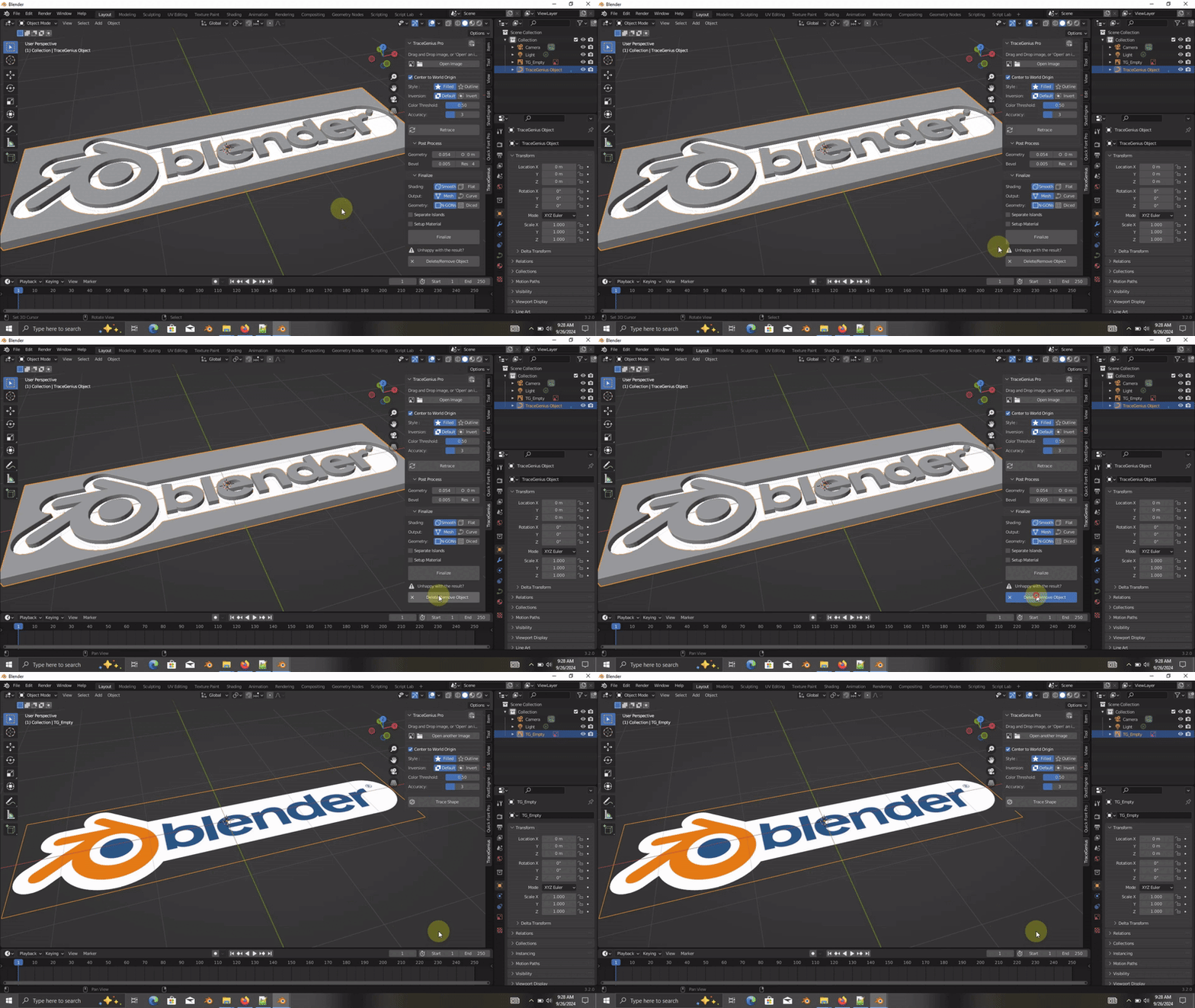
TraceGenius Pro 3.0 is now faster, smarter, and more intuitive—helping you trace, edit, and manage your work like never before!
v2.2 (26/6/24)
-
FIXED: Color Threshold notification error resolved
v2.1 (4/6/24)
-
FIXED: Compatibility issues resolved with Blender versions 4.0 and above.
v2.0 (1/6/24)
NEW: Accuracy[Resolution] Slider - You can now adjust how accurate you want the tracer to be, when tracing an image.
-
NEW: Dicing - In addition to the default N-Gons, you now have the option to dice(loop-cut) the traced Mesh.
Note: Please ensure you are in "Top Viewpoint/View mode" before clicking on "Finalize" for the best result.
