 Megani


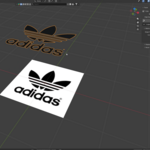
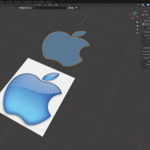
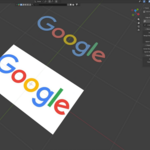
Tracer is a Blender addon that lets you quickly convert 2D images into 3D geometry, making it easier to create 3D assets from images without manually modeling everything from scratch.
Convert images into editable 3D geometry directly inside Blender - Adjust the existing parameters then press trace and the 3d object is ready.
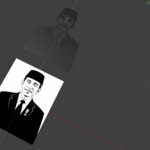
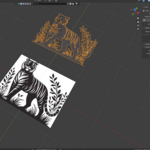
Complex Images - This addon works for complex images. This addon works well if the image has a clear black and white contrast.
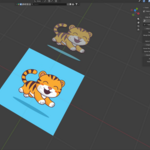
Colored Images - With the flat color option, you can convert colored images into 3D objects while preserving their color. The small number of colors and clear contrast help the addon work faster and better.
How to use it :
1. Download the Addon
Download the Tracer addon from the product page.
2. Install the Addon
Install the addon through Blender's addon or extension installation menu.
3. Open the Sidebar
Open the Sidebar in the 3D Viewport and find the Tracer panel.
4. Select an Image
Choose the image you want to convert into 3D.
5. Adjust the Parameters
Adjust the available parameters to get the result you want. Choose the appropriate Edge Quality and shape settings depending on your image.
6. Convert the Image
Click Trace and Tracer will generate the 3D geometry from your image.