 ZEG


Installation
In Blender open Edit, Preferences, Get Extensions, then use Install from Disk and pick the track_creator zip.
Usage
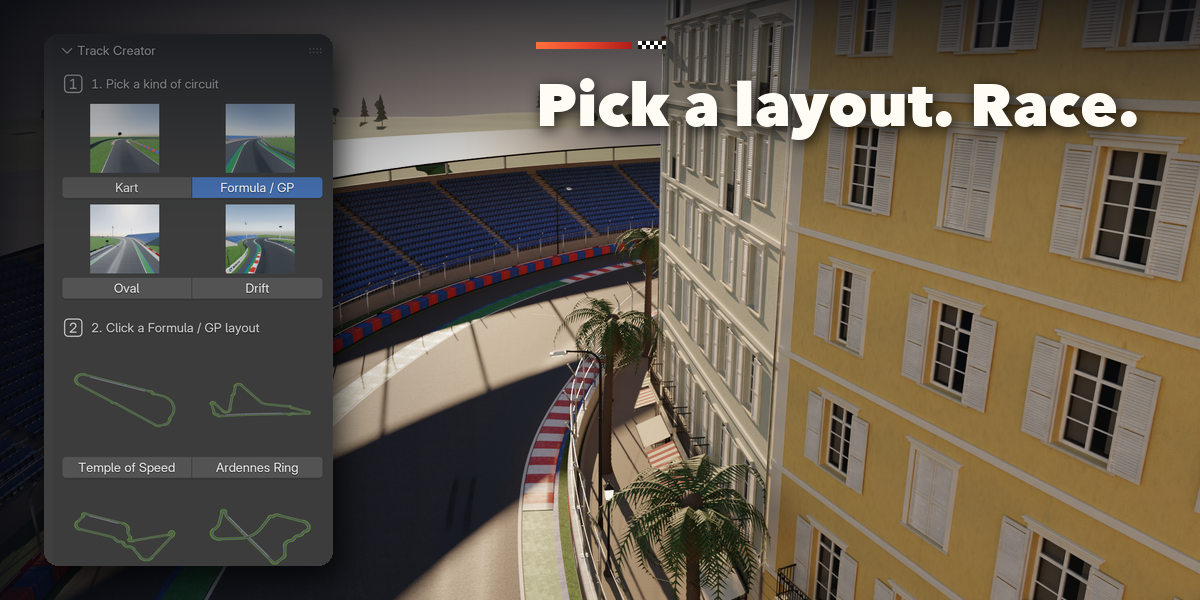
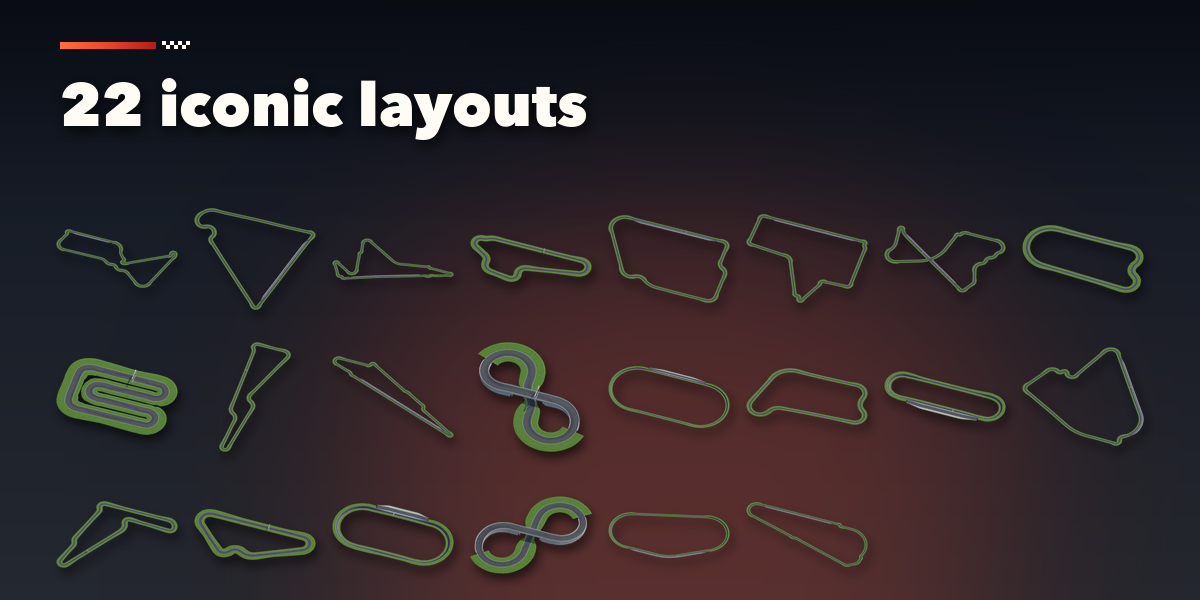
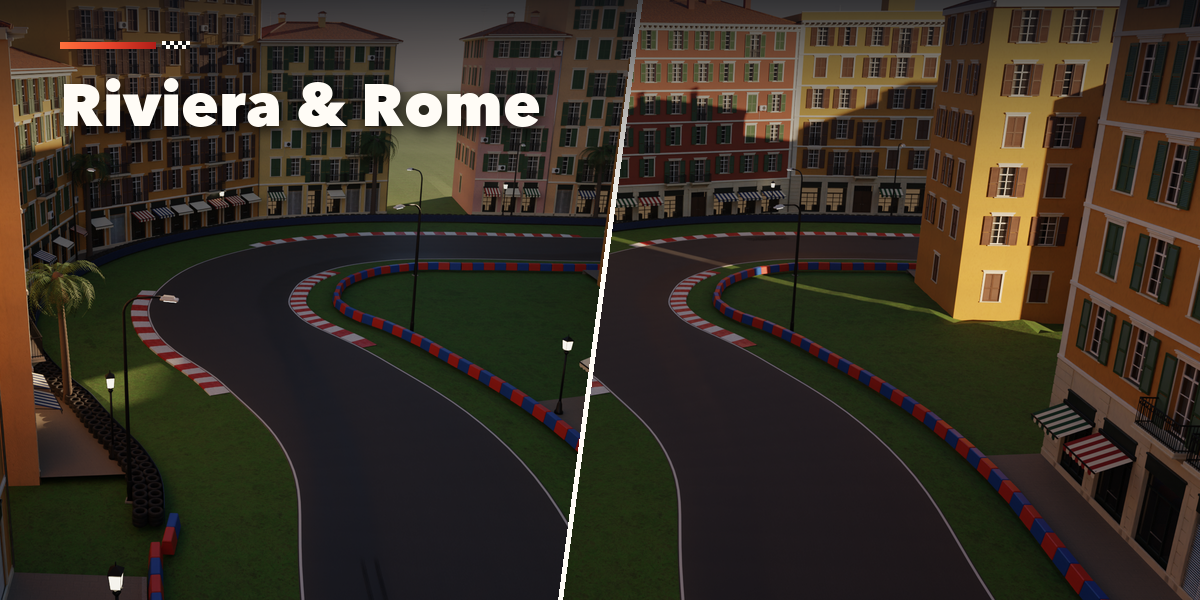
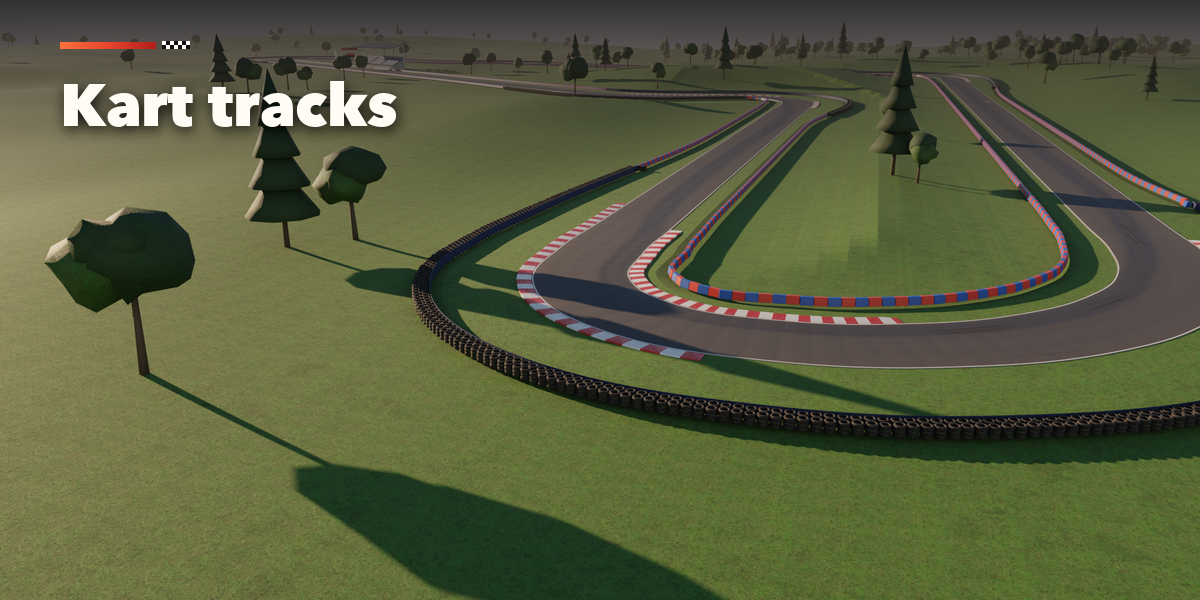
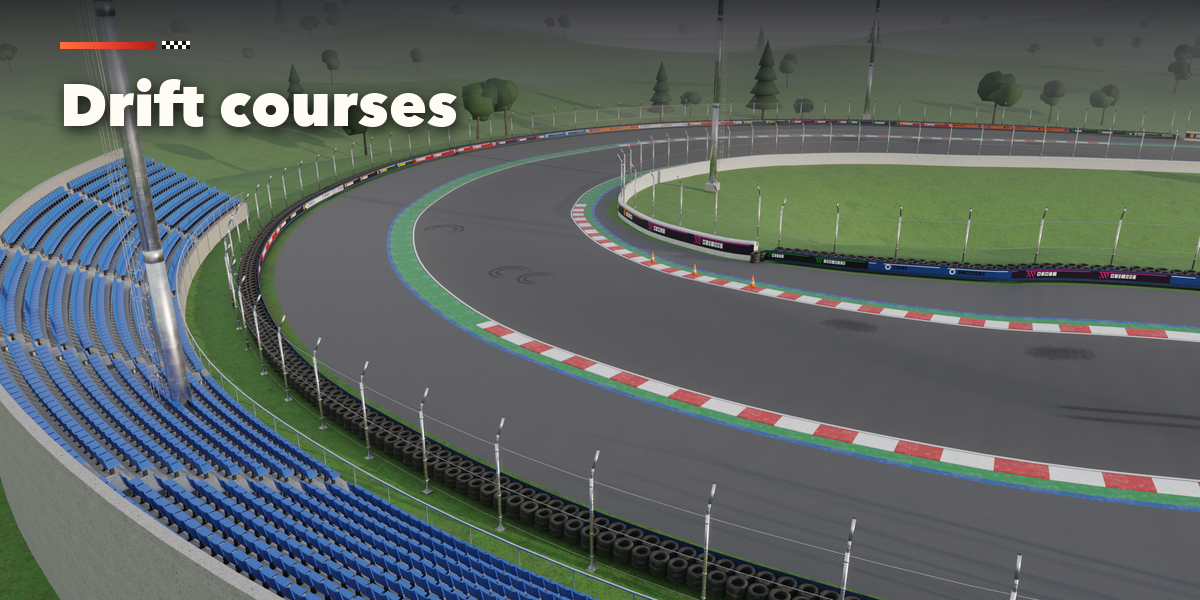
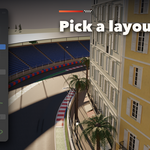
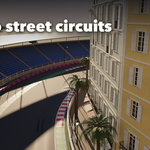
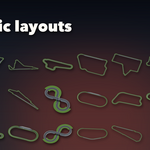
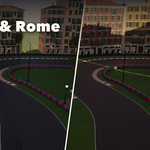
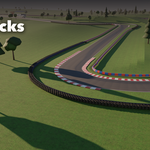
- Open the Track tab in the 3D viewport sidebar (N). With no track selected, pick a kind of circuit (step 1), then click a layout picture (step 2) or press Random Circuit. The track is added at the 3D cursor.
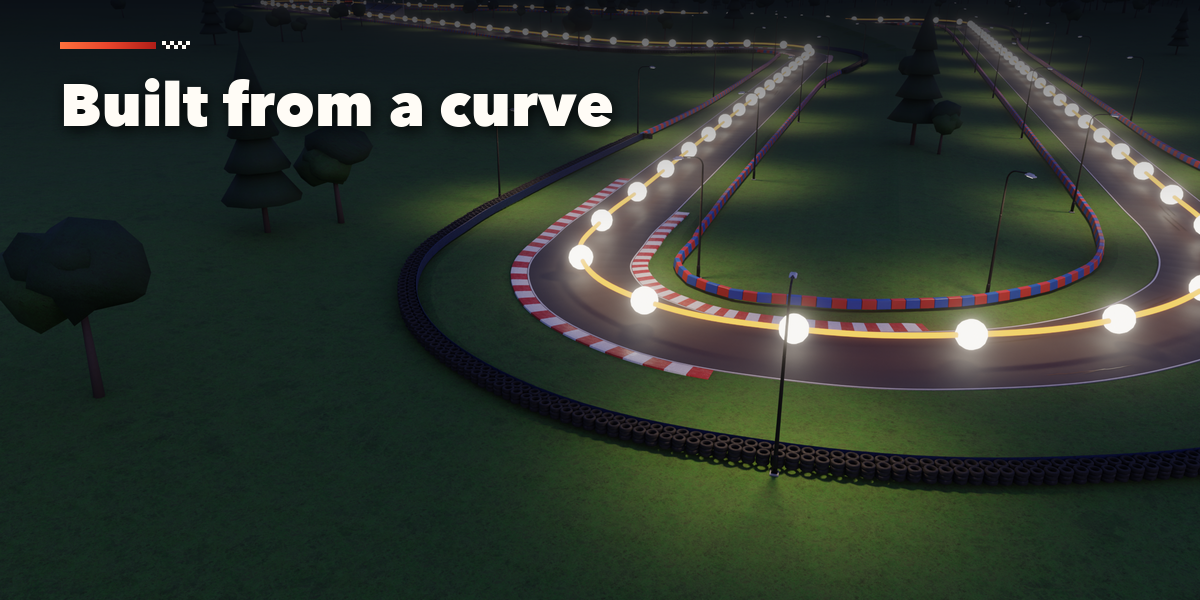
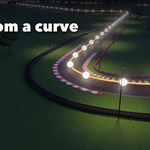
- To use your own shape, select a curve and press Track From Curve.
- The card at the top shows the layout, its length, turns and longest straight. Edit Shape opens the curve in edit mode: move, add or delete points and the track rebuilds live. Variation gives new scattered details (and a new shape for random circuits).
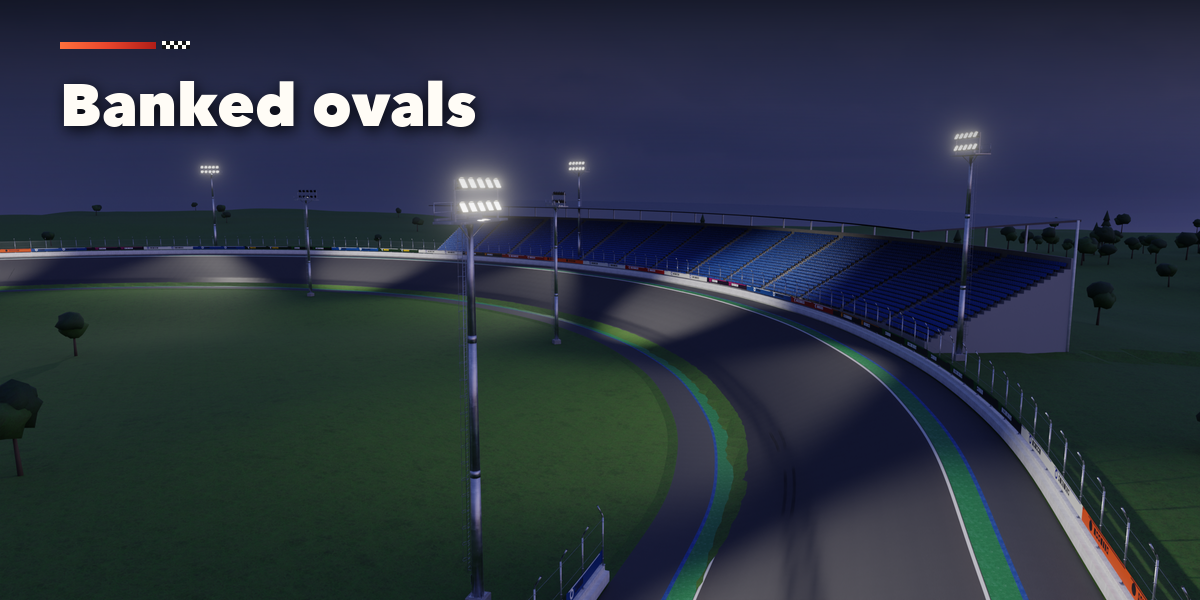
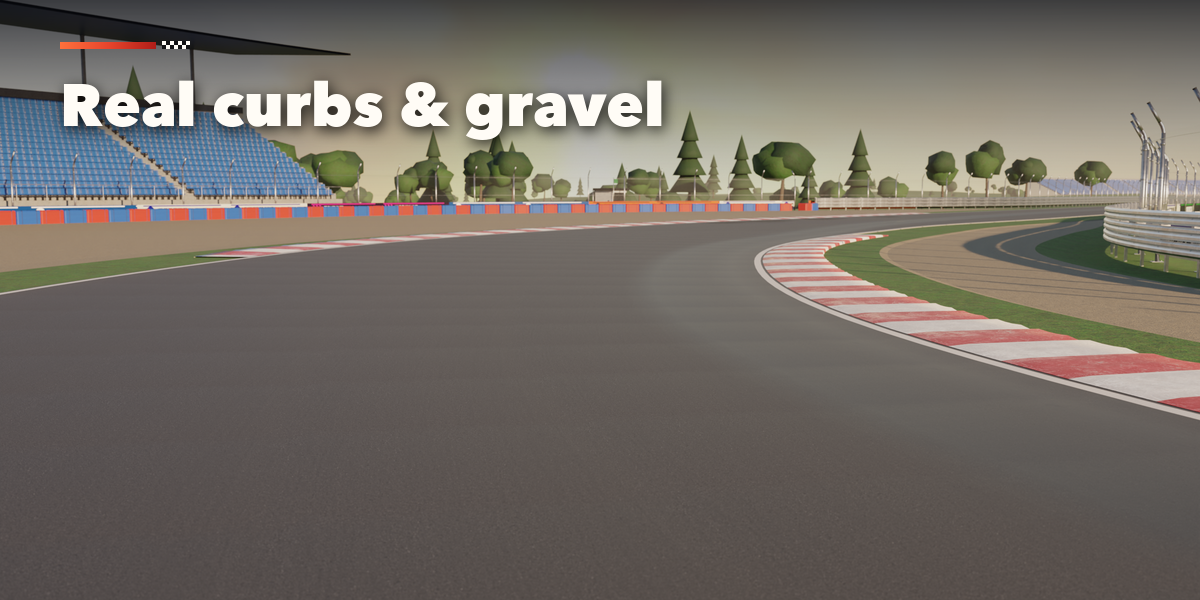
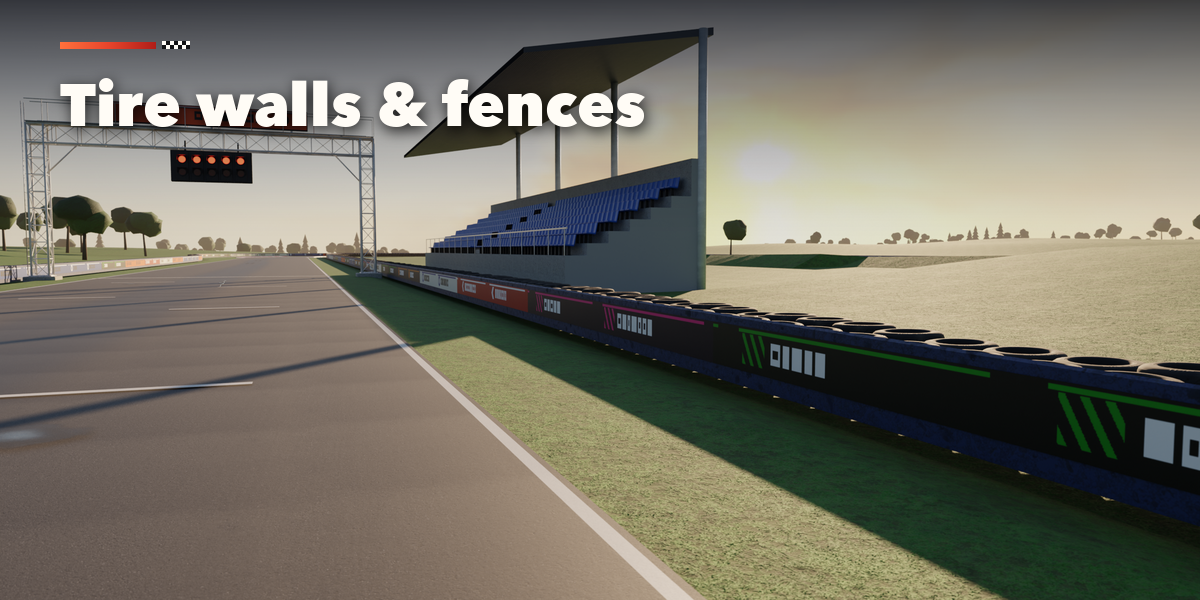
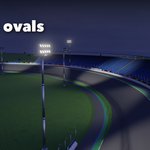
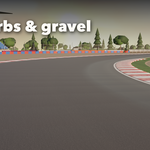
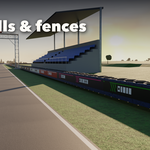
- The icon tabs hold every setting: Layout, Surface (width, asphalt, rubber, lines, grid), Curbs, Runoff, Barriers, Trackside (pits, grandstands, lights, trees), Ground and Export.
- Export writes a glTF file for game engines. Make Real turns the track into plain meshes; Delete removes it with all its parts.
Turn Live Update off on very long circuits while you edit, and press Rebuild when you are done.
Have questions about this product?
Login to message
| Blender Extension Compatible | Yes |
| Published | about 3 hours ago |
| Blender Version | 4.2 - 5.2 |
| Extension Type | Add-on |
| Render Engine Used | Cycles, Eevee |
| License | GPL |

Discover more products like this
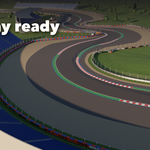
motorsport road game ready race-track Generator game environment track generator kart procedural F1 racing circuit