 oToddy
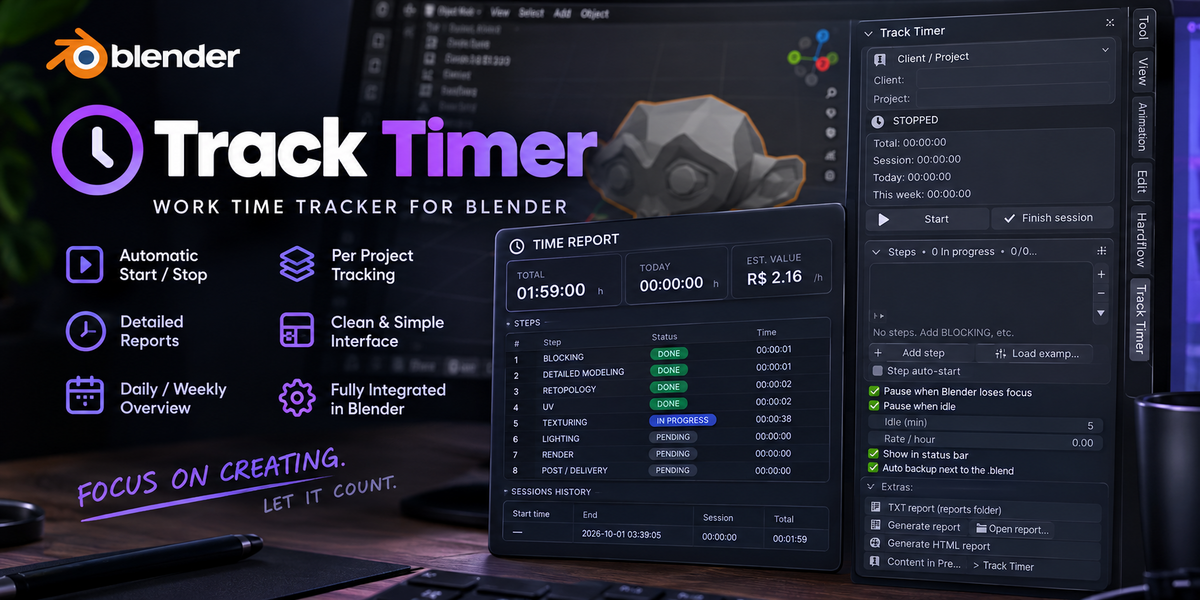
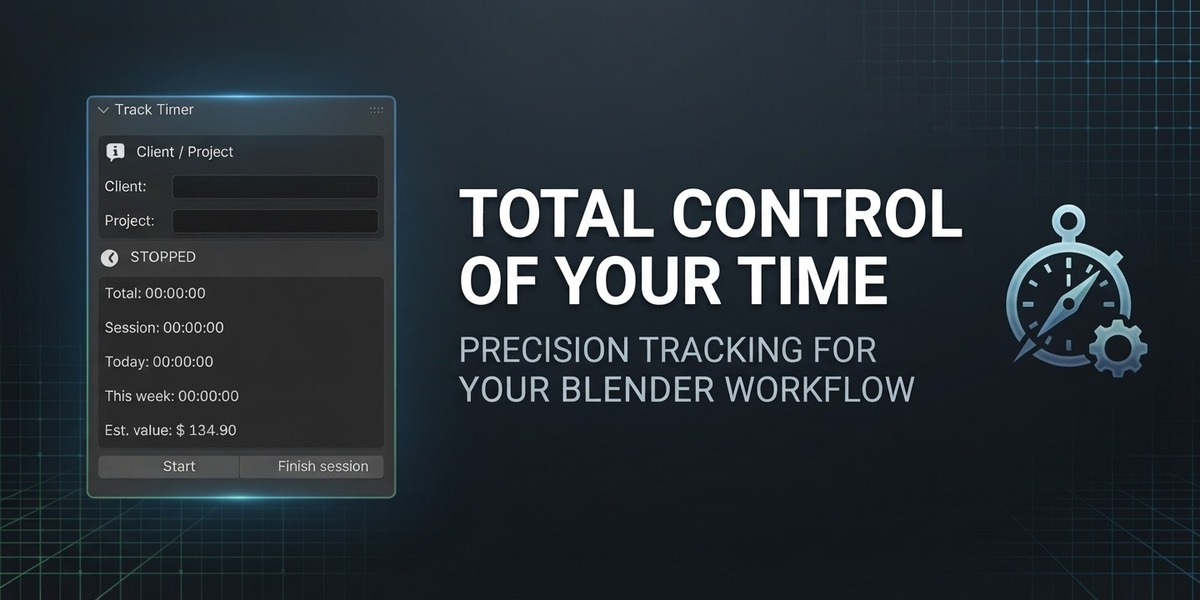
Do you know how many hours you really worked today?
If you bill by the hour, that question is money. Guess too low and you donate work. Guess too high and you argue with the client. Track Timer exists because I lived that: drifting to another window, losing track of the day, dreading the invoice.
Picture this: you press Start, model for three hours, and when the client asks for proof you send a clean report with hours, steps and value. No spreadsheet, no second app, no reconstructing the week from memory.
What it does for you
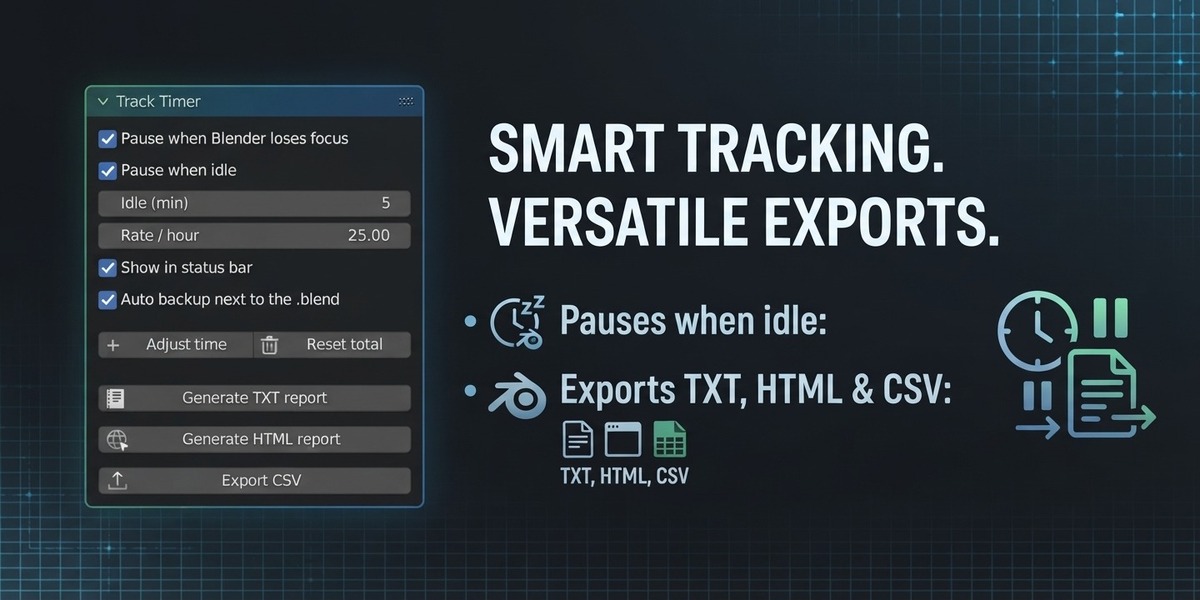
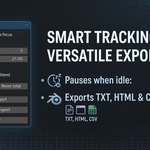
- Counts only real work. The timer pauses by itself when Blender loses focus or when your keyboard and mouse go quiet, so coffee breaks never end up on the invoice.
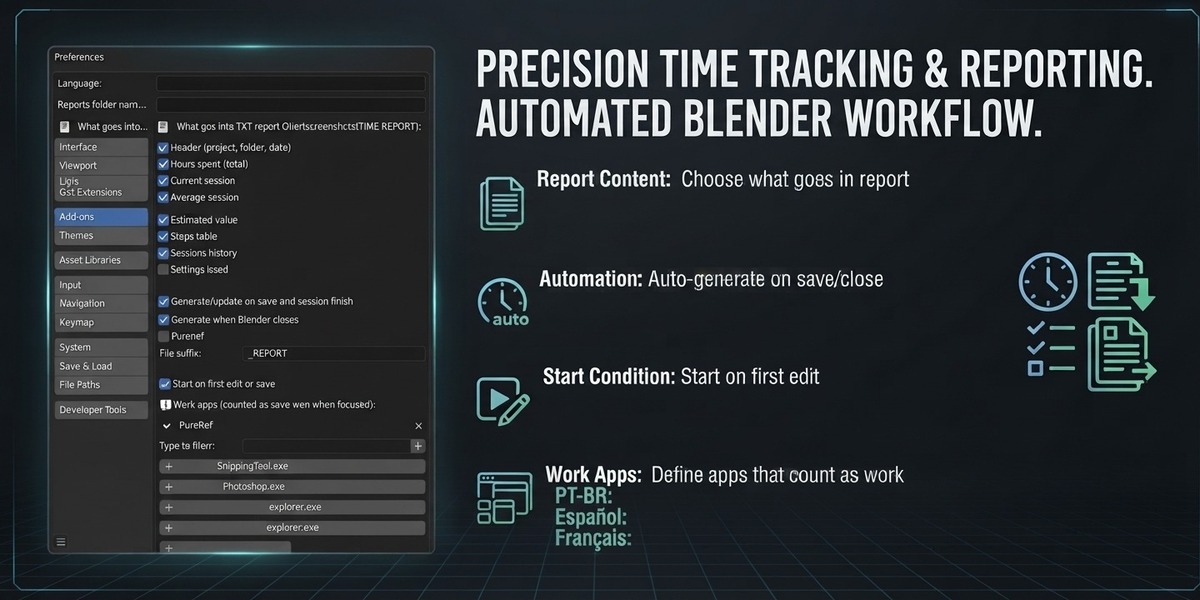
- Keeps reference billable. Whitelist PureRef, Photoshop or even the browser and those windows keep counting while focused.
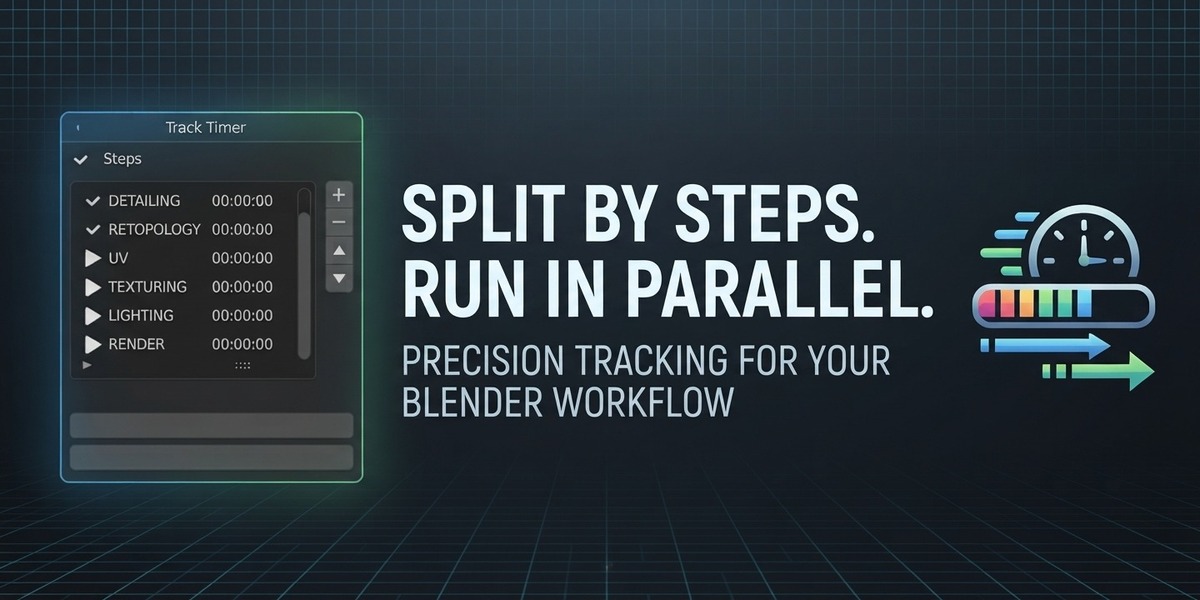
- Breaks the job into steps. Blocking, Modeling, UV, Texturing run side by side, each with its own time, start and end.
- Prices the job. Set your hourly rate and the report shows the estimated value next to the hours.
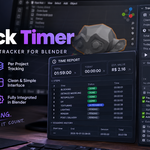
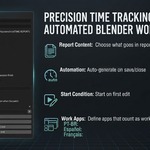
- Proves it. Every save writes a TIME REPORT folder beside your .blend: a TXT log, a printable HTML page for the client, plus session and step spreadsheets.
Install in 2 minutes (Blender 4.2+)
- Download the zip below. Do not unzip it.
- Edit > Preferences > Get Extensions > menu > Install from Disk, select the zip.
- Enable Track Timer and press N in the 3D Viewport. Save your .blend once so reports have a folder, then press Start.
Good to know
- Full auto-pause on Windows; counting works everywhere, auto-pause is best-effort on Linux and Mac.
- Speaks English, Portugues (BR), Espanol and Francais.
- Viewport clock and week totals included; crash-proof backup means closing Blender never eats hours.
Built by a freelancer who kept undercharging. Licensed GPL-3.0-or-later, supported in English via inbox.