 oToddy



Installation
- Download the product zip. Do not unzip it.
- Blender 4.2+: Edit > Preferences > Get Extensions > menu > Install from Disk, select the zip.
- Enable Track Timer. Press N in the 3D Viewport and open the Track Timer tab.
- Save your .blend once, then press Start.
Daily use
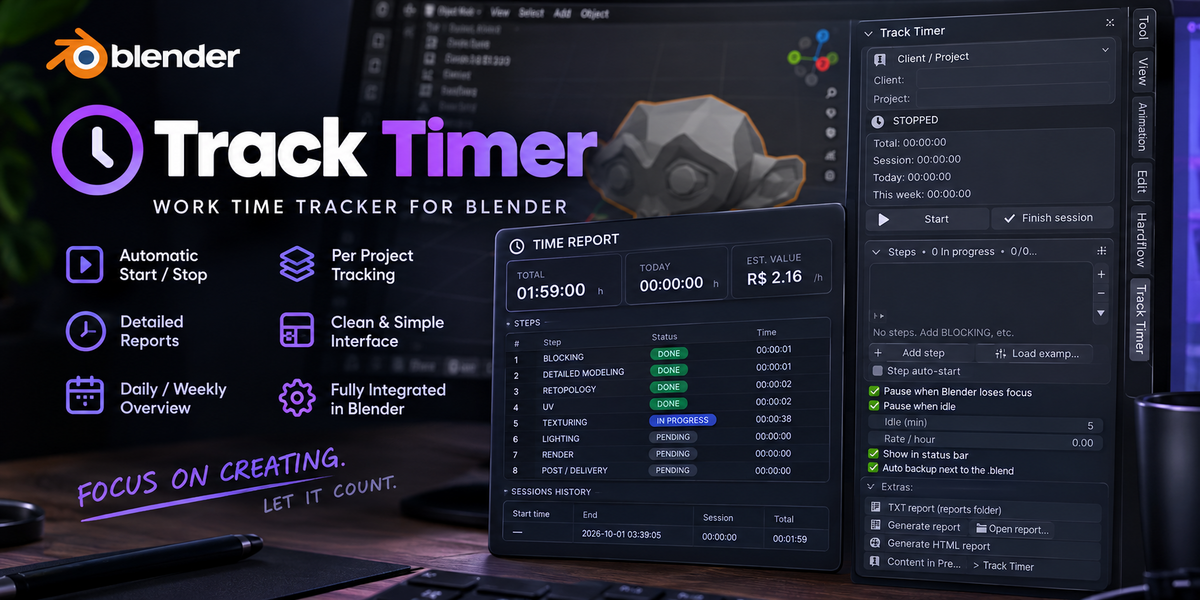
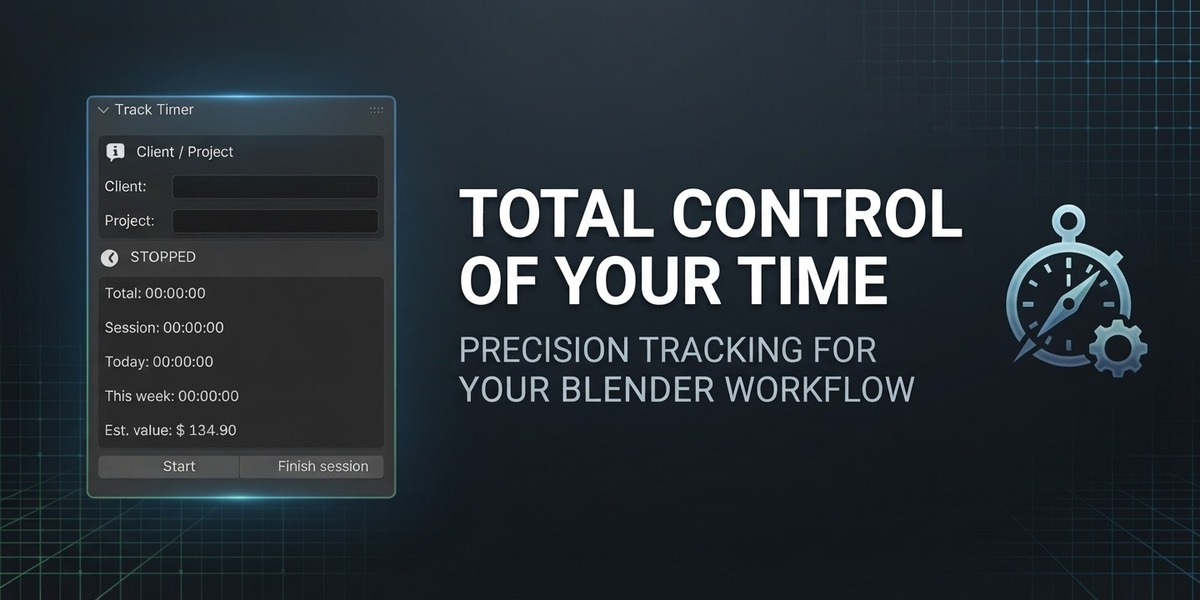
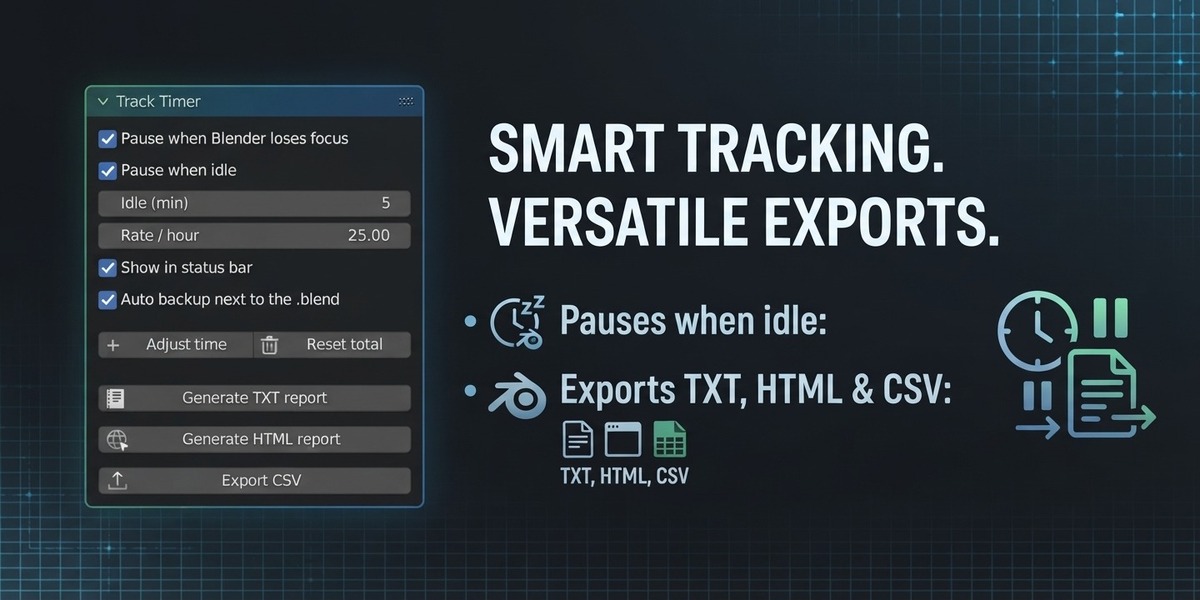
- Start / Pause: counts your time. Pause keeps the total.
- Finish session: logs the session to the history and CSVs.
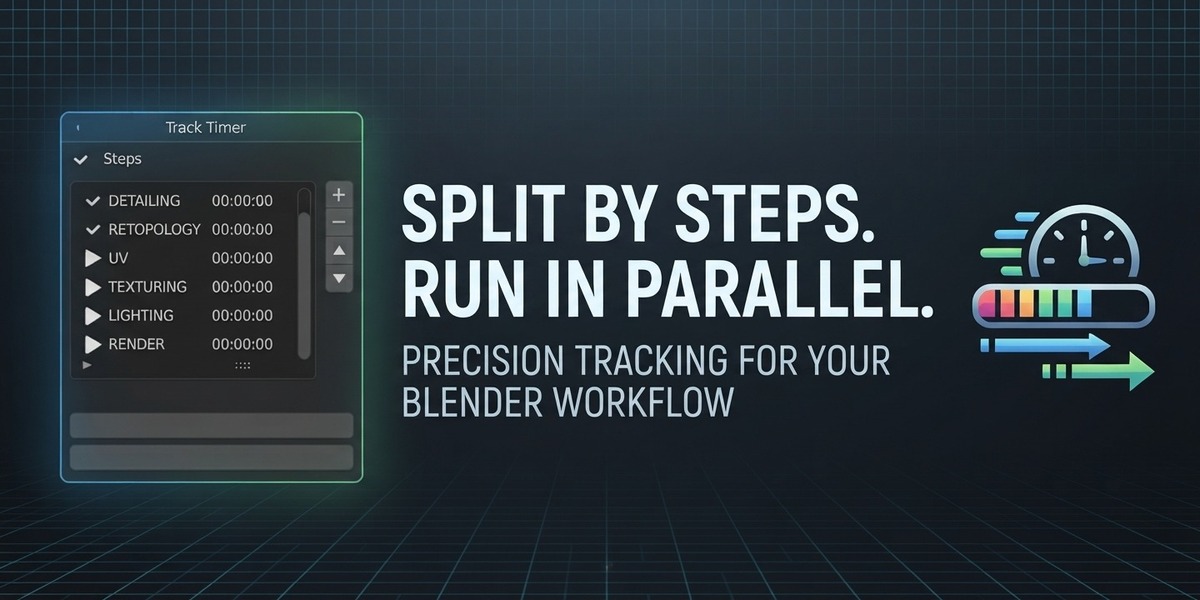
- Steps: Add step gives each job phase its own timer. Several steps can run at once, or split the time between them in the settings.
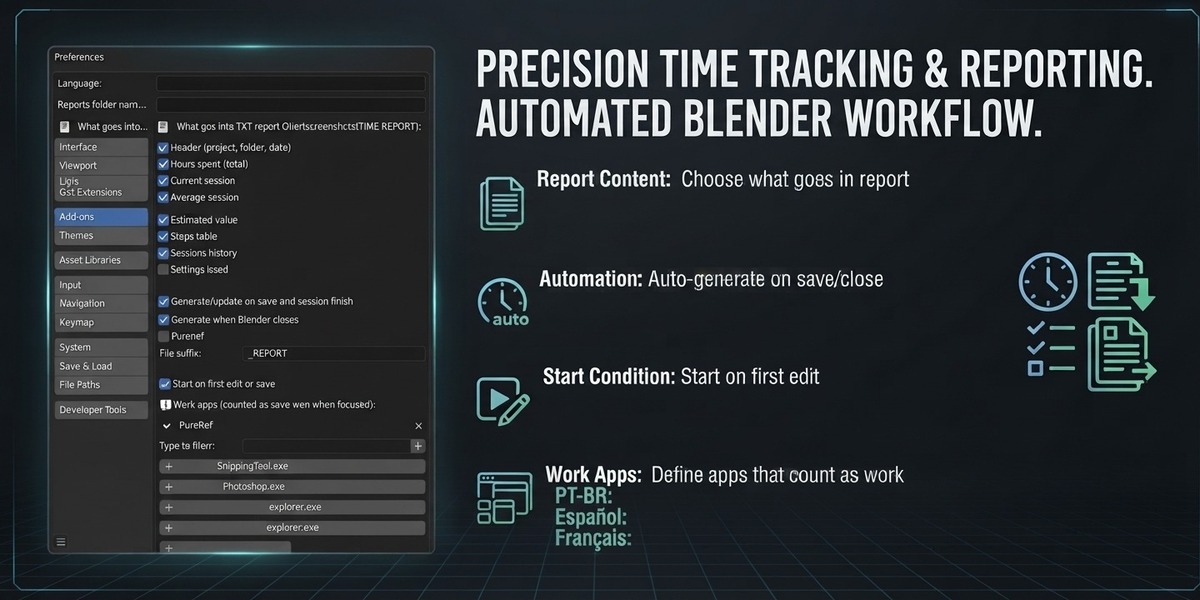
- Reports: everything lands in a TIME REPORT folder beside your .blend: TXT log, printable HTML for the client, session and step CSVs. Generated on save, on finish and on exit.
- Hourly rate: set your rate to see the estimated job value.
- Allowed apps: add PureRef, Photoshop or a browser so reference work keeps counting.
Have questions about this product?
Login to message
| Blender Extension Compatible | Yes |
| Published | 5 days ago |
| Blender Version | 4.2 - 5.2 |
| Extension Type | Add-on |
| Render Engine Used | Cycles, Eevee |
| License | GPL |
Discover more products like this
time-tracking project-management billing reports` productivity freelance timer Workflow