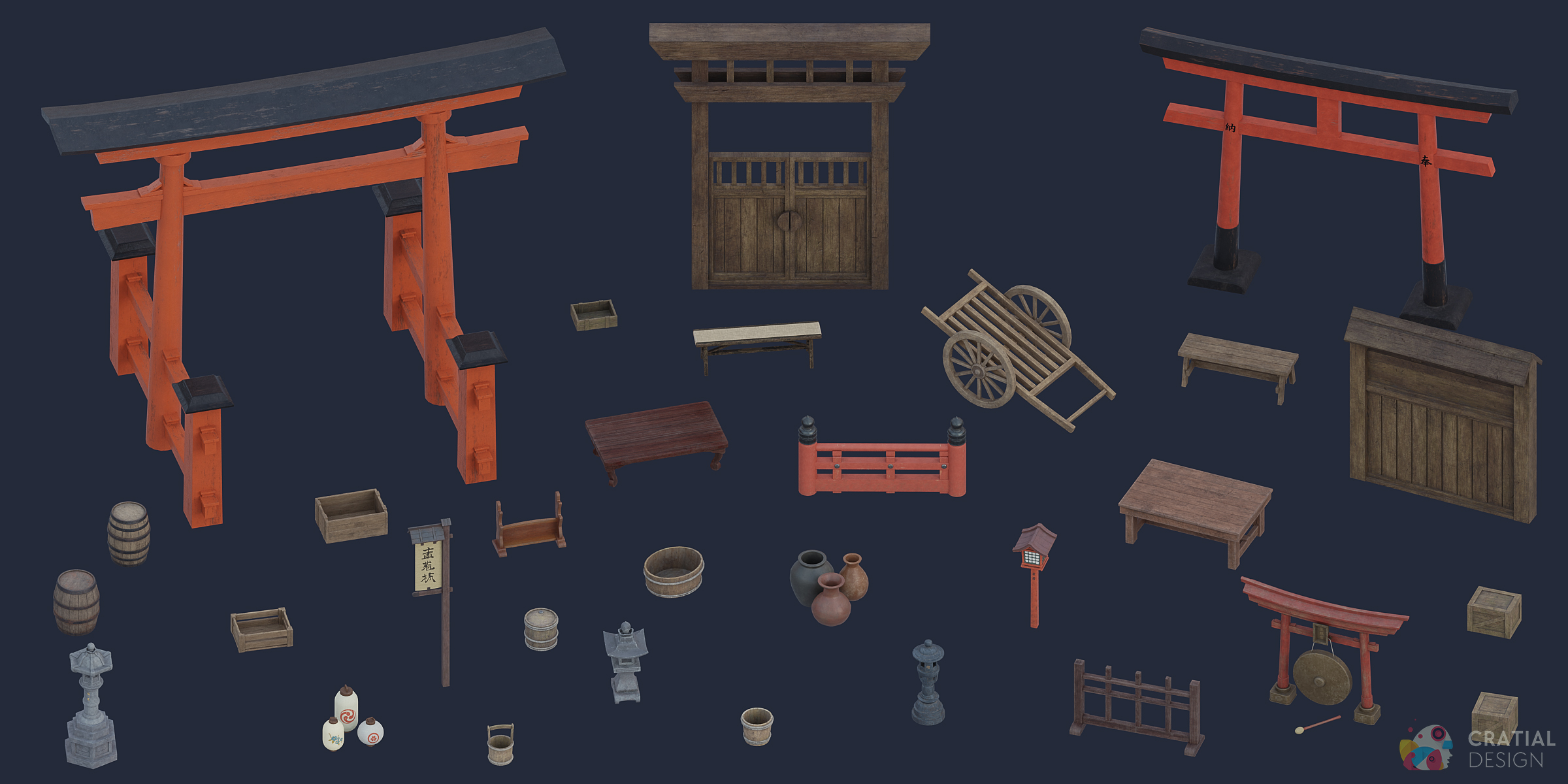
Traditional Japanese Asset Pack
 Cratial 3D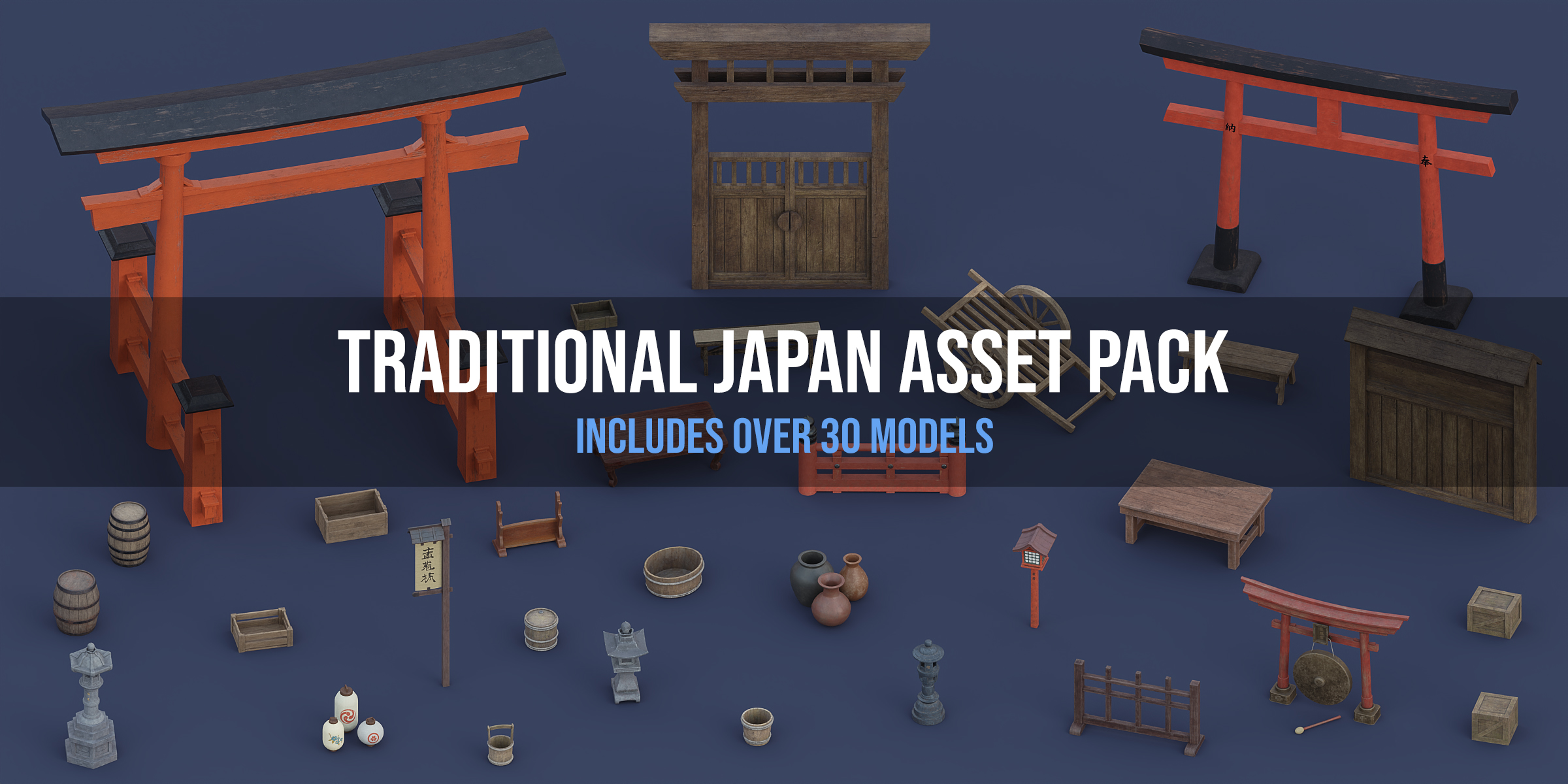

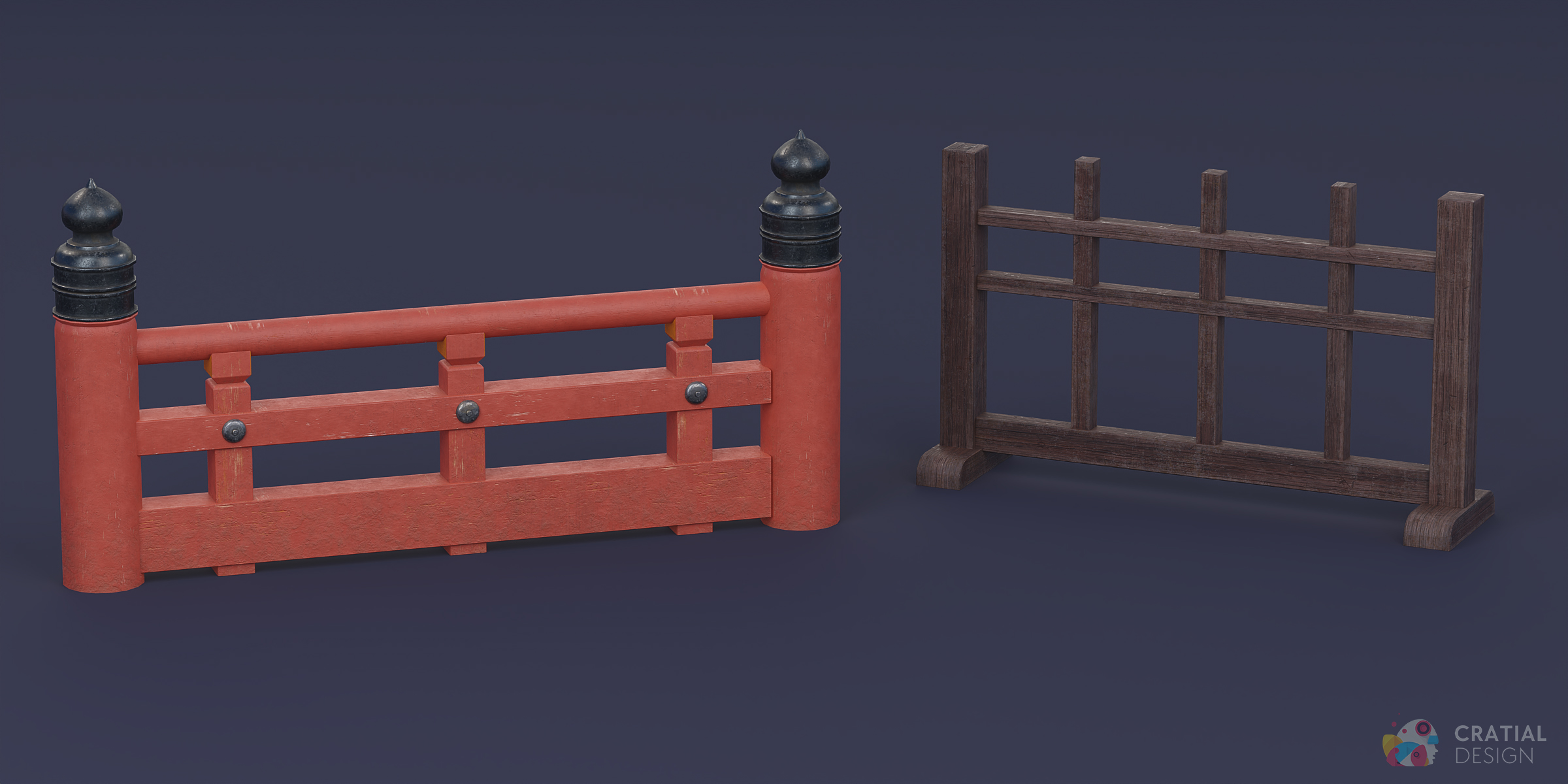
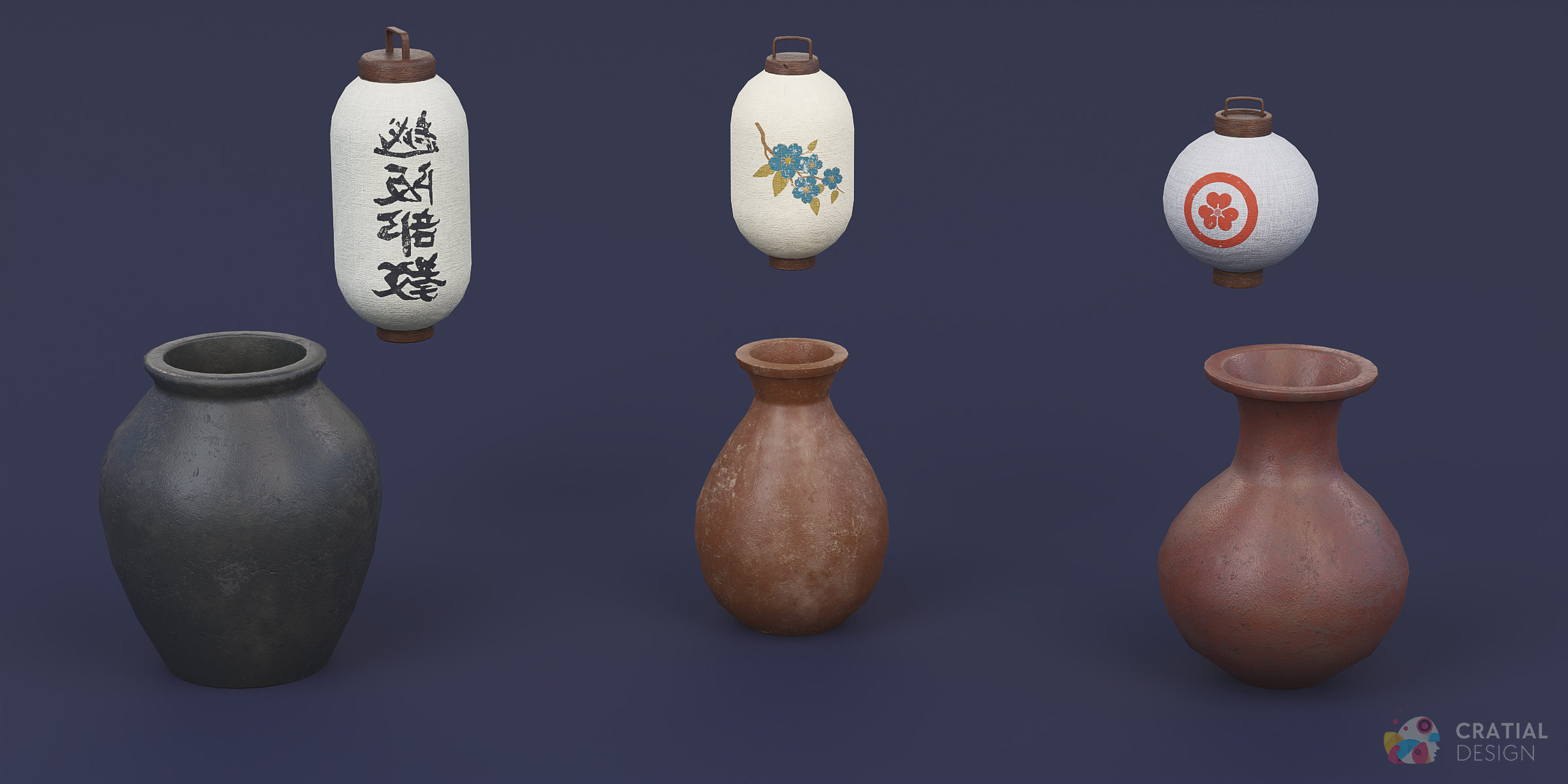
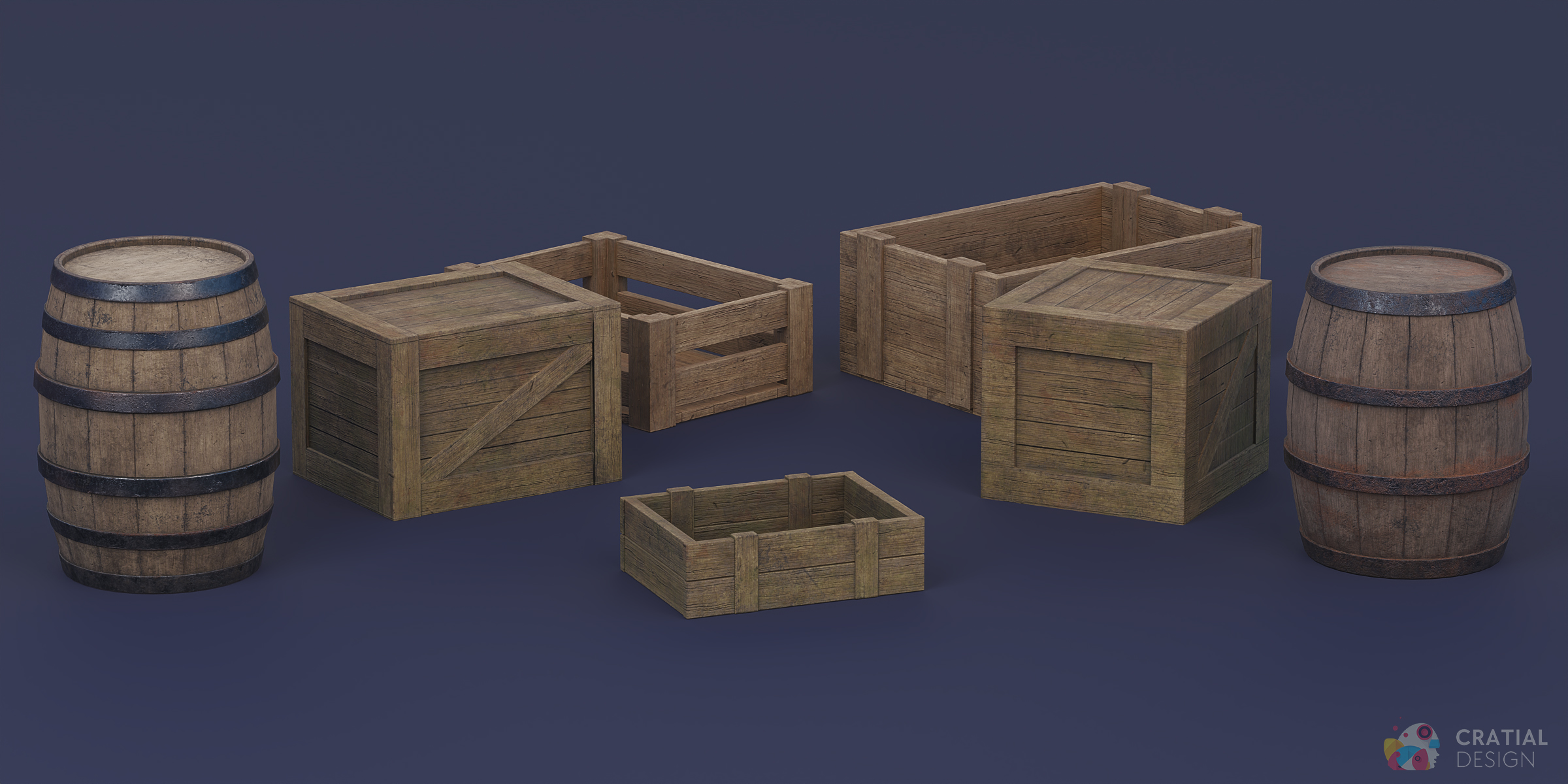
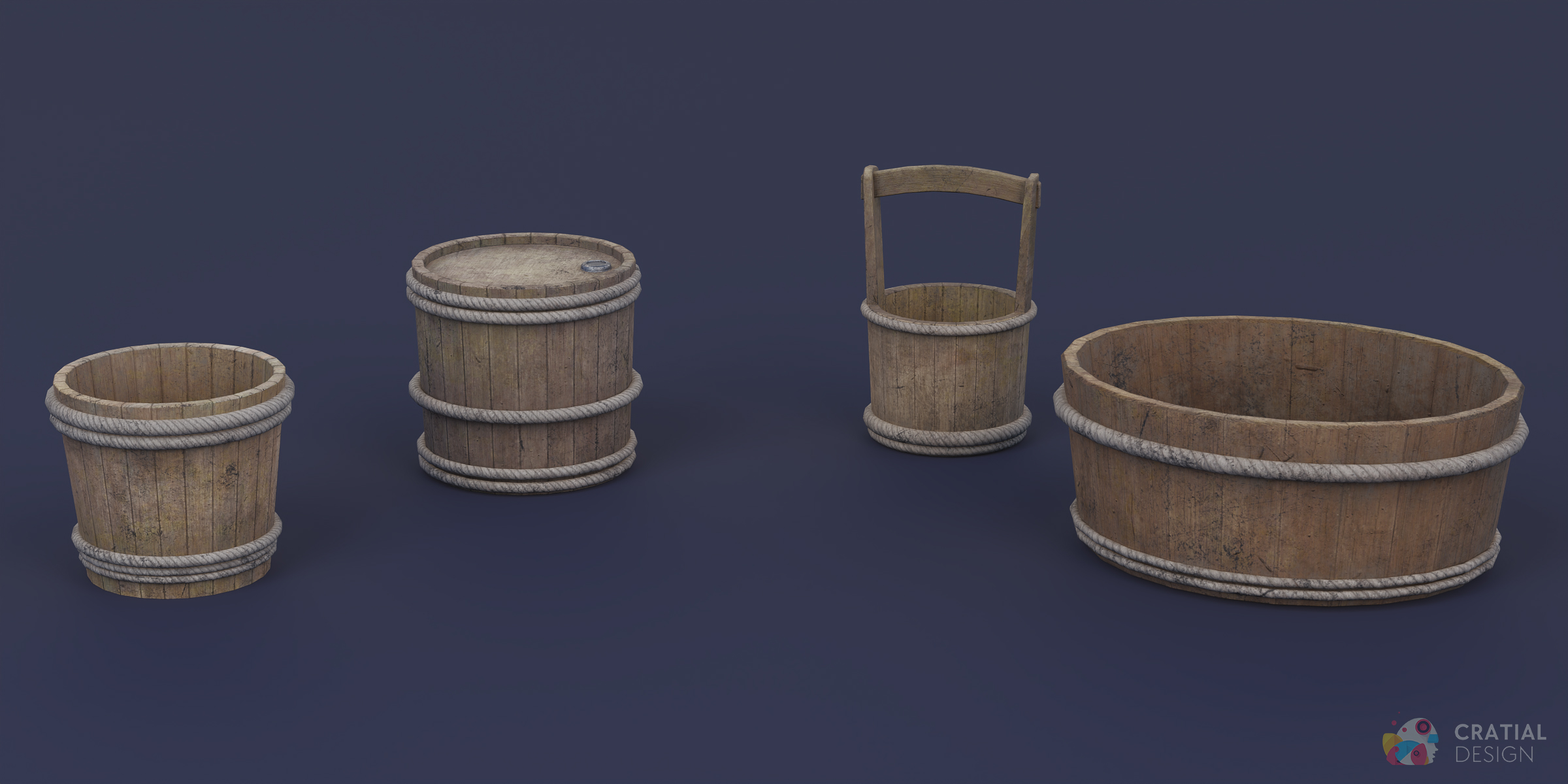

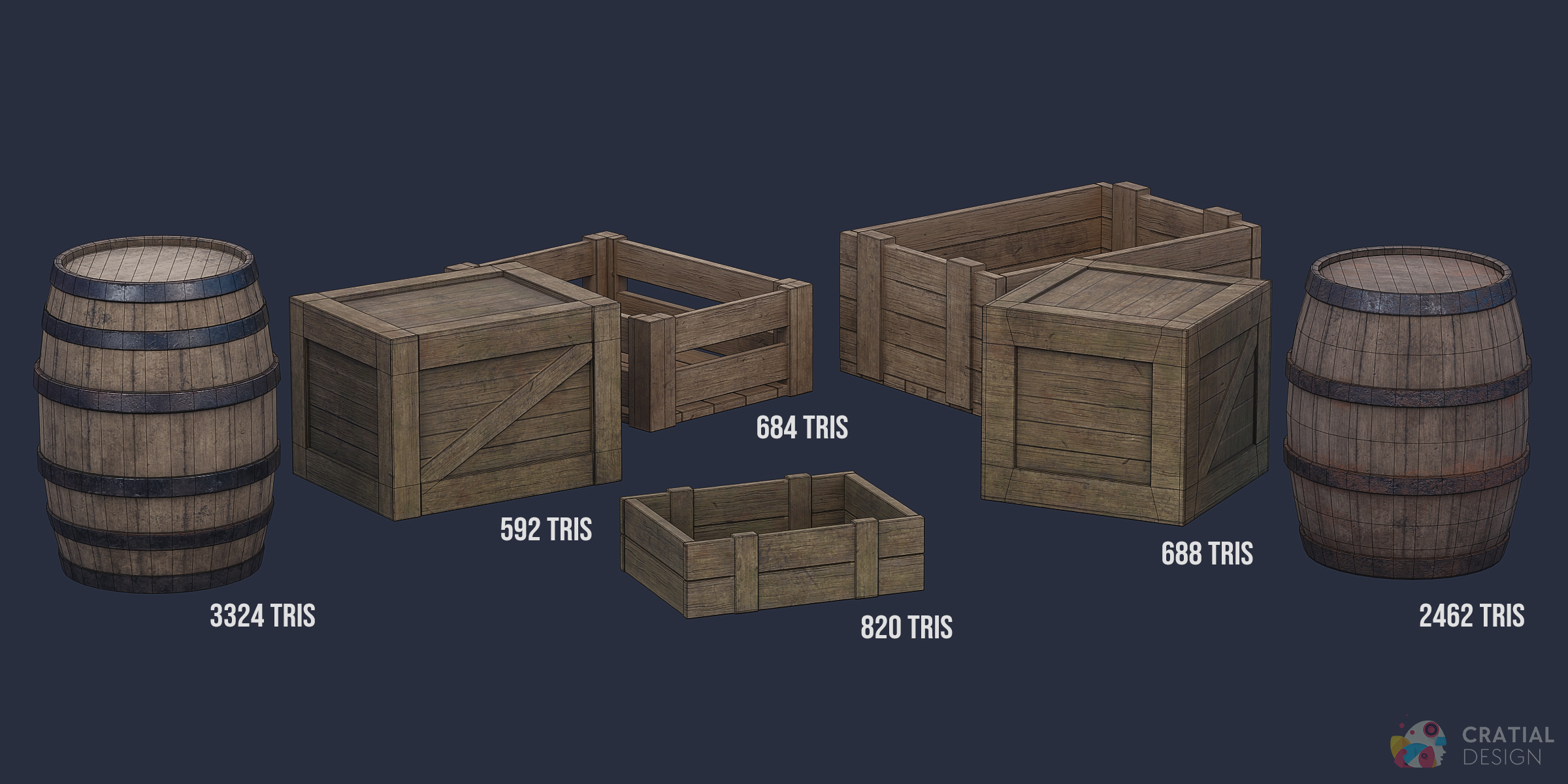
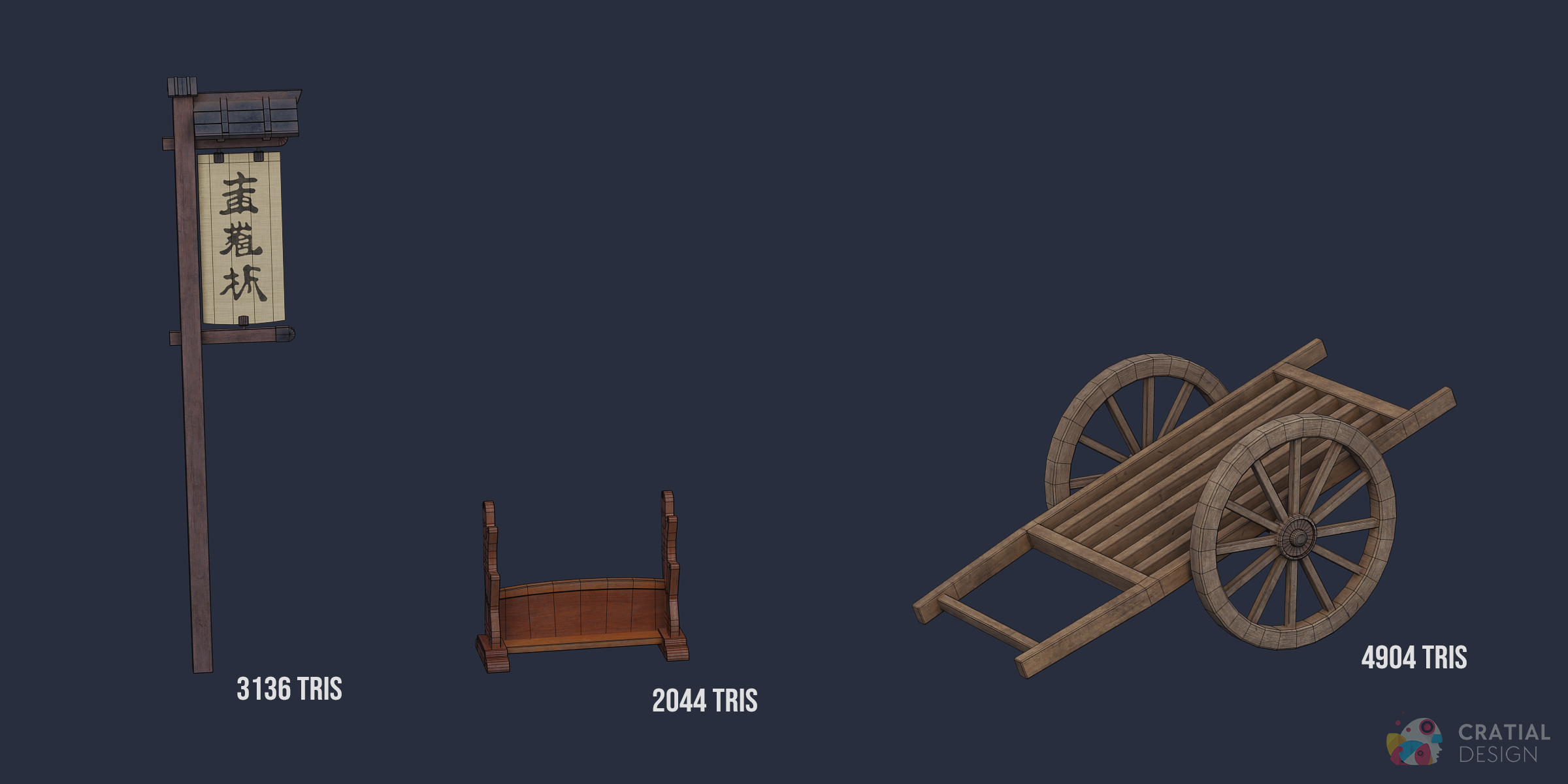
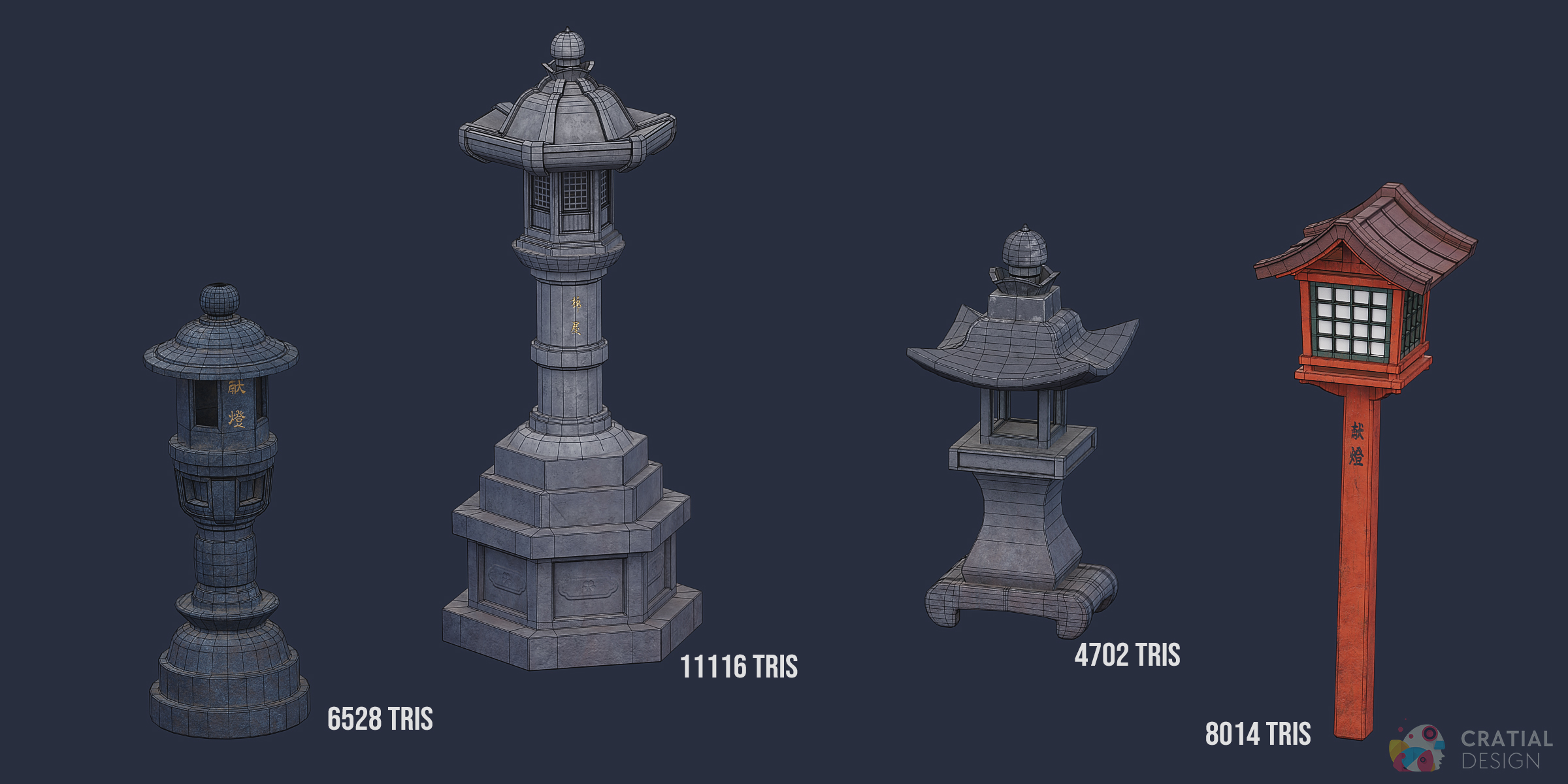
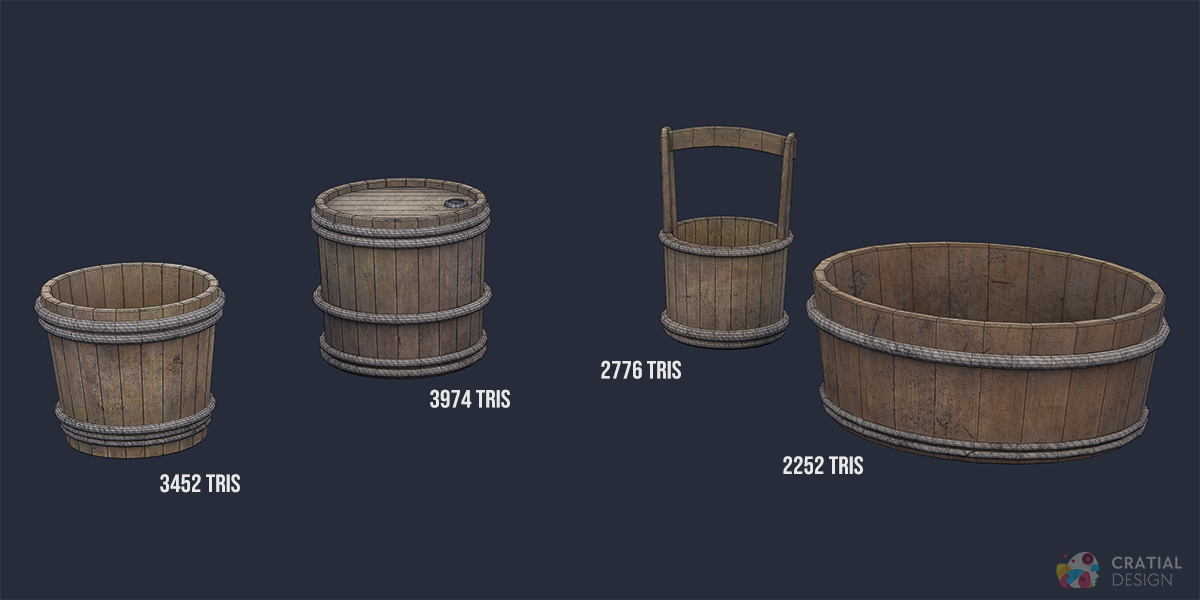
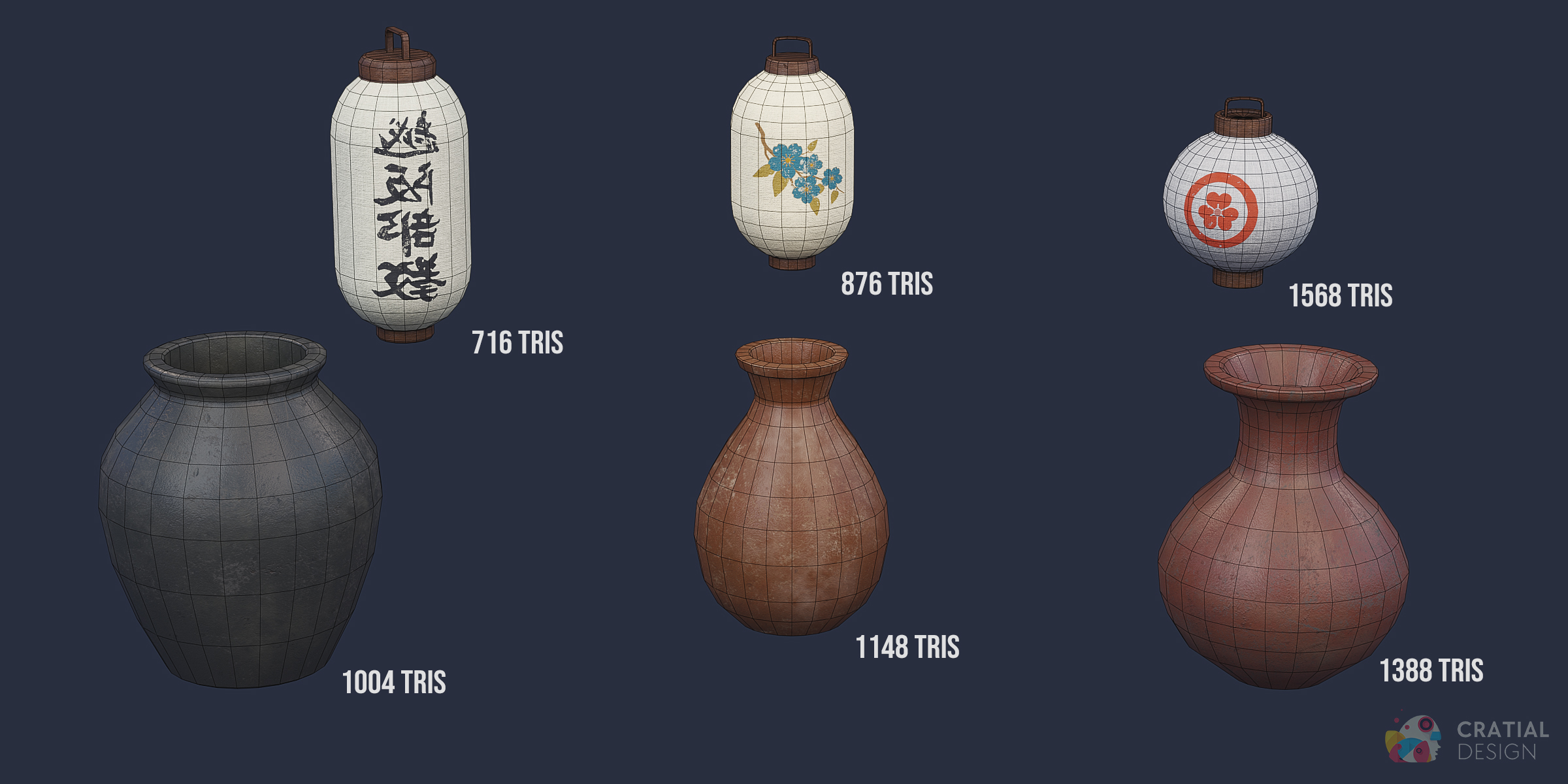
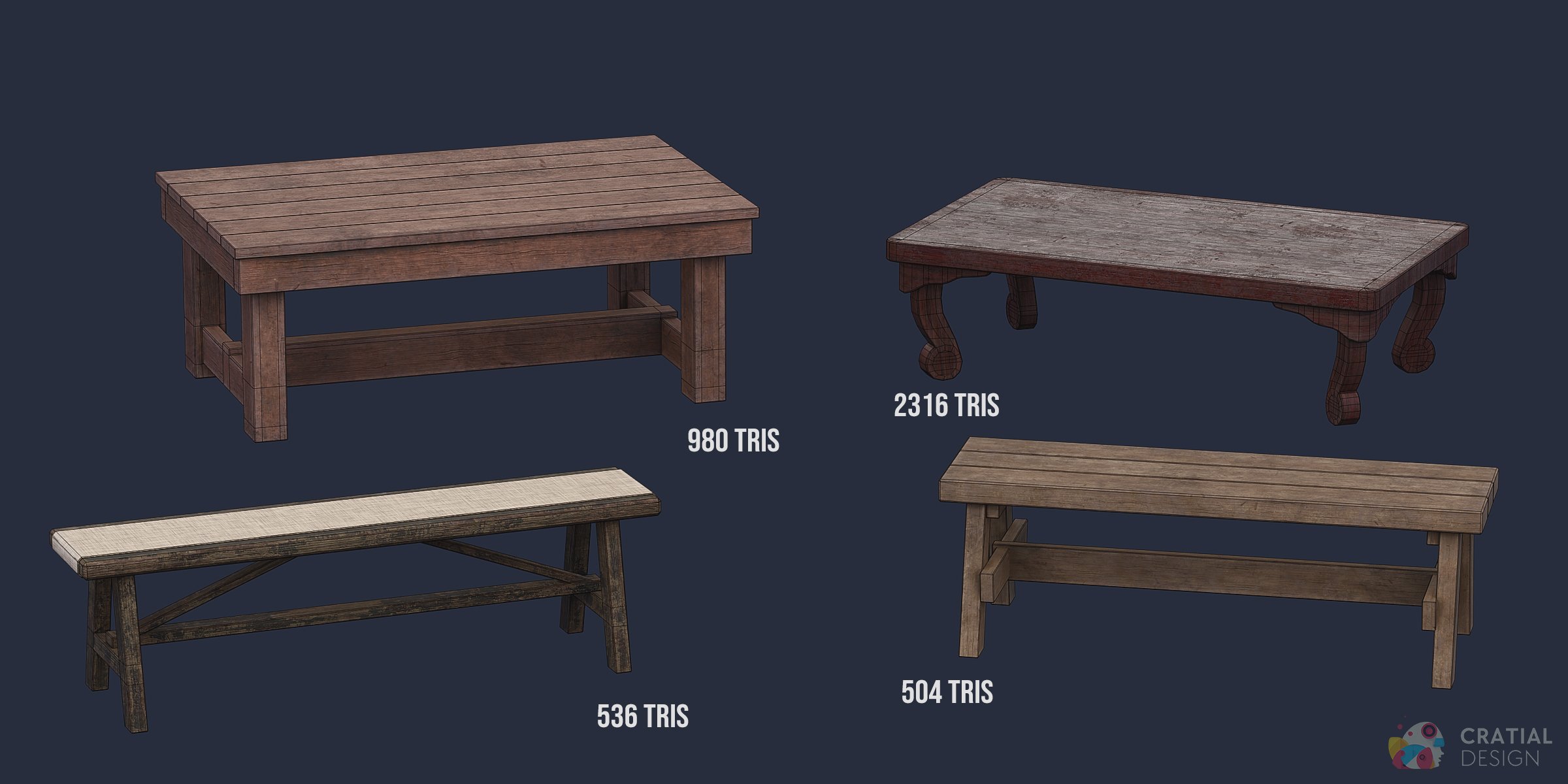
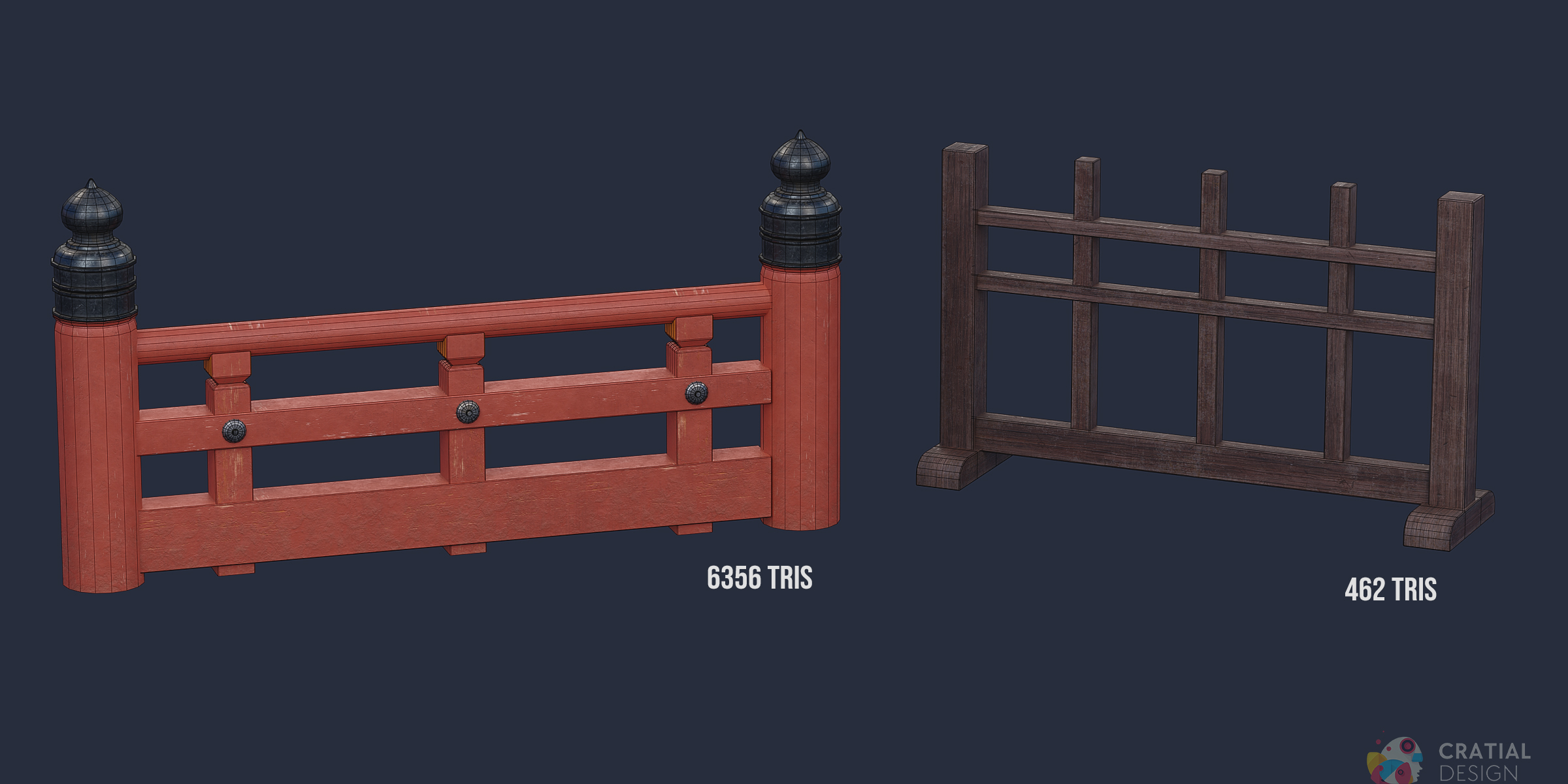
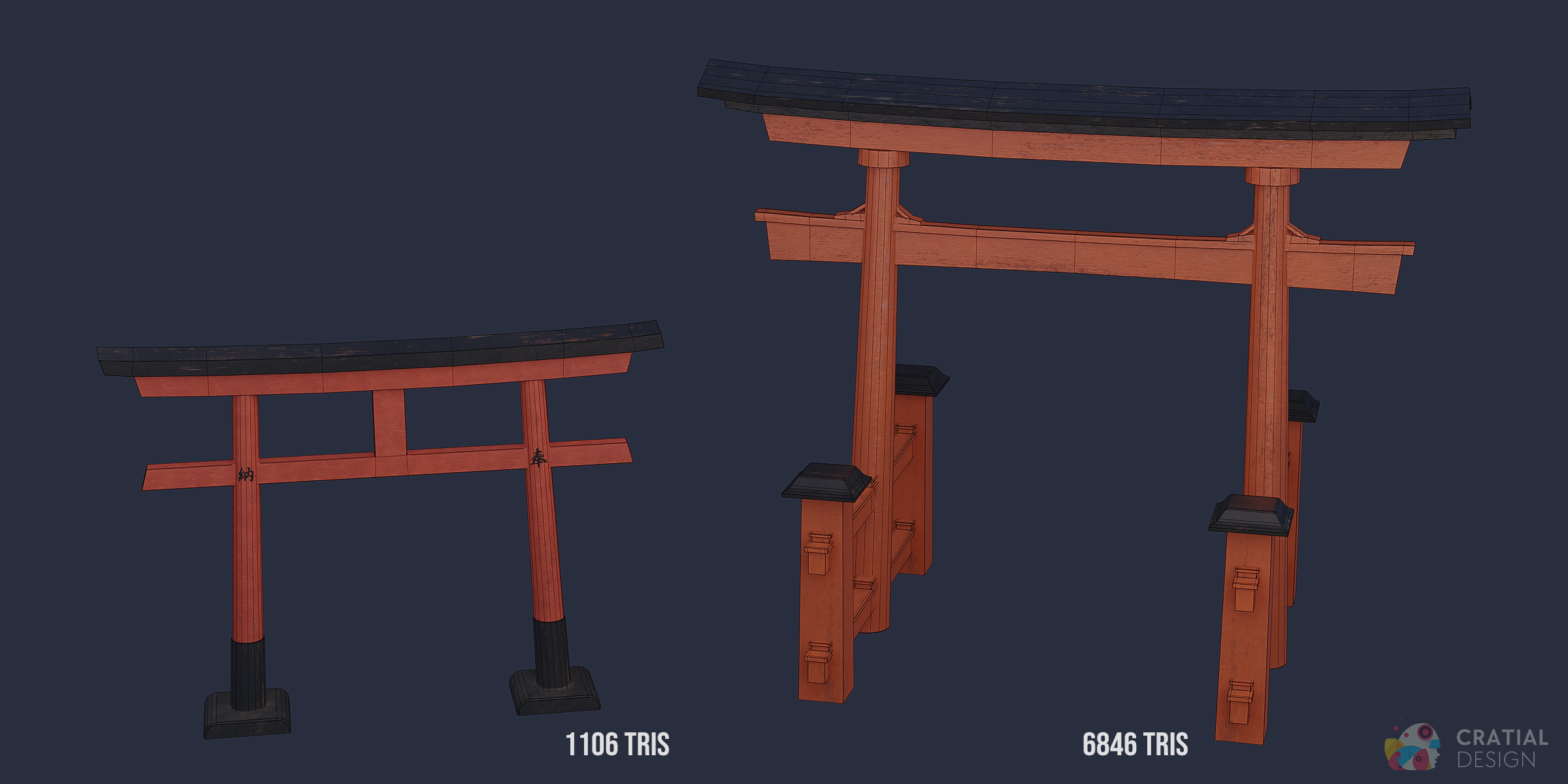
Using the Direct Files and Remote Asset Library
Direct Downloads
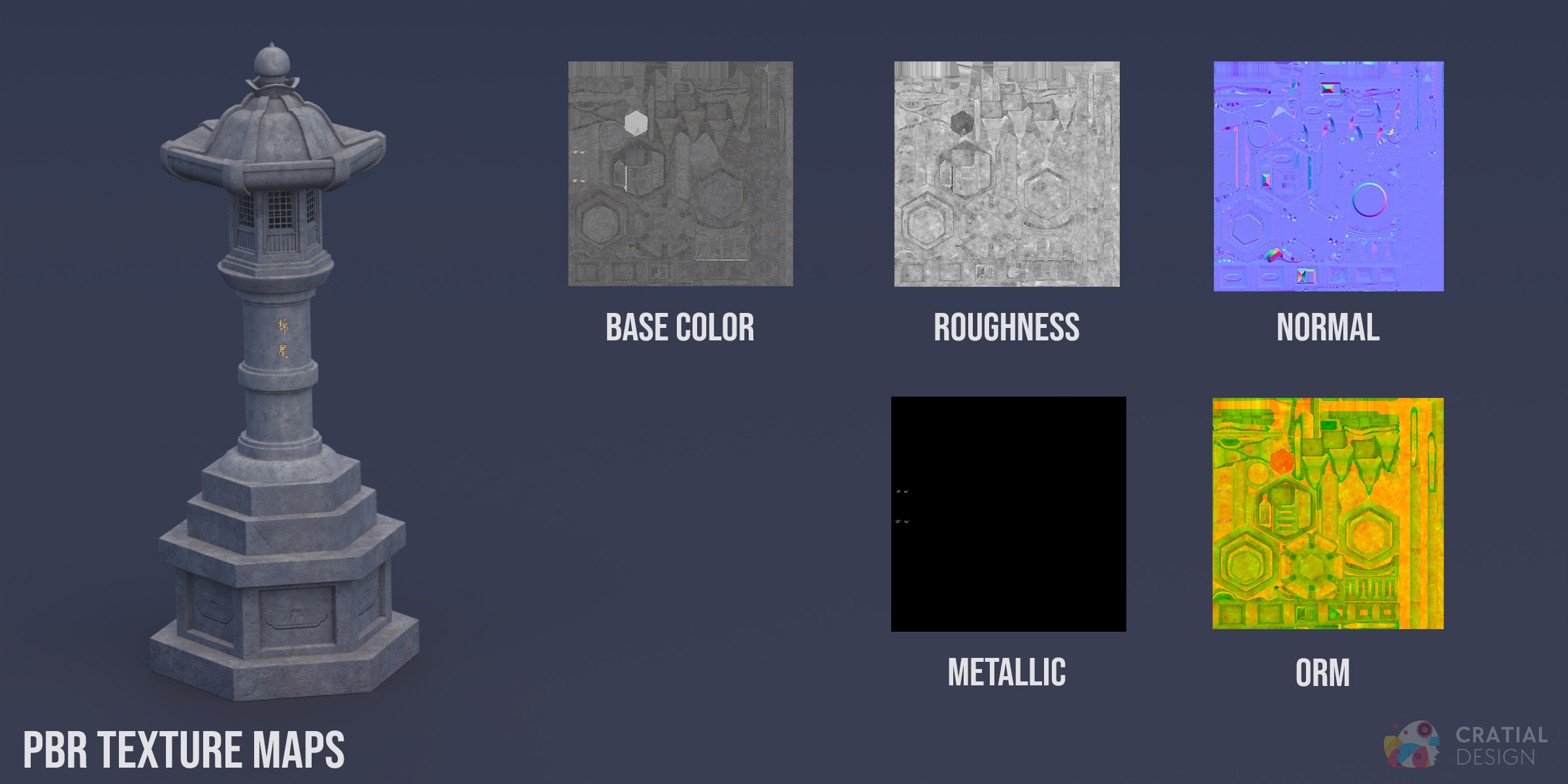
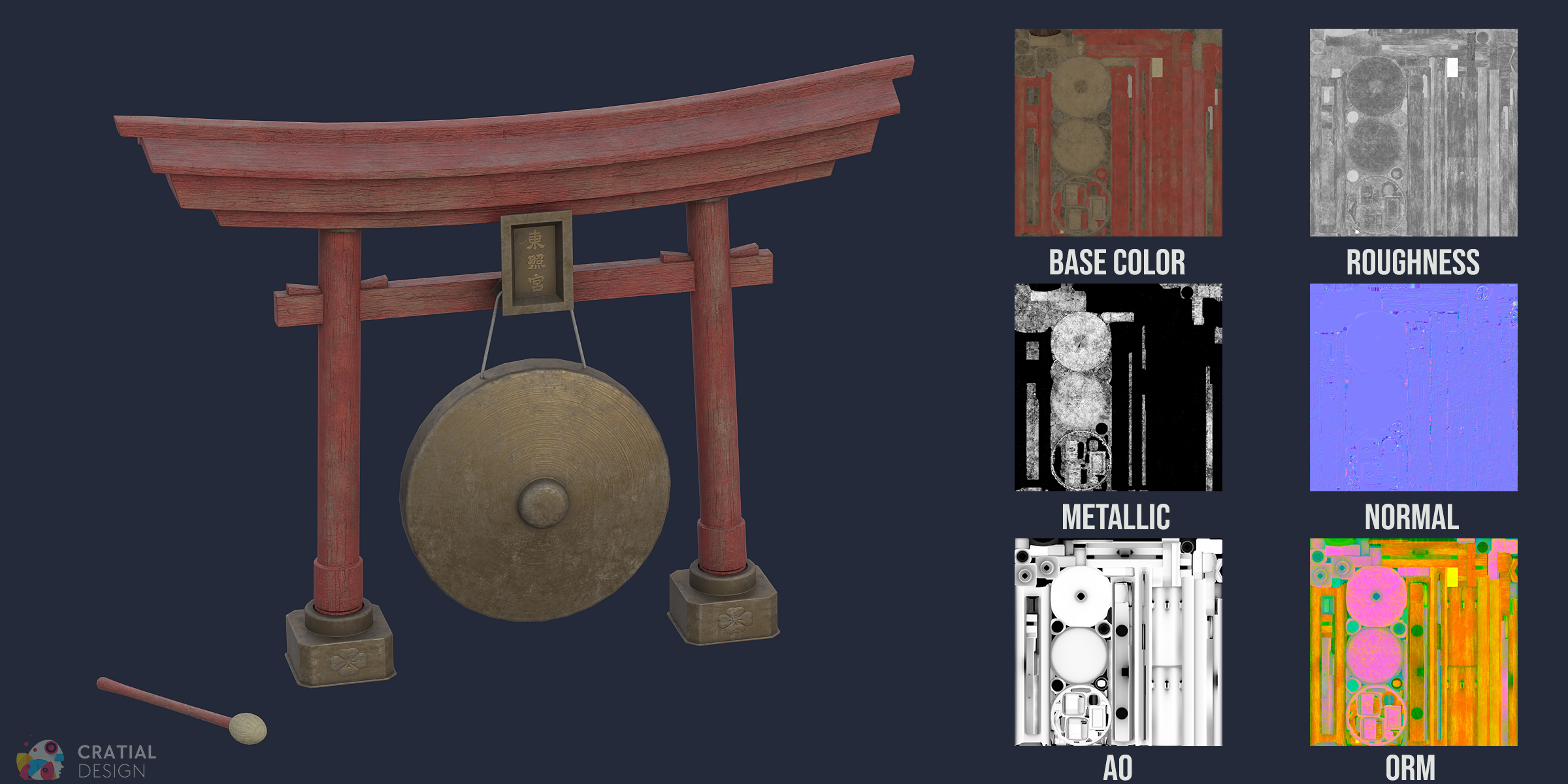
The download package includes .blend, .fbx, .obj, and .mtl files. The .blend source is saved in Blender 4.0 and uses the packed 2K texture set. Separate TGA texture sets are supplied in 1K, 2K, and 4K resolutions.
Connect the Superhive Remote Asset Library
- Open the Assets area of your Superhive account and create a Workstation URL for your computer.
- In Blender 5.2 or later, open Preferences and add a new Remote Asset Library.
- Paste the Workstation URL and create the library. Enable Allow Internet Access if Blender requests it.
- Open Blender's Asset Browser and select the connected Superhive library to browse the included assets.
Remote assets download on demand and are cached locally as you use them. This account-linked connection is separate from the .blend, FBX, OBJ, MTL, and texture files supplied through the normal product download.
Asset Browser Contents
The Remote Asset Library contains 36 entries: 35 Object assets and one Gong Collection. The Gong Collection contains the Gong and editable mallet together.
Have questions about this product?
Login to message
Includes an Asset Library
36 drag-and-drop assets for Blender’s Asset Browser.
Browse included assets| Sales | 10+ |
| Dev Fund Contributor | |
| Published | over 2 years ago |
| Blender Version | 3.0 - 5.2 |
| Render Engine Used | Cycles, Eevee |
| Misc Data | Uvs-Unwrapped, Normal-Mapped, Textured |
| License | Royalty Free |
Discover more products like this
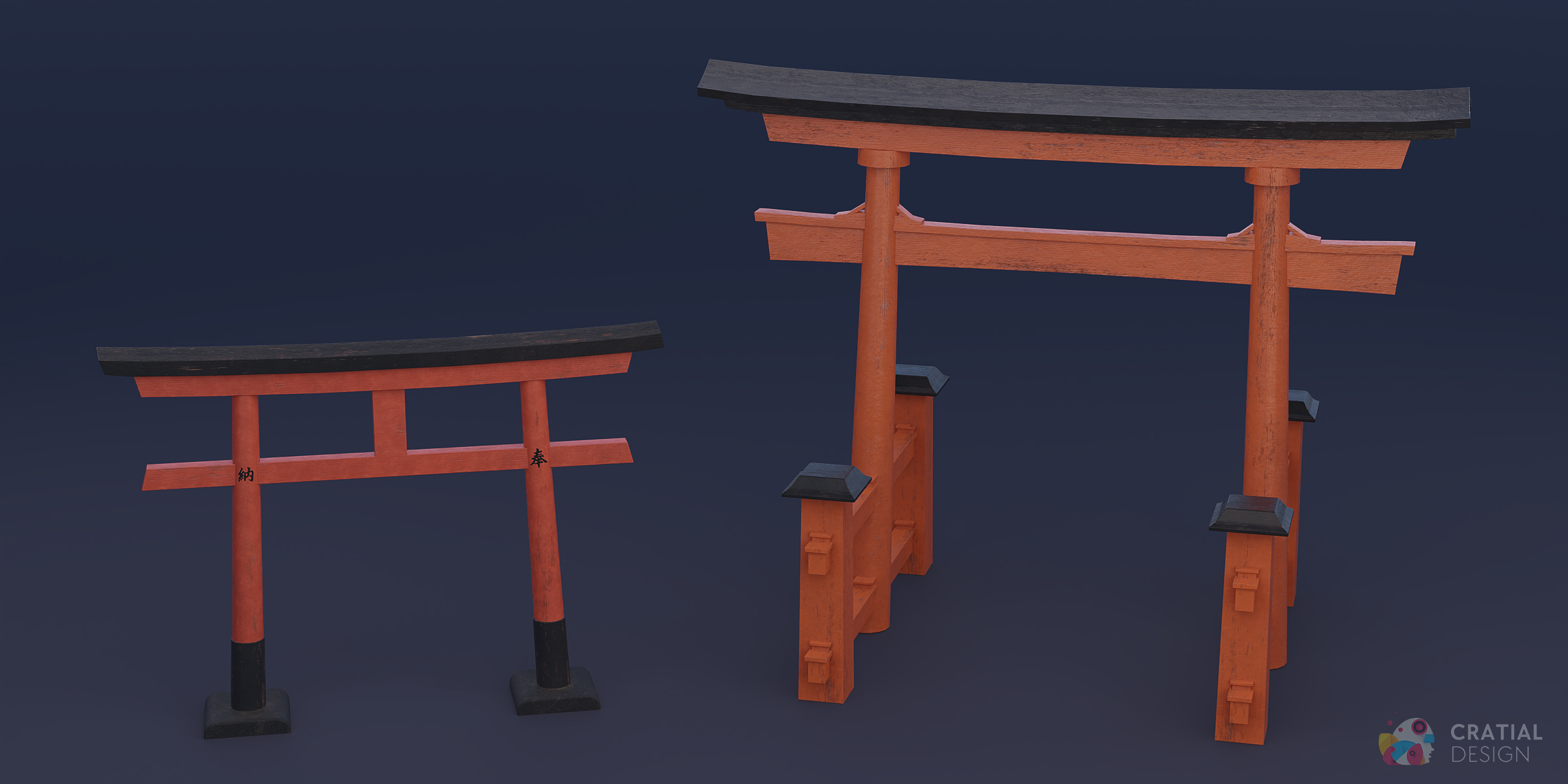
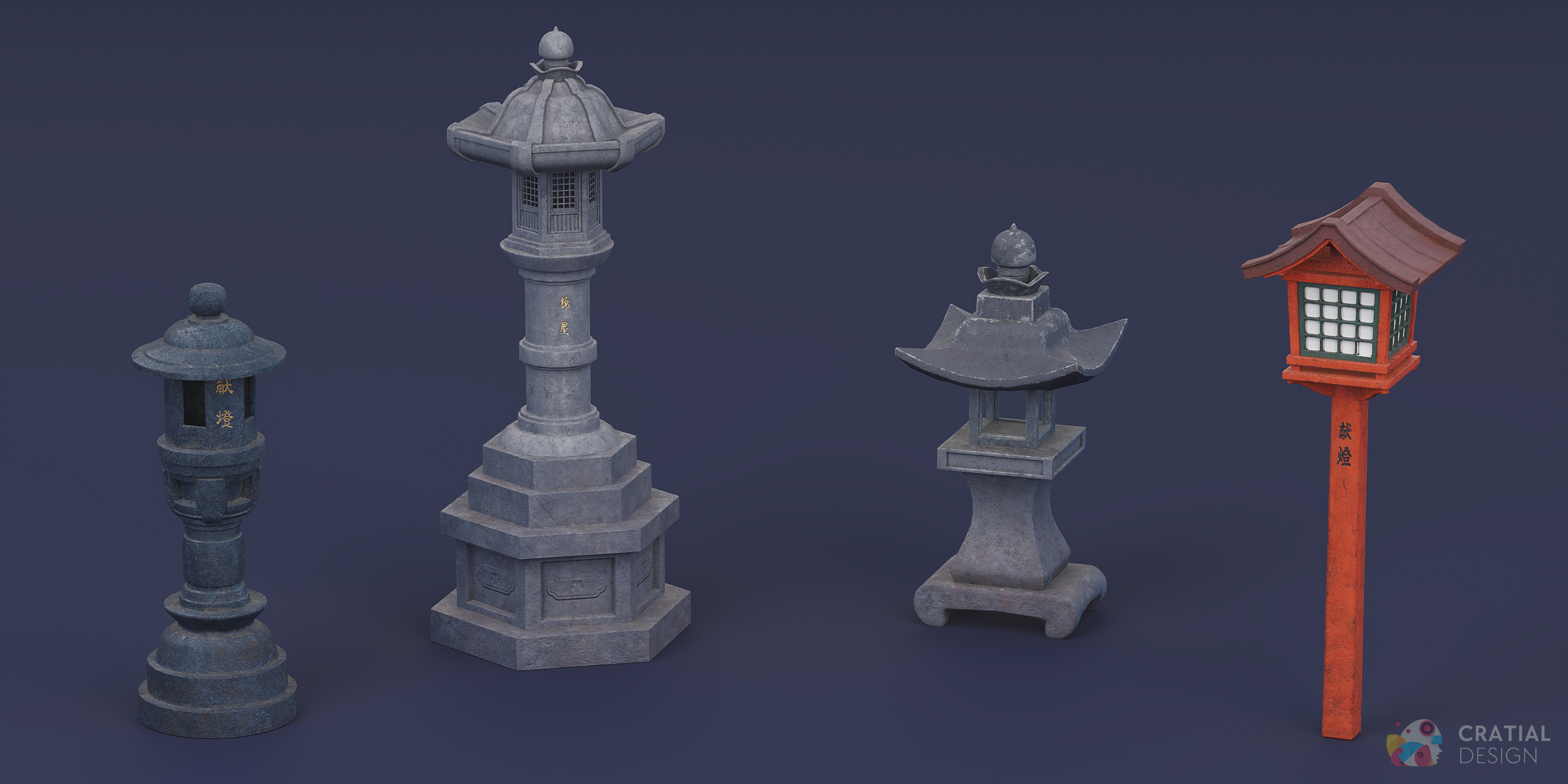
Japanese architecture edo-japan feudal-japan shinto shrine Japanese props japanese-shrine Japanese village Japanese asset pack traditional Japanese paper lanterns stone lantern torii gate