 ZEG
See all my Blender addons on Superhive >
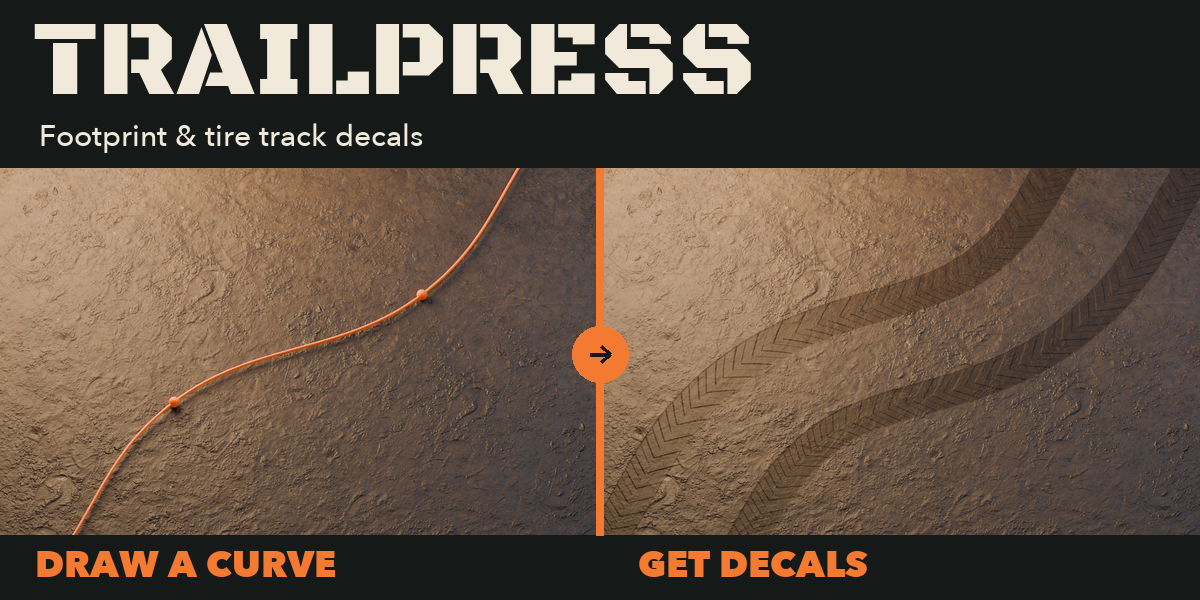
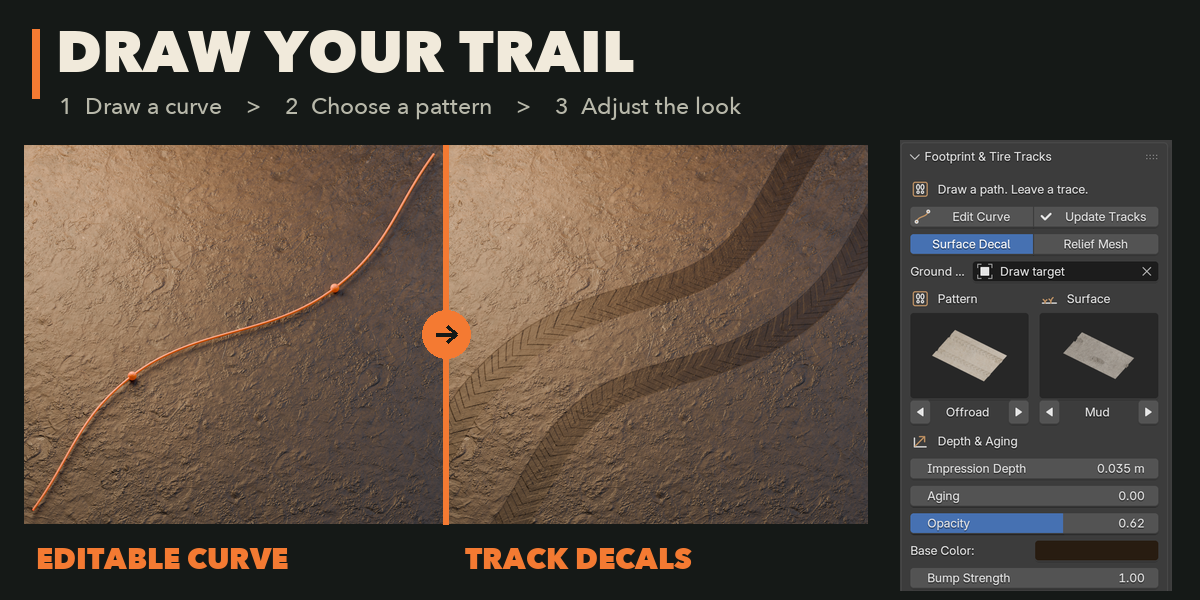
Trailpress creates transparent footprint and tire-track decals along editable Blender curves. Draw over a selected ground mesh to fit a thin decal plate to its surface. Sketch a route using Blender's native curve drawing tools, use an existing curve, or start with an example path. Adjust the path with familiar control points and handles while keeping track settings available in the sidebar.
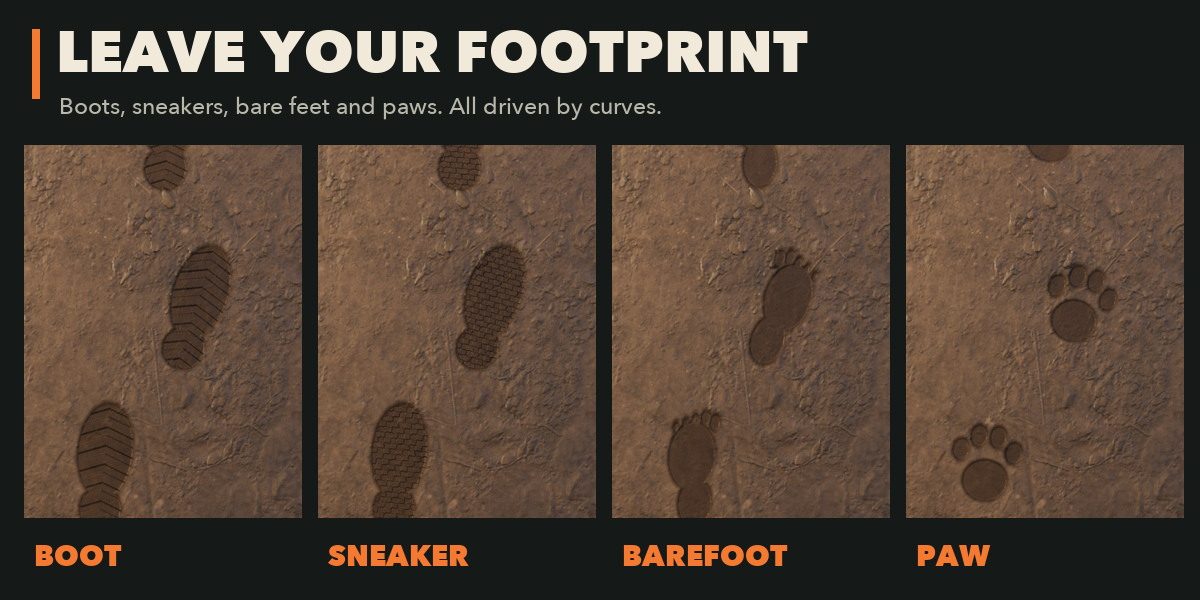
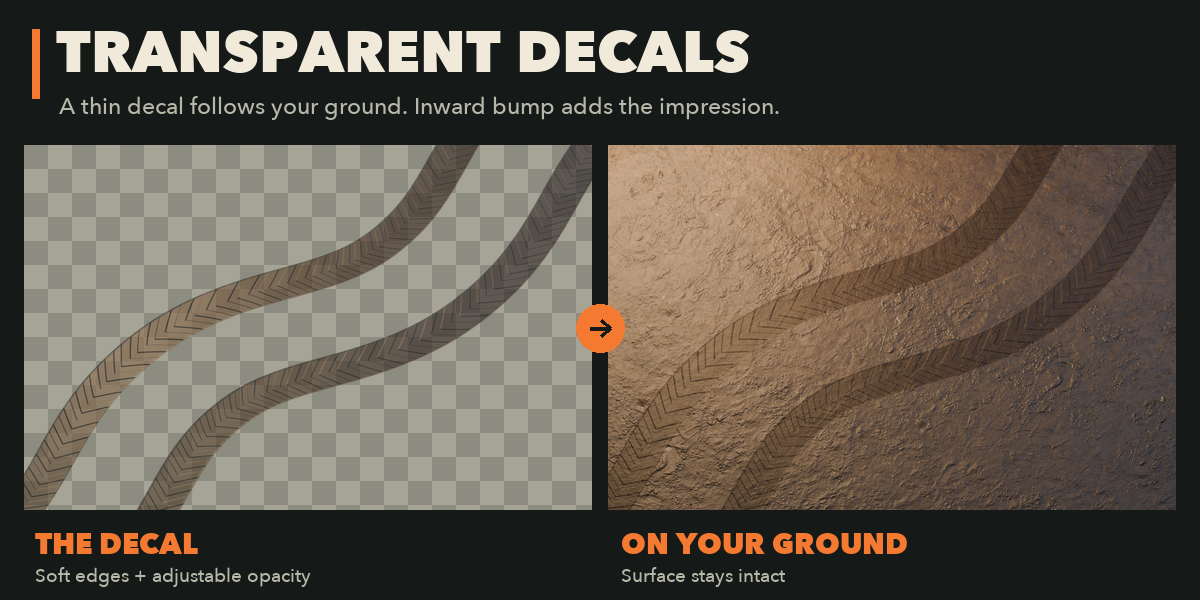
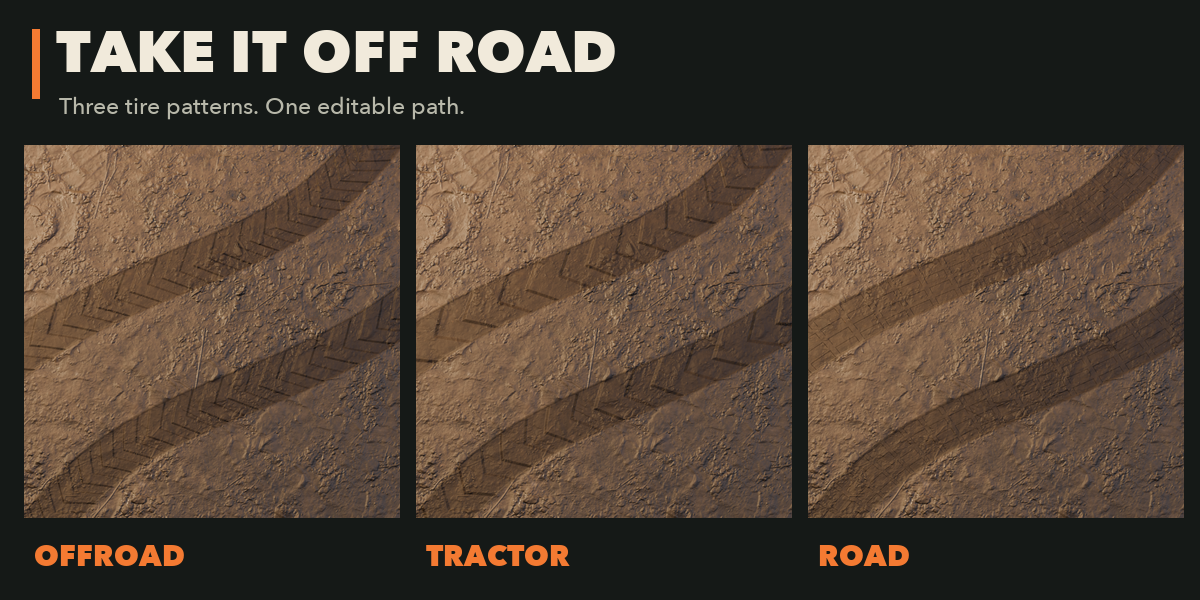
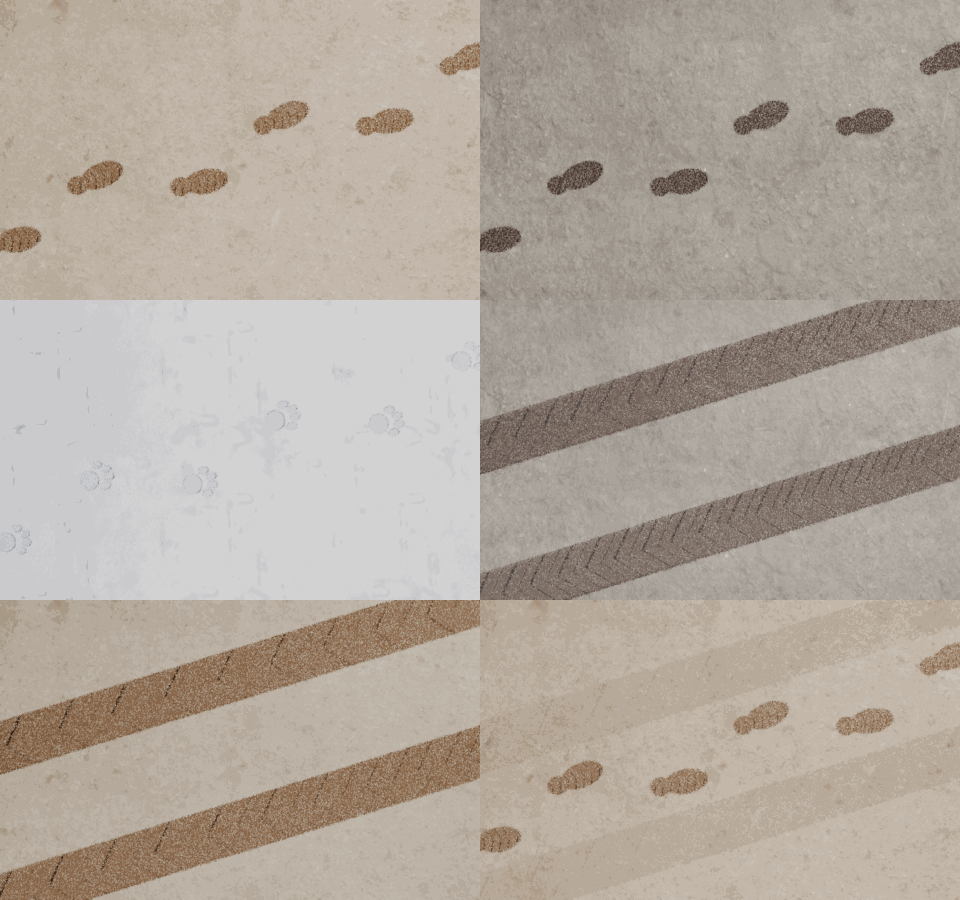
Choose boot, sneaker, barefoot or paw impressions, or road, offroad and tractor tire patterns. Mud, sand and snow presets set the decal roughness; relief output also uses bundled CC0 photographic PBR materials. Your existing ground keeps its own material. The default decal uses a soft silhouette, half-transparent base color and inward bump shading. Depth controls the apparent recess and aging softens its edges. Optional relief output changes the actual mesh geometry. Foot size, stride, tire width and axle gauge give control over the spacing and scale.
Choose your tracks
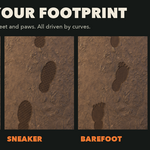
Footprint, paw and tire decals on textured surfaces. Adjust opacity, color and bump to suit the scene.
Leave a trail, step by step
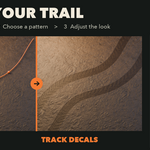
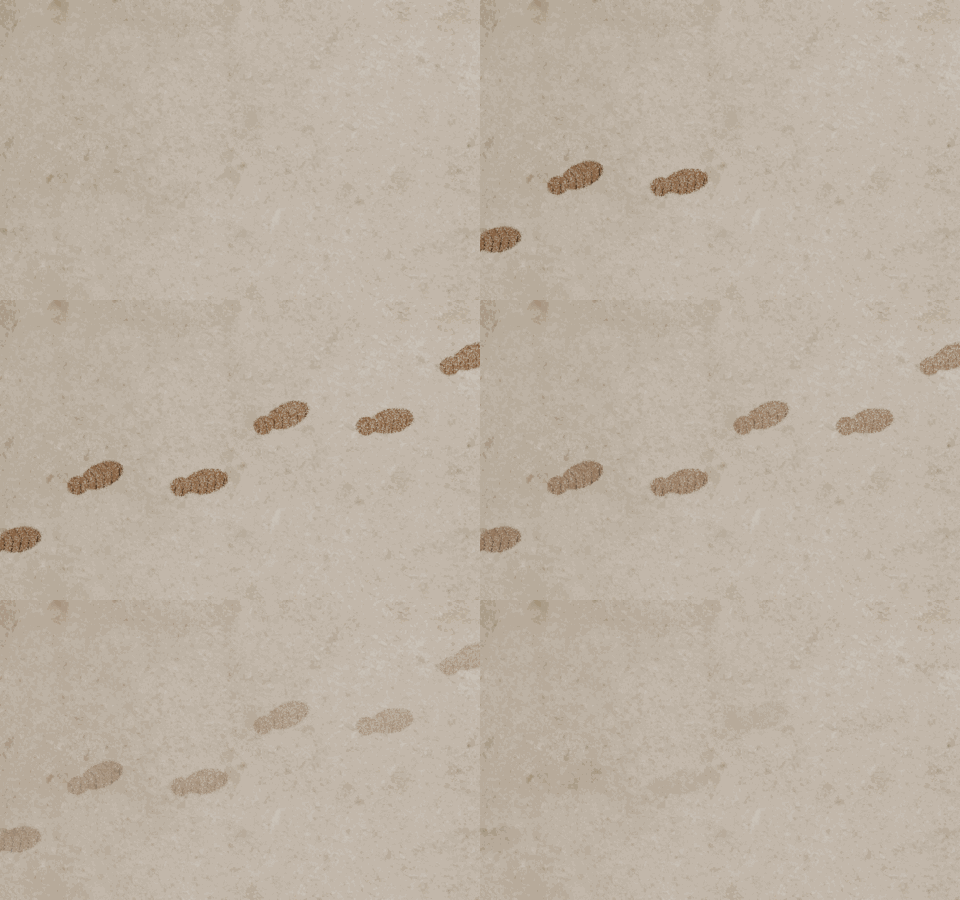
Footprint decals appear along an editable curve, shown here as a walking reveal.
Features
- Native curve drawing and editing, with multiple splines and closed loops
- Transparent decal plates with editable opacity, tint and inward bump
- Surface conformance with a controllable offset
- Optional recessed mesh geometry with raised impression rims
- Depth and aging controls, plus seeded surprise variations
- UV-mapped output and photographic mud, sand and snow materials
Decals conform to an existing surface without altering it. Optional relief strips are separate meshes. Curve elevation sets its height. Self-crossing strips are not merged. Mesh spacing controls detail and memory use.
Tested on Blender 4.2, 4.5 and 5.2 LTS.
