 ZEG

Quick start
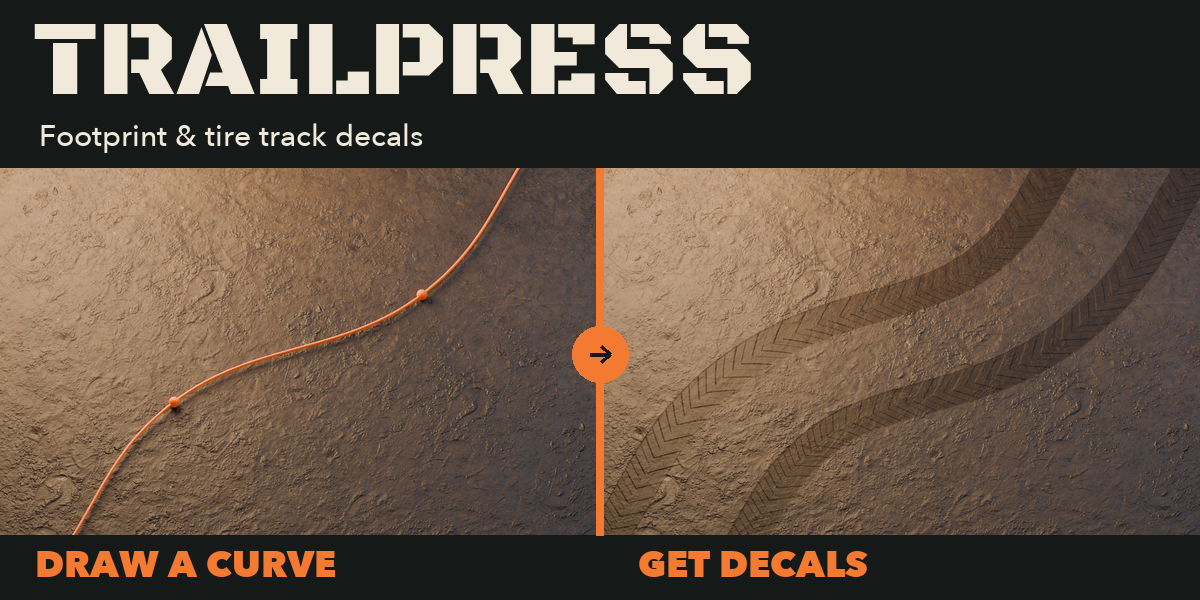
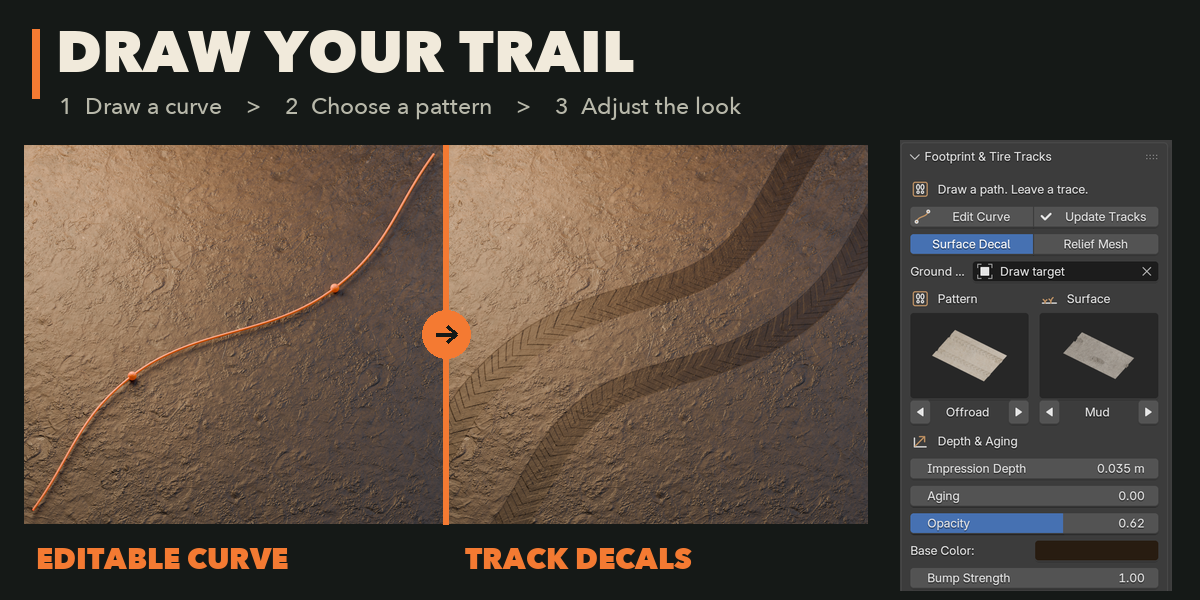
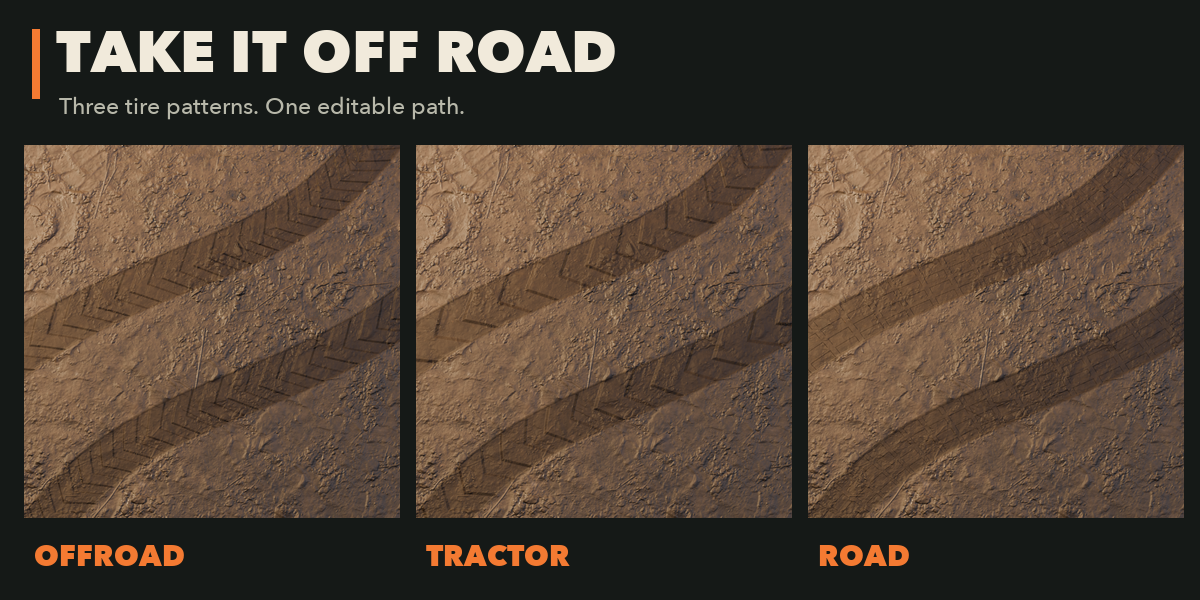
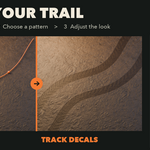
Install the ZIP from Preferences, Get Extensions, Install from Disk. Open the Tracks sidebar. Choose a pattern and surface, then draw a curve or use an existing un-bevelled 3D curve. Leave Edit Mode to generate the surface. Adjust depth and aging; use Edit Path to reshape the route.
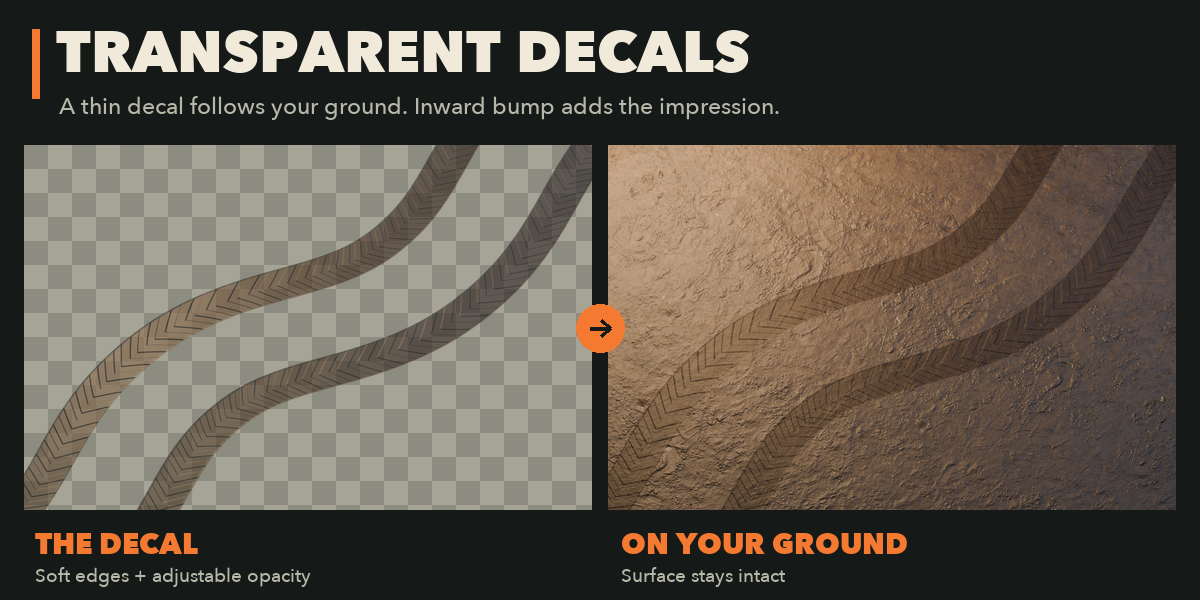
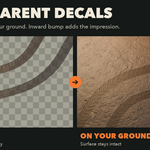
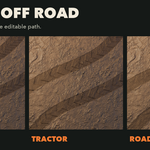
Select a ground mesh before drawing to use surface conformance. Surface Decal is the default: a transparent plate with inward bump shading. Relief Mesh instead creates a separate strip with recessed geometry. Neither mode cuts your existing terrain.
Have questions about this product?
Login to message
| Blender Extension Compatible | Yes |
| Published | 3 days ago |
| Blender Version | 4.2 - 5.2 |
| Extension Type | Add-on |
| Render Engine Used | Cycles, Eevee |
| License | GPL |
