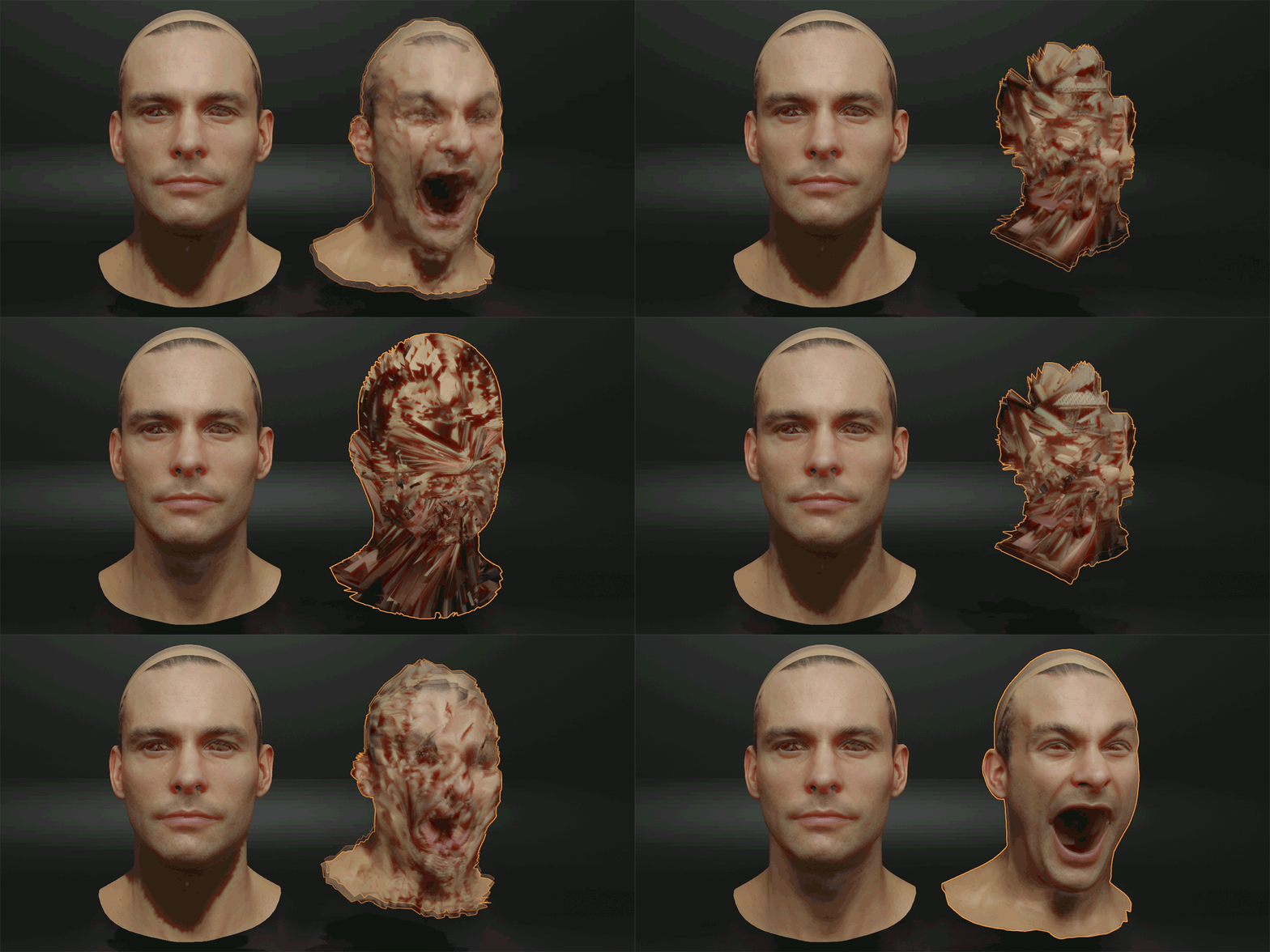
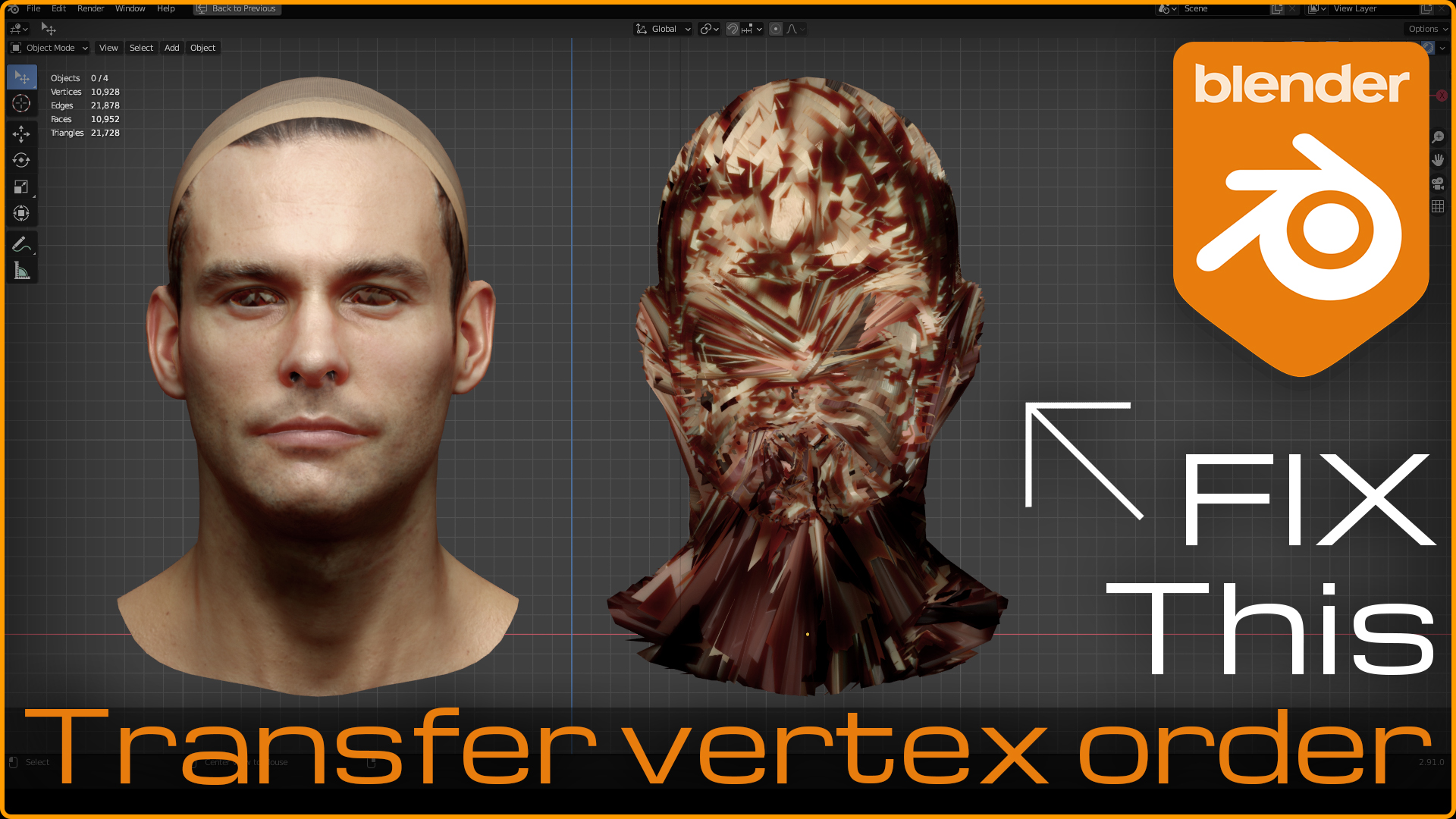
Transfer Vertex Order

Nick Barre in Addons


Item Rating

This item has an average rating of 4 from 19 ratings by the community.

64%
0%
0%
0%
37%

Purchase this item to leave a review!

  • Sergey
    almost 5 years ago

    Cool stuff, helped me a lot while I was working with blend shapes for face.
    After some of them were edited by modeler, vertex order broke, and the face animation looked buggy as hell :)
    Then I found this add-on and restore the same vertex order for all blend shapes

  • Vyacheslav
    almost 5 years ago

    Must have tool! Works pretty fast on the heavy meshes.

  • turtleterrior
    over 2 years ago

    무료 애드온보다 못합니다. 제대로 작동하지 않아요.

  • David
    over 3 years ago

    nice scam

  • tao
    over 3 years ago

    An unlucky day when feeling cheated by the seller, he advertises not true, the add on does not work like he brags. I asked for support but got no response. I will ask blendermarket to intervene and I don't want more people to be deceived

  • Aaron
    over 3 years ago

    Doesnt work.

  • Nancy
    almost 4 years ago

    Unfortunately doesn't work. I'm on Blender 2.93, quad meshes.

  • Antonio García Gallardo
    about 4 years ago

    Does not work on 3.3. Only part of the mesh seems to end up with the correct vertex order. Fortunately I found a free addon that does the same and does work.

    • Nick Barre

      about 4 years ago

      Hi, thanks for your feedback. Addon works with Blender 3.3 the same as with previous versions.
      I think the problem is that the mesh you are using has loose parts.
      The approach work with such meshes is to split them by loose parts and transfer them separately one by one. Then they can be combined back.

  • Matt Cowdery
    about 5 years ago

    Does not seem to work. The only thing I can think of is that maybe it only works with quads, and not tris?
    To test, I took a sample mesh, distorted it with sculpt (no dynotopo) and then deleted one vertex, and then replacing it, resulting in the vertex order of the two being different. From there, I was unable to make the vertex order transfer correctly. It is possible that I am doing something wrong, but from the tutorial video, it seems like it should not be possible to do wrong (provided your two models have identical topology)

    • Nick Barre

      almost 5 years ago

      The problems on triangulated mesh could be only in case if triangulation was applied after deformation.
      Triangulation adopts to the mesh shape and could be different between original and deformed meshes.
      Therefore the meshes topologies will not match.

      Here is a demonstration that it works fine on triangulated meshes, if triangulation was applied before deformation.
      https://youtu.be/odSNO6RcQFE

$6

Have questions about this product?
Login to message

Details
Sales 700+
Rating
19 ratings
Dev Fund Contributor
Published almost 6 years ago
Blender Version 2.8 - 5.0
License GPL