Trash Can
 Larry3d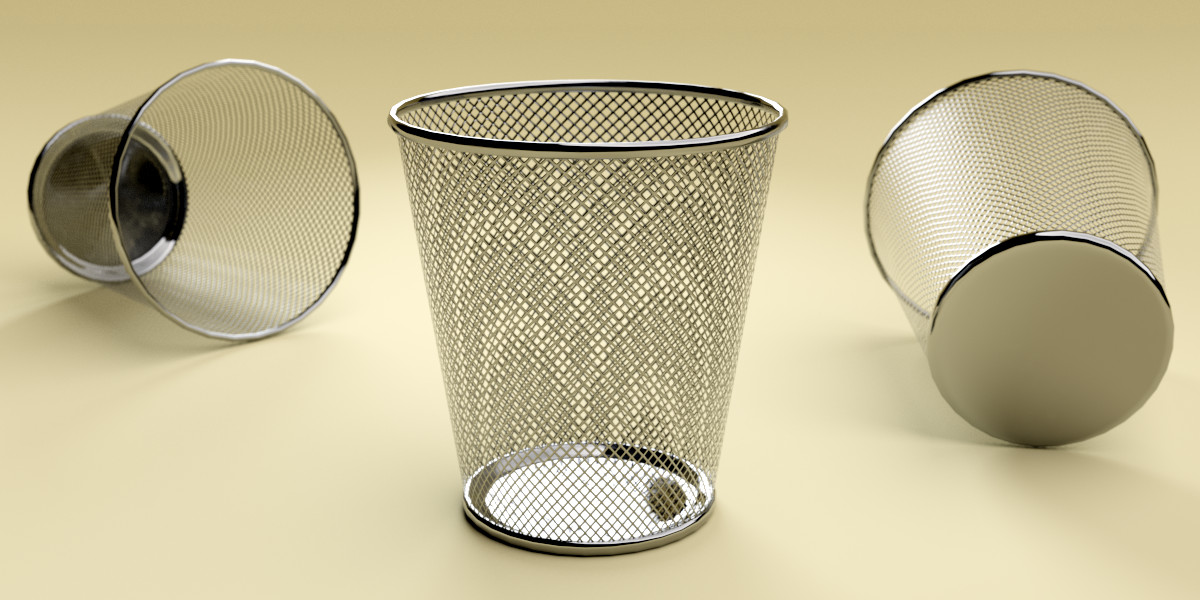
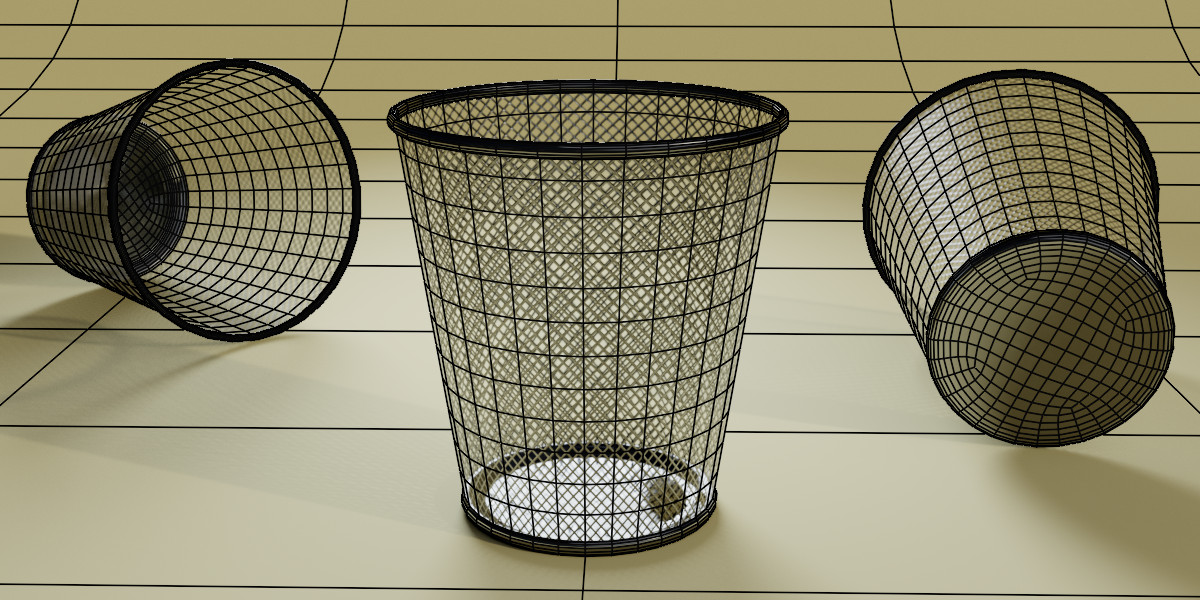
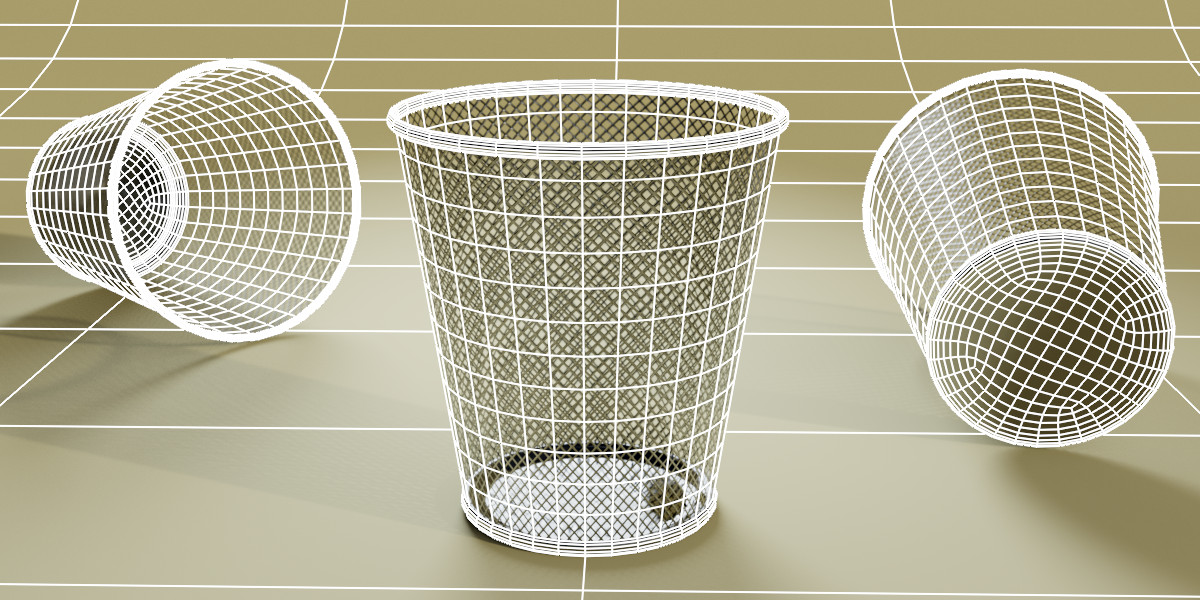
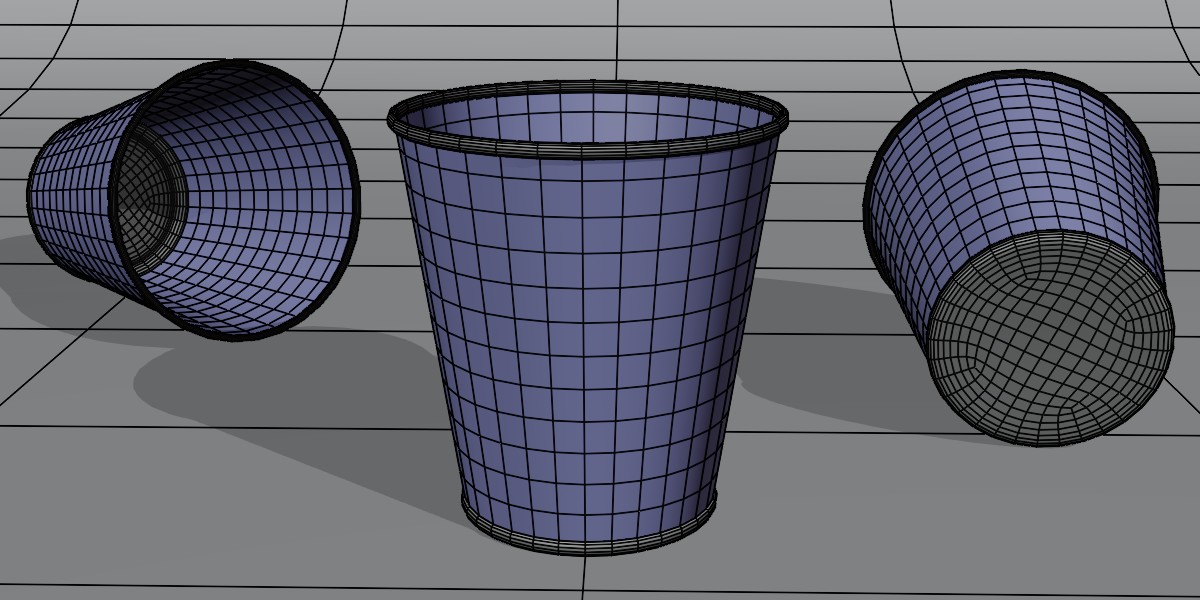
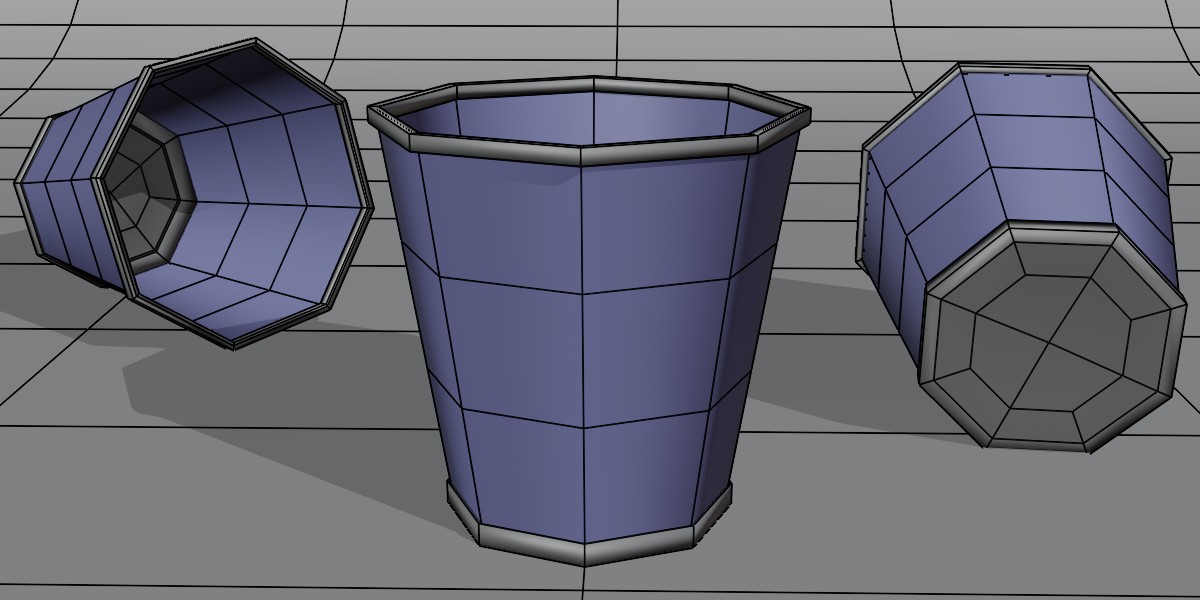
Rendering an Image:
- Open `trashcan_03.blend`.
- Press `F12` or click on the Render button.
- Once rendered, hover your cursor over the rendered image and press `Alt + S`. This allows you to save the image.
Importing the Trash Can Object:
- In your desired Blender scene, navigate to `File` > `Append`.
- Select the `trashcan_03.blend` file.
- Choose "trashcan" from the Collections.
Using with Blender's Asset Browser:
The trash can model is optimized for use with Blender's Asset Browser. Simply add the directory where the `trashcan_03.blend` file is located to your Asset Browser. This allows for a seamless workflow, enabling you to drag and drop the trash can model directly into your scenes.
$2.99
Have questions about this product?
Login to message
| Dev Fund Contributor | |
| Published | almost 9 years ago |
| Blender Version | 2.79, 2.8, 3.6 |
| Render Engine Used | Cycles, Eevee |
| License | Creative Commons |
Discover more products like this
recycle bfcm18 bfcm19 Waste bin seamless workflow lighting setup summer20 trash can clean-topology low poly environment prop 3d model summer23 bfcm23 asset-browser realistic eevee material Cycles Material trash bfcm20 updated materials can optimized mesh modern design interior asset UV Mapped scene-ready