 Treapl










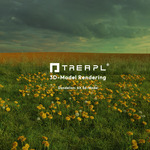
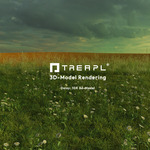
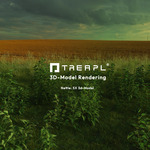
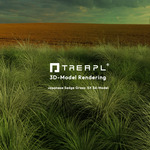
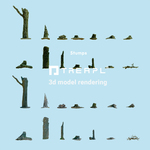
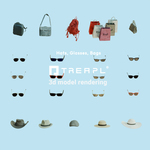
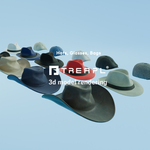
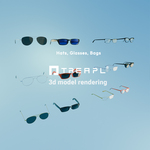




TreaplBox-1.0 - Superhive zip version installation Guide.
1- Pull the TreaplBox-1.0_Add-On_Solo.zip into Blender - which installs the Add-On.
2- Download the files: a)TreaplBox_Assets01_SuperHive.zip b)TreaplBox_Assets02_SuperHive.zip and c)TreaplBox-1.0_Core_Blender_HDRI.zip
3-To be capable of using the full functionality of the Scattering tool and all the 3d-Assets you need to unzip all the Assets to the right directory on your C drive.
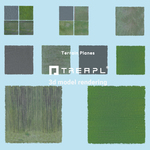
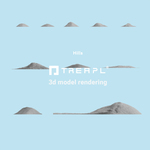
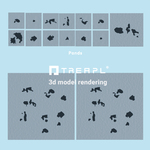
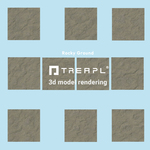
4-The zip files a) and b)Contain these directories 10_Treapl Earth, 20_Life and Ground, 25_Scattering_Areas, 30_People, 32_Architecture, 35_Manufactured, 40_VFX and 80_Cameras
5- For TreaplBox to work flawlessly - you have to copy all the directories 10_Treapl Earth..... 80_Cameras
to this directory on the C-Drive
C:\Users\jansr\AppData\Roaming\Blender Foundation\Blender\4.5\extensions\user_default\treaplbox\assets
6- The "jansr" in the directory name is my username, in your directory it will be your Windows user name.
7-You need to have "Show hidden files" ON in your Windows File Manager Settings, otherwise you will not see the AppData directory.
You can see, where exactly to position your TreaplBox assets in this video:
https://www.youtube.com/watch?v=qxU_4S55TiY&t=35s
Have questions about this product?
Login to message
| Dev Fund Contributor | |
| Published | 7 months ago |
| Blender Version | 4.4 - 4.5 |
| Render Engine Used | Cycles |
| Misc Data | Uvs-Unwrapped, Manifold-Mesh, Rigged, Animated, Normal-Mapped, Textured |
| License | Editorial |
