 TheFridge



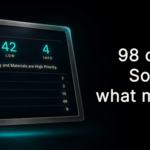
98 checks. One scan.
Geometry, materials, lighting, rigging, performance, render settings and scene organisation, read in a single pass. Nothing to configure, nothing sent anywhere.
You know something's wrong.
You just can't say what.
The render's finished. You look at it. It's flat, or it took six hours it shouldn't have taken, or the viewport has been crawling all afternoon - and you can't put your finger on why.
So you start guessing. You nudge a light. You turn off a modifier to see if it helps. You lower the samples. Forty minutes later something has changed and you've stopped being able to tell whether it's better.
Every add-on out there hands you presets, assets or a faster way to build. None of them look at the scene you already built and tell you what's actually wrong with it.
That's the entire point of this one.
THE IDEA
Naming the problem is the hard part
Almost every problem in a Blender scene is trivial to fix once somebody tells you what it is. Apply the scale. Turn the modifier back on at render. Swap the 4K texture for a 512. Thirty seconds, each one.
The expensive part is never the fixing. It's the hour you spend working out which of four hundred things in your scene is the one causing it.
Triage does that part. It reads your scene and names what's wrong, graded so you can see which of it is serious.
It diagnoses. It doesn't fix.
Nothing is changed, moved, deleted or optimised. It never touches your scene - it tells you what it found and leaves every decision to you. Your file is exactly as you left it.
WHAT IT FINDS
The quiet problems
98 checks across geometry, materials, lighting, rigging, performance, render settings and file data.
The modifier switched off at render but left on in the viewport.
The scale you never applied.
The 4K texture on something three pixels wide.
The heavy object you hid but never excluded, quietly costing you render time.
The armature modifier with half a mesh unweighted underneath it.
None of these announce themselves. They just cost you an afternoon and you never find out why.
IN PRACTICE
One button, then a list you can filter
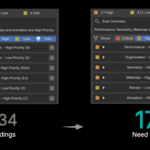
Run it and the whole scene is read in seconds. Findings arrive grouped by category, each one graded Critical, High, Low or Info.
Nothing is changed. It tells you what it found and leaves the decisions to you.
Triage running on a scene.
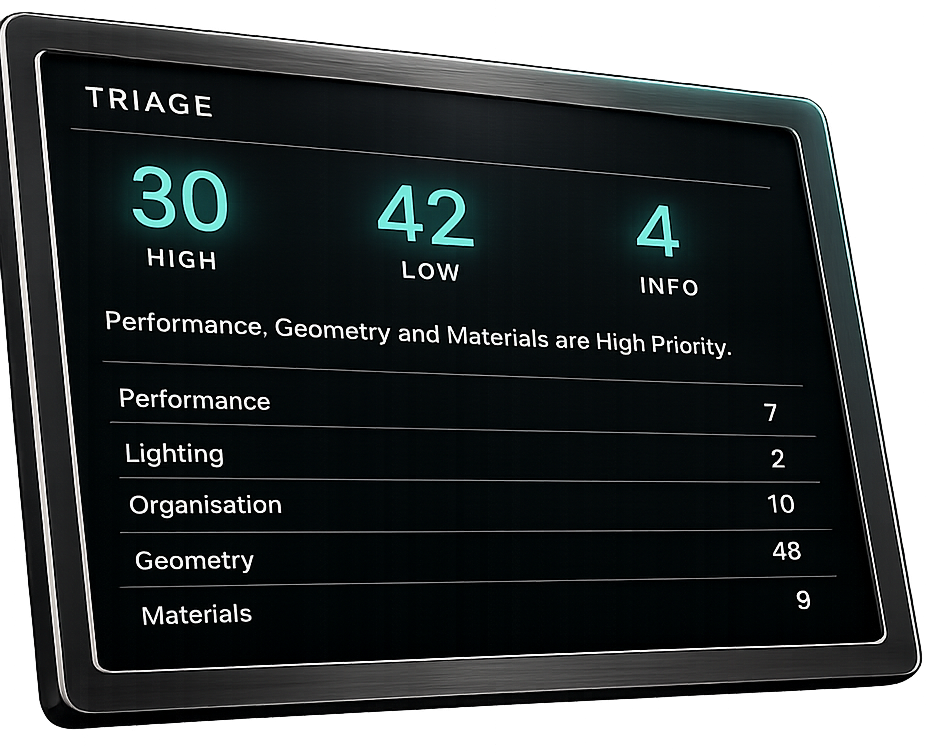
The findings panel, graded by severity.
GRADED AND FILTERABLE
A long list of warnings is its own kind of useless. Filter to Critical and High and you're looking only at the things that will actually cost you something - the rest is housekeeping, there when you want it.
Most scenes turn up plenty. Only some of it matters.
Findings you've decided not to act on can be dismissed, and they stay dismissed on the next run. The full list of checks is further down this page.
WHAT TRIAGE CHECKS
98 checks, every time you run it
Every one runs locally on your own machine, costs nothing, and returns the same answer every time. This is the full list.
Nothing here is a guess. Each check has a defined condition, and it either fires or it doesn't.
PERFORMANCE
23 CHECKS
Scene statistics summary
Dominant heavy object
High subdivision level
Heavy object disabled for render
Heavy object hidden but still rendering
Off-screen heavy object
Oversized texture on background object
Too many modifiers stacked
High Array modifier count
Too many Boolean modifiers
High particle count
Unbaked Cloth simulation
Unbaked Soft Body simulation
Unbaked Fluid domain
Unbaked Rigid Body world
Volumetric shading in use
Heavy collection instance
Heavy particle instance load
High Rigid Body sub-steps
Unbaked high-count particle system
Unused orphan data-blocks
Duplicate texture datablocks
Uncompressed large texture
RENDER SETTINGS
19 CHECKS
No active camera set
Very high Cycles render samples
Very high render resolution
Motion blur with no animation
High samples with no denoising
Render output path not set
Very high EEVEE samples
Low Cycles samples without denoising
Default frame range with animated objects
Standard colour management clipping highlights
Very high light bounce count
Persistent Data off on a heavy scene
CPU rendering with GPU available
Camera clip start or end at extreme value
Depth of Field with no focus target
Active Viewer nodes slowing the compositor
Compositor with no Render Layers node
Render Layers output not connected
File Output node with no path set
GEOMETRY
16 CHECKS
Negative object scale
Inconsistent face normals
Non-manifold geometry
Non-planar n-gon faces
Zero-area faces
Loose vertices
Overlapping duplicate vertices
Extreme face aspect ratio under Subdivision
Missing UV map on textured mesh
Overlapping UV islands
Empty mesh
Modifier disabled at render time
Duplicate modifier type stacked
Unapplied object scale
Geometry Nodes modifier with no node group
Mesh too dense to scan
MATERIALS
13 CHECKS
No material assigned
Empty material slot
Too many material slots
Unused material slot
Duplicate material
Disconnected shader nodes
Image texture wired into Normal socket
Zero roughness with no texture
Very high emission strength
Wrong colour space on non-colour texture
Missing or broken image path
Absolute texture path
Unpacked external texture
LIGHTING
8 CHECKS
No effective light sources
Extreme light-intensity ratio between fixtures
Zero-energy light objects
Oversized World HDRI
Oversized area light
Extremely narrow spotlight cone
Excessive light count
Very high World background strength
SCENE ORGANISATION
5 CHECKS
Default unrenamed object names
Loose objects in the master collection
Empty collections
Deep collection hierarchy
Ungrouped objects with copy-suffixes
ANIMATION AND RIGGING
14 CHECKS
Broken Armature modifier
Unweighted mesh under an Armature modifier
Targetless constraint
Broken constraint with no target
No animation despite a long frame range
Keyframes outside the render range
Constant keyframe interpolation
Vertex group with no matching bone
IK constraint with no target
Broken driver
Overlapping NLA strips
Cloth simulation with no Collision objects
Physics object with unapplied scale
Extreme force field strength
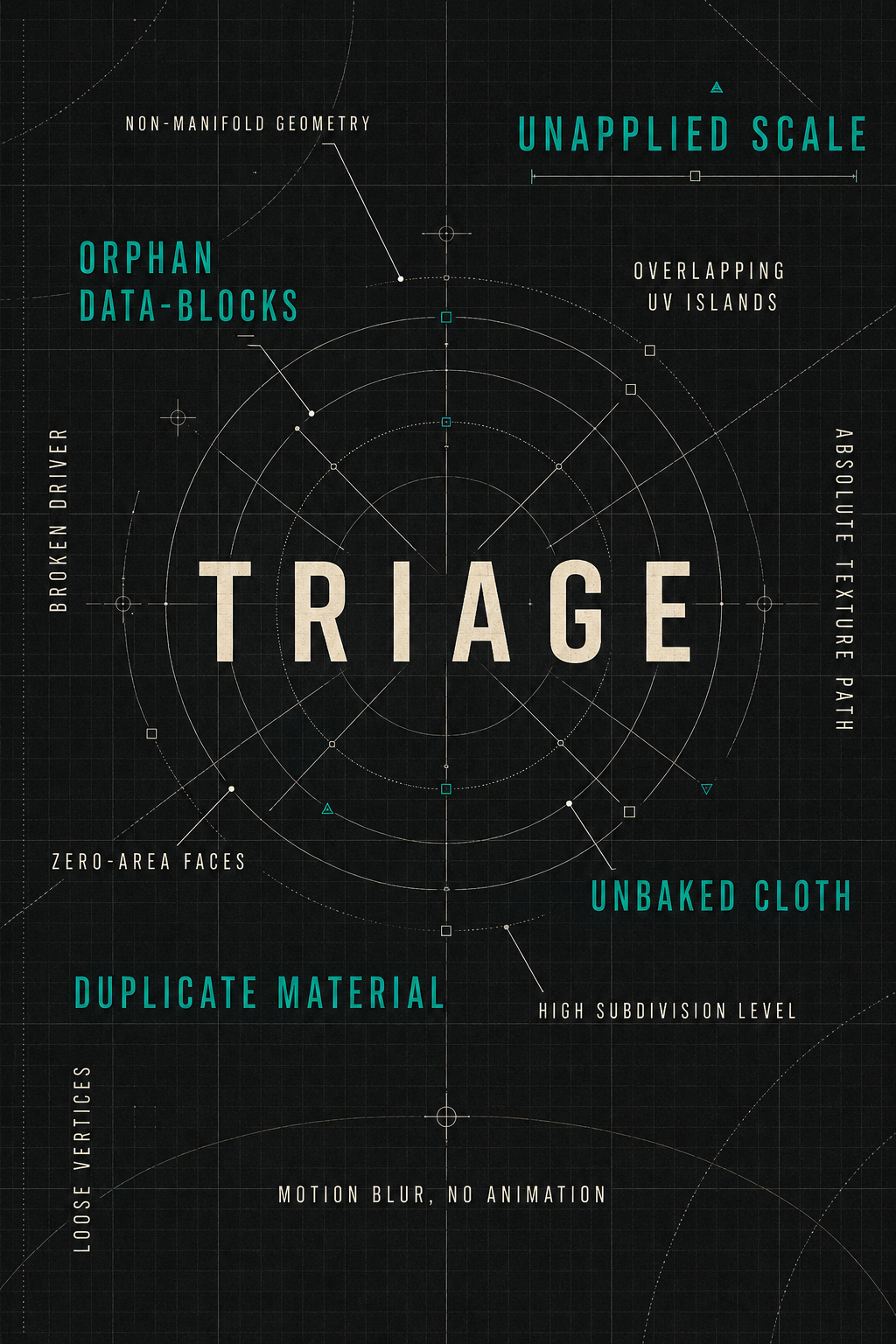
Findings are grouped by category and graded Critical, High, Low or Info, so you can filter down to the ones worth acting on.
WHO IT'S FOR
Anyone working without a second pair of eyes
In a studio there's a lead who walks past your desk and says the thing you couldn't see. Working on your own, there isn't. You get to the end of a render and the only opinion available is your own, and you've been staring at it for six hours.
This is for solo artists, freelancers and small teams: people who know enough to tell something's off, and would rather not spend the afternoon working out what.
Learning
You can tell it isn't working but not why. The findings name the problem in words you can look up.
Working
You know what's wrong once it's pointed out. This is the pass before you hit render, so the six-hour mistake doesn't happen.
Handing over
Files going to a client, a marketplace or a teammate. Catch the unapplied scale and the missing texture before someone else does.
It assumes you can already use Blender. It doesn't assume you know why your render looks wrong.
HOW IT RUNS
Entirely on your own machine
Every check is plain Python, running inside Blender, reading your scene through Blender's own API. Install the zip, tick the box, press the button.
Install and go
The zip is the whole product. Enable it in Preferences and it's ready to use.
Works offline
On a plane, on a render node, on a locked-down studio machine. It behaves the same everywhere.
Your scene stays yours
Everything it reads stays inside Blender, on your own machine.
Each check has a defined condition, and it either fires or it doesn't. The same scene gives the same answer every time.
CG GENERAL
Triage is part of CG General
CG General is a set of Blender tools built around one idea: work out what's actually wrong before you spend an afternoon guessing. Triage is the diagnostic. Others follow the same principle - they run on your machine, they explain themselves, and they never change anything without you.
WHAT YOU'RE BUYING
One purchase, no strings
Buy it once
No subscription, no recurring anything. Updates to this add-on are included.
Use it anywhere
On every machine you own, on personal and commercial work alike.
Nothing to set up
Install the zip, tick the box, run it. That's the whole process.
Requirements: Blender 4.2 LTS or newer. Nothing else.
FROM THE DEVELOPER
Why I built this

QUESTIONS
Things people ask before buying
Does it need an internet connection?
It works offline. Everything runs in Blender's own Python on your machine, there's no activation step, and your scene data stays on your computer.
Is this a subscription?
No. You buy it once and it's yours, on every machine you own.
Does it change my scene?
No. Triage reads and reports. It doesn't move, delete, optimise or repair anything - every fix is yours to make, or not.
Will it work on my kind of scene?
Any scene. The checks are about how the file is built rather than what it depicts, so a product shot, an interior, a character rig and a motion-graphics scene all get read the same way. Findings that aren't relevant to what you're doing can be dismissed.
What if it flags something I did on purpose?
That will happen - a check knows the condition, not your intent. Dismiss it and it stays dismissed on later runs of that scene.
Will it slow Blender down?
It only does anything when you press the button. There's no background process and no continuous monitoring. A scan takes seconds on most scenes; very heavy scenes take longer, and a few checks skip meshes above a size threshold rather than stalling on them.
Does it catch everything?
No, and it doesn't claim to. It catches 98 specific, defined conditions - the ones that come up again and again and are easy to miss. It won't tell you your composition is weak or your colours are muddy. That part is still your job.
SUPPORT
If something isn't right
Email [email protected]. It's read by the person who wrote the add-on.
If a check fires on something that isn't actually a problem, or misses something it should have caught, I'd rather know. Tell me your Blender version, roughly what the scene contains, and which check it was — that's usually enough to reproduce it.