 XXV
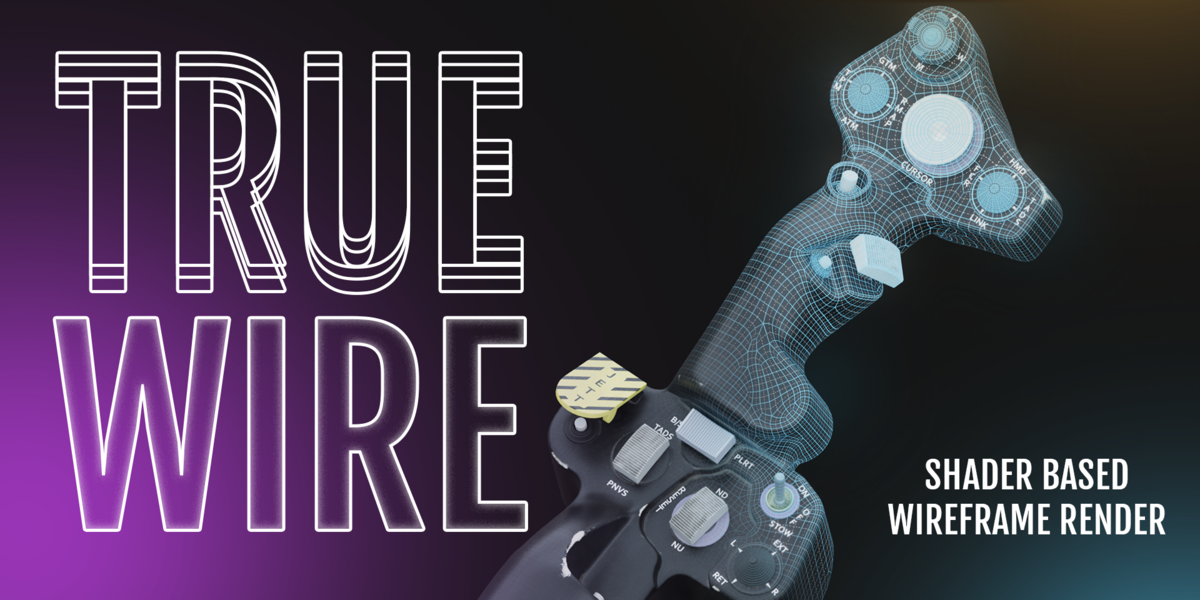
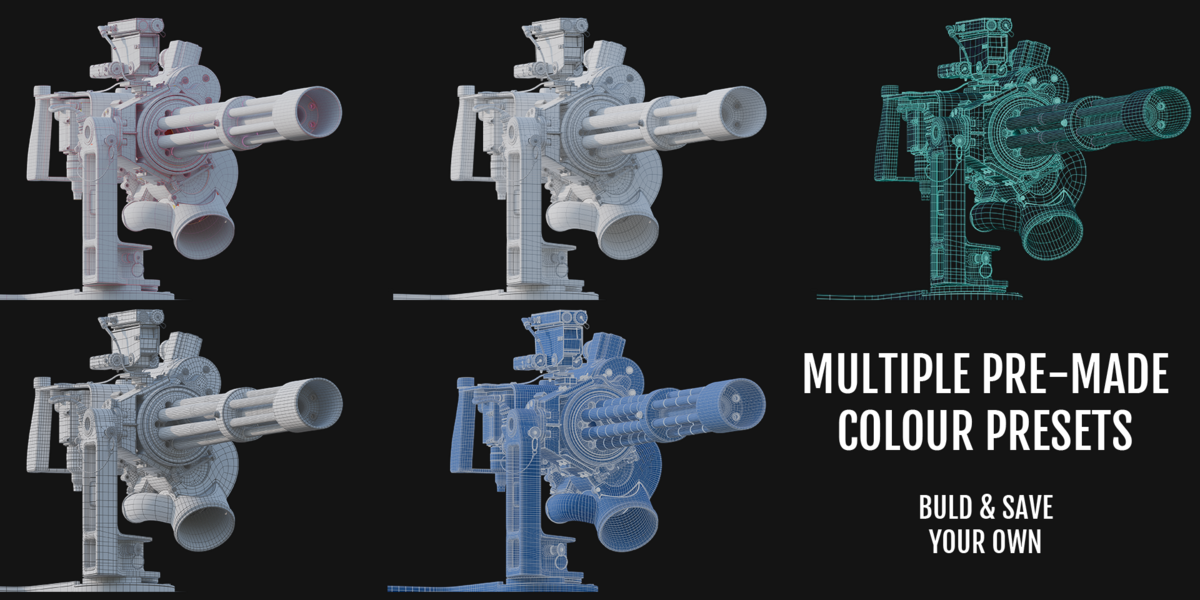




TrueWire: quad-accurate wireframes for topology showcase renders
Blender’s built-in Wireframe shader node draws every triangle edge, so quads show an ugly diagonal and clean topology looks messy. The usual workarounds are Freestyle, which is slow to set up, or the Wireframe modifier, which breaks on dense or tiny meshes. TrueWire gives you a one-click wireframe that shows your real edges, with no modifiers and no generated geometry. It is built entirely from shader nodes.
Contact & Free Version:

What it does
Click Enable TrueWire and your selected objects get a wireframe that follows their actual topology. Quads read as quads and triangles as triangles. Click it again and every original material is restored exactly as it was.
Features
Accurate topology display
- Real quad edges with no triangulation diagonals, using a one-time data bake and a shader (no modifiers or extra geometry)
- Per-face line thickness scaling, so long thin quads and tiny faces don’t produce oversized or uneven lines
Two display modes
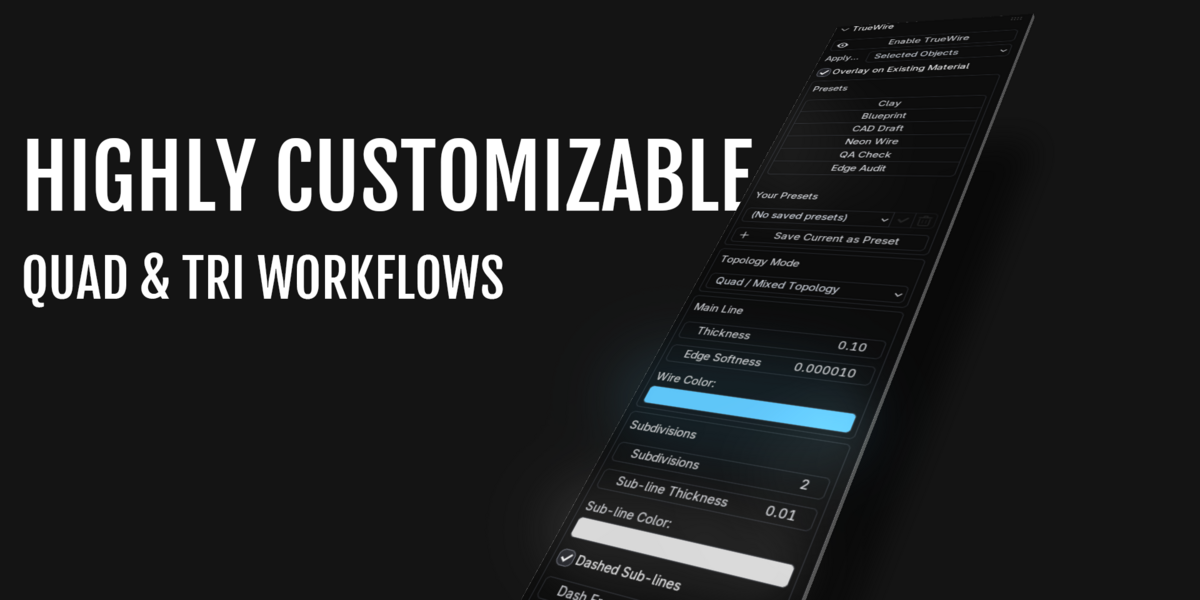
- Quad / Mixed Topology: the custom quad-aware wireframe
- Fully Triangulated: uses Blender’s native Wireframe node for game-ready meshes, with an optional Pixel-Perfect line width and its own independent thickness range
- The material switches automatically between the two groups when you change mode
Flexible materials
- Replace: a clean clay-style look
- Overlay: draws the wire on top of each object’s existing material and textures
- Your original materials are always restored on disable
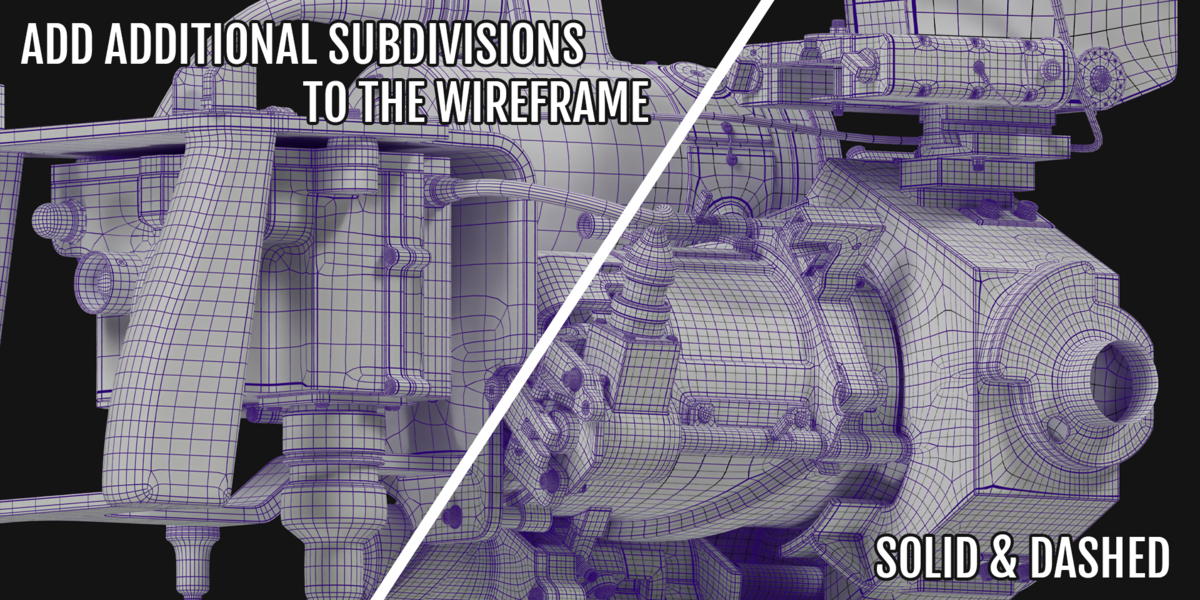
Subdivision grid
- Add extra grid lines inside each quad, with separate thickness and colour
- Optional dashed sub-lines with adjustable frequency and dash length
Topology QA
- Highlights triangles and n-gons in a warning colour against your clean quads
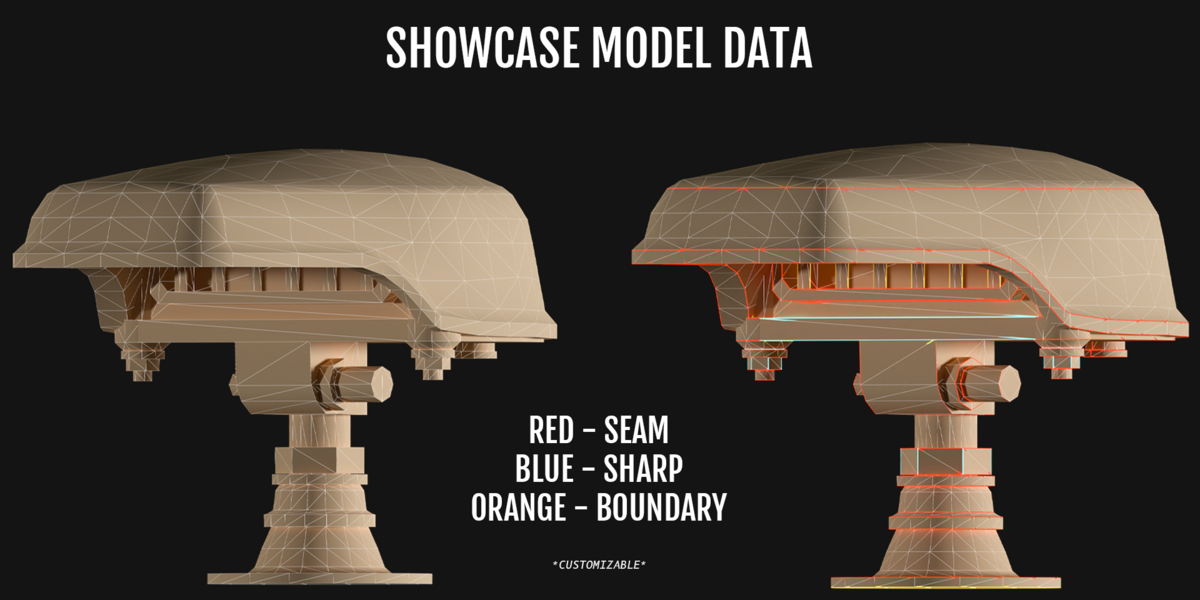
Edge type colouring
- Colours the wire by edge type: UV seams, sharp/hard edges, and boundary (open) edges
- Each type has its own colour and a separate line thickness
- Triangulated-mode support is currently marked WIP
Presets
- Six built-in looks: Clay, Blueprint, CAD Draft, Neon Wire, QA Check and Edge Audit
- Save your own presets, stored on disk so they’re available in every project
Targeting
- Apply to selected objects, all mesh objects, or just the objects in a chosen collection (sub-collections included)
Tweakable node groups
- All the logic lives in real, editable shader node groups, so you can open them in the Shader Editor and adjust inputs directly
Requirements and install
- Blender 4.2 or newer (developed and tested on 5.0)
- Packaged as a Blender extension: drag the
.zipinto the Blender window
Good to know
- Baked data is a snapshot, so click Re-bake Wire Data after editing topology or moving or scaling objects
- Very tight holding-edge loops can visually merge into a single line, as with any fixed-width wireframe
- Lines look slightly thicker at grazing angles in Quad/Mixed mode (a surface-space limitation)
- N-gons (5+ sides) are handled approximately and are excluded from edge-type colouring
- Edge-type colouring in Fully Triangulated mode is work-in-progress and may show small artifacts near vertices