 XXV
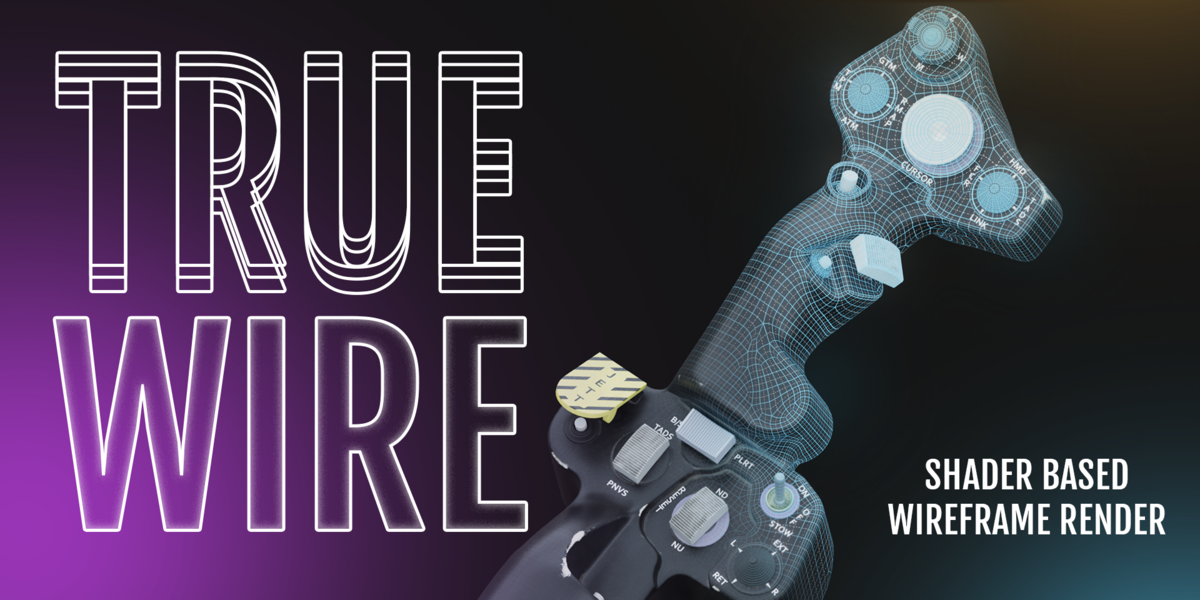
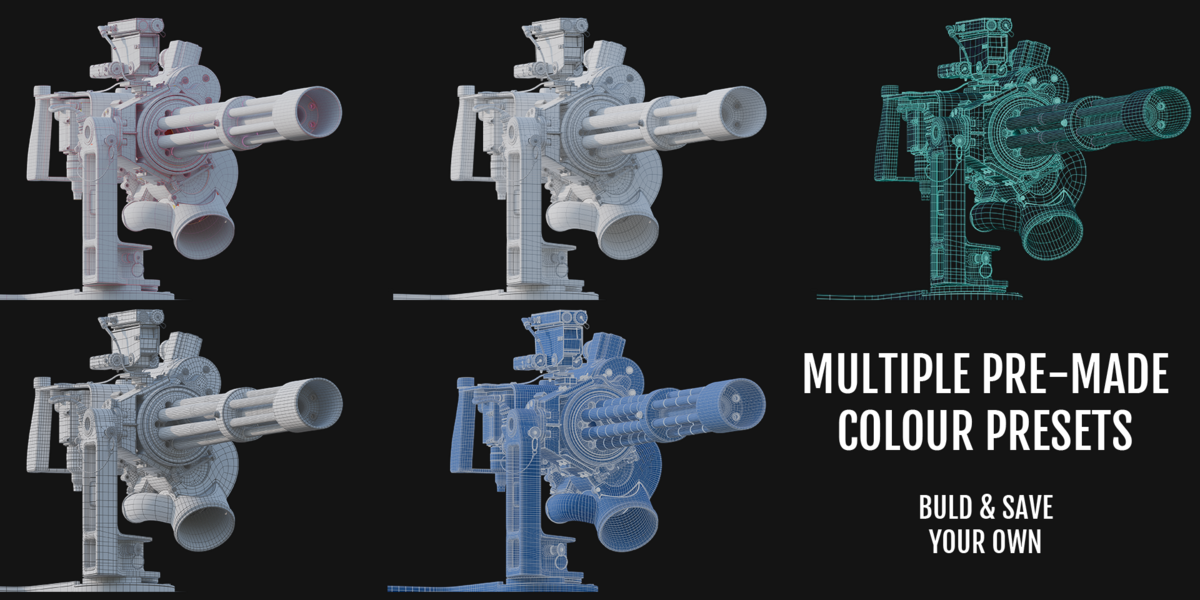
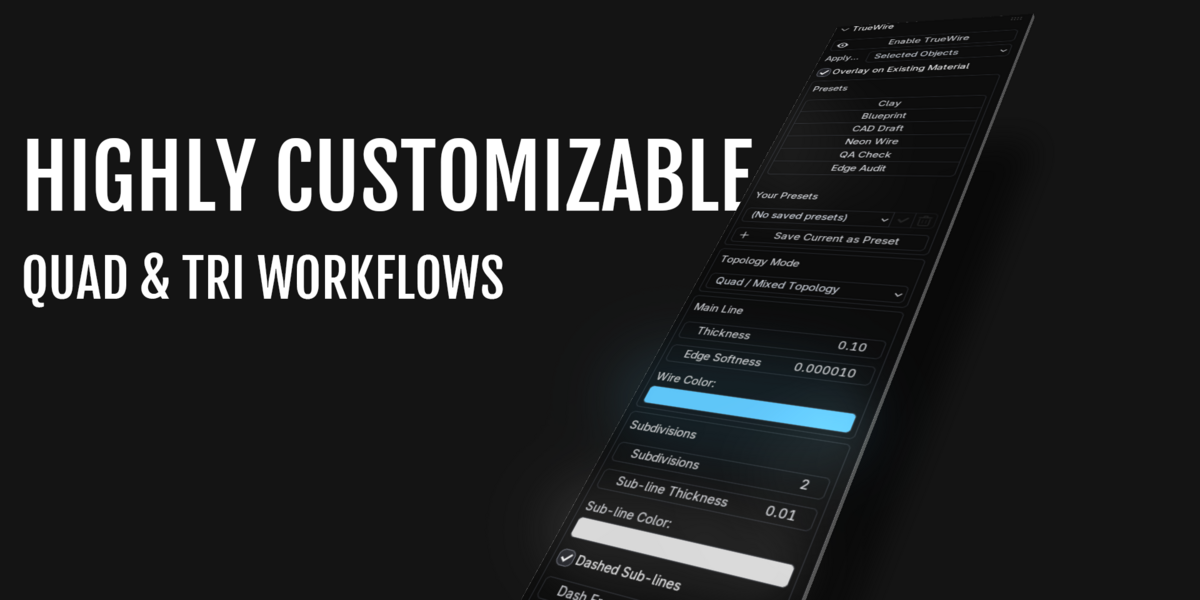





Show your real topology.
Not the triangles.
TrueWire is a one-click wireframe for Blender that draws your actual quad edges. No modifiers, no generated geometry, built entirely from shader nodes.
Blender 4.2+One-click enableOriginal materials restored
The problem with Blender's wireframe
The built-in Wireframe node draws every triangle edge, so clean quads pick up an ugly diagonal.
Blender's Wireframe node
Diagonals everywhere. Topology looks messy.
TrueWire
Quads read as quads. Triangles read as triangles.
Freestyle is slow to set up and the Wireframe modifier breaks on dense or tiny meshes. TrueWire skips both.
Highlights
The short version.
Accurate Topology
Real quad edges from a one-time data bake and a shader. Per-face thickness scaling keeps long thin quads and tiny faces tidy.
Topology QA
Triangles and n-gons light up in a warning colour against your clean quads, so problem areas stand out instantly.
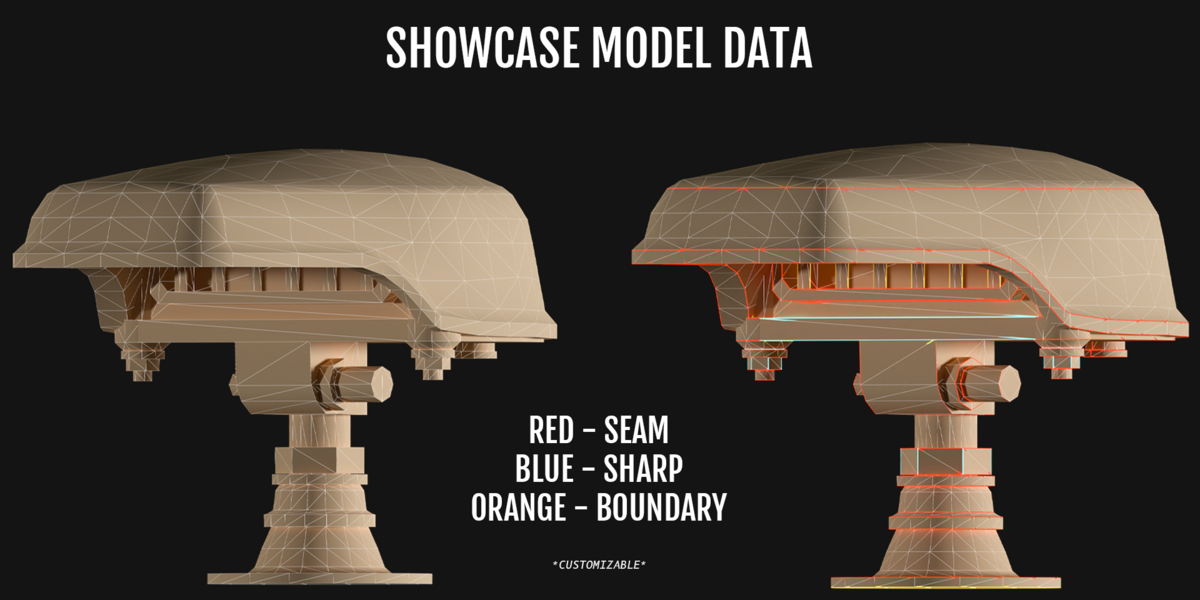
Edge Type Colouring
Colour the wire by UV seams, sharp edges and boundary edges, each with its own colour and thickness.
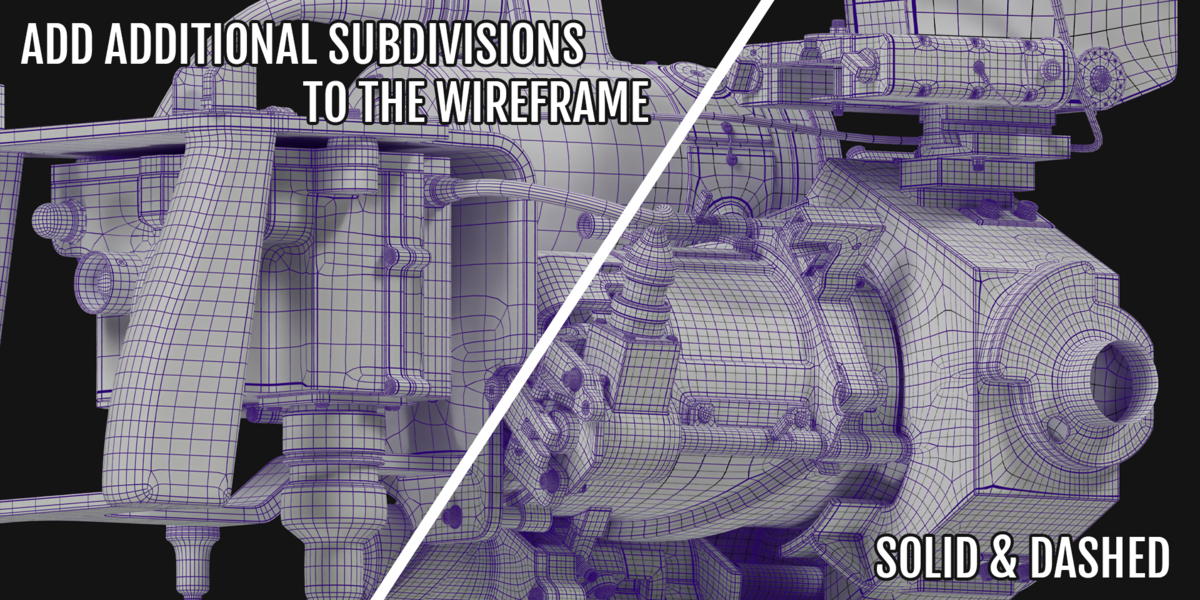
Subdivision Grid
Add extra grid lines inside each quad with separate thickness and colour. Dashed sub-lines have adjustable frequency and length.
Smart Targeting
Apply to selected objects, every mesh object, or just a chosen collection (sub-collections included).
Editable Node Groups
All the logic lives in real shader node groups. Open them in the Shader Editor and tweak the inputs directly.
Two display modes, two material styles
Display modes
Quad / Mixed Topology
The custom quad-aware wireframe.
Fully Triangulated
Blender's native Wireframe node for game-ready meshes, with optional Pixel-Perfect line width and its own thickness range.
The material switches between the two automatically when you change mode.
Materials
Replace
A clean clay-style look.
Overlay
Draws the wire on top of each object's existing material and textures.
Disable TrueWire and every original material is restored exactly as it was.
See what your mesh is made of
Colour-code the wire to audit topology at a glance.
UV seamsSharp / hard edgesBoundary (open) edgesTriangles and n-gons (QA)
Colours shown are examples; every type has its own colour and thickness setting.
Six presets, plus your own
Save your own looks to disk and they're available in every project.
ClayBlueprintCAD DraftNeon WireQA CheckEdge Audit
Requirements and install
- Blender 4.2 or newer (developed and tested on 5.0)
- Packaged as a Blender extension: drag the .zip into the Blender window
Good to know
- The bake is a snapshot. Click Re-bake Wire Data after editing topology or moving/scaling objects.
- Very tight holding-edge loops can visually merge into one line, as with any fixed-width wireframe.
- Lines look slightly thicker at grazing angles in Quad/Mixed mode.
- N-gons (5+ sides) are handled approximately and excluded from edge-type colouring.
- Edge-type colouring in Fully Triangulated mode is WIP and may show small artifacts near vertices.
Free on Discord, always
The Superhive listing is $1 only because free products need a subscription. TrueWire and every update stay free on Discord.
Join the Discord