Why do I get a "No Audio Devices Found!" warning when I check 'Record Audio'?
This happens if your operating system blocks desktop applications from accessing the microphone. Go to your OS Privacy Settings (e.g., Windows Settings > Privacy > Microphone) and ensure "Allow desktop apps to access your microphone" is turned ON. Then, uncheck and re-check the 'Record Audio' button in Blender.
Why is my recorded video completely black on Linux?
You are likely using the Wayland display server (default on newer Ubuntu/Fedora distros), which blocks applications from capturing the screen for security reasons. To fix this, log out of your Linux user account. On the login screen, click the gear icon, select "GNOME on Xorg" or "Ubuntu on Xorg", and log back in.
I clicked "Install Python Libraries", but the red warning box is still there. What should I do?
After the libraries install successfully from the bundled offline `.whl` files, you must completely Restart Blender for the changes to take effect and for the add-on to recognize the newly installed modules.
My studio operates entirely offline. How do I install FFmpeg without clicking the download button?
You can manually download the official FFmpeg binary (`ffmpeg.exe` for Windows, or `ffmpeg` for Mac/Linux) on a machine with internet access. Transfer the file via USB and place it inside your user cache directory at `~/.cache/tutorial_recorder/`, or simply add it to your OS System PATH.
I drew a Custom Region, but the green bounding box disappeared. Did it cancel?
No, it did not cancel. The custom region box is "Panel-Aware." If you close the Blender sidebar (pressing the 'N' key), the box hides itself so it doesn't distract you while you work. Press 'N' to reopen the panel, and the green box will instantly reappear.
How do I fix a typo or add custom notes to the generated HTML tutorial before saving it as a PDF?
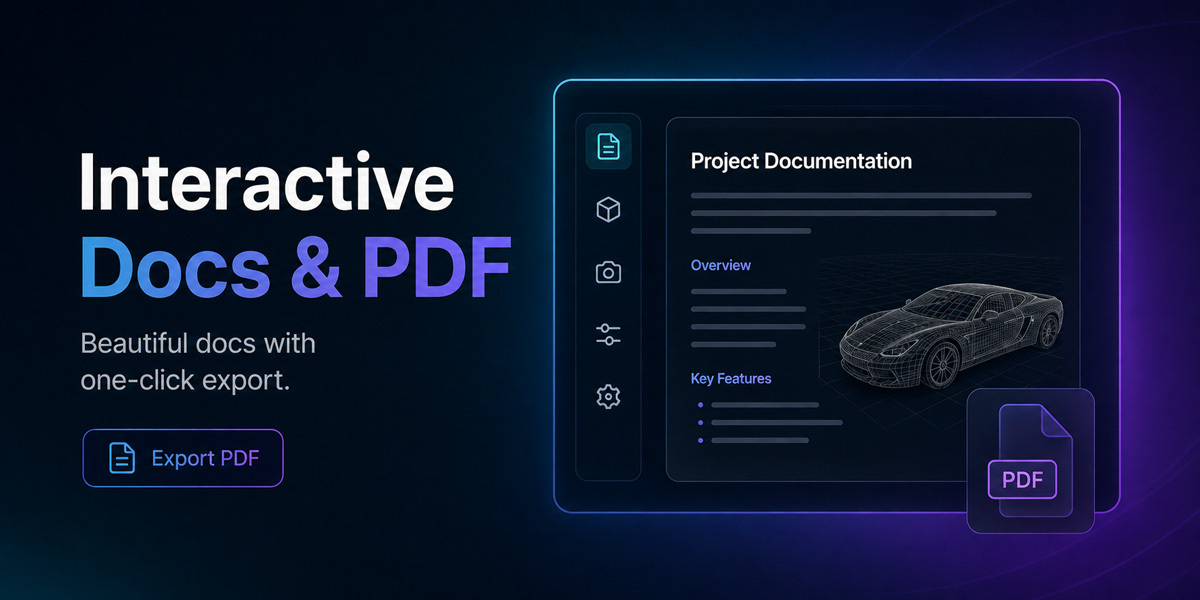
The generated HTML document has a "Live Editing" feature built directly into it. Simply open the HTML file in your web browser, click on any text, title, timestamp, or description, and type your corrections directly into the page. When you are finished, click the "Save as PDF" button.
The Auto-Track timeline is recording a step every time I select an object or pan the camera. How do I stop this?
Standard navigation is ignored by default, but you can ignore any other tool using the "Auto-Track Exclusions" panel. Simply use the tool you want to ignore in Blender, go to the Exclusions panel, and click "Ignore Last Used Tool". This permanently adds the tool to your ignore list for all future projects.
Do I need to crop my video in external software to post it on TikTok, Instagram Reels, or YouTube Shorts?
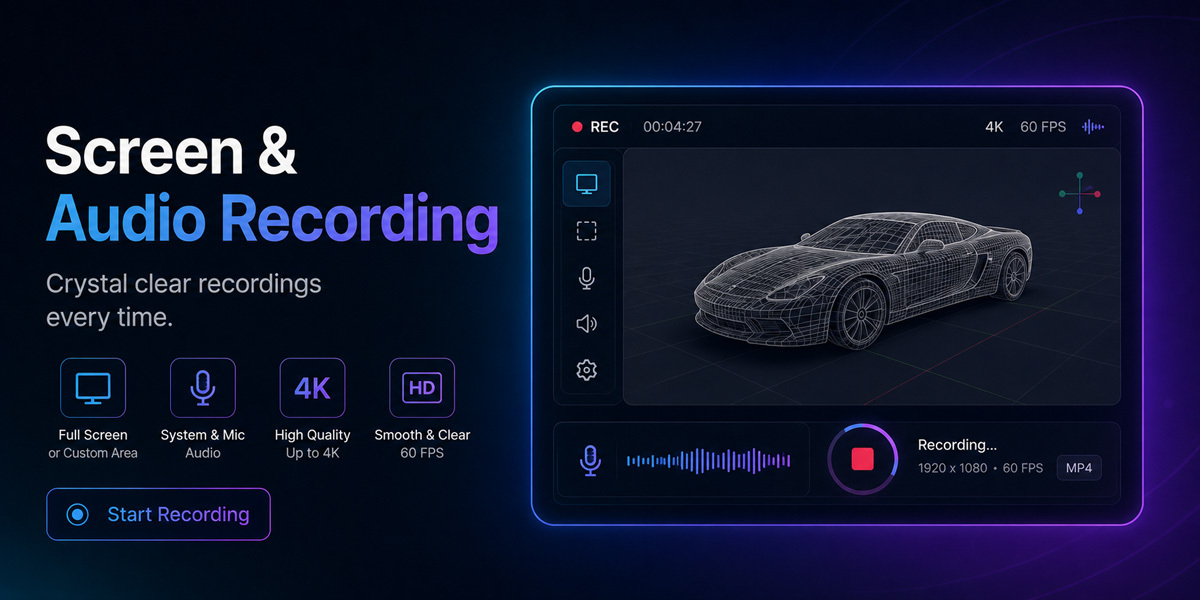
No! In the Video Options section, change the Format from "Desktop (16:9)" to "Shorts (9:16)". The add-on will automatically crop the center of your screen vertically during the recording process, saving you hours of post-production time.
What does the "Auto Close Panel" checkbox do?
When checked, the add-on's sidebar panel will automatically collapse the exact moment you click "Start Session". This keeps your recording clean and professional by ensuring the add-on's UI isn't captured in your tutorial video.
My exported GIF files are too large for Discord/Twitter. How can I reduce the file size?
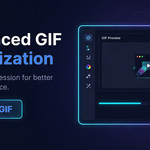
Ensure the "Compress & Optimize" checkbox is ticked in the GIF Converter panel. This uses a highly advanced palette generation and Bayer dithering algorithm. For further reduction, lower the GIF FPS (e.g., to 12 or 15) and reduce the Width (e.g., to 480px or 720px).
Where are all my videos, screenshots, GIFs, and HTML documents saved?
Everything is saved in the "Workspace Folder" you defined in the Setup panel. For every new recording session, the add-on creates a neatly organized, timestamped subfolder inside that workspace to keep your project files grouped together.
How does the add-on know exactly what values (like 0.25m offset or 3 segments) I used during my tutorial?
The Auto-Track engine acts as a background stenographer. Every time a Blender operator completes, the add-on safely reads the internal Python properties of that action, formats them into a readable text string, and links them to the exact video timestamp.
Can I add a step to the timeline manually, even if I didn't use a specific Blender tool?
Absolutely. During an active recording, simply click the "Manual Snapshot & Step" button. It will instantly capture a silent screenshot and drop a new, editable step into your timeline at the current video timestamp.
How do I use the generated YouTube Chapters file?
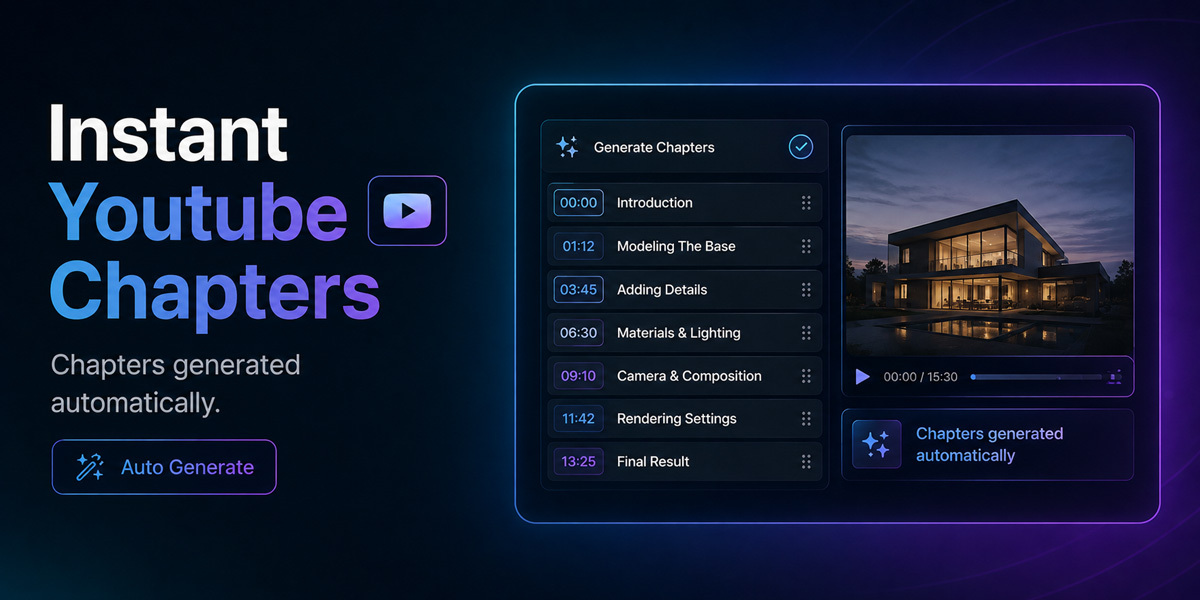
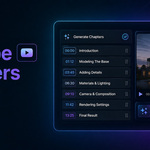
When you export your documentation, the add-on creates a `YouTube_Chapters.txt` file alongside your video. Open the text file, copy all of the contents, and paste it directly into your YouTube video description. YouTube will automatically read the timestamps and convert them into clickable video chapters.
Is there a way to start and stop recording quickly without clicking the button in the panel?
Yes, you can use global Blender keyboard shortcuts. By default, you can press `Alt + Shift + R` to Start a session, Stop a recording, or Cancel an active countdown timer. You can also press `Alt + Shift + S` to instantly take a screenshot of your defined target.
 ZibadMend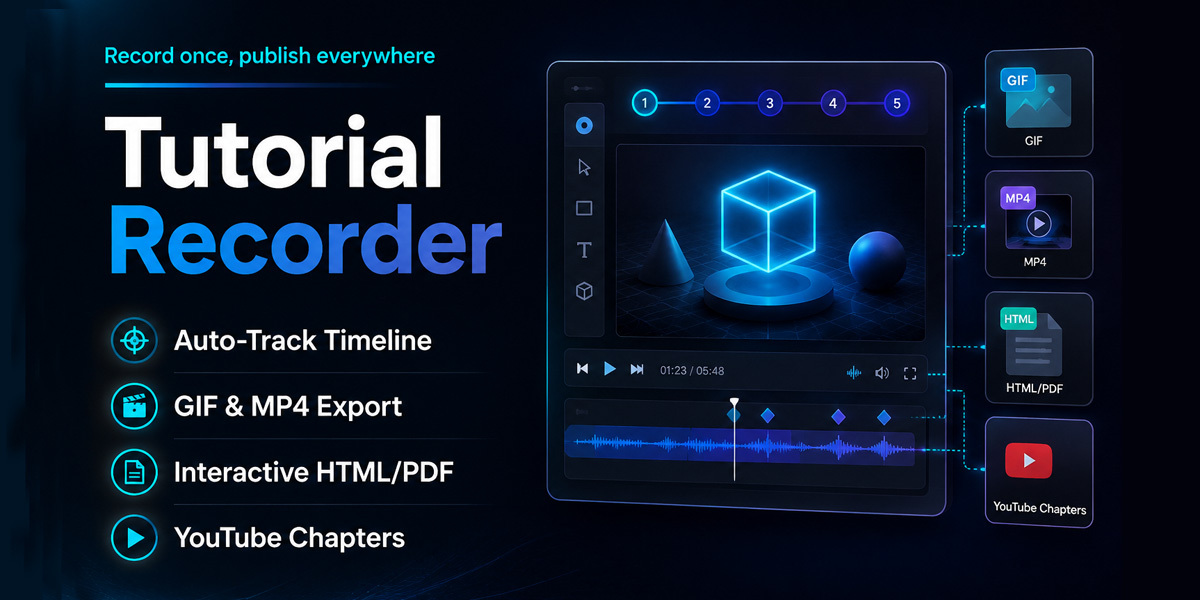
 Included