Two Point Align
 Tomas Krajcovic
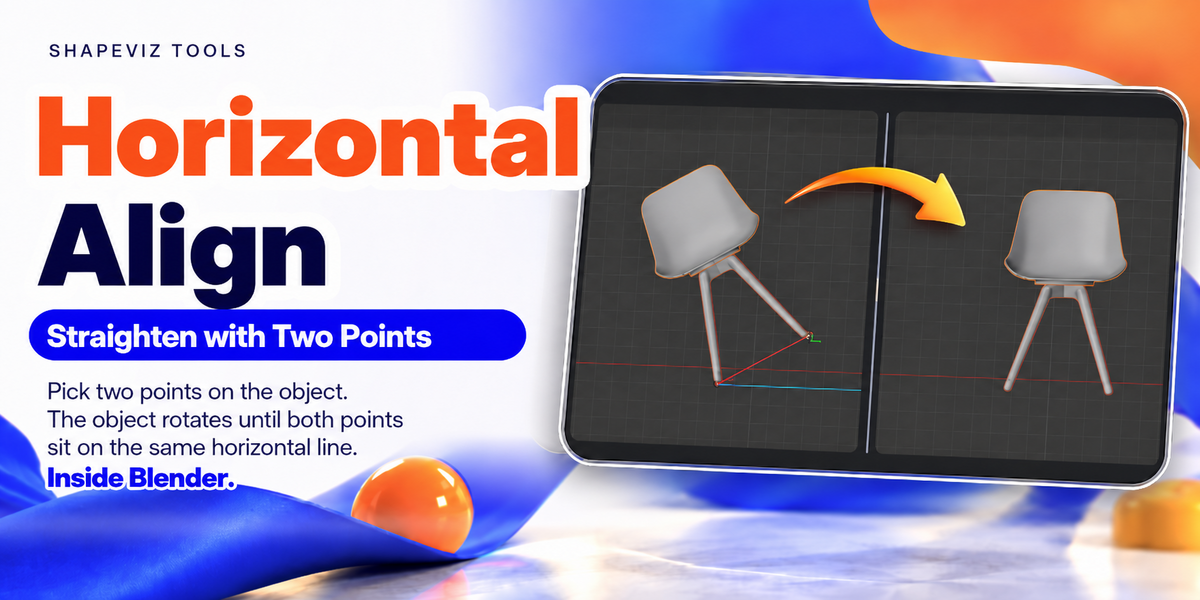
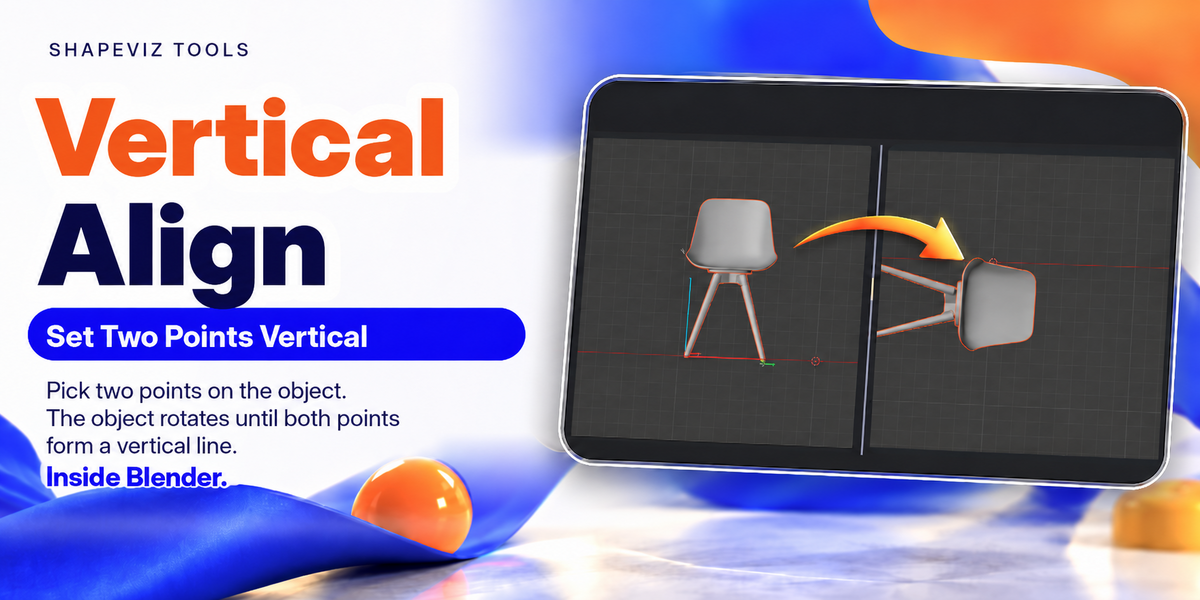

Does Two Point Align work in Perspective View?
No. Orthographic View is required for the alignment and reference-scaling tools.
Do I have to use a keyboard shortcut?
No. In the add-on preferences, choose between the Pie Menu workflow and N-Panel controls. If you use the Pie Menu, you can enable and customize your shortcut.
What can I do with the reference tools?
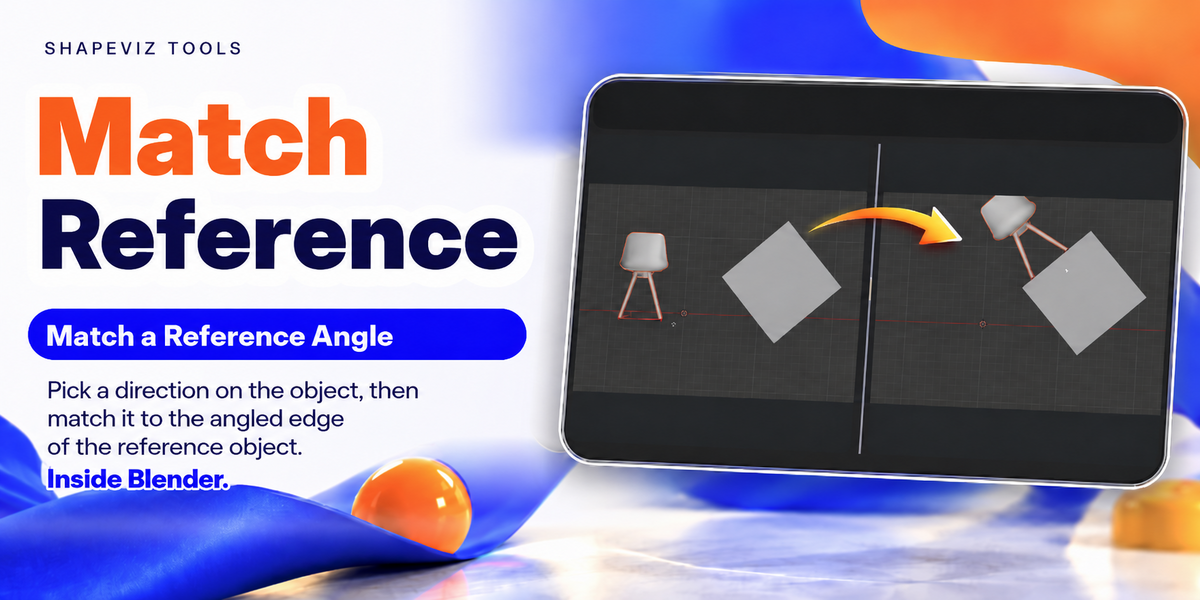
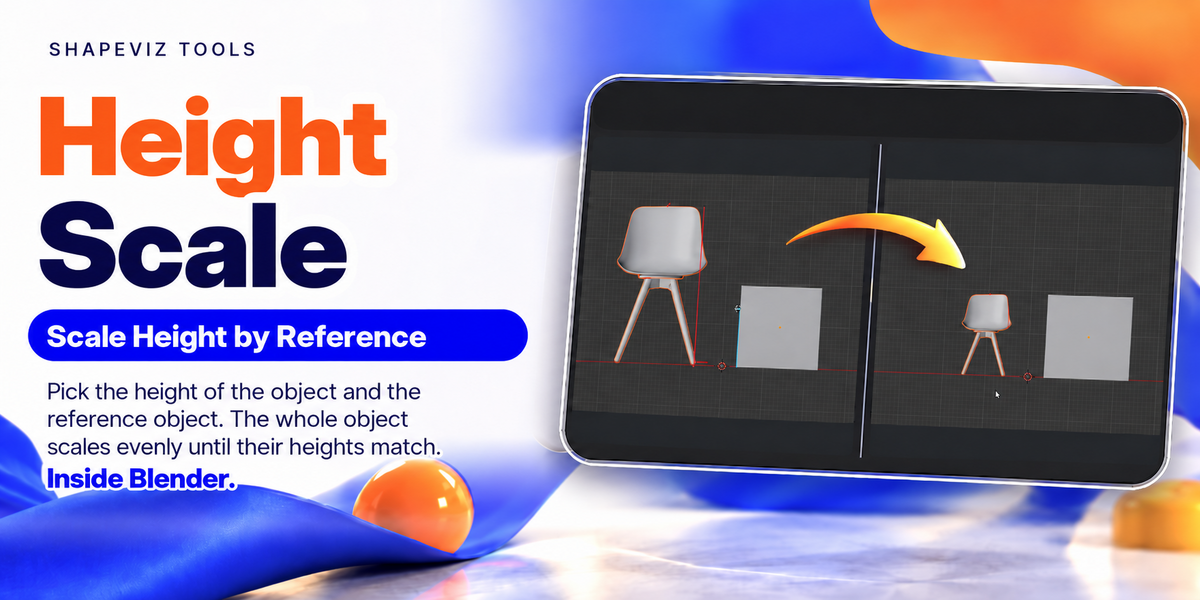
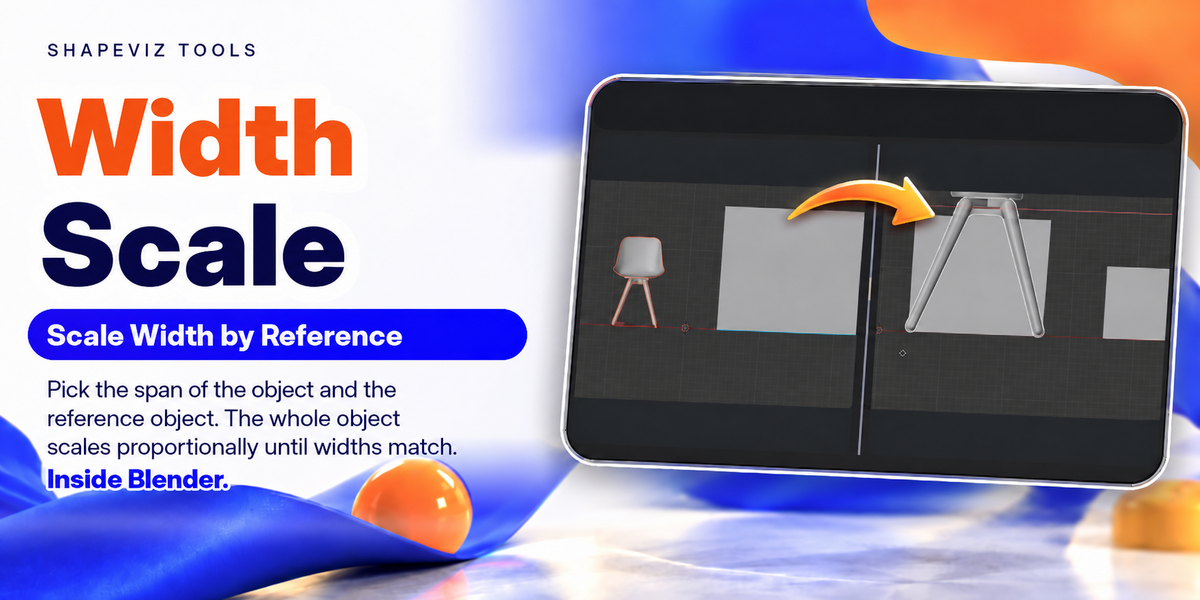
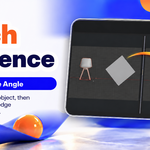
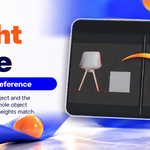
Match your model to a reference direction or to a picked width or height. The video examples show each tool in Blender.
How do I get started?
Install and enable the add-on in Blender, choose Pie Menu or N-Panel in its preferences, switch to Orthographic View, select your object and choose the alignment or scaling operation you need.
Have questions about this product?
Login to message
| Published | about 3 hours ago |
| Blender Version | 5.0 - 5.2 |
| Extension Type | N/A |
| Render Engine Used | Arnold, Blender-Internal, Blender-Game-Engine, Cycles, Eevee, Freestyle, Luxrender, Mental-Ray, Octane, Vray, Yafaray |
| License | GPL |