 Tomas Krajcovic


A better way to align in Blender.
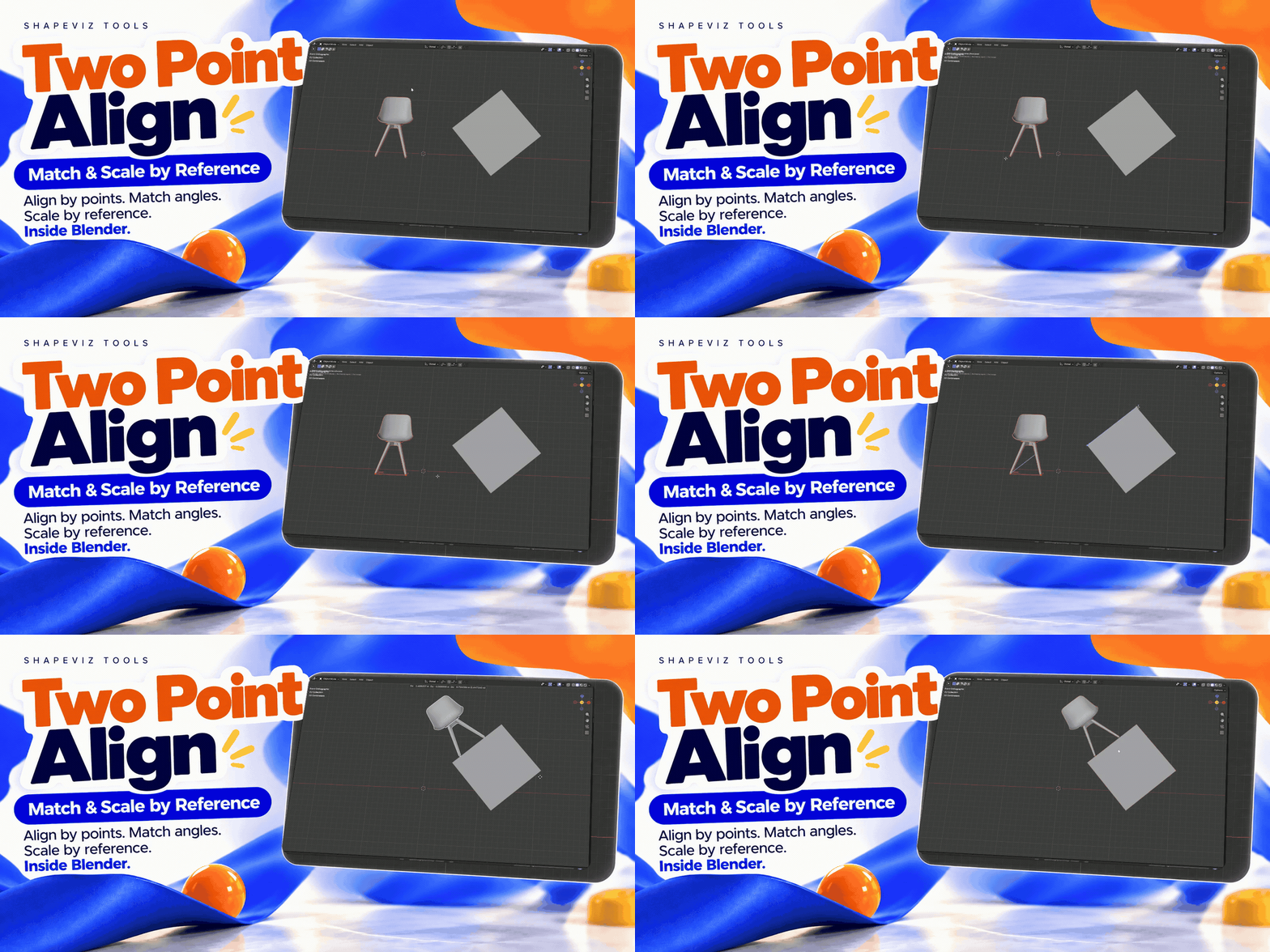
Stop eyeballing angles and repeatedly adjusting transforms. Two Point Align lets you align and scale objects using points you pick directly in the Blender viewport. Straighten geometry horizontally or vertically, match a reference angle, or scale to a reference width or height.
POINT-BASED ALIGNMENT / REFERENCE SCALING
Five practical tools for precise object alignment and reference scaling. Especially useful when an object's rotation has already been applied, making it difficult to straighten by eye. Simply pick reference points and align your objects accurately without guessing angles or manually adjusting transforms.
Important: Two Point Align works only in Orthographic View. Perspective View is not supported.
A SIMPLE WORKFLOW, RIGHT IN THE VIEWPORT
Select. Pick. Align.
Select your object, choose a tool and define the points in an orthographic view. Let Two Point Align handle the rotation or reference-based scaling.
Object → Tool → Pick Points → Aligned Result
01 / THE TOOLS
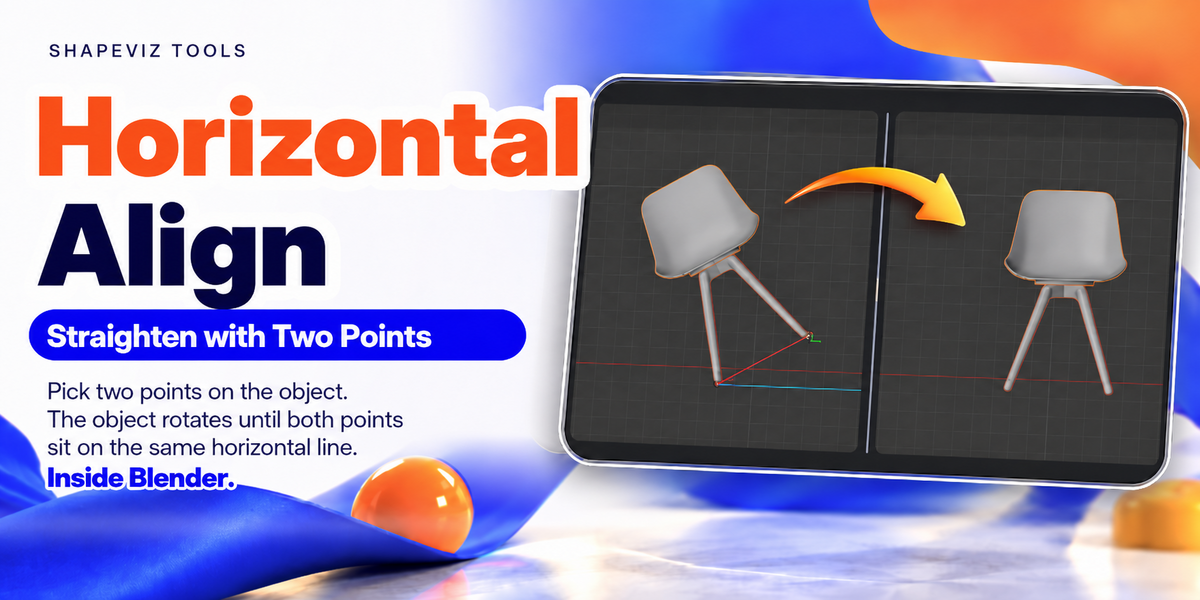
Make It Horizontal.
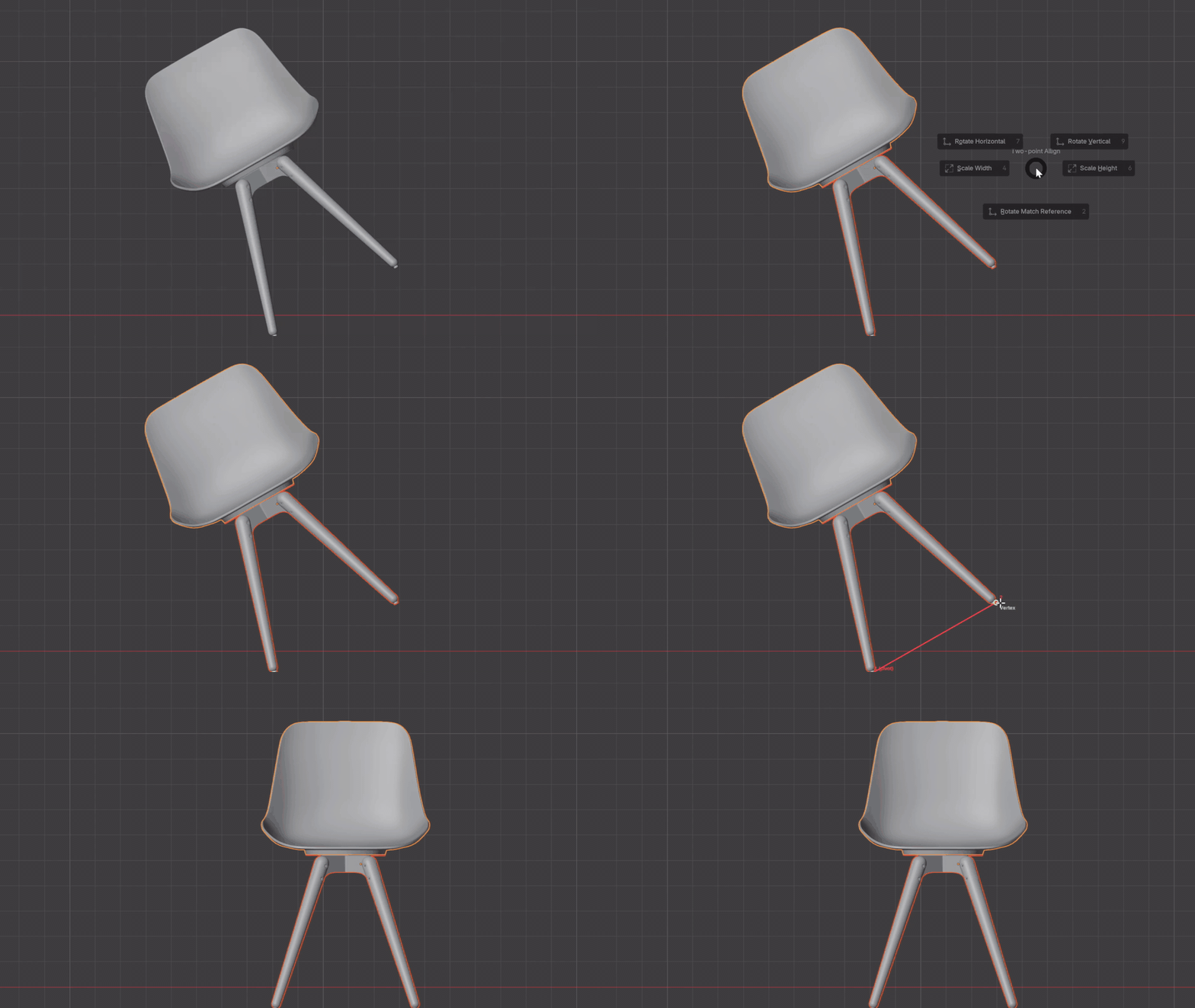
Choose two points that define a direction on your object, and align that direction horizontally in the orthographic view. A tilted model, straightened without guessing the angle.
02 / THE TOOLS
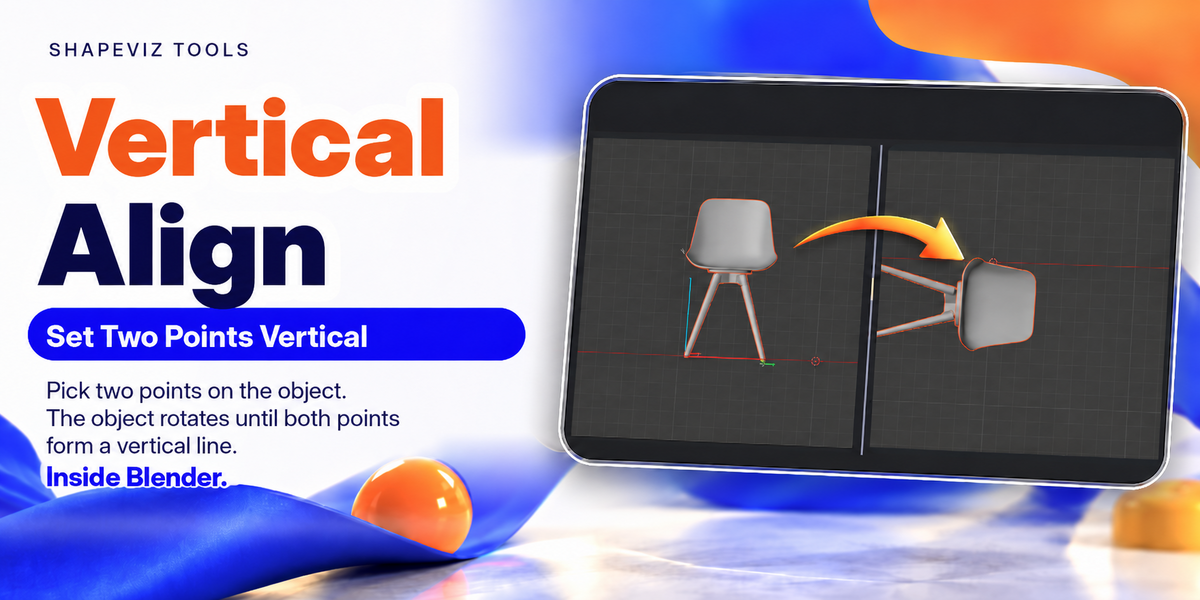
Set It Vertical.
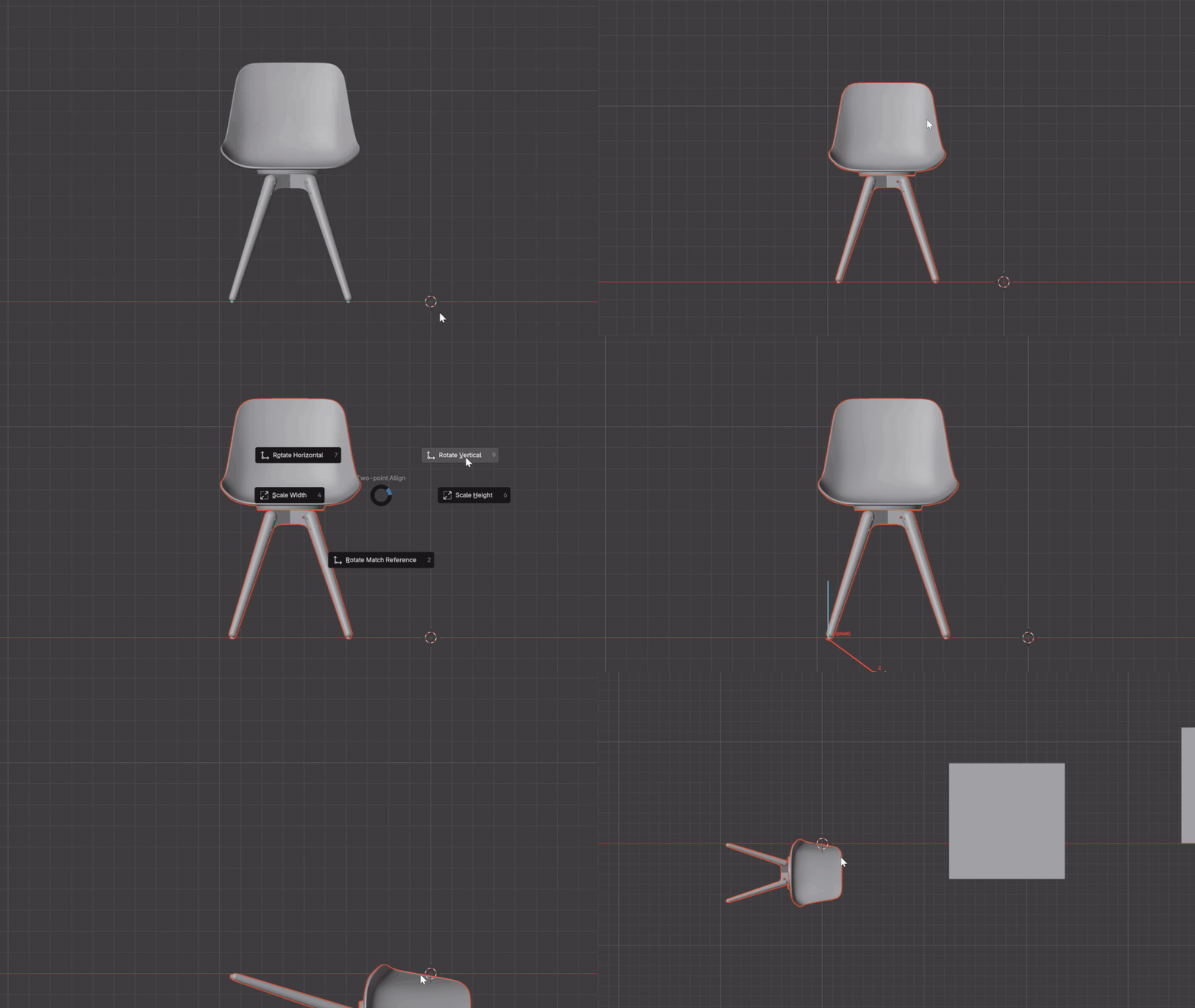
Need a vertical reference instead? Define the direction with two points and let Two Point Align rotate the selected object into place.
03 / THE TOOLS
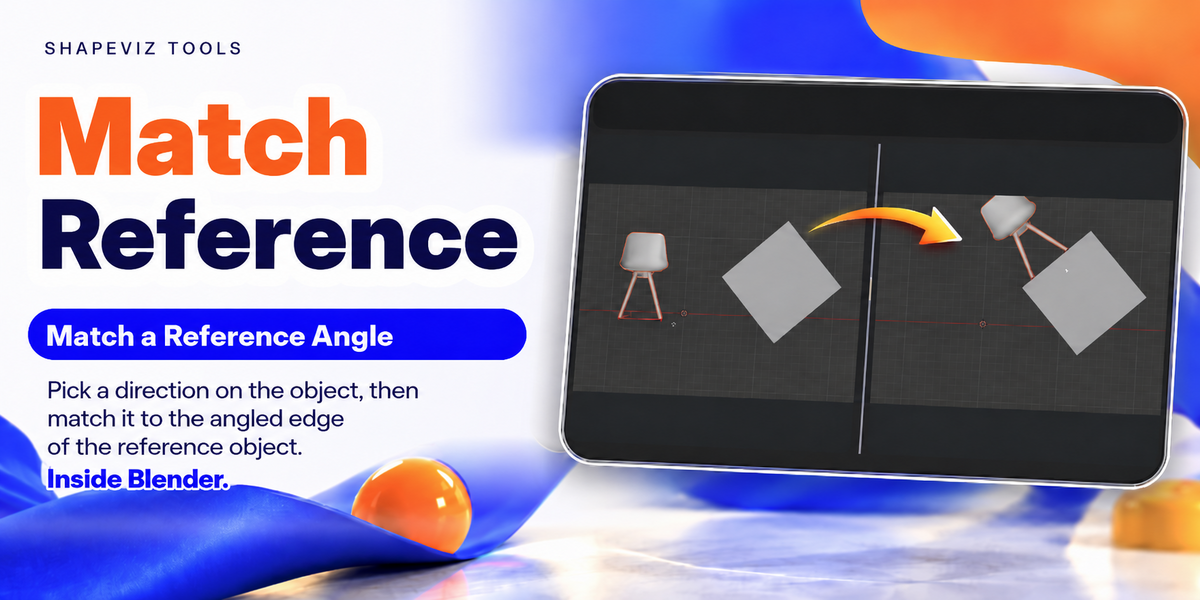
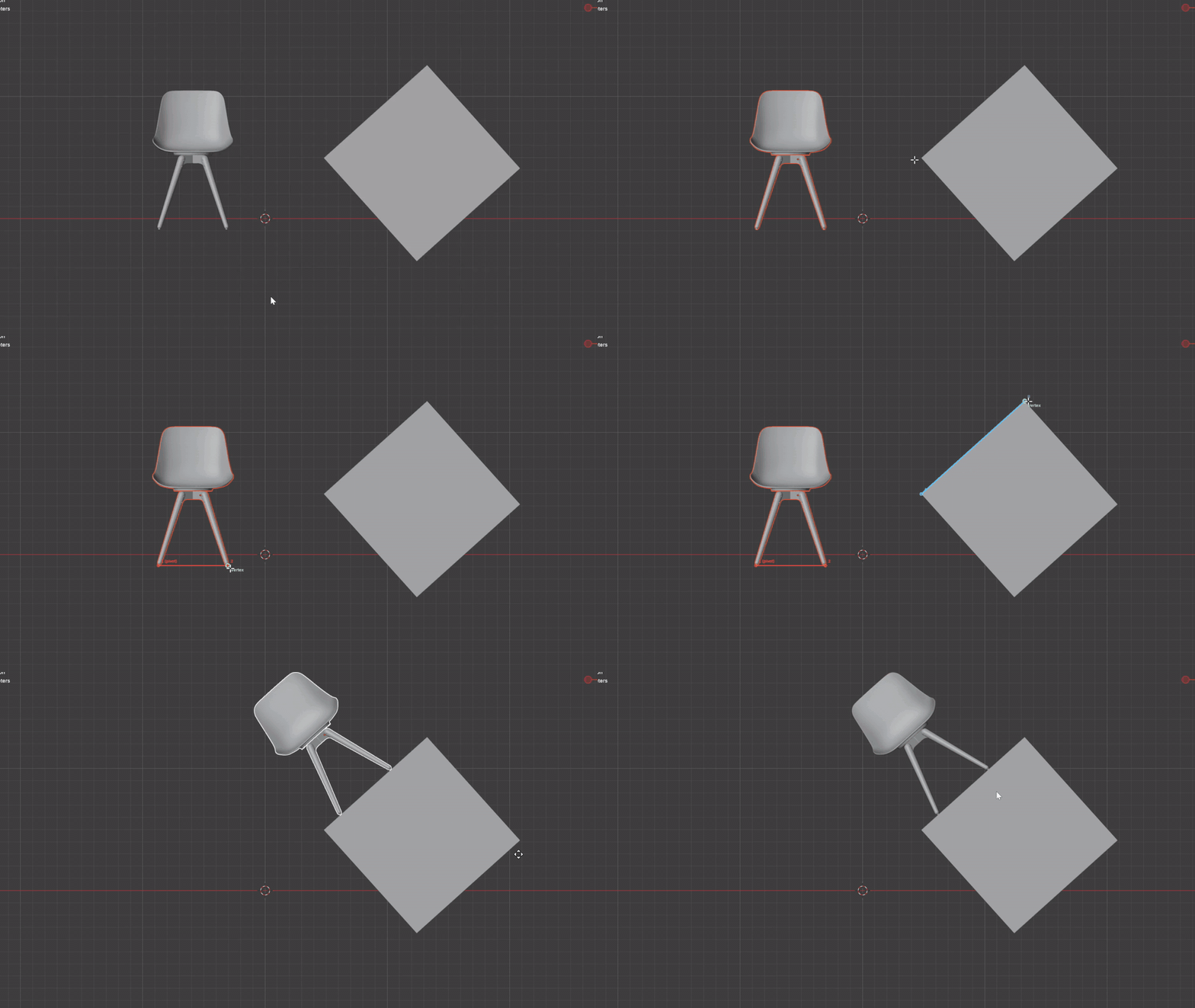
Match a Reference Angle.
Align your model to another object or reference. Pick a direction on your model, define the target direction, and match the angle directly in the viewport.
04 / THE TOOLS
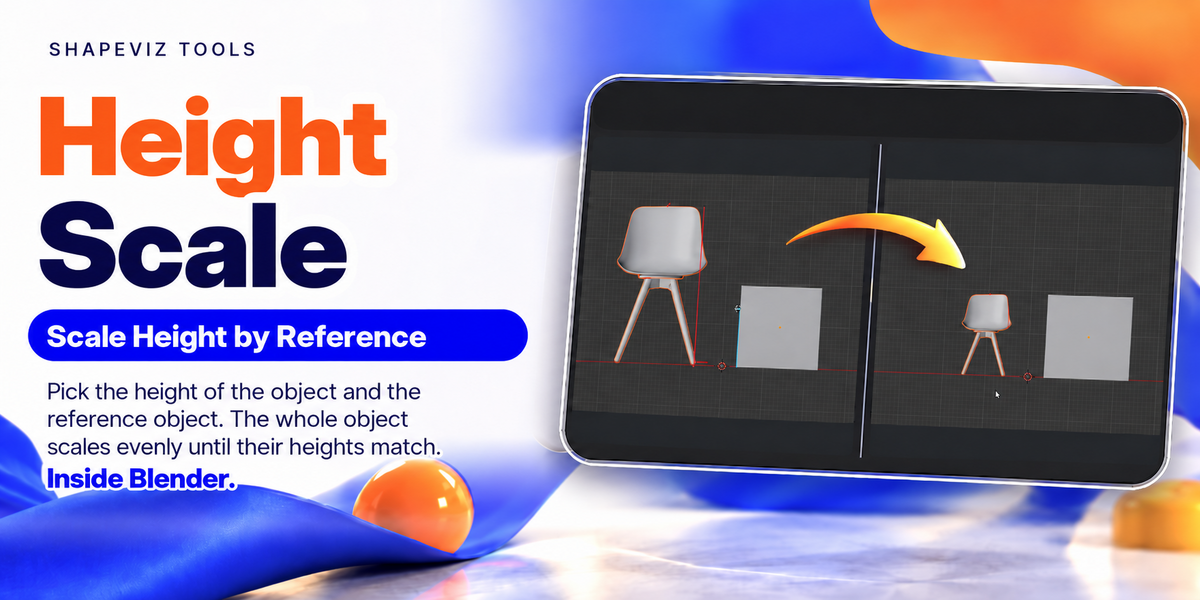
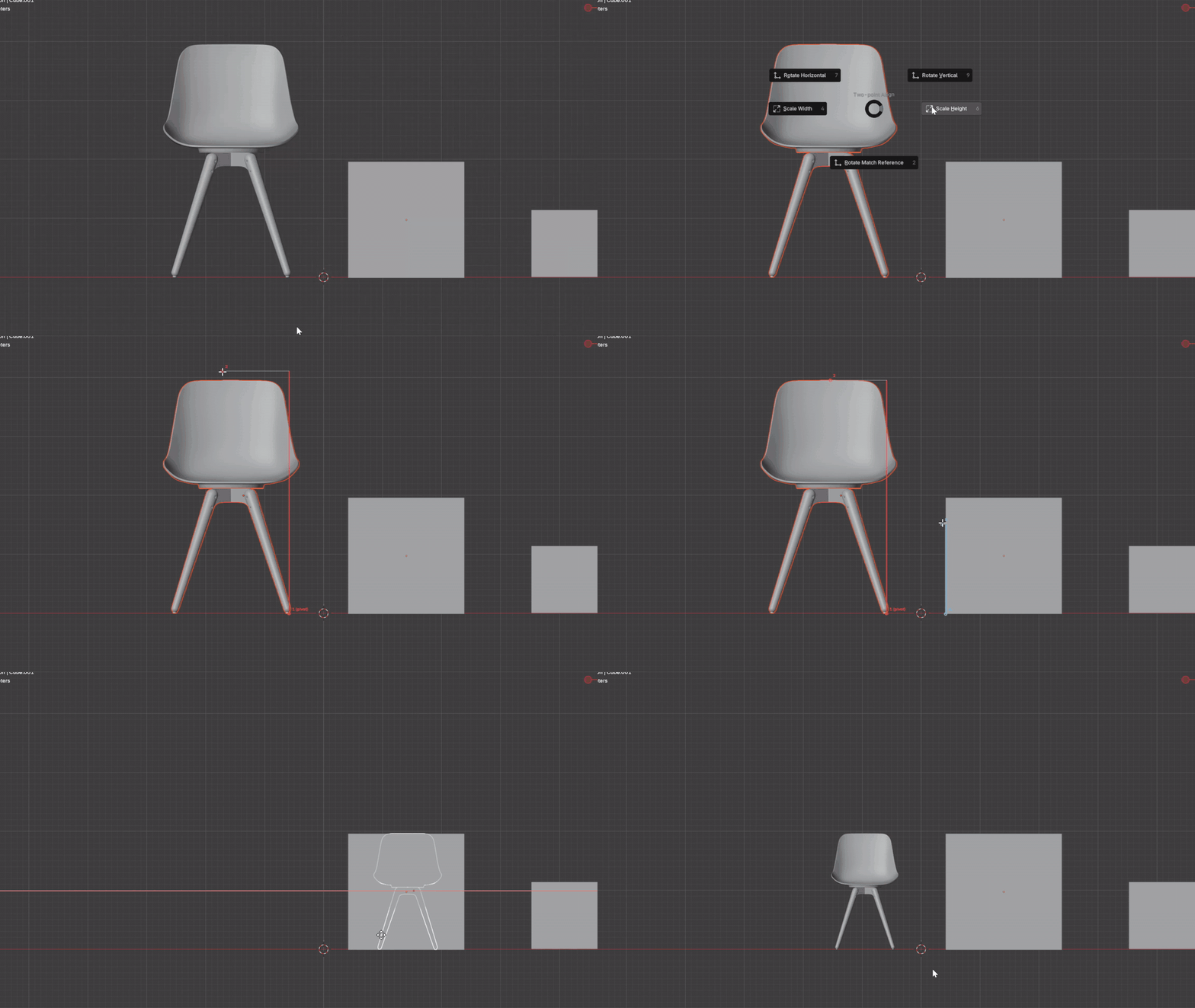
Scale Height by Reference.
Match a model to the height of a reference using picked points rather than manually trial-and-error scaling. Useful when visual dimensions need to line up.
05 / THE TOOLS
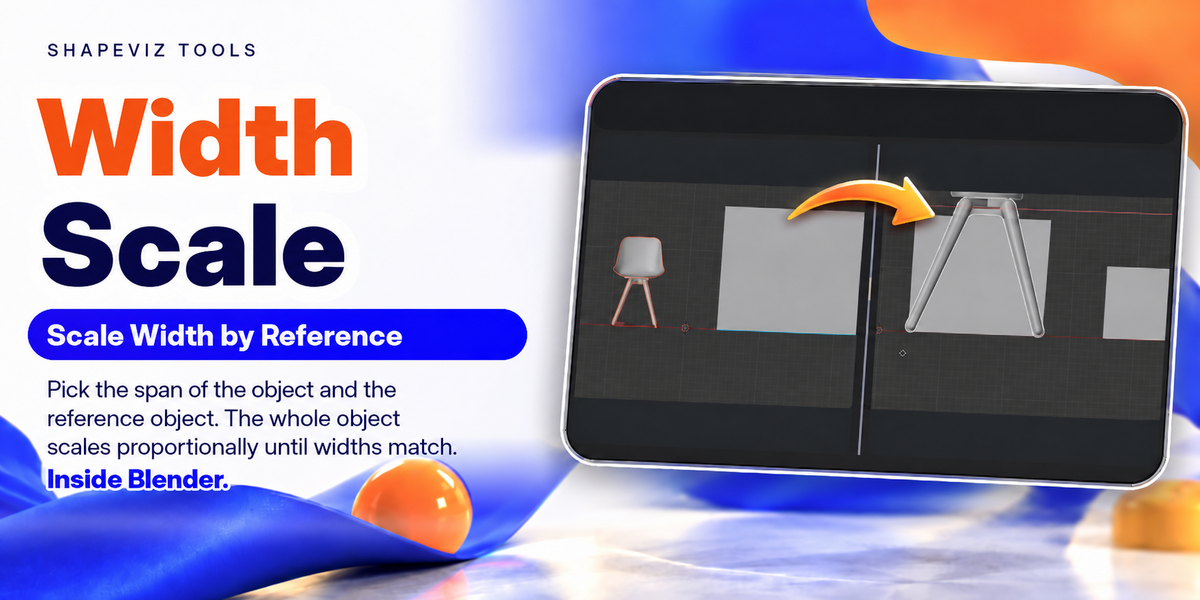
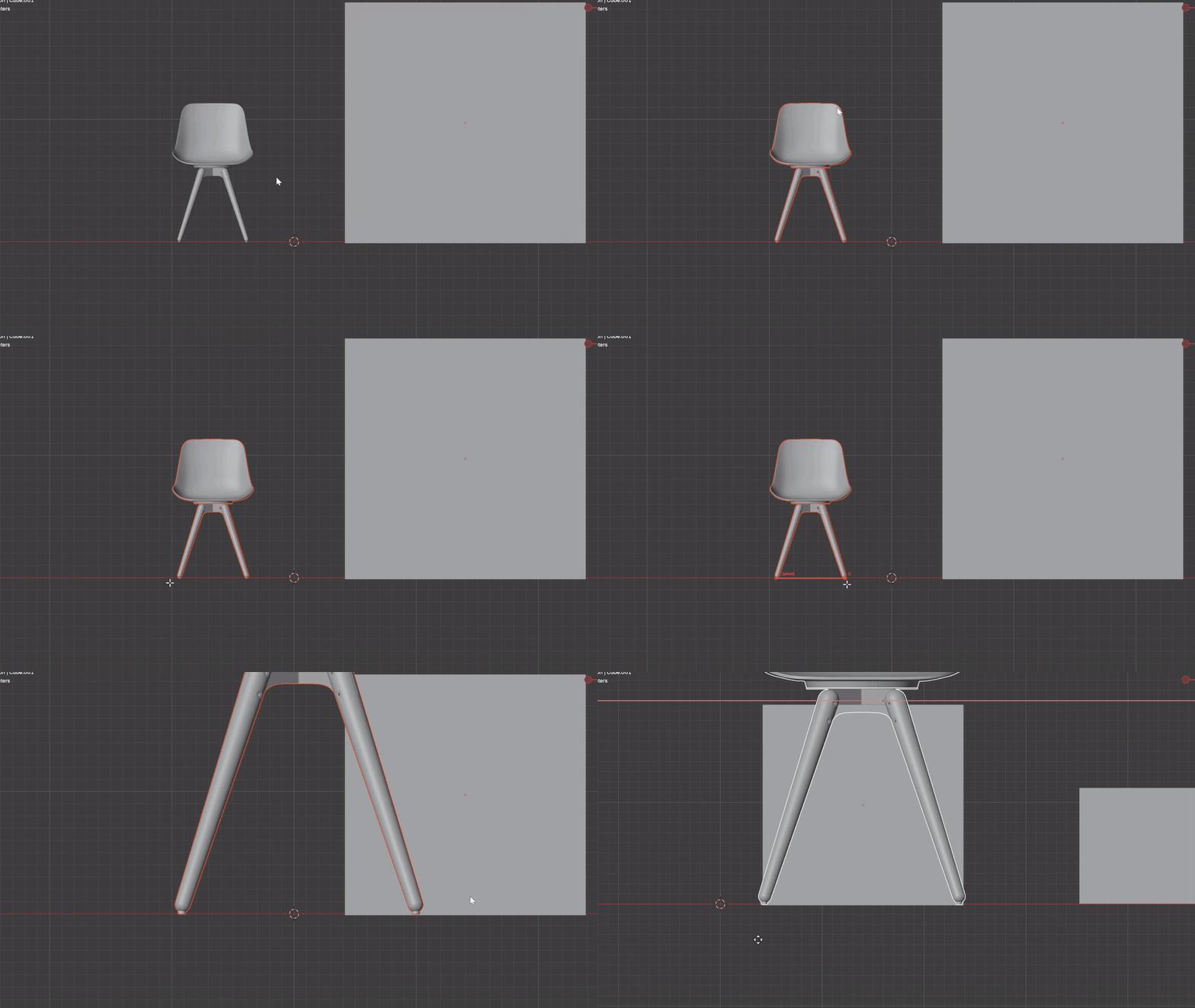
Scale Width by Reference.
Set a reference width in the orthographic viewport and scale your selected object to match it. Keep your attention on the geometry instead of the transform fields.
YOUR WORKFLOW, YOUR CHOICE
Pie Menu or N-Panel. You Decide.
Pie Menu: Bring up the tools with a keyboard shortcut that you can configure yourself. Enable or disable the shortcut in the add-on preferences.
N-Panel: Prefer visible controls? Switch the display location to Blender's sidebar instead.
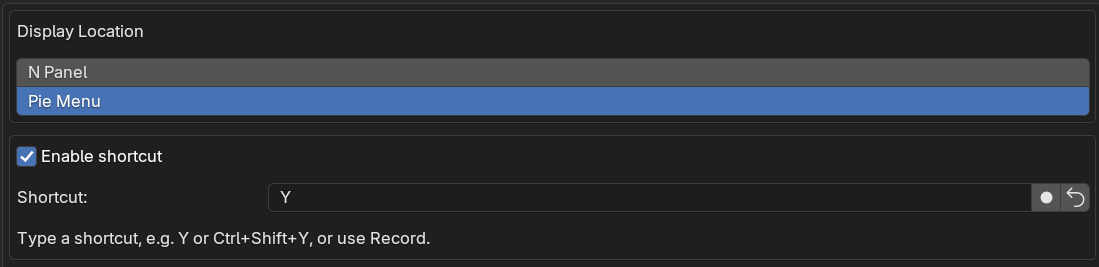
Change Display Location and customize your shortcut in the add-on preferences.
What You Get.
- Horizontal alignment based on two picked points.
- Vertical alignment based on two picked points.
- Rotation matching to a reference direction.
- Height scaling using a reference measurement.
- Width scaling using a reference measurement.
- Choice of Pie Menu with customizable shortcut or N-Panel controls.
A Few Things to Know.
Does Two Point Align work in Perspective View?
No. Orthographic View is required for the alignment and reference-scaling tools.
Do I have to use a keyboard shortcut?
No. In the add-on preferences, choose between the Pie Menu workflow and N-Panel controls. If you use the Pie Menu, you can enable and customize your shortcut.
What can I do with the reference tools?
Match your model to a reference direction or to a picked width or height. The video examples above show each tool in Blender.
How do I get started?
Install and enable the add-on in Blender, choose Pie Menu or N-Panel in its preferences, switch to Orthographic View, select your object and choose the alignment or scaling operation you need.
SHAPEVIZ TOOLS · TWO POINT ALIGN
Less Guesswork. More Modeling.
Align, match and scale by reference — right where you work.
Created by Shapeviz Tools