 Layerform


Type Animator for Blender
Type Animator is a Blender add-on designed to help you create polished animated 3D text effects quickly, without manually building complex keyframes, camera moves, particle setups, or letter animations from scratch.
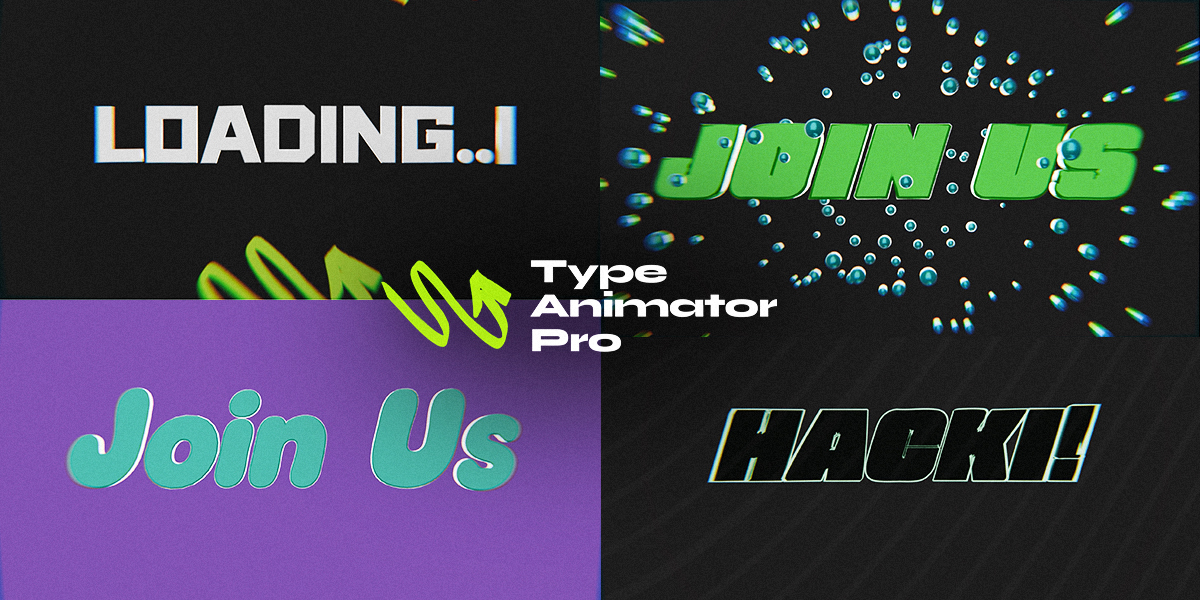
It is built for motion graphics, product promos, title sequences, YouTube intros, social media videos, 3D typography, logo reveals, stock animation assets, and client presentation visuals. The workflow is simple: enter your text, choose an animation style, adjust the controls, and click Build. Type Animator generates the animated setup directly inside your Blender scene.
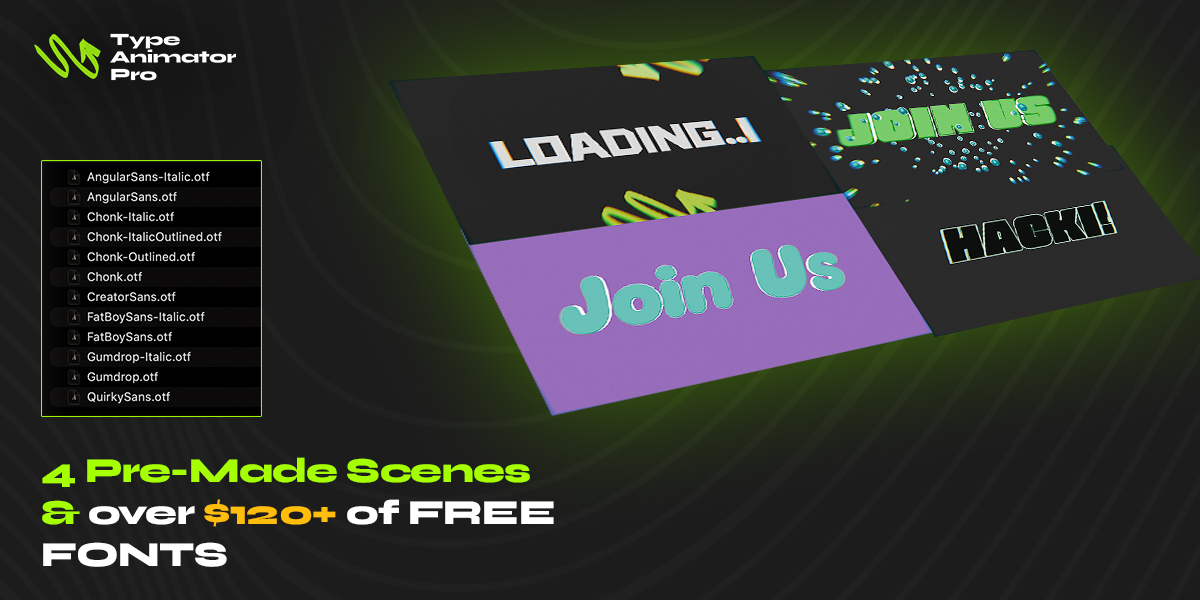
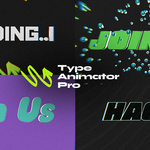
The add-on includes 11 ready-made text animation effects, ranging from clean and simple title reveals to more cinematic camera-based motion.
Included effects:
- V1 Typewriter — classic typewriter reveal with optional cursor control.
- V2 Pop In — quick scale-based title entrance.
- V3 Spin In — rotating text reveal that lands into place.
- V4 Flip In — clean flipping text animation.
- V5 Scramble Decode — randomized characters resolve into your final text.
- V6 Particle Aura — particles drift around the text for an atmospheric motion graphic look.
- V7 Parallax Push — one editable text object with a subtle depth/camera push effect.
- V8 Stamp Impact — bold impact-style title animation with punch and rebound.
- V9 Wave Distortion — animated wave motion across individual letters.
- V10 Letter Orbit — letters orbit into position for a dynamic reveal.
- V11 Spiral Zoom — cinematic camera orbit and zoom effect focused on one editable text object.
Type Animator includes common text styling controls such as font size, character spacing, word spacing, line spacing, alignment, extrusion, bevel depth, and bevel resolution. Many effects also include their own custom settings, such as particle count, drift strength, impact punch, wave height, orbit radius, camera distance, lens settings, and zoom/orbit controls.
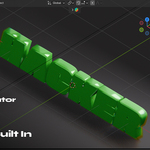
Several effects use a normal editable Blender text object, meaning you can select the generated text and change the font, material, extrusion, bevel, and other text properties using Blender’s standard Object Data Properties panel. Some advanced effects that generate multiple animated letters may require choosing the Build Font before pressing Build, so the layout is generated correctly from the start.
The add-on also includes camera helpers. You can automatically create a clean front camera, use the True ISO Camera option for isometric-style renders, or use built-in cinematic camera motion in effects such as Parallax Push and Spiral Zoom.
Type Animator is designed to be fast to test and easy to reset. The Build button creates the selected text animation, while Cleanup / Reset removes the generated Type Animator objects so you can quickly try another effect or rebuild with different settings.