Type Lab — Layered Arcade-Style 3D Lettering
 Pixelize LLC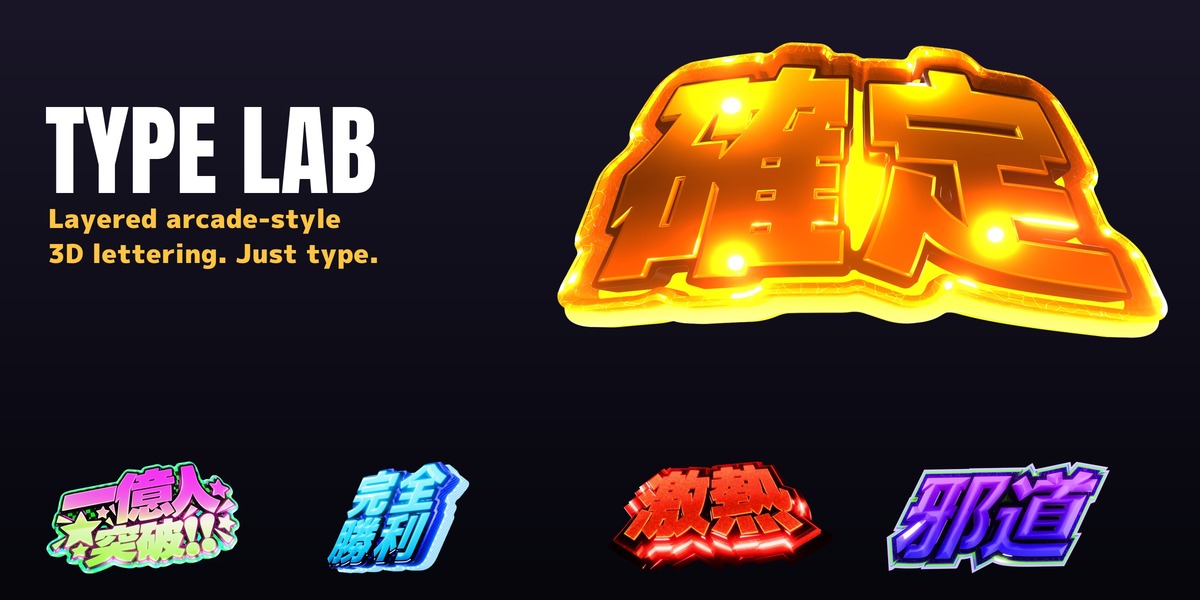

Installation
- Unzip TYPE_LAB_v11.5.0.zip. Inside: type_lab-11.5.0.zip (the extension), TypeLab_Samples_11.blend, Getting_Started.pdf, 使い方.pdf, LICENSE.txt, README.txt.
- Drag type_lab-11.5.0.zip onto the Blender window (or Preferences > Get Extensions > Install from Disk). The geometry library it needs is bundled (Windows x64 and Apple Silicon Mac).
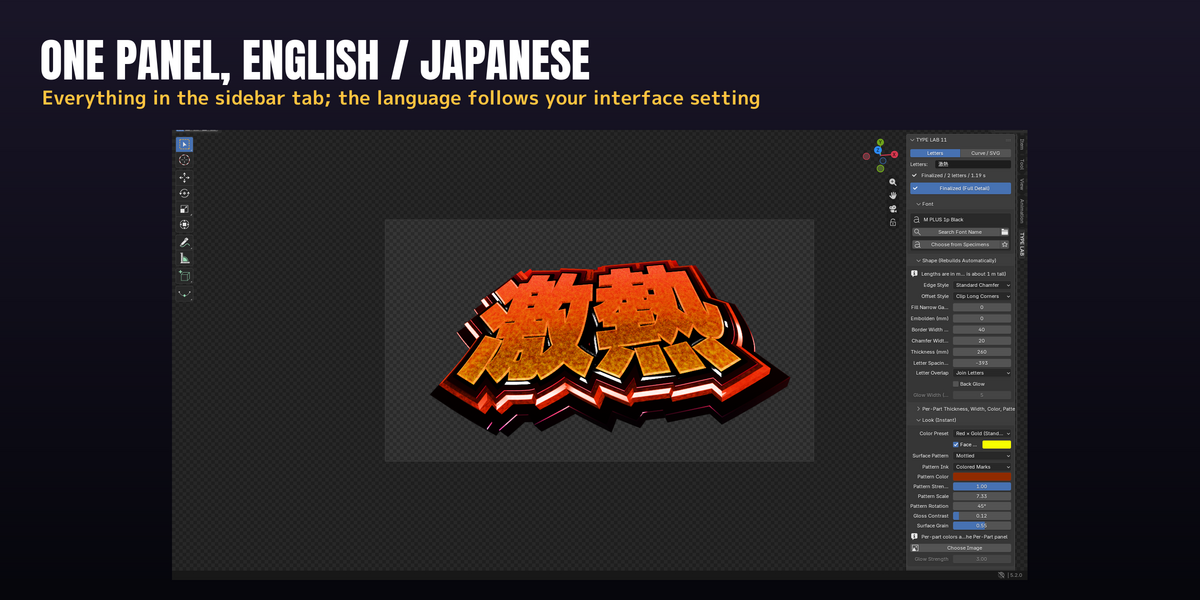
- In the 3D Viewport press N and open the TYPE LAB tab.
First lettering
- Click Add Lettering. If no font is chosen yet, click Choose from Specimens, then Apply under the font you want (any installed TTF / OTF / TTC).
- Type in the Letters field. The lettering rebuilds as you type, as a coarse draft; use | for a line break (up to 32 characters).
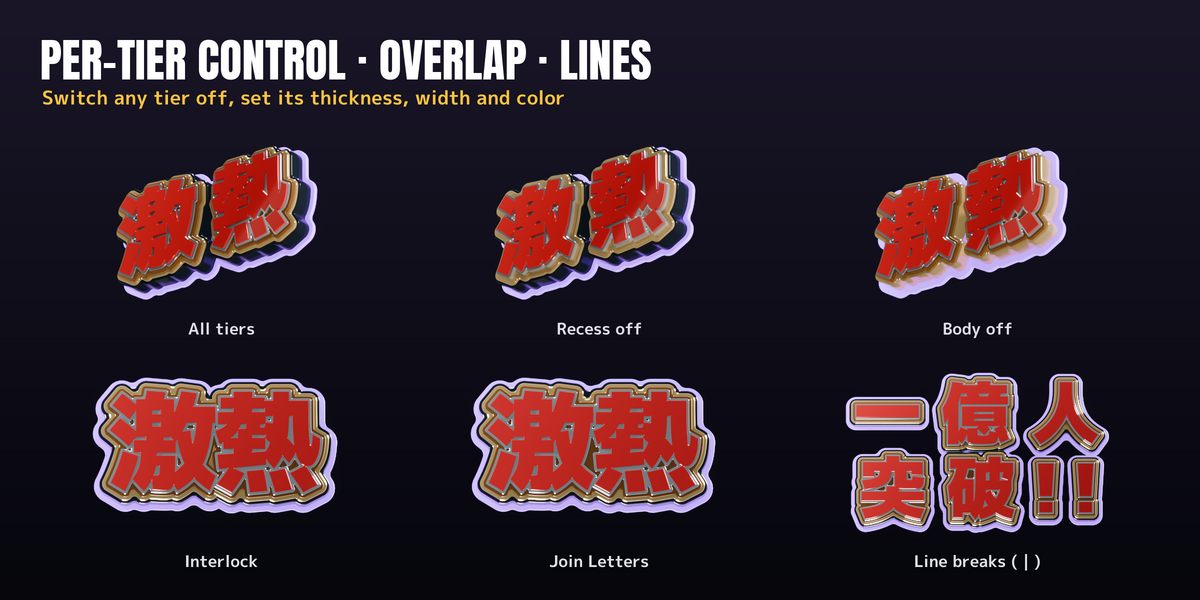
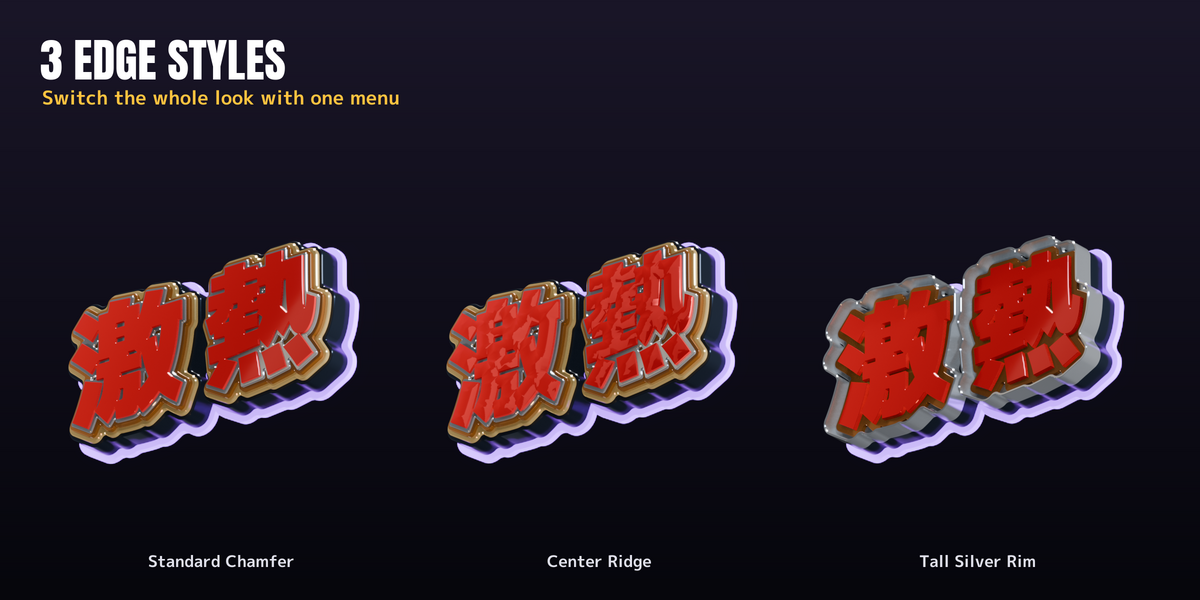
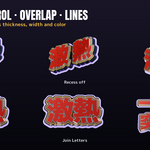
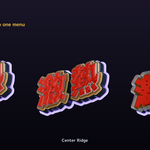
- Shape (Rebuilds Automatically): Edge Style (Standard Chamfer / Center Ridge / Tall Silver Rim), Border Width (mm), Chamfer Width (mm), Thickness (mm), Letter Spacing (mm) - negative values overlap the letters; choose Interlock or Join Letters under Letter Overlap - and Fill Narrow Gaps (mm).
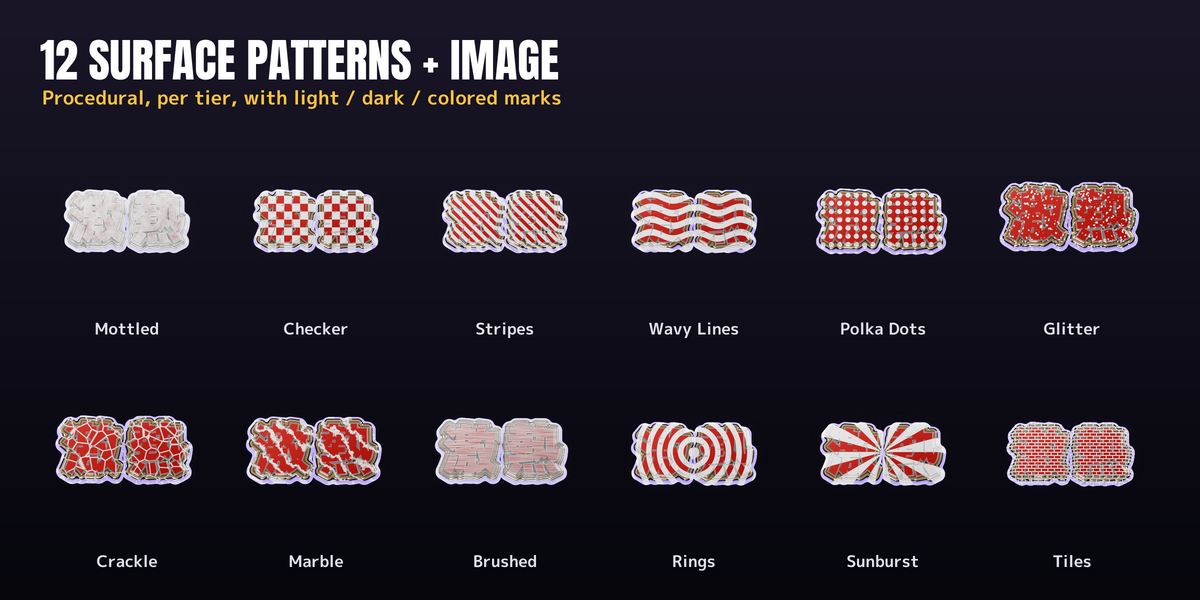
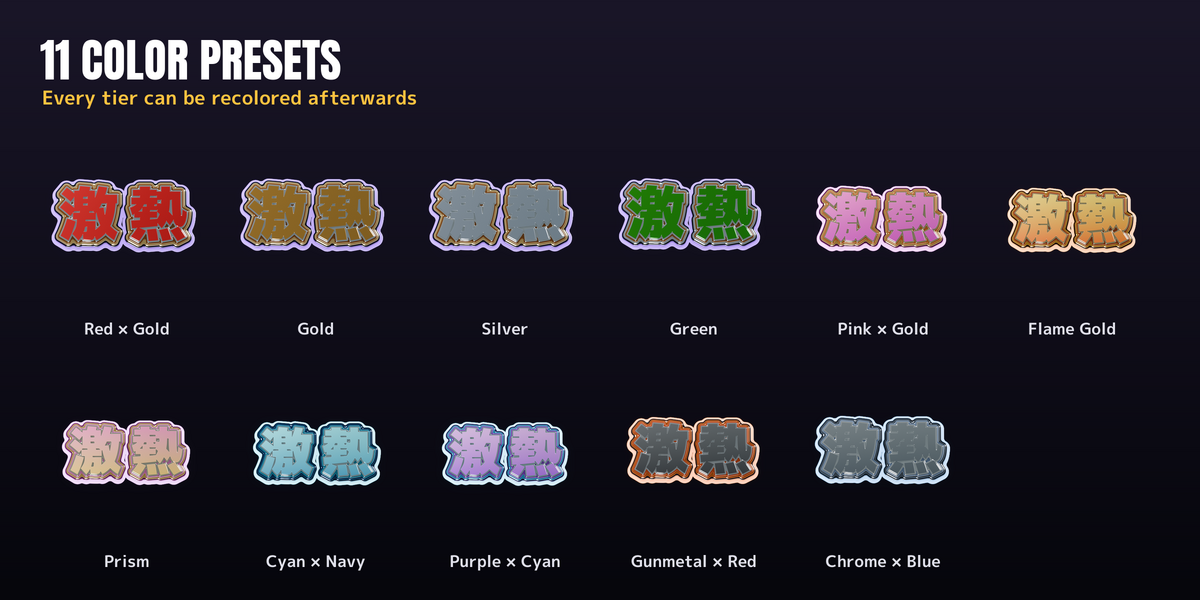
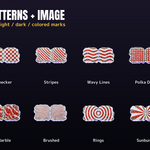
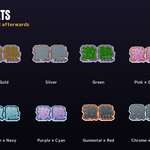
- Look (Instant): Color Preset, Surface Pattern and Pattern Ink. Per-Part Thickness, Width, Color, Pattern sets thickness, width, color and gradient per tier (numbered front to back), and whether the shared surface pattern applies to each tier.
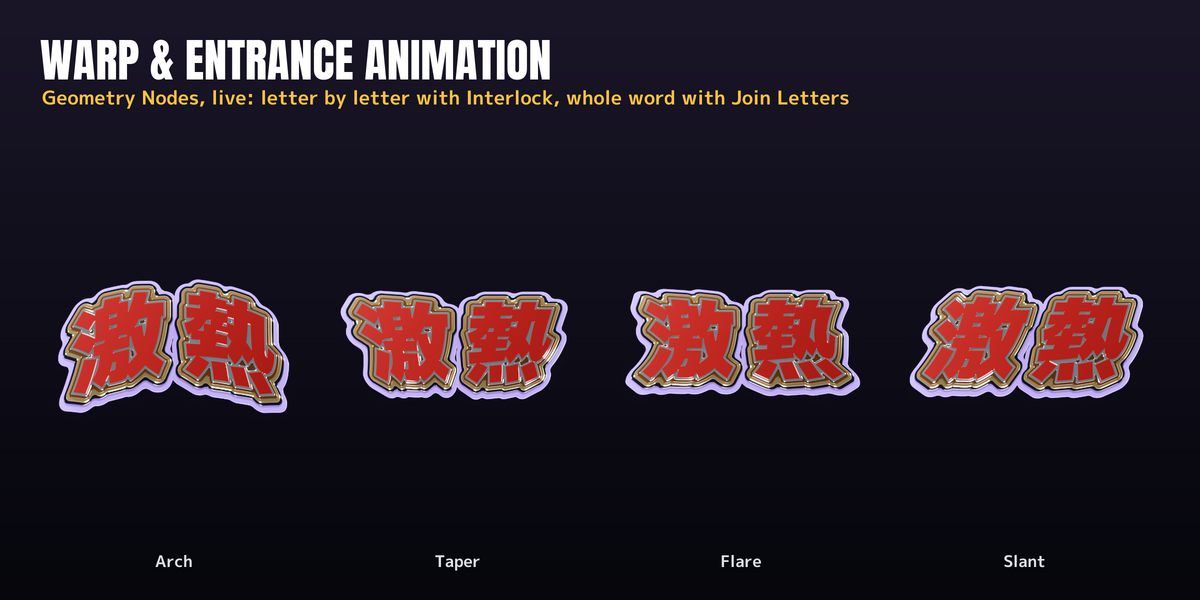
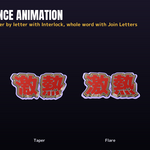
- Warp & Motion (Instant): Reverse Arch + / Arch −, Slant, Taper, Flare Top, Flare Bottom, Face Crown. Add Entrance Animation keys the entrance (letters one by one with Interlock, the whole word with Join Letters).
- Lights & Color: Add Rim Lights for the silver reflections; set Color Look (Whole Scene) to Keep Colors (Recommended) if bright colors look dull.
- Click Finalize before rendering (the button then reads Finalized (Full Detail)), or Bake to Mesh for a plain mesh you can take to other scenes or software.
SVG and curves
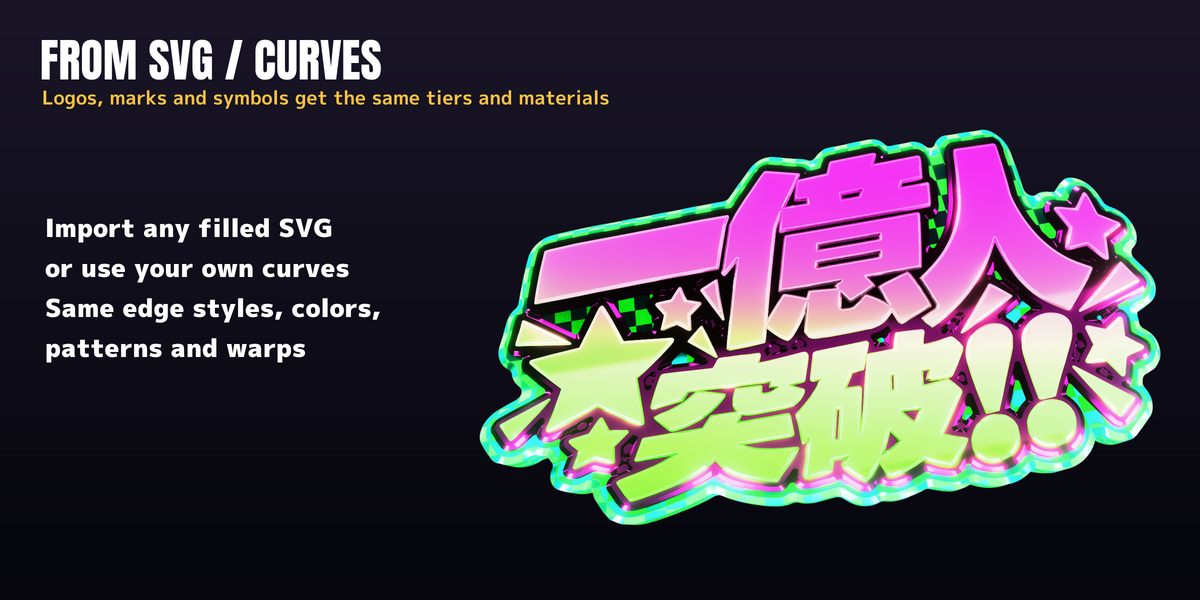
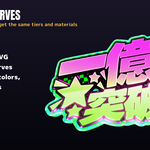
Set Shape Source to Curve / SVG and click Import SVG; filled shapes get the same tiers and materials.
Sample scenes
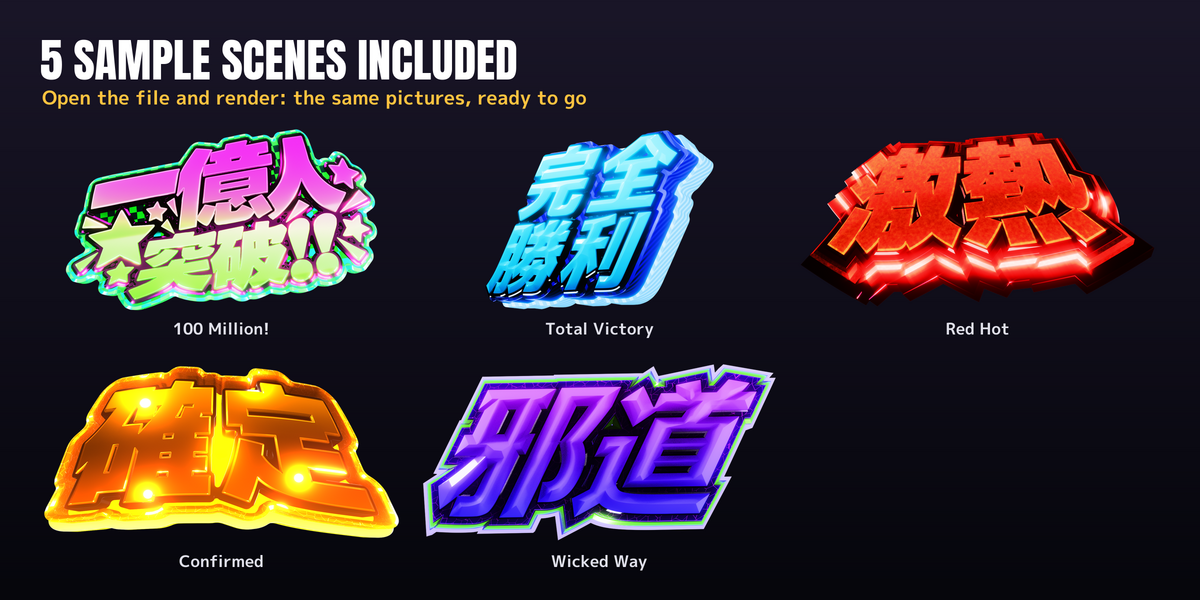
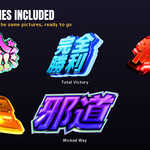
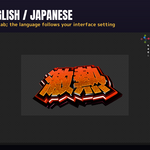
Open TypeLab_Samples_11.blend: five scenes (一億人突破, 完全勝利, 激熱, 確定, 邪道). The meshes are already built; choose a font in the panel to rebuild them with your own text.
Support
Getting_Started.pdf covers every panel in detail. Questions: message the creator through the store.
Have questions about this product?
Login to message
| Published | about 11 hours ago |
| Blender Version | 5.2 |
| Extension Type | N/A |
| Render Engine Used | Eevee |
| License | GPL |

Discover more products like this
geometry nodes slot machine arcade typography logo Gold title chrome motion graphics lettering bevel 3D text