 Pixelize LLC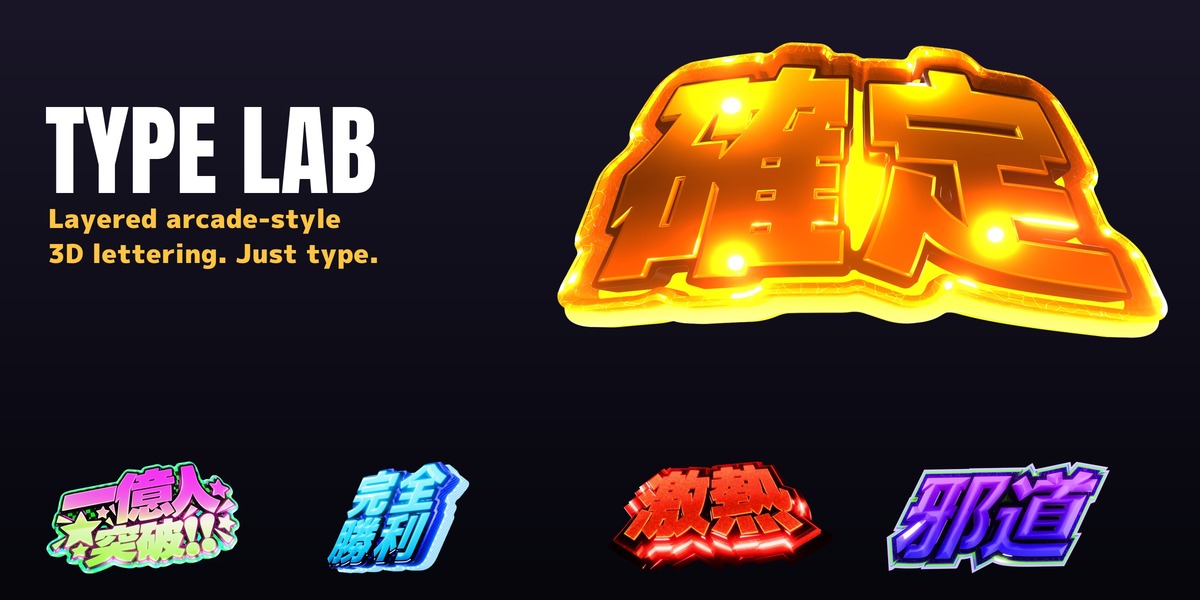
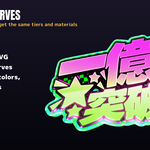
TYPE LAB turns any text into layered, arcade-style 3D lettering — the bold, chrome-and-gold look of slot machine and pachinko titles, game logos and broadcast graphics — directly in Blender.
Every tier (face, inner rim, recess, gold chamfer, body, back glow) is generated as one clean mesh from the font outline. Change the text, the font or any width, and the lettering rebuilds automatically after you stop editing; a coarse draft keeps editing responsive.
Features
- Type to build: any installed font, line breaks with |, spaces, up to 32 characters
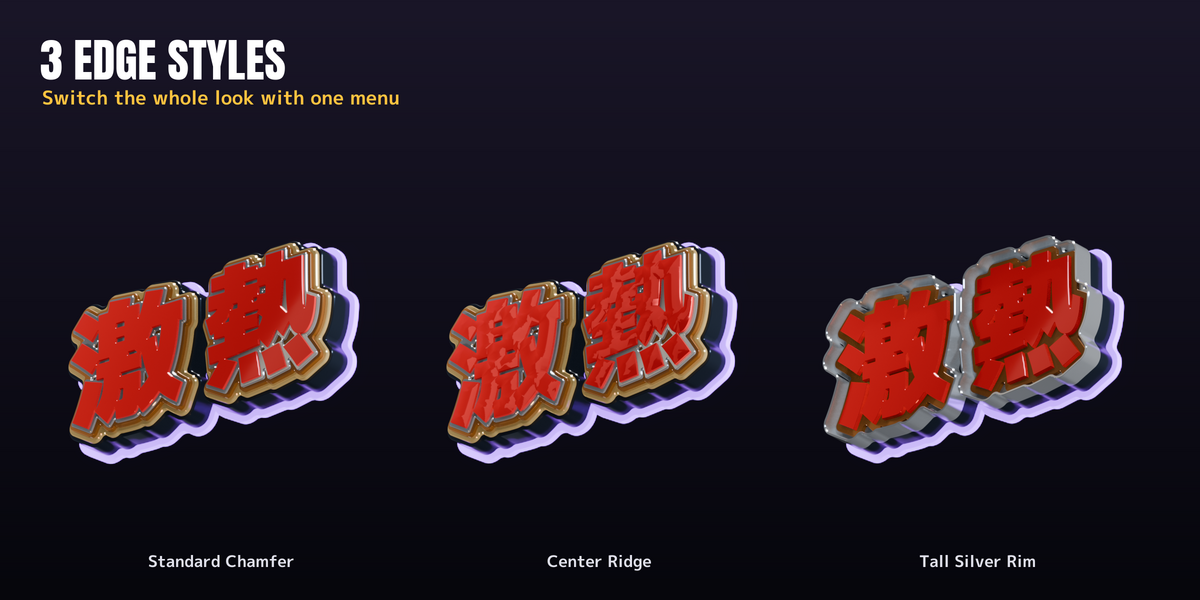
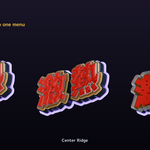
- 3 edge styles: Standard Chamfer, Center Ridge (sharp or smooth), Tall Silver Rim
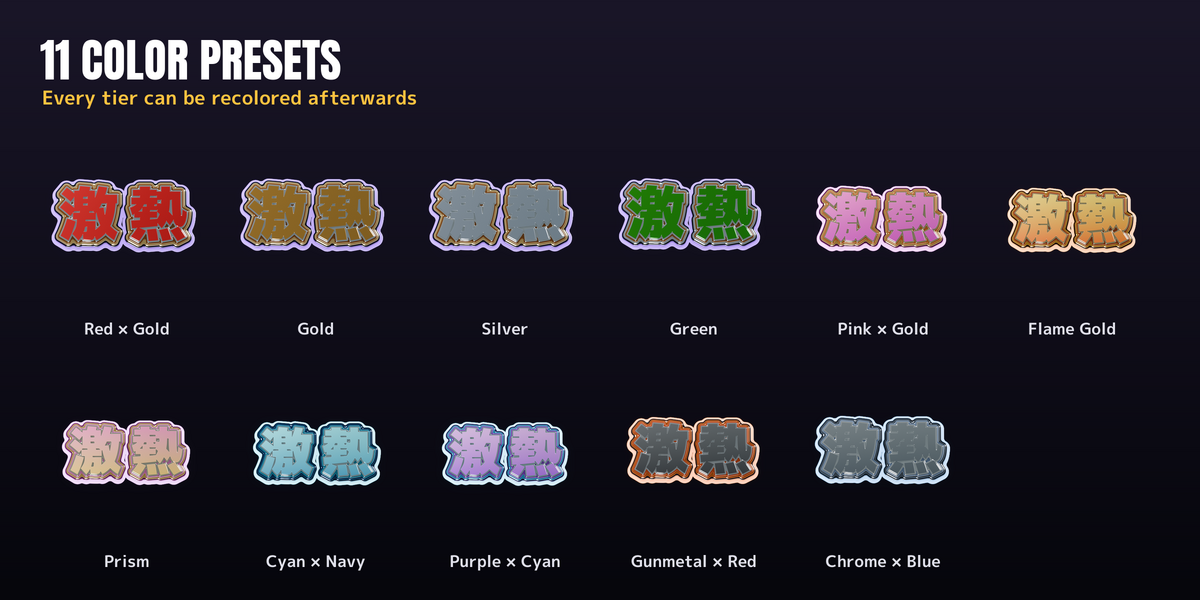
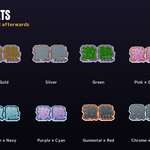
- 12 color presets (including Crystal), per-tier colors and gradients
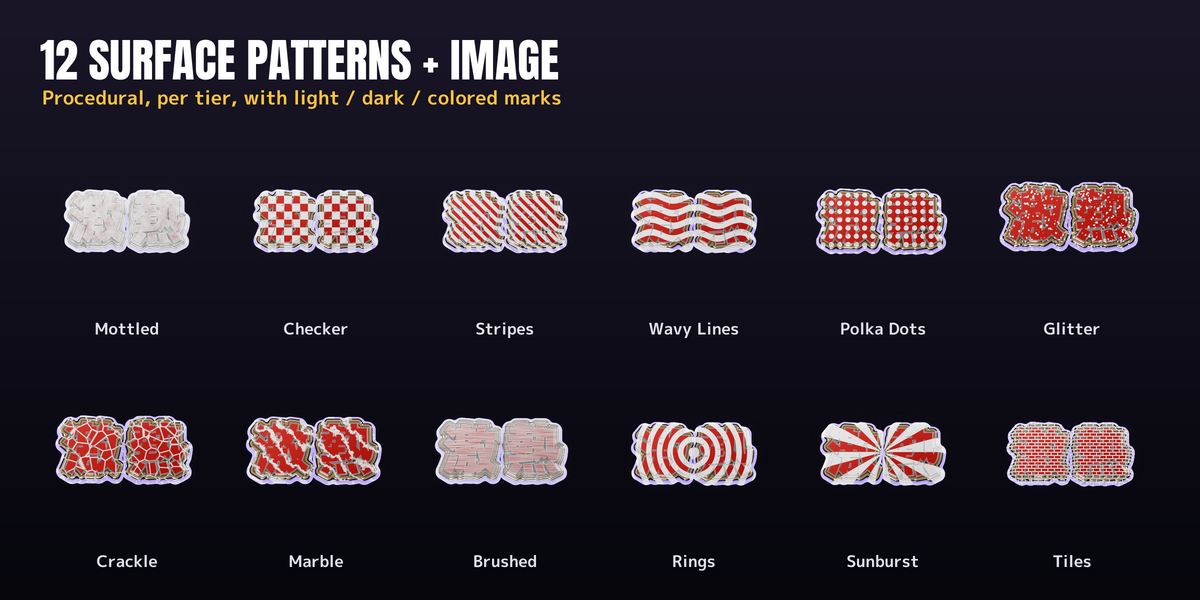
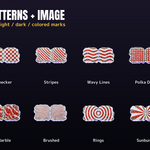
- 13 procedural surface patterns plus image: mottled, checker, stripes, waves, polka dots, glitter, crackle, marble, brushed, rings, sunburst, tiles, crystal facets; any pattern can be engraved or raised
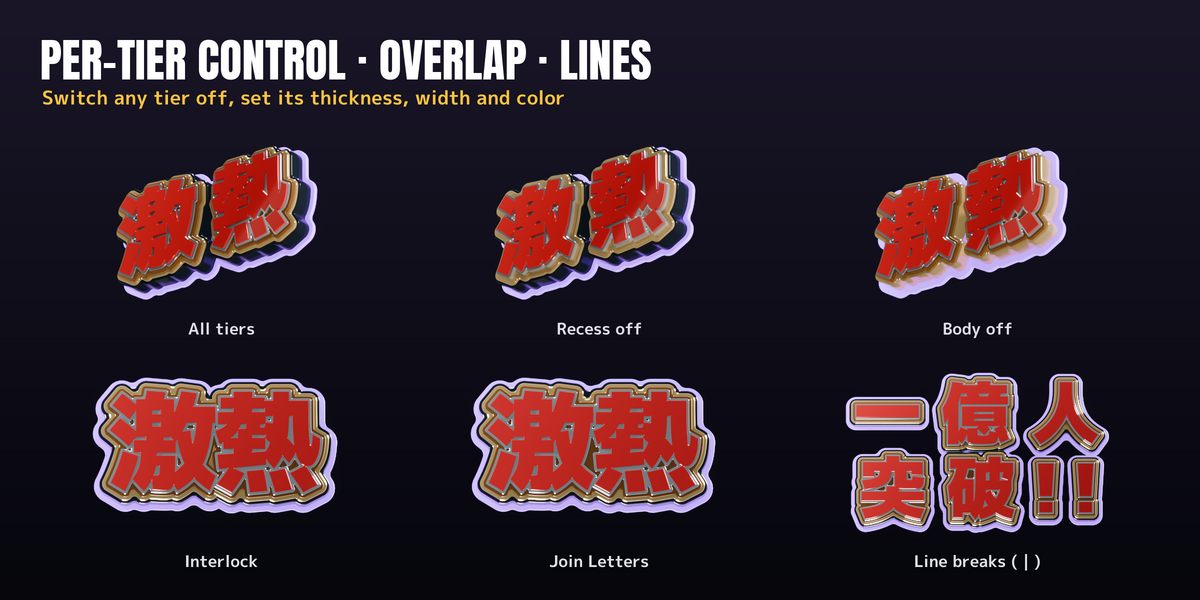
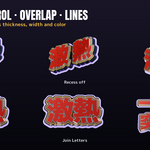
- Per-tier control: switch any tier off, set thickness, width, color and gradient, and whether (and how strongly) the shared pattern applies; tiers are numbered front to back
- Part passes: every tier as its own PNG sequence with alpha, plus the merged picture; grade each tier (color, glare) in Blender's Compositor or in After Effects
- Overlapping letters: Interlock (letters stay separate for the entrance) or Join Letters (one outline)
- Fill Narrow Gaps to clean up tight slits in the glyphs
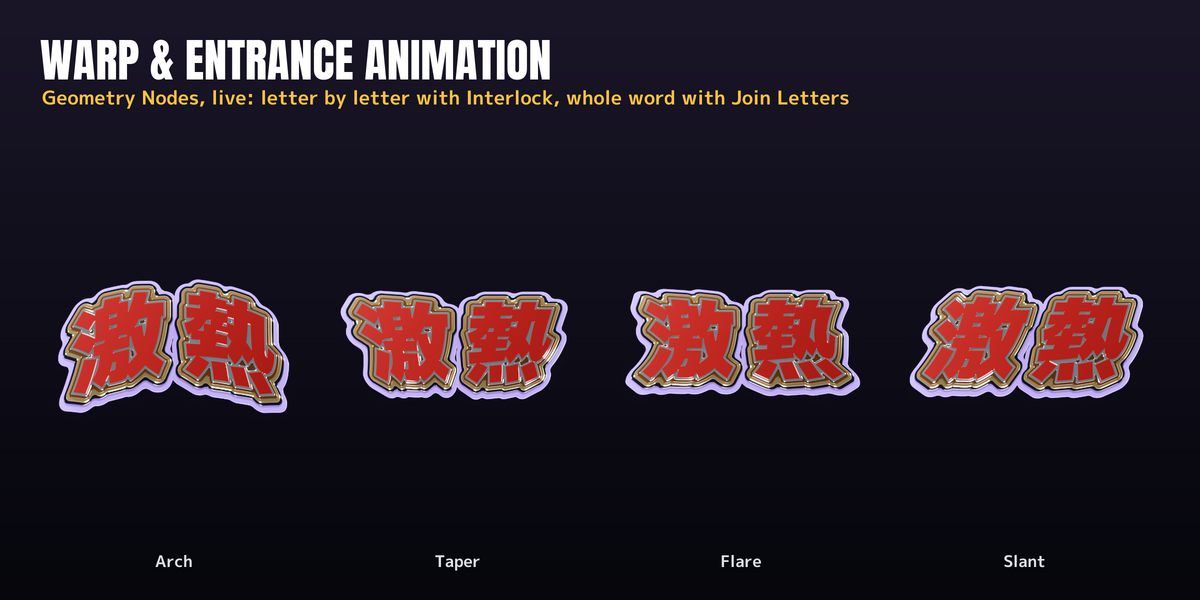
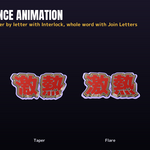
- Warp and entrance animation in Geometry Nodes: arch, slant, taper, flare, crown. With Interlock, letters fly in one by one; Join Letters animates the whole word
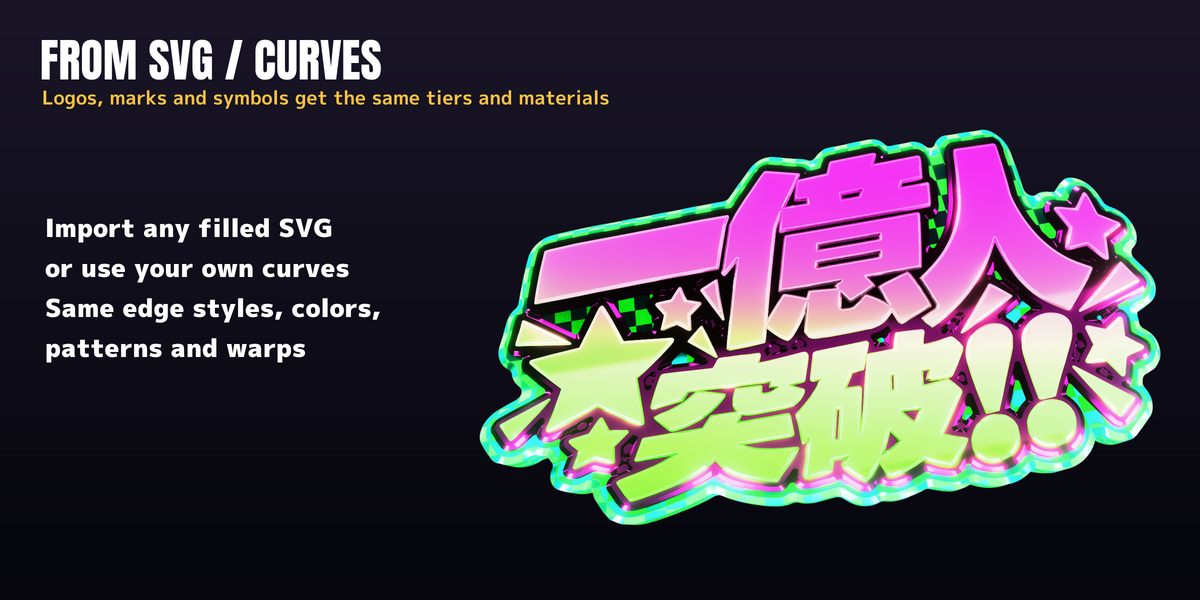
- Build from SVG or your own curves — logos and symbols get the same look
- One-click rim lights for the silver reflections
- Bake to Mesh for export to other software
- Font browser with specimens and favorites
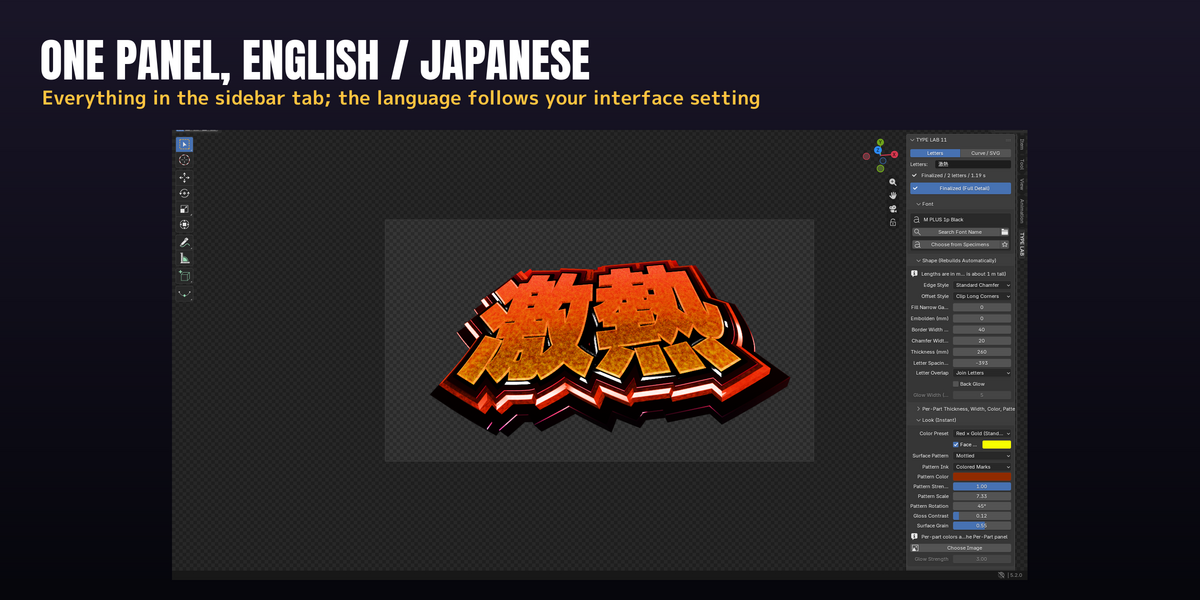
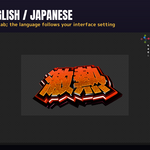
- English and Japanese interface (follows Blender's language)
- Fast draft while editing, one click to finalize full detail
Included
- The add-on (install the zip from Preferences or drag it onto Blender)
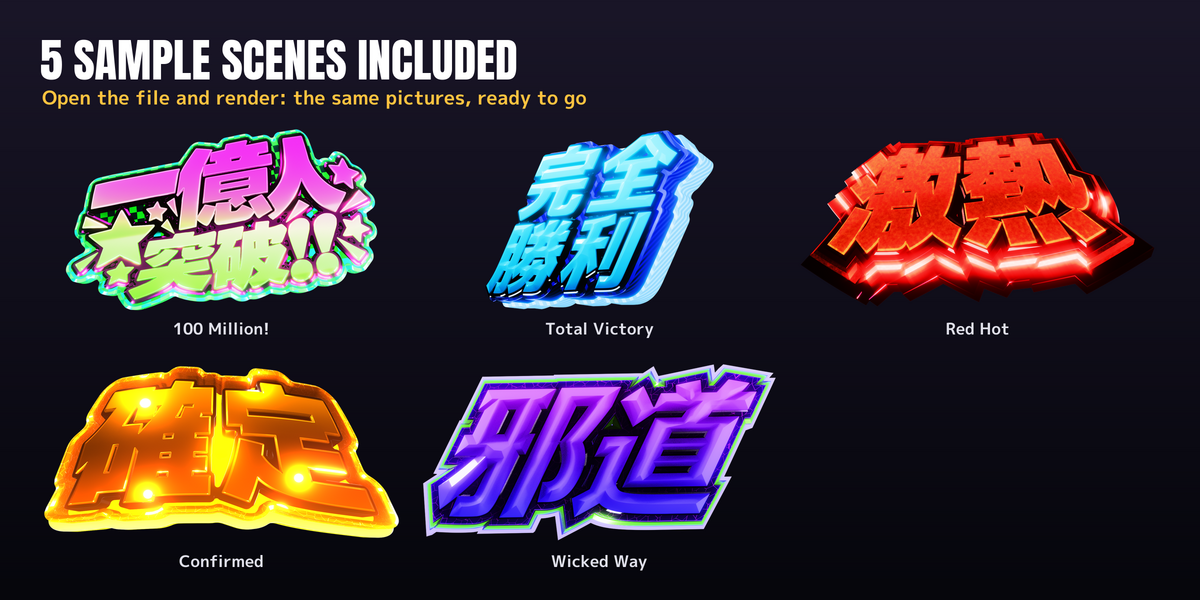
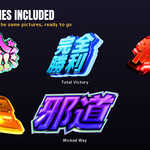
- Sample .blend with 5 ready-to-render scenes (built with the free M PLUS 1p font)
- Getting Started PDF (English) and 使い方 PDF (Japanese)
Requirements
- Windows 10 / 11 (64-bit) or macOS on Apple Silicon
- Blender 5.2 LTS or later
- EEVEE recommended
Please note
- Fonts are not included. TYPE LAB uses the fonts installed on your PC. Check each font's license before commercial use.
- TYPE LAB imposes no restriction on generated renders, videos or meshes. You remain responsible for the licenses of fonts and any imported SVGs, images, logos or other third-party assets.
- The promo video's narration is a synthetic voice based on the author's own voice and its music is AI-generated; the add-on and the sample scenes are not AI-generated.
