 Armin
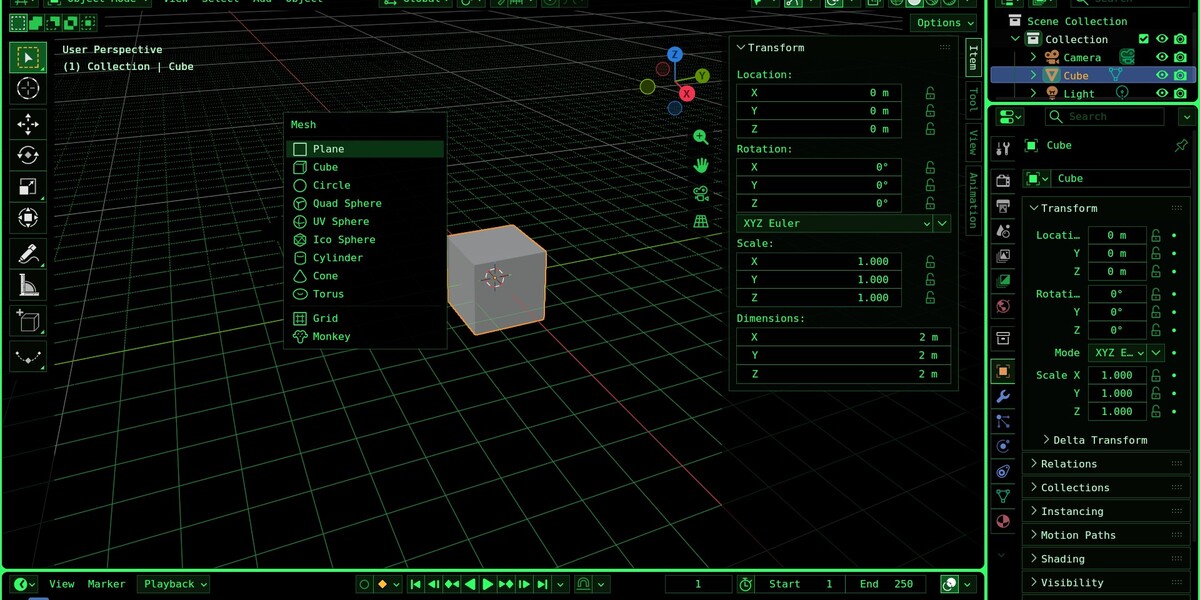
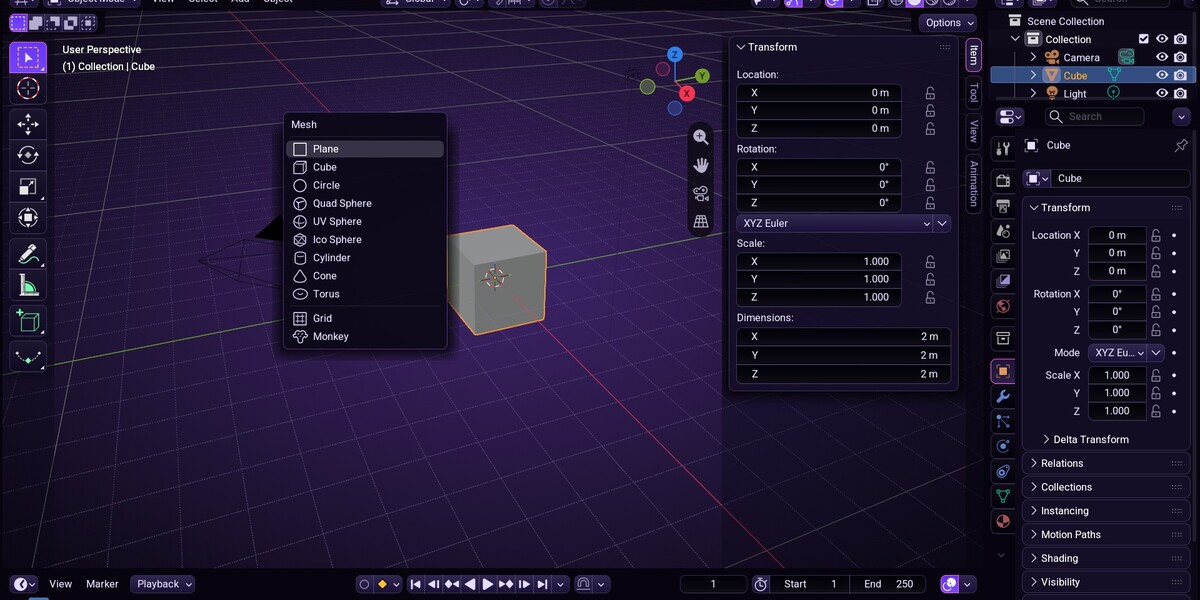
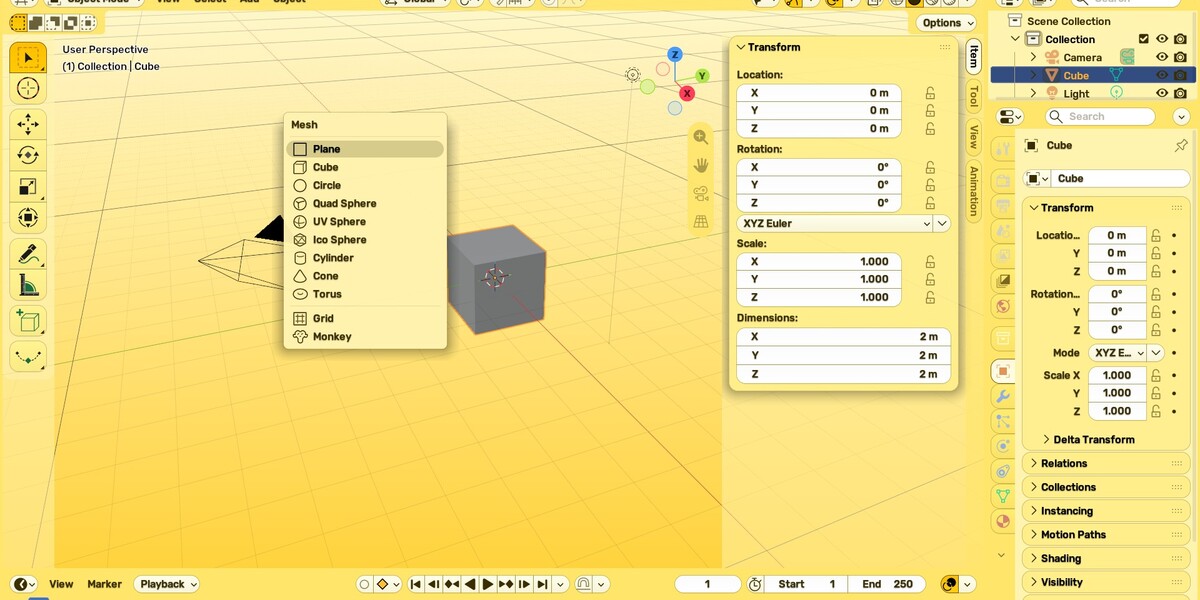

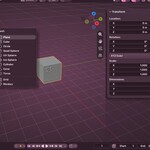
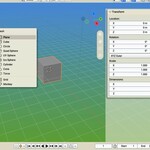
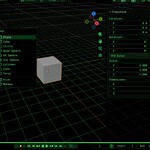
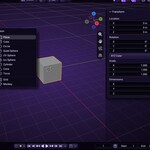
Installation
- Keep the downloaded ui_skins-1.0.1.zip zipped
- In Blender, open Edit > Preferences > Get Extensions
- Open the menu in the upper-right corner, choose Install from Disk and pick the ZIP
- In the 3D Viewport press N and open the UI Skins tab
Using it
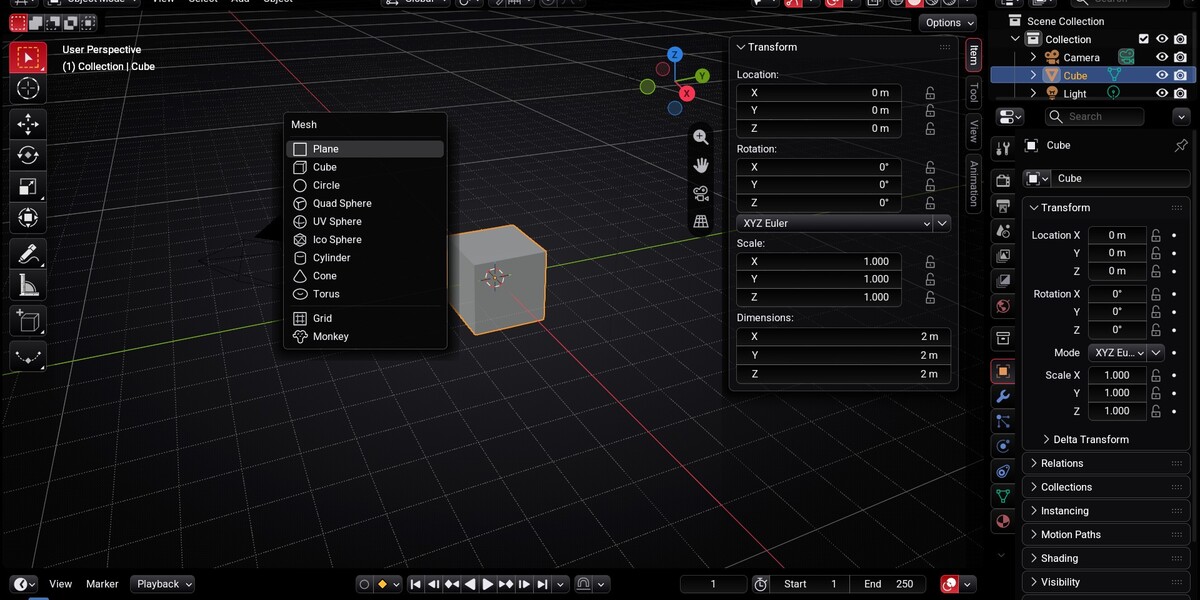
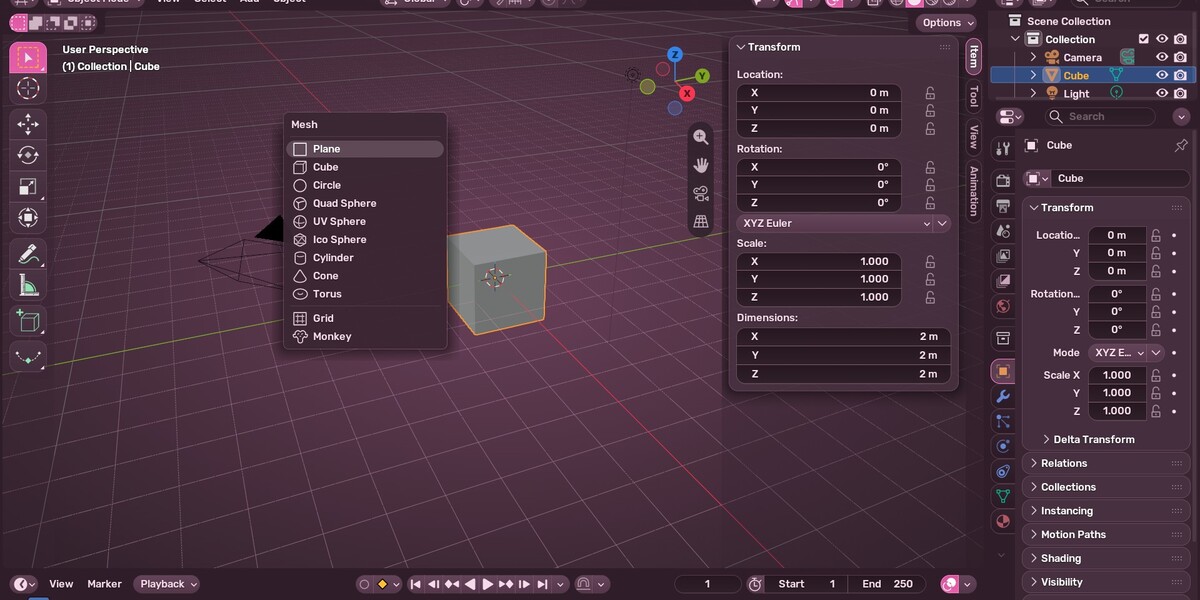
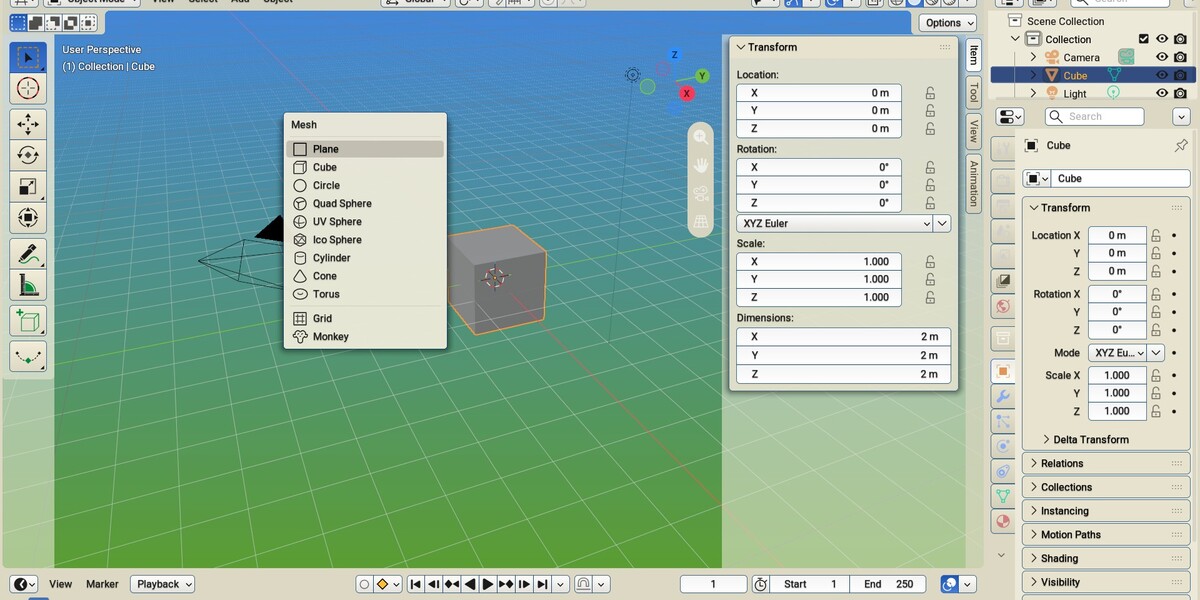
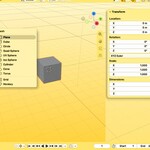
- Click any look in the gallery: the whole interface changes at once. Click another to compare.
- The first click saves your own theme and settings. Revert to my look brings them back exactly, even after a restart.
- With Auto-Save Preferences on (Blender's default), Blender opens with your chosen look next time. If it is off, the panel tells you; save your Preferences once to keep the look.
- UI Skins never saves your Preferences by itself.
- To tweak a look, apply it and change anything in Preferences > Themes.
Requirements
Blender 5.3 or newer.
Have questions about this product?
Login to message
| Blender Extension Compatible | Yes |
| Published | about 10 hours ago |
| Blender Version | 5.3 |
| Extension Type | Add-on |
| License | GPL |
Discover more products like this
blender-theme blender addon user interface light theme ui theme theme customization ui interface Dark Theme