UI:FX
 Heaven Studios
Where can I get help or product updates?
Contact Heaven Studios through the store's support options or official Discord. Product announcements and updates will be shared through official Heaven Studios channels.
Does UI:FX include the wallpapers shown in promotional images?
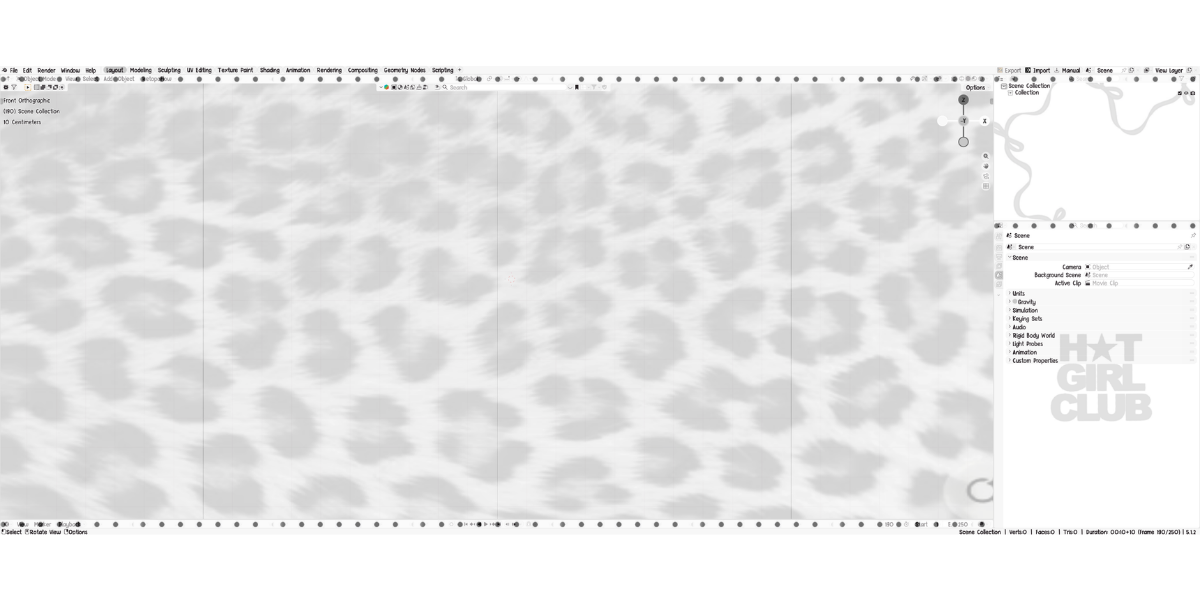
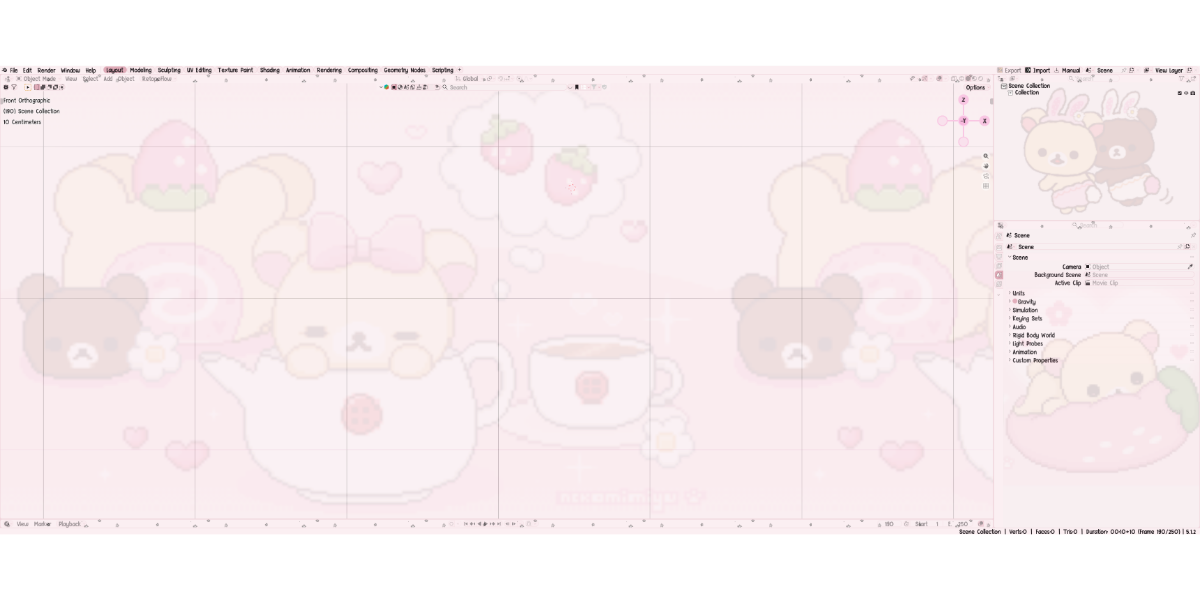
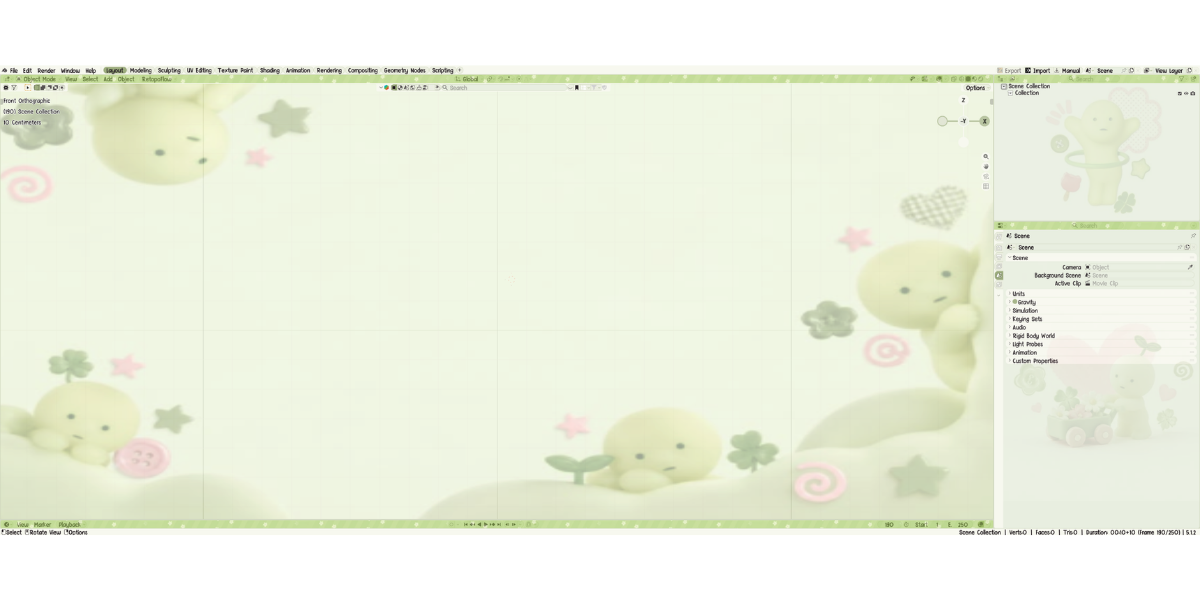
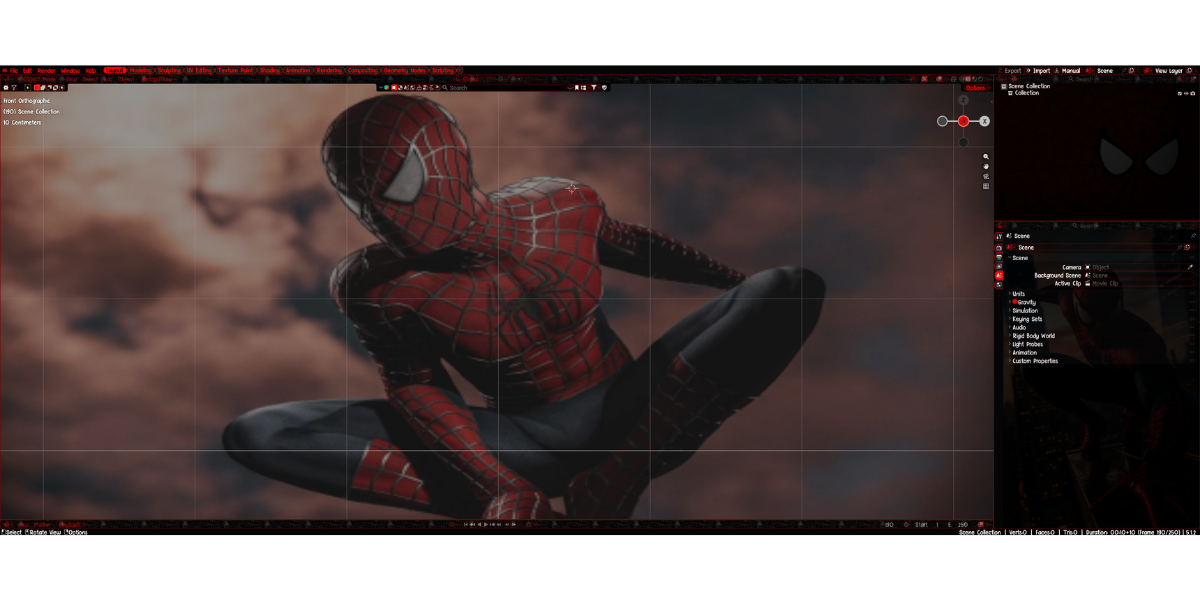
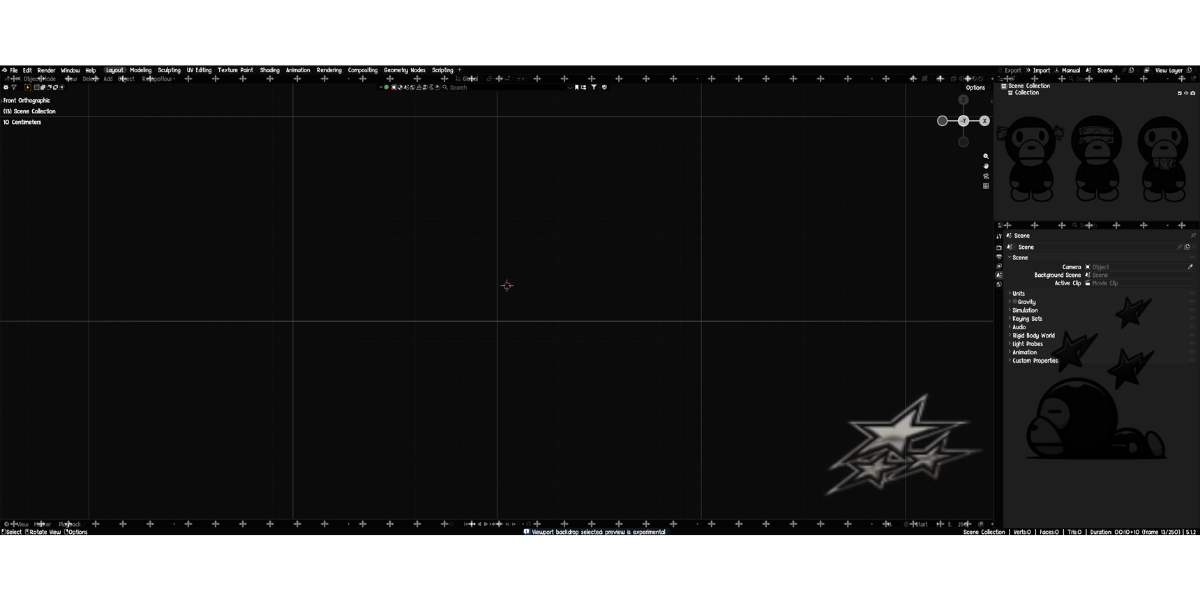
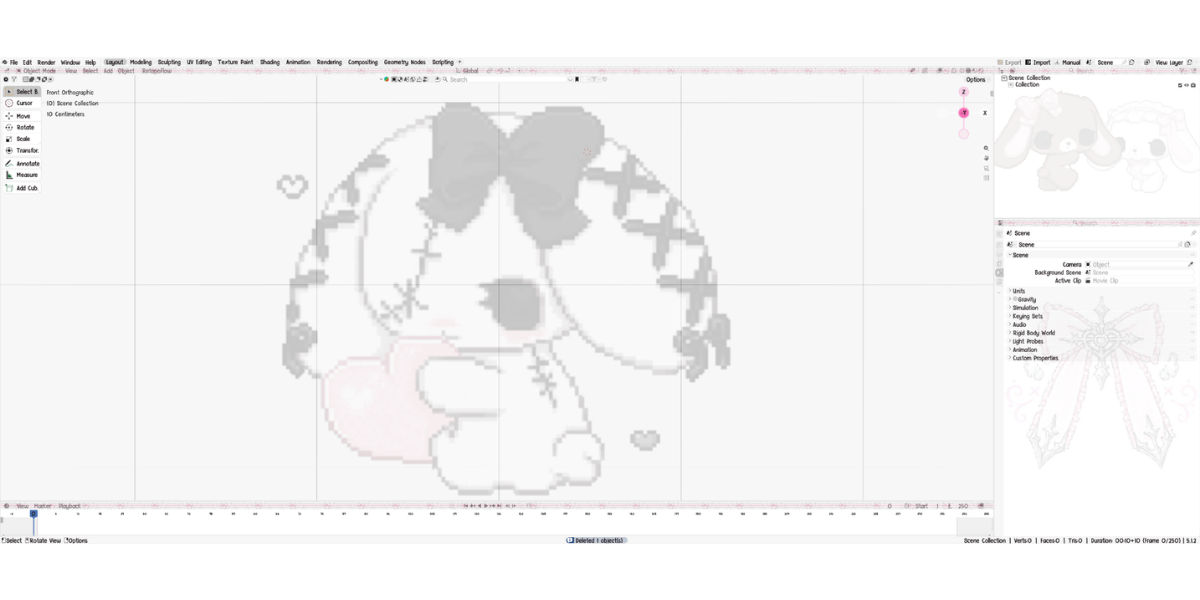
No. Promotional wallpapers and character artwork are demonstrations of customization possibilities unless explicitly stated otherwise. You can use your own compatible artwork.
What should I do if UI:FX isn't appearing in Blender?
Confirm that you're using a supported Blender version and that the extension is enabled. Open the 3D Viewport, press N, and look for the UI:FX tab. Restart Blender if necessary.
Can I customize colors after applying a preset?
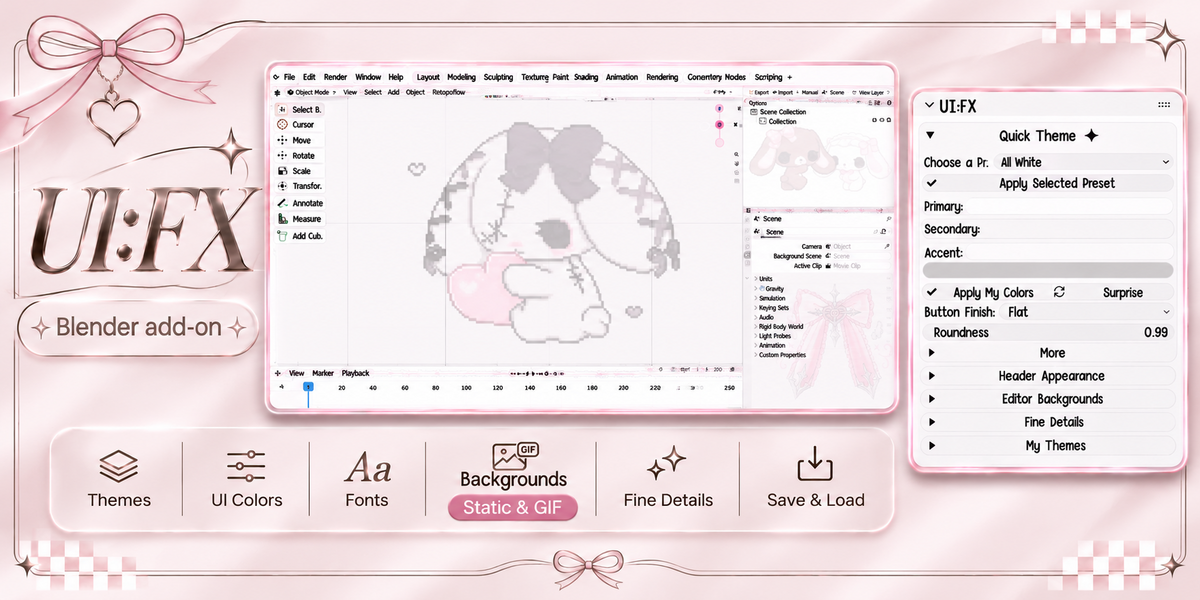
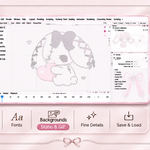
Yes! Presets are a starting point. Fine Details lets you manually change supported Blender theme colors, including relevant editor-specific and shared interface settings.
Can I use my own images and animated GIFs?
Yes! You can use your own supported images and GIFs for customizable backgrounds. Adjustments such as opacity, fit, zoom, and animation playback are available where supported.
Do I need coding experience to use UI:FX?
No! UI:FX provides an interface for choosing presets, changing colors, customizing backgrounds, adjusting supported native settings, and saving themes without writing code.
Is UI:FX compatible with Windows and Mac?
Yes! UI:FX supports Windows and macOS. The current Extensions download is designed for Blender 4.2 and newer.
Have questions about this product?
Login to message
| Blender Extension Compatible | Yes |
| Published | about 14 hours ago |
| Blender Version | 4.1 - 5.3 |
| Extension Type | Add-on |
| Render Engine Used | Cycles, Eevee |
| License | GPL |