Ultimate Animation Suite
 Anvil Interactive Solutions


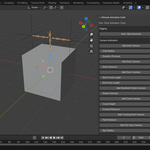
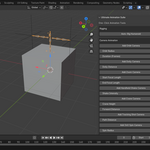
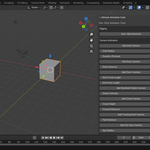
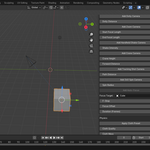
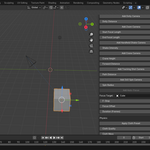
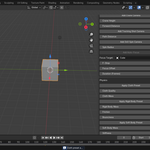
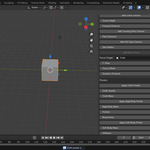
How do I apply physics simulations?
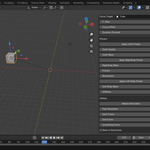
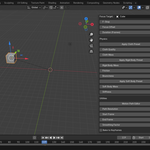
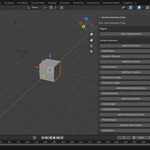
Use these operators in the Physics section:
Cloth Preset (UAS_OT_ClothPreset): Select a subdivided plane, set Quality (e.g., 10) and Mass (e.g., 1.0), and click to simulate draping.
Rigid Body Preset (UAS_OT_RigidBodyPreset): Set Mass (e.g., 1.0), Friction (e.g., 0.5), and Bounciness (e.g., 0.3) on a cube, then simulate collisions.
Soft Body Preset (UAS_OT_SoftBodyPreset): Set Mass (e.g., 1.0) and Stiffness (e.g., 5.0) on a sphere for deformation. Add a collider and play the simulation (Spacebar).
Can I use this add-on for commercial projects?
Yes, the Ultimate Animation Suite is licensed under the MIT License, allowing commercial use, modification, and distribution as long as the copyright notice is included. Check LICENSE.txt for details.
What is the Ultimate Animation Suite?
The Ultimate Animation Suite is a Blender 4.4+ animation add-on designed for animators, VFX artists, and game developers. Launched on May 14, 2025, it offers auto-rigging, cinematic camera animations, physics simulations, motion path editing, and Unity/Unreal Engine exports. Priced at $20, it streamlines your workflow with one-click tools.
Have questions about this product?
Login to message
| Sales | 10+ |
| Published | over 1 year ago |
| Blender Version | 3.6 - 4.4 |
| Extension Type | N/A |
| Render Engine Used | Cycles, Eevee |
| License | GPL |
Discover more products like this
3D camera tools 3d-workflow-automation 3d animation 3D clothing 3d character rigging