 Vertex 404




Blender Asset Browser workflow
Built for large PBR libraries
Blender 4.5+
ULTIMATE ASSET ORGANIZER
Materials V2
Turn your PBR texture collection into a proper Blender material library.
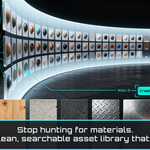
If you have collected years worth of PBR textures, you probably already know the problem. The files are there, but using them still means finding the right folder, rebuilding the material and repeating the same setup again in the next project.
Materials V2 takes those texture folders and builds reusable Blender materials from them. It detects the available maps, creates the shader setup, marks the materials as assets and generates previews so the finished library is ready inside Blender's Asset Browser.
Smart folder scanning
Automatic texture detection
RAM conscious previews
The texture folder problem
PBR libraries can grow surprisingly fast. A few texture packs turn into hundreds of folders, and before long you have gigabytes of useful materials sitting on disk without a practical way to browse them inside Blender.
Loose texture folders
Your materials exist as files on disk instead of reusable assets inside Blender.
Repeated shader setup
The same Principled BSDF setup gets rebuilt every time you need a material.
Messy folder structures
Preview folders, renders and helper directories can make automated organization harder than it should be.
Heavy preview jobs
Large texture libraries can consume a serious amount of memory when thumbnails are generated without some control over resolution and loading.
THE WORKFLOW
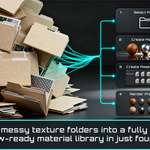
Four steps from texture folders to a reusable library
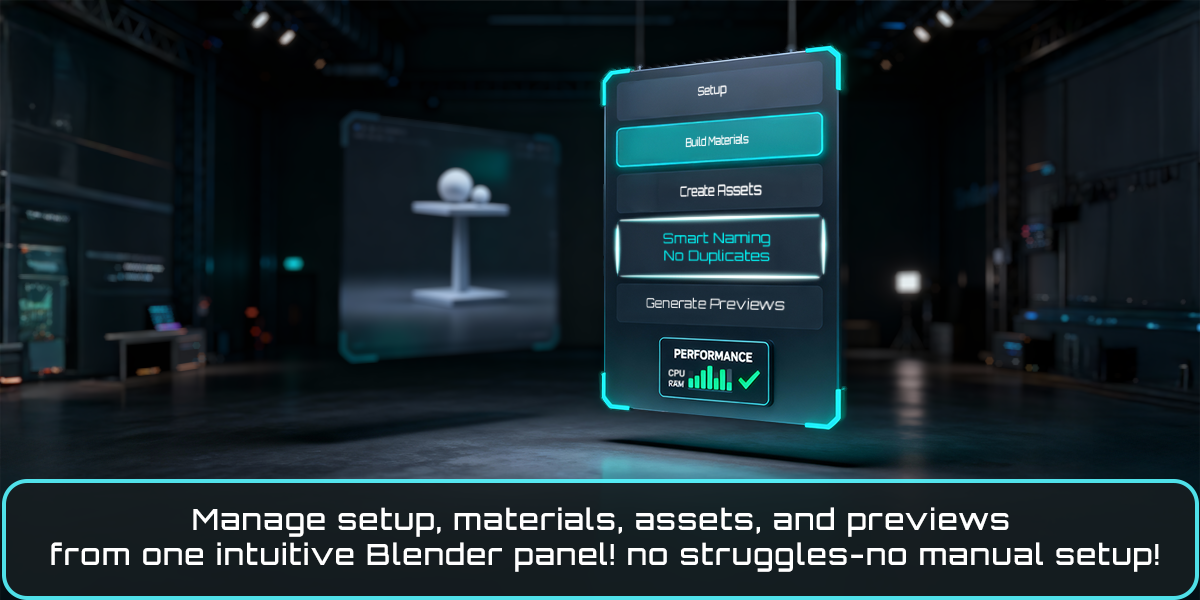
The workflow is intentionally straightforward. Set up the source folder, build the materials, turn them into Blender assets, then generate the previews.
01 Setup
Choose the root folder containing your texture collection. Enable subfolder searching, UDIM support or heuristic smart search when your library needs it.
02 Build materials
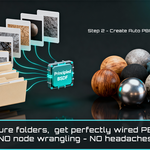
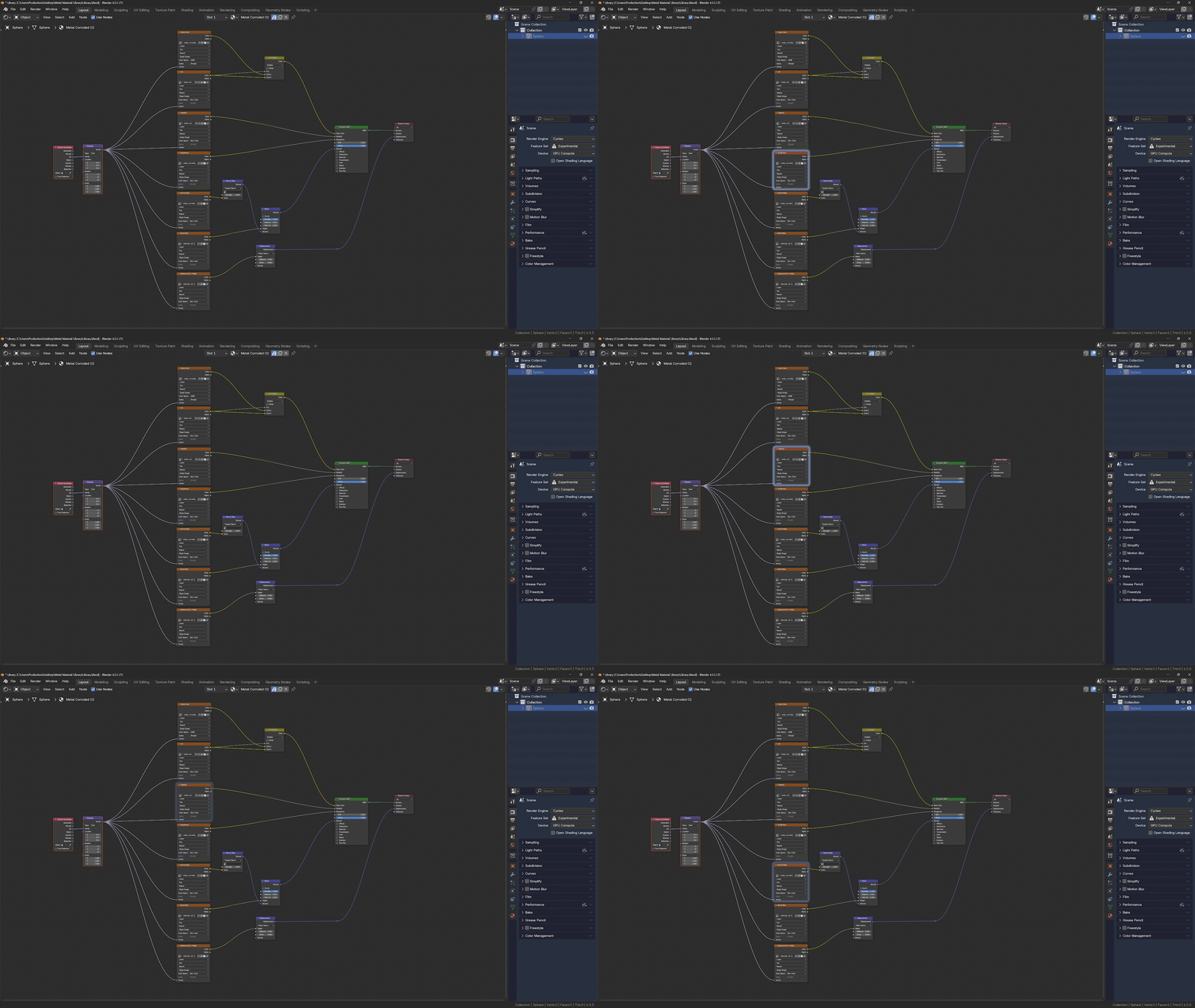
Materials V2 scans the folders, detects the available maps and builds Principled BSDF materials with the appropriate color spaces and connections.
03 Create assets
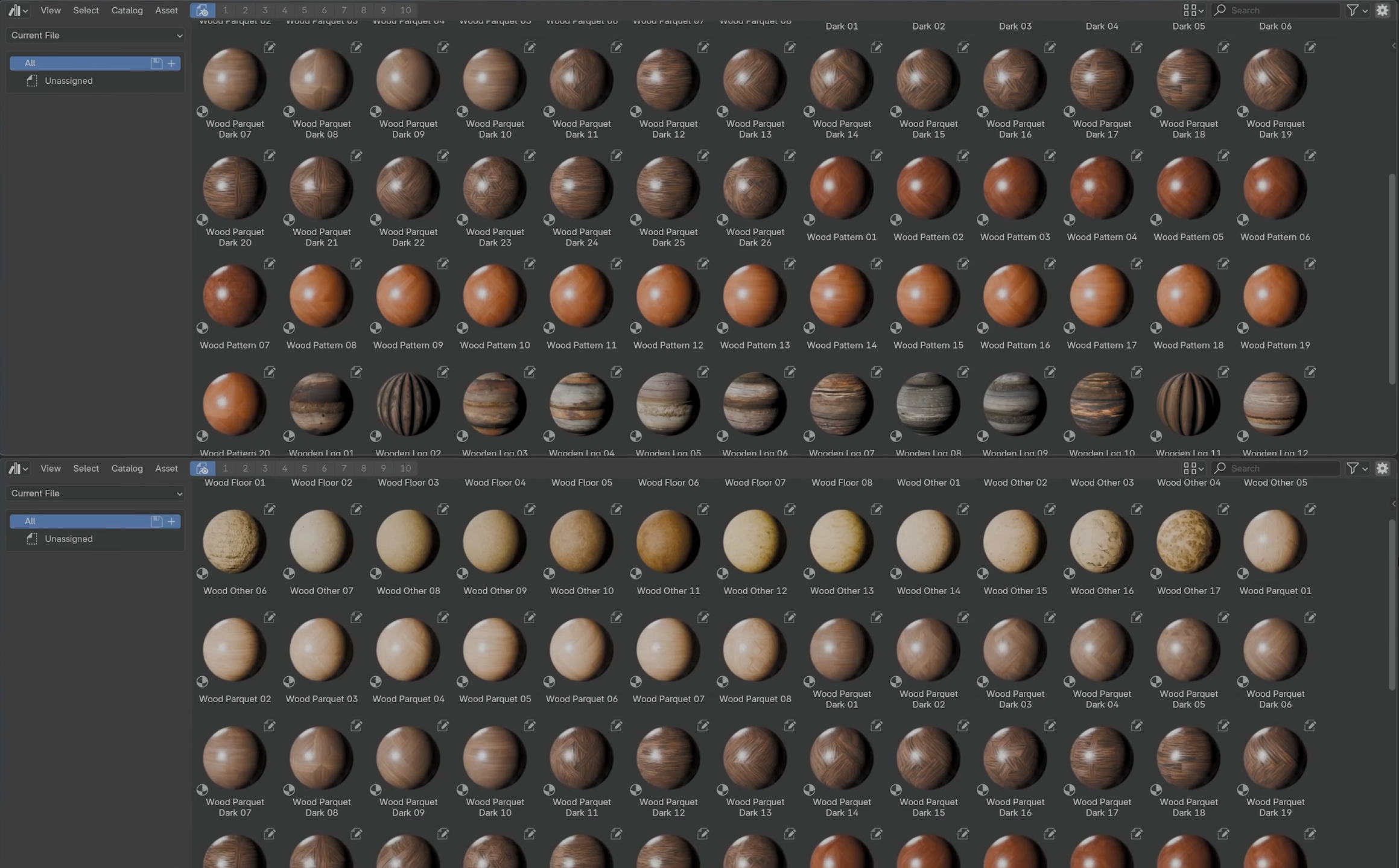
The generated materials are marked as Blender assets so they become available through the Asset Browser like a native material collection.
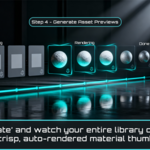
04 Generate previews
Generate thumbnails in batches using proxy textures, with memory information available before the job starts. Existing previews are skipped and the process can be cancelled safely.
Built for real material collections
Smart folder scanning
Point the add on at a root folder and let it scan recursively. Helper folders such as renders, previews and thumbnails can be merged into their parent material, while clearly empty or unrelated folders are skipped.
Automatic texture map detection
Materials V2 reads the texture filenames and detects common channels such as Base Color, Roughness, Metallic, Normal, Height, Bump, Displacement, Ambient Occlusion, Opacity and Emission when they are available.
Packed ORM support
Packed ORM, ARM, RMA and MRAO textures are detected and their channels are routed to the corresponding shader inputs.
UDIM aware workflow
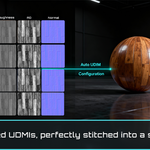
UDIM tiles are treated as one logical material. The 1001 tile is used as the representative image for proxy and preview work so a tiled material does not have to load its entire texture set just to generate a thumbnail.
Native Asset Browser workflow
The finished materials are not locked inside a custom browser. They are marked as Blender assets and live in a normal library file, so you can browse and drag them into other projects through Blender's own Asset Browser.
Build once, reuse across projects
Once the library is built, the materials stay available for future projects without rebuilding the shaders from the original texture folders every time.
PREVIEW SYSTEM
Designed to handle larger libraries without blindly filling your RAM
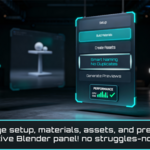
Rendering hundreds of material previews can become the heaviest part of building a library. Materials V2 uses temporary proxy textures for preview generation and includes a performance panel so you can see the estimated memory load before starting a large job.
Proxy based previews
Memory estimate
Cancellable jobs
Existing previews skipped
A few details that matter once the library gets bigger
Duplicate detection
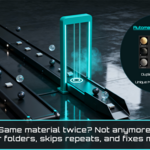
A lightweight signature is generated for each texture set so already processed materials can be recognized and skipped on later runs.
Readable material names
Material names are derived from the source folders and filenames so the finished library remains easy to scan instead of filling up with generic names.
Project cleanup tools
Cleanup during heavier preview work helps keep long jobs under control, and a dedicated cleanup option can purge unused data and remove the last proxy cache when you are finished.
Who I built this for
3D artists with large collections of free or paid PBR texture packs.
Environment and prop artists who reuse the same material libraries across many projects.
Artists and small studios that want a more consistent Asset Browser setup instead of materials scattered across project files.
Anyone who would rather prepare a sophisticated material library once than keep rebuilding the same shaders by hand.
Why build your material library this way?
Stop rebuilding the same materials
Prepare the collection once and keep it available for future projects.
Keep the library consistent
Materials follow the same workflow and structure instead of slowly becoming a collection of different hand built setups.
Bring in only what you need
Browse the library through Blender's Asset Browser and pull the materials you actually need into the current project.
Let the collection grow with you
A proper library becomes more valuable as your texture collection grows, especially if you work across many scenes or projects.
Requirements and support
BLENDER
4.5 or newer
PLATFORMS
Windows, macOS and Linux
LICENSE
GPL
DOCUMENTATION
Ultimate Asset Organizer Materials usage guide
Open documentation
SUPPORT
[email protected]
Contact support