Ultimate Asset Organizer - Materials V2
 Vertex 404


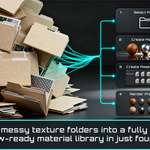
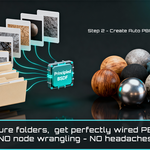
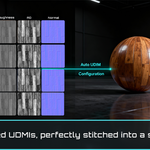
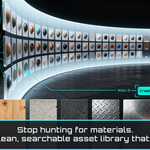


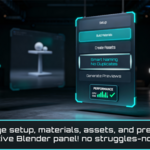
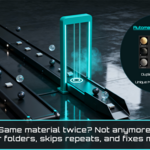

Nope. Point Ultimate Asset Organizer - Materials at the root folder and let it walk through the subfolders. It will pick out your valid texture sets, ignores junk/helper folders (like renders or previews), and builds materials from what’s already there. You only need to tweak settings (UDIM / heuristic search) if your library is very custom.
-
$14.90
Single user license for freelancers, hobbyists, and solo 3D artists. Includes personal and commercial use on unlimited projects.
-
$29.90
Multi user license for small studios and teams of up to 5 users. Includes personal and commercial use on unlimited projects within the same studio or organization.
-
$54.90
Multi user license for larger studios, companies, and organizations with more than 5 users. Includes personal and commercial use on unlimited projects within the same organization.
Have questions about this product?
Login to message
| Blender Extension Compatible | Yes |
| Sales | 30+ |
| Rating | 2 ratings |
| Dev Fund Contributor | |
| Published | 9 months ago |
| Blender Version | 4.5 - 5.2 |
| Extension Type | Add-on |
| Render Engine Used | Arnold, Blender-Internal, Blender-Game-Engine, Cycles, Eevee, Freestyle, Luxrender, Mental-Ray, Octane, Vray, Yafaray |
| License | GPL |