 Vertex 404





Blender Asset Browser workflow
Built for serious model libraries
Blender 4.5+
ULTIMATE ASSET ORGANIZER
Models V2
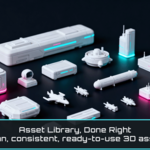
Turn your model collection into a proper Blender Asset Library.
Model packs are incredibly useful, but they rarely arrive ready for the way you actually want to work in Blender. Different formats, missing texture paths, inconsistent folder structures and large multi-object files can turn a good asset collection into something you barely use.
Models V2 helps you prepare those collections once. It imports the models, looks for their textures, reconnects the materials, creates Blender assets and generates consistent previews so the finished library is ready whenever you start a new project.
Automatic texture search
Material recovery
Consistent previews
Why I made it
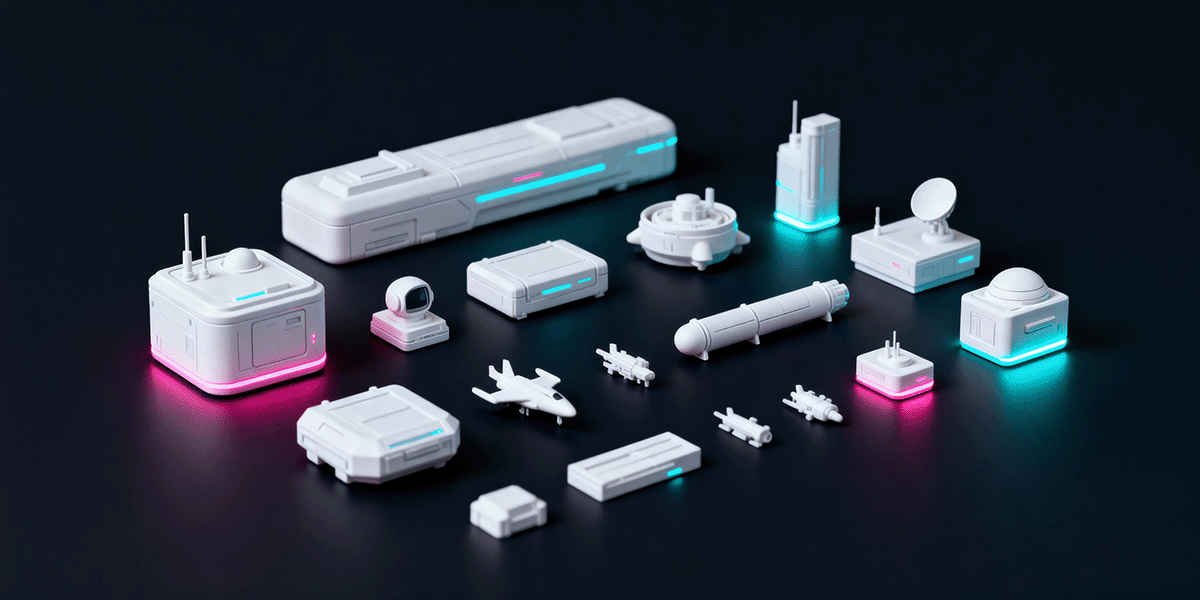
If you collect models from different stores, artists or libraries, you quickly notice that almost every pack is structured differently. Some have textures next to the model, some hide them several folders deep, and some files contain dozens of separate objects.
Import once instead of every project
Prepare a model pack once and keep it available inside Blender rather than repeating the same import process each time you need it.
Recover materials and textures
Spend less time manually reconnecting missing texture paths and rebuilding materials before an asset becomes useful.
Know what you are looking at
Consistent preview thumbnails make a growing library much easier to browse than filenames and folders alone.
THE WORKFLOW
Four steps from model folders to a reusable Asset Library
The workflow is designed around preparing your model packs properly once, then keeping the finished assets available for future projects.
01 Select your models
Choose individual model files or point the add on at an entire folder. Models V2 supports OBJ, FBX, GLB, GLTF and Blend files.
02 Resolve textures and materials
The add on searches for textures automatically and reconnects the materials. If something cannot be found, you can point it to the correct texture folder manually.
03 Create Asset Browser entries
The prepared models are marked as Blender assets and saved into your library so they become available through the Asset Browser.
04 Generate previews
Generate consistent preview thumbnails for the prepared assets and save them directly inside the library Blend file.
Before generating previews, save the library Blend file so Blender has a proper location for the generated thumbnails.
Built for real model collections
Common 3D formats
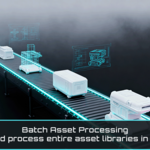
Import OBJ, FBX, GLB, GLTF and Blend files individually or process a collection from a folder.
Texture and material recovery
Models V2 searches for the textures belonging to the imported model and reconnects the materials automatically when possible. When the source structure is unusual, you still have the option to point it to the correct texture folder yourself.
Multi-object files
A single model file can sometimes contain many separate meshes. Models V2 can arrange those objects so they are easier to review and prepare for preview generation.
Saved Asset Browser previews
Generate a consistent set of thumbnails and keep them saved with the library so your model collection is visually useful the moment you open the Asset Browser.
ASSET BROWSER
Prepare once and keep the collection ready
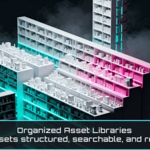
The point is not to create another custom browser that only works inside the add on. Your prepared models become Blender assets, so the finished library stays accessible through Blender's own Asset Browser.
Browse visually
Use the generated previews to find the asset you need without opening folders and checking model files one by one.
Reuse across projects
Once your library is prepared, those models stay ready for future scenes without going back through the original pack and repeating the import process.
Useful for
Personal asset libraries
Organize the props, vehicles, architecture, environments, kit pieces and other models you have collected over time.
Large and inconsistent model packs
Especially useful when a collection contains different formats, mixed object structures or textures stored in different locations.
A more sophisticated Blender setup
For 3D artists who take their asset workflow seriously and want a growing model collection to remain practical instead of becoming another folder archive.
Why organize your models this way?
Prepare the pack once
Do the importing, texture recovery and organization once instead of repeating the same work whenever you need the model again.
Make your collection easier to browse
A good preview is much faster to recognize than a cryptic filename buried inside several folders.
Get more value from the assets you already own
A model pack is much more useful when the assets are actually visible and ready inside Blender instead of forgotten somewhere on your drive.
Let the library grow with your work
The more models you collect, the more valuable a consistent Asset Browser library becomes across projects.
Compatibility and support
BLENDER
4.5 or newer
PLATFORMS
Windows, macOS and Linux
SUPPORTED MODEL FORMATS
OBJ, FBX, GLB, GLTF and Blend
SUPPORT
[email protected]
Contact support