Ultimate Fabric Brush Bundle - 200 High Quality Fabric Brushes - Blender & ZBrush ( 30% Off)
 Alireza Taherpor
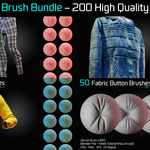
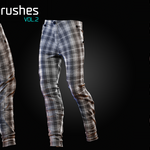
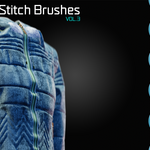
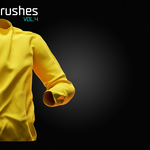
Blender
Use the brushes in Sculpt Mode on a mesh with sufficient subdivision for the best results. A video tutorial is included to demonstrate the basic workflow.
ZBrush
Copy the brush files to the ZBrush Brushes folder. Open ZBrush and load the brushes from the Brush palette.
Tips
Adjust the brush strength based on the desired depth of the fabric details.
In Blender, a Strength value between 0.5 and 0.75 is a good starting point.
Use the Sample Bias option in the Texture Settings to adjust the depth of indentation and extrusion.
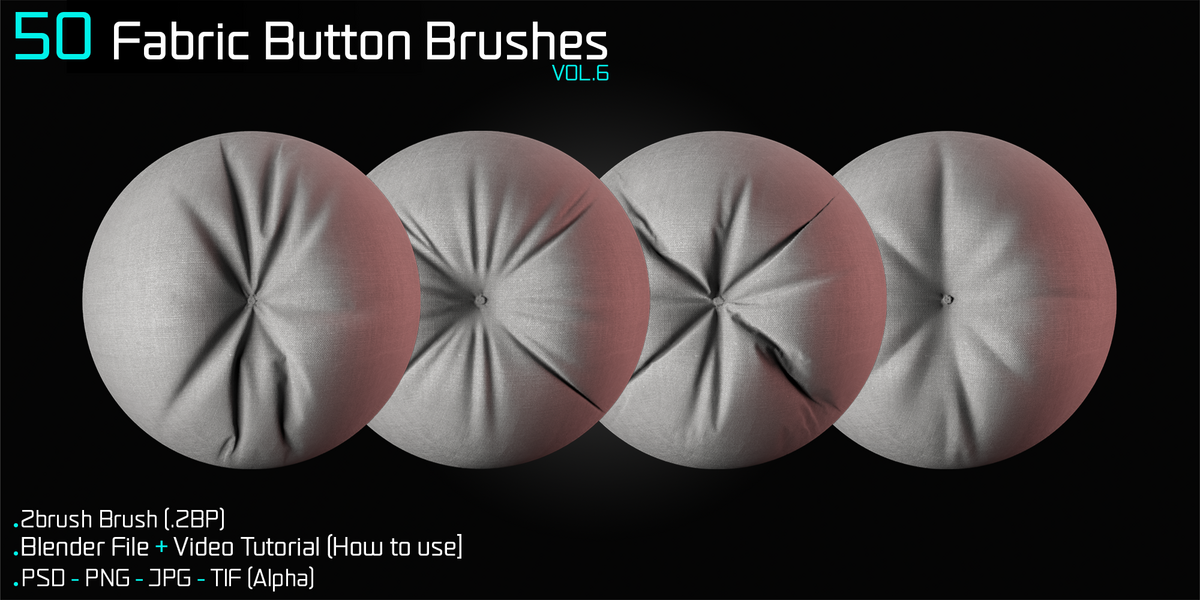
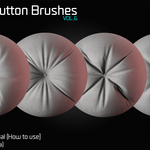
When using the fabric button brushes, hold Shift to smooth the area where the button is placed. This allows you to remove the default button detail and place your own custom button in that area.
Have questions about this product?
Login to message
| Sales | 20+ |
| Published | over 1 year ago |
| Blender Version | 3.0 - 4.2 |
| Render Engine Used | Cycles, Eevee |
| Misc Data | Textured |
| License | Royalty Free |
Discover more products like this
Fold Brush Button Brush Blender Fabric Brush wrinkle Fabric brush Wrinkle Brush Blender Cloth Brush zbrush-brush blender brush Blender Fold Brush button cloth brush