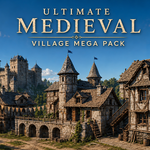
Ultimate Medieval Village Mega Pack
 Haseeb Ahmed




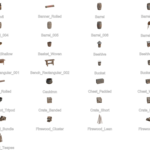
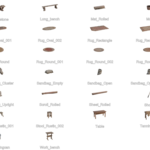
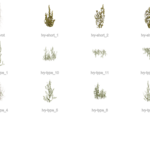
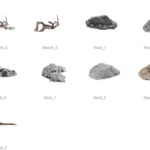
How do I make the modular walls, arches, and roofs fit perfectly together?
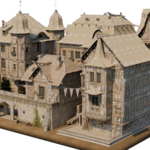
For the best results, use Blender's built-in snapping tools. Click the magnet icon at the top center of your 3D viewport and set the snapping type to Increment or Vertex. This will allow you to quickly and accurately snap the building components into place without leaving gaps.
Why do the leaves on the trees have black boxes around them when rendering in Blender's Eevee engine?
This happens when the alpha transparency isn't rendering correctly. To fix it, select the leaves, go to the Material Properties tab, scroll down to the "Settings" panel, and change the Blend Mode from "Opaque" to Alpha Clip or Alpha Hashed.
Can I use these models in game engines like Unreal Engine 5 or Unity?
Yes! While the pack is heavily optimized for Blender's Asset Browser
Have questions about this product?
Login to message
| Sales | 10+ |
| Published | 5 months ago |
| Blender Version | 4.5 - 5.1 |
| Render Engine Used | Cycles, Eevee |
| Misc Data | Uvs-Unwrapped, Normal-Mapped, Textured |
| License | Creative Commons |

Discover more products like this
3dnature vegitation 3d model of a village 19Th Trees 3d-old-scroll PRO action history 15th century 3d-medieval-models