 Ilyaken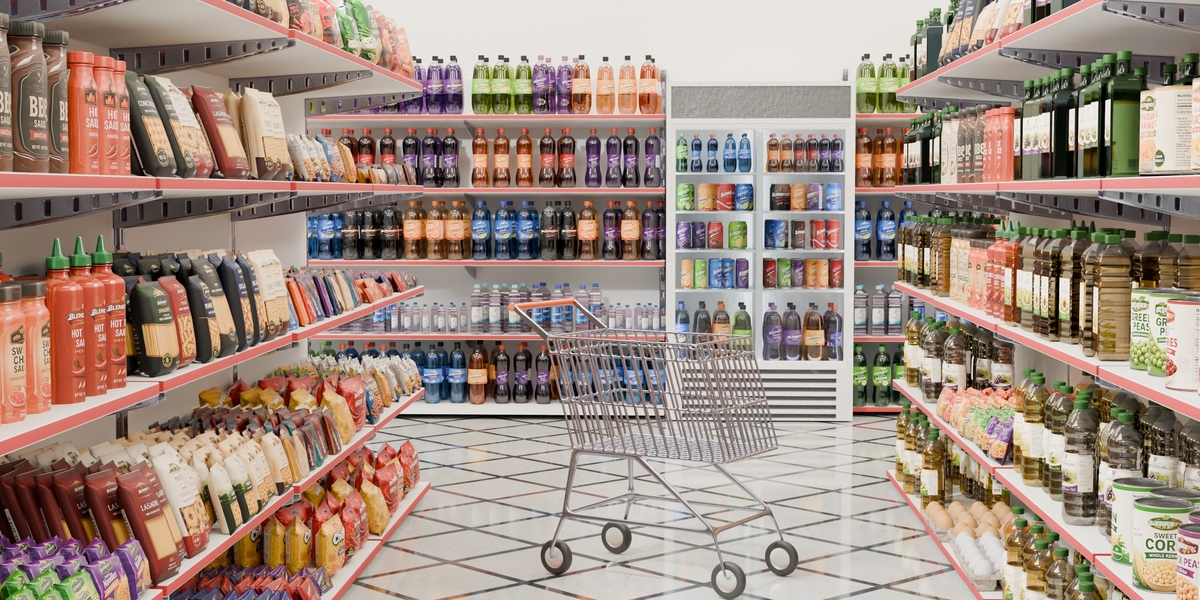
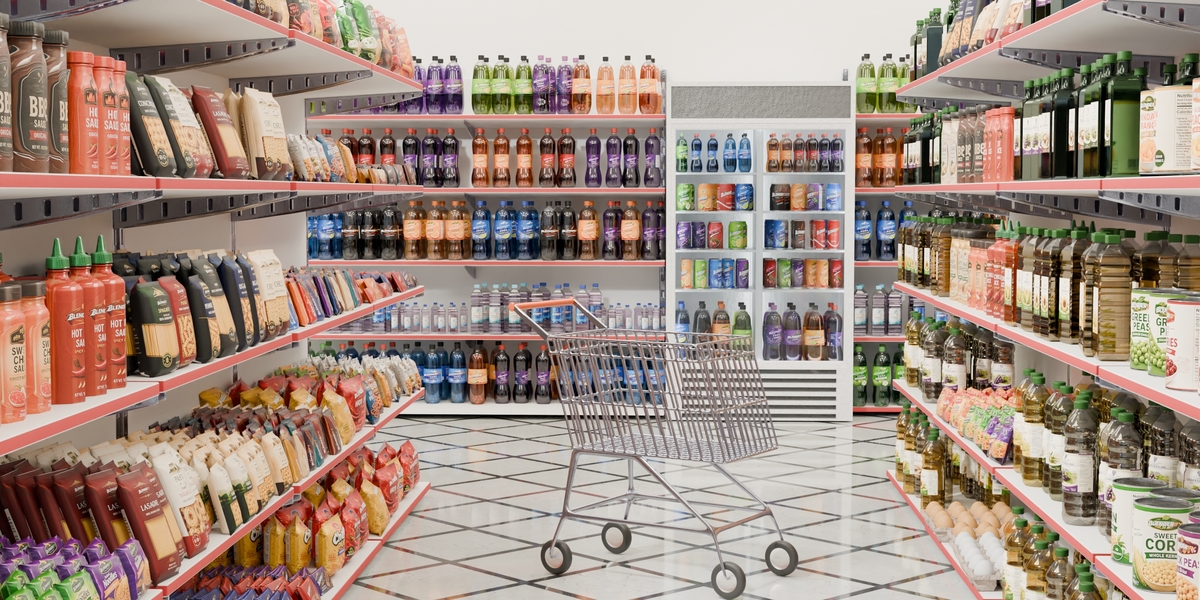
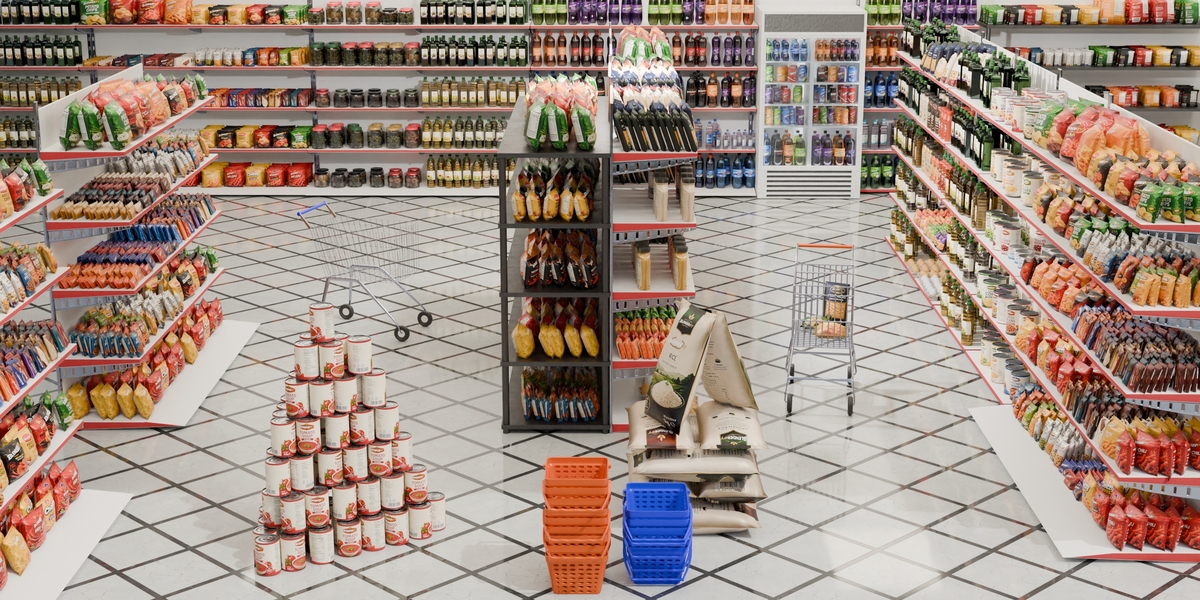
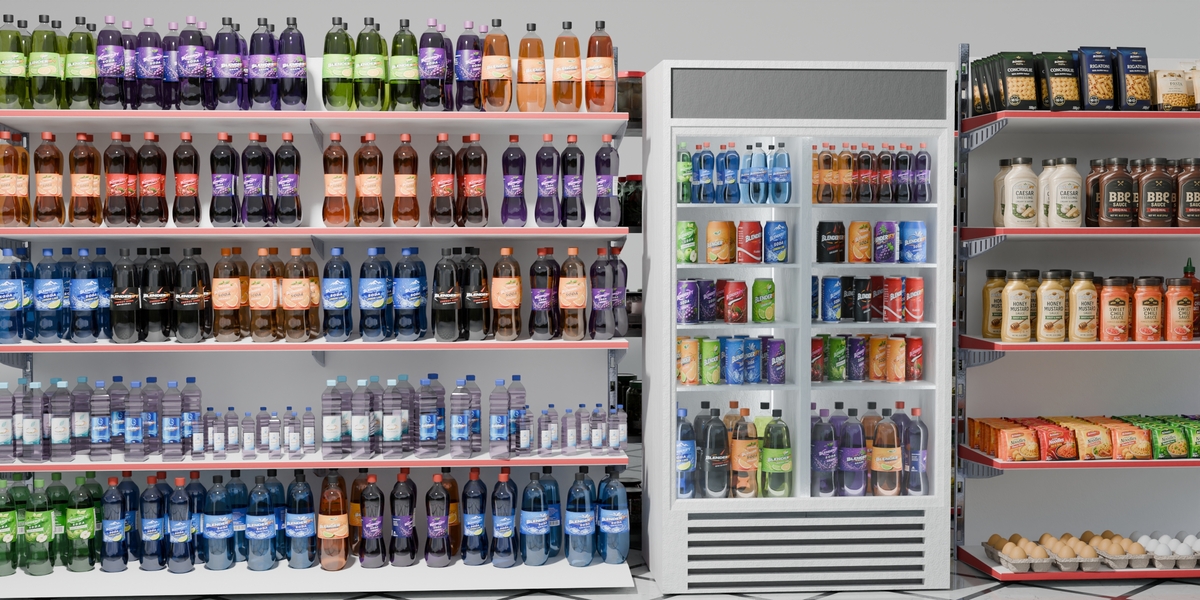
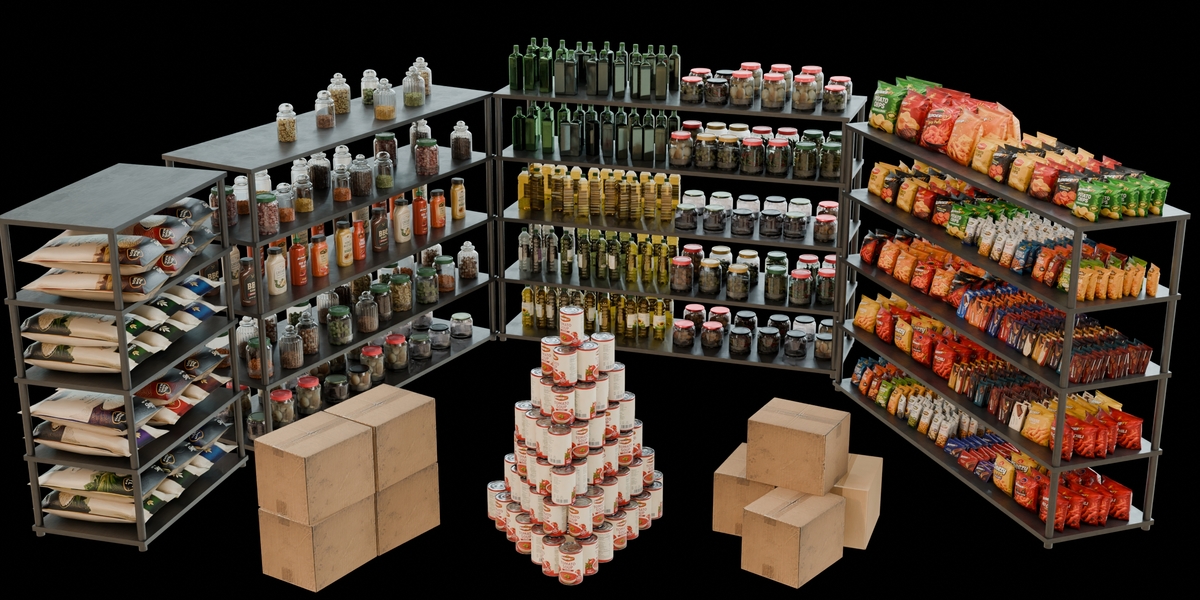
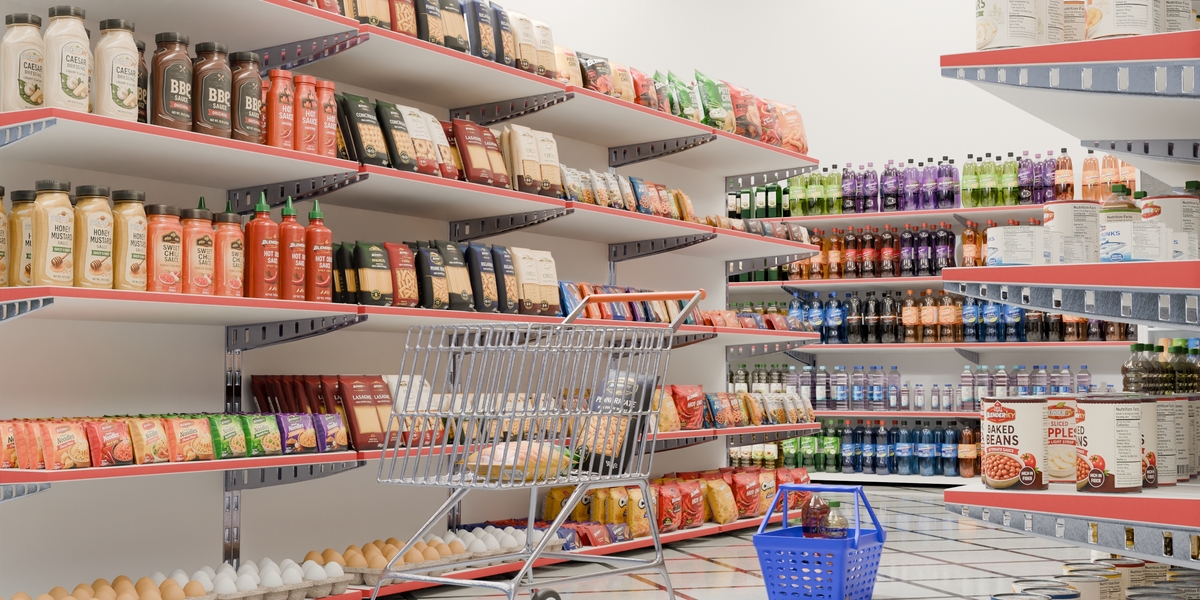
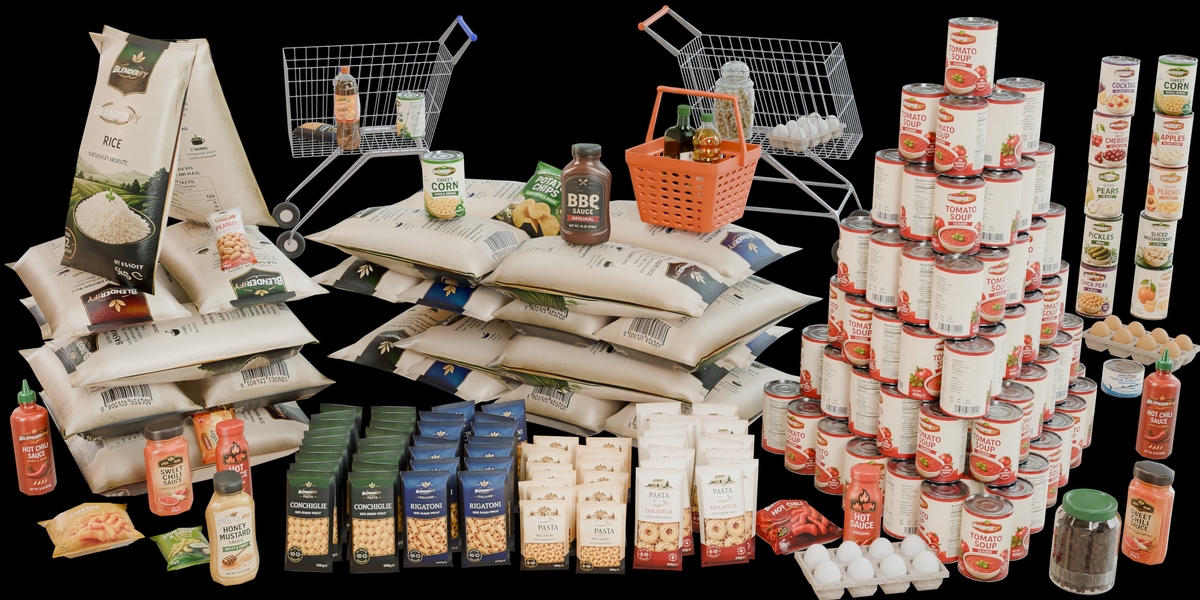
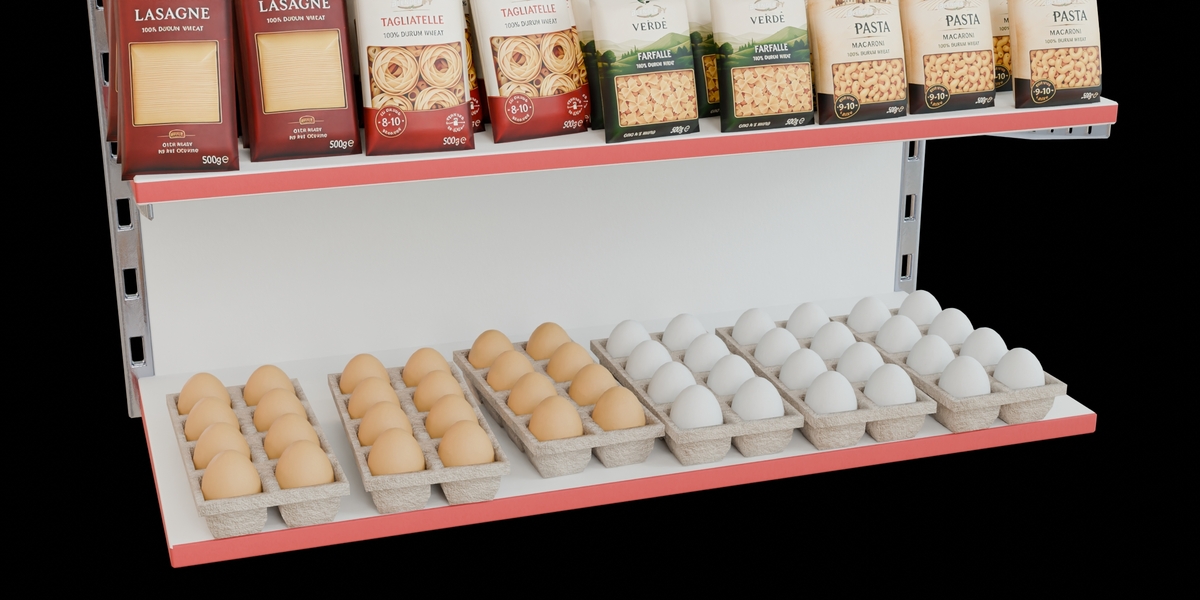
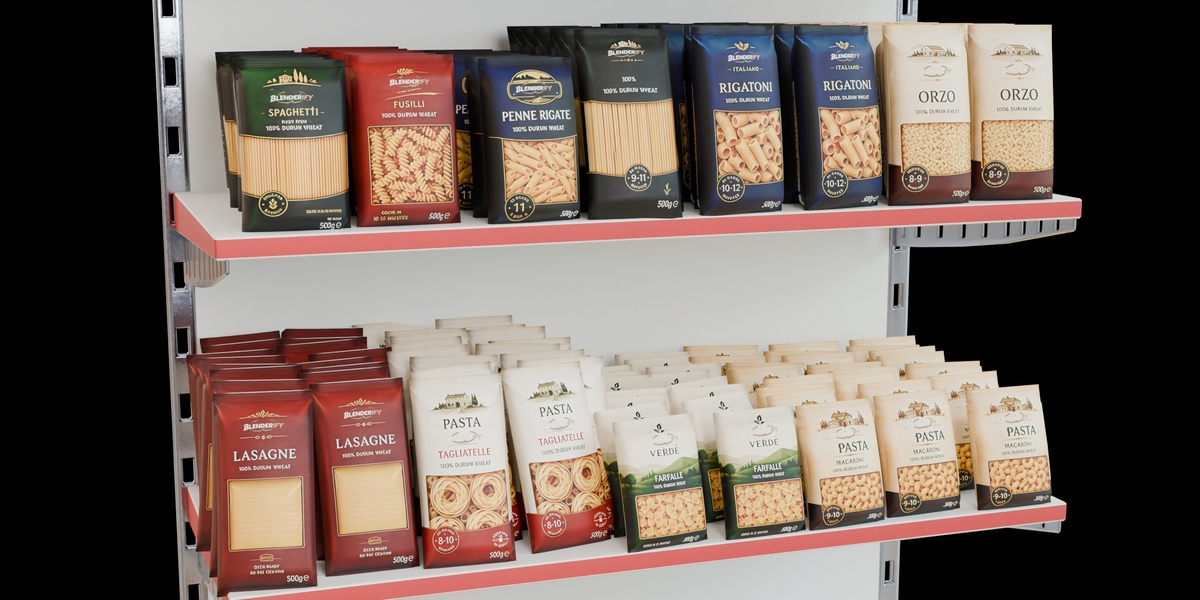
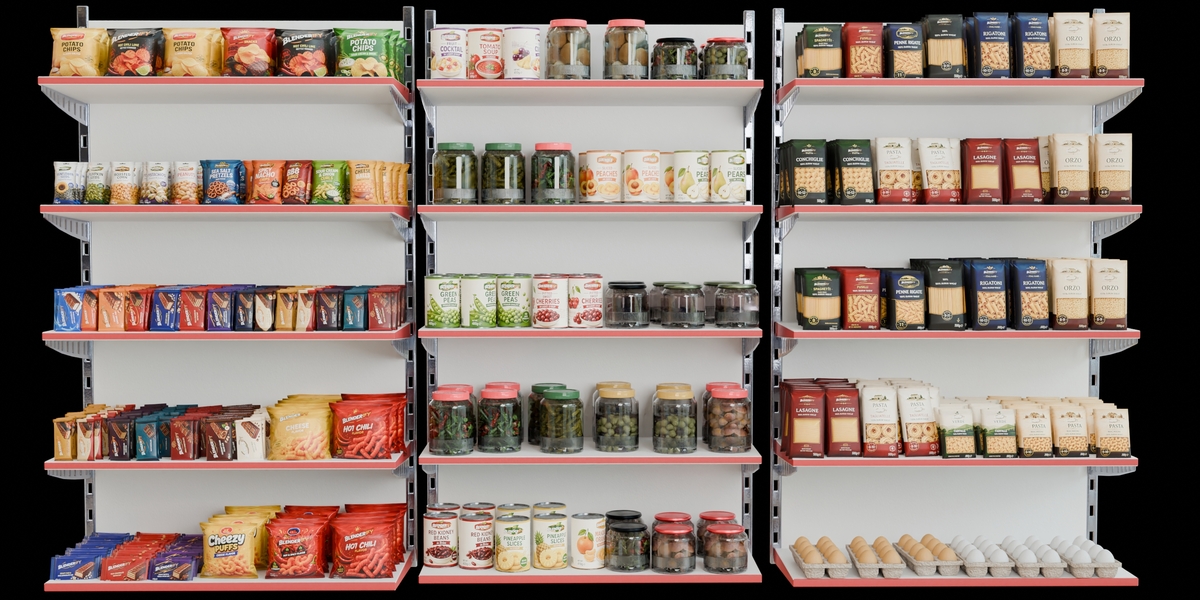
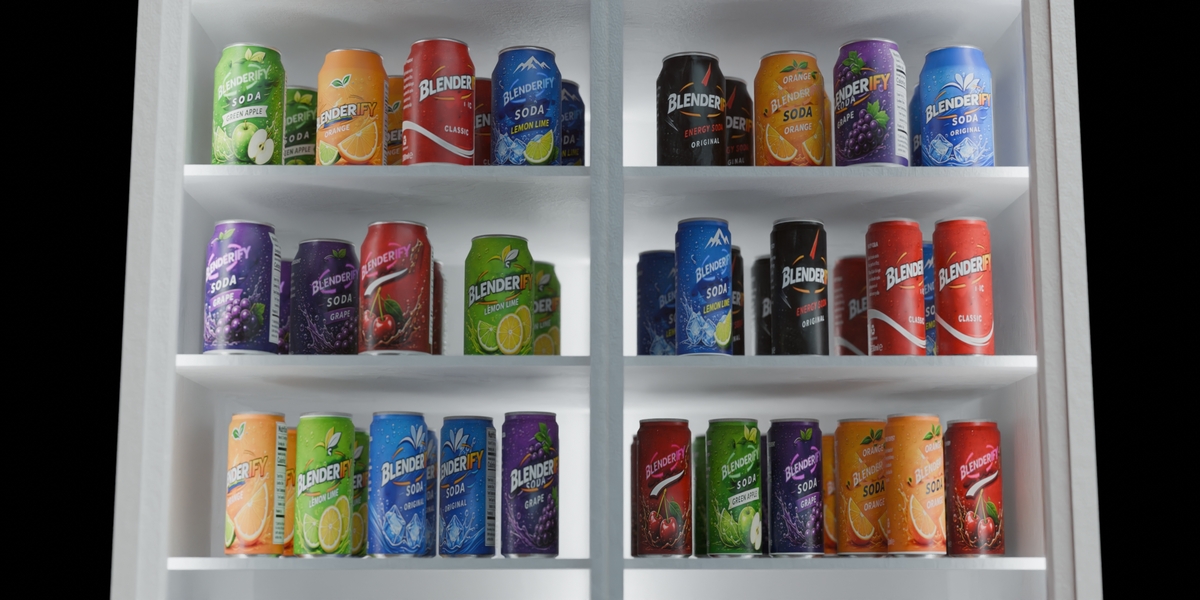
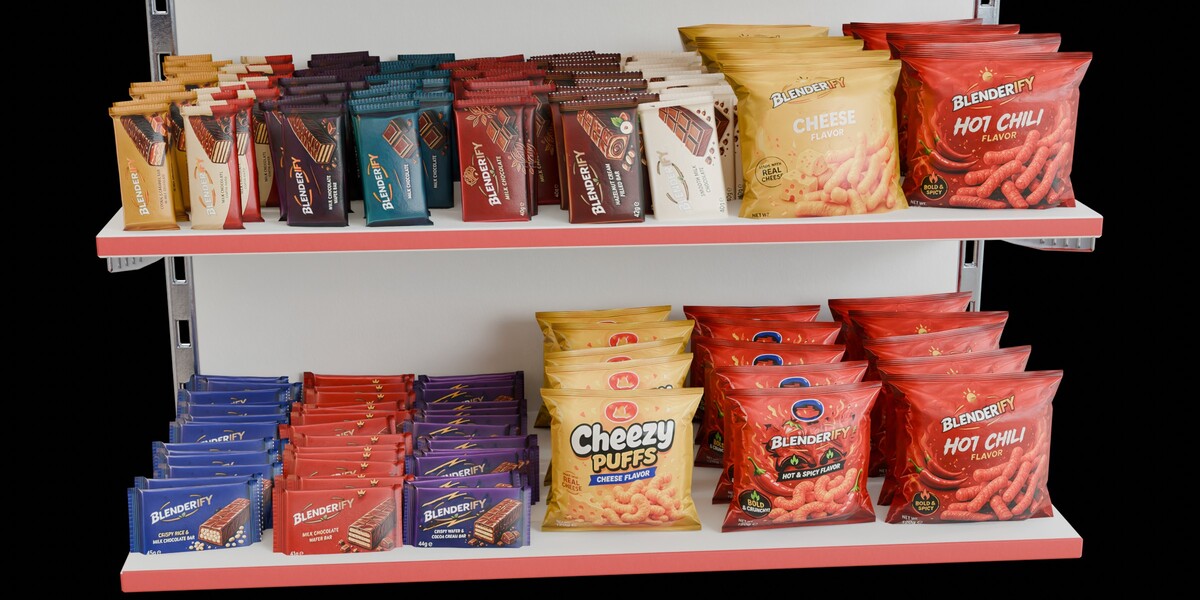
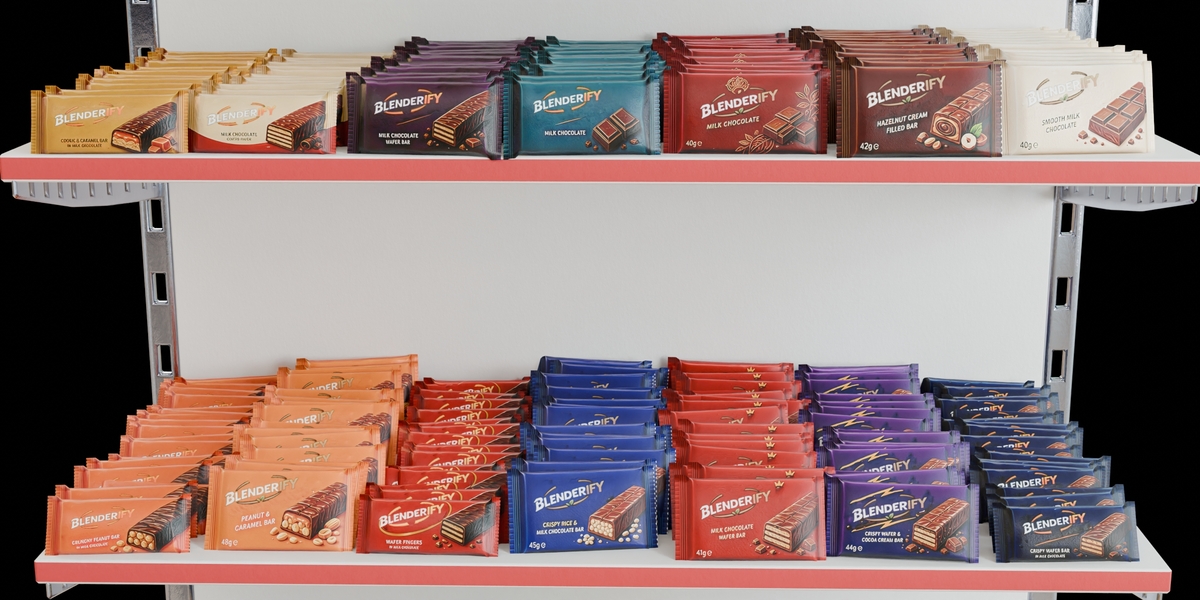
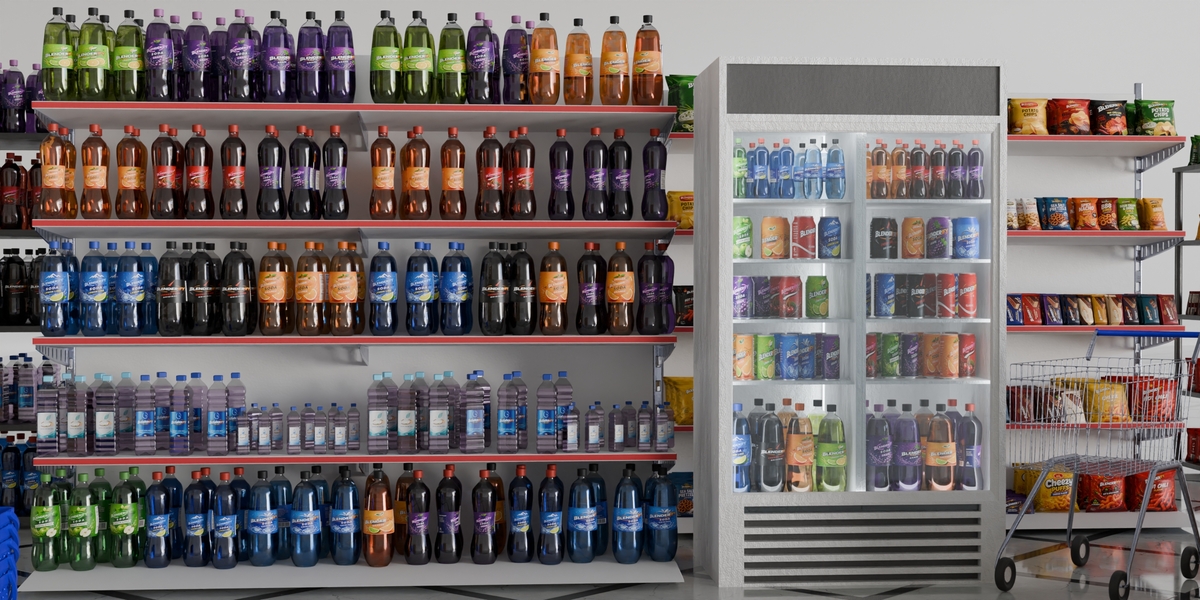
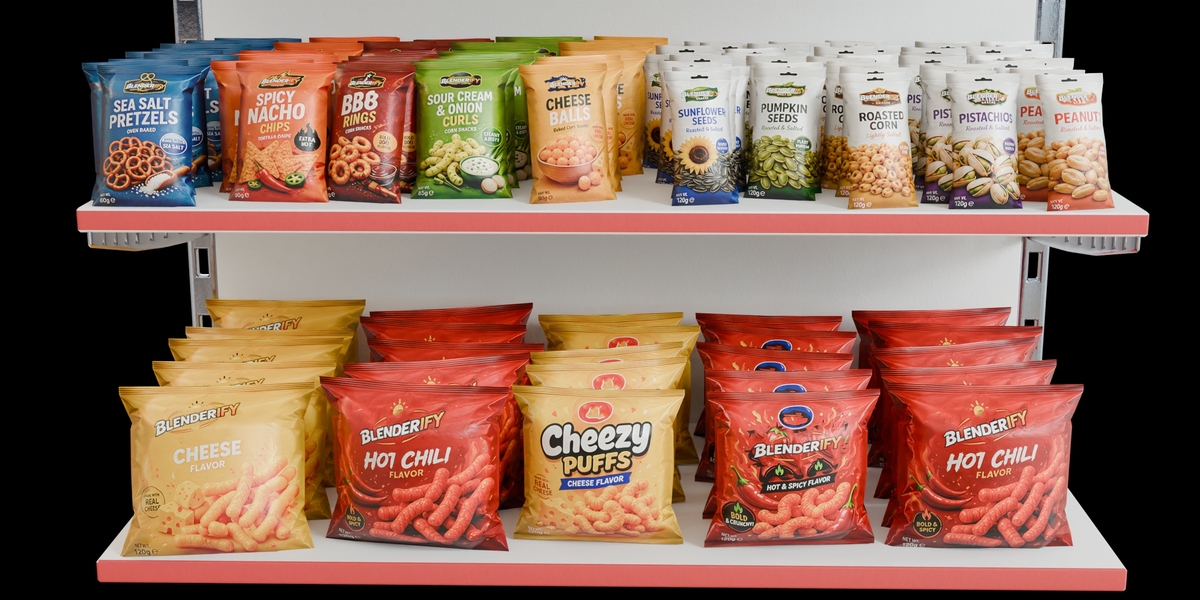
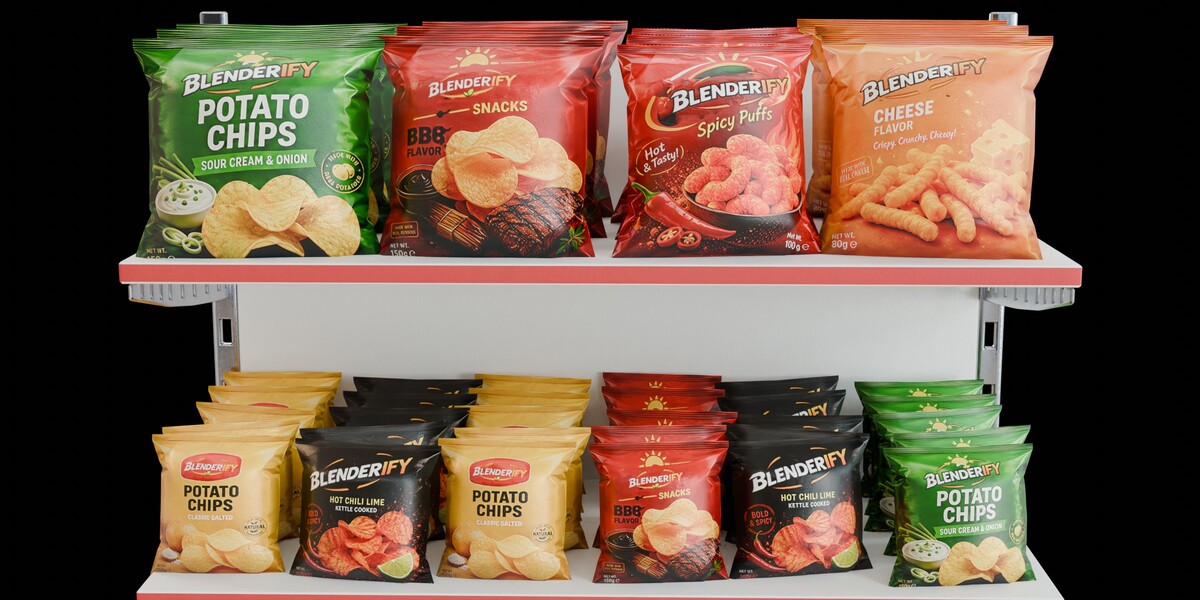
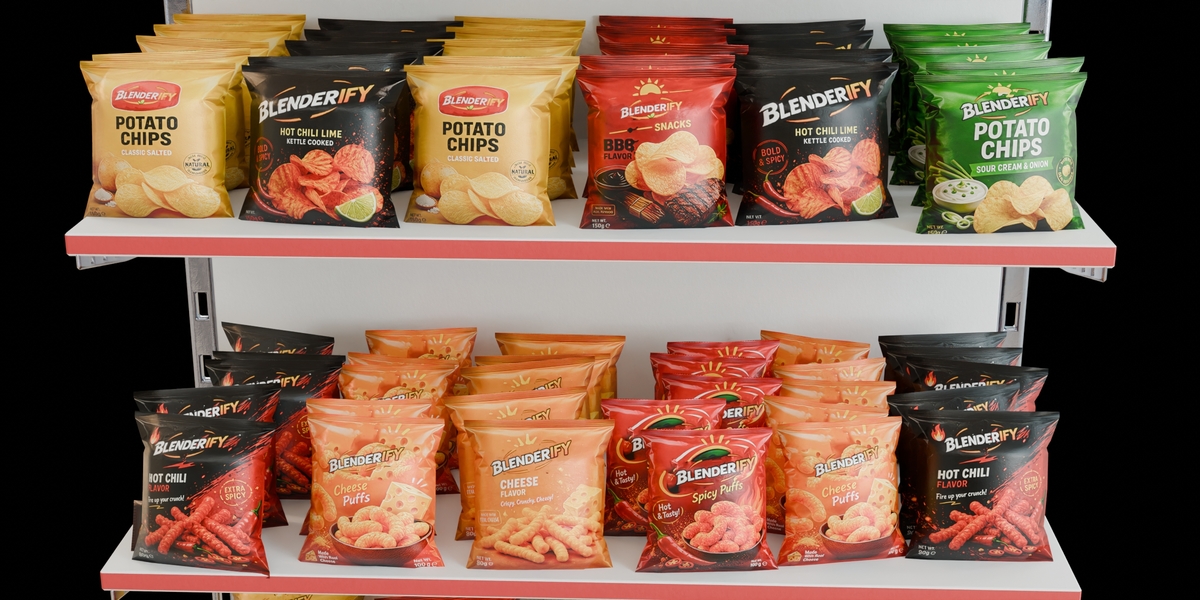
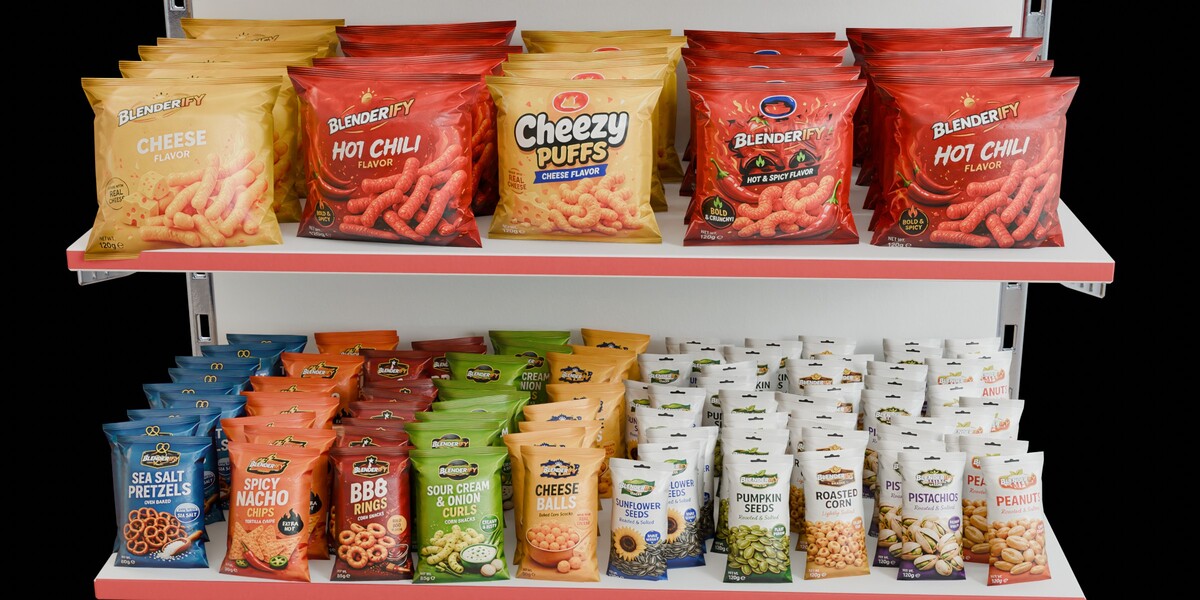
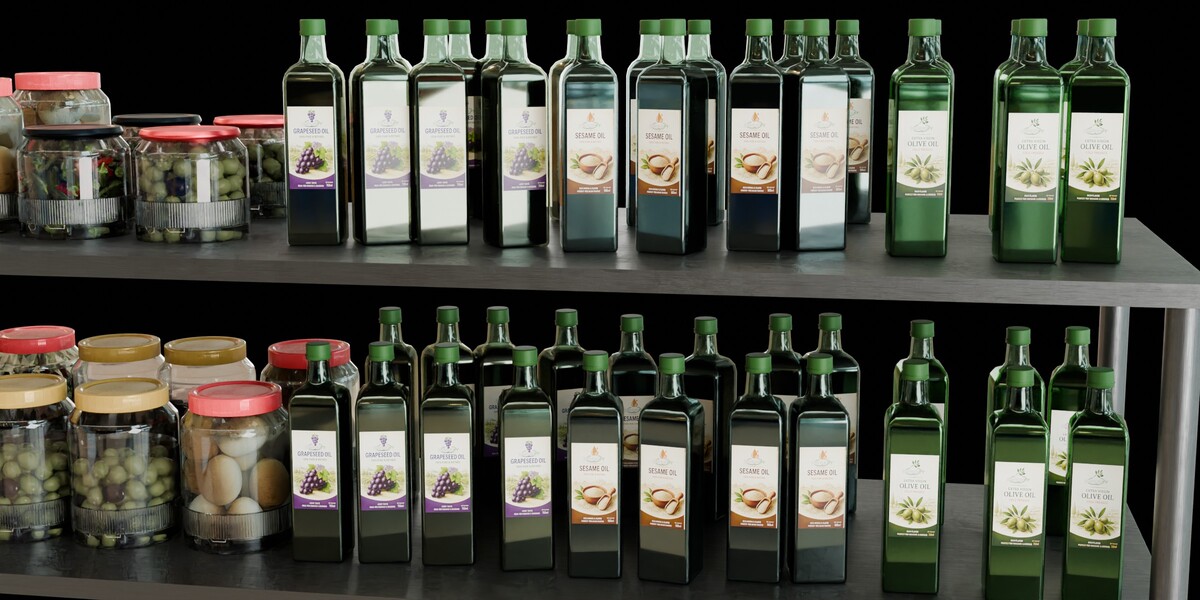
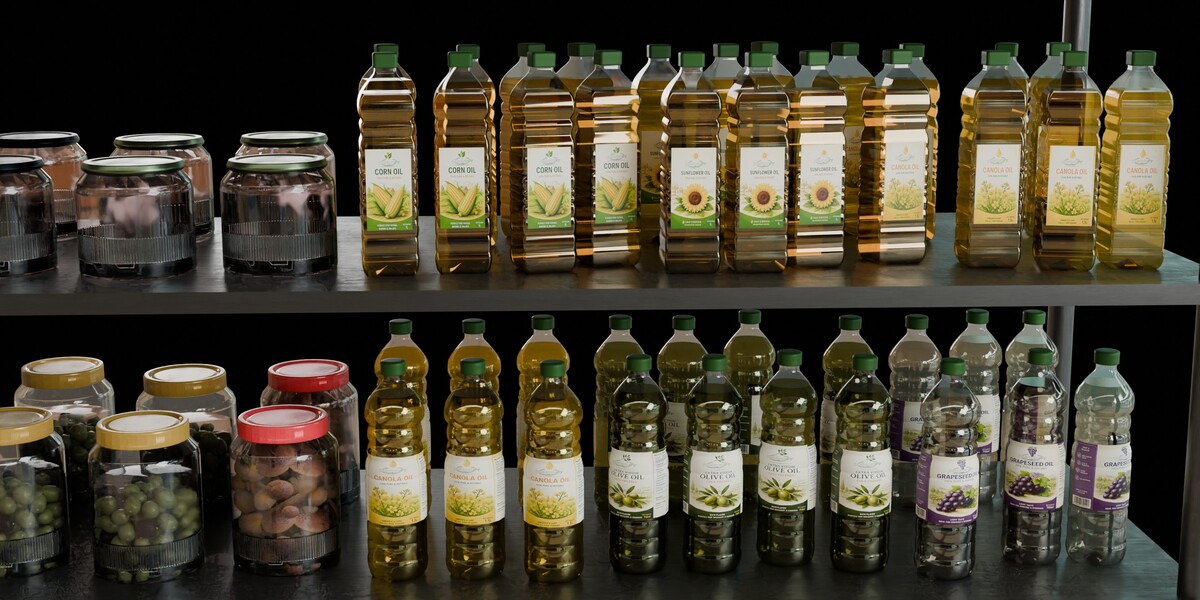
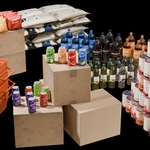
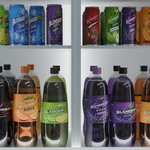
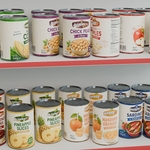
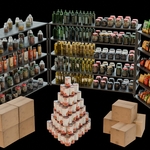
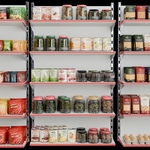
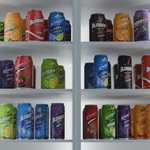
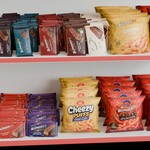
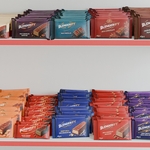
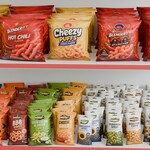
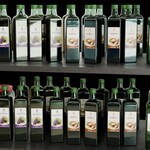
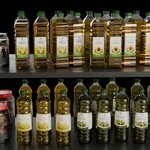
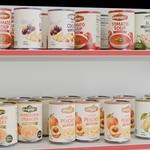
How do I install this library in Blender?
As explained in the text, open the Library folder from the file path in the Preferences section, then view and use it within the Asset Library window.
$5.99
Have questions about this product?
Login to message
| Published | 14 days ago |
| Blender Version | 4.0 - 5.2 |
| Render Engine Used | Blender-Internal, Cycles, Eevee |
| Misc Data | Uvs-Unwrapped, Textured |
| License | Royalty Free |
Discover more products like this
FoodAssets ArchViz Shop snack spaghetti retail GroceryStore resturant warehouse Oil environment photorealistic