Ultimate Stylized Realism Asset Pack
 StillMount Studios


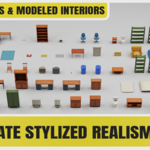
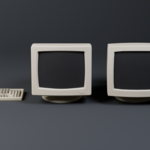
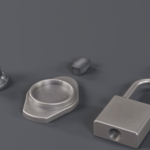
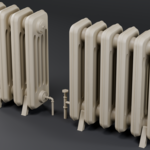
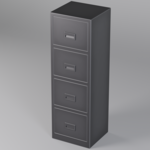
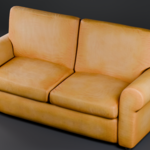
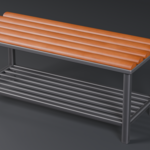
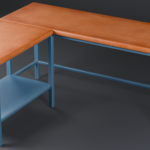
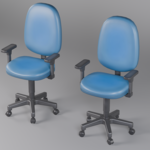
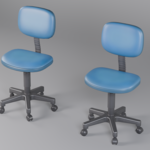
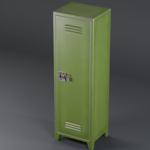
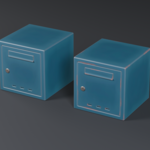
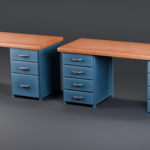
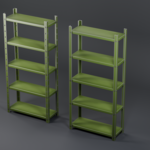
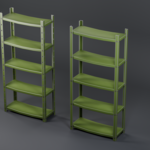
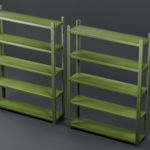
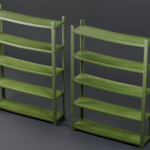
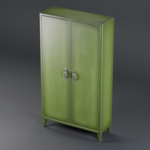
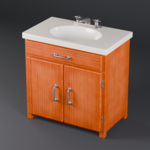
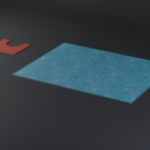
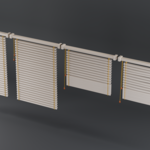
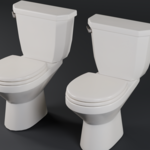
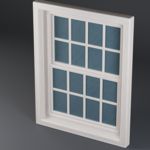
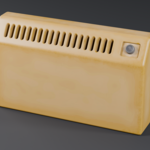
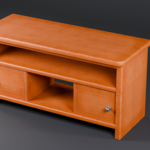
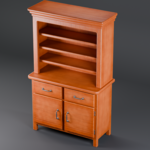
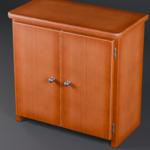
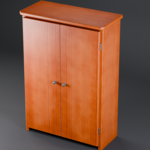
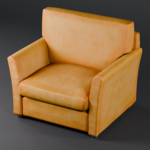
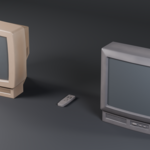
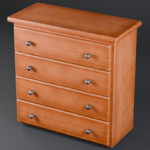
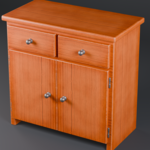
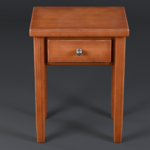
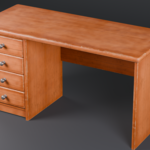
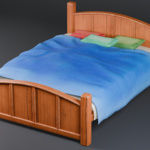
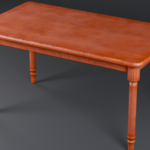
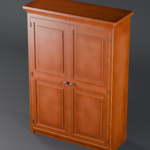
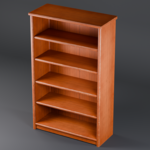
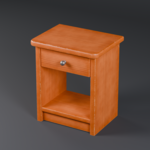
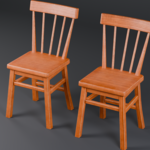
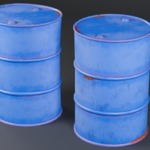
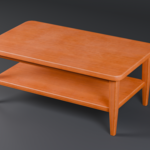
Ultimate Stylized Realism Asset Pack
Blender Asset Library - 70+ Assets
Compatibility
Compatible with Blender 4.5 to 5.2
Installation
1. Extract the downloaded ZIP file to a permanent location on your computer.
2. Open Blender.
3. Add the extracted "Ultimate_Stylized_Realism_Asset_Pack" folder as an Asset Library.
Edit > Preferences > File Paths > Asset Libraries
Edit > Preferences > Asset Libraries
4. Click the "+" button to add a new Asset Library.
5. Navigate inside the extracted "Ultimate_Stylized_Realism_Asset_Pack" folder and click "Add Asset Library".
6. The pack will now be available from the Blender Asset Browser.
Usage
1. Open the Asset Browser in Blender.
2. Select the Ultimate Stylized Realism Asset Pack library.
3. Choose the desired asset.
4. Drag and drop the asset directly into your scene.
Assets are provided with their materials already configured and ready to use.
Modular Assets
Some assets include separate movable parts such as doors, drawers, shelves, handles, locks and other functional elements.
These parts can be moved, rotated or animated independently depending on the asset.
Many furniture assets also include modeled interiors.
Important
Do not move or rename the Ultimate_Stylized_Realism_Asset_Pack folder after adding it as an Asset Library.
If the folder is moved, update its path in Blender Asset Library preferences.
Included
- 70+ Stylized Realism Assets
- Blender Asset Library
- Ready-to-Use Materials
- Modular Assets
- Modeled Interiors
- Separate Movable Parts
- UV Unwrapped Assets
- Real-World Scale
Have questions about this product?
Login to message
Includes an Asset Library
71 drag-and-drop assets for Blender’s Asset Browser.
Browse included assets| Dev Fund Contributor | |
| Published | about 2 months ago |
| Blender Version | 4.5 - 5.2 |
| Render Engine Used | Cycles, Eevee |
| Misc Data | Uvs-Unwrapped, Normal-Mapped, Textured |
| License | Royalty Free |
Discover more products like this
game ready Environment Props asset-browser optimized game assets prop pack stylized realism furniture blender modular real-time props