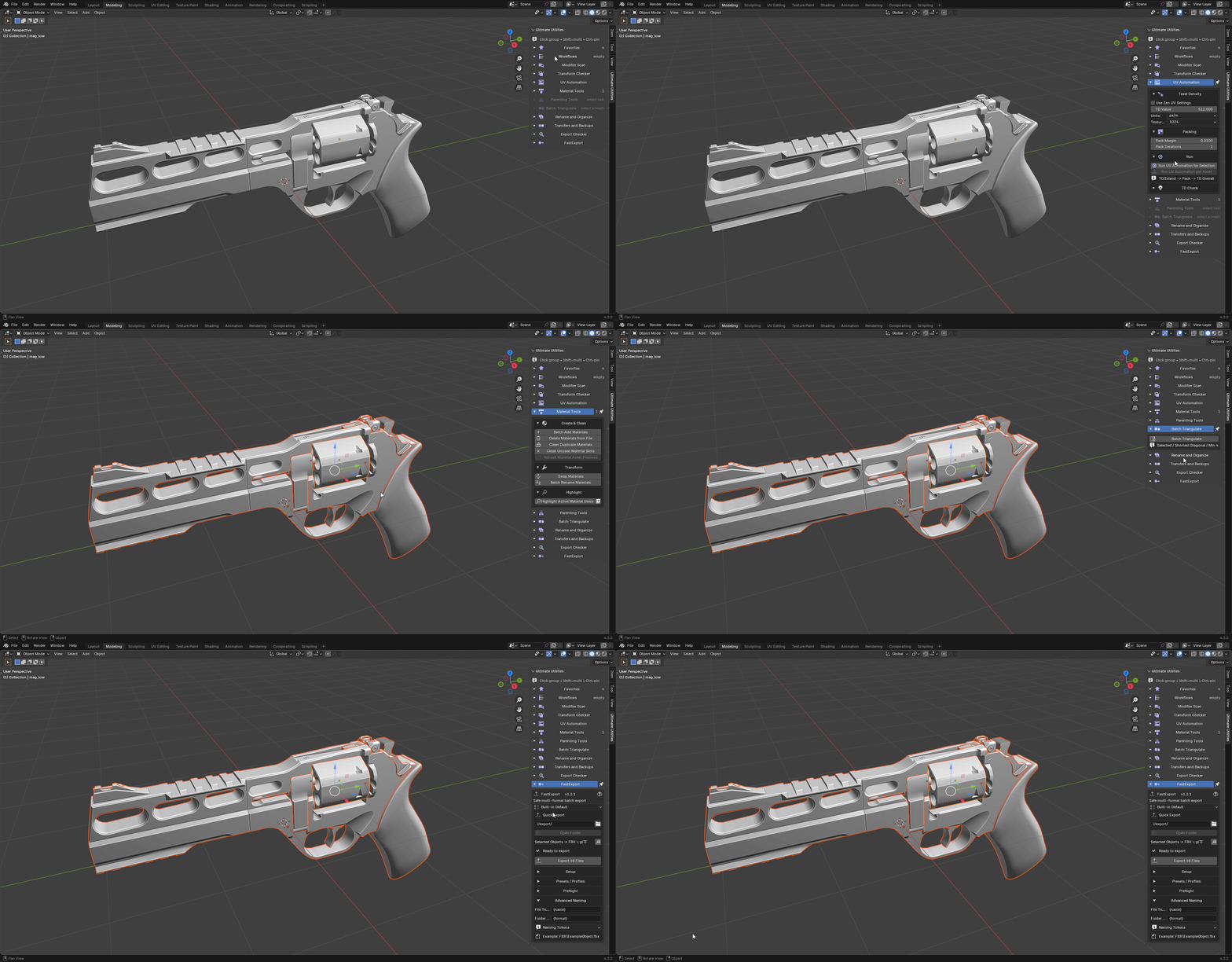
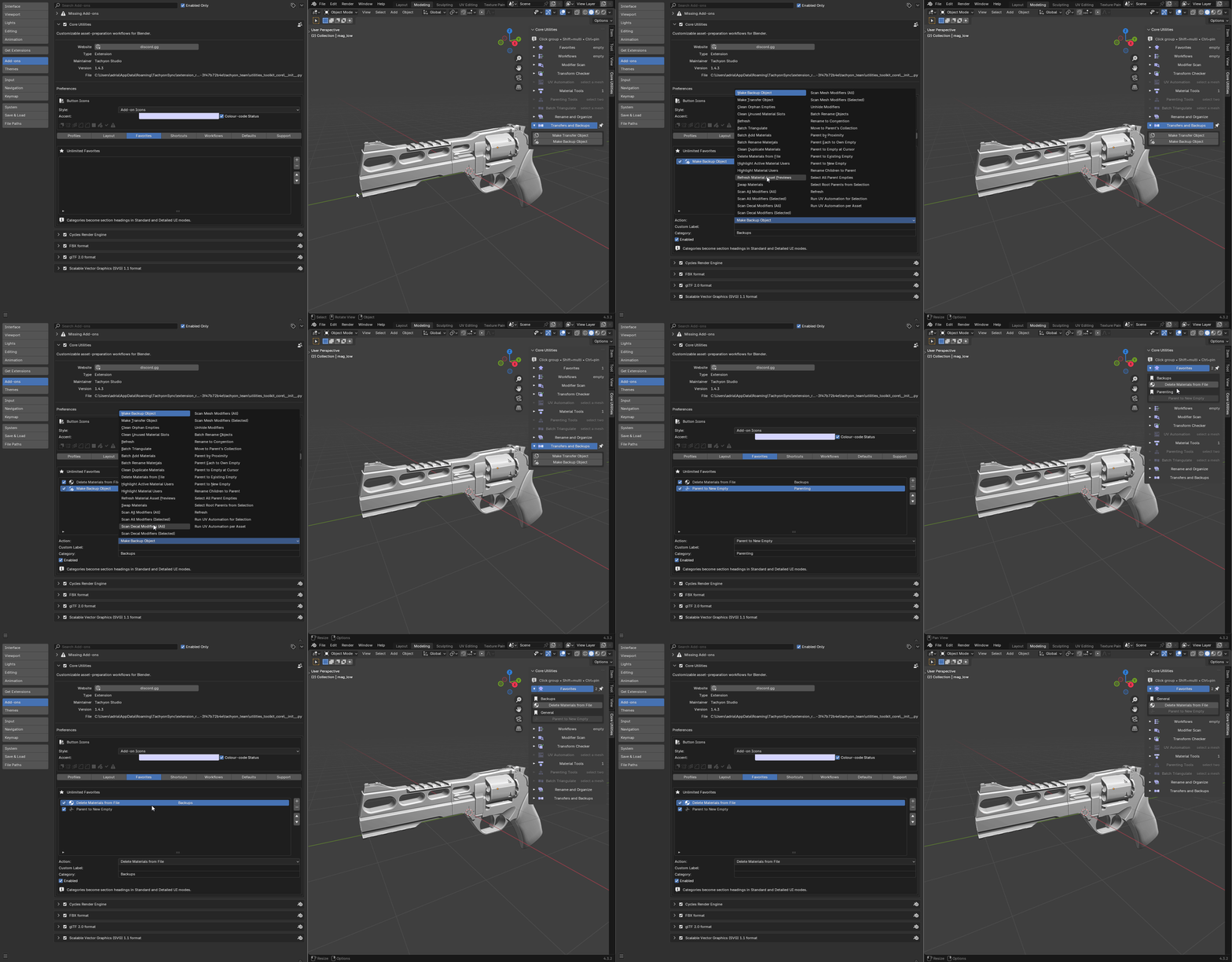
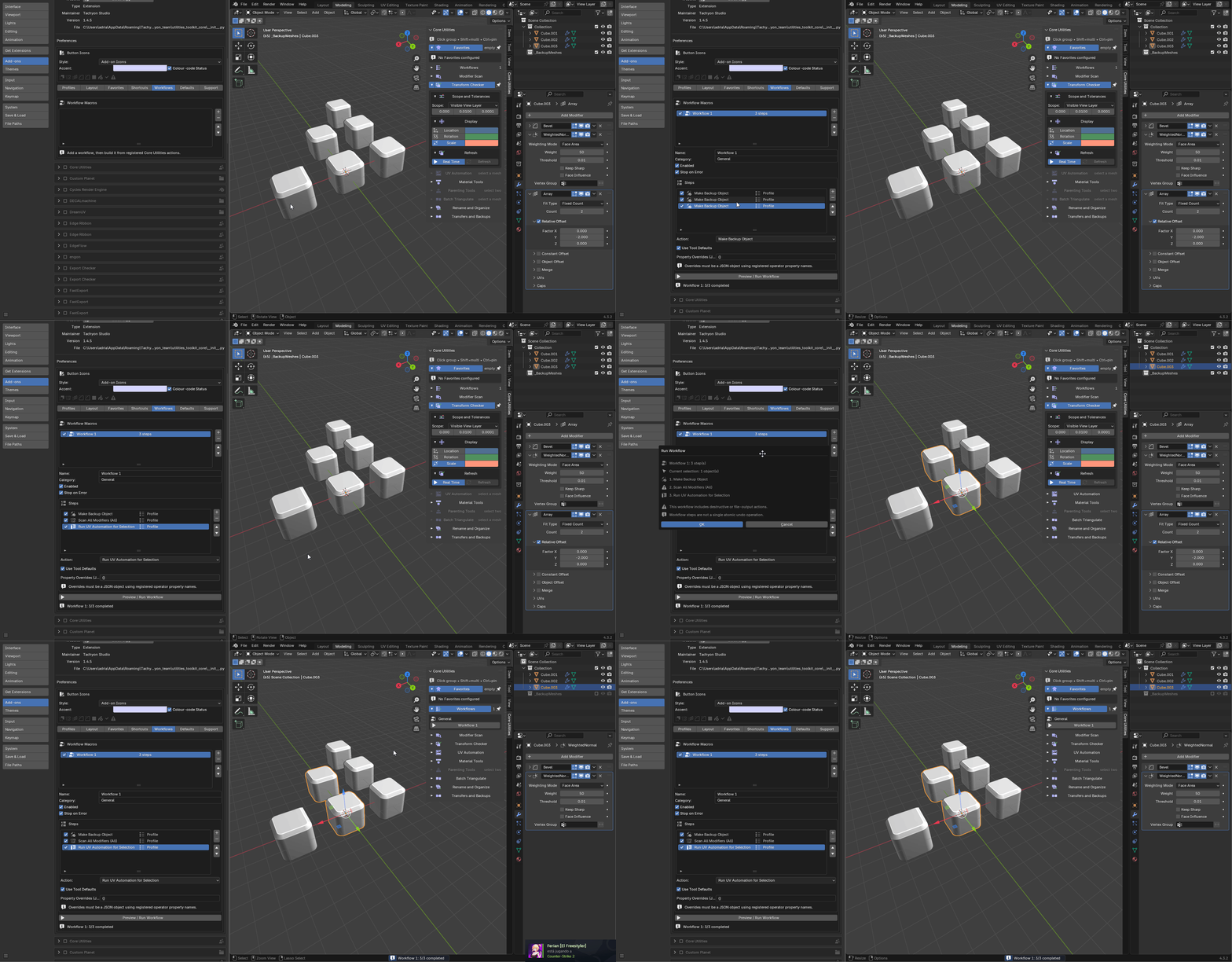
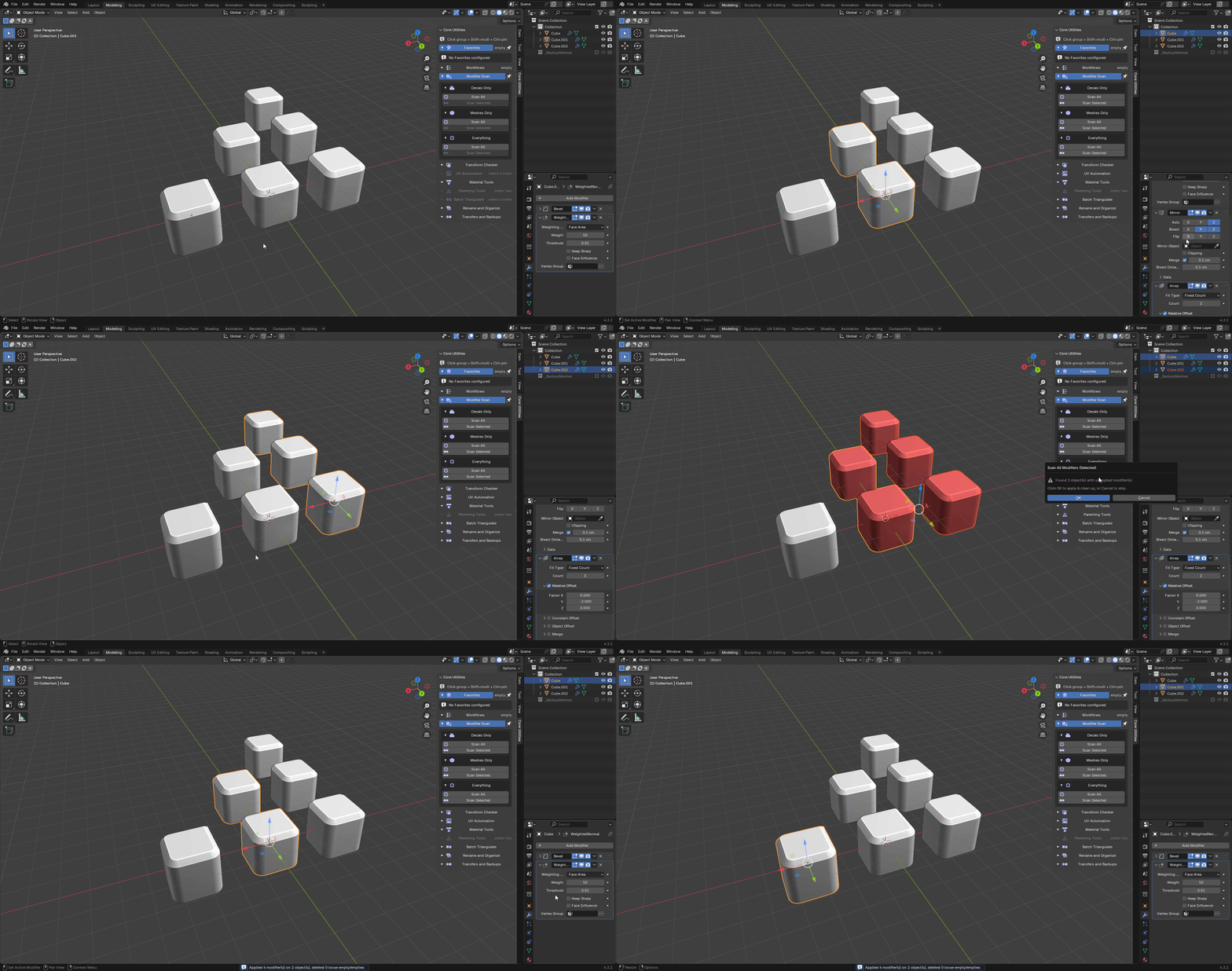
Ultimate Utilities — Documentation
Blender 3.3–5.2 · Windows, macOS, Linux · Version 2.3.2
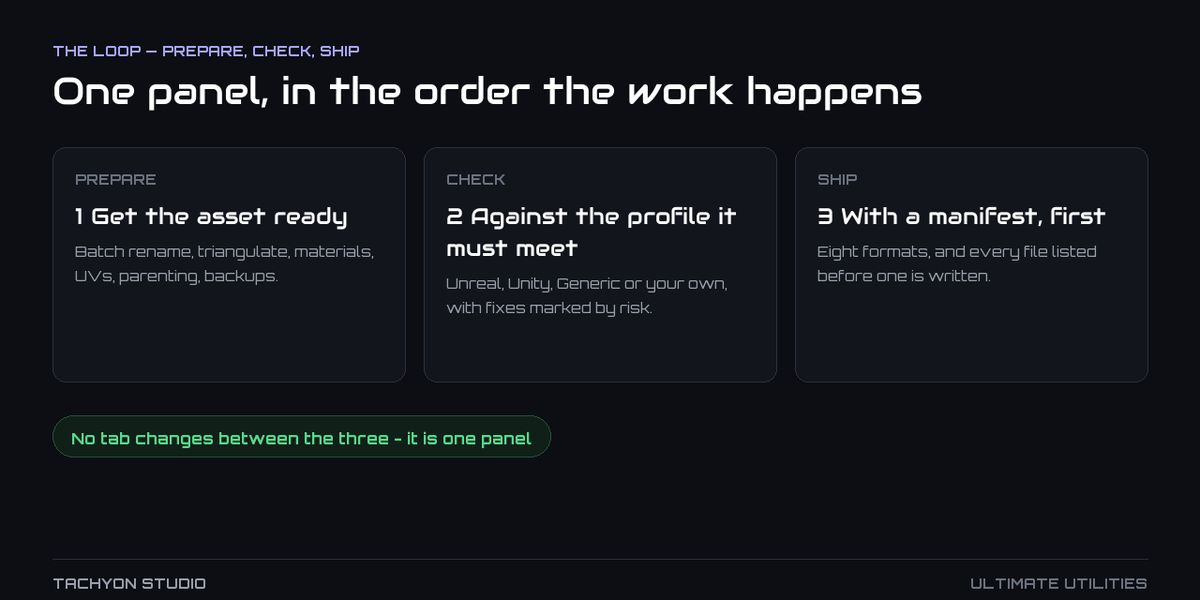
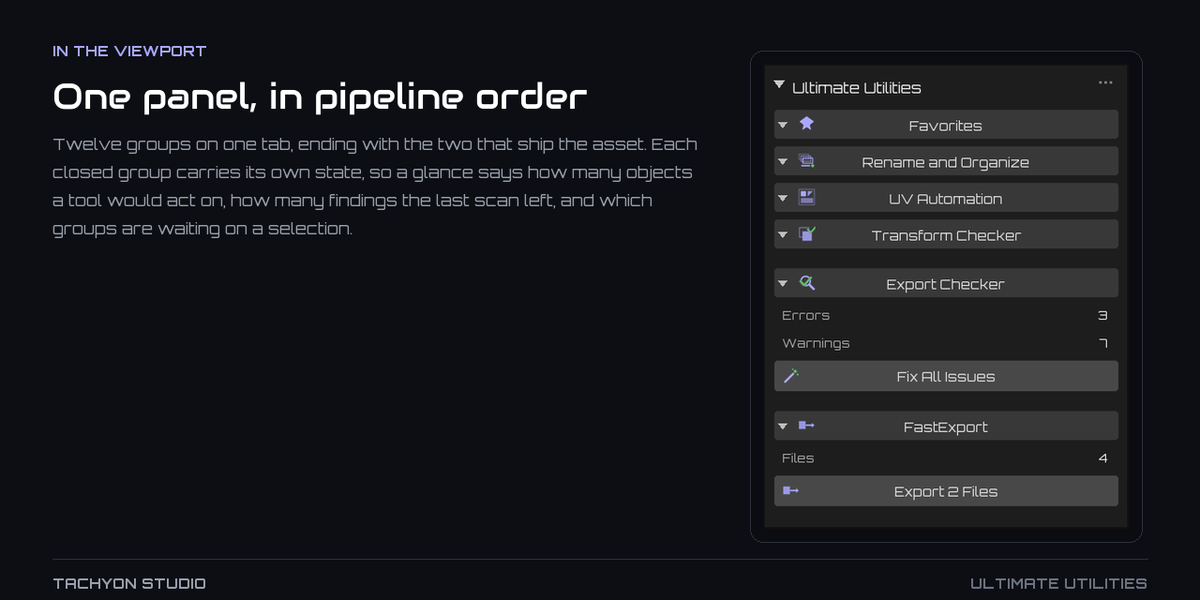
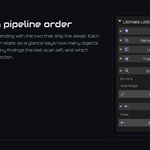
One sidebar tab covering the middle of a game-art pipeline: get the asset tidy,
check it against the rules it has to meet, and write the files. Twelve tool
groups in the order you actually work in, and each closed group reports what it
would act on, so a glance down the column tells you what is ready and what is
waiting on a selection. It includes everything in Core Utilities, Export Checker
and FastExport — those three are also sold separately, and this is the one
add-on that carries all of them.
---
Requirements - please read before buying
-
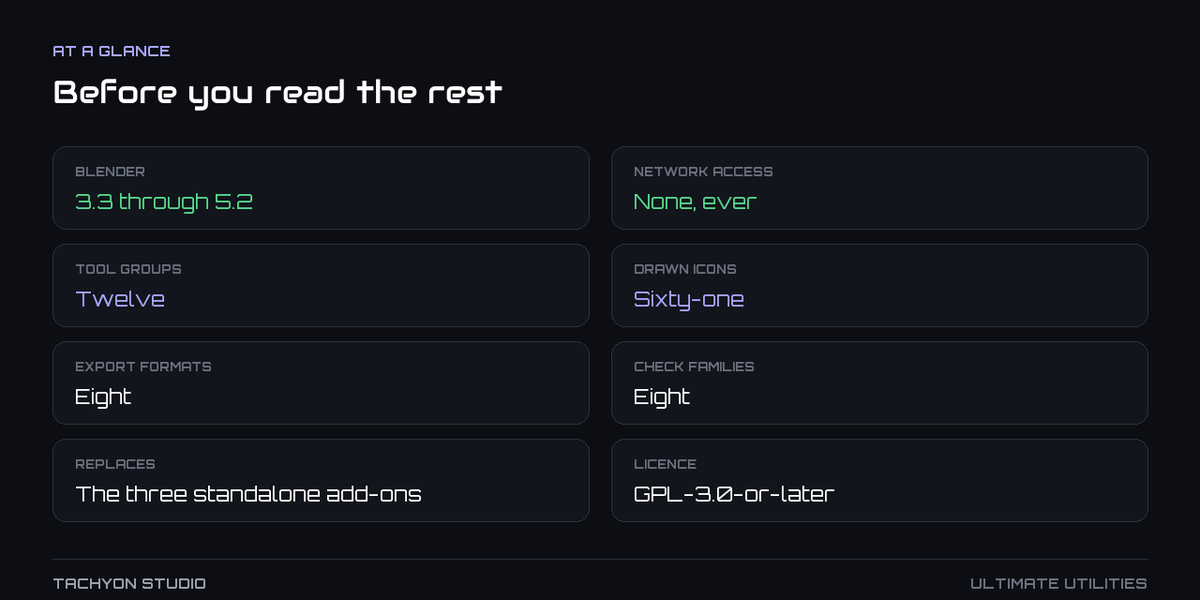
Blender 3.3 - 5.2. Two builds ship: an extension for Blender 4.2 and
newer, and a classic add-on for 3.3 - 4.1. Both are the same code.
-
Windows, macOS and Linux. Nothing here shells out to another application
or depends on a platform-specific path.
-
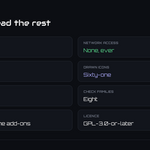
Network: none. Every tool runs locally. The add-on opens no connection,
sends no telemetry, and needs no account.
-
No other add-on is required. If you already own Core Utilities, Export
Checker or FastExport, this contains them — read *Running alongside the
separate editions* under Troubleshooting before enabling both.
- Exporting uses Blender's own exporters, so a format is available exactly when
your Blender build has it.
- License: GNU GPL v3 or later.
Installation
Extension: Edit ▸ Preferences ▸ Get Extensions ▸ menu in the upper right ▸
*Install from Disk…* → pick utilities_toolkit-x.x.x-blender4.2-5.2.zip from a
folder outside any existing Blender extension directory, then enable it if
Blender does not do so itself.
Classic add-on (Blender 3.3 - 4.1): Edit ▸ Preferences ▸ Add-ons ▸
*Install…* → pick utilities_toolkit-x.x.x-blender3.3-4.1.zip from the legacy
folder, then tick it in the list.
The panel is in the 3D Viewport sidebar (press N) under the **Ultimate
Utilities** tab. Export Checker also registers its own tab, for when you want the
issue list on its own.
Updating
Install the new version over the old one and restart Blender. Preferences,
favourites, custom profiles and saved presets are keyed by name and survive the
update; settings from older releases are migrated in place. Moving between
machines, use *Export Settings* to write a portable JSON and *Import Settings* on
the other side, rather than copying Blender's configuration folder.
Getting started
- Select the objects you want to work on.
- Open the Ultimate Utilities tab in the sidebar (N). Click a group
title to open it, Shift-click to keep several open at once, Ctrl-click to pin
one.
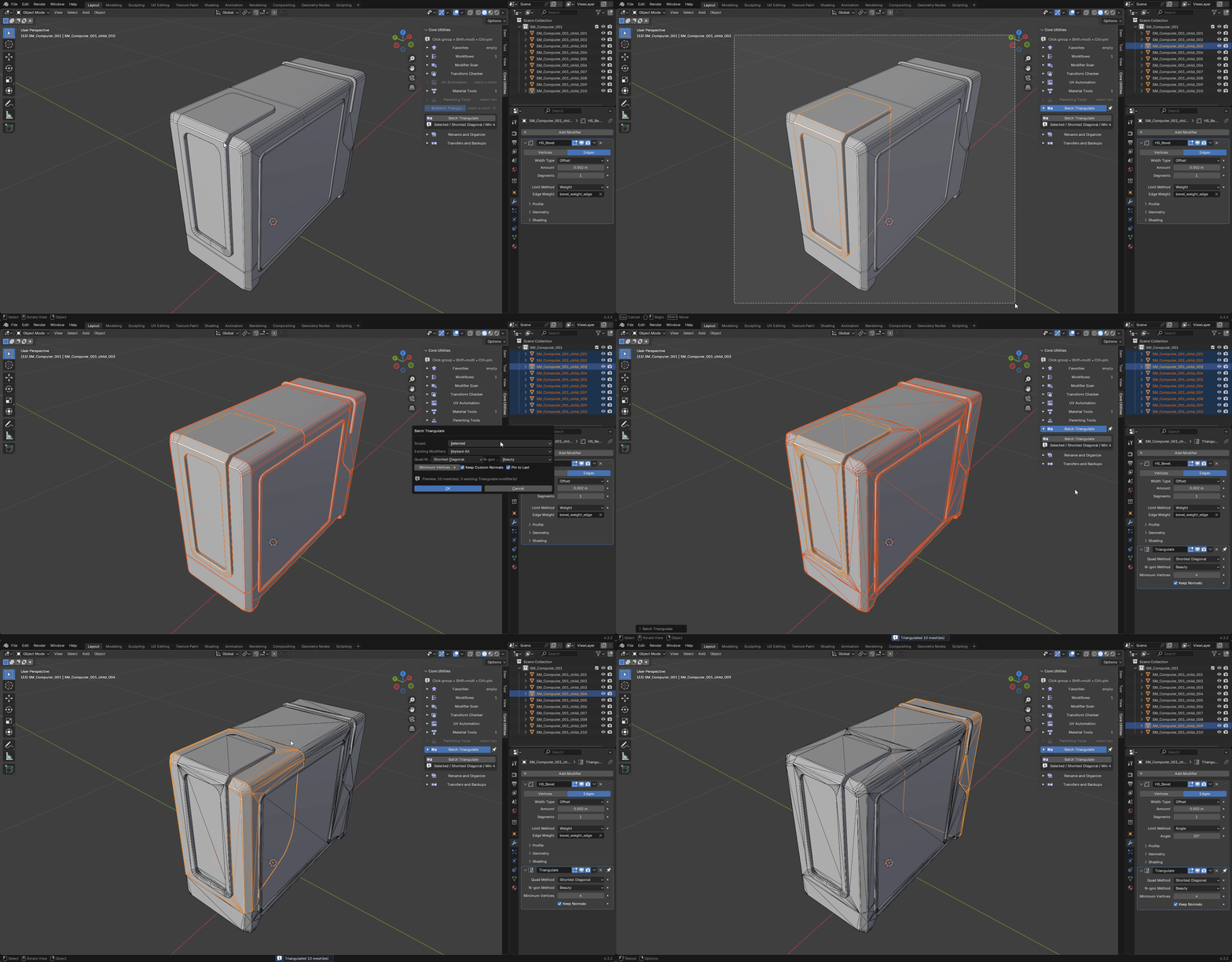
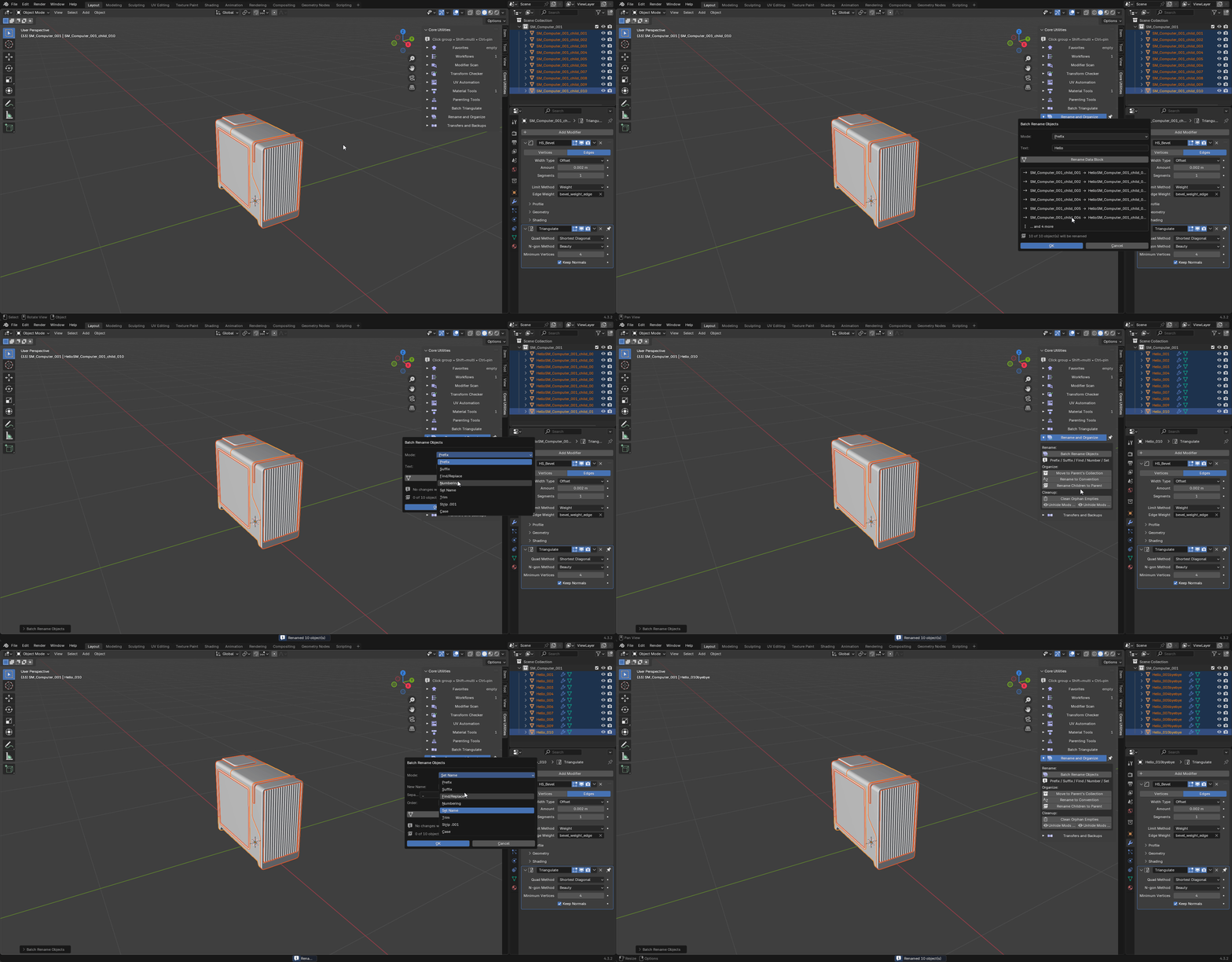
- Work down the column — *Rename and Organize*, *Batch Triangulate*, *Material
Tools*, *UV Automation*, *Parenting Tools* — opening only the group you need.
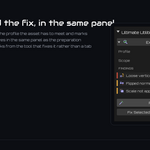
- Run Export Checker against the profile the asset has to satisfy.
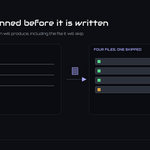
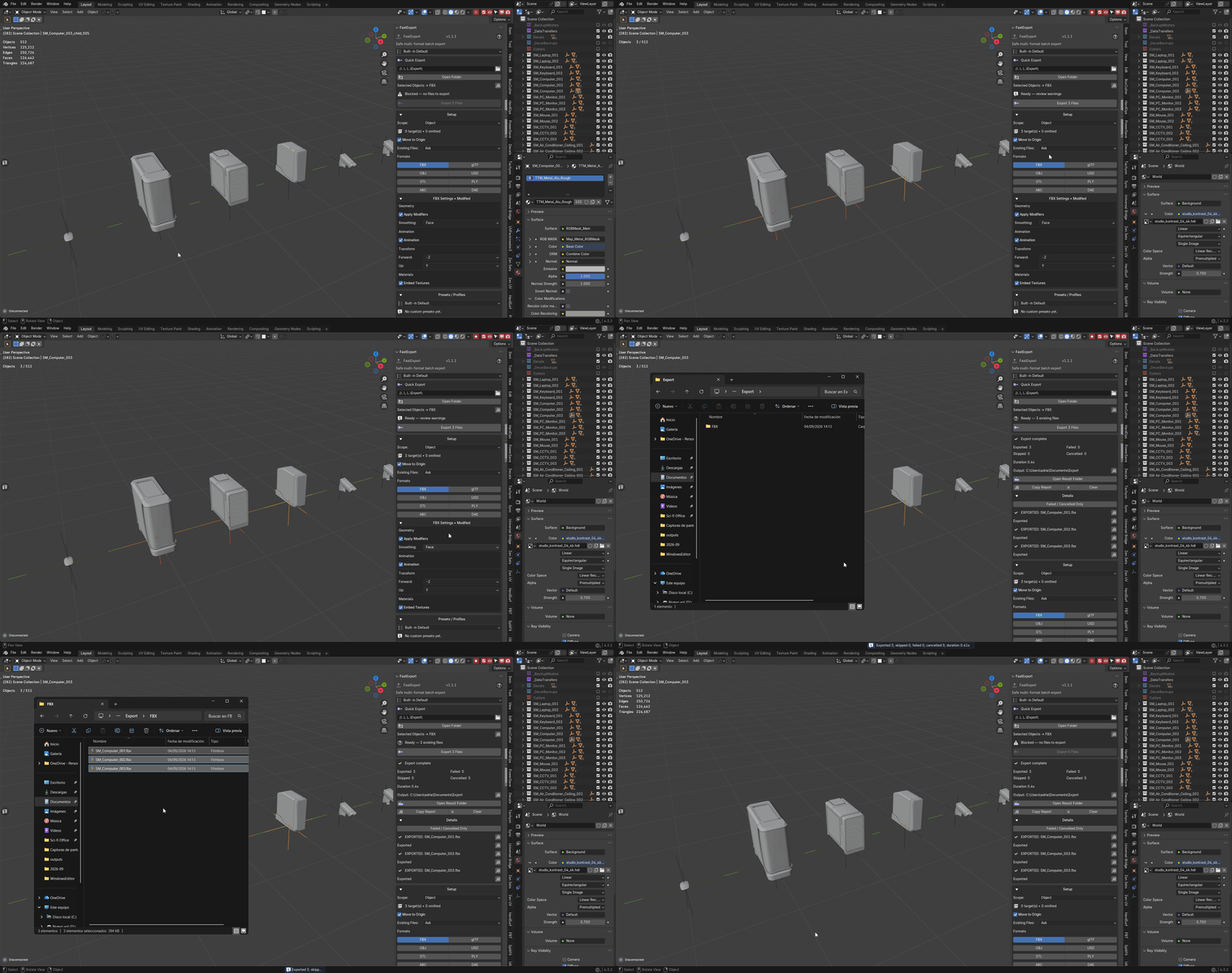
- Open FastExport, press Preview Manifest to see exactly what will be
written and where, then Export.
Two menus reach the same tools without the sidebar: Ctrl+Shift+U for the
ordered tool menu, Alt+U for the pie menu. Both are configurable.
Nothing in step 3 is mandatory or ordered. The panel is arranged in pipeline
order because that is the order most assets need, not because the tools depend on
each other.
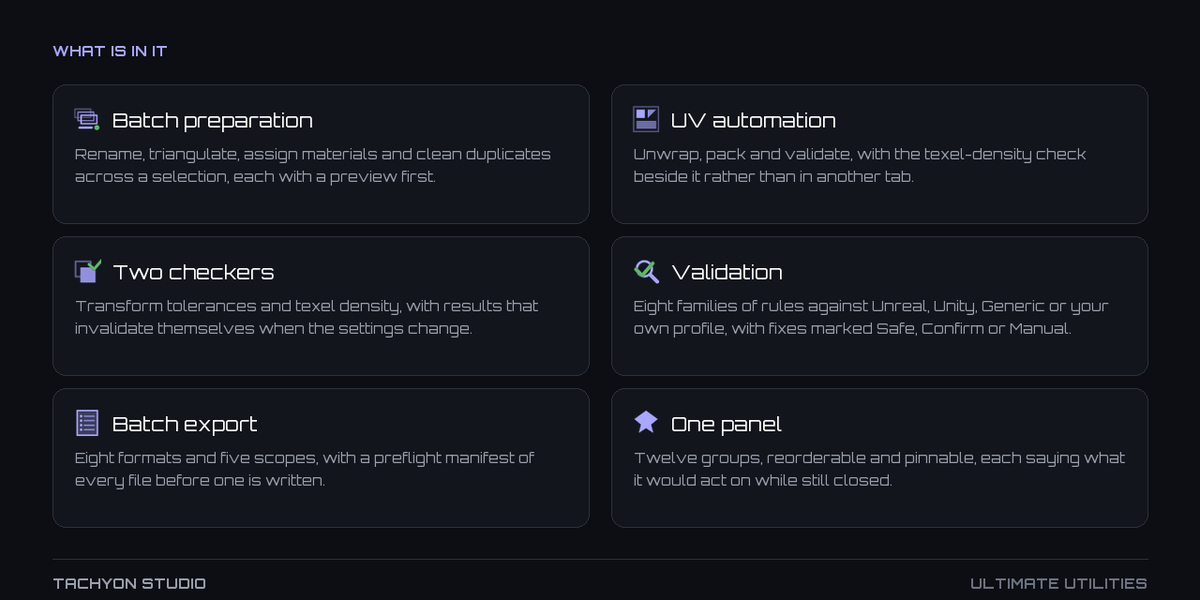
The twelve groups
-
Favorites — the tools you actually reach for, pinned above everything else.
Categorised, and saved as part of a profile.
-
Workflows — user-defined macros. Several steps run from one press, with a
preview of what the macro will do before it does it.
-
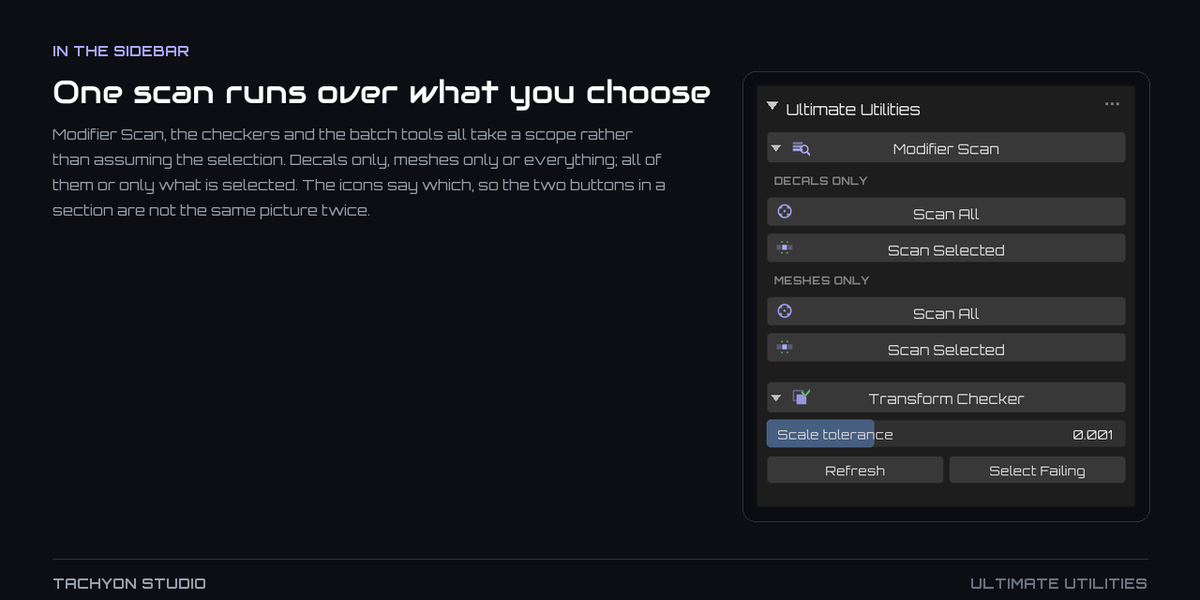
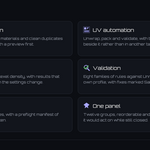
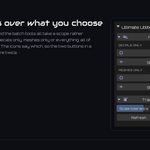
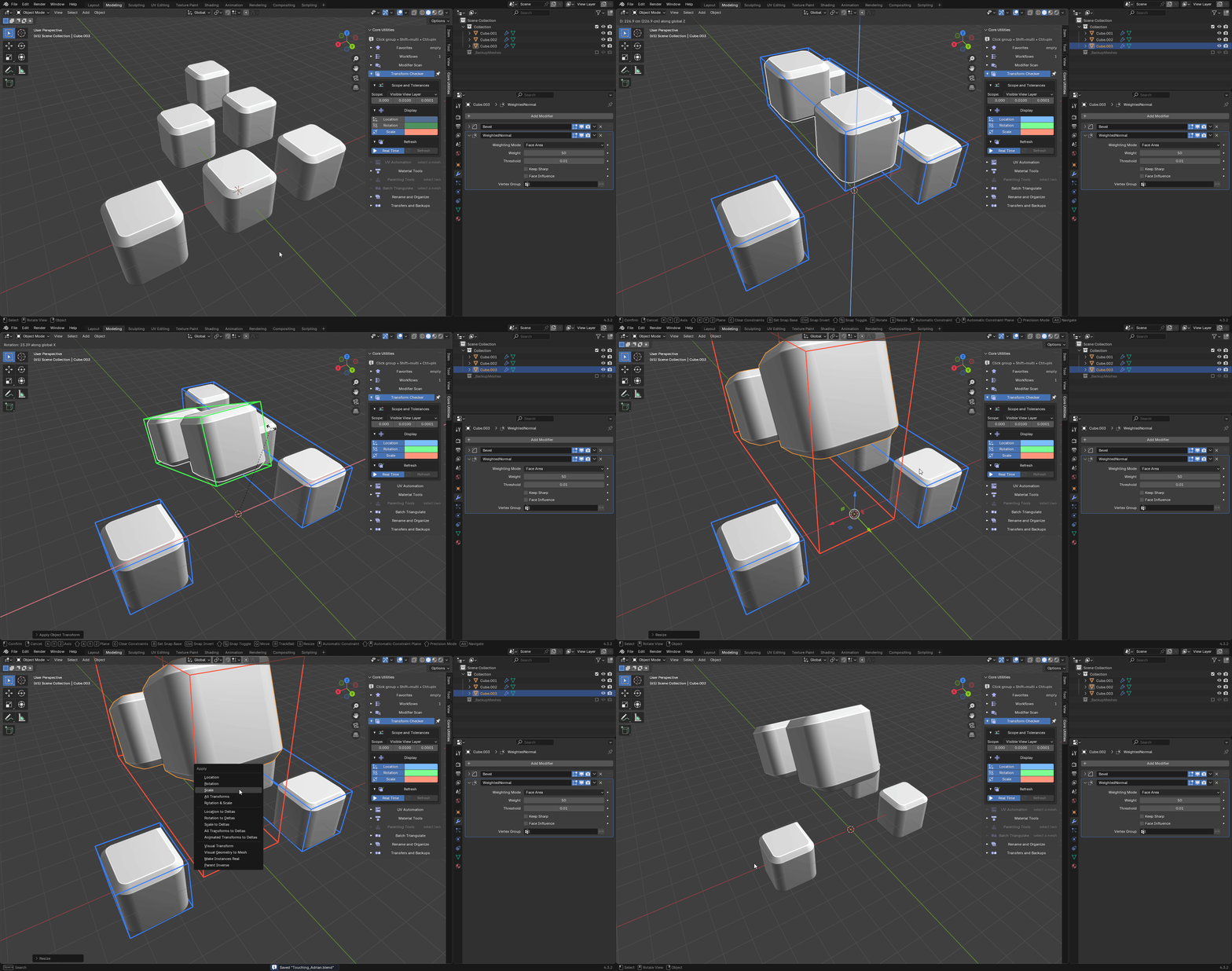
Modifier Scan — finds objects with unapplied mirror and array modifiers,
applies them, and clears the loose empties left behind. Scoped to decals only,
meshes only, or everything, across the scene or the selection. It will also
re-enable modifiers hidden in the viewport or render.
-
Transform Checker — every object outside your tolerances for location,
rotation and scale, with the value that failed. Rebuilt on demand rather than
on every depsgraph update, so a large scene stays responsive.
-
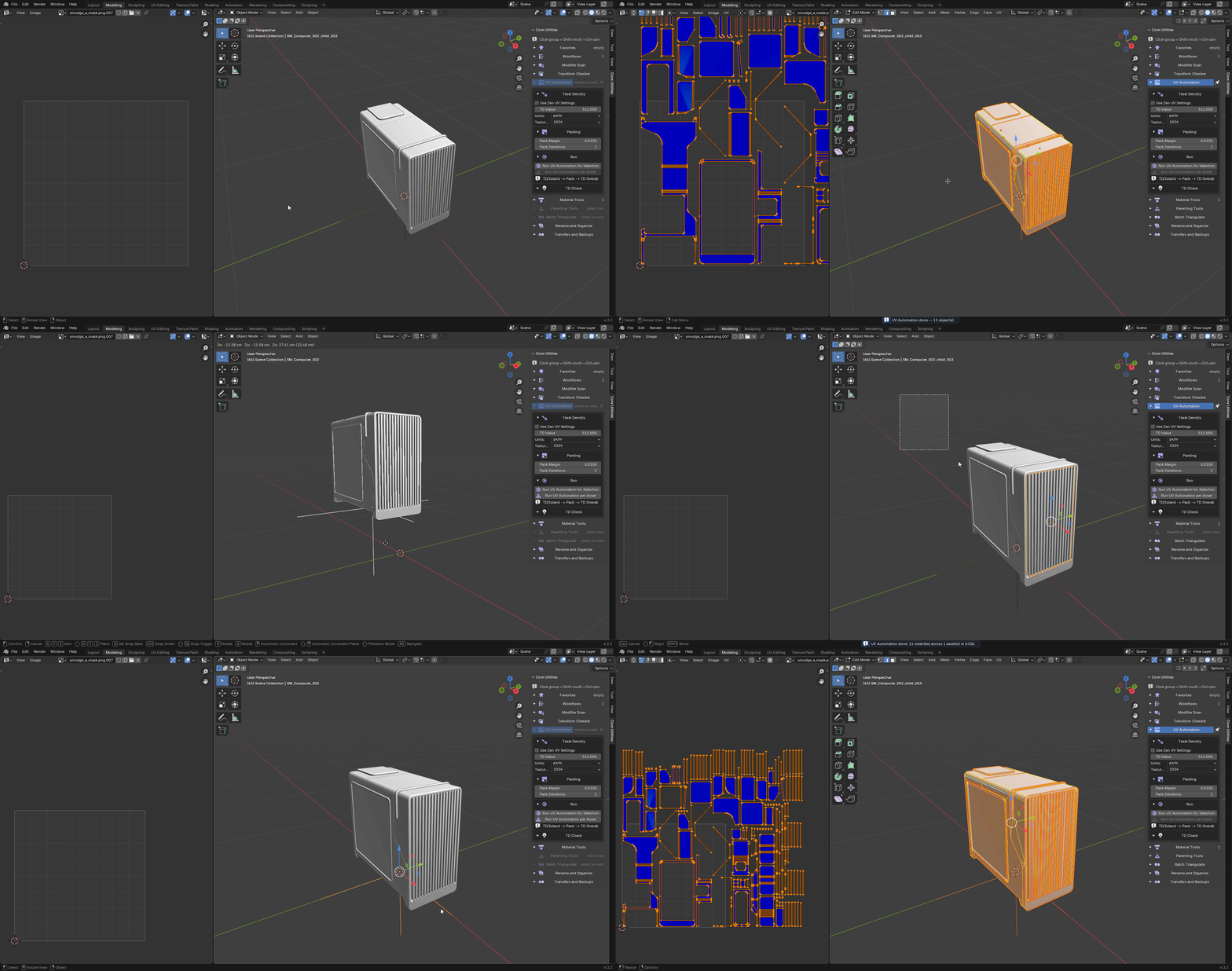
UV Automation — sets texel density per island, packs, and normalises
overall density, for selected meshes or for every mesh under each selected
asset root. The texel-density checker lives here too.
-
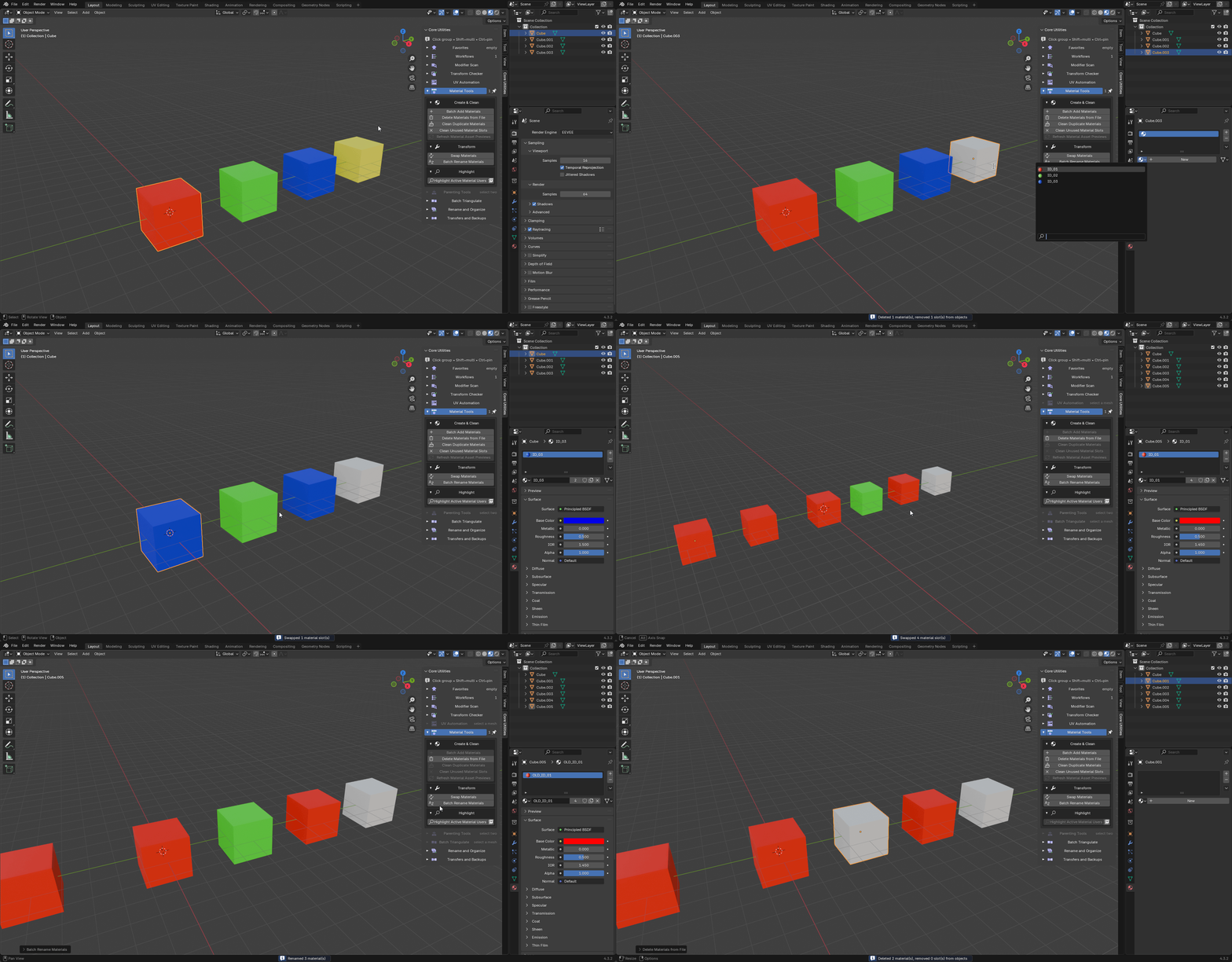
Material Tools — add materials across a selection, swap one for another,
rename in bulk, merge .001 duplicates back to the base material, drop slots
no face uses, delete materials from the file, and select the objects using a
given material.
-
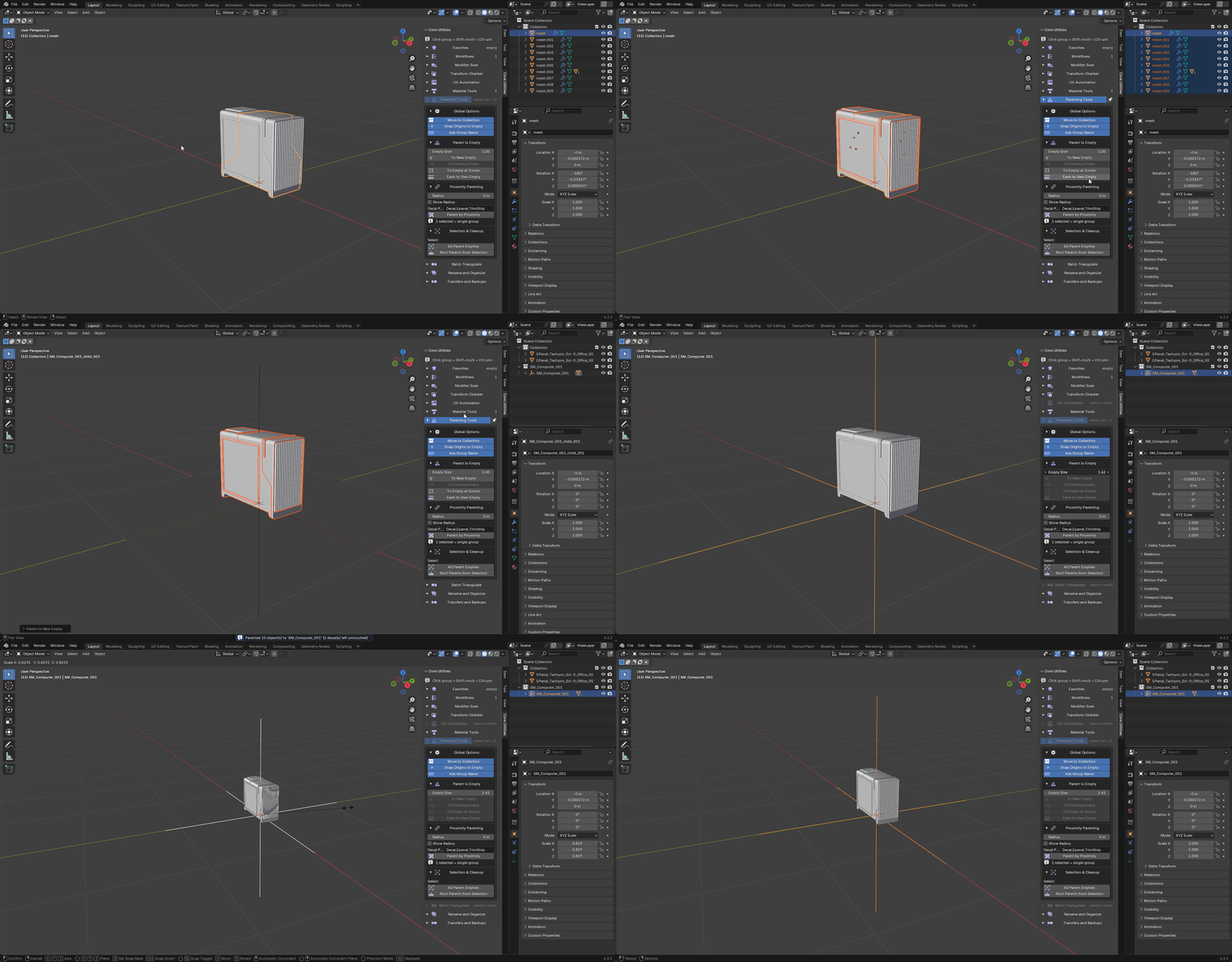
Parenting Tools — parent to a new empty, an existing empty, an empty at the
3D cursor, or one empty each; group by proximity radius; rename to the
SM_Name_### convention; clean orphan empties.
-
Batch Triangulate — one Triangulate policy applied as a pinned modifier at
the bottom of every selected mesh's stack, so it always evaluates last.
-
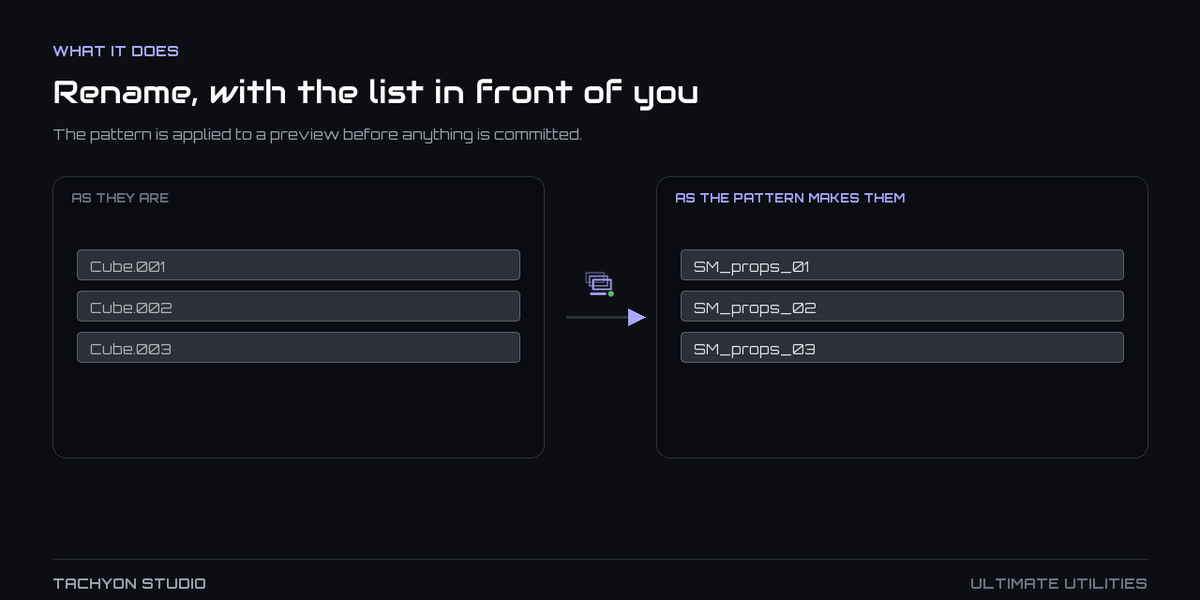
Rename and Organize — prefix, suffix, find and replace, numbering and case
conversion across objects, materials and collections in one operation.
-
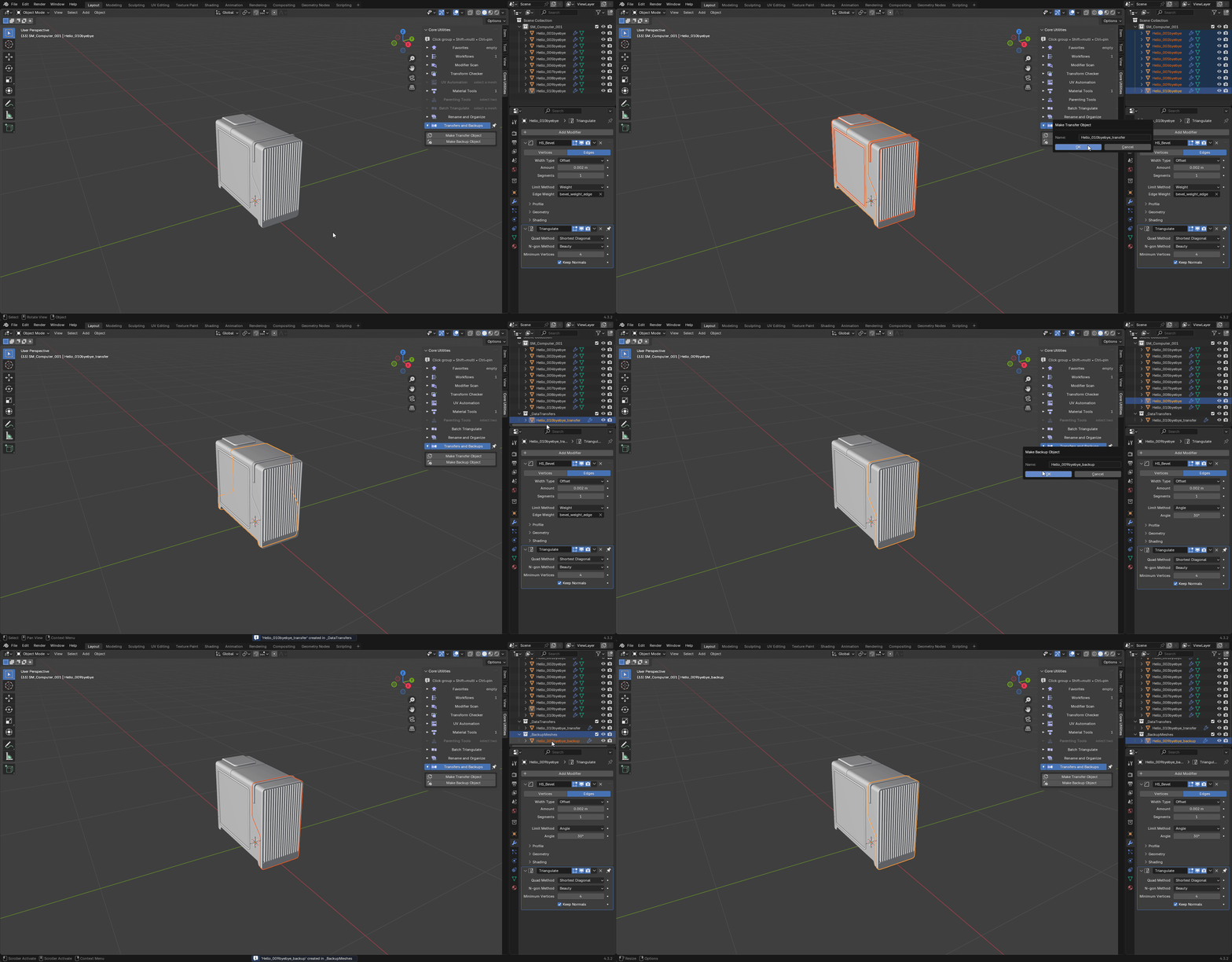
Transfers and Backups — duplicate the active mesh into
_DataTransfers as
a transfer source, or into _BackupMeshes as a hidden safe copy.
-
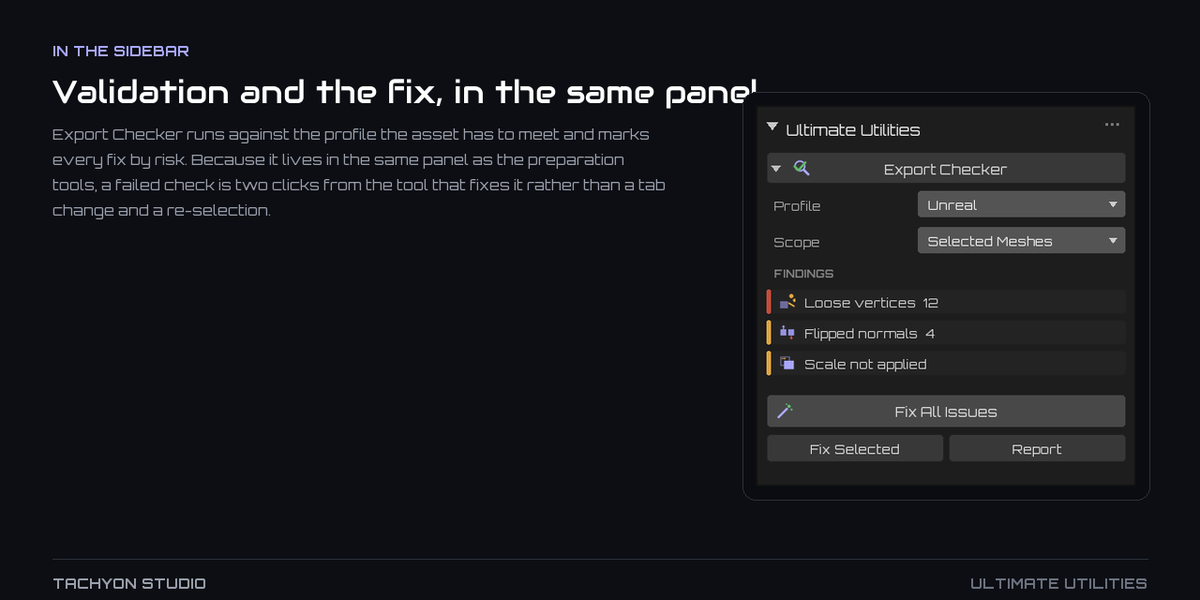
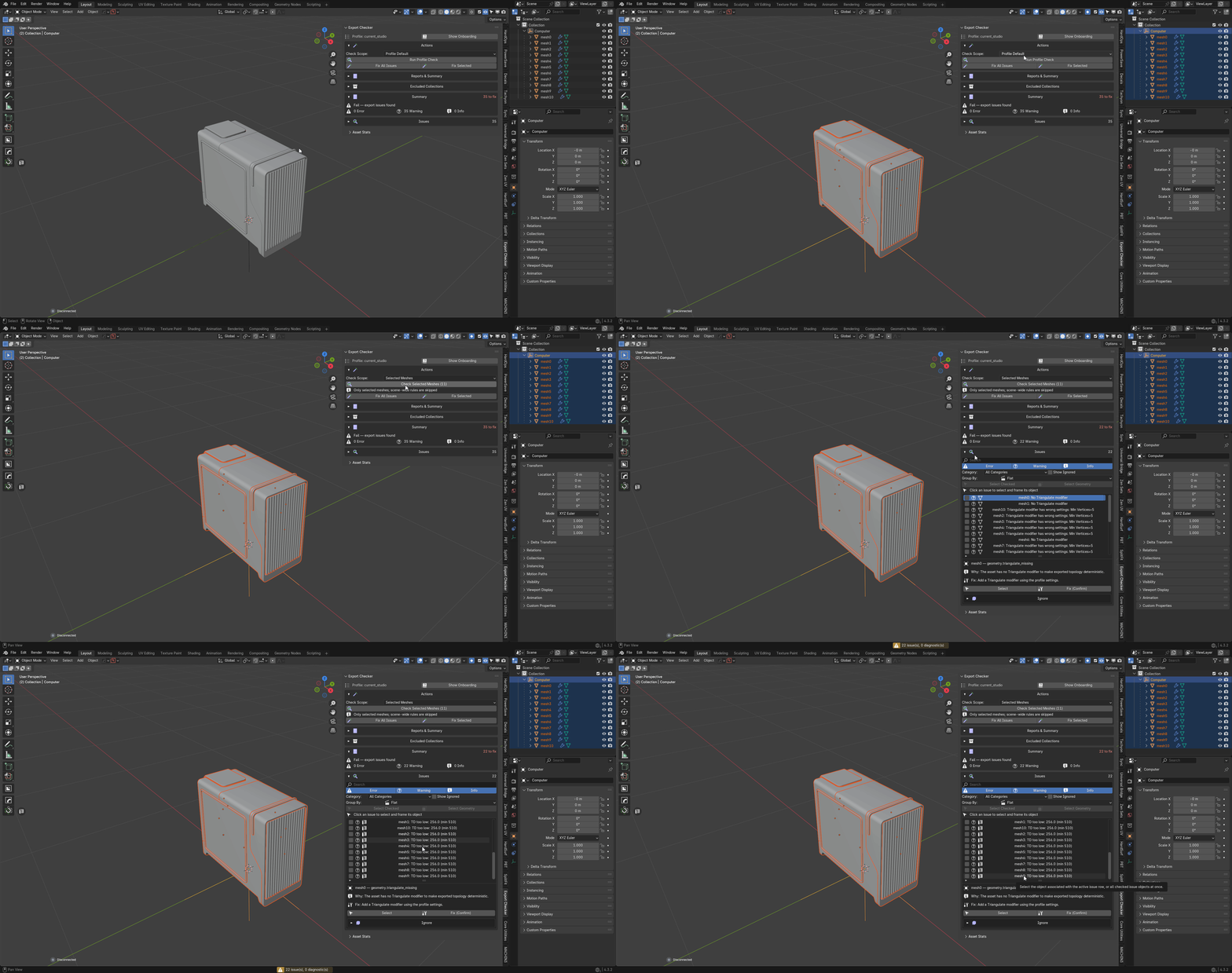
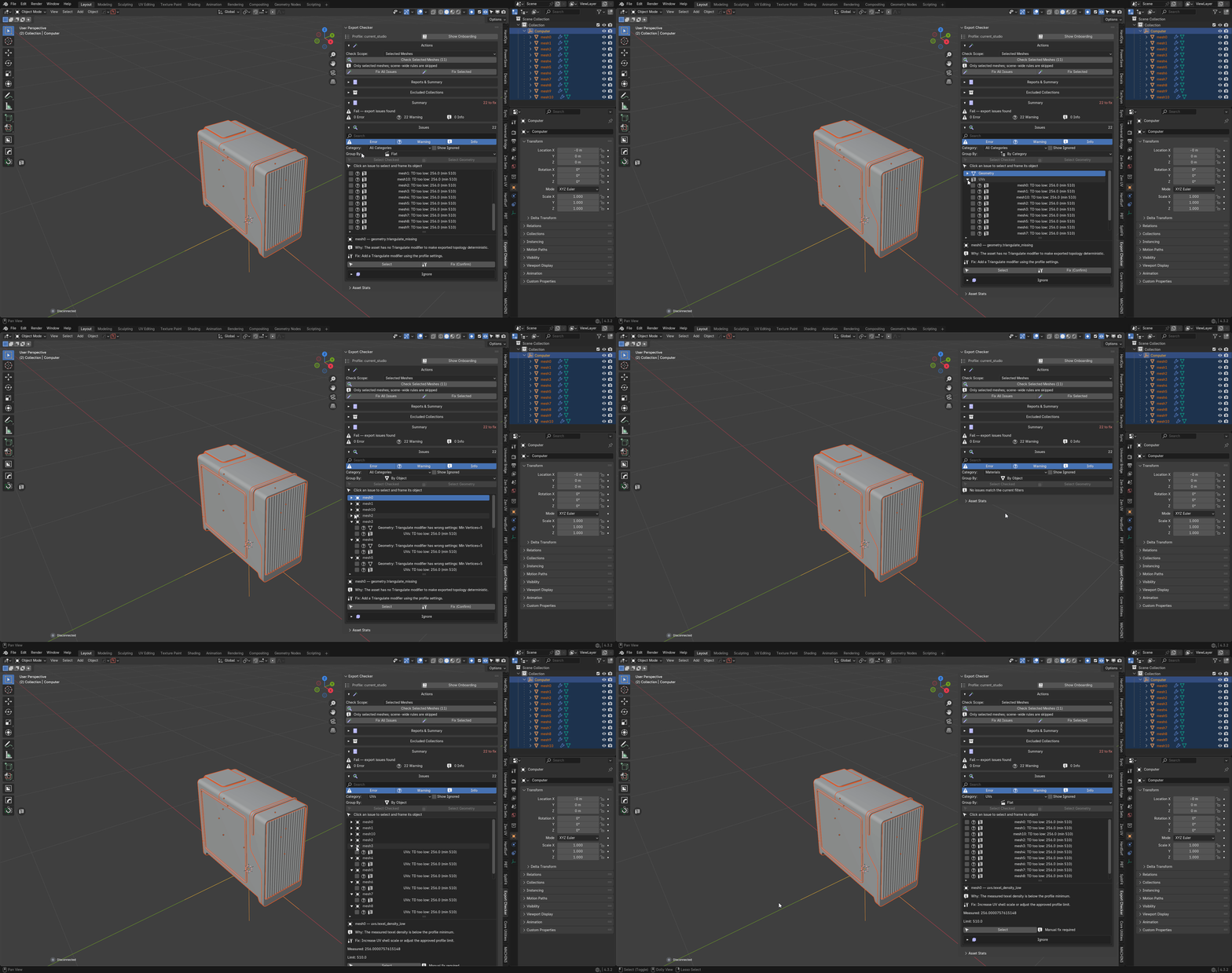
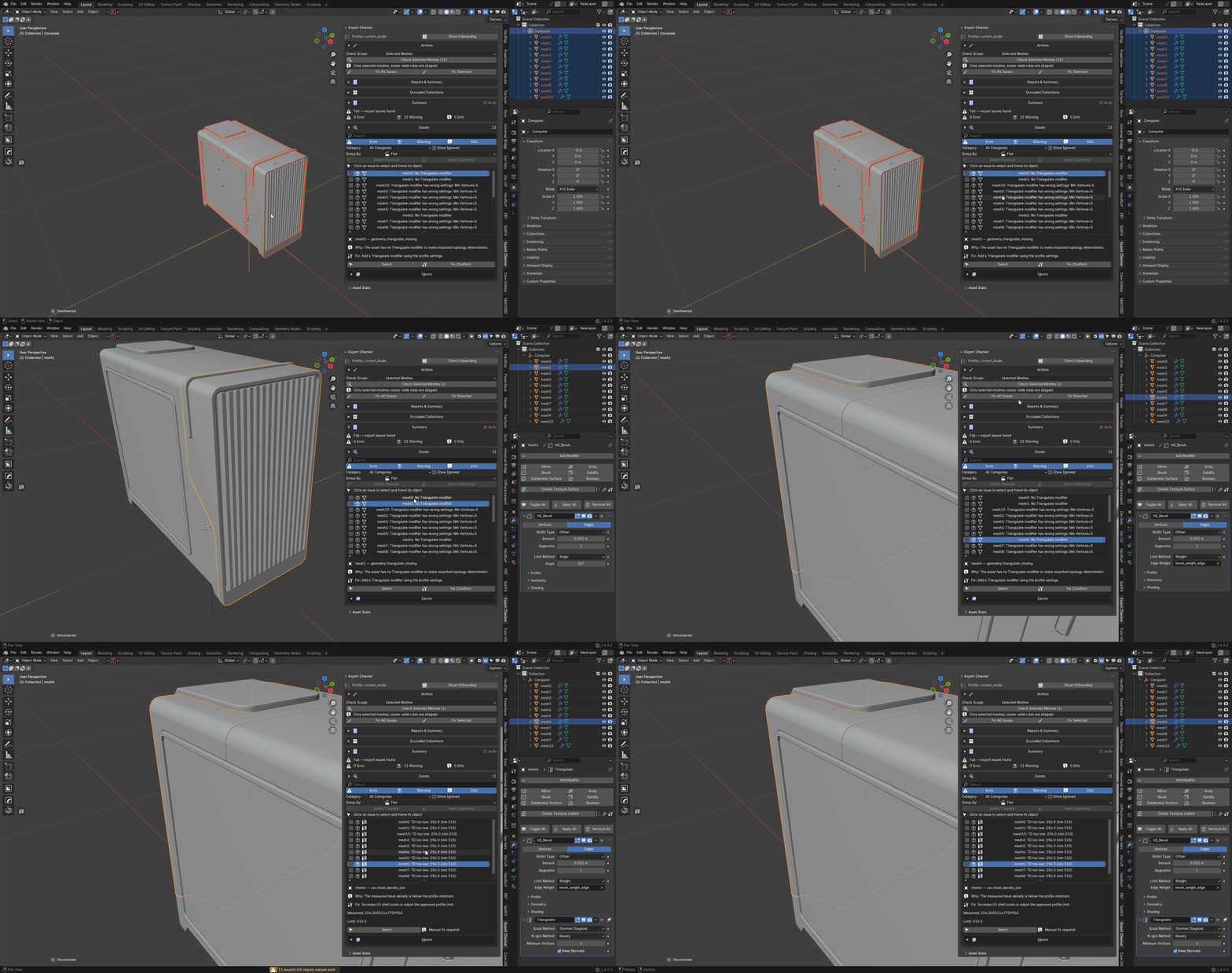
Export Checker — validation against a profile, with fixes graded by risk.
-
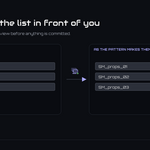
FastExport — batch export with a manifest you read before anything is
written.
Export Checker
Profiles. Generic Game Asset, Unreal, Unity and Current Studio Rules ship built in. Duplicate any of them for
an editable copy, override individual rules, and enable or disable a whole
category at once. Profiles export to portable JSON and import back, so a team can
share one definition of "correct".
Scope. Entire Scene, Selected Meshes, Active Collection, Visible Objects,
or the profile's own default. *Selected Meshes* checks only the meshes you chose
and skips scene-wide rules.
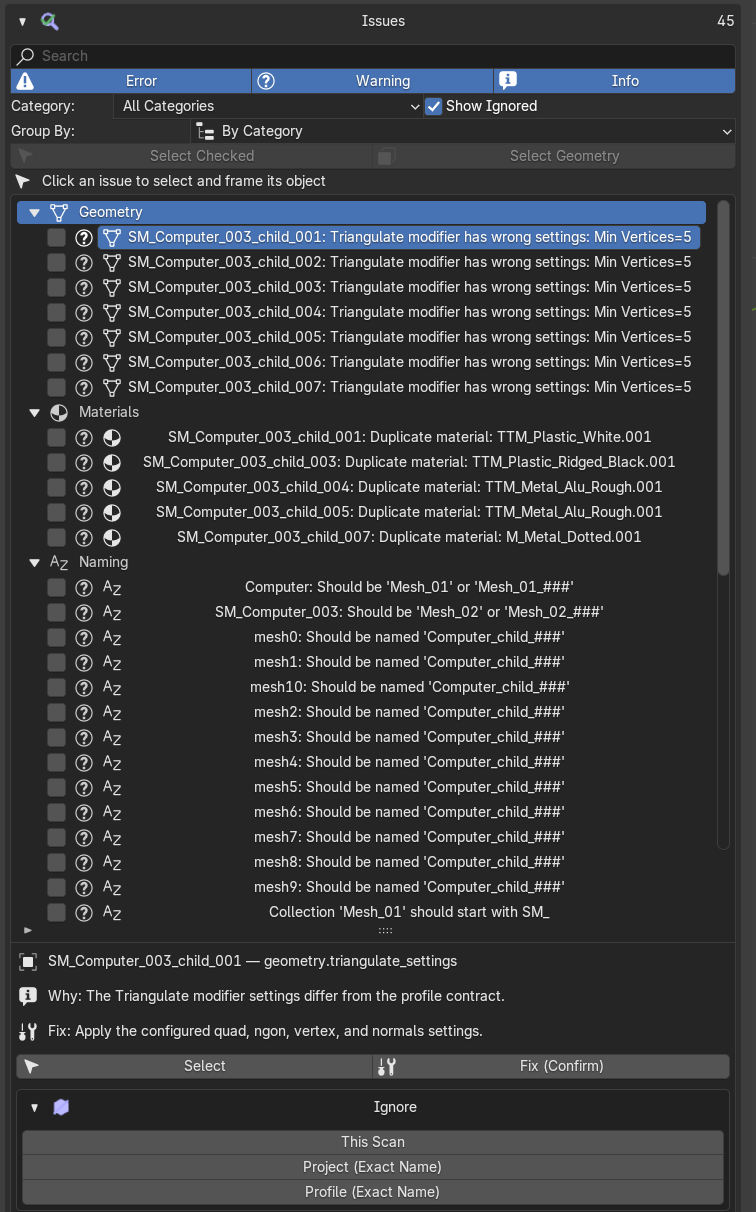
Findings. Results group by category. Any row will select its object; *Select
Geometry* enters Edit Mode with the exact vertices, edges or faces responsible
already selected. Rows can be checked individually, or checked, unchecked and
inverted as a set.
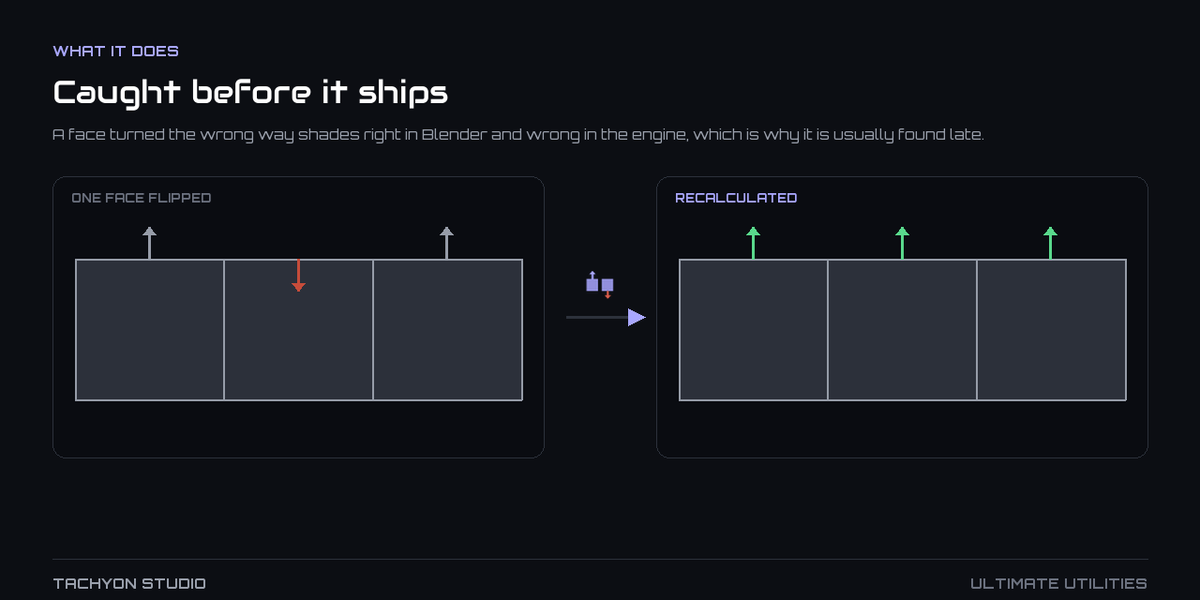
Fixes, graded. Every automatic fix is marked Safe or Confirm. *Fix
All Issues* applies the safe tier straight through and asks once before the
confirm tier. *Fix Selected* does the same for only the rows you checked. No
single press quietly rewrites geometry.
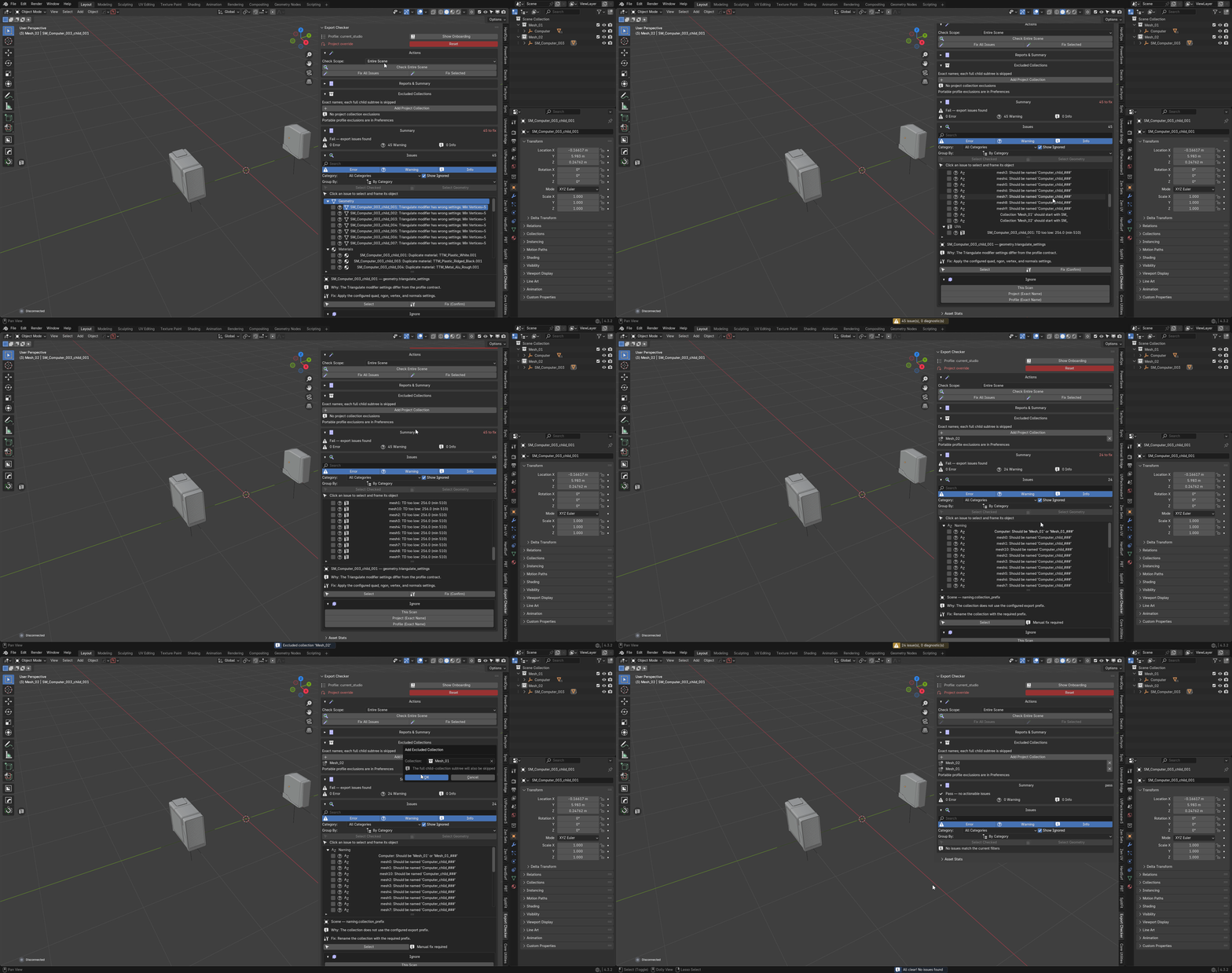
Living with a finding. A finding you have accepted can be ignored until the
next scan, or the object's exact name added to project or profile exclusions. A
collection can be excluded by exact name along with every collection beneath it —
blockouts, reference geometry and lighting rigs stop reporting problems they were
never going to have. Nothing disappears without a record of why.
Reports. Save the result as JSON or readable text, or copy a compact summary
to the clipboard. The JSON is stable between runs, so two reports can be diffed.
*Asset Report* is the wider one: counts, budgets, findings and export readiness
for every mesh asset in the file.
Diagnostics. Checks that could not finish are kept apart from checks that
failed, with the reason they stopped. A rule that errored is never reported to
you as a pass.
FastExport
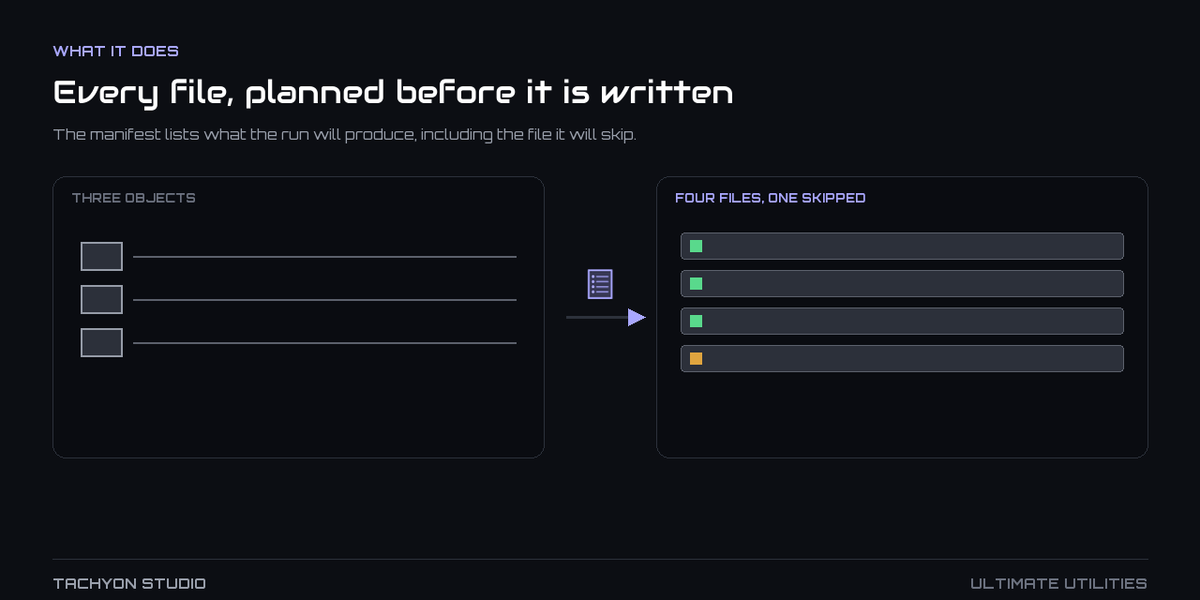
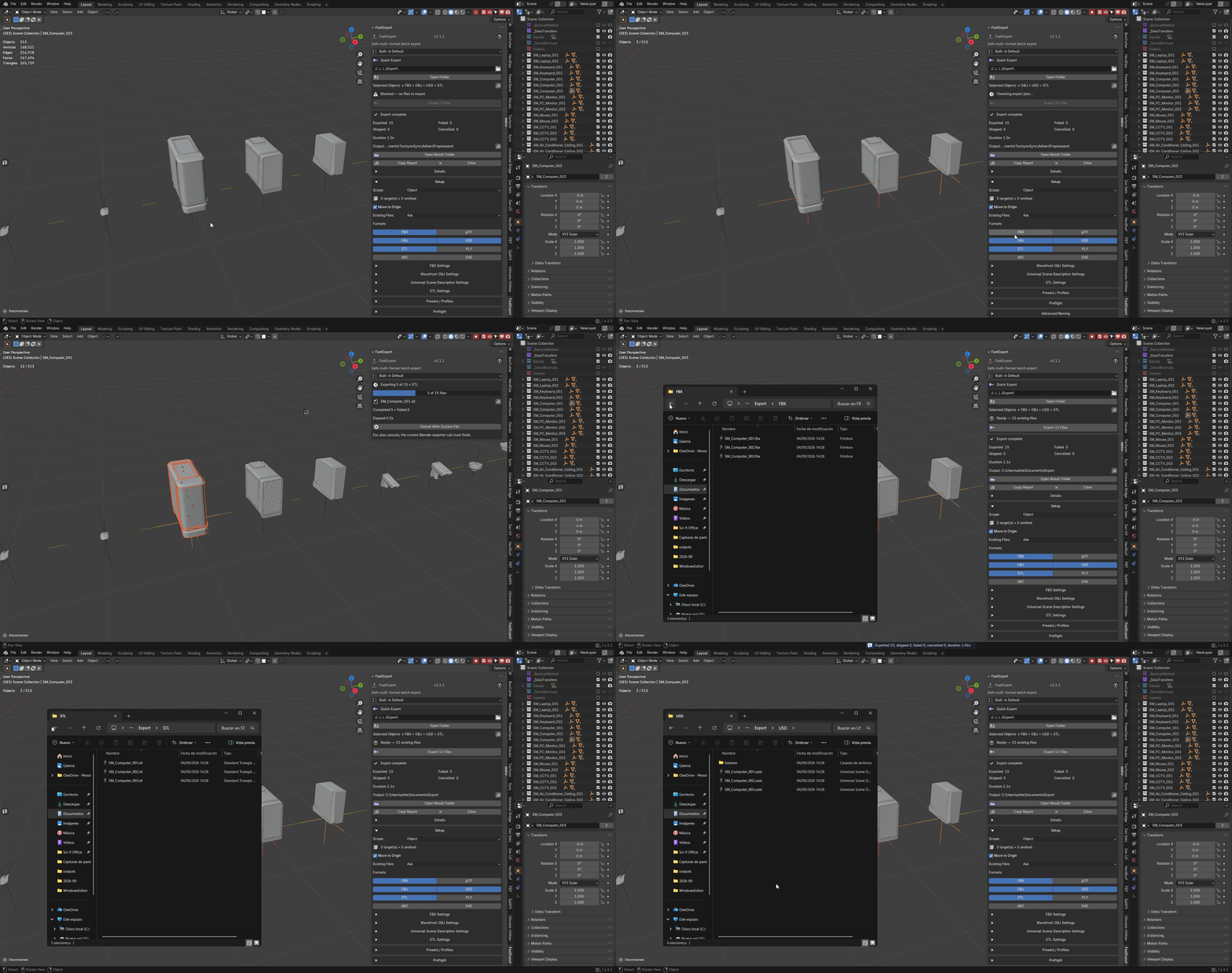
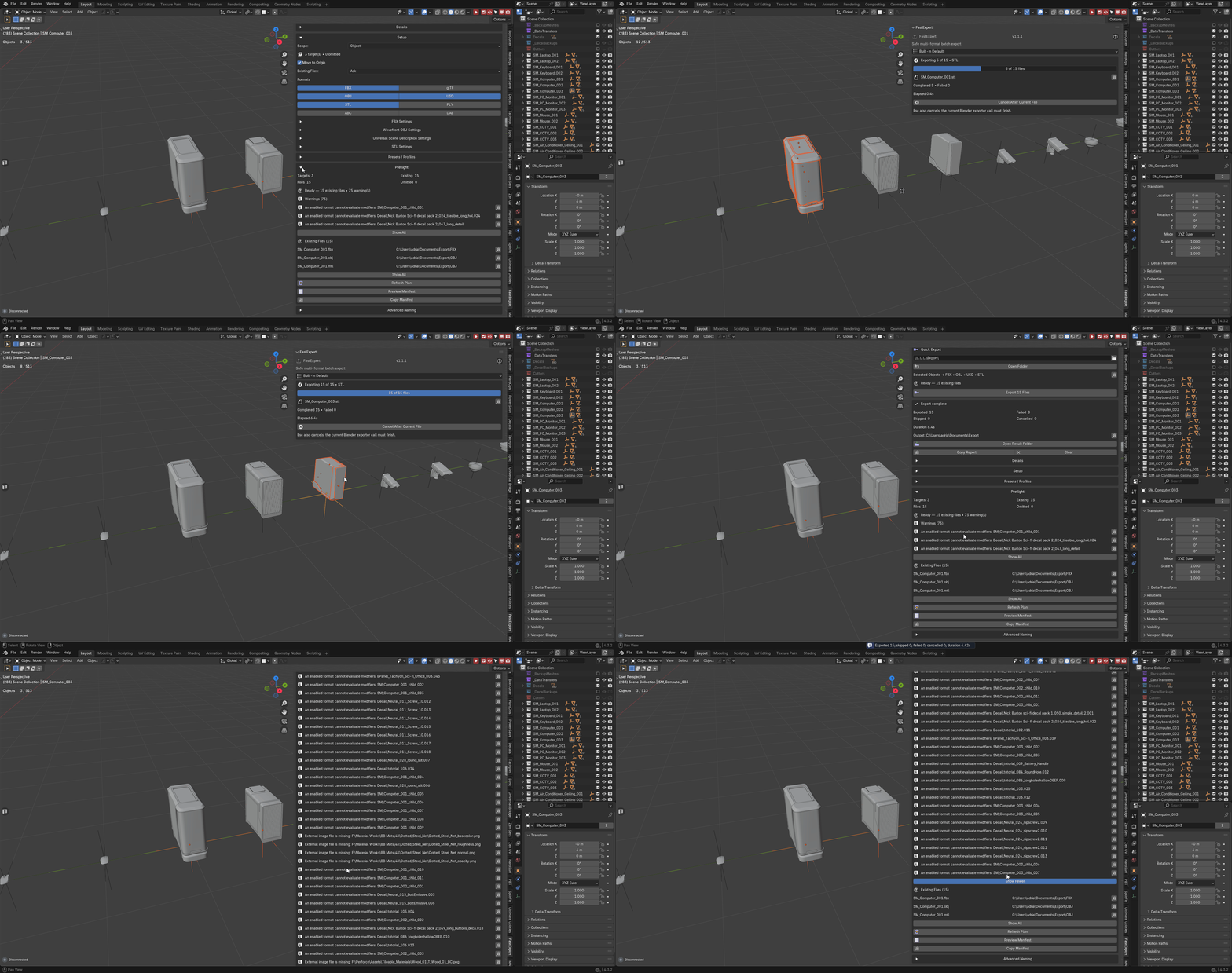
Preflight and manifest. Before anything is written, the panel resolves the
targets, the destination files, what already exists and what is being omitted.
*Preview Manifest* lists every artifact with its exact path and the action chosen
for each collision; *Copy Manifest* puts the complete, unclipped list on the
clipboard.
Scopes. Object, Selection, Active Collection, Scene Collections and Whole
Scene. In Object scope each selected root is an asset, and a selected Empty owns
its eligible hierarchy. Selection and transforms are restored afterwards, whether
the run succeeded, failed or was cancelled.
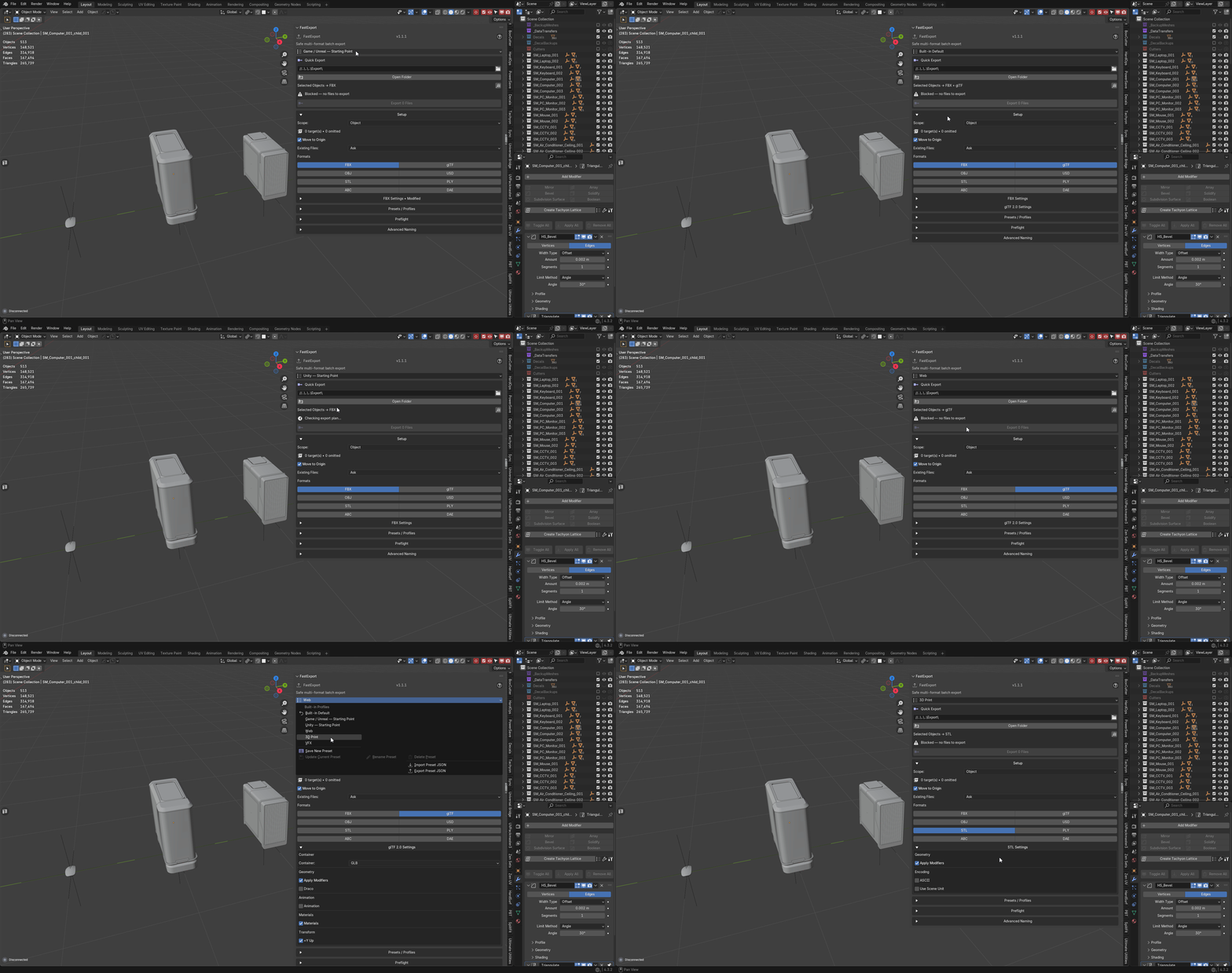
Formats. FBX, GLB, OBJ, USD, STL, PLY, ABC and DAE, each keeping its own
settings. Switching format does not silently reuse the options you set for the
previous one.
Collisions. Existing files are asked about or skipped, by your choice, with a
late recheck immediately before each write — a file that appeared while you were
reading the plan is still caught.
Naming templates. Files are named from tokens, and the template is validated
before the run rather than failing on the fortieth write.
Presets. Save workflow and format settings as a reusable preset; import and
export them as portable JSON. Presets deliberately carry no output path, so a
shared preset cannot write into a folder that is not yours.
Cancelling. *Cancel* stops before the next file. Blender's exporter call for
the file already in progress cannot be interrupted, and the panel says so rather
than implying the stop was instant.
Customization
The layout is yours: reorder groups, hide the ones you never open, pin what you
use, and set per-tool defaults. Save the whole arrangement — layout, favourites,
defaults — as a custom profile, or apply one of the built-in ones.
Keymaps. Assign shortcuts in the preferences, then use *Scan Shortcut
Conflicts* to find 3D View keymap items already using the same combination,
including those belonging to other add-ons.
Portability. *Export Settings* writes everything as JSON; *Import Settings*
validates before applying. *Reset* clears one area or restores factory settings.
Portable Core Utilities profiles can be imported directly.
Scene defaults. Persistent transform and parenting defaults can be copied
into the current scene, so a new file starts where the last one left off.
Privacy
The add-on reads and writes only your .blend data and the files you explicitly
ask it to write. It makes no network requests, collects no analytics and stores
no identifiers. *Export Diagnostics* writes a redacted report for support, with
file paths stripped; nothing is transmitted, and you attach it yourself if you
choose to.
Troubleshooting
Running alongside the separate editions. Ultimate Utilities contains Core
Utilities, Export Checker and FastExport, and the editions share operator and RNA
identifiers, so they cannot be registered at once. From 2.3.2 each records which
edition owns the registration and hands over cleanly rather than leaving Blender
half-registered; you are told which edition to disable. If a panel still looks
doubled, restart Blender once with only one enabled.
A tool says the selection is empty when it is not. Some tools act on mesh
objects specifically, and some act only on what is in the current view layer. An
object in an excluded collection is not in the view layer.
UV Automation skipped some objects. They were outside the view layer, hidden,
or in an excluded collection. From 2.3.1 those are named in the report rather
than skipped in silence, and the run continues with the objects it can process.
The transform or texel-density overlay looks stale. Both are built on demand.
Press *Refresh* in the group — results expire when the state they were measured
in changes, rather than being recomputed on every update.
An export wrote fewer files than expected. Read the manifest: scope, template
collisions and the skip rule all change the file count, and the manifest shows
the resolved list before the run starts.
Support
Questions, bug reports and feature requests: https://discord.gg/SuSqbZMDk5
The rest of the line: https://superhivemarket.com/creators/tachyonstudio
*Built by Tachyon Studio.*
 Tachyon Studio