BLENDER ADD-ON · THE WHOLE PIPELINE
Ultimate Utilities
Prepare it, check it, ship it — without leaving the sidebar.
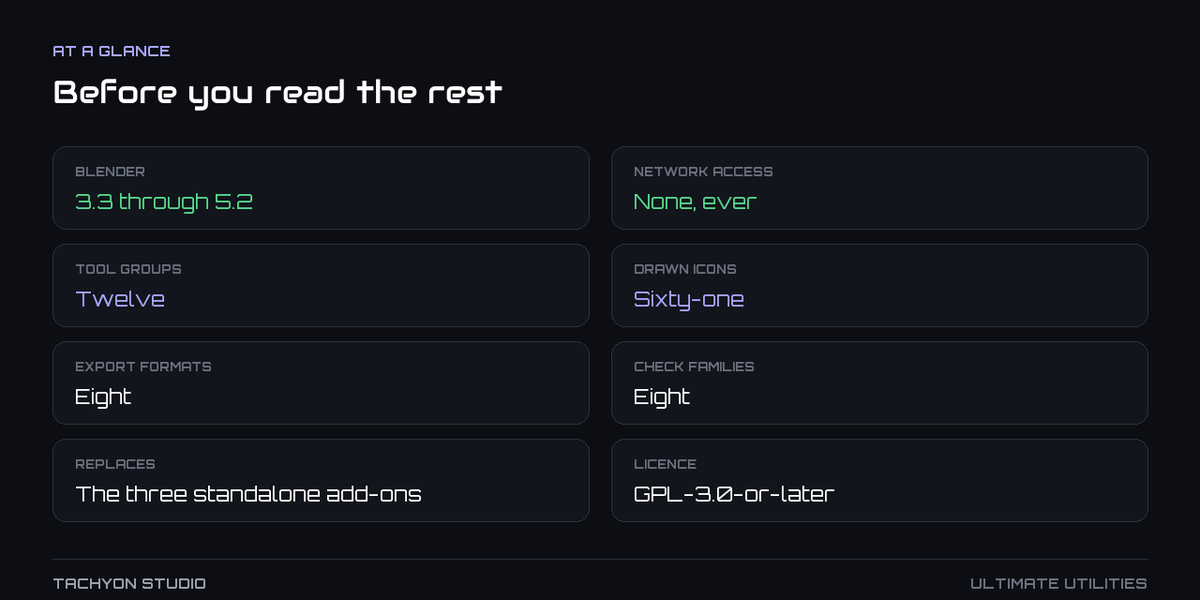
| Twelve tool groups |
Eight export formats |
Eight families of checks |
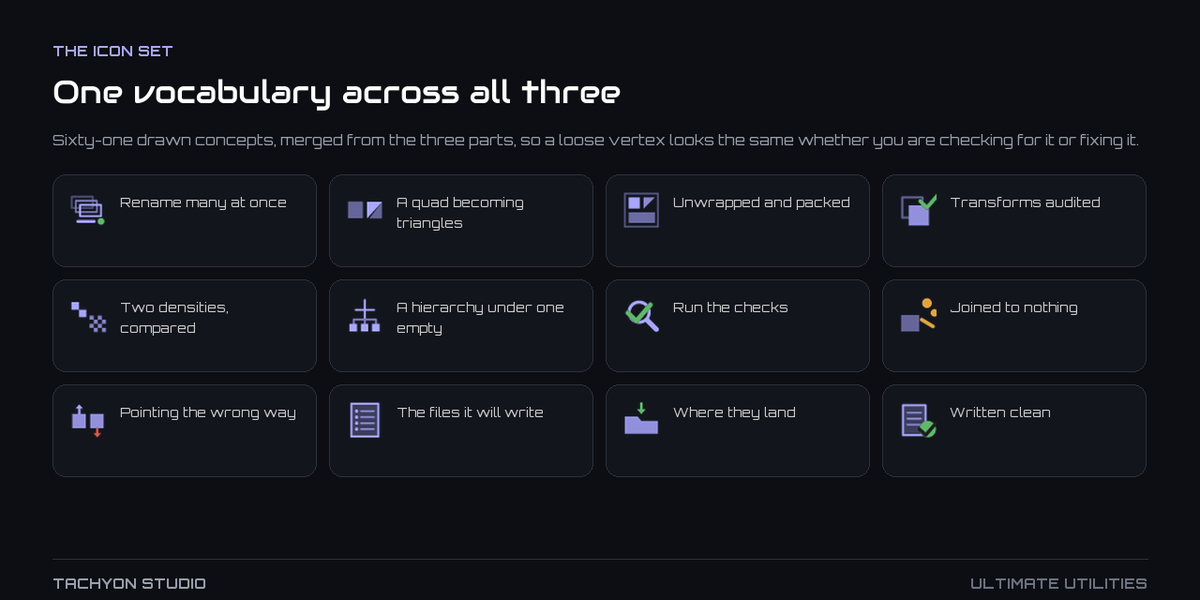
61 drawn icons |
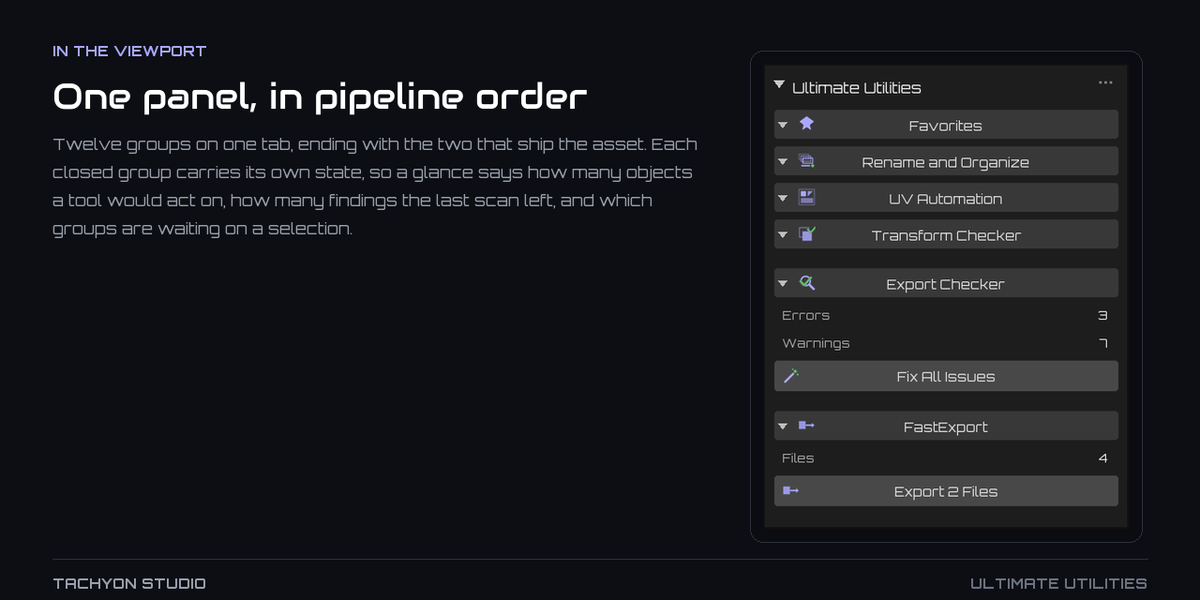
ONE PANEL, IN PIPELINE ORDER
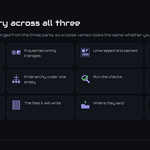
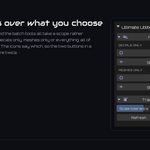
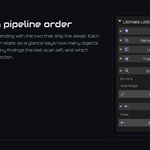
Twelve groups on one tab, with status and selection counts visible while collapsed.
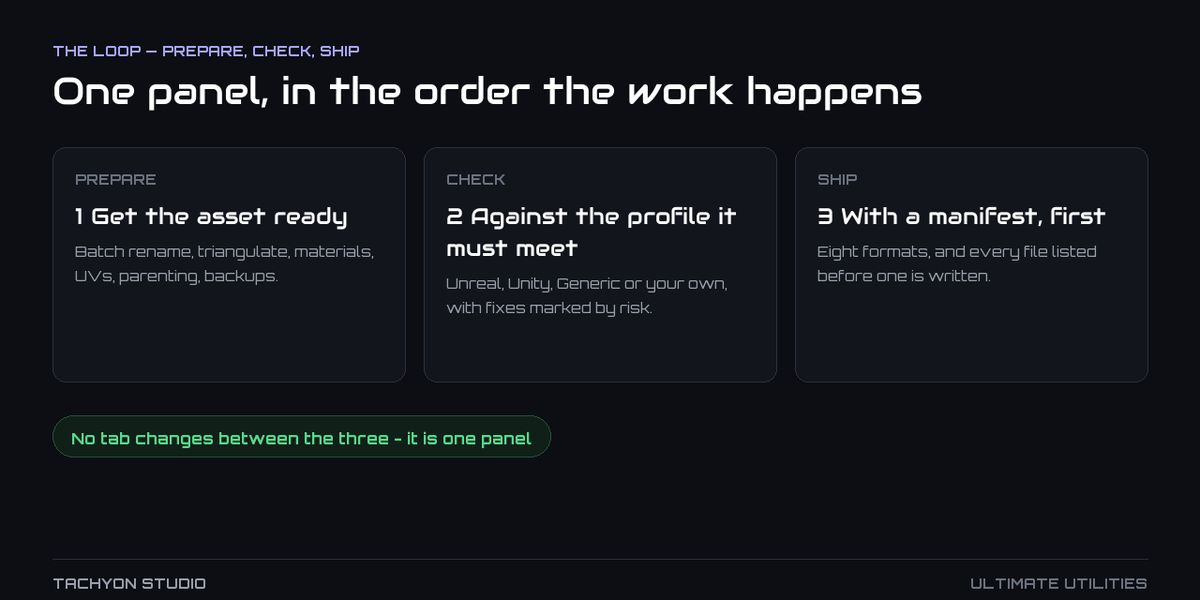
THE LOOP
Core Utilities, Fast Export and Export Checker together: asset preparation, validation and delivery in one sidebar.
|
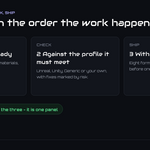
PREPARE
1 · Get the asset ready
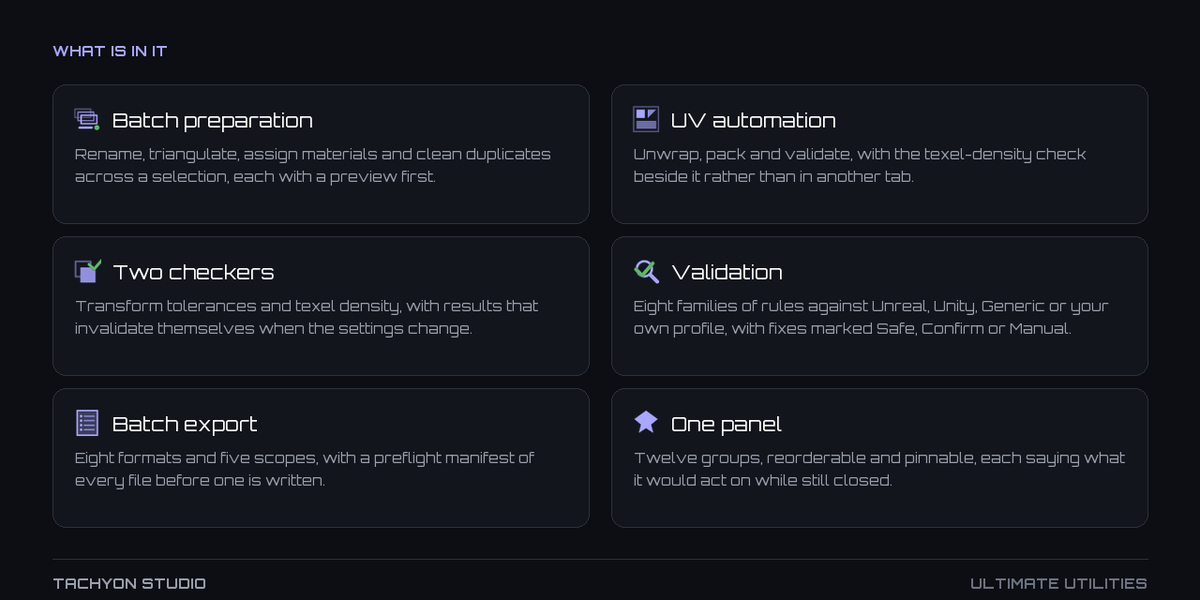
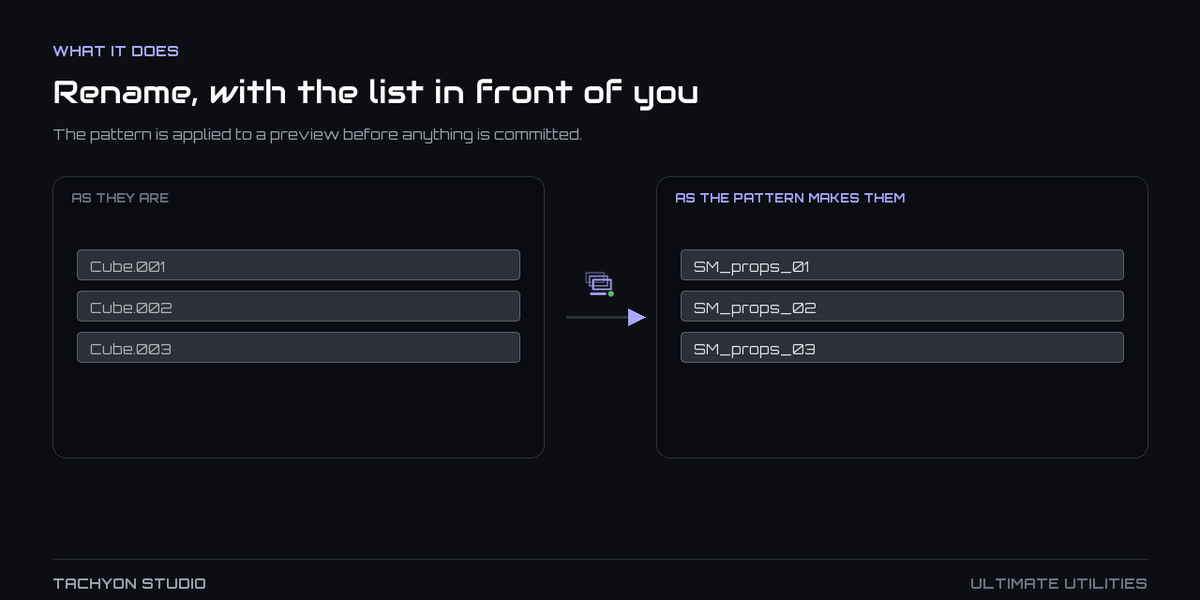
Batch rename, triangulate, materials, UVs, parenting, backups.
|
CHECK
2 · Against the profile it must meet
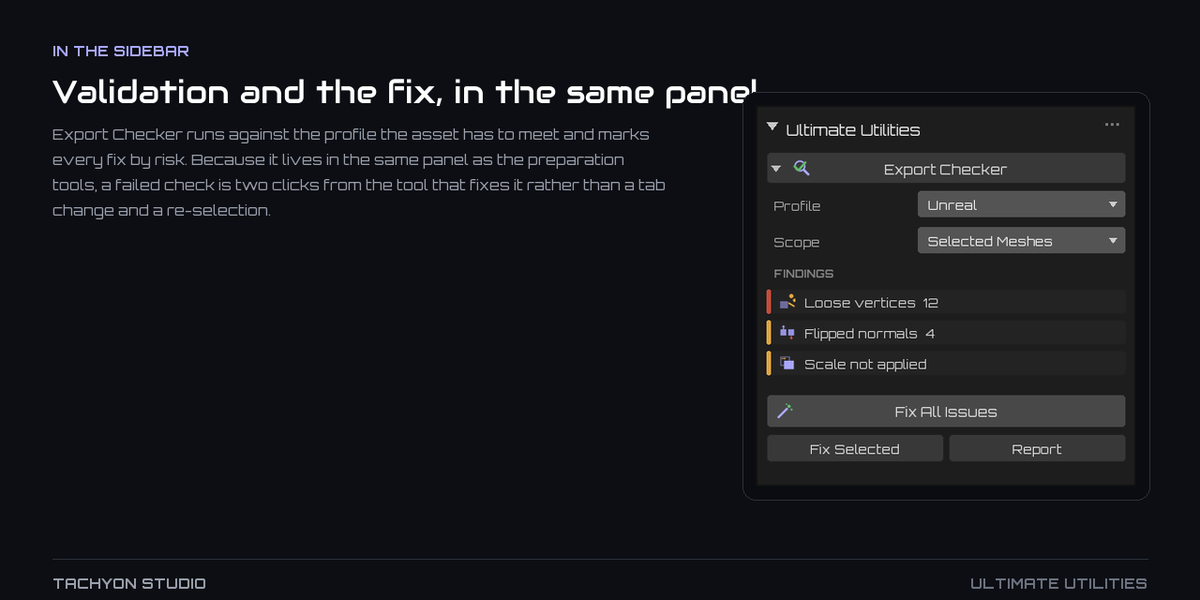
Unreal, Unity, Generic or your own, with fixes marked by risk.
|
SHIP
3 · With a manifest, first
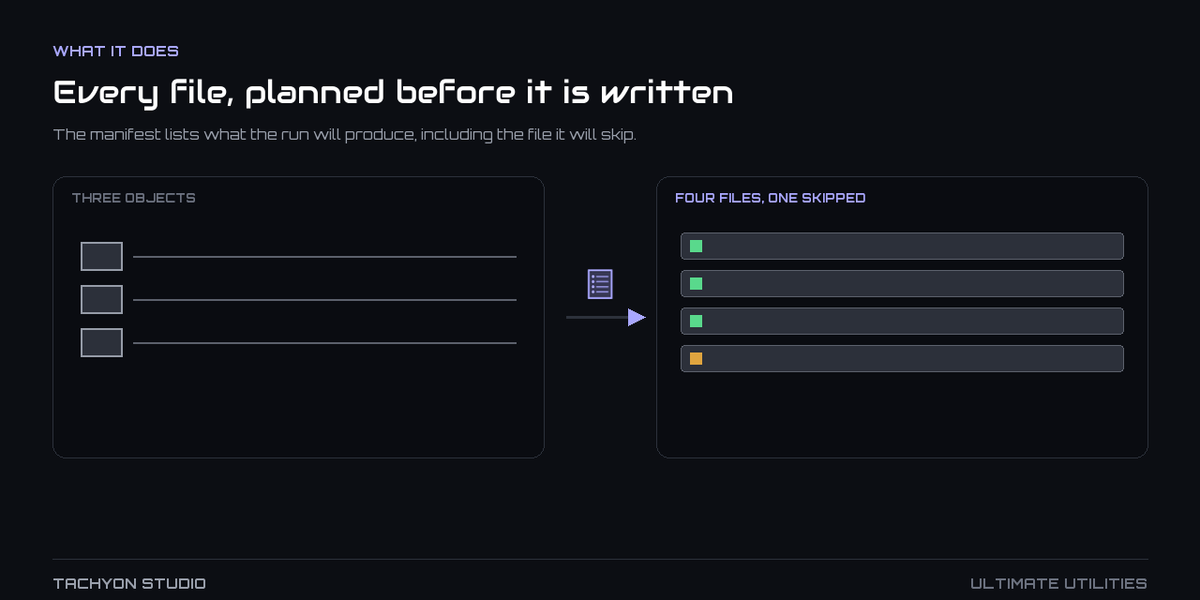
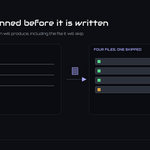
Eight formats, five scopes, and every file listed before one is written.
|
Prepare, check and export in order, with the repair tools close to each finding.
|
Everything from Core Utilities
Batch naming, materials, UVs, parenting, transforms, transfers and backups in ten customizable groups.
|
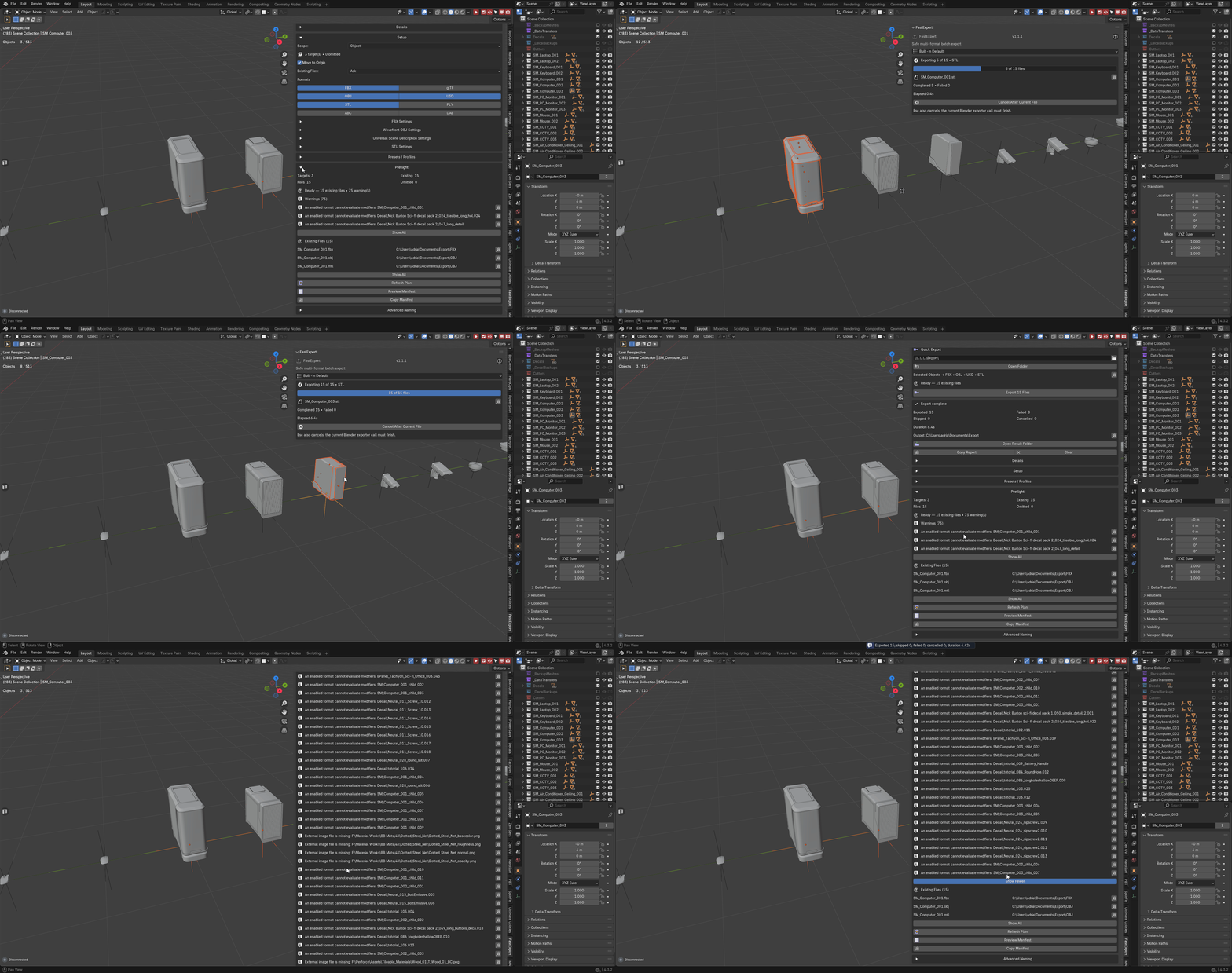
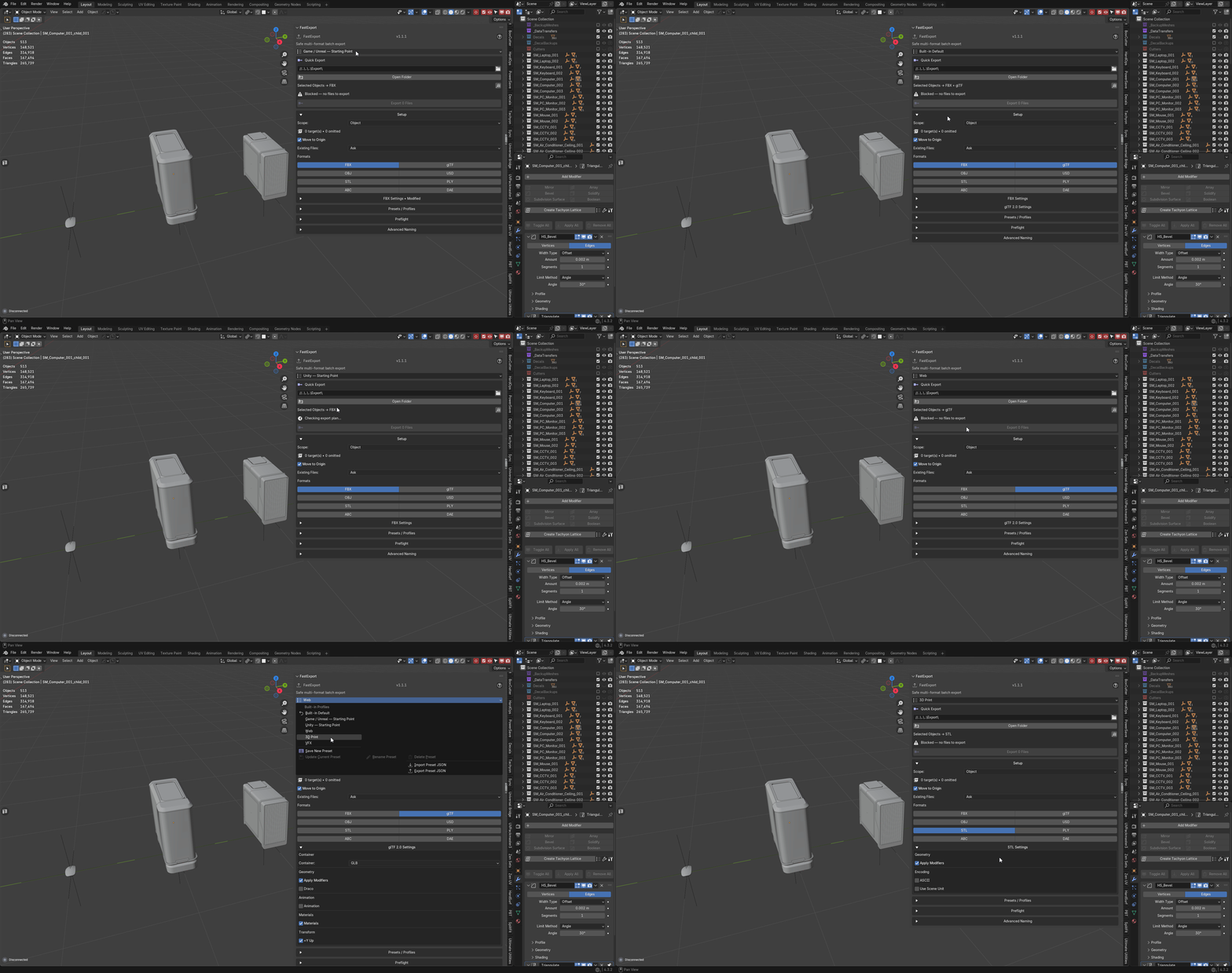
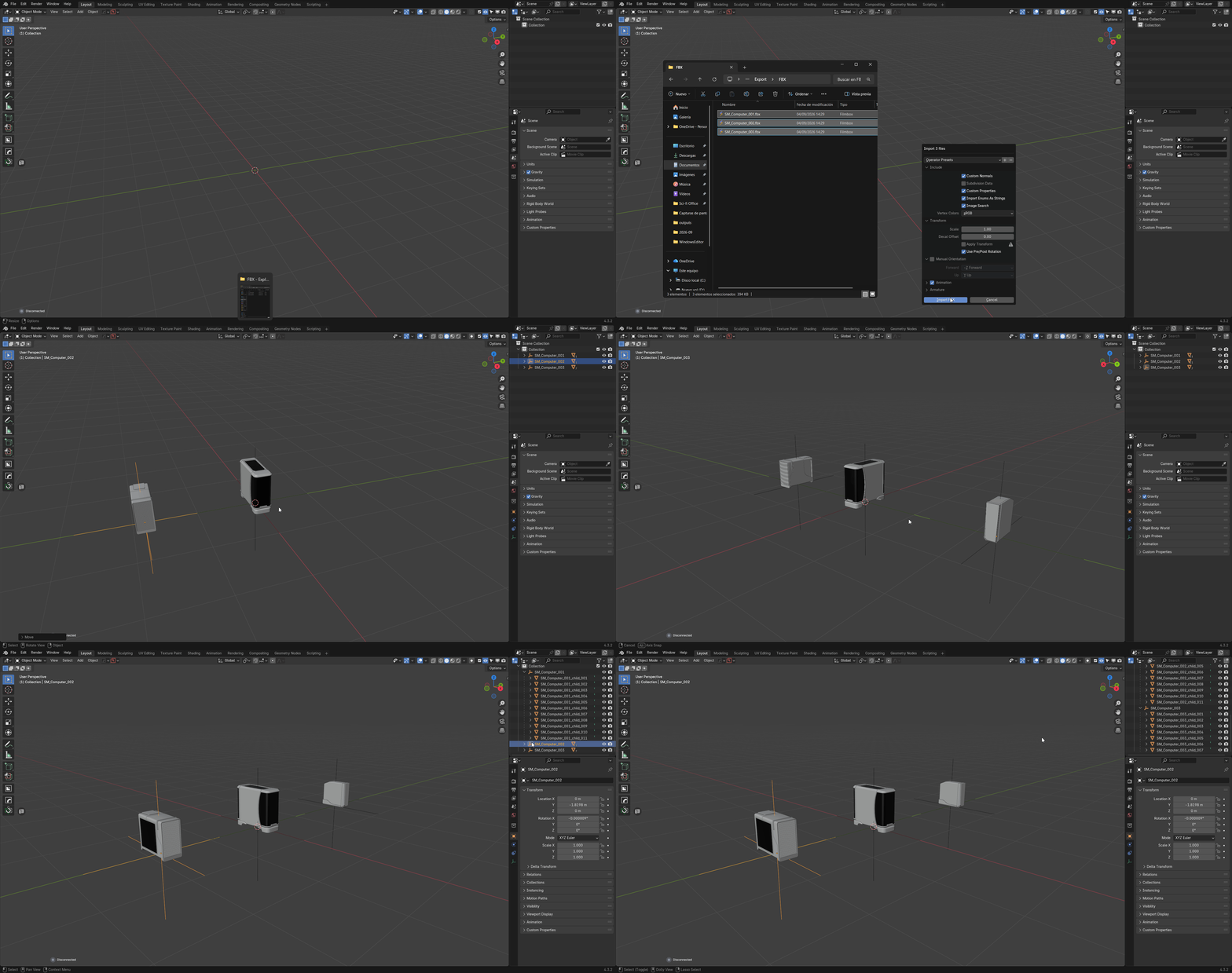
Everything from FastExport
Eight formats, five scopes and a file manifest, with naming templates and collision checks.
|
|
Everything from Export Checker
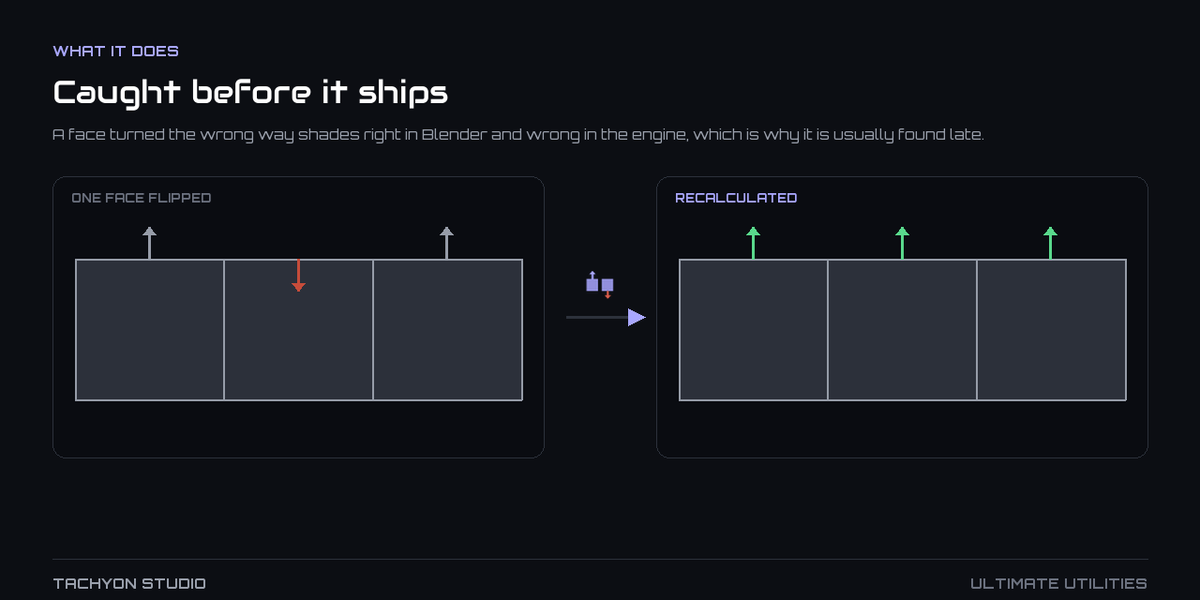
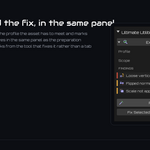
Eight check families, four profiles and fixes labeled Safe, Confirm or Manual.
|
One panel, in pipeline order
See object counts, findings and selection readiness without opening every group.
|
|
One icon set across all of it
61 consistent icons, tinted with your chosen accent.
|
One set of preferences
Manage profiles, layout, shortcuts and defaults together; export settings as JSON.
|
EVERY GROUP
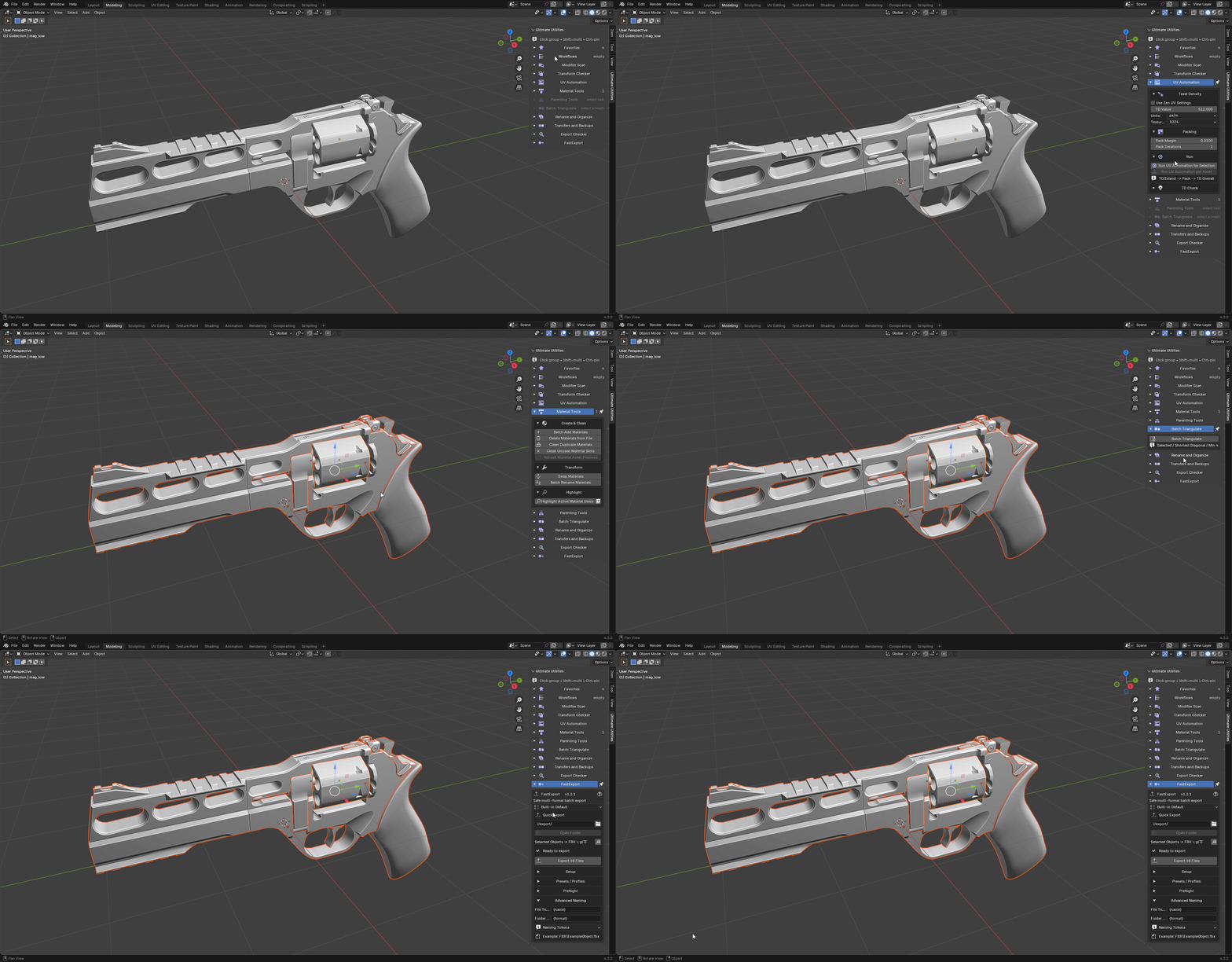
See each sidebar group in action.
FROM CORE UTILITIES
Ten asset-preparation groups, included here.
Favorites
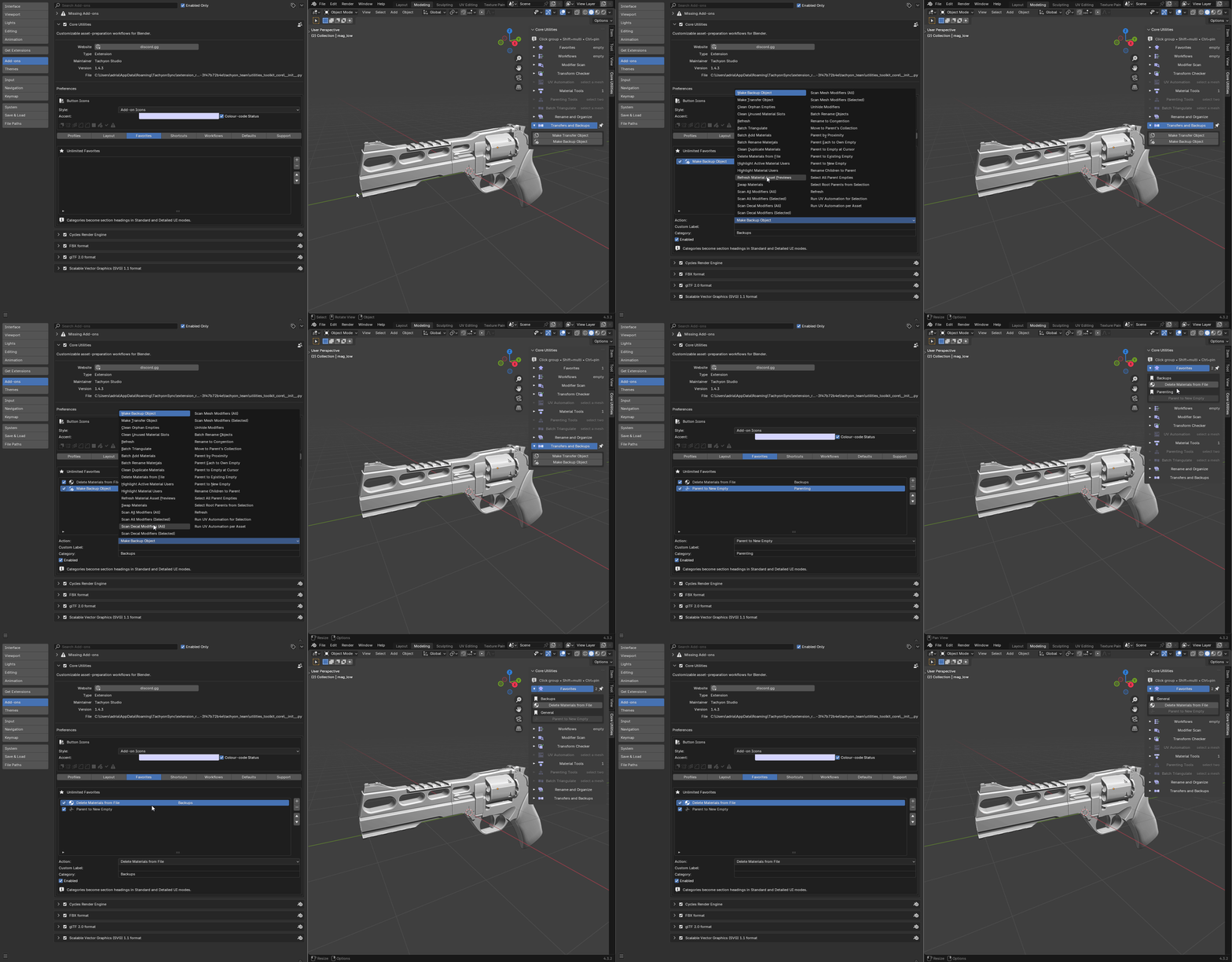
Pin frequently used tools and save your layout and defaults as a profile.
|
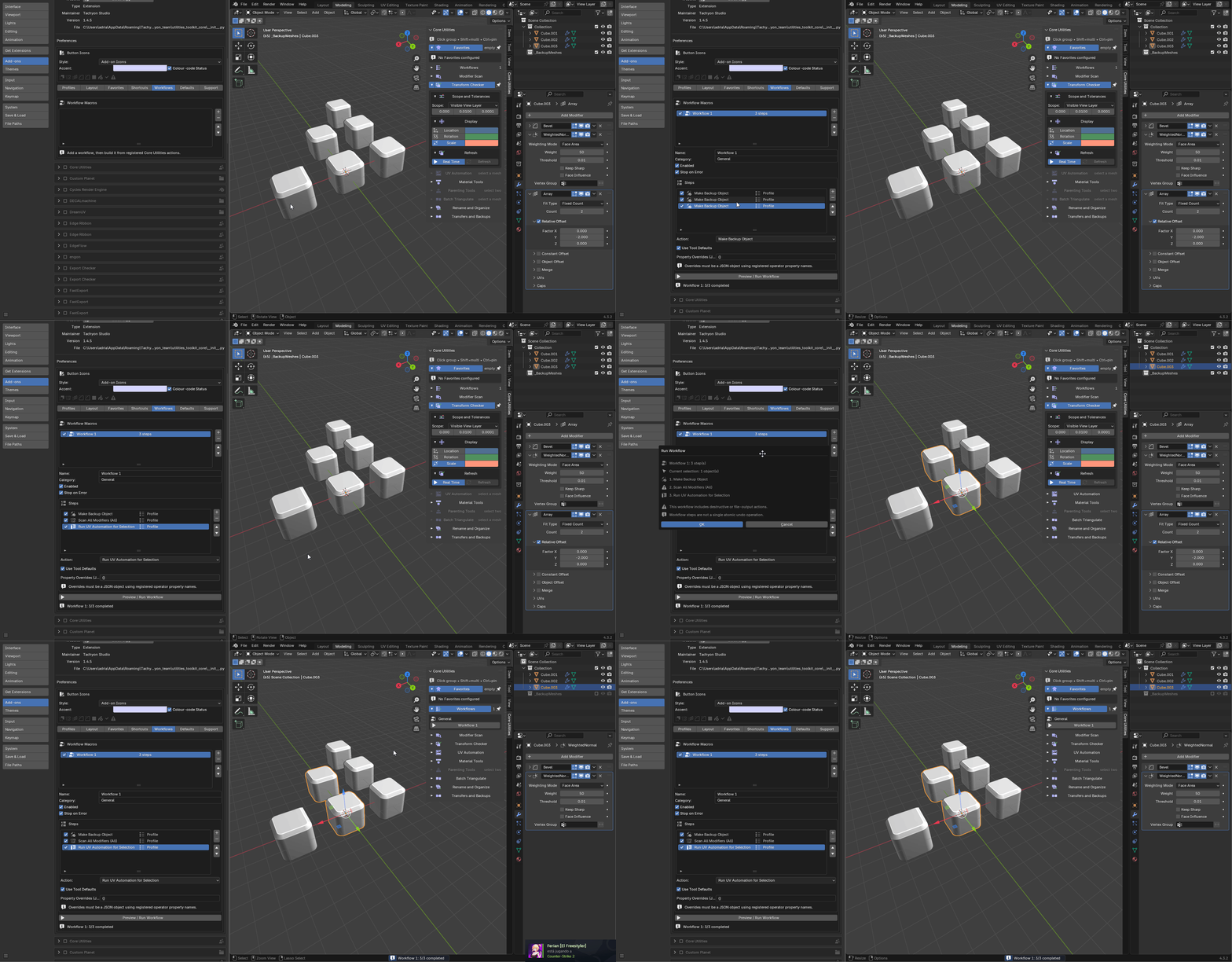
Workflows
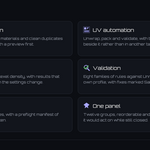
Run several tools in order with a preview before the workflow starts.
|
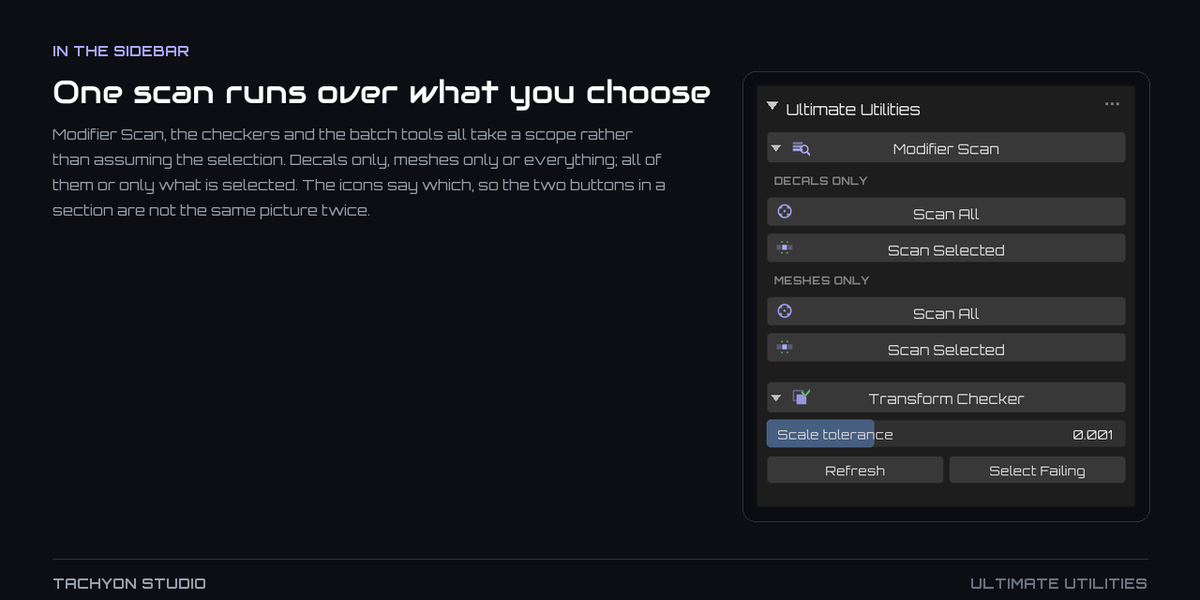
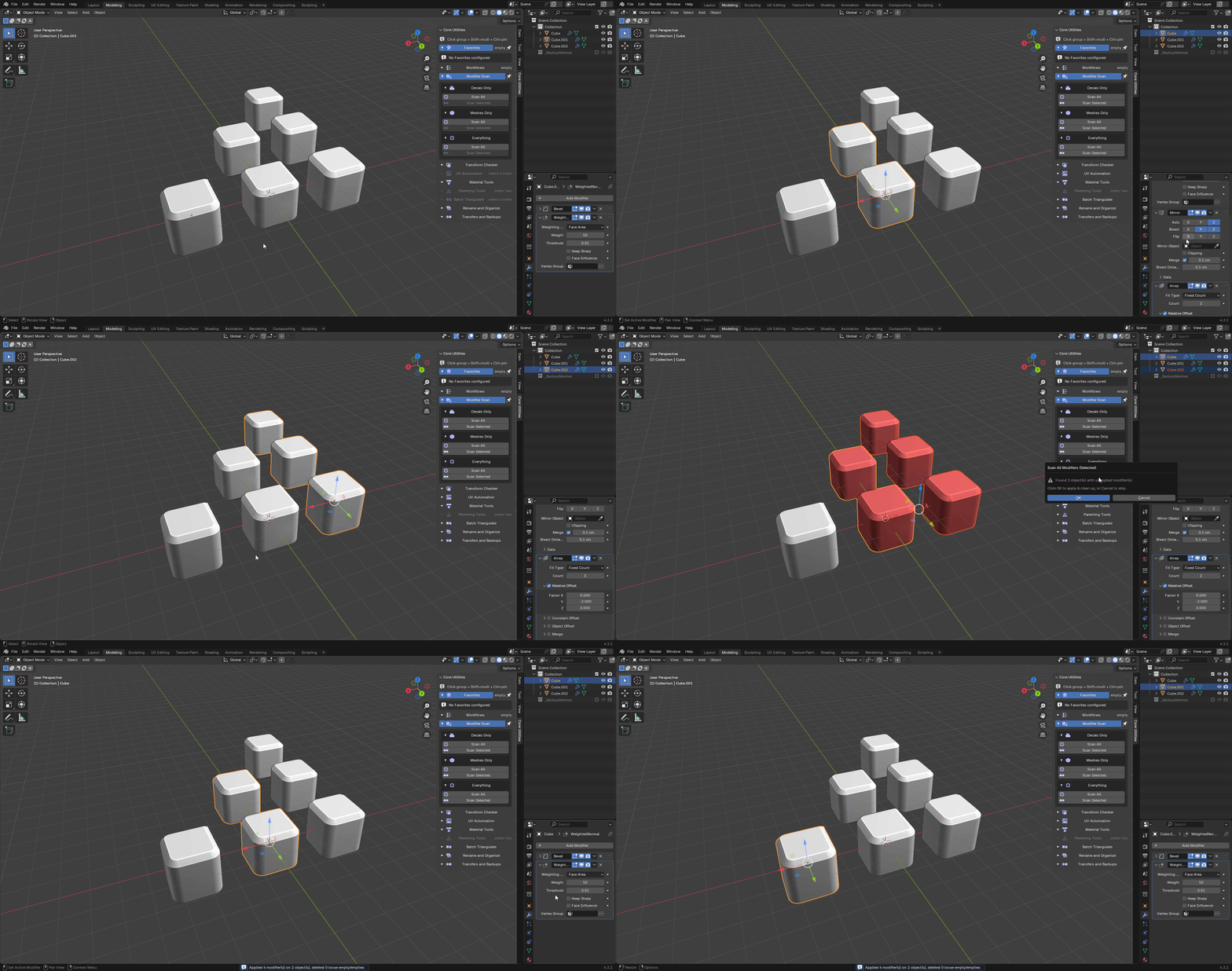
Modifier Scan
Find unapplied Mirror and Array modifiers, apply them and clean leftover empties.
|
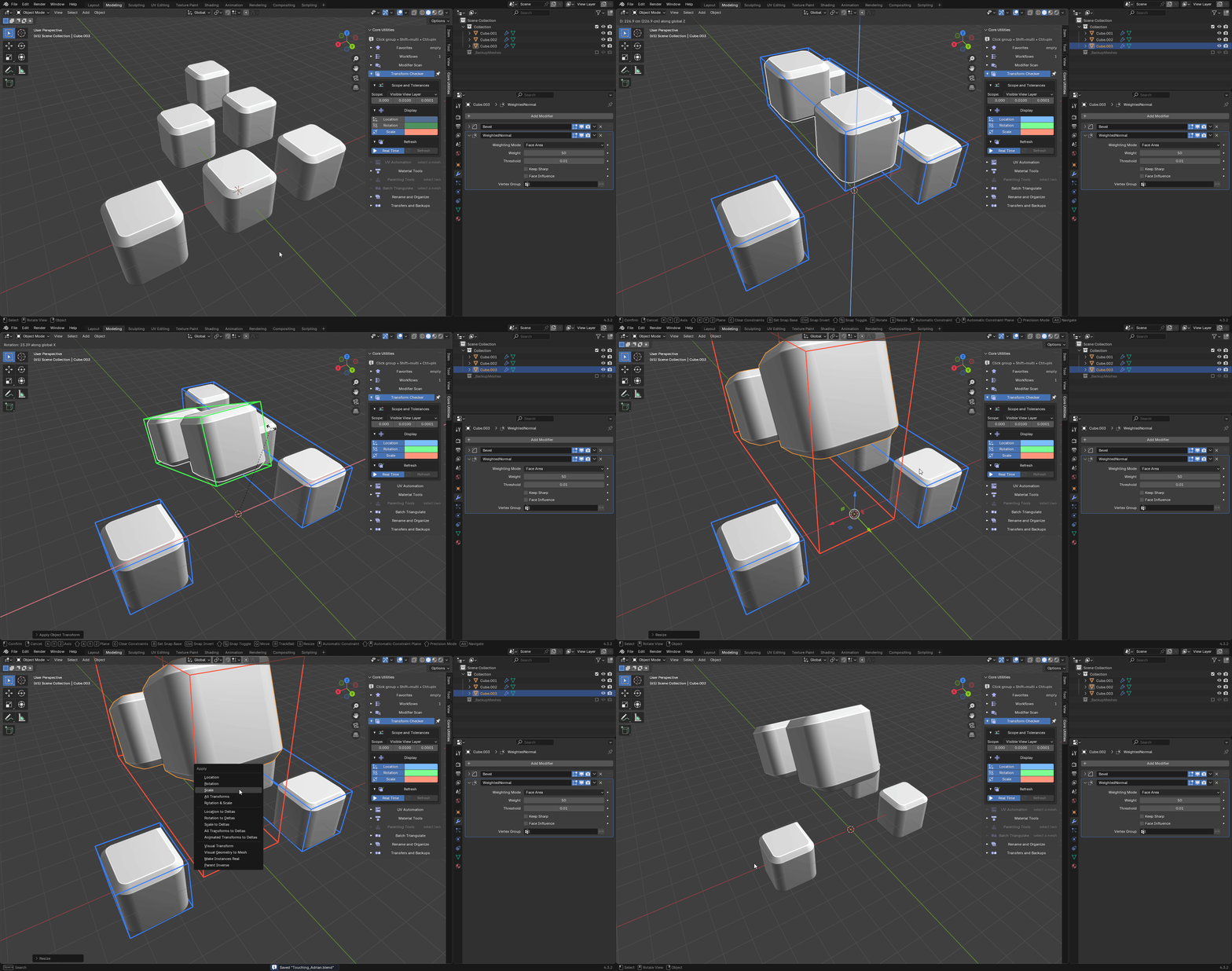
Transform Checker
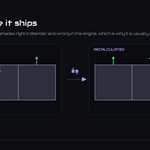
Find location, rotation and scale values outside your tolerances. Rebuild results on demand.
|
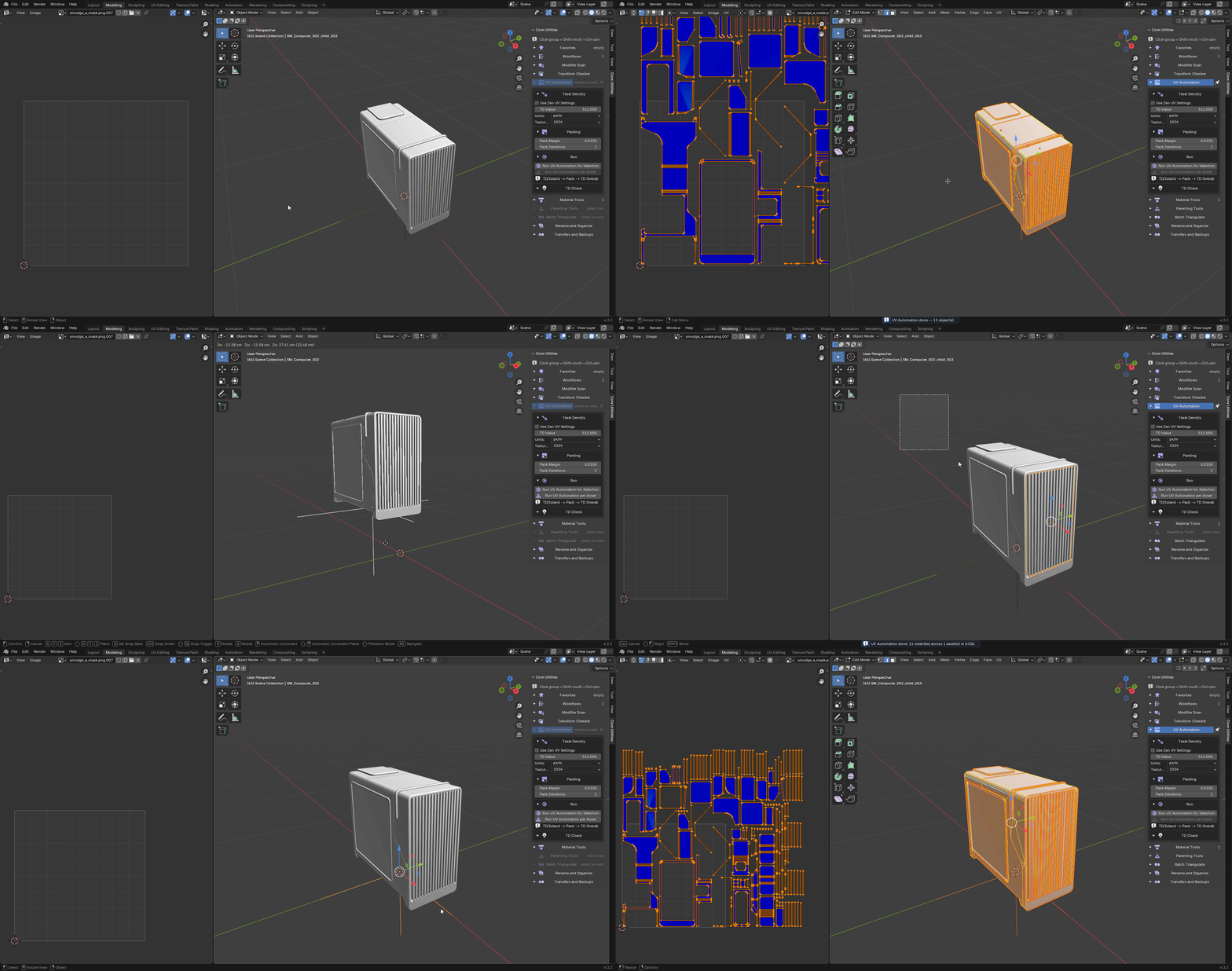
UV Automation
Set texel density, pack islands and check selected meshes or complete asset hierarchies.
|
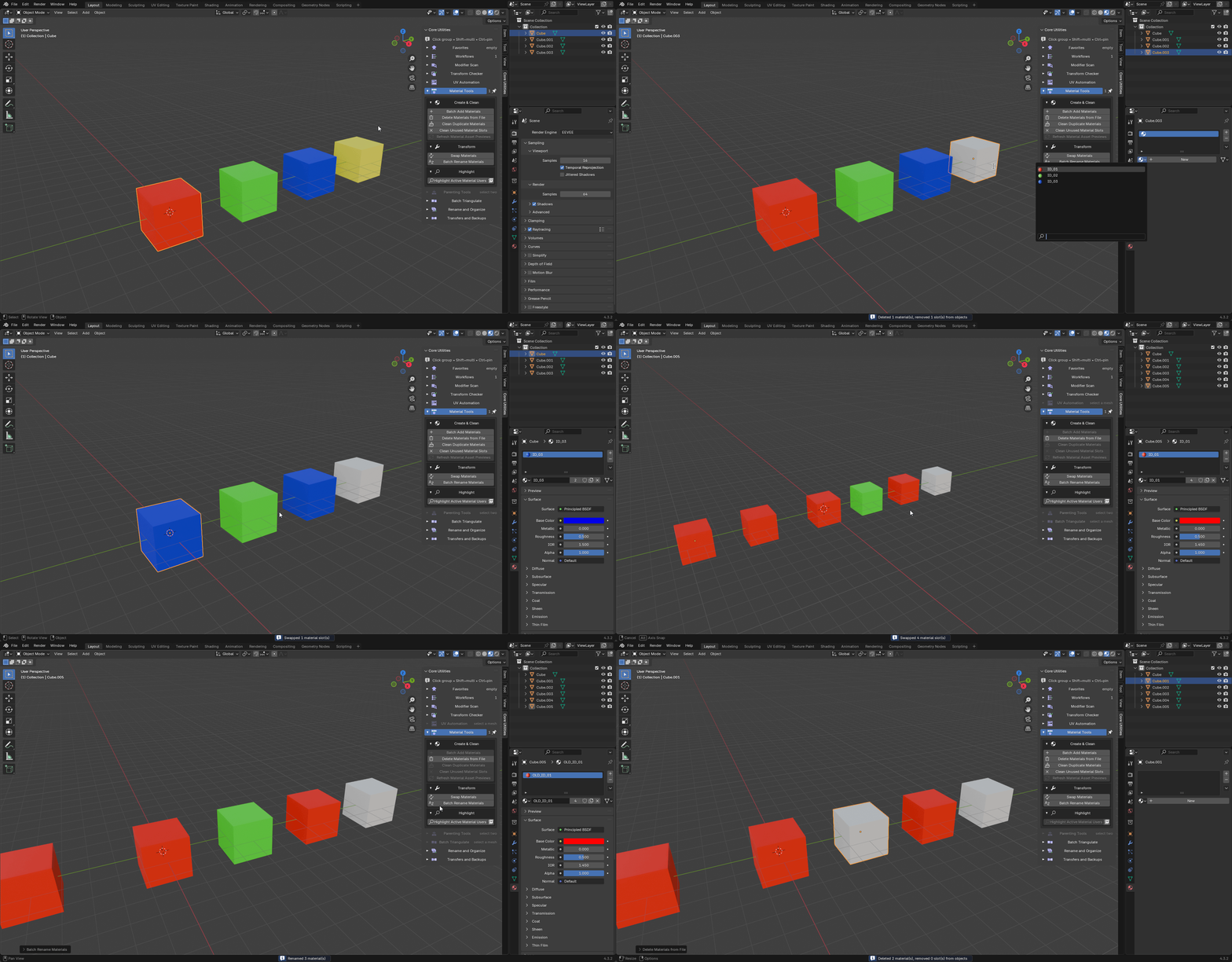
Material Tools
Assign, swap and rename materials; merge duplicates and remove unused slots.
|
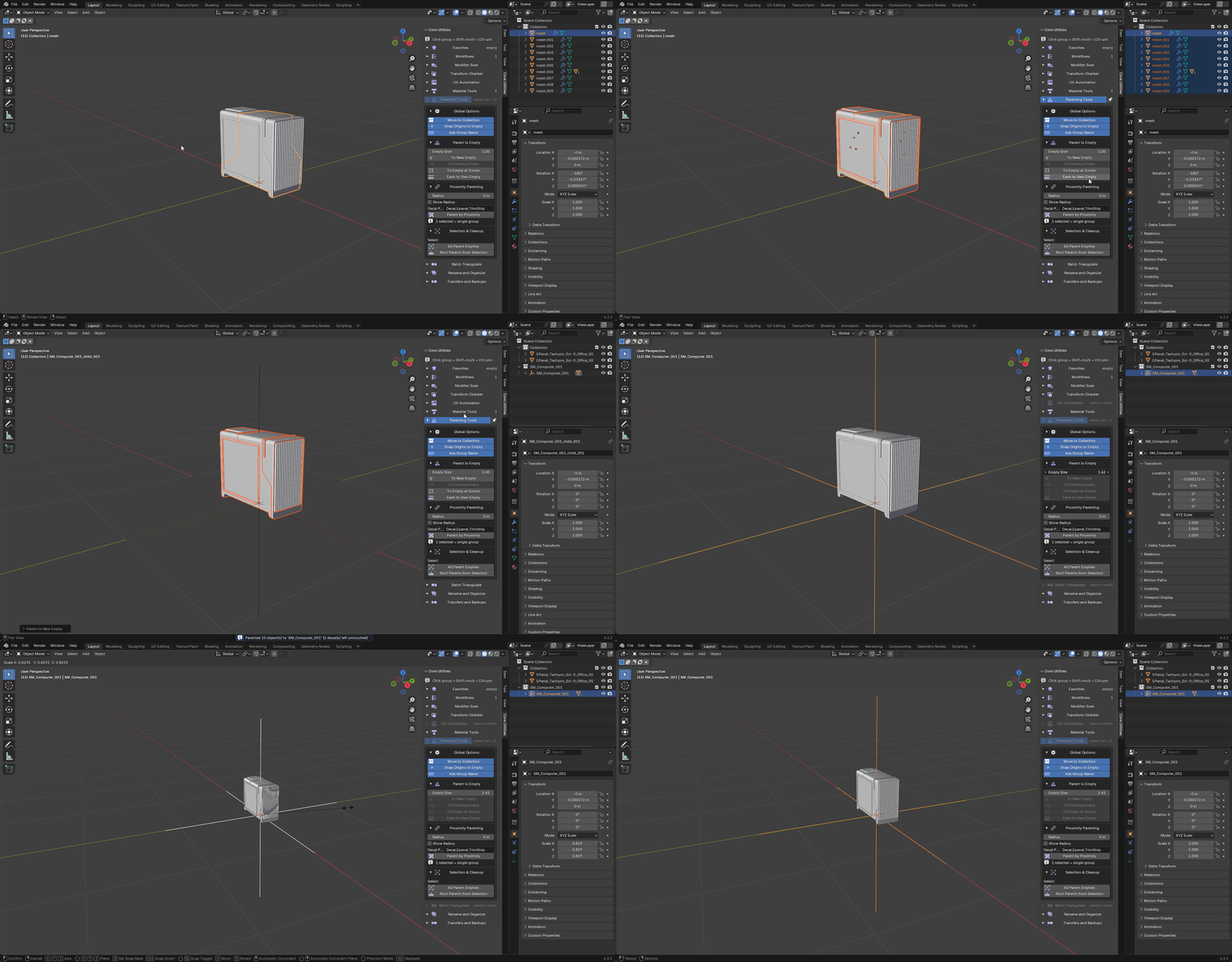
Parenting Tools
Create empty-based hierarchies, group by proximity and clean unused empties.
|
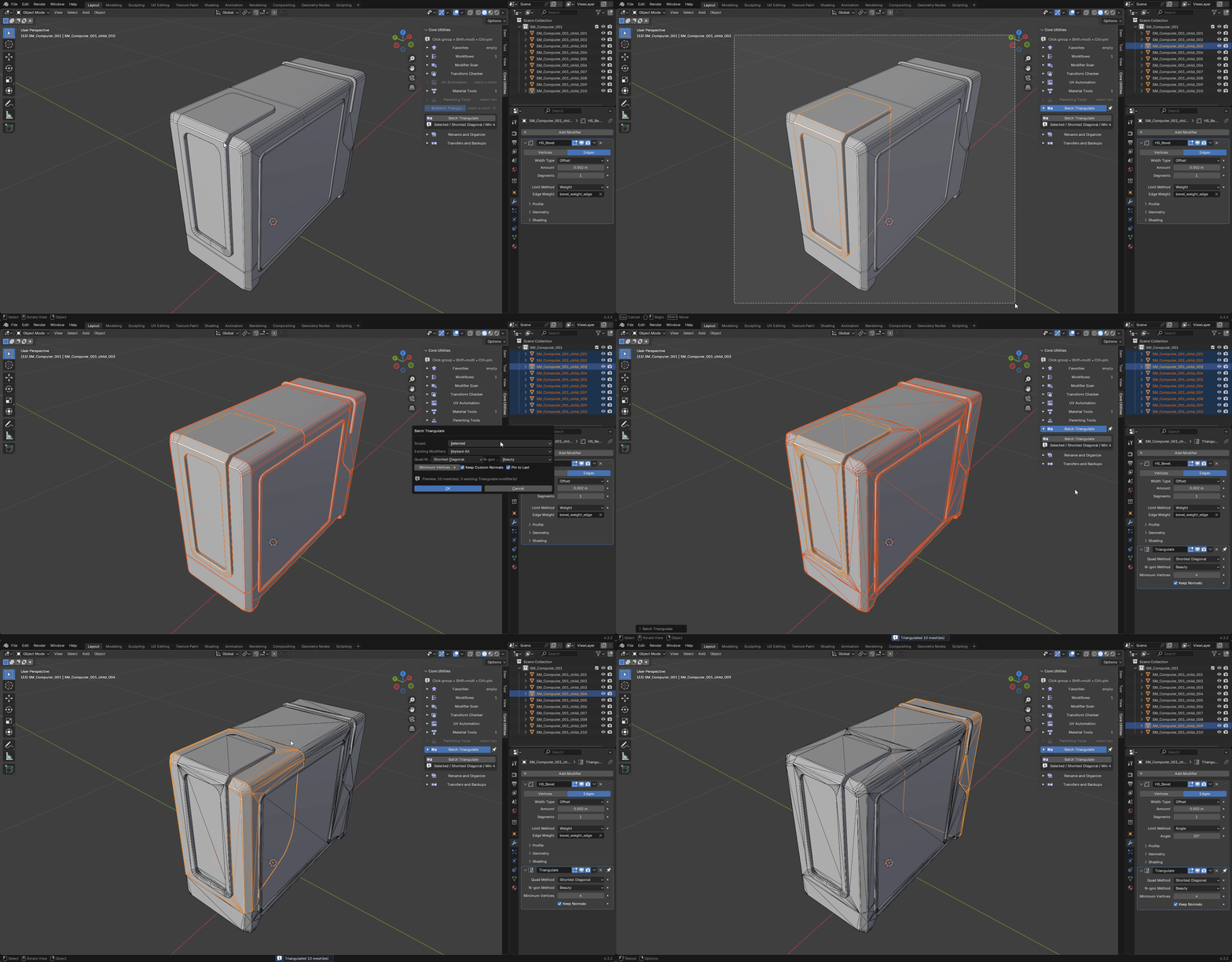
Batch Triangulate
Keep a consistent Triangulate modifier last in every selected mesh's stack.
|
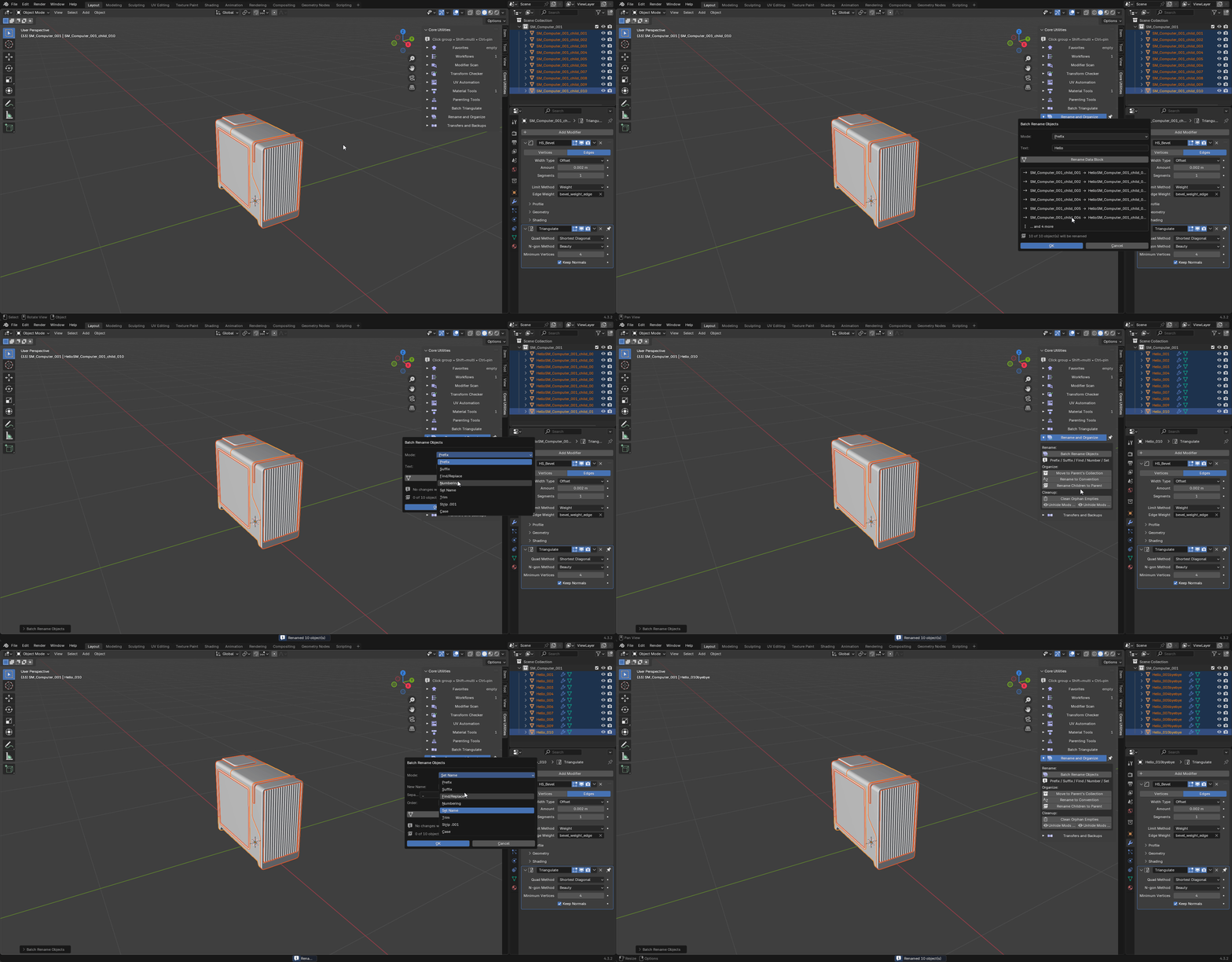
Rename and Organize
Batch prefix, suffix, replace, number and change case across objects, materials and collections.
|
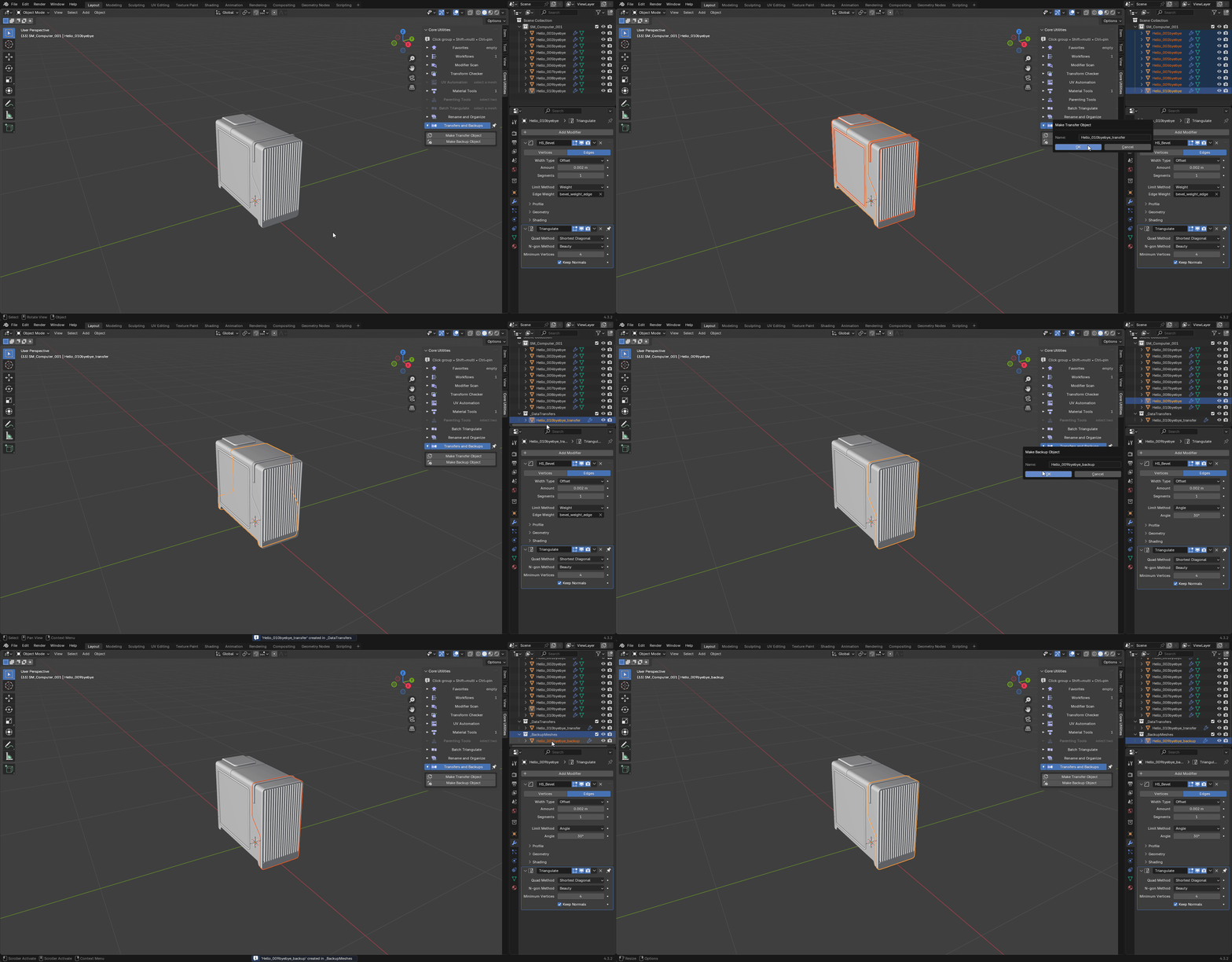
Transfers and Backups
Create a transfer source in _DataTransfers or a hidden copy in _BackupMeshes.
|
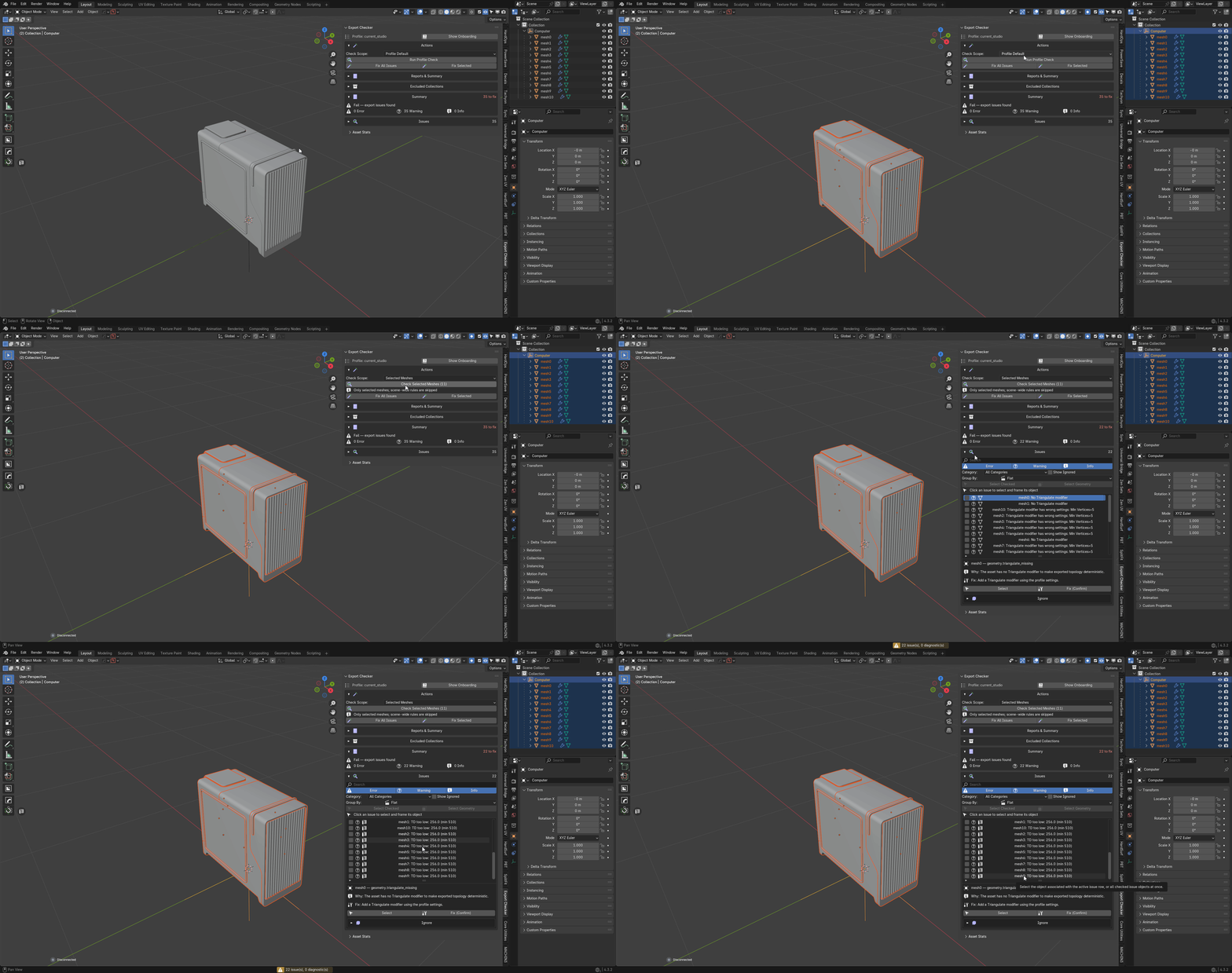
FROM EXPORT CHECKER
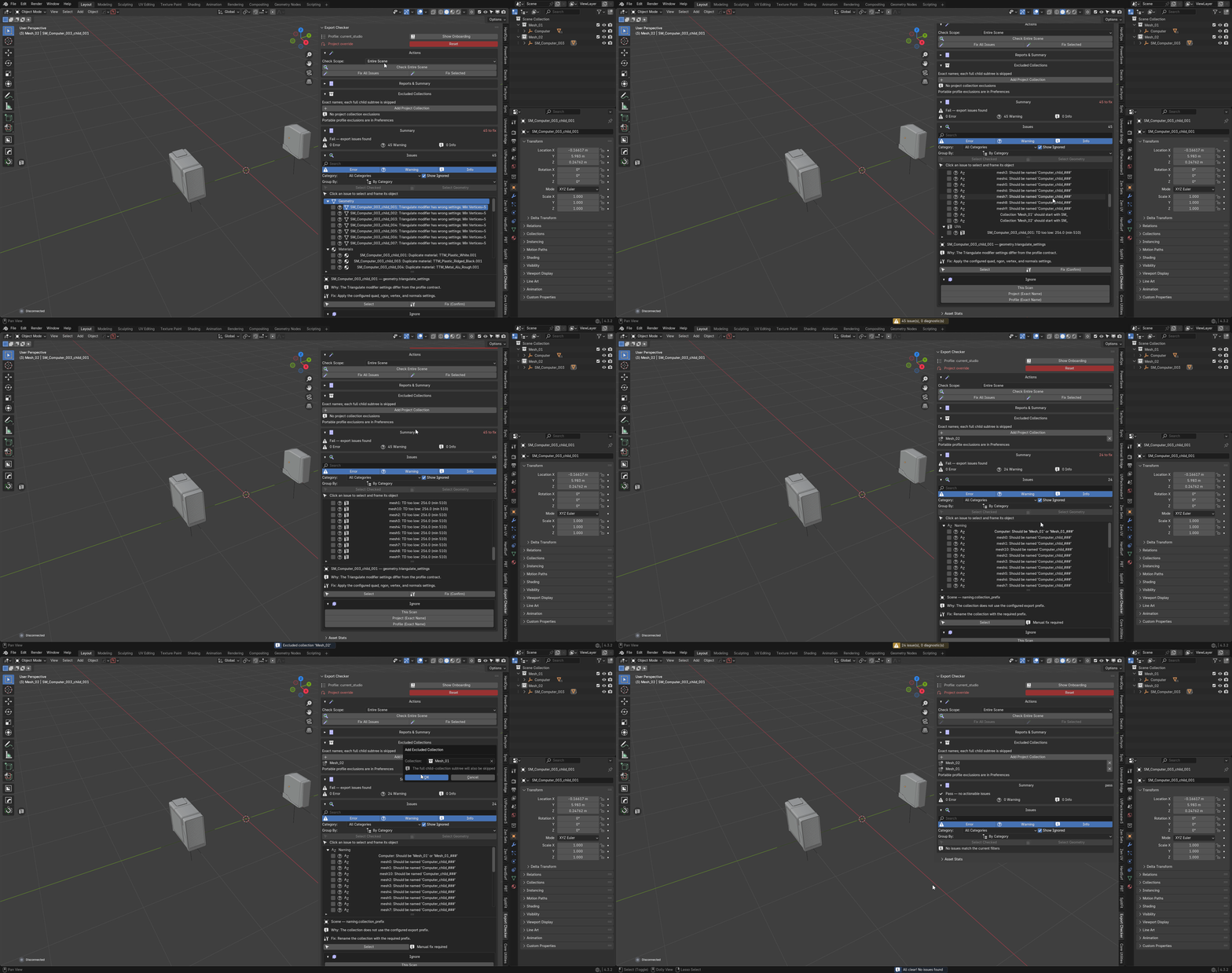
Profile-based validation in five sections, included here.
Scan and Profile
Choose a delivery profile and scan the scene, selection, collection or visible objects.
|
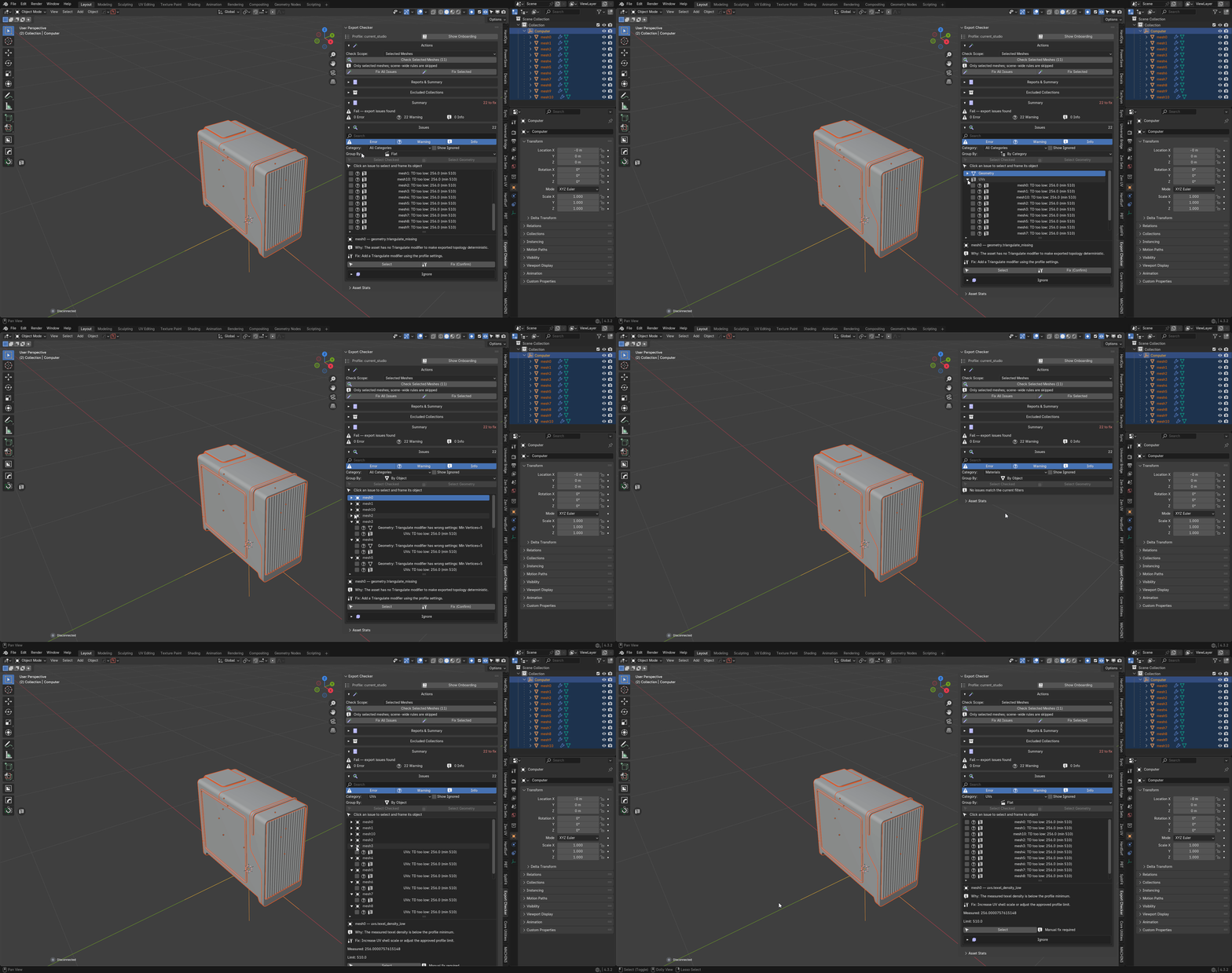
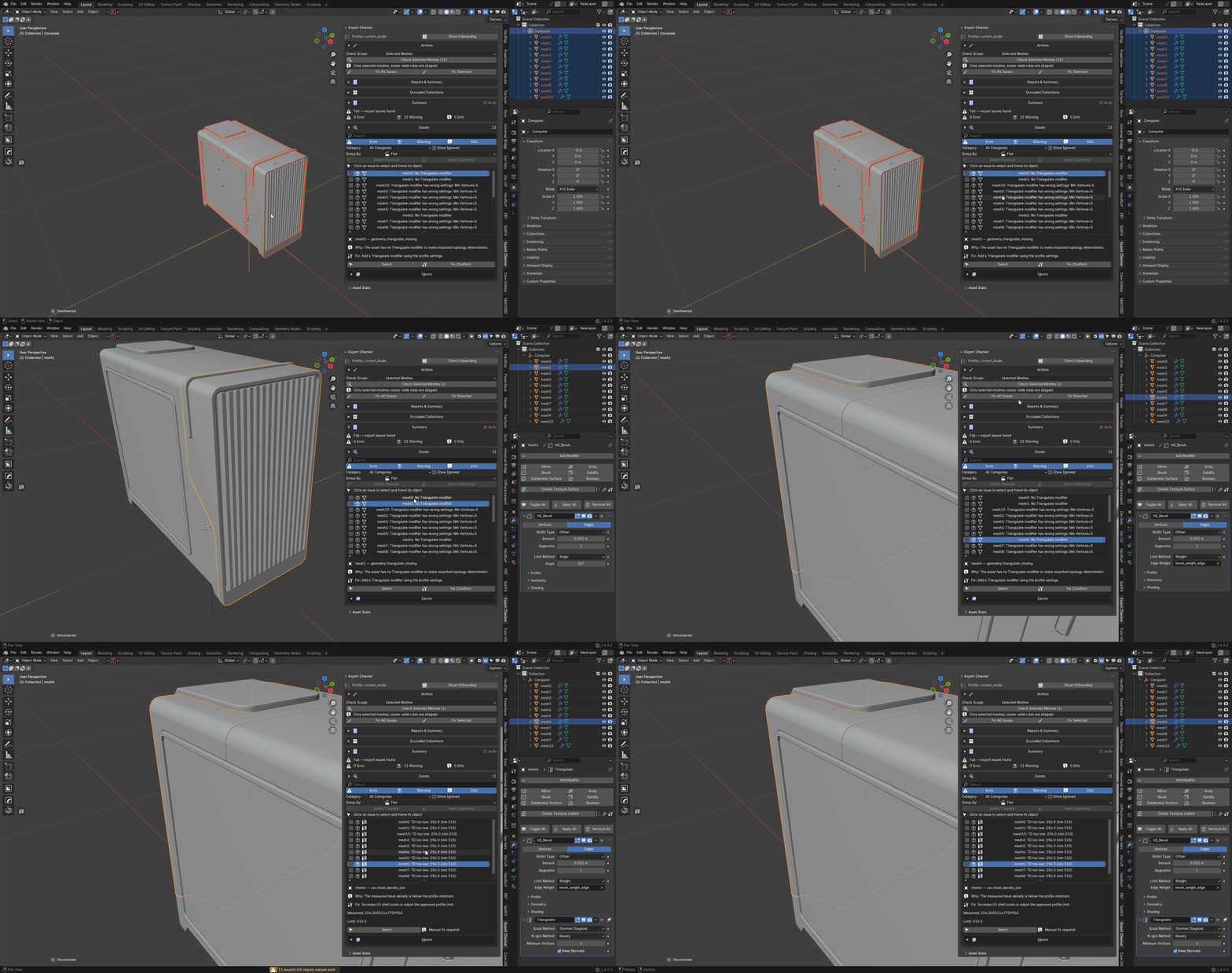
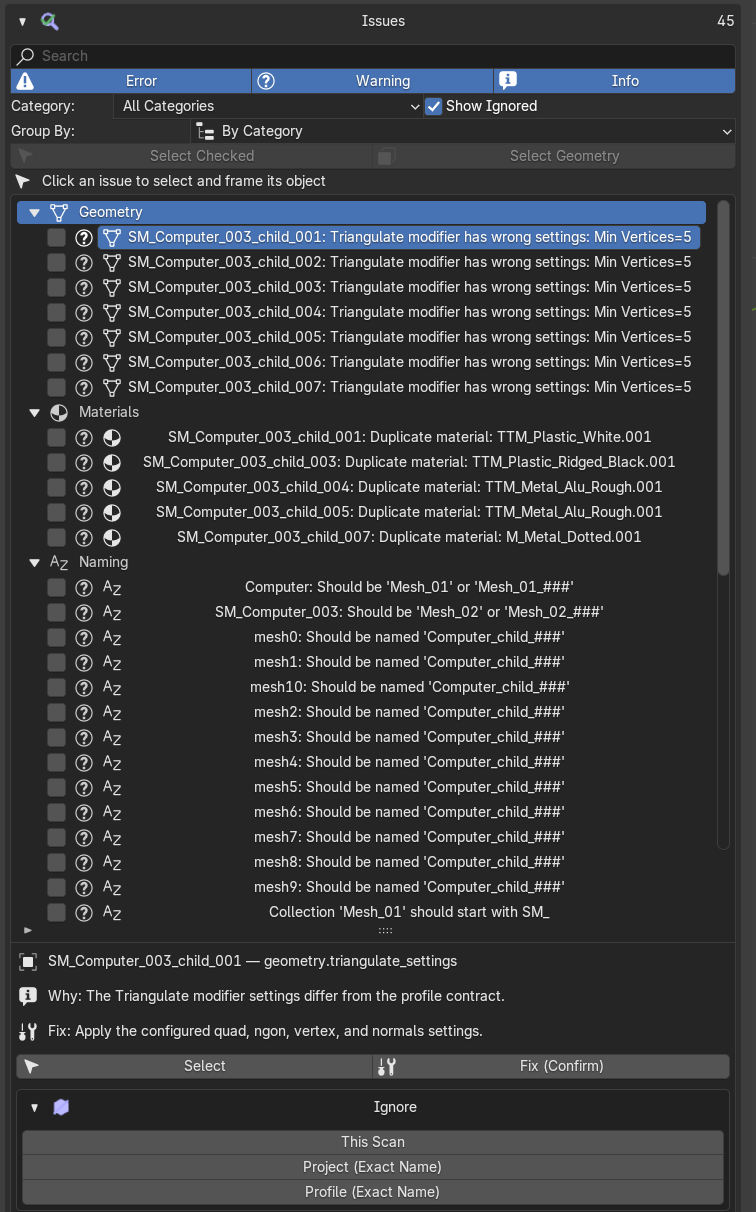
Issues and Fixes
Locate faulty objects or geometry and choose Safe, Confirm or Manual repairs.
|
Ignore and Exclusions
Record accepted findings or exclude named collections and descendants.
|
Reports and Summary
Save validation and asset reports, or copy a concise summary.
|
Diagnostics
See unfinished checks separately; an errored rule never counts as a pass.
|
FROM FASTEXPORT
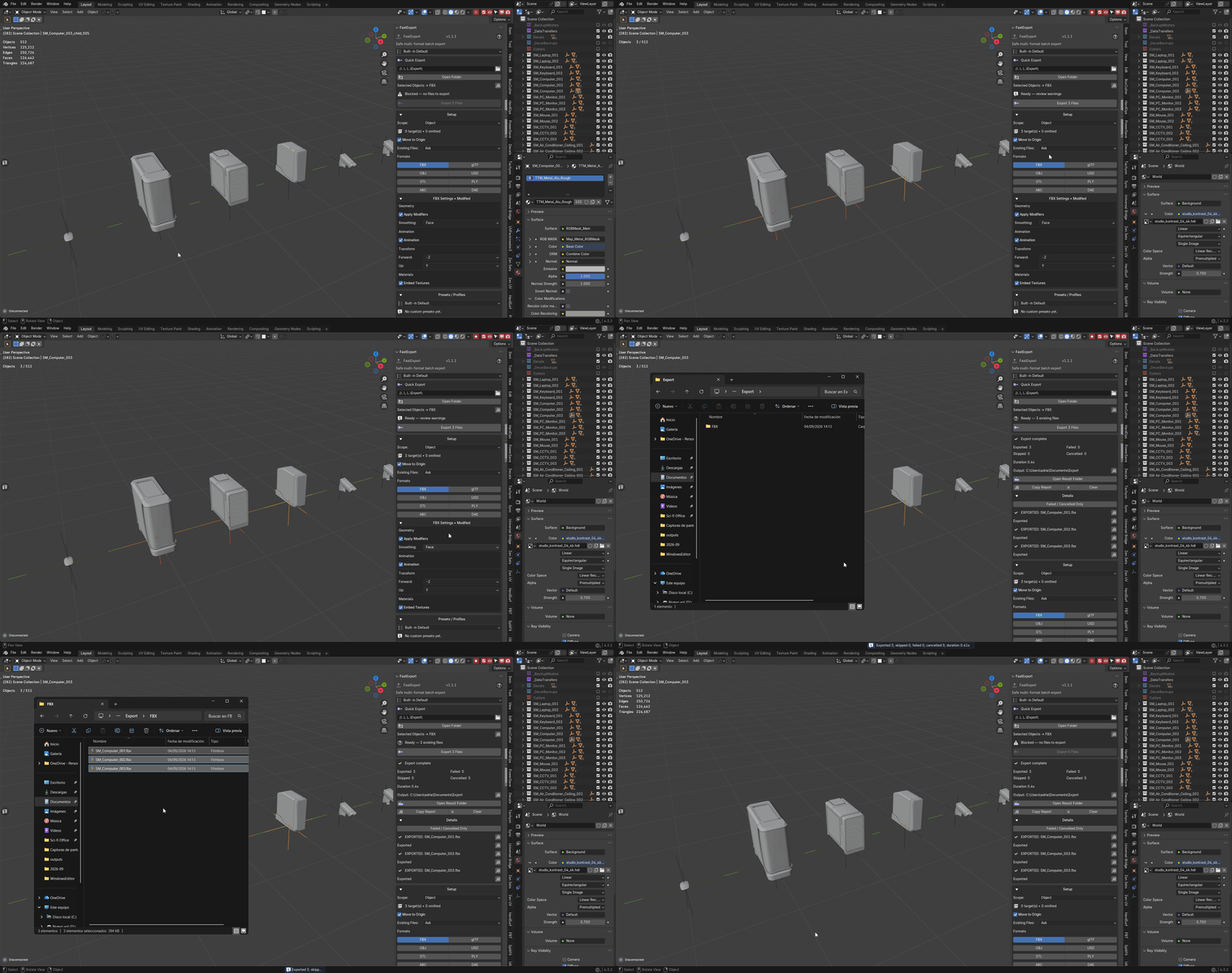
Batch export with a file manifest, included here.
Quick Export
Choose the output folder and scope, then run the export.
|
Formats
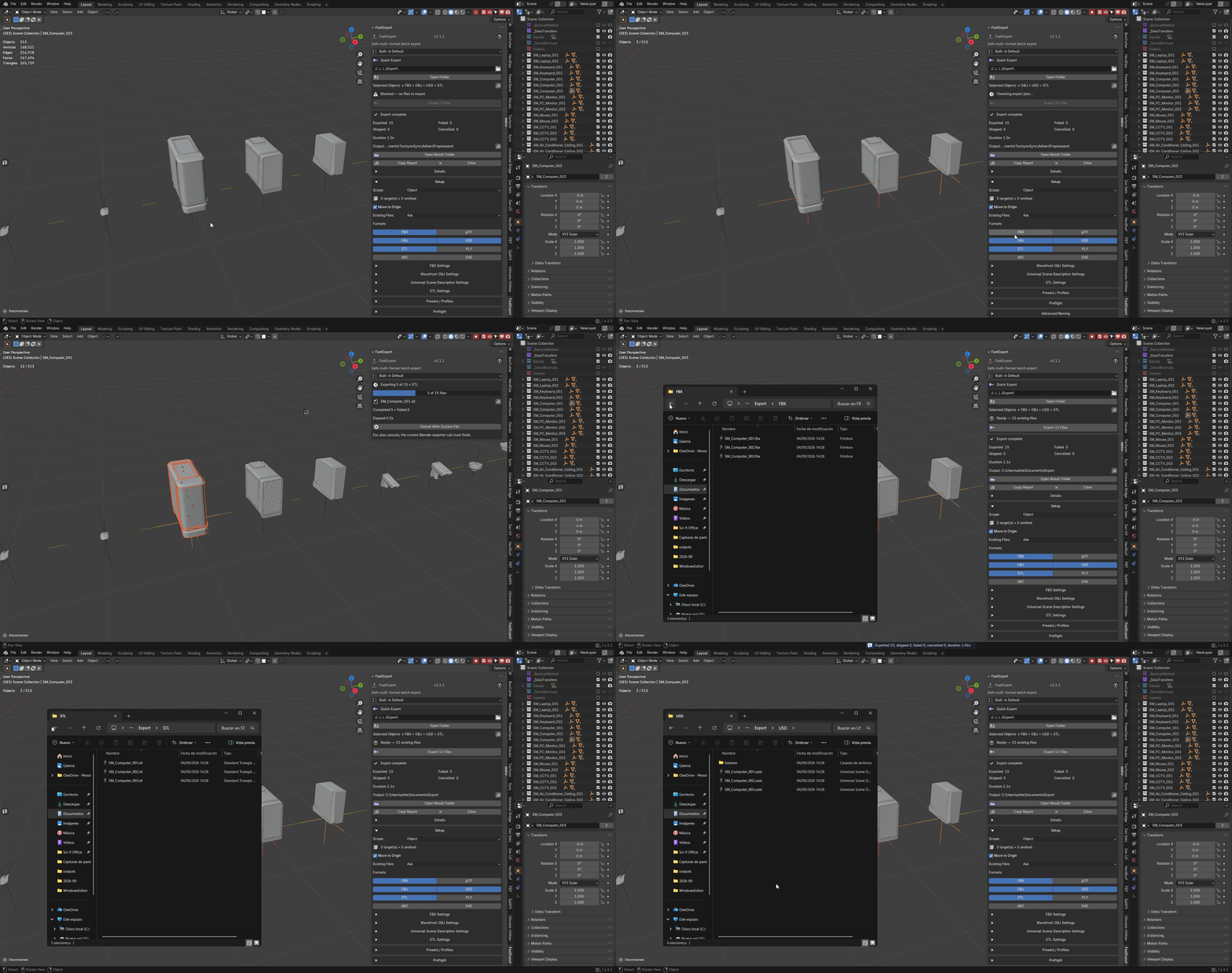
Eight formats, each with its own saved settings.
|
Preflight and Manifest
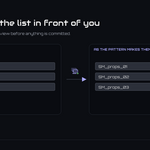
Review every destination and collision action before the write.
|
Presets and Templates
Validated filename tokens and portable, path-free presets.
|
Results
Review exported and skipped files; copy their full paths.
|
REQUIREMENTS
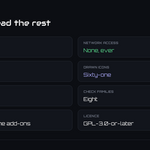
Blender 3.3–5.2; classic and Extension builds included. GPL-3.0-or-later. No external dependencies. Replaces Core Utilities, Fast Export and Export Checker: enable the bundle or the standalone add-ons, never both.
TAGS
| utilities |
all-in-one |
batch rename |
export |
validation |
FBX |
UV |
texel density |
materials |
parenting |
gamedev |
pipeline |

Tachyon Studio
Core Utilities, Export Checker and FastExport in one add-on, for Blender 3.3 through 5.2.
THE TACHYON STUDIO COLLECTION
Go beyond
Ultimate Utilities.
Add assembly organization, dedicated UV work or an application bridge.
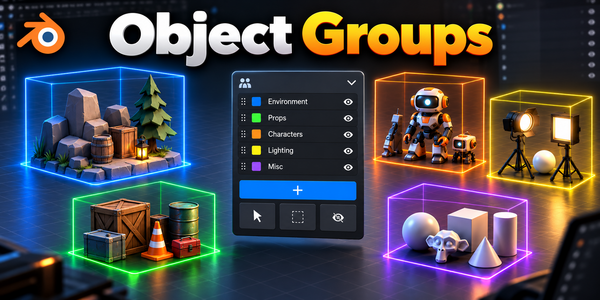
ORGANIZE THE ASSEMBLY
Object Groups
Organize assemblies with nested groups and selection sets.
Build out your workflow.
Optional tools for your workflow.
Optional products, sold separately. Check requirements; external applications are not included.
Core Utilities, Fast Export and Export Checker are included; no separate purchases needed.
 Tachyon Studio