 Gatyh Interactive


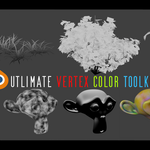
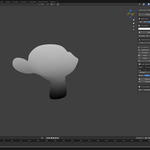
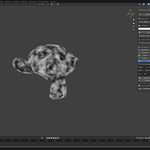
Vertex Color Toolkit - Complete Feature List
UVC 1.1 :
- ⚡ Now Updated with Full RGBA Support!
All core and utility features now work seamlessly across Red, Green, Blue, and Alpha channels. This means you can generate, edit, and export masks that take full advantage of the alpha channel for even more flexibility in shaders, foliage, and material blending.
Core Features
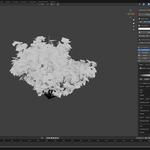
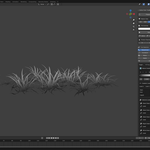
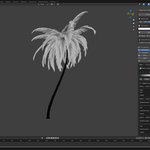
Hierarchical Gradient System Create complex wind masks and weighted gradients using material hierarchy. Perfect for foliage with unlimited levels and per-material controls. Ideal for trees, palms, and plants with complex structures.

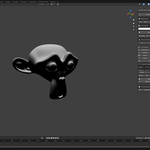
Ambient Occlusion Baking Generate instant AO directly to vertex colors without baking textures. Adjustable distance, strength, and contrast settings deliver professional results in seconds. Perfect for adding depth to any model.
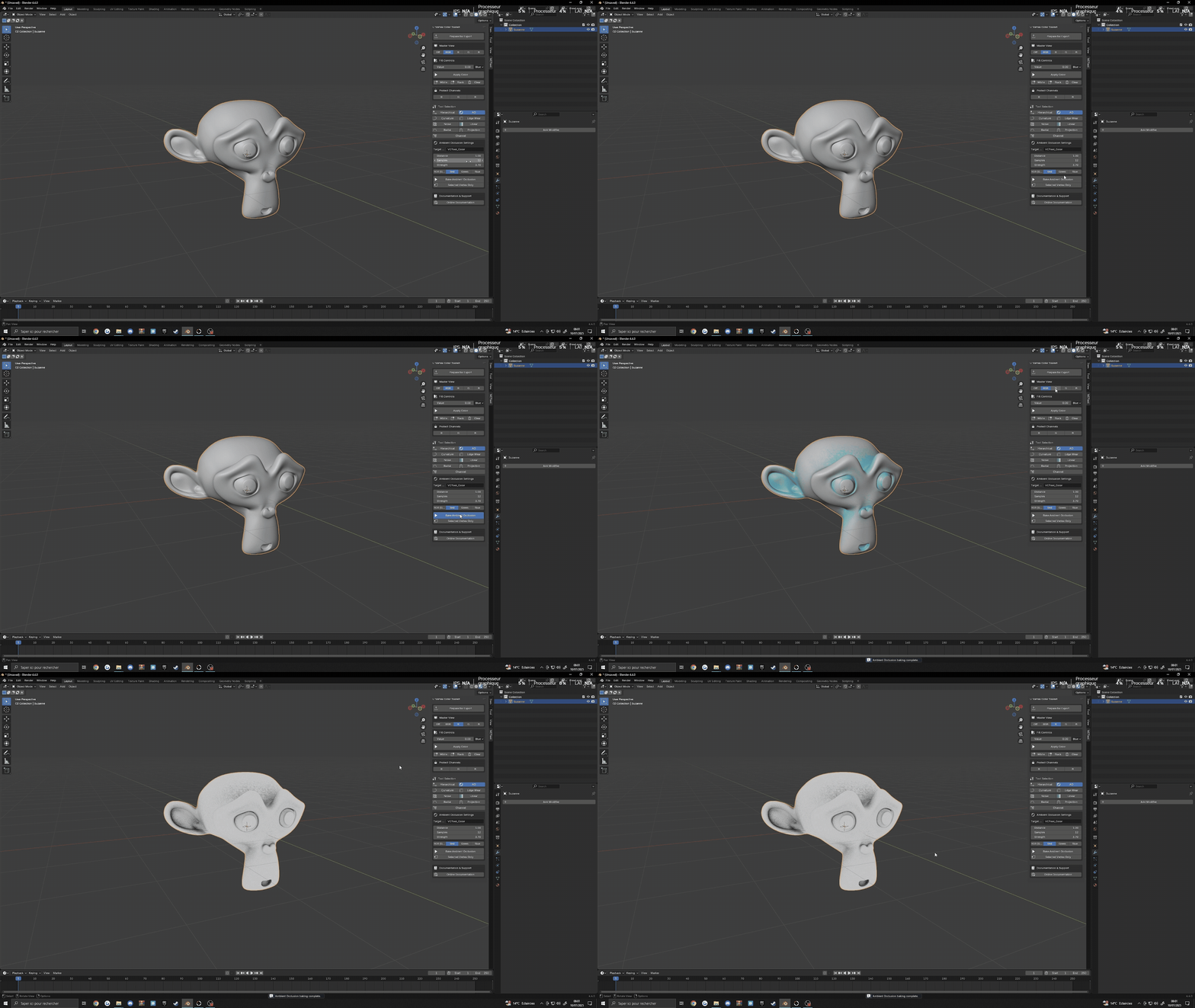
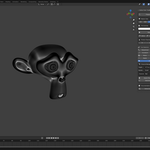
Curvature Baking Capture surface details with precise curvature detection. Highlight edges, cracks, and surfaces with adjustable threshold and strength settings. Essential for wear effects and detail masks.

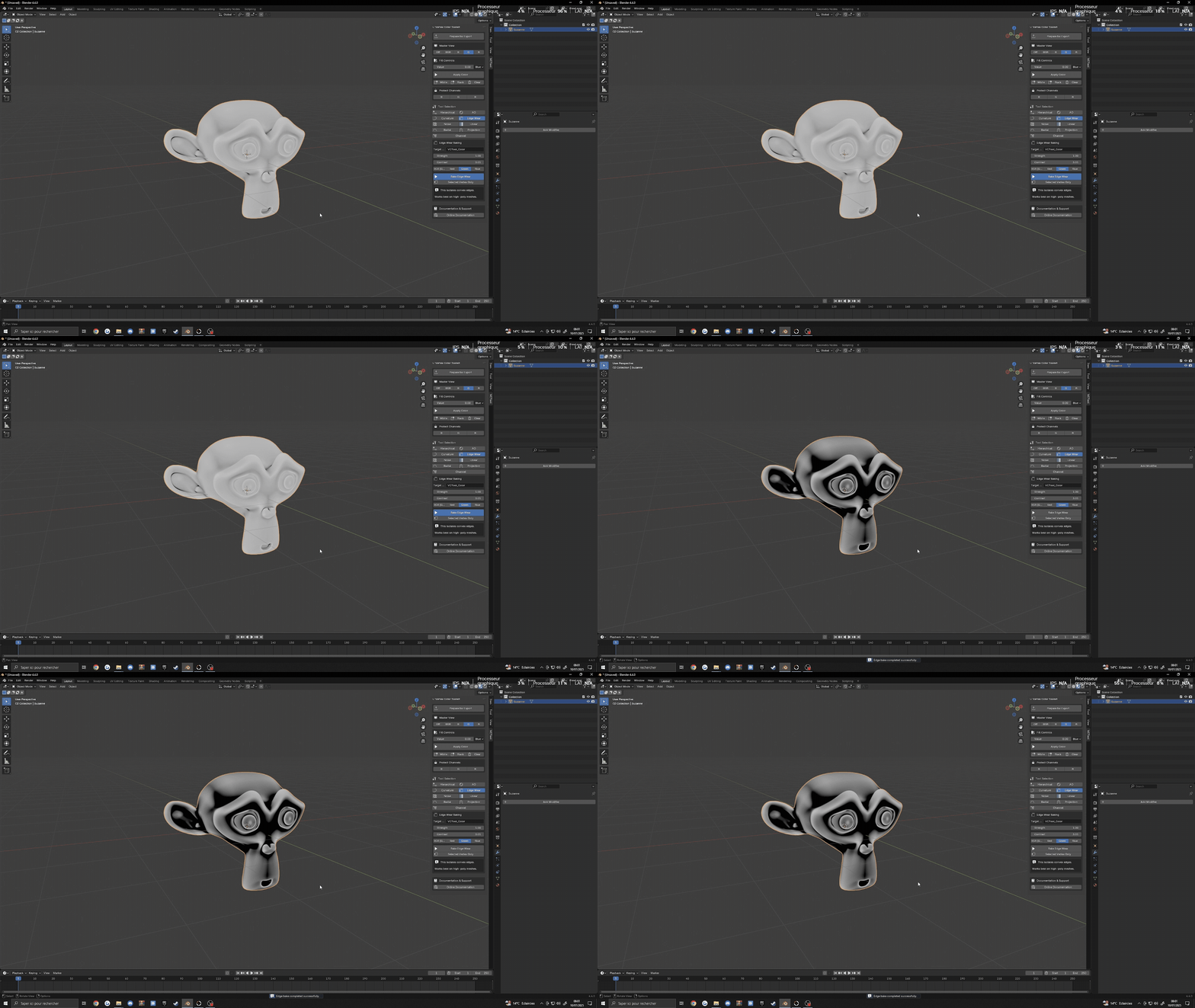
Edge Wear Tool Create realistic edge damage and weathering effects with customizable strength and contrast. Ideal for hard-surface models and architectural visualization where realism matters.
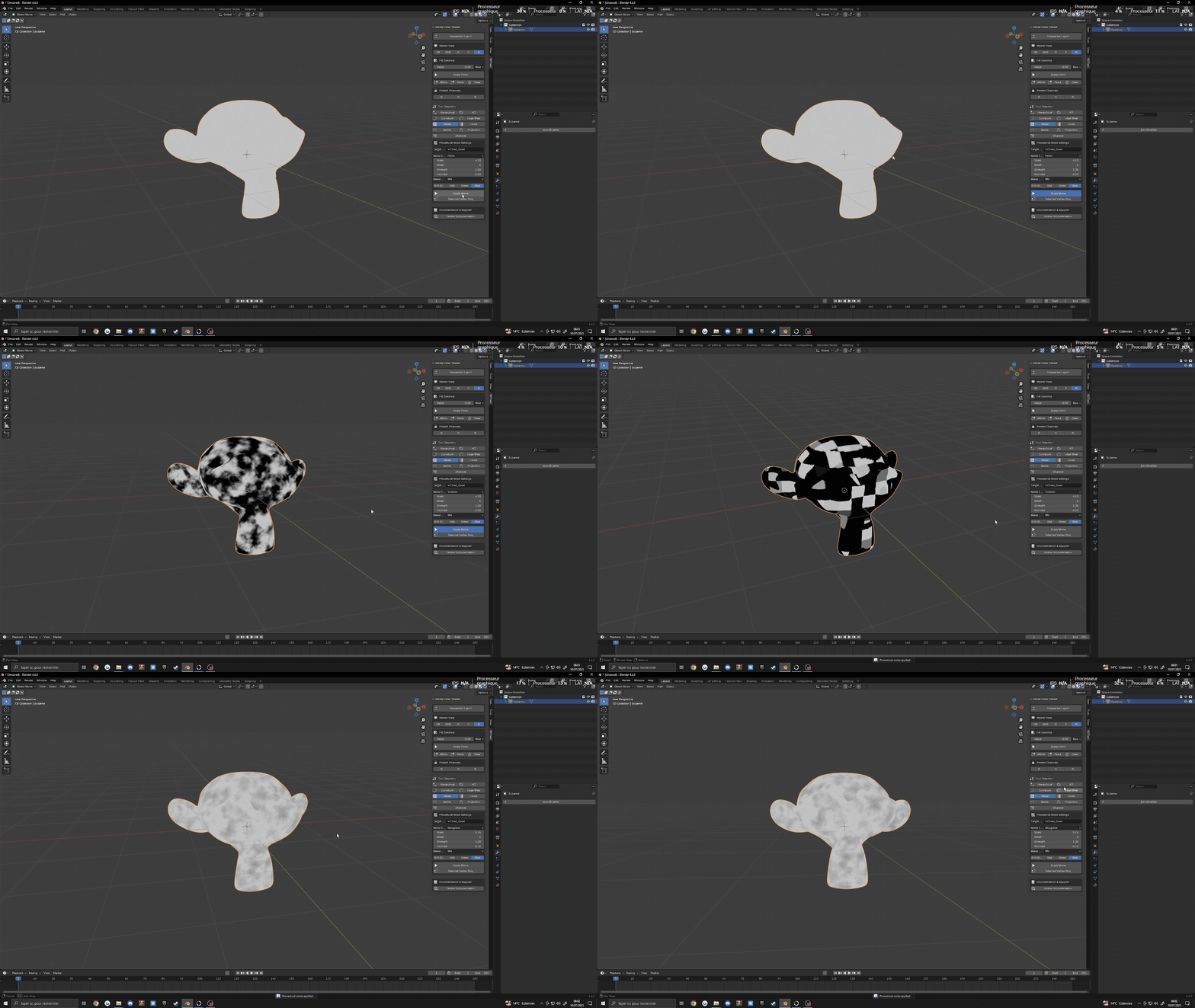
Procedural Noise Generator Apply various noise types (Perlin, Wave, Musgrave) with complete control over scale, detail, strength, and contrast. Perfect for adding variation to any surface or creating detailed textures without UVs.
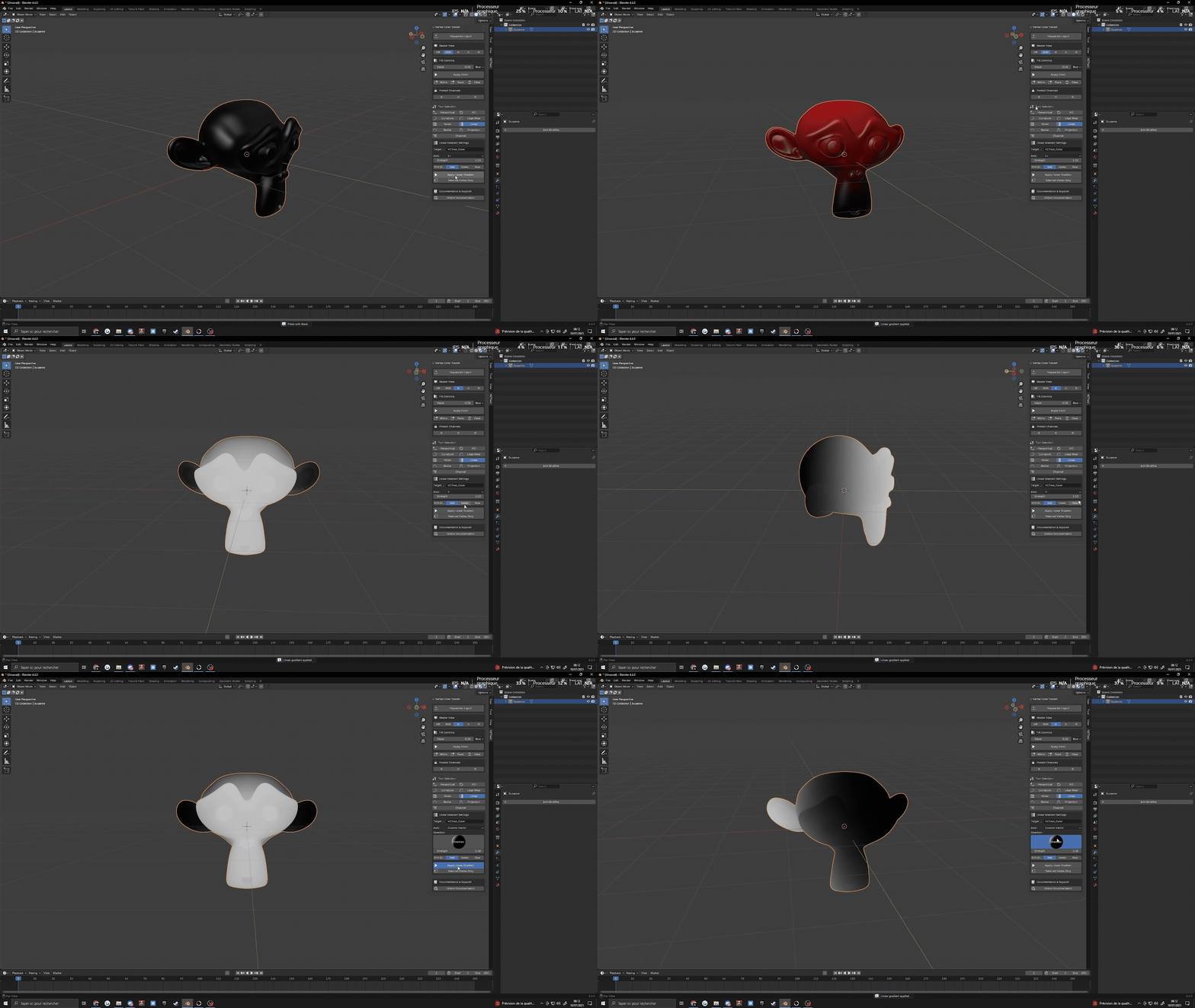
Linear Gradient Create directional gradients along any axis with start/end point control. Easily generate height-based masks, directional effects, and smooth transitions between areas.
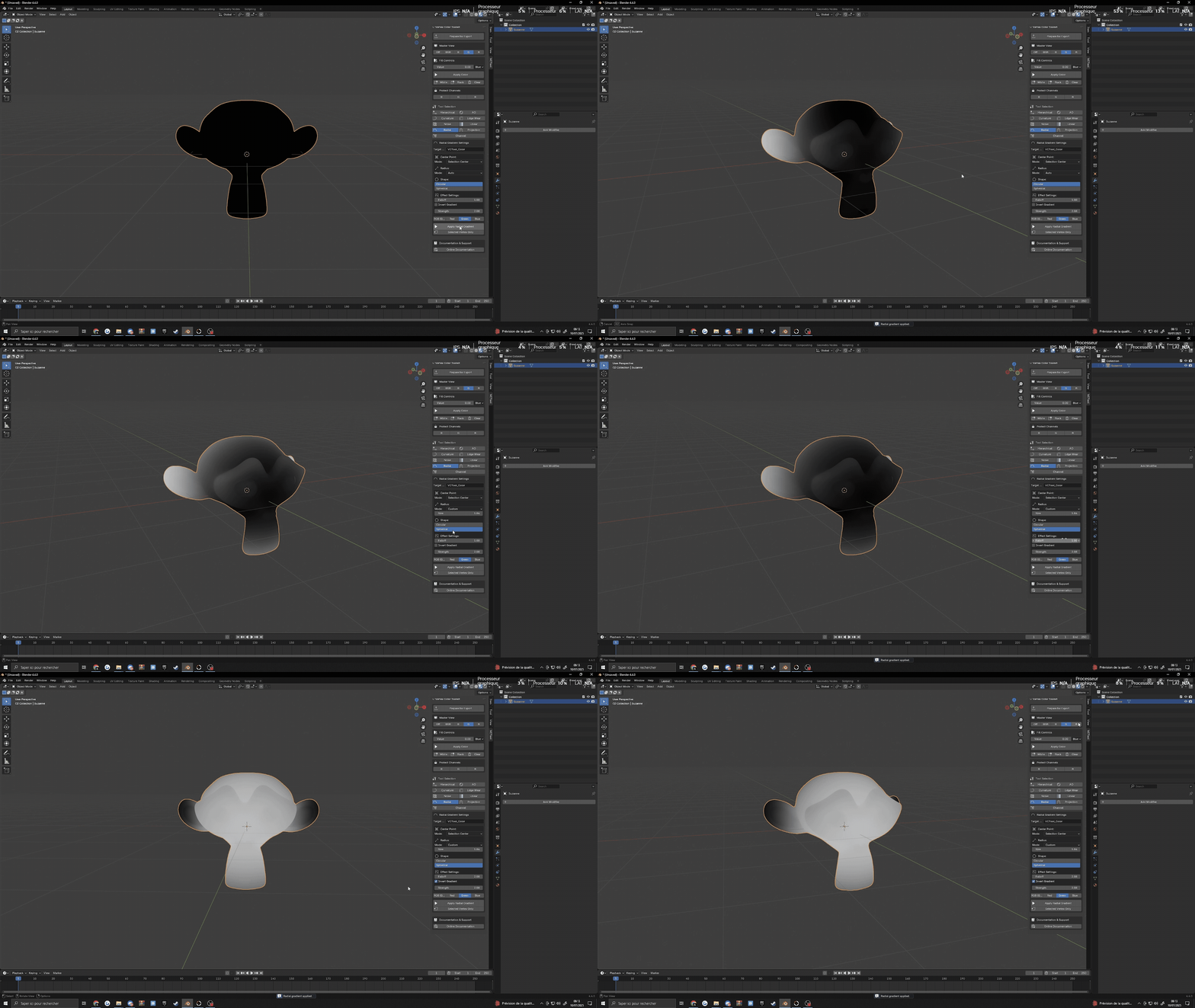
Radial Gradient Generate circular gradients from any origin point with falloff control. Ideal for circular patterns, spotlight effects, and local detail enhancement.
Projection Mask Create masks based on view direction or normal orientation. Perfect for painting areas facing specific directions or creating angle-dependent effects.

Channel Manager Advanced operations between color channels (copy, swap, blend) with complete control over source and destination channels. Optimize your vertex color data with precise channel manipulation.

Utility Features
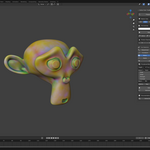
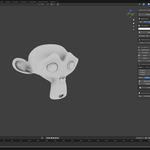
Real-time Vertex Color Viewport Toggle between RGB, R, G, B, and Off modes for instant visualization of your vertex colors. No more guessing what your masks look like.
Channel Protection System Lock specific color channels to prevent accidental modification. Protect your work while making changes to other channels.
One-Click Fill Operations Fill any channel with specific colors or values instantly. Quickly establish base colors or reset channels as needed.
Selected Vertices Only Mode Apply any operation to just selected vertices for precise control. Perfect for detail work and targeted edits.

Target Channel Selection Choose exactly which channels (RGB, R, G, B) are affected by each operation. Work on multiple channels simultaneously or isolate your edits.
One-Click Export Preparation Automatically set up your mesh for game engine export with proper vertex color configuration. No more compatibility issues when exporting to Unity, Unreal, or other platforms.
Modern, Artist-Friendly UI Clean, organized interface with tool selection grid, visual indicators, and streamlined workflow. Designed by artists, for artists.
Documentation & Support : Visit my website for Utlimate Vertex Color Toolkit Documentation, feedback or any Question.
