 DRF
DRF


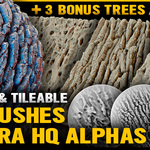
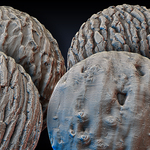
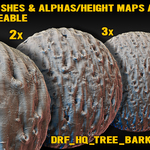
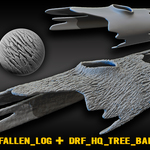
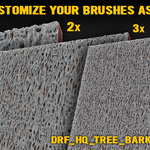
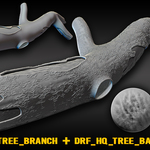
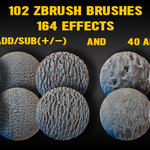
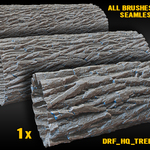
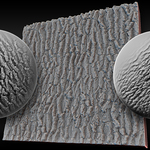
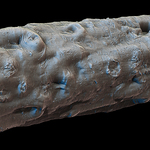
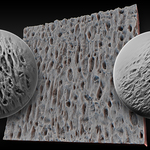
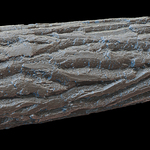
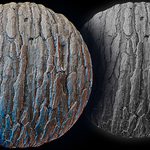
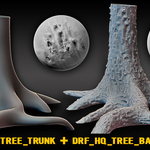
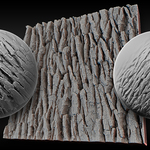
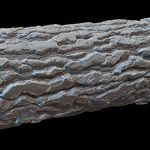
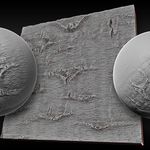
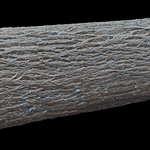
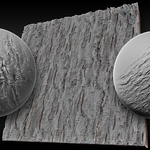
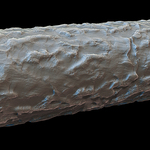
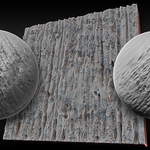
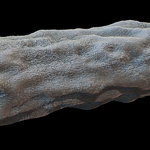
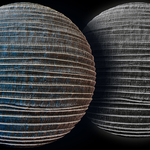
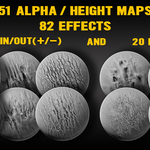
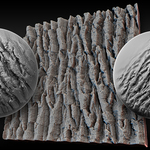
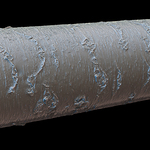
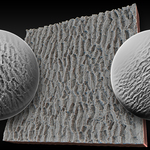
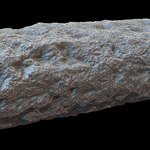
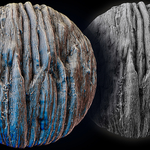
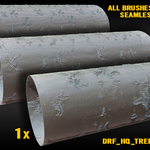
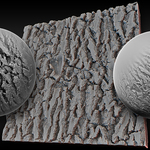
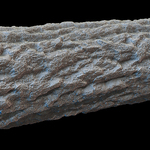
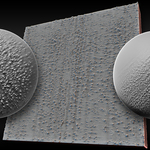
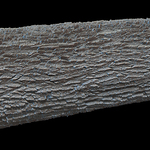
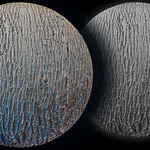
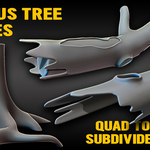
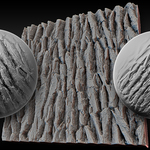
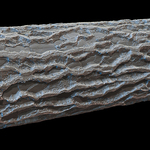
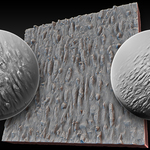
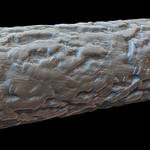
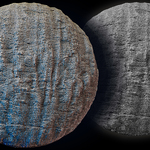
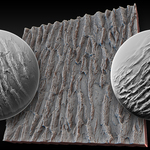
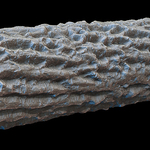
How to install?
1) Unpack the downloaded archive.
2) Open Blender
3) Go into sculpting mode
4) Go to Edit - Preferences - Asset Libraries
5) Click on "+" (Add asset library)
6) Click on "Add Local Asset Library"
7) Find the downloaded and unzipped Folder "UHQ_Tree_barks_Vol.1" and choose the folder with this name "UHQ_Tree_barks_Vol.1"
8) Click on "Add asset library"
9) Close the "Preferences" window
10) On the top left side of the asset browser, click on the collapsed menu icon (three-lines icon)
11) Check the box near "DRF_Tree_Bark_V1" if you want to see a new category with tree bark brushes in the asset browser
Enjoy!
$6.99
Have questions about this product?
Login to message
| Published | 3 months ago |
| Blender Version | 2.6x - 5.2 |
| License | Royalty Free |

Discover more products like this
bark ready-to-use tree Brushes sculpting asset-browser #nature wood organic environment Brush 4k